

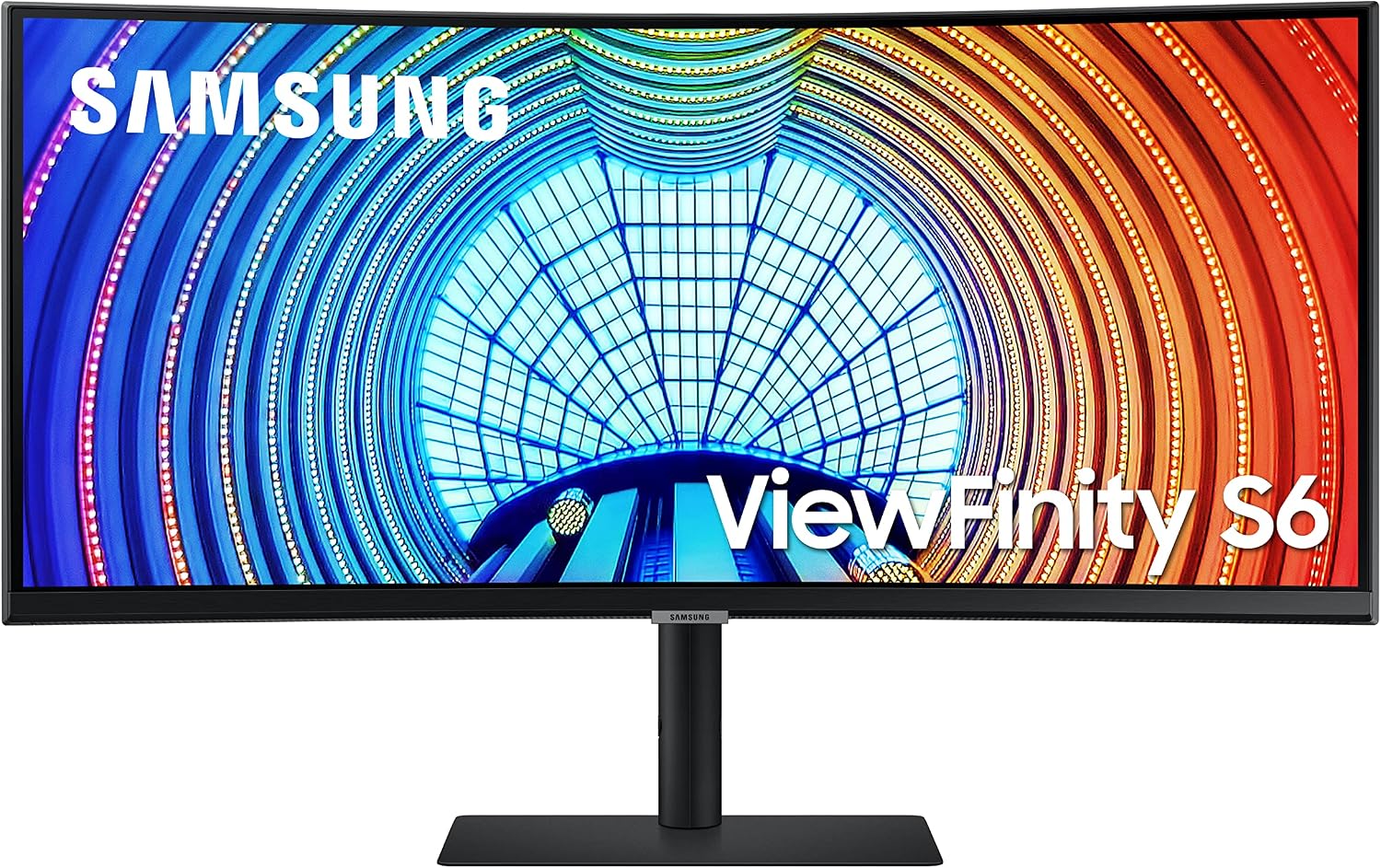
Samsung Viewfinity S65UA 34-inch Curved UltraWide QHD Monitor (USB-C, 100Hz, HDR10)
Product description
Key takeaways
The Samsung Viewfinity S65UA is a 34-inch curved ultrawide built for people who want more screen space without going multi-monitor. On paper, it’s a strong “work + media + occasional gaming” setup: a 21:9 34-inch curved panel, QHD resolution, a fast 100Hz refresh rate, USB-C connectivity with up to 90W laptop charging, and HDR10 for punchier contrast.
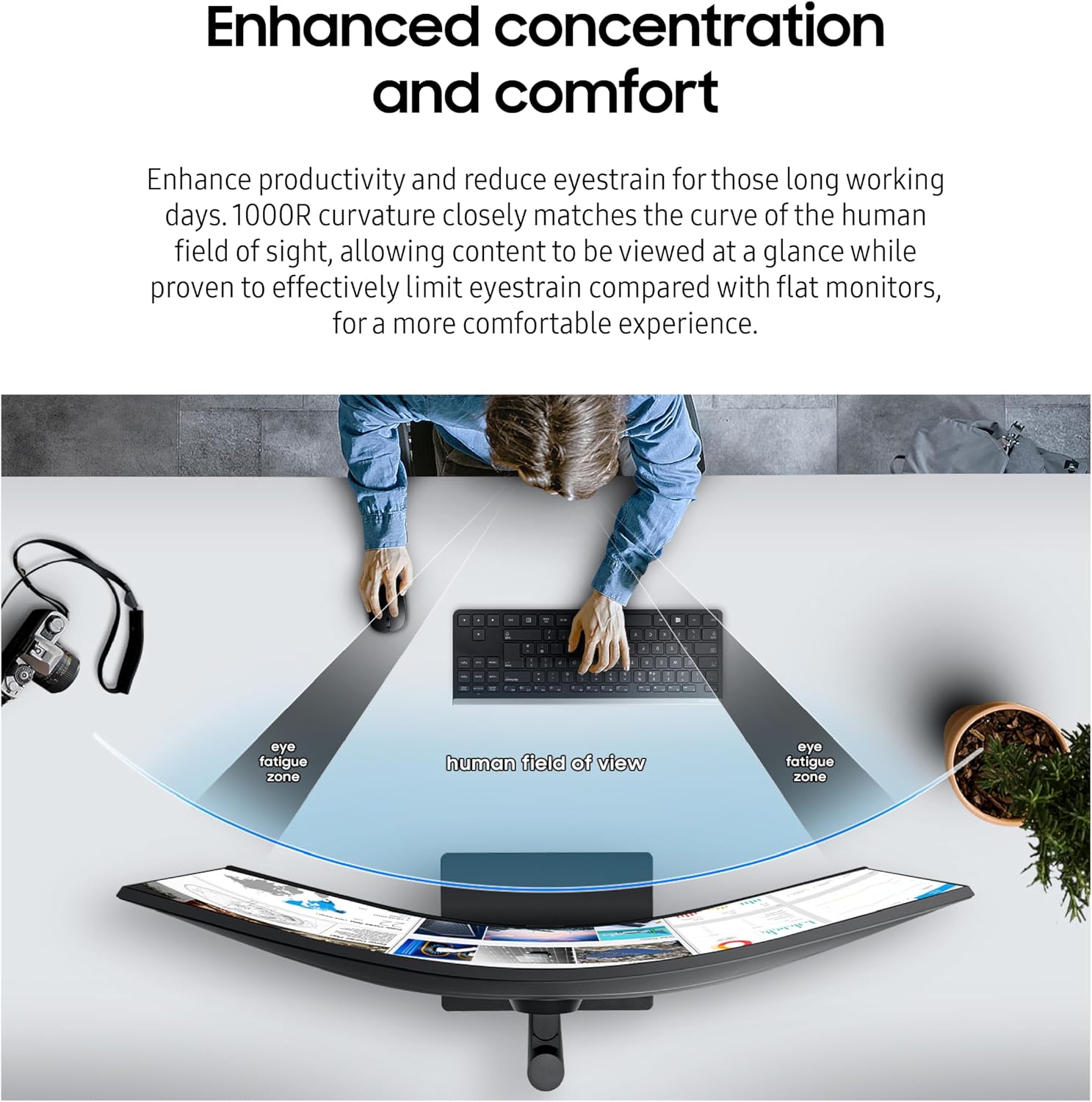
This isn’t a minimalist monitor—it's designed to help you feel more immersed and less distracted at your desk. The curved 1000R design is meant to match more of your field of view than a flat screen, and Samsung adds eye-comfort features like a flicker-free approach and eye save mode that adjusts for blue light and comfort during longer sessions. That said, if you’re expecting top-tier calibration results out of the box or you strictly need ultra-low input lag for competitive esports, you may want to look at more gaming-focused displays, the spec list here leans balanced rather than purely “pro-gamer.”
What stands out in everyday use
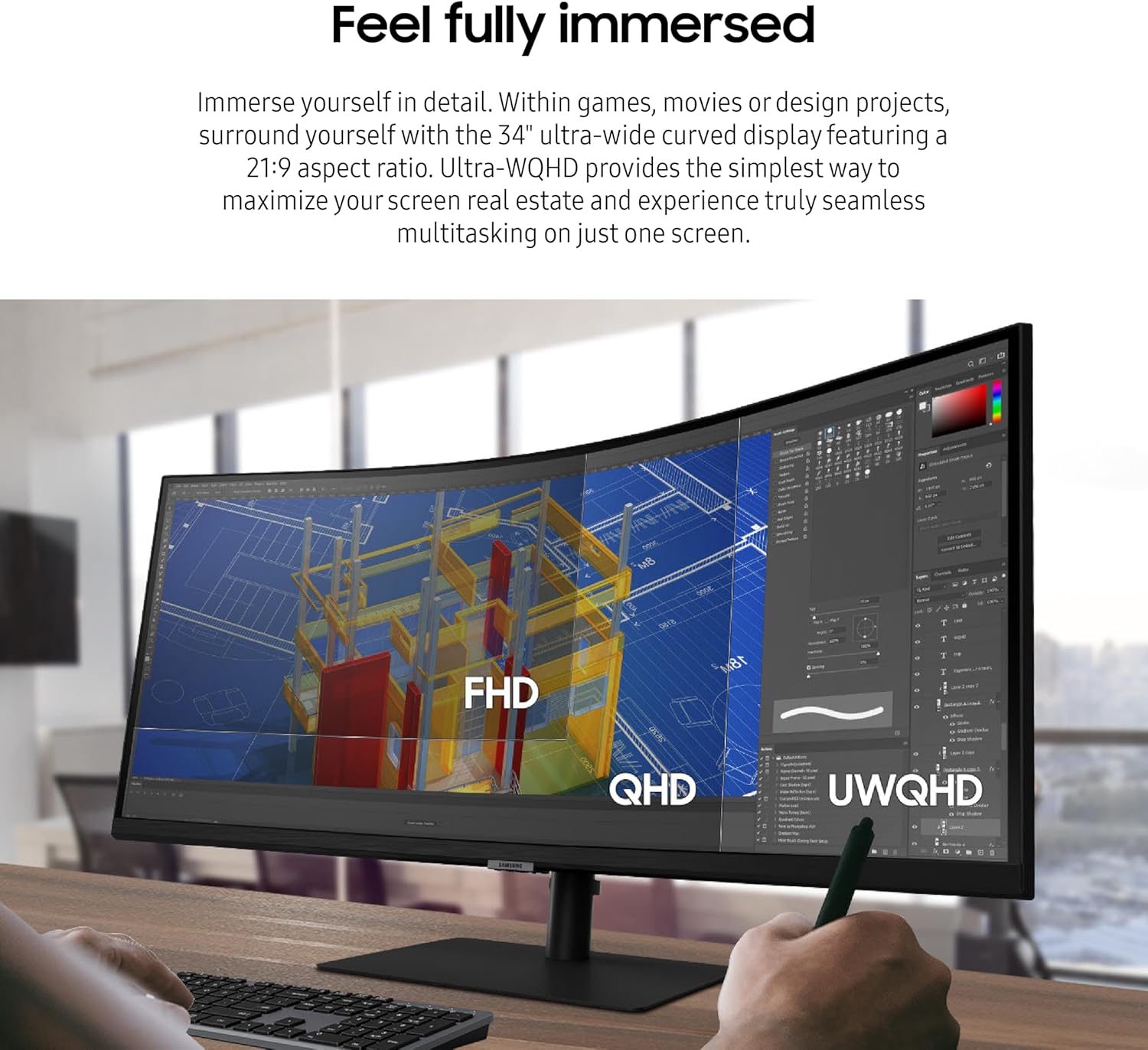
The biggest day-to-day advantage is simply having room. With a 34-inch ultrawide 21:9 layout, you can run side-by-side apps—spreadsheets on one side, reference material on the other—without constant alt-tabbing. It’s also the kind of monitor that makes “desk zoning” easier: one area for emails and documents, another for design work or video.
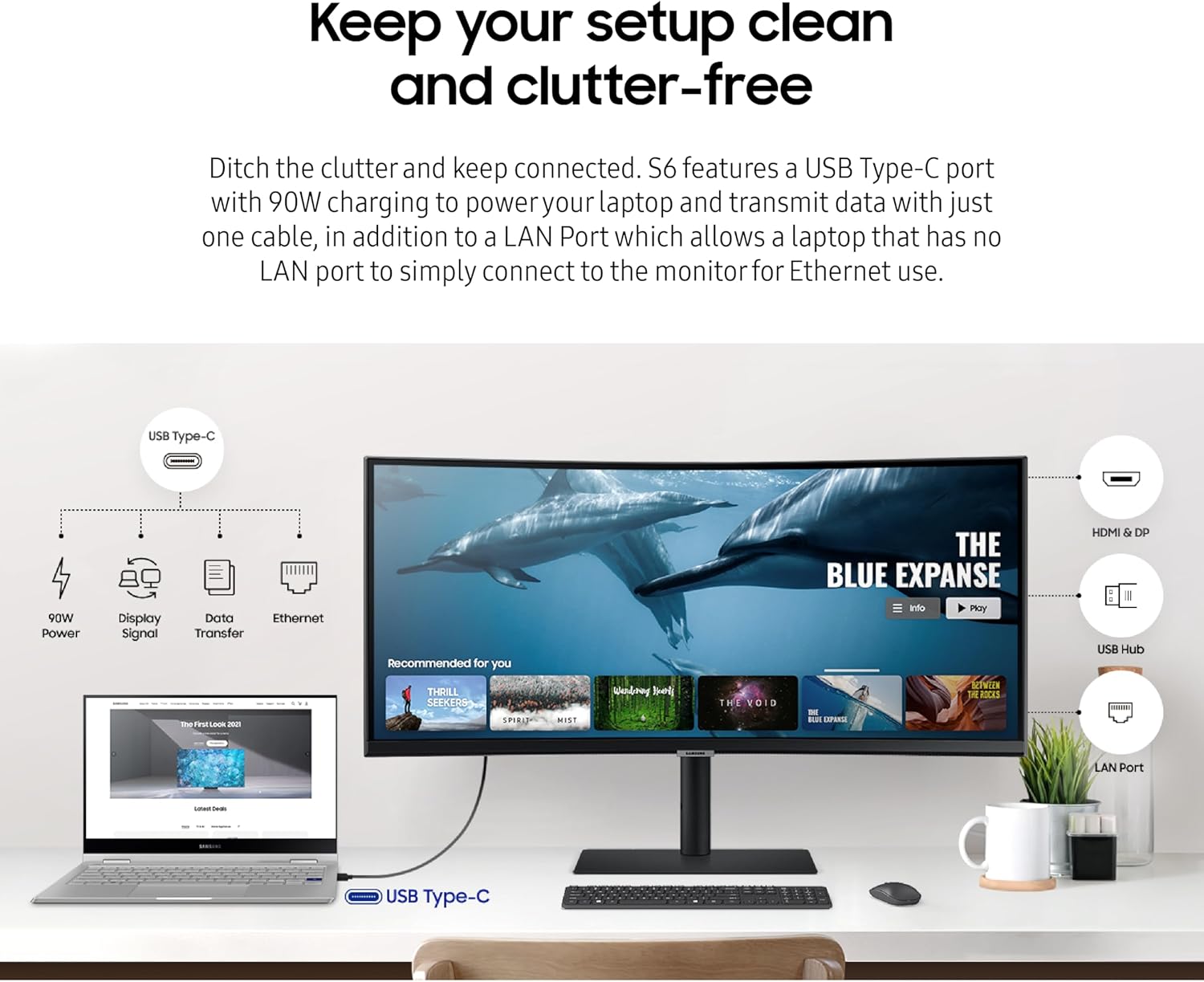
Samsung also makes the curve part of the comfort story. The 1000R curvature is intended to help reduce the visual strain some people feel with flat monitors, especially during long hours. And there’s a practical angle to the connectivity: USB-C with data transfer plus laptop charging can reduce cable clutter. If your laptop already supports USB-C video and charging, this is the type of setup that can clean up a workbench quickly.
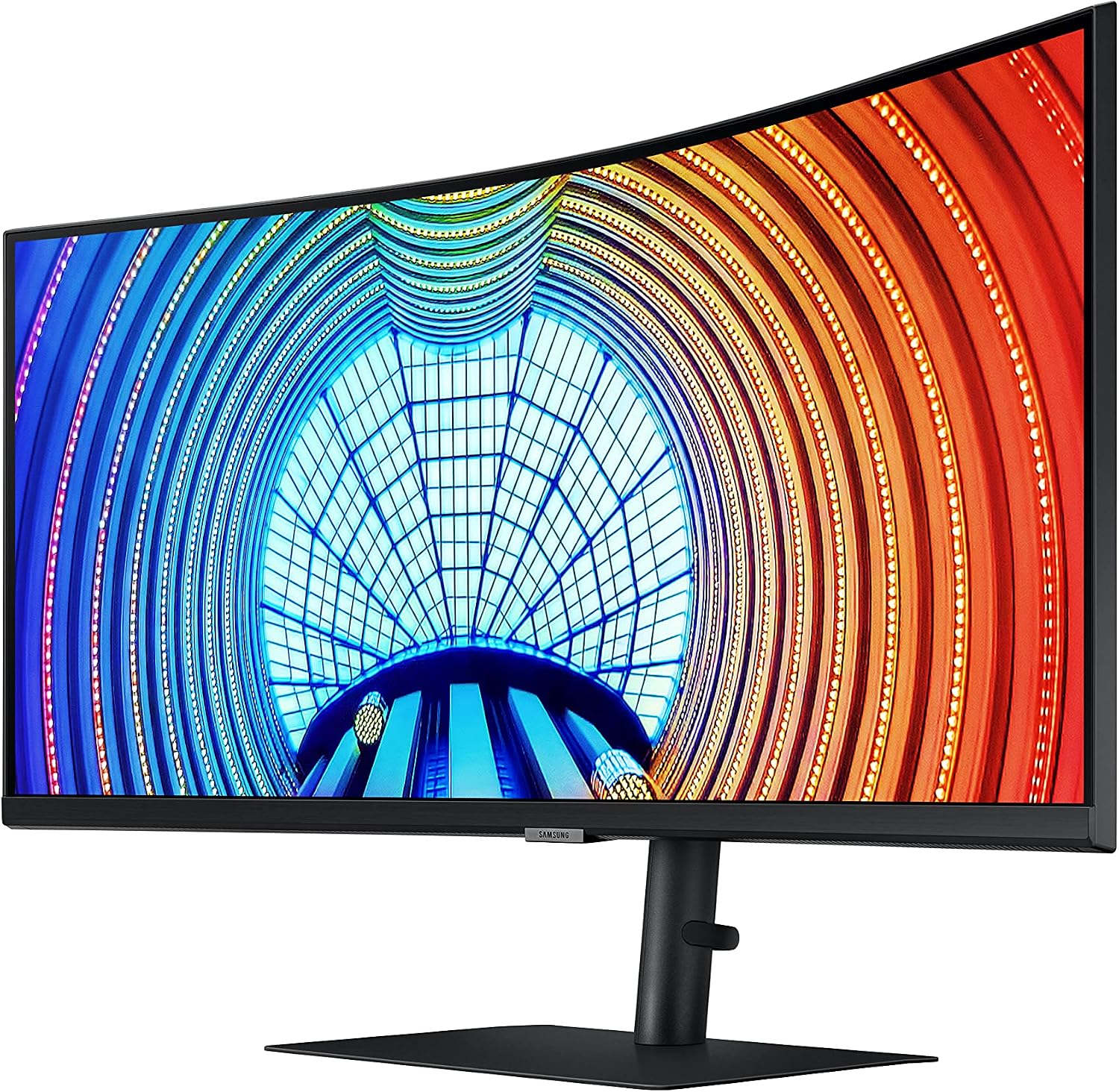
One more thing you’ll notice: the panel is described as “virtually borderless,” so you’re less likely to feel boxed in by a thick frame line. That matters more than it sounds if you run long documents, timelines, or multiple windows.
Picture quality and HDR10 reality check
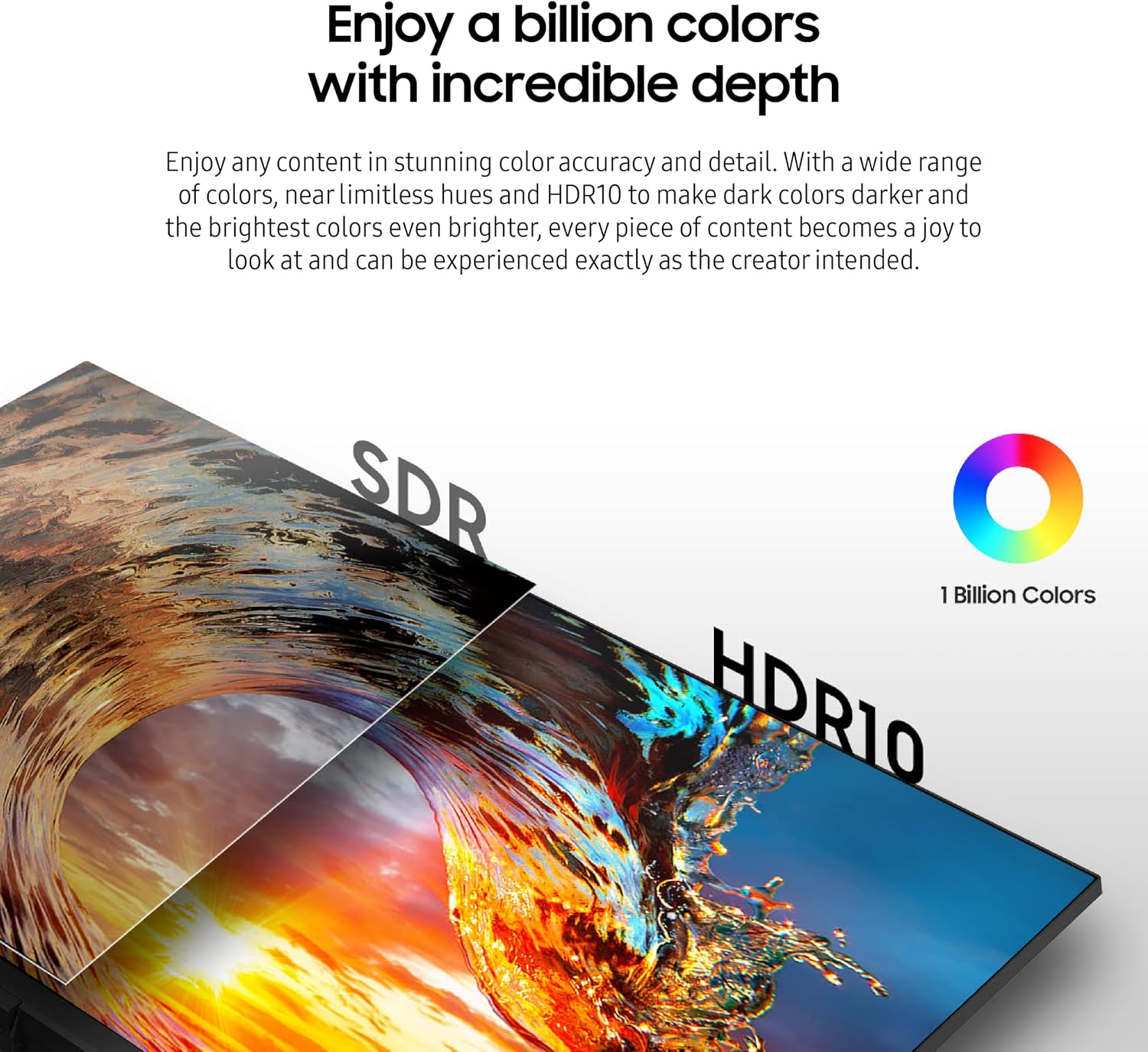
HDR10 is included, and Samsung positions it around improved contrast—darker colors getting darker and bright colors looking brighter. For movies, this typically translates to more depth in shadows and stronger highlights, assuming the content supports HDR.
Color is also a headline here: “1 billion colors” is referenced, meaning a wide range of shades for smoother-looking gradients. Still, it’s worth being realistic: HDR performance depends heavily on the content you watch and how a display handles brightness in your room. If your environment is very bright, you may find HDR doesn’t wow you as much as it does in controlled lighting.
Smooth motion, refresh rate, and syncing
The Viewfinity S65UA lists a 100Hz refresh rate. For productivity, that can mean a slightly smoother cursor experience—less “choppy” movement when you’re moving around spreadsheets, timelines, and large documents. For action content, it’s meant to reduce stutter in fast-moving scenes.
For games and graphics-heavy visuals, Samsung adds AMD FreeSync to help keep the monitor’s refresh in sync with compatible graphics output. In practical terms, that’s about reducing tearing and stutter, so fast scenes feel more stable. If you play mostly single-player story games or you want a smoother feel for casual gaming, this approach fits. If you’re chasing the absolute fastest competitive response times, the specs provided here don’t give enough detail to guarantee it’s the most hardcore gaming option.
Ergonomics and eye comfort features
Samsung focuses on comfort for long sessions. The monitor includes an adjustable-height stand, which is helpful if you want your screen centered for neck comfort. For night work, it also mentions automatic adjustment of brightness and color temperature.
The eye-care claims are fairly specific: it’s TUV-certified for intelligent eye care, includes an eye save mode designed to protect against excessive blue light, and has a flicker-free feature. For many buyers, that’s a big reason to choose a monitor like this over a basic ultrawide—because it’s not only about what you see, but how your eyes feel after a few hours.
A small limitation to keep in mind: these comfort features help, but they don’t replace good habits. If you’re very sensitive to eye strain, you may still need to manage your lighting, break frequency, and screen distance.
Tech specs
- Type: Curved ultrawide monitor
- Display: 34-inch, ultra-wide 21:9 aspect ratio
- Resolution: Ultra WQHD
- Refresh rate: 100Hz
- Curvature: 1000R
- HDR: HDR10
- Colors: 1 billion colors
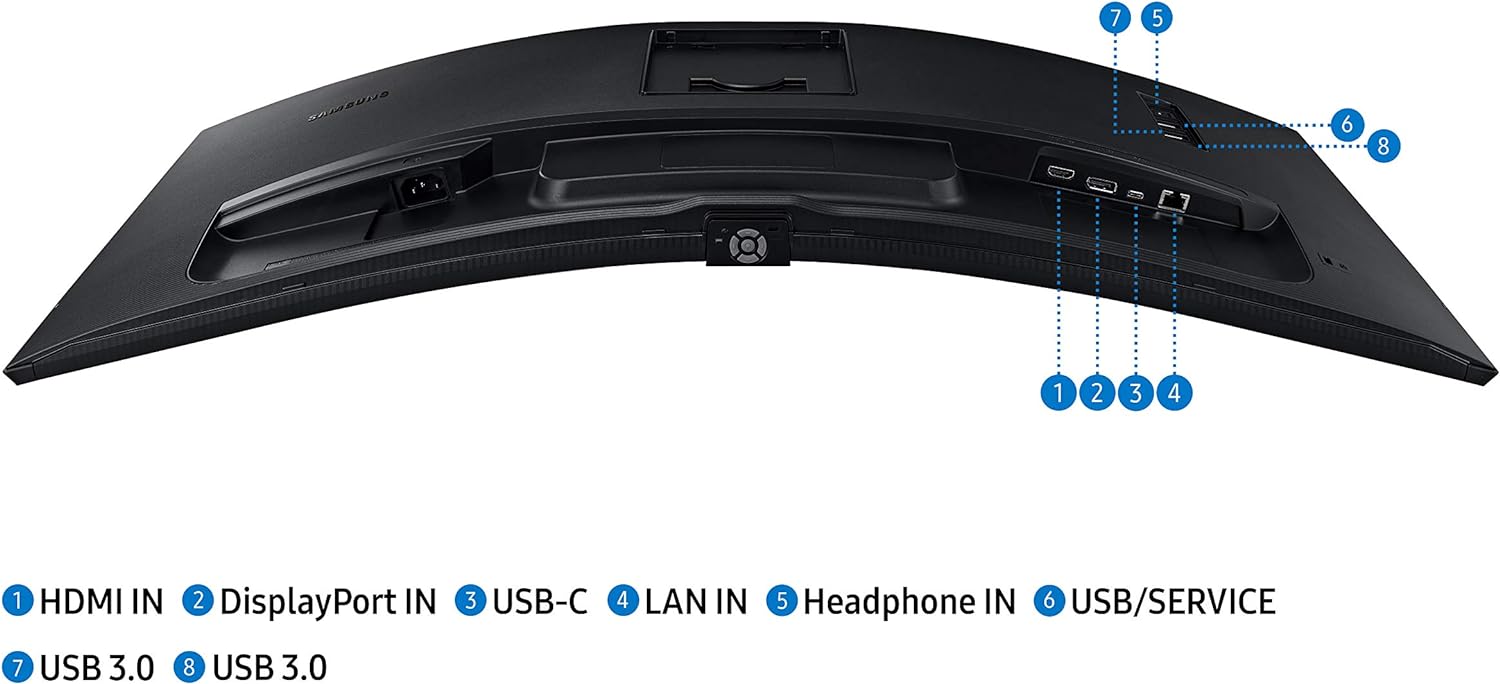
- Connectivity: USB Type-C with data transmission and 90W charging
- Eye comfort: Eye save mode, flicker-free feature, TUV-certified intelligent eye care
- Motion tech: AMD FreeSync
When it makes sense, and when to skip it
It’s a solid pick if you want one wide screen for multitasking, you care about reducing eye strain for longer work sessions, and you want a cleaner desk thanks to USB-C charging. It also suits you if you watch movies and you want HDR10 support for more contrast-driven content.
It might not be for you if your top priority is purely competitive gaming performance, because the information provided emphasizes smoothness and syncing rather than listing ultra-low latency details. You may also want to think twice if you primarily need a super-basic budget monitor—this is aimed more at productivity comfort and a more immersive ultrawide experience than at the lowest-cost route.
Buying verdict
If you’re shopping for a 34-inch curved ultrawide that can handle work multitasking, movie viewing with HDR10, and smoother-than-usual motion at 100Hz, the Samsung Viewfinity S65UA is worth serious consideration. The combination of USB-C (with charging), adjustable height, and eye-comfort features gives it a practical edge for everyday desk use—not just a “nice on spec sheet” pitch.
The one real catch is to match your expectations: HDR impact and gaming smoothness depend on your content and setup, and comfort features help more than they replace good ergonomics and habits. If that fits your use case, this monitor reads like a dependable midrange-leaning ultrawide built to be lived with.