

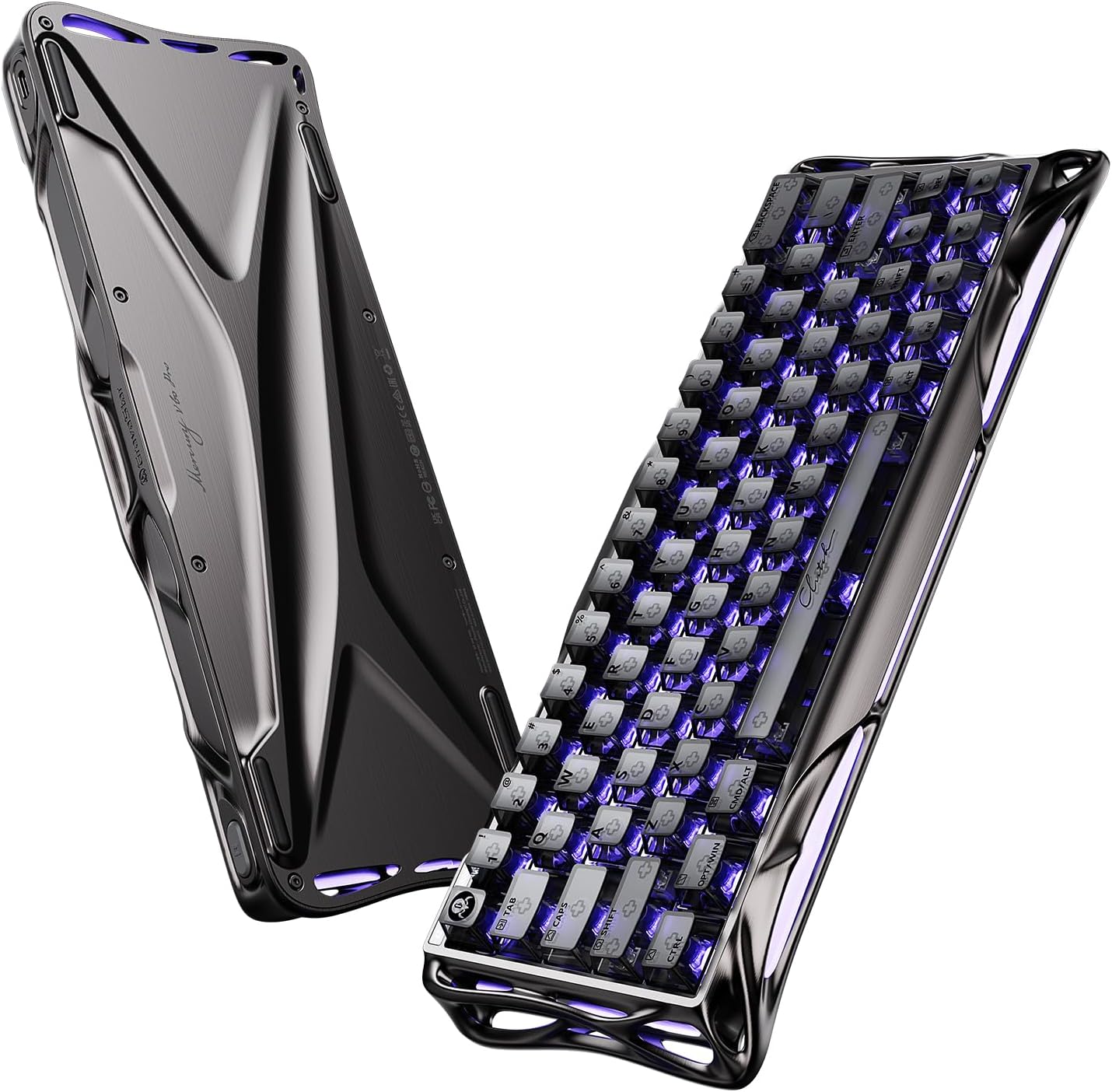
GravaStar Mercury V60 Pro 60% HE Magnetic Gaming Keyboard (8K Polling, 0.125 ms, Adjustable Actuation)
Reviews
Price
Product description
What it is (and why people buy it)
The GravaStar Mercury V60 Pro is a compact 60% HE (Hall Effect) magnetic gaming keyboard built around fast, friction-free actuation. On paper, it’s aiming at competitive play—especially genres where timing matters—by combining a very high polling rate (8,000 Hz) with low latency (0.125 ms). If you’re already using a 60% layout and you want your input feel to be more “tuned” than a typical mechanical board, this model is the kind that targets that specific itch.
This keyboard also leans into adjustable triggering. The adjustable actuation point (0.005 mm to 3.5 mm) is the standout detail: you can set how far the key needs to travel to register. In practice, that can help you reduce accidental presses, or match your preference for rapid triggering depending on the game and your hand dynamics.
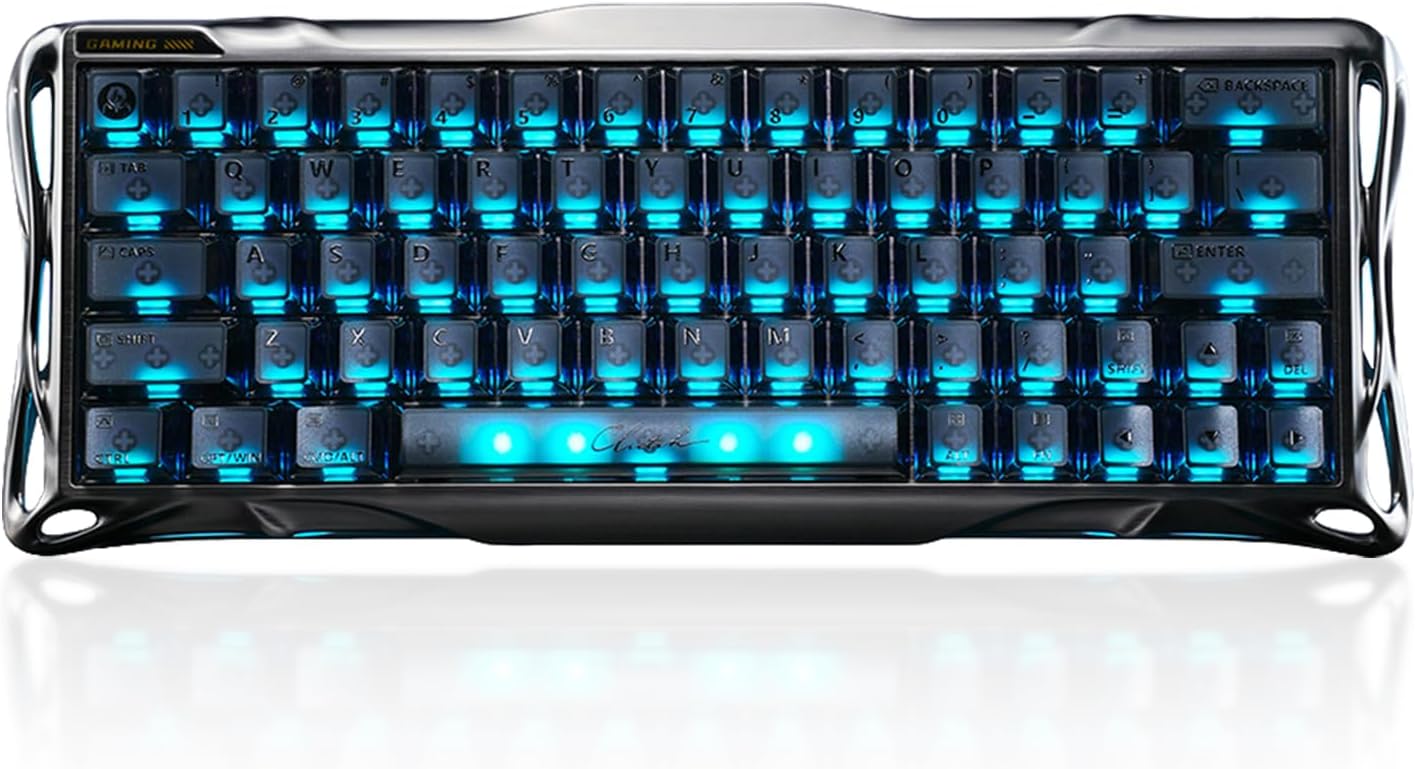
The essentials: feel, speed, and HE magnet tech
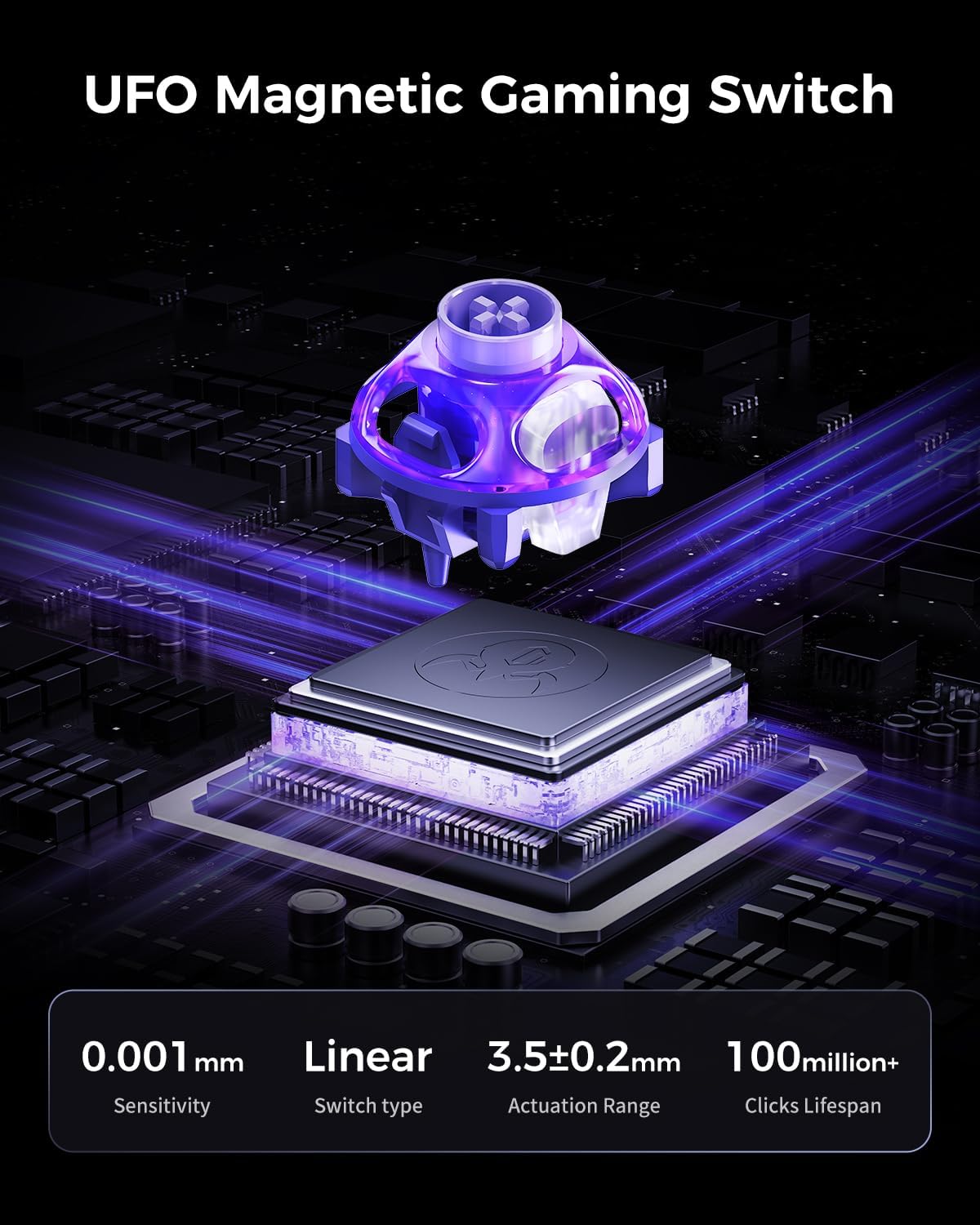
Where the Mercury V60 Pro differentiates is in its Hall Effect magnetic switch design. The claim is “without friction,” and the system is built to translate tiny differences in actuation into consistent inputs. Alongside that, the board supports a Rapid Trigger feature described as “RT” with a 0.005 mm trigger point. For competitive FPS-style moments, that’s the kind of spec people chase when they want presses to register quickly and consistently.
It’s not perfect for every buyer, though. HE keyboards can feel different from classic mechanical switches, and if you’re mainly chasing a familiar “clicky” or “springy” sound/feel, you may need to calibrate expectations. Also, adjustable actuation is great, but it’s only useful if you’re willing to spend a bit of time setting it up for your playstyle.
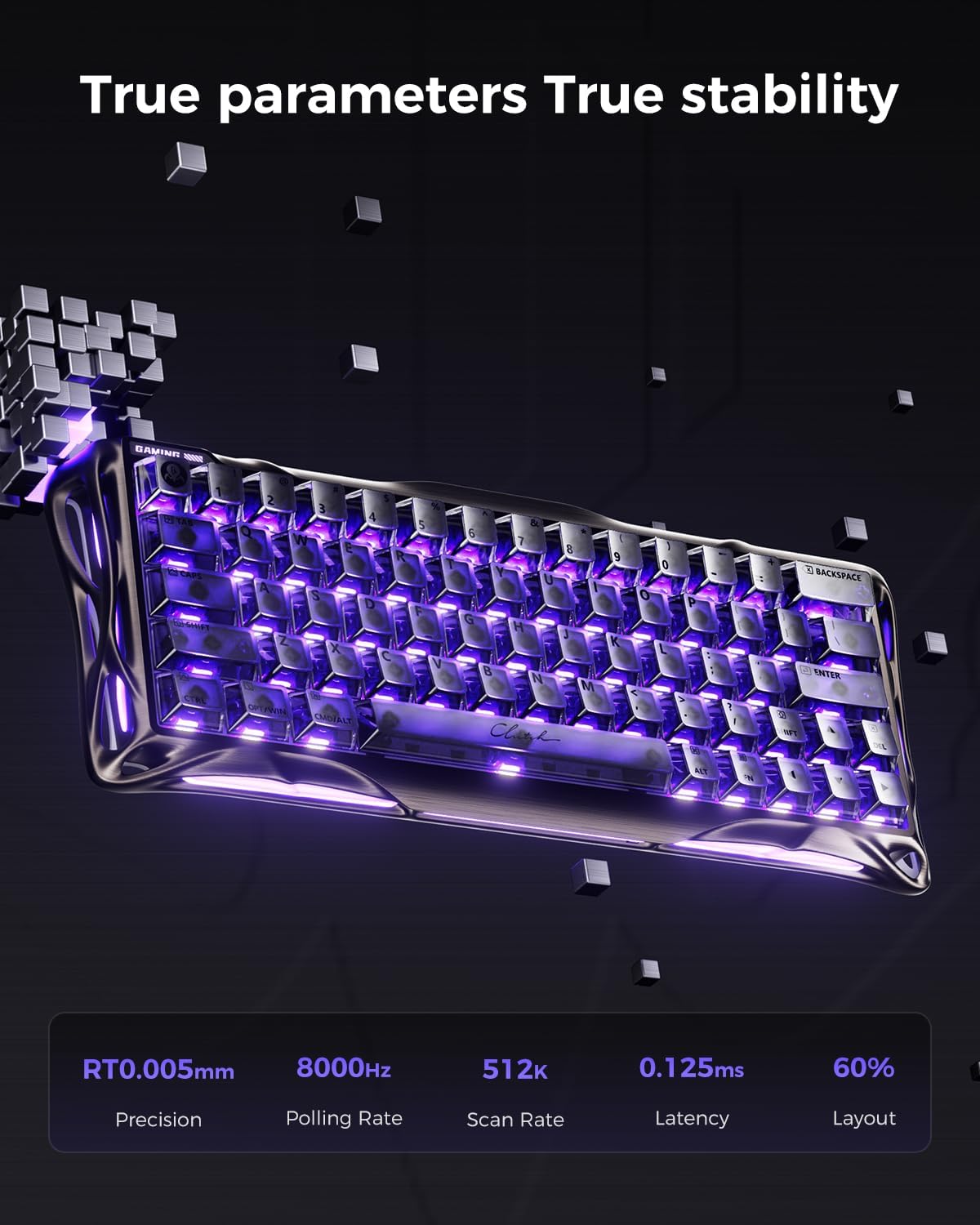
Gaming features you’ll actually notice
The Mercury V60 Pro includes several gaming-focused functions listed by the manufacturer, including DSK (dynamic travel), MT, TGL, and SnapKey. These are aimed at expanding what you can do with a 60% keyboard—mapping control behavior to a smaller footprint.
The dynamic travel angle (DSK) is particularly relevant if you like responsive control profiles. Instead of “one feel fits all,” it suggests you can tune how keypress behavior behaves during play. If you often swap between different game genres, having trigger behavior options can make the board feel more adaptable without needing a full change in hardware.
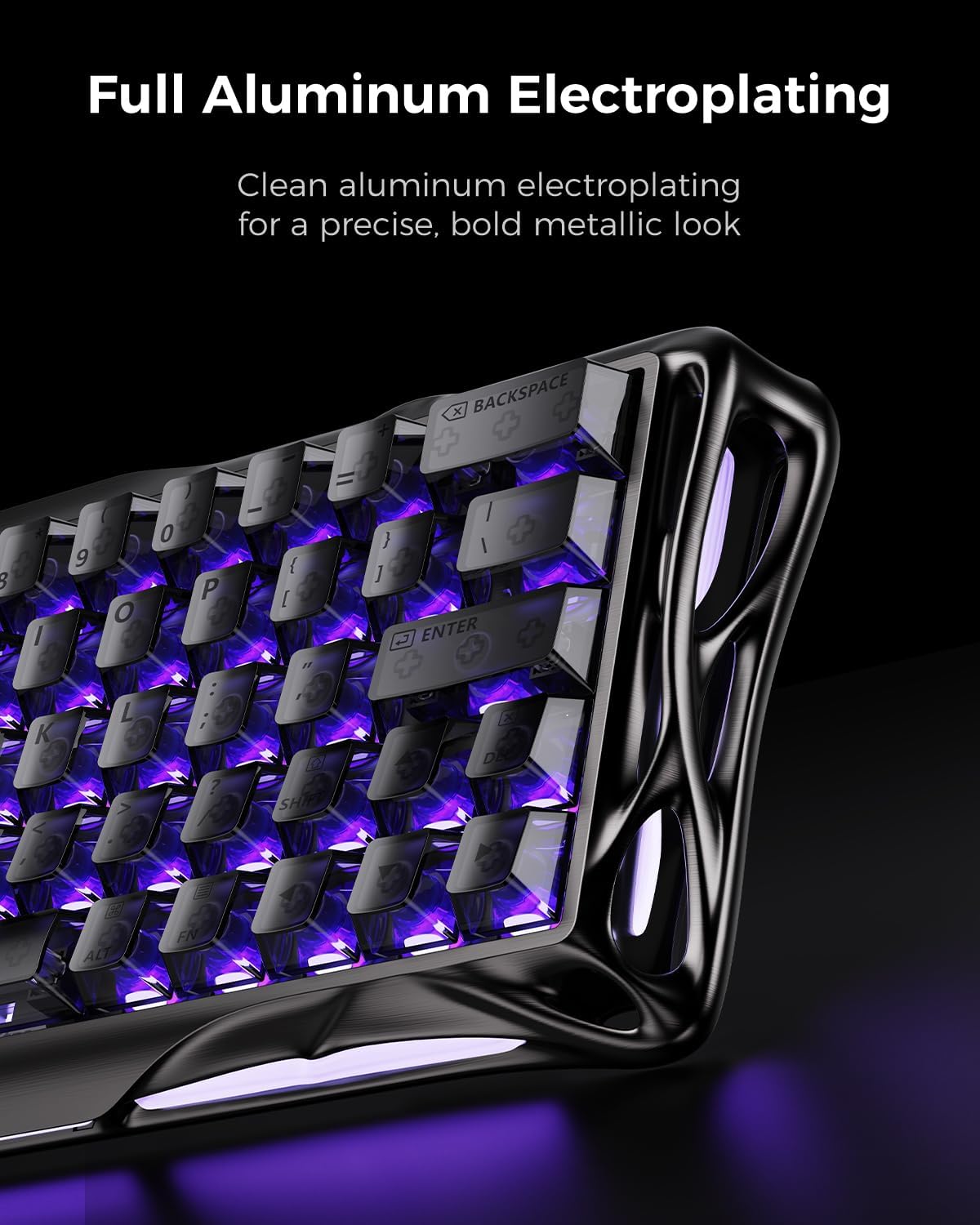
Build and sound: CNC aluminum frame, internal damping, and layout
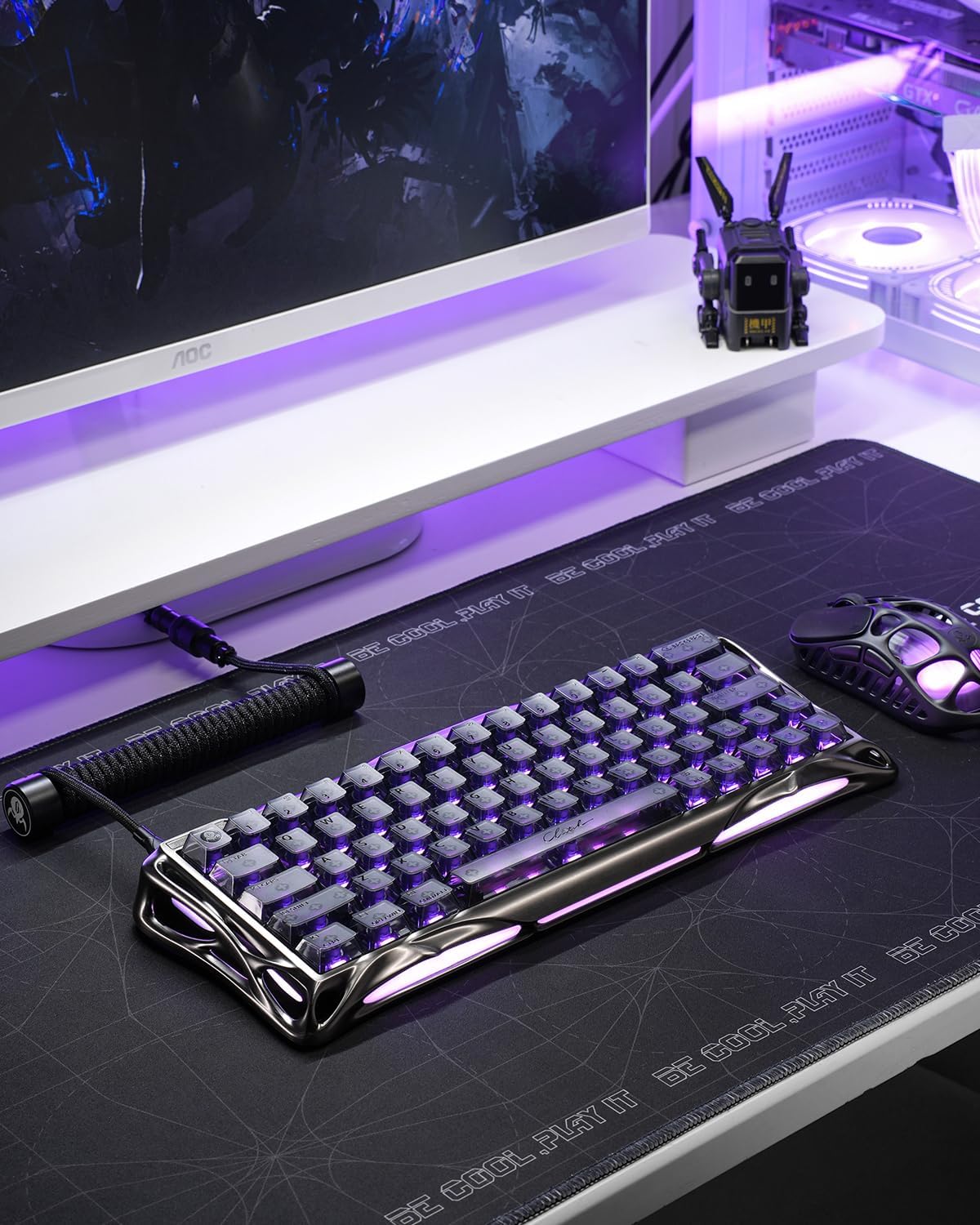
The keyboard uses a CNC-machined full aluminum frame with a skeleton (hollow) design. It’s top-mount, and it includes five layers of internal damping, which is intended to give the board a more premium sound and a more controlled feel. This isn’t just about looks—the internal structure is the kind of thing you hear and feel when typing and gaming.
The 60% layout is also a practical choice. It saves desk space and still supports function mapping for controller-style use. If you don’t want a full-size board taking over your workspace, this kind of compact design can be a real everyday upgrade.
Where it may fall short: because it’s 60%, you’re inherently trading away dedicated navigation keys. If your workflow relies heavily on those keys for non-gaming tasks, you might end up using layers more than you expect.
RGB and web driver: setup without the hassle (maybe)
The Mercury V60 Pro includes RGB lighting with coverage described as surrounding three sides, plus translucent keycaps made of polycarbonate. For many buyers, the lighting is less about performance and more about atmosphere and visibility.
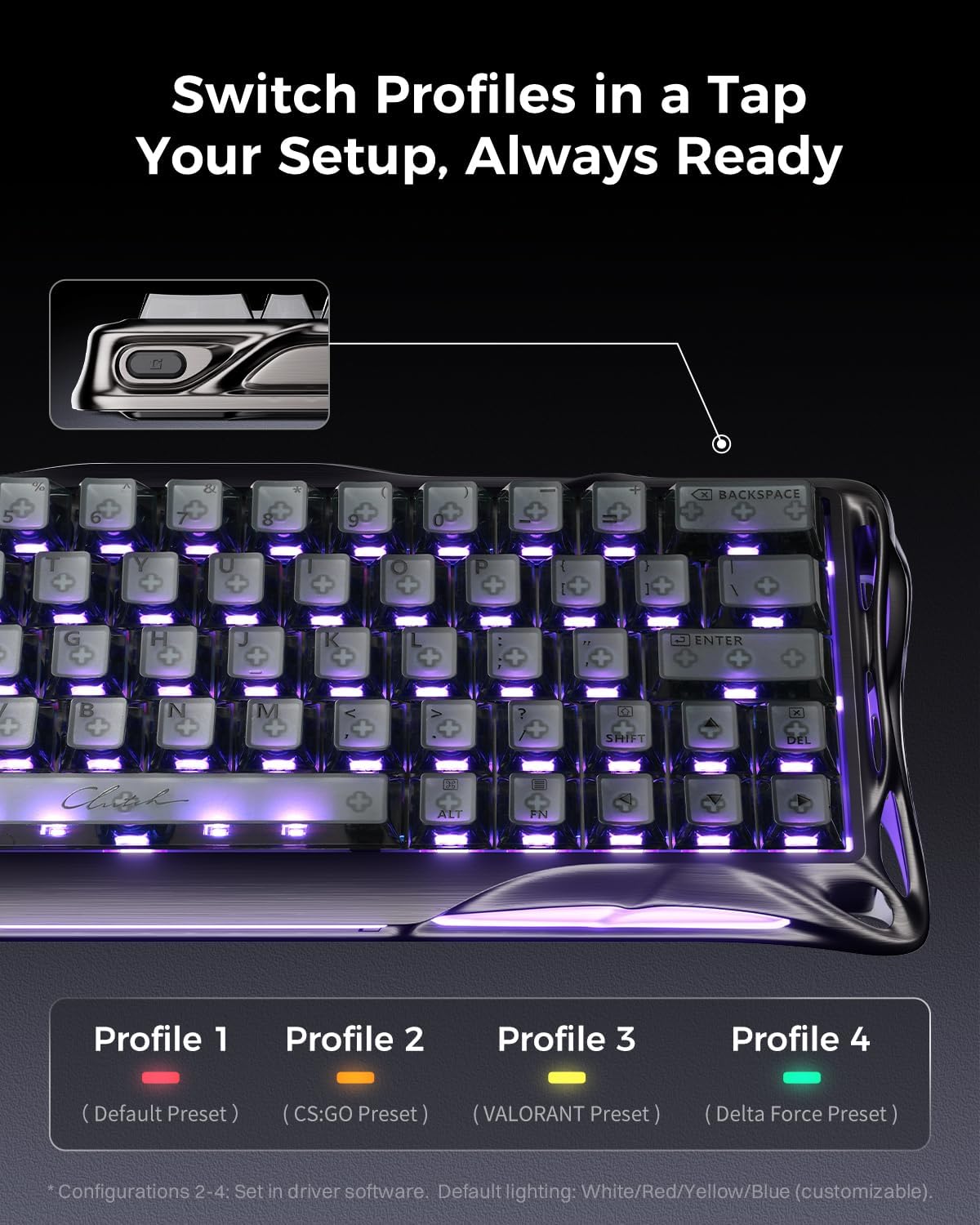
More importantly, it offers a web-based interface so you can configure macros and profiles from your browser, described as an intuitive driver experience without complex installs. That’s convenient if you prefer quick configuration.
One limitation to keep in mind: “web driver” setups can vary in convenience depending on your computer environment and how your system handles browser-based tools. If you like deeply offline, traditional configuration utilities, you may find this workflow slightly less your style.
Tech specs (as listed by the manufacturer)
- Type: 60% HE magnetic gaming keyboard
- Polling rate: 8,000 Hz
- Latency: 0.125 ms
- Adjustable actuation range: 0.005 mm to 3.5 mm
- Features: Dynamic Rapid Trigger, RT 0.005 mm, DSK, MT, TGL, SnapKey
- Frame: Full aluminum frame (CNC-machined skeleton design), top-mount
- Damping: 5 layers of internal damping
- Lighting: RGB on three sides
- Configuration: Web interface for macros and profiles
Who it’s for (and who should skip it)
It makes sense if you’re a competitive gamer who values quick actuation, likes the idea of tuning trigger distance down to 0.005 mm, and you already prefer a 60% layout. It also fits if you care about setup flexibility—macros and profiles via a browser—and you like the look of a full aluminum, skeleton-style chassis.
You may want to skip it if you primarily want the most classic mechanical keyboard feel, or if you frequently rely on dedicated full-size navigation keys for daily work. It can also feel like “more keyboard than you need” if your priority is just casual typing and you don’t plan to tweak actuation or gaming behavior profiles.
Is it worth it?
The GravaStar Mercury V60 Pro is a strong pick if your purchase goal is a compact 60% HE gaming keyboard with serious input responsiveness on paper—8K polling, 0.125 ms latency, and an adjustable actuation point that goes as low as 0.005 mm. It also brings a premium build approach with a CNC aluminum frame and internal damping, plus gaming-oriented functions designed to make a smaller layout more capable.
Just keep expectations grounded: this isn’t aimed at people who want straightforward “plug and forget” mechanical feel. If you’re willing to dial in trigger behavior and you’re comfortable living in a 60% layout, it should click with your needs. If not, the adjustability and compact form factor might end up being more hassle than benefit.