

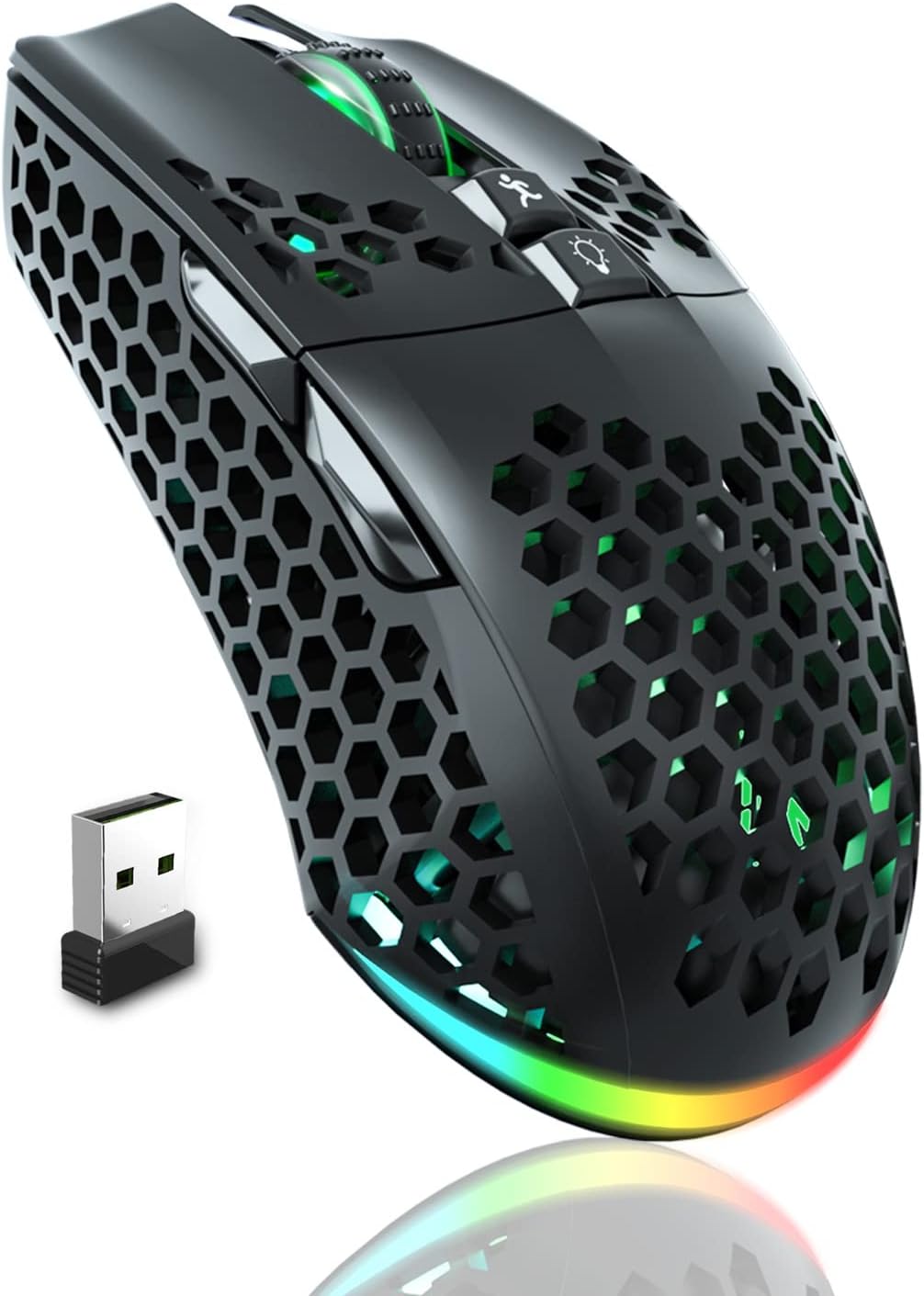
SOLAKAKA Wireless Gaming Mouse SM600
Product description
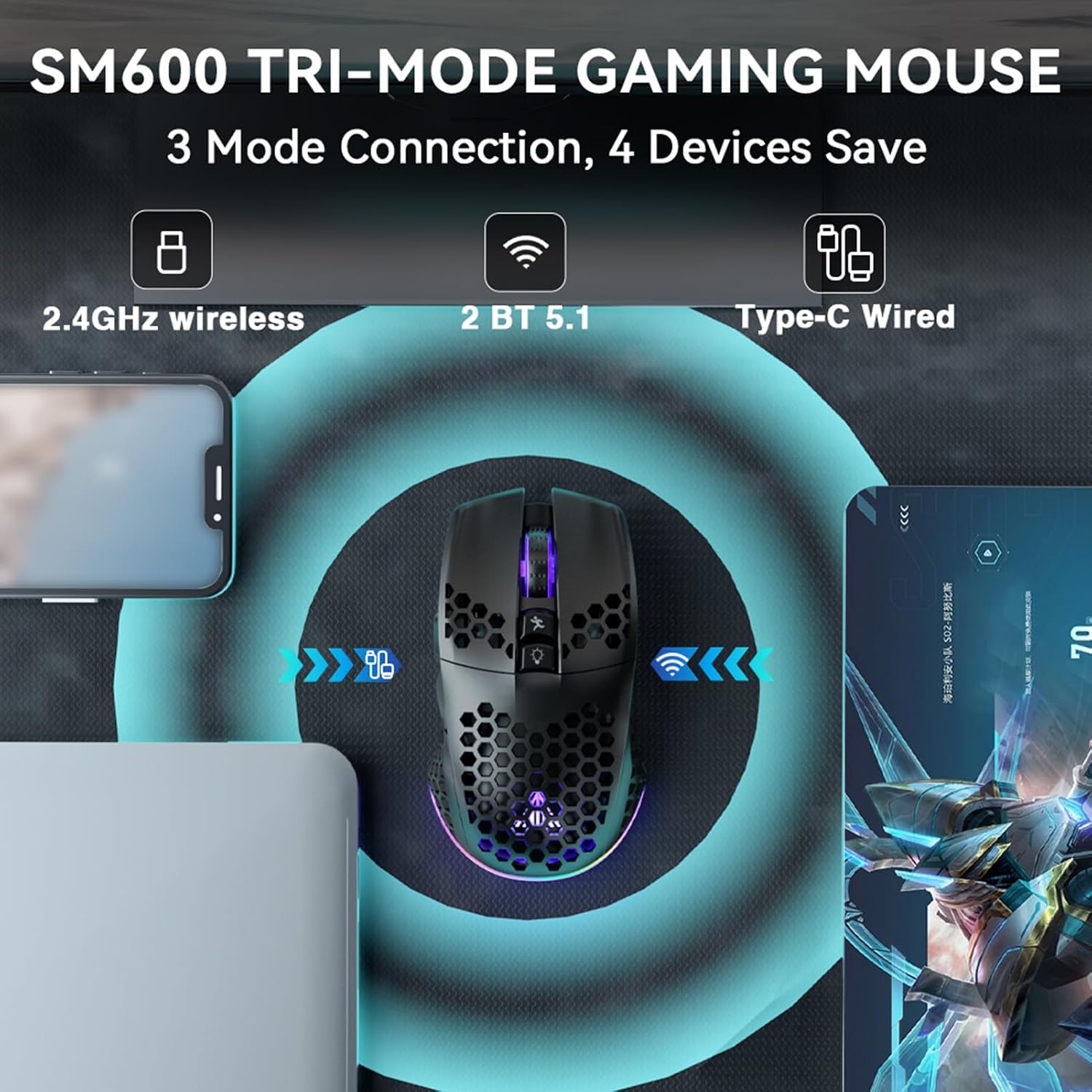
A gaming mouse with three connection modes gives you more ways to move between a desk setup and other devices. The SOLAKAKA SM600 offers 2.4G wireless, Bluetooth, and a wired USB-C connection.
If you prioritize wireless flexibility, you can use 2.4G or Bluetooth, if you prefer a direct connection while playing or charging, plug it in with the USB-C cable.
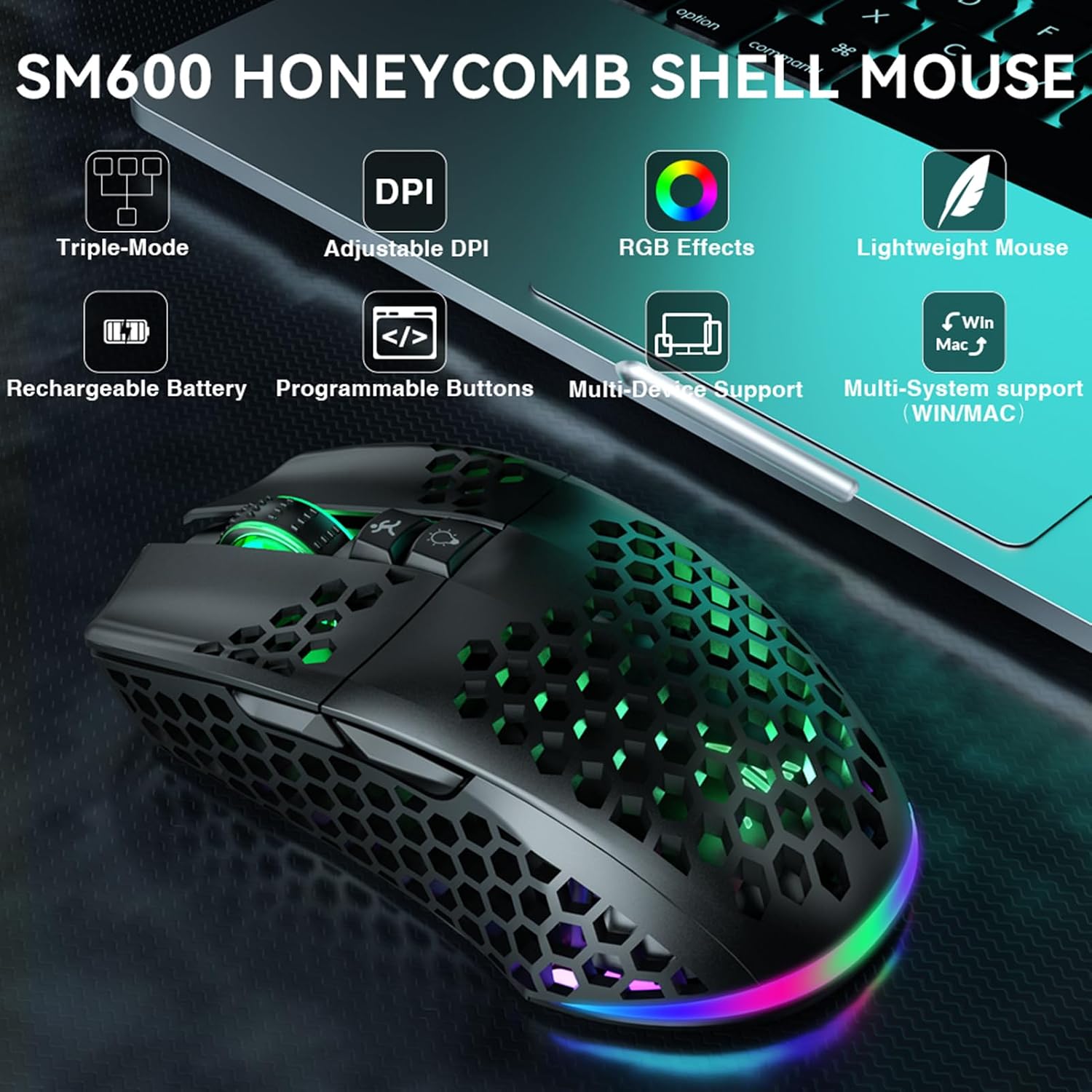
Its appeal is a mix of programmable controls, adjustable DPI, and RGB lighting. Without having tried it, the listed features point to a configurable mouse rather than a simple plug-and-play model.
Getting the most from it
The three connection options suit different situations: use 2.4G for a wireless desktop setup, Bluetooth when you want to reduce cable clutter, or the USB-C cable when you want a wired connection. The product description says it supports PCs, laptops, tablets, and cell phones, and can save four devices. The exact switching process isn’t explained, so don’t assume it will move between devices automatically.
For games or everyday computer use, the seven programmable buttons can be assigned through the software, which also controls DPI, modes, and lighting effects. DPI has six listed settings, from 800 to 13,200. That range lets you choose a slower pointer feel for careful movements or a faster one for broader screen sweeps. The listed polling rate is up to 1000Hz, though the description doesn’t say how that rate behaves across each connection mode.
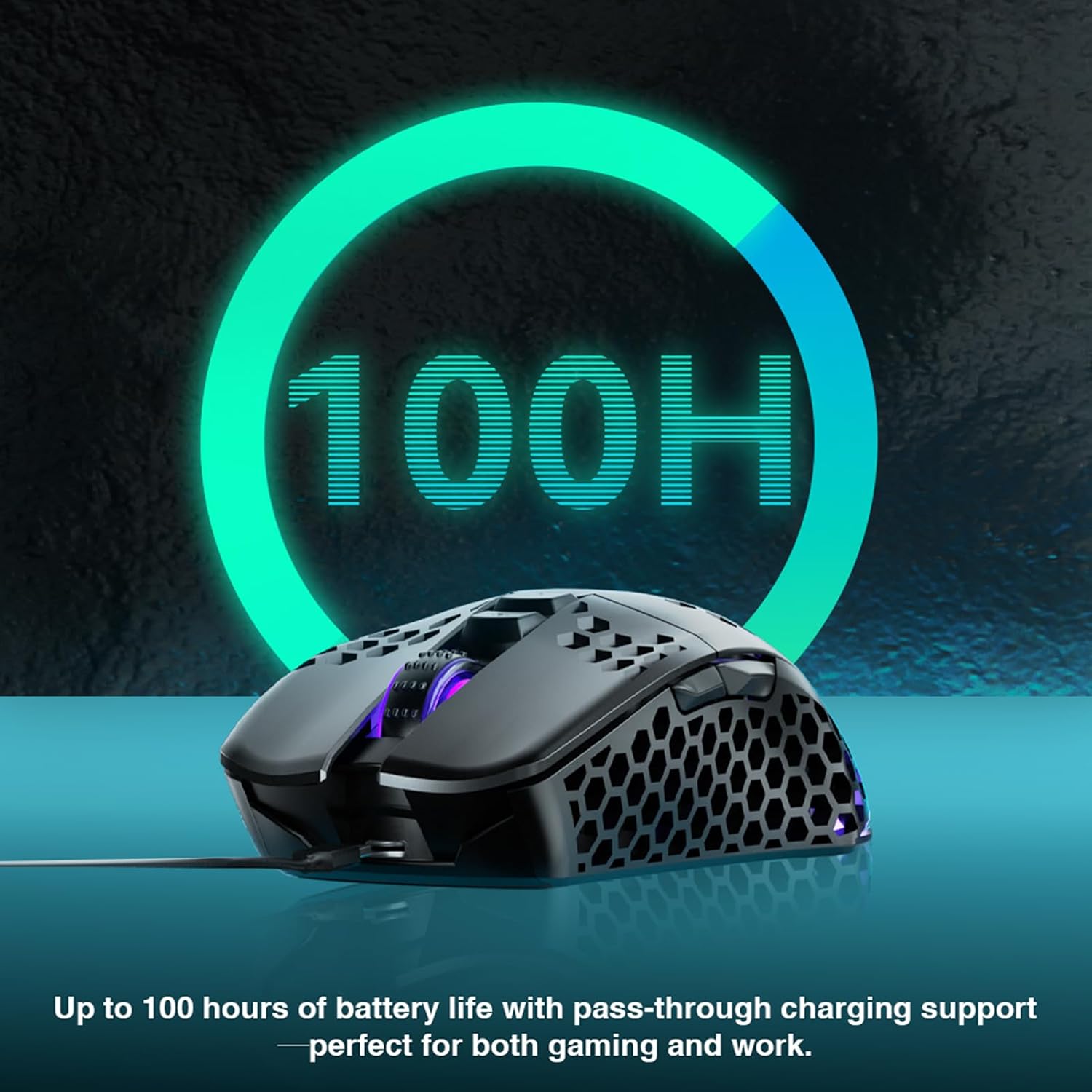
A practical example: keep a lower DPI setting for lining up a precise selection, then switch to a faster setting when navigating a large display. The mouse also has a built-in 600 mAh rechargeable battery, a USB-C charging cable, and a flashing red low-battery indicator. It can be used while charging, according to the product details.
Why it’s worth it
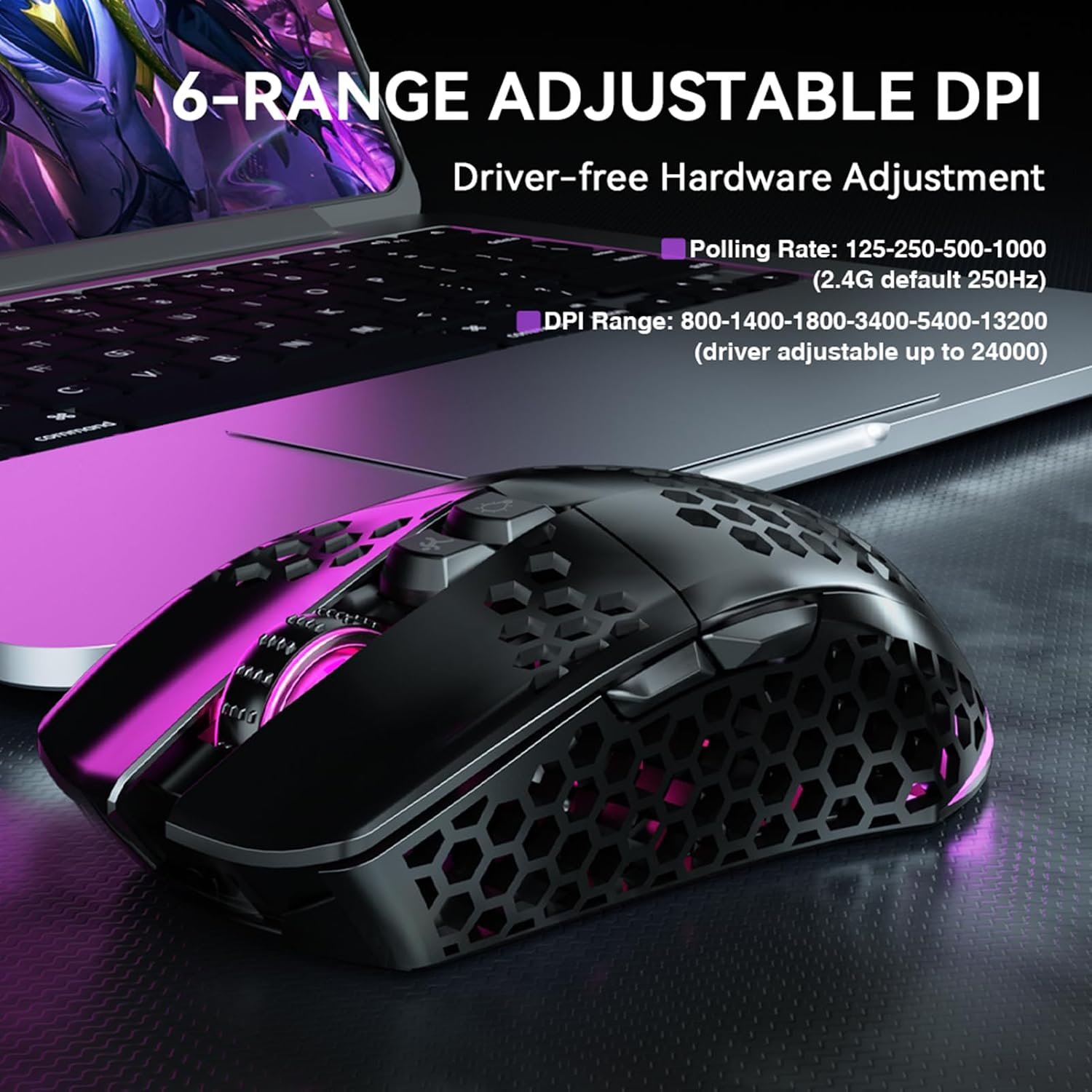
The SM600 combines features that are often split between basic wireless mice and more gaming-focused models: multiple connection types, software customization, extra buttons, and adjustable sensitivity. Its honeycomb-style ABS shell is described as lightweight and ergonomic, with an open design intended to help with heat dissipation. There’s no listed weight or size, though, so the description alone can’t tell you how it will feel in your hand or whether the shape suits your grip.
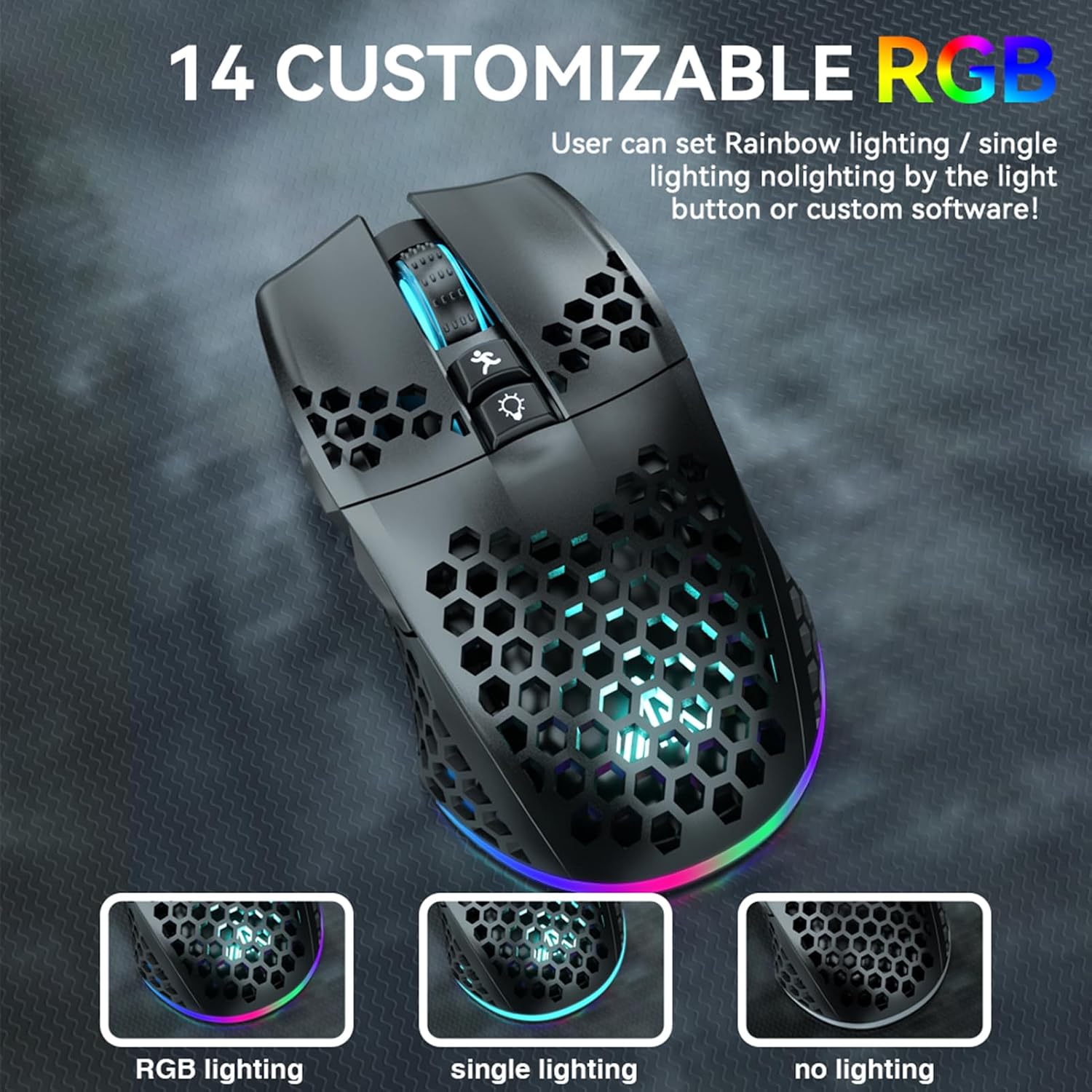
RGB lighting is another customization option, with rainbow, monochrome, and off modes selected using the top button. That gives you a way to tone down the lights when you don’t want them, rather than being stuck with illumination. It’s a great fit if you want programmable controls and the choice of wired or wireless use in one mouse. It may not suit you if you need confirmed details about dimensions, weight, software support for a particular operating system, or how the controls feel in person.
Key takeaways
- Three connection options: 2.4G wireless, Bluetooth, and wired USB-C.
- Seven programmable buttons, with software settings for controls, DPI, modes, and lighting.
- Six DPI settings are listed, along with a polling rate of up to 1000Hz.
- Rechargeable 600 mAh battery, low-battery light, and use while charging.
- ABS honeycomb shell and selectable RGB lighting modes.
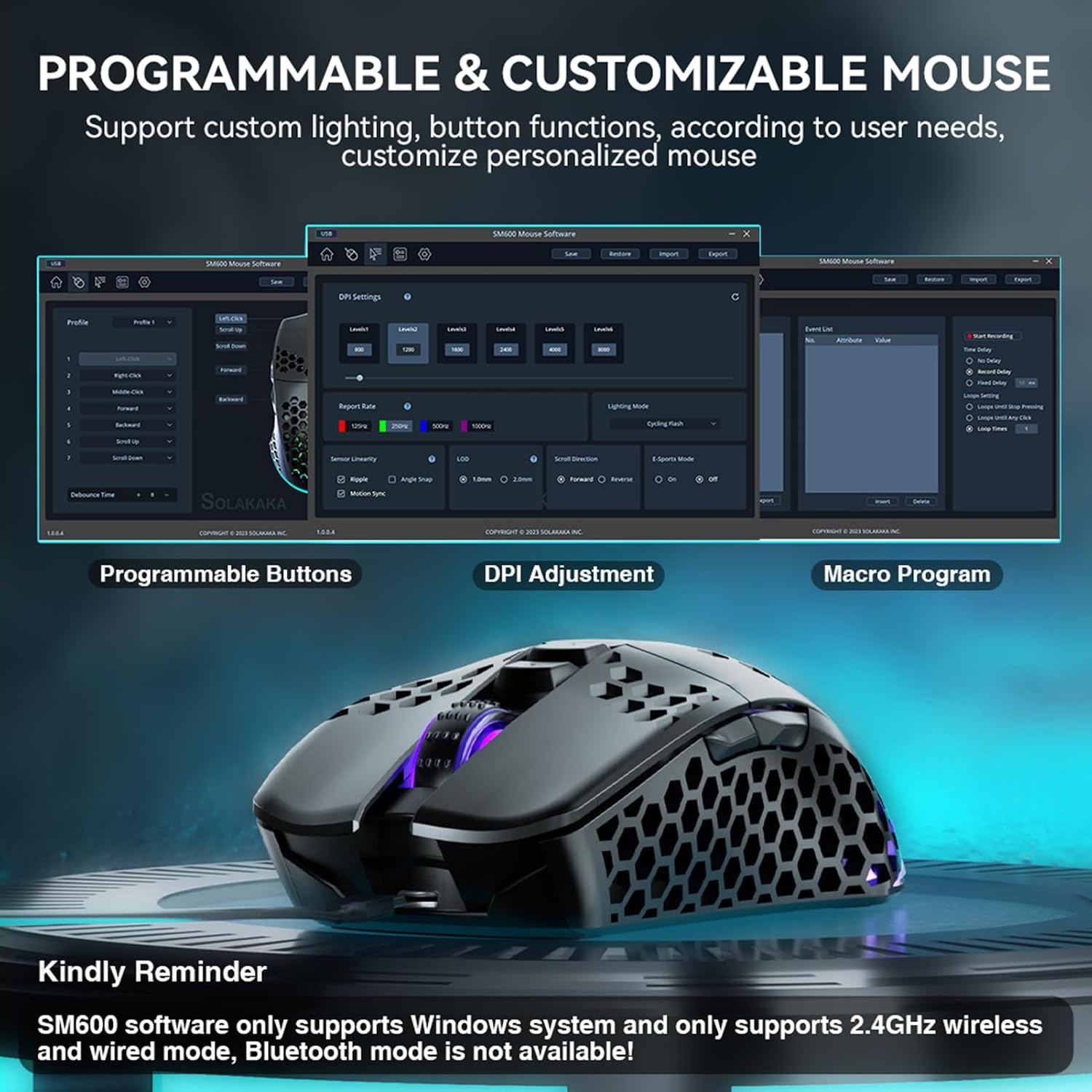
The main tradeoff is uncertainty around physical fit and software details: the product description gives no dimensions or weight and doesn’t specify which operating systems support its configuration software. If you want a mouse with a simple, fixed setup, those customization options may be more than you need.
Final verdict
The SOLAKAKA SM600 is worth considering if you want one mouse for gaming and everyday use, value the option to switch between wired and wireless connections, and expect to customize buttons or sensitivity. Its rechargeable battery and lighting controls add practical flexibility, while the honeycomb shell gives it a distinctive design.
Choose a simpler mouse if you only need basic pointing and clicking, or look for a model with published fit details if size and weight are deciding factors. The SM600’s strongest case is versatility, its less certain side is how its shape and software will match your particular setup.