

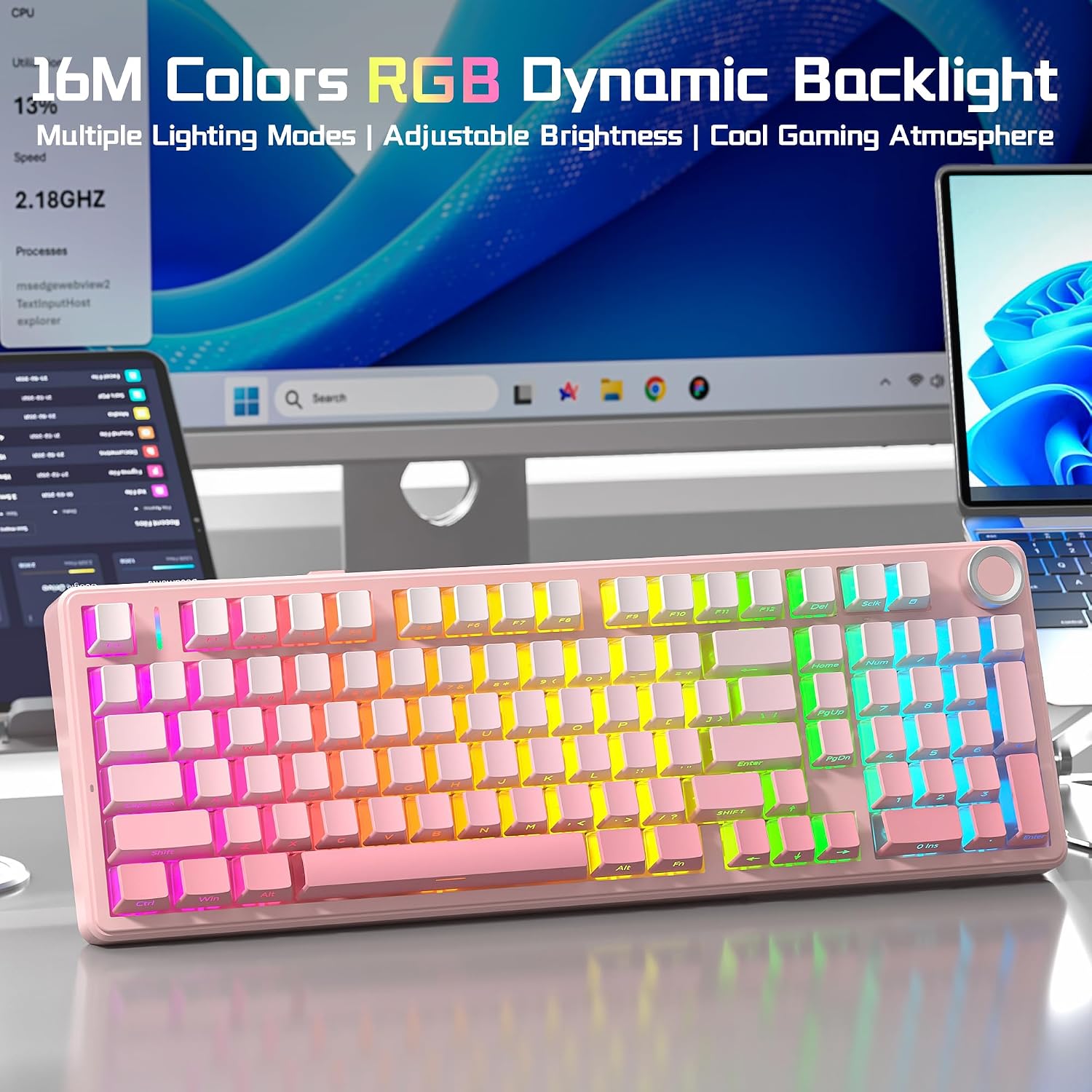
AULA Wireless Mechanical Keyboard F99 Pro
Product description
What matters most
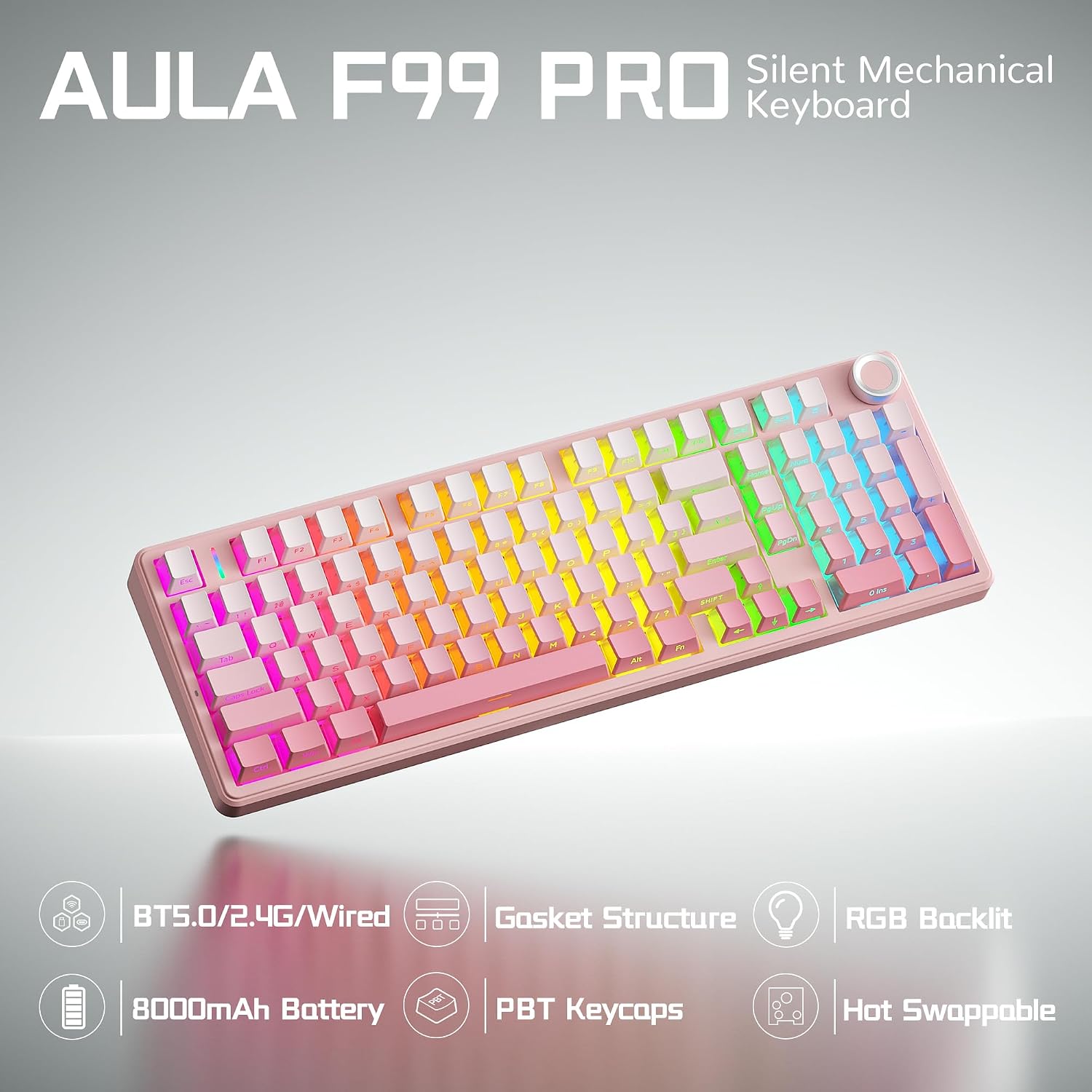
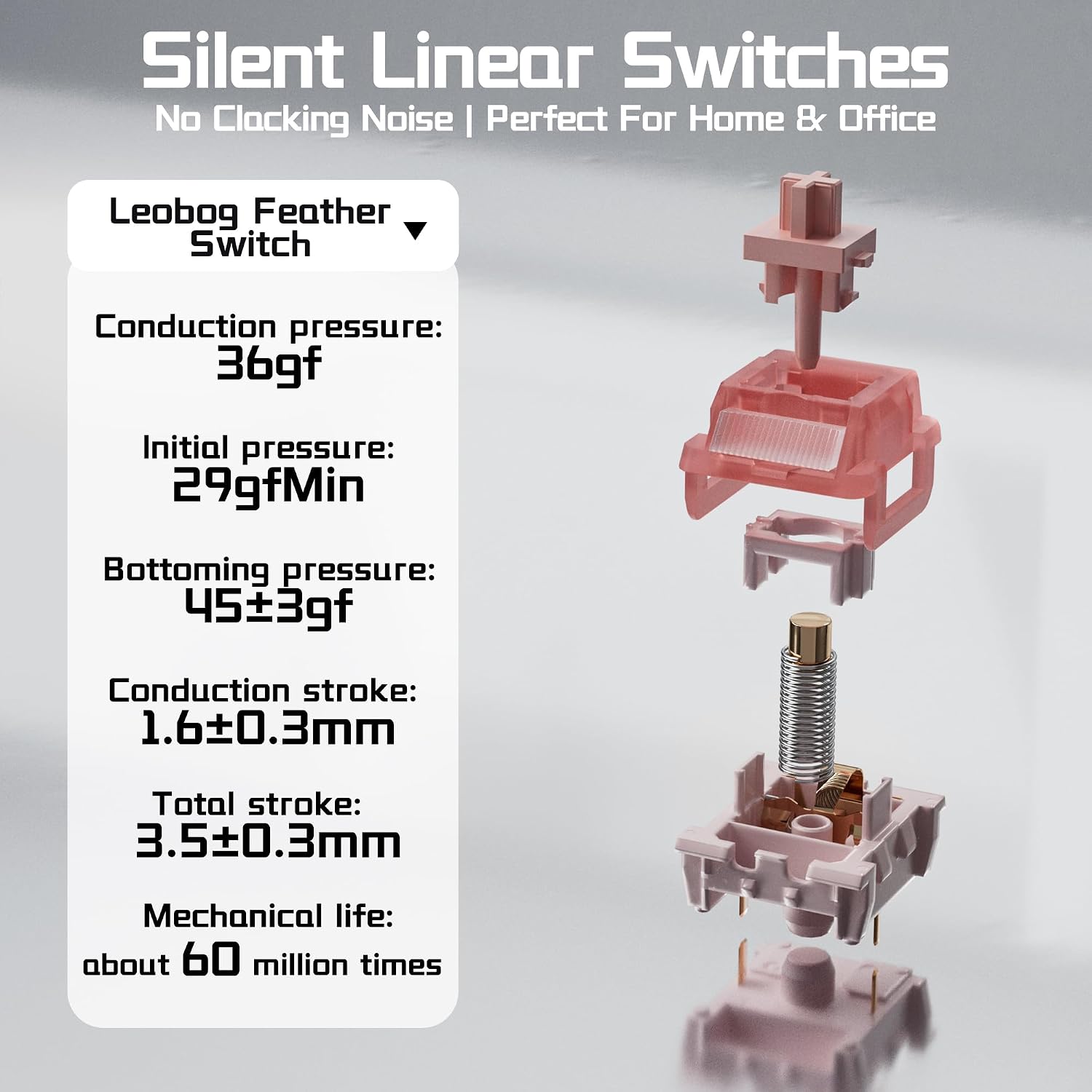
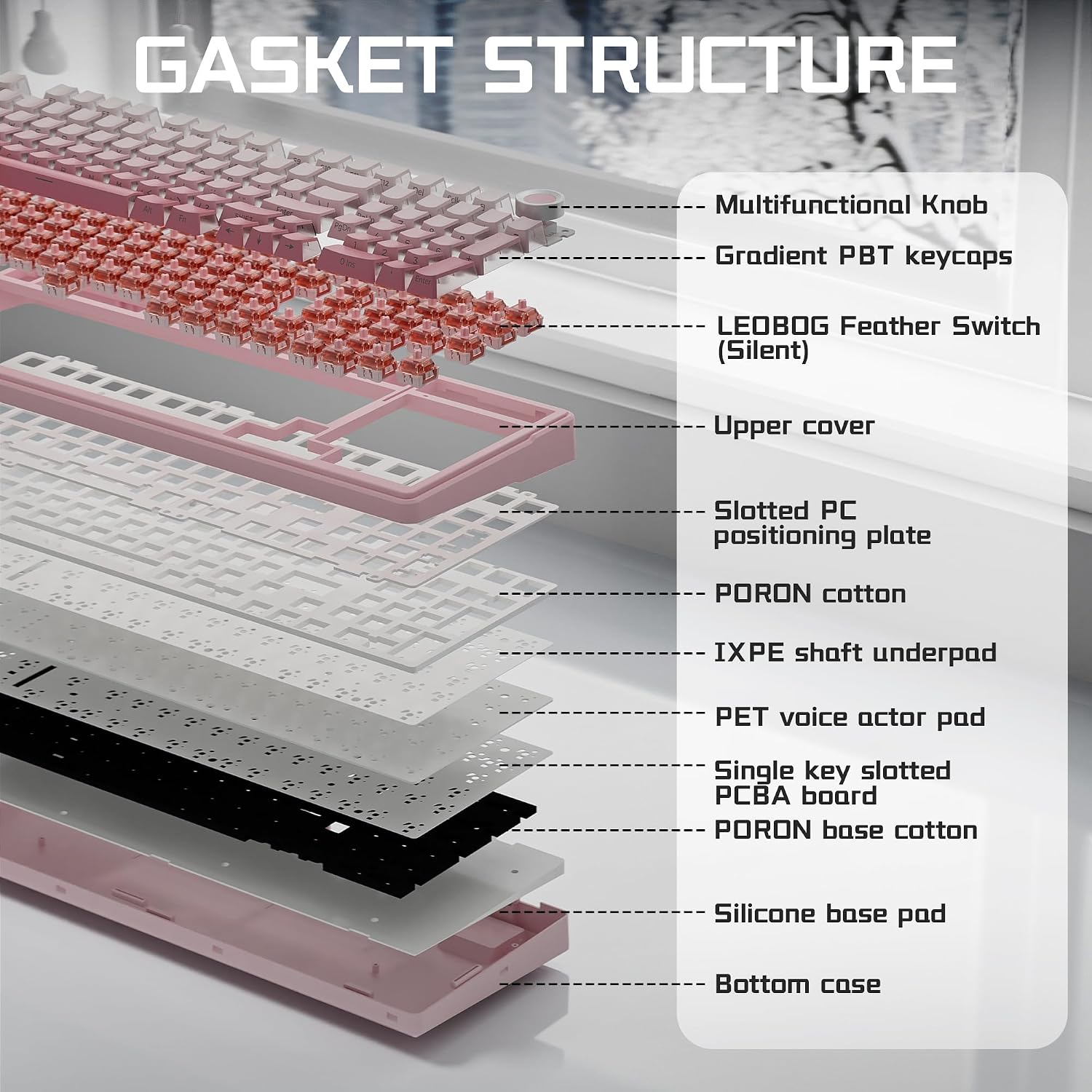
The AULA F99 Pro combines quiet linear switches with a gasket-mounted build, aiming for a softer, less noisy typing feel than a conventional mechanical keyboard. That makes it more suited to shared desks and home offices where sharp key sounds can be distracting, while still retaining mechanical switches and RGB lighting.
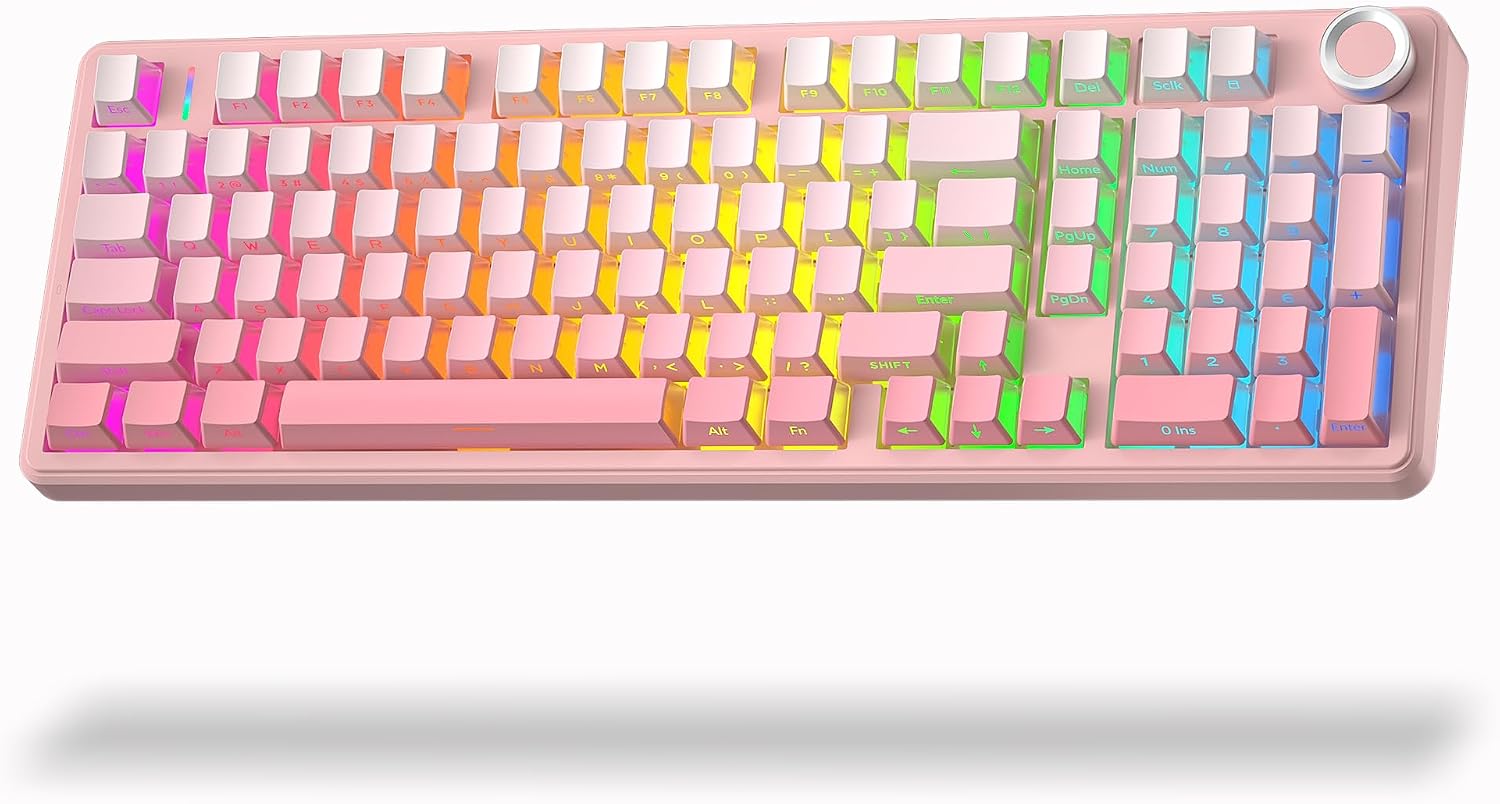
Its 96% layout keeps both arrow keys and a number pad, and the knob can control lighting or volume and media playback. You also get Bluetooth 5.0, 2.4GHz wireless, and USB-C wired connections, with switching between up to five paired devices.
Keep in mind that the 8000mAh battery capacity is listed, but no runtime is provided, so the spec alone doesn’t say how often you’ll need to recharge it. The quieter switches also change the feel and sound compared with clicky mechanical options, they’re not aimed at buyers who want a pronounced click.
Best use cases
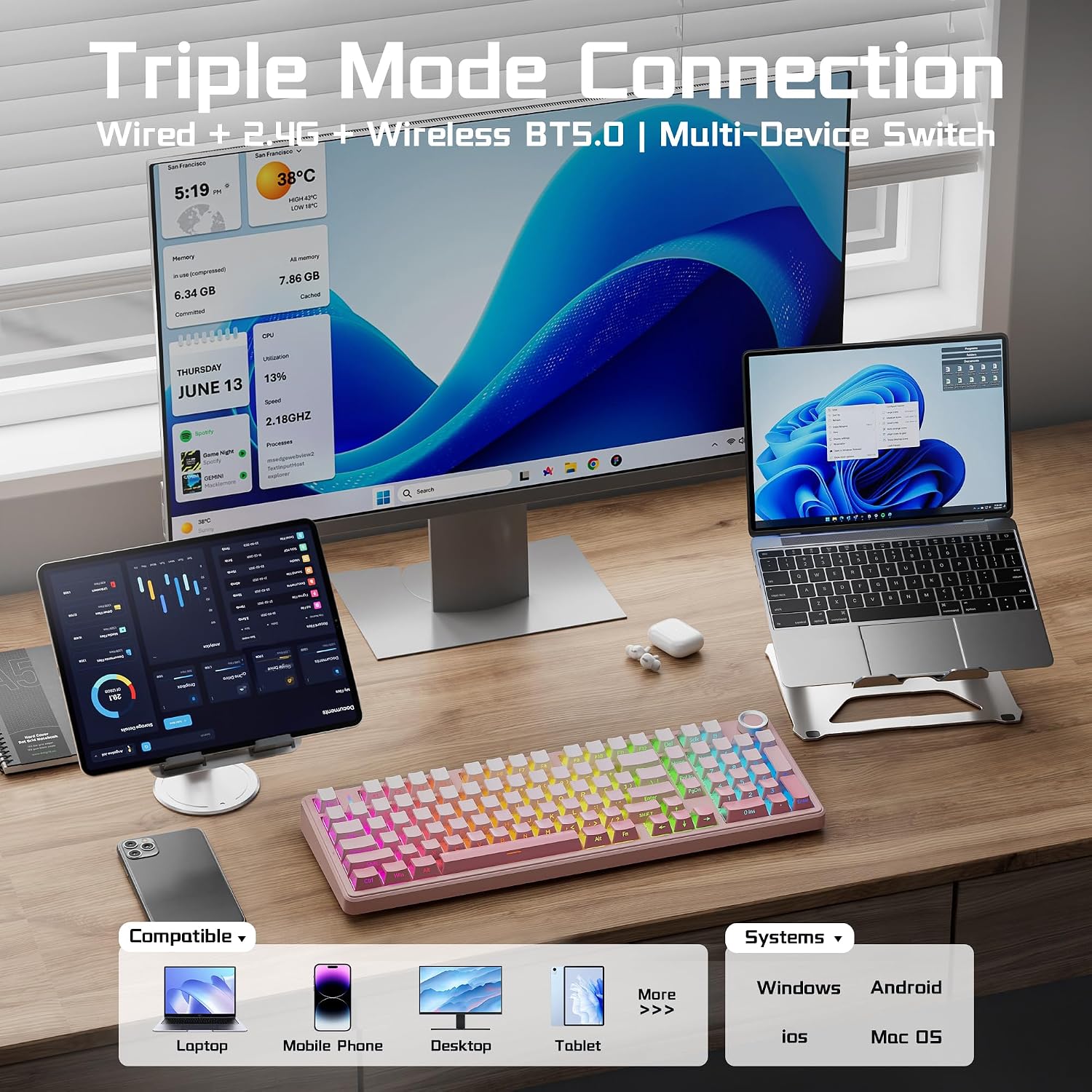
This setup makes sense for someone moving between a computer, tablet, or phone and wanting one keyboard for typing and gaming. For example, you could use Bluetooth with a tablet for notes, then switch to a wired USB-C connection at a desk. The product description also lists PC, laptop, gaming console, and phone compatibility, as well as Windows and Mac support.
Compared with a basic compact keyboard, the F99 Pro keeps a number pad and offers hot-swappable switches, lighting controls, and multiple connection modes. The tradeoff is that a 96% layout still takes more desk space than a smaller keyboard without a number pad. Its quiet linear switches and N-key rollover may suit gaming, but the description doesn’t provide a polling rate or other performance figures for comparing it with a more specialized gaming model.
Tips for day-to-day use
Use the connection method that fits the device and setup: Bluetooth 5.0 or 2.4GHz for a wireless desk, or USB-C when you prefer a wired connection. The keyboard can pair with up to five devices, and you can switch using FN shortcuts or the side button. That’s useful when a work computer and personal device share the same desk.
The knob changes functions between lighting controls and volume or media playback, a five-second press switches modes. For a quick desk adjustment, turn it to change brightness, then switch modes when you want to control playback instead. The driver offers 16 RGB effects, music rhythm modes, and macro editing, while the side-printed PBT keycaps are designed to let the lighting show through.
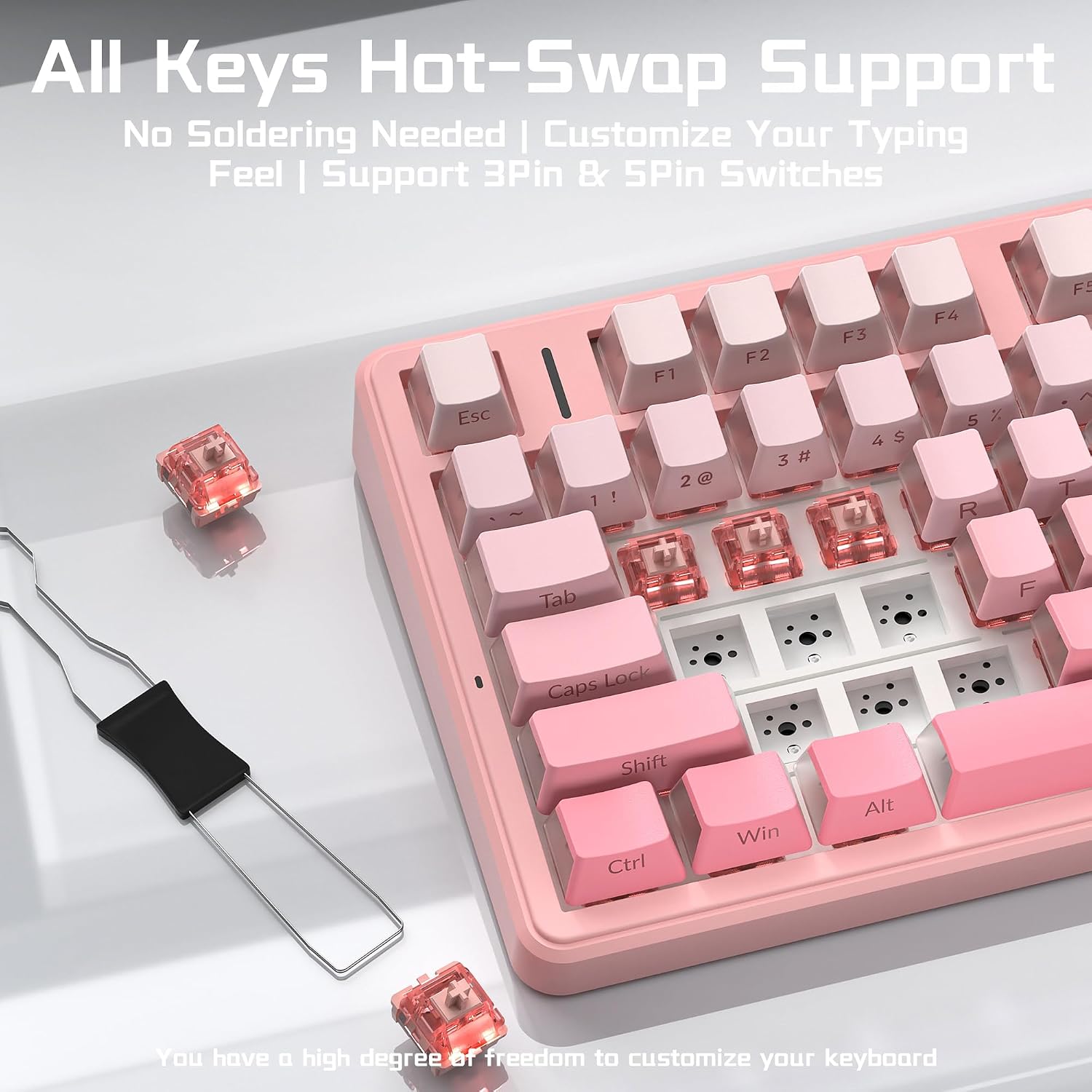
Hot-swapping supports both 3-pin and 5-pin switches without soldering, so you can change switches later rather than replacing the whole keyboard. The supplied switches are described as pre-lubed, silent linear switches. If you’re considering a different switch feel, check that the replacement matches the supported pin format.
Practical doubts
Can it connect to more than one device? Yes. It supports Bluetooth 5.0, 2.4GHz wireless, and USB-C wired use, and can pair with up to five devices for switching.
Can I replace the switches? Yes. The hot-swap sockets support 3-pin and 5-pin switches, and replacement does not require soldering.
Does it have a number pad? Yes. The 96% layout retains a number pad and arrow keys alongside the other keys.
When it makes sense
It makes sense if you want a quieter mechanical keyboard with a number pad, several connection options, and room to change switches later. You may want to skip it if you need a particularly small keyboard, prefer loud clicky switches, or need confirmed battery runtime before choosing. For everyday typing, device switching, and occasional gaming, its strongest appeal is combining those functions without giving up the number pad.