

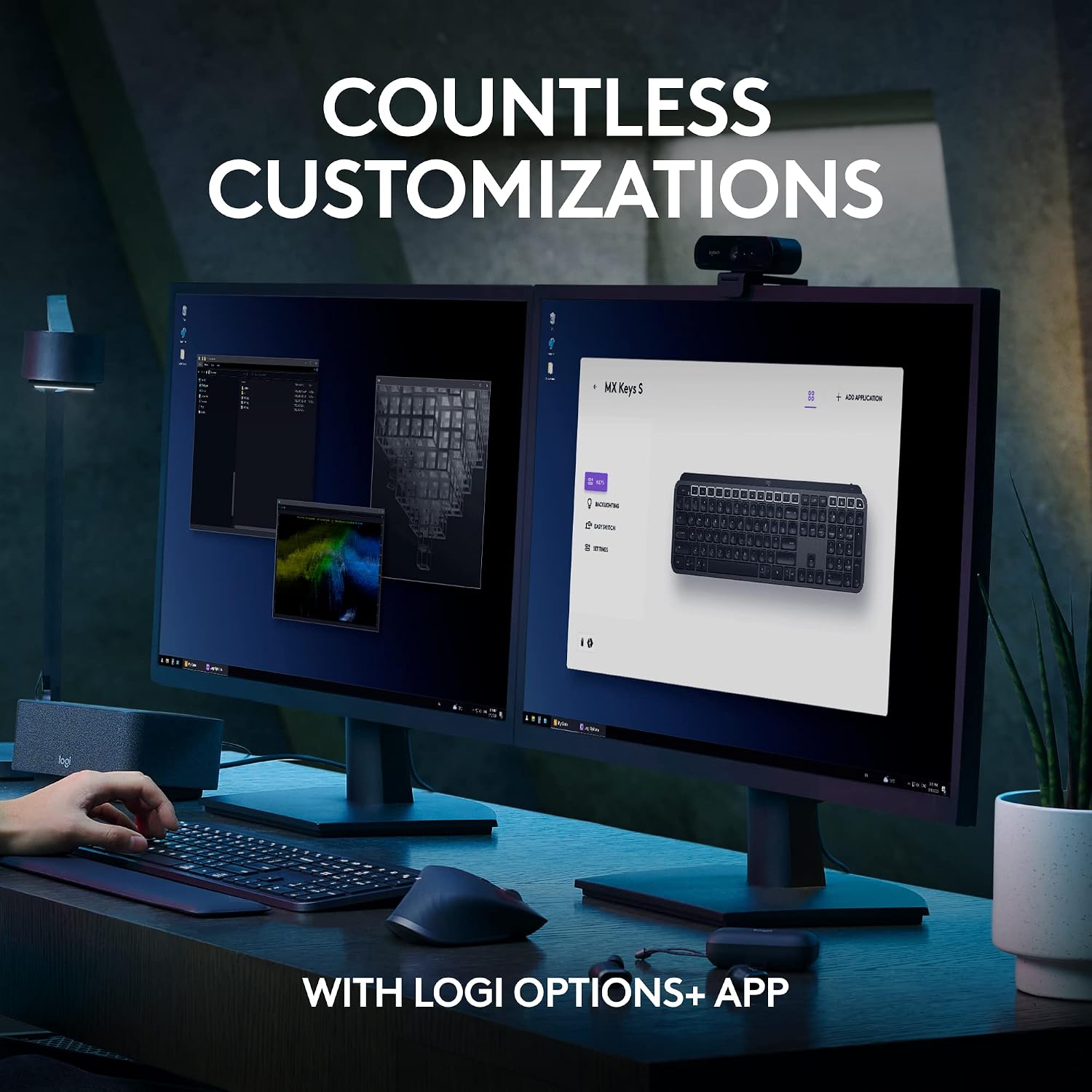
Logitech MX Keys S Wireless Keyboard Low Profile Fluid Precise - Graphite
Reviews
Price
Product description
What this is
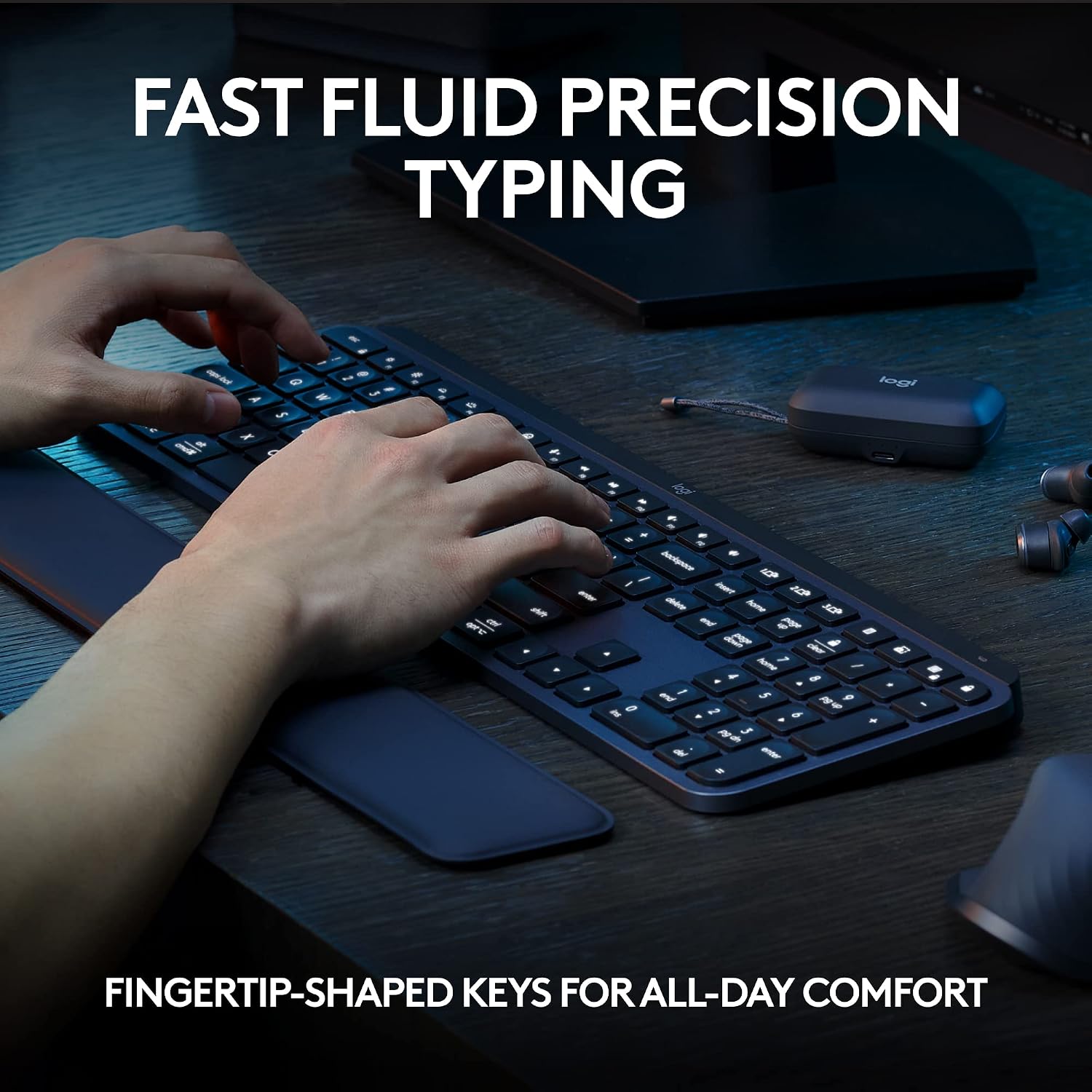
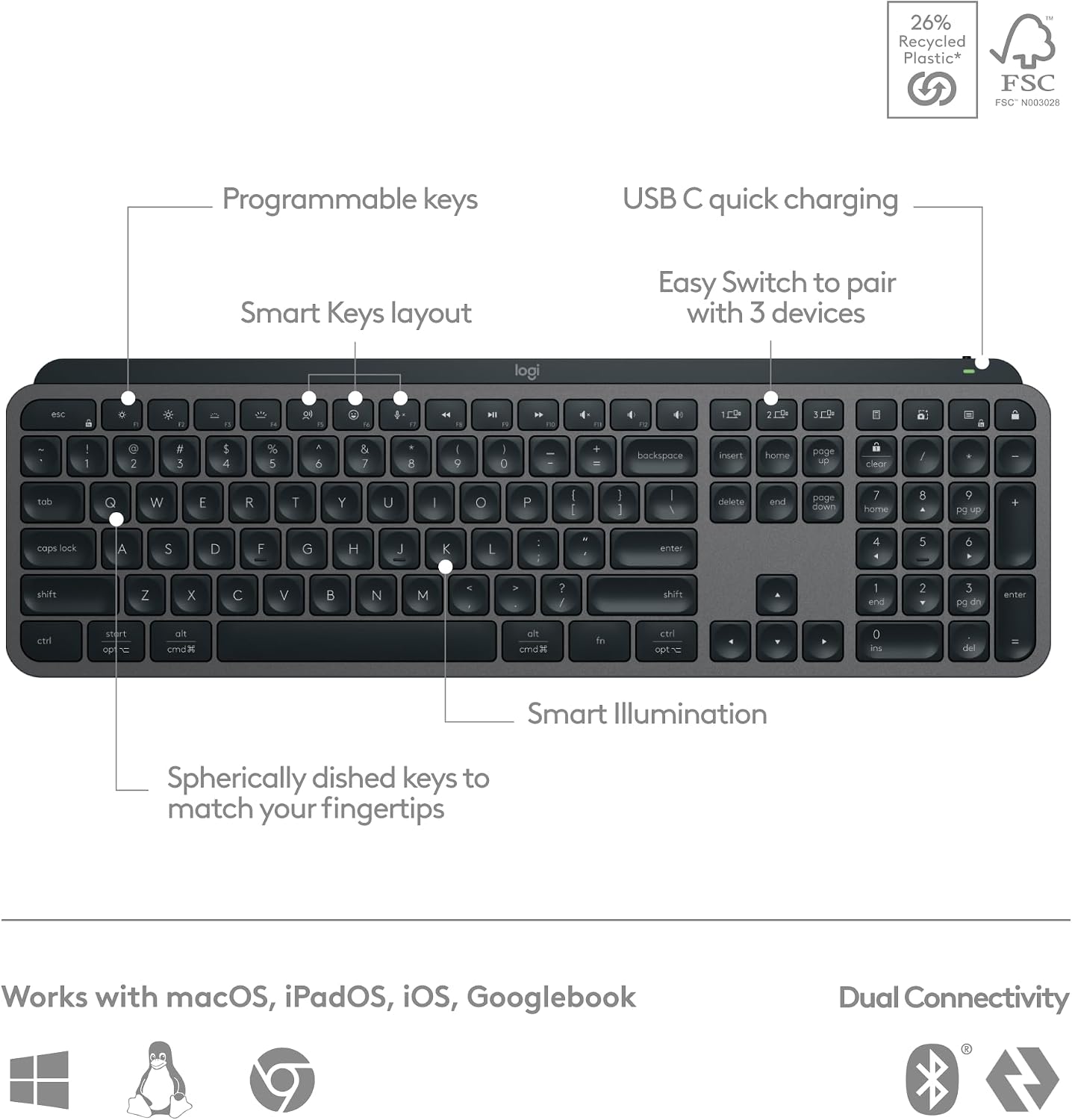
The Logitech MX Keys S Wireless Keyboard is a low-profile, laptop-style keyboard designed for fluid, precise typing. It features spherically dished keys crafted for your fingertips to deliver a quieter, more accurate keystroke while maintaining a compact form that fits well on a clutter-free desk or hybrid setup.
Why it matters for your day-to-day
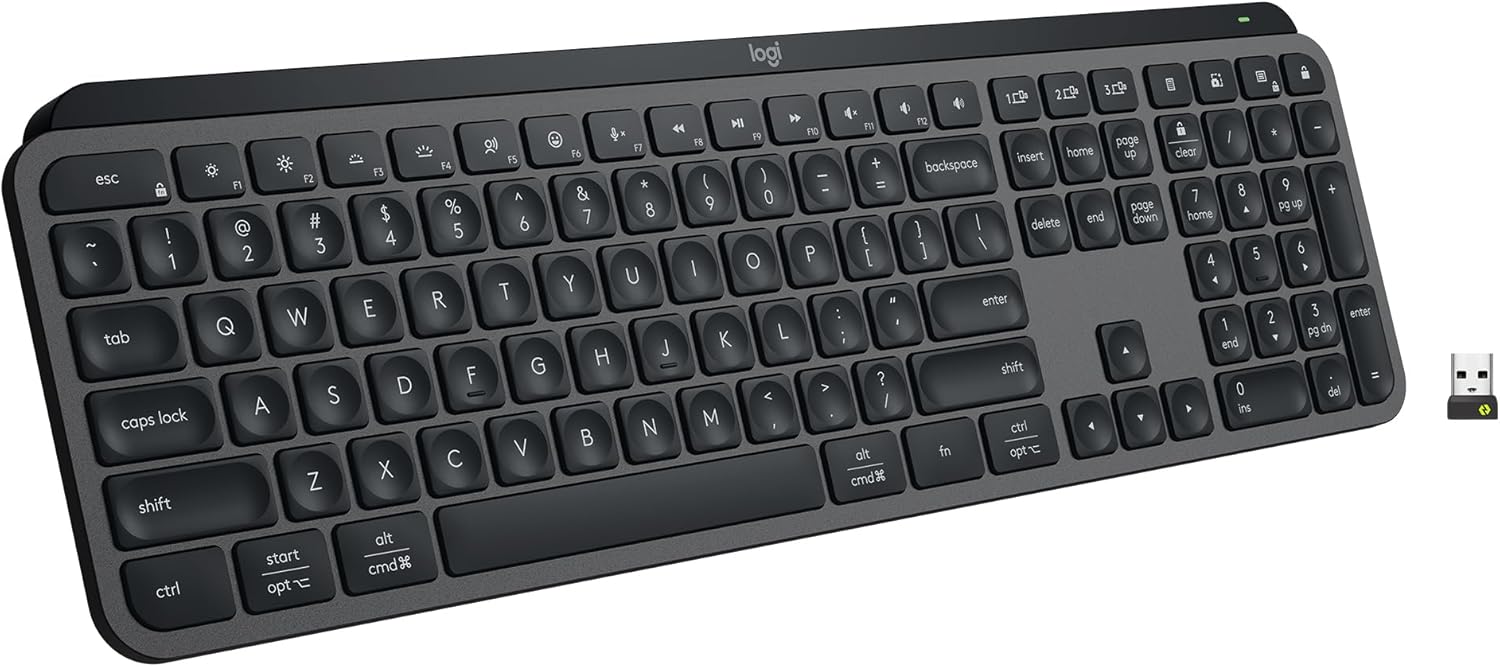
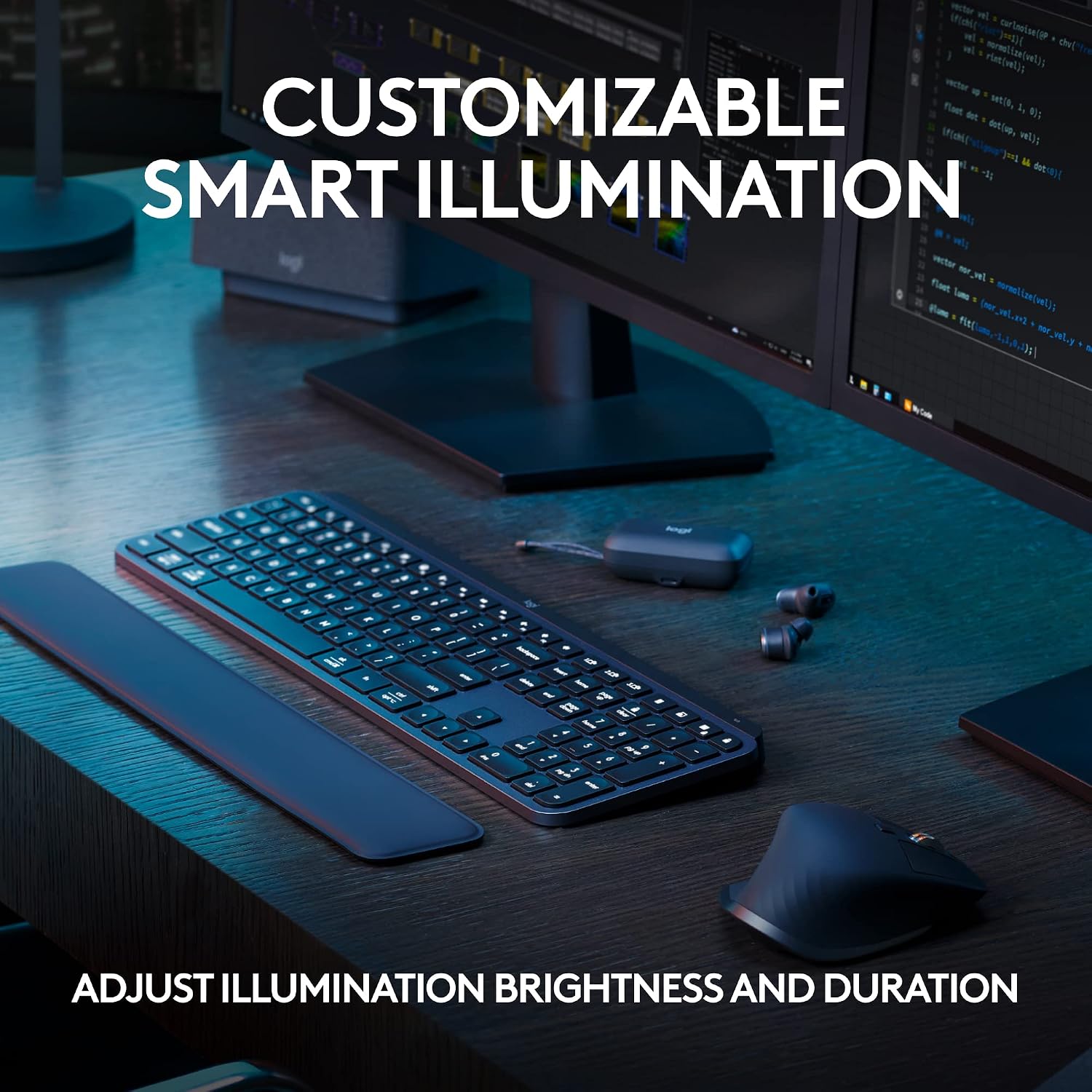
If you value a typing experience that feels more natural and faster, the MX Keys S aims to bridge the gap between laptop comfort and desktop ergonomics. Its low-profile design reduces wrist extension, which can help with longer work sessions. The built-in smart illumination adapts to your environment, brightening as your hands approach so you can type in dim settings without manually adjusting lights. This can contribute to a calmer, more focused workflow over time.
How it fits into a multi-device workflow
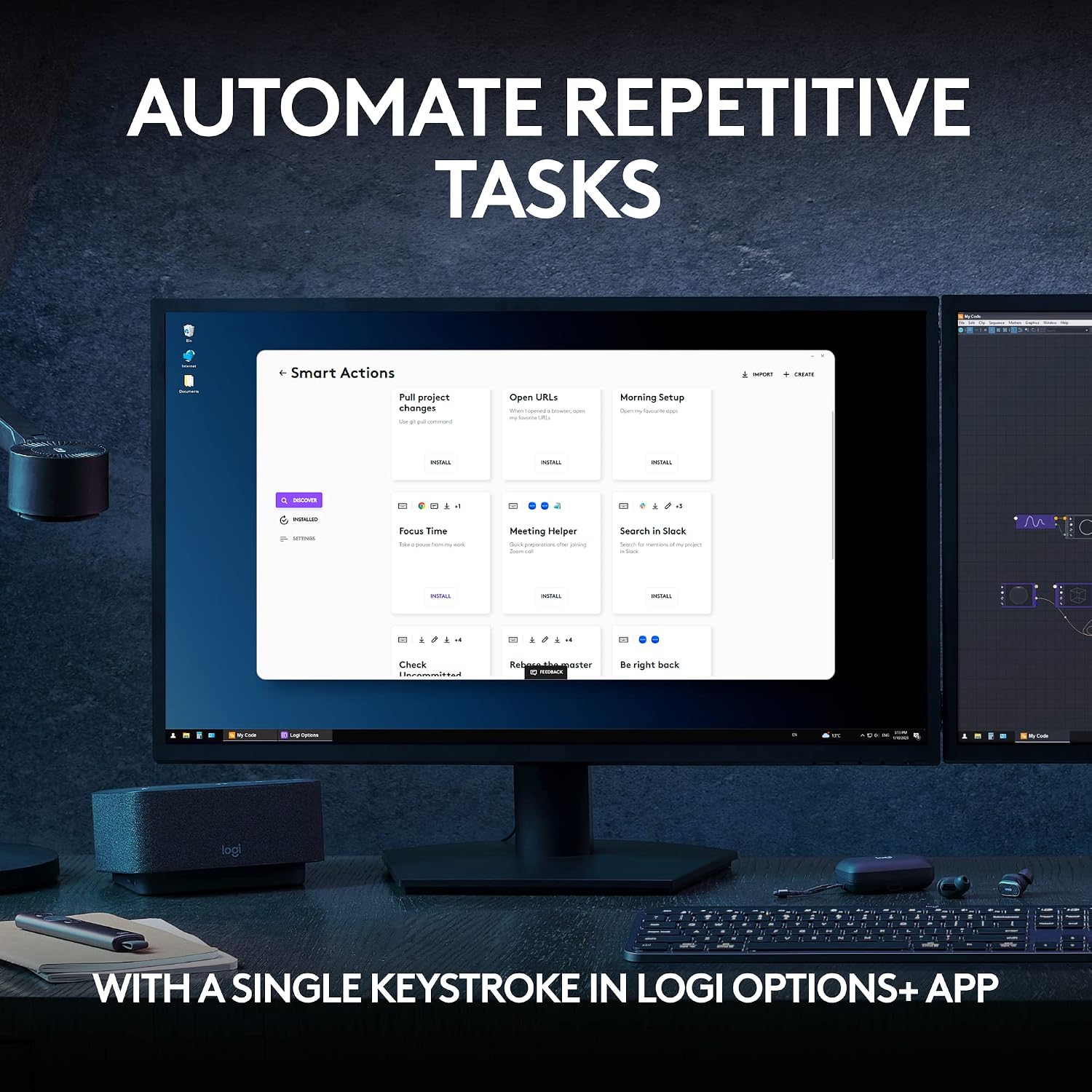
This keyboard is designed for multi-device use: you can pair it with up to 3 devices across Windows, macOS, and Linux via Bluetooth Low Energy or the included Logi Bolt USB receiver. When combined with Logi Options+, you can automate repetitive tasks with Smart Actions, enabling a single keystroke to trigger multiple actions. If you’re juggling a computer, a laptop, and perhaps a tablet, this kind of cross-device control can streamline copy-paste, app launches, and window management.
What stands out in everyday use
There’s a meaningful emphasis on comfort and posture. The keyboard’s solid build and angled stance are meant to support a more natural wrist position. The backlit keys aren’t just about aesthetics, the lighting responds to your approach, and you can customize lighting further within Logi Options+. The inclusion of USB-C charging means energy planning is simpler: a quick charge can keep you going, with stated endurance of up to 10 days on a full charge with backlighting enabled, or up to 5 months with backlighting off.
Limitations and caveats to consider
On the flip side, the emphasis on multi-OS compatibility and a feature-rich app ecosystem means setup can take a bit longer than a straightforward, plug-and-play keyboard. If you’re after a minimal setup with only a single device and straightforward keys, you might not need the extra software layers. Also, while recycled plastic is a notable sustainability point, it doesn’t change the day-to-day feel of typing, which depends more on key geometry and switch noise. Keep in mind that actual battery life depends on backlight use and workload, so experiences may vary.
Who it’s for and who it’s not
It’s a solid option if you work across multiple devices and value a calm, quiet, laptop-like typing experience with smart lighting and software-driven shortcuts. It may be less ideal if you want a budget-priced, ultra-simple keyboard or if you primarily rely on wired setups with zero software extras.
What to check before you buy
- Confirm your primary devices and OS to ensure smooth Bluetooth pairing or logi Bolt compatibility.
- Decide how important backlighting is for your environment, if you rarely type in the dark, you might appreciate the long backlight-off endurance.
- Consider whether Smart Actions in Logi Options+ will actually save you time in your current workflow.
How this compares to other approaches
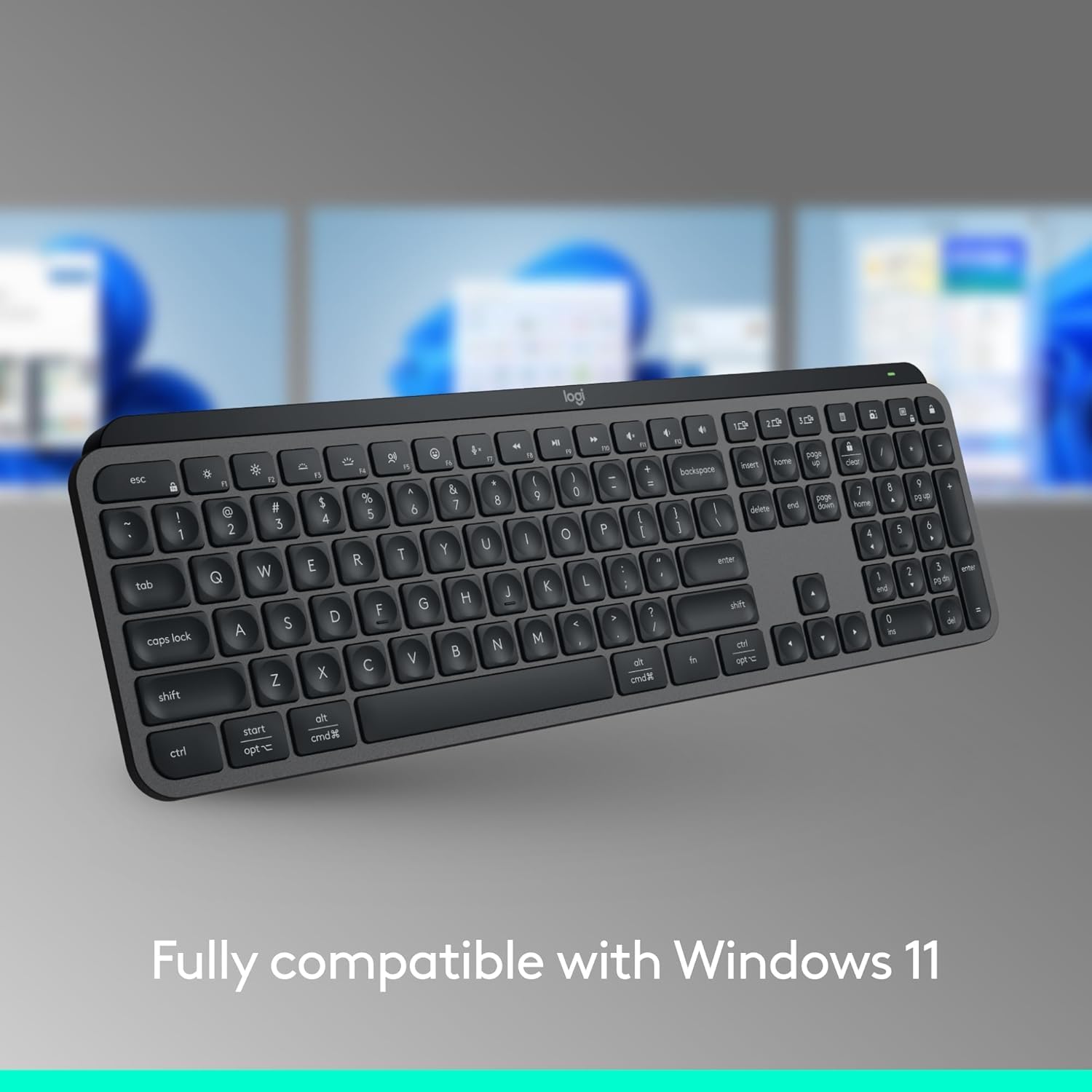
If you’re choosing between a traditional desktop keyboard and a laptop-style option, this MX Keys S sits in a space that prioritizes comfort and cross-device productivity without going full mechanical keyboard. It’s a middle ground for those who crave a refined typing feel and smarter software features, but don’t want to sacrifice quiet operation or a slim profile. For users who don’t need multi-device pairing or backlighting, a simpler keyboard could be more cost-effective.
Buying decision
Is it worth it?
Worth considering if you value a thoughtful, ergonomic typing experience and you regularly switch between devices. It’s not the most affordable option, but the combination of low-profile keys, adaptive illumination, and Logi Options+ automation adds real-use potential for daily tasks.
Quick FAQ
- How many devices can it pair with? Up to 3 devices.
- How long does the battery last with backlighting on? Up to 10 days on a full charge.
- Can I customize lighting and shortcuts? Yes, through Logi Options+.