

NuPhy Air75 V2 Portable 75% Low Profile Mechanical Keyboard
Product description
What it is and who it’s for
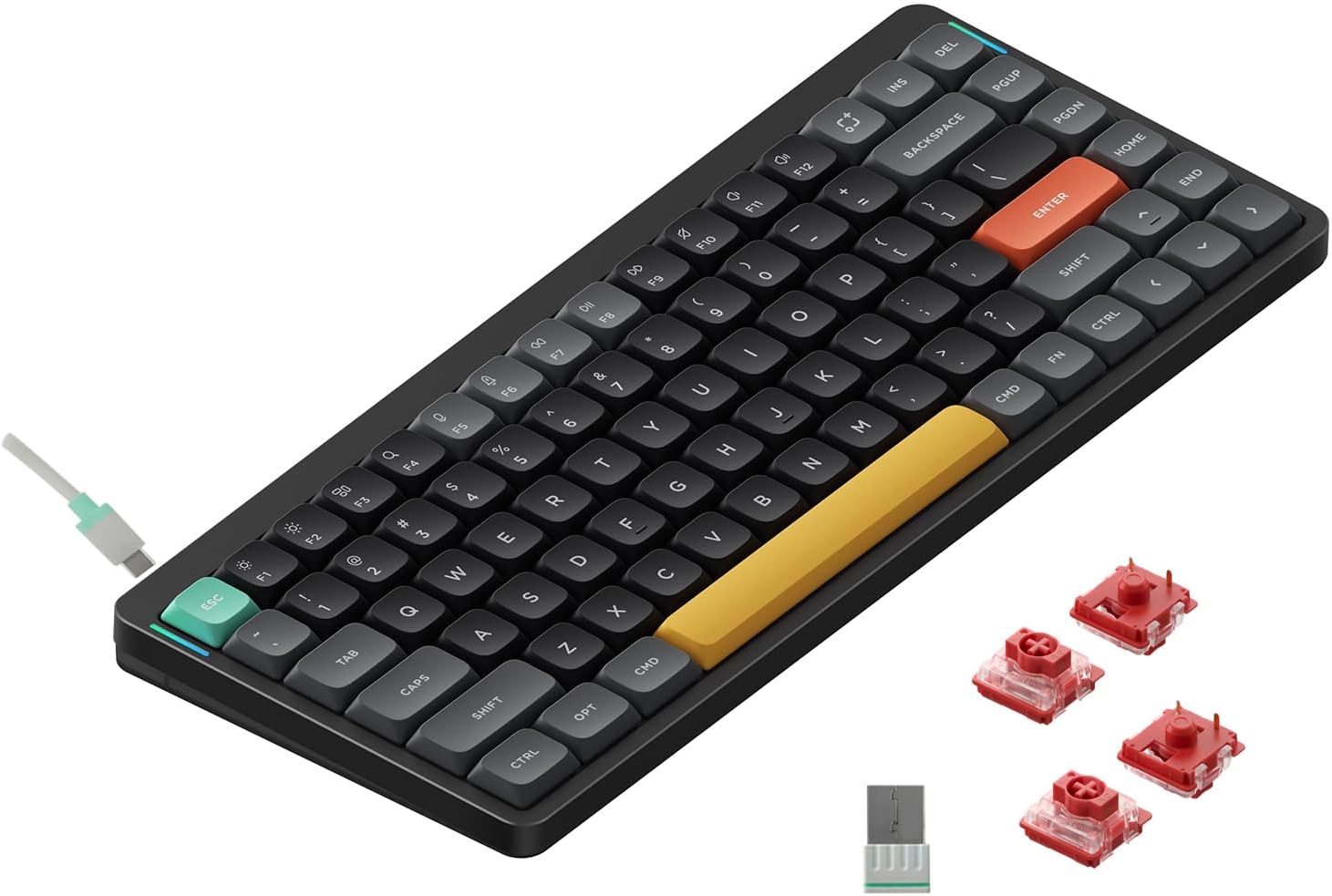
The NuPhy Air75 V2 is a compact 75% wireless mechanical keyboard designed for desks that crave both style and versatility. With a translucent bottom shell paired with a high-quality aluminum frame, this board blends a modern, airy look with grounded stability. If you value portability without sacrificing a premium typing feel—and you often switch between devices—this model aims to be a travel-friendly, multi-OS workspace companion.
Design and build quality
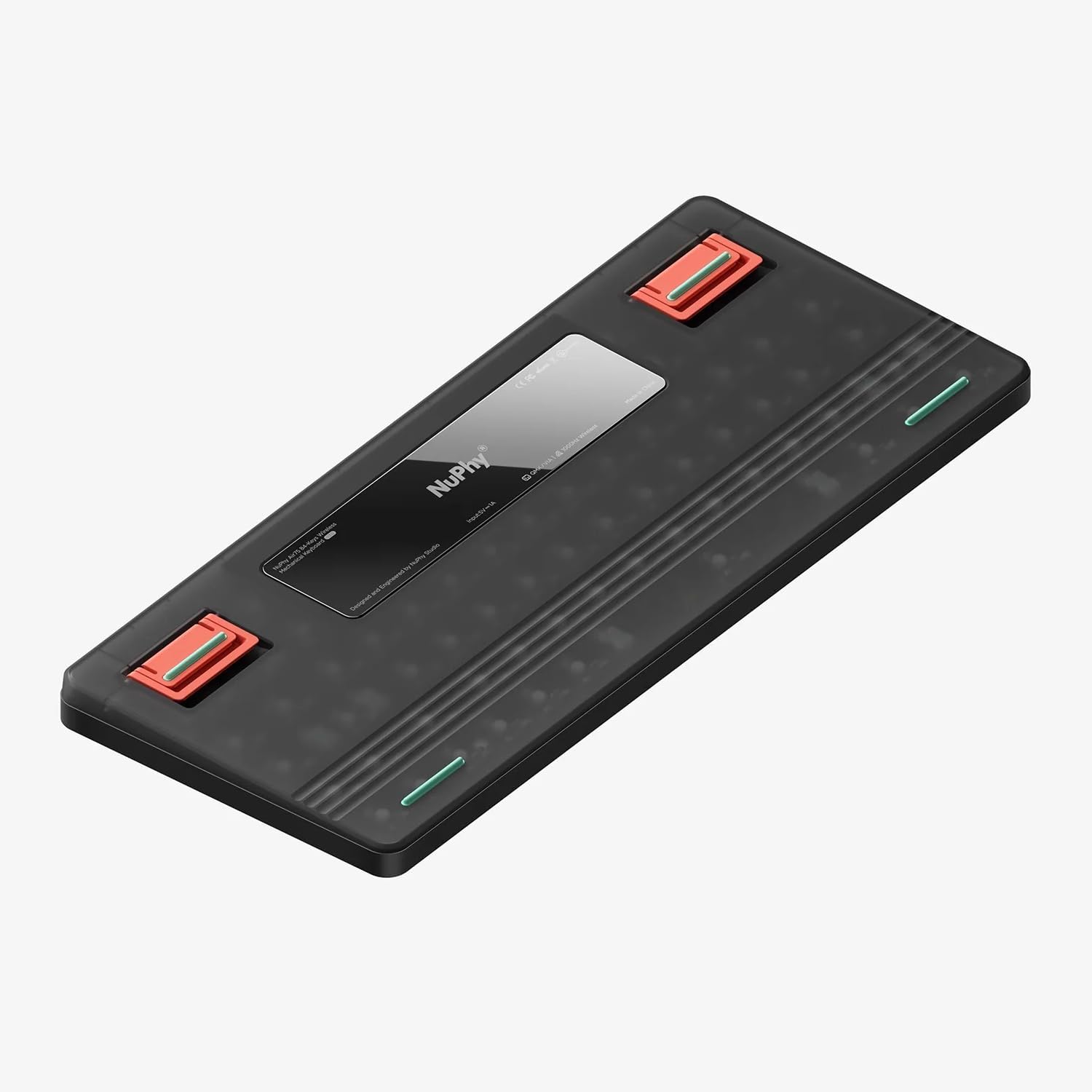
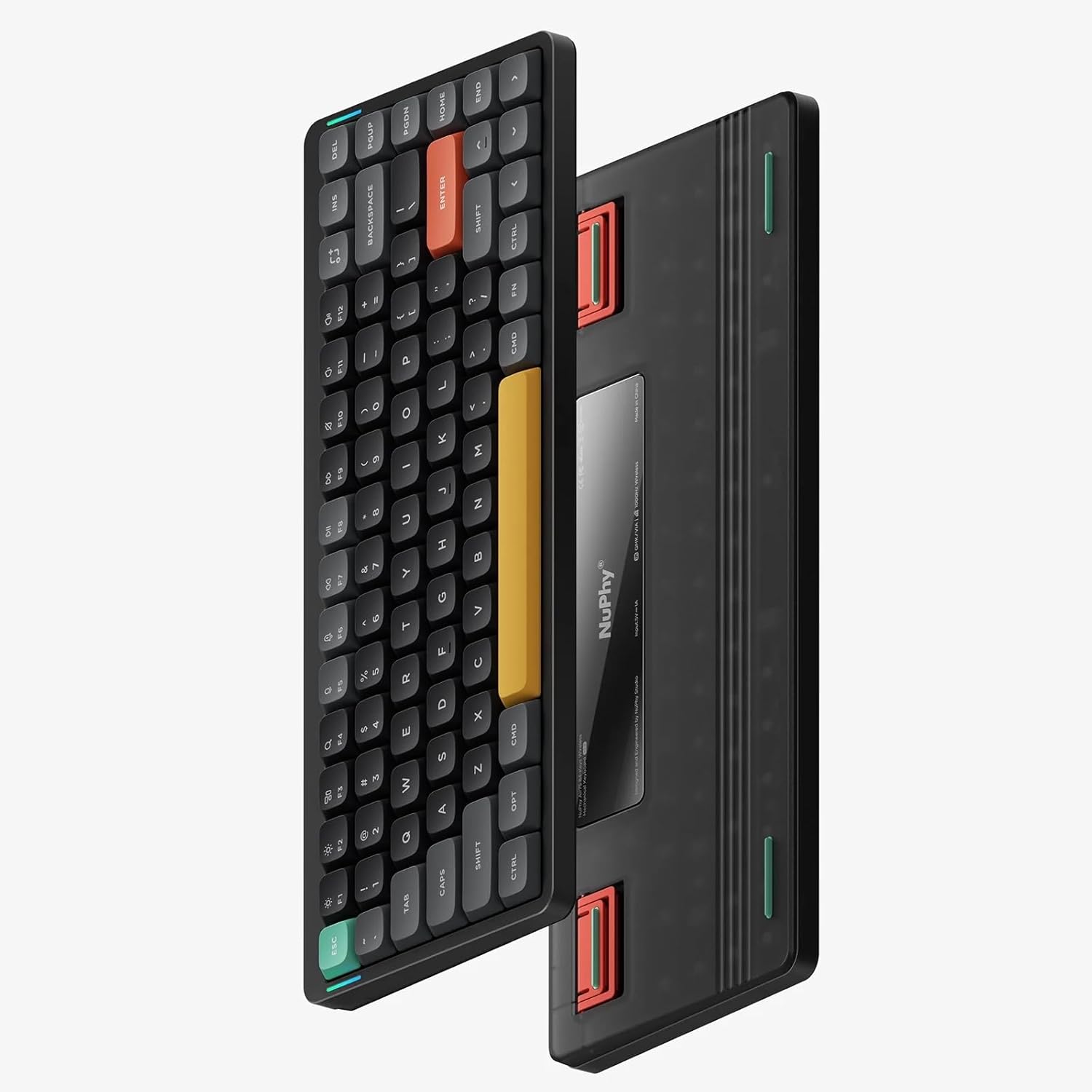
On the surface, Air75 V2 stands out with its translucent bottom case that reveals the internal structure and emphasizes NuPhy’s design language. The keyboard also includes two height stands on the bottom to improve typing comfort during longer sessions. Note that the keycaps themselves are not backlit, but the chassis adds ambient RGB accents through two light bars along the frame. If you prioritize a clean, non-backlit key surface but still want personalization through lighting, this setup can be appealing.
Connectivity and multi-device use
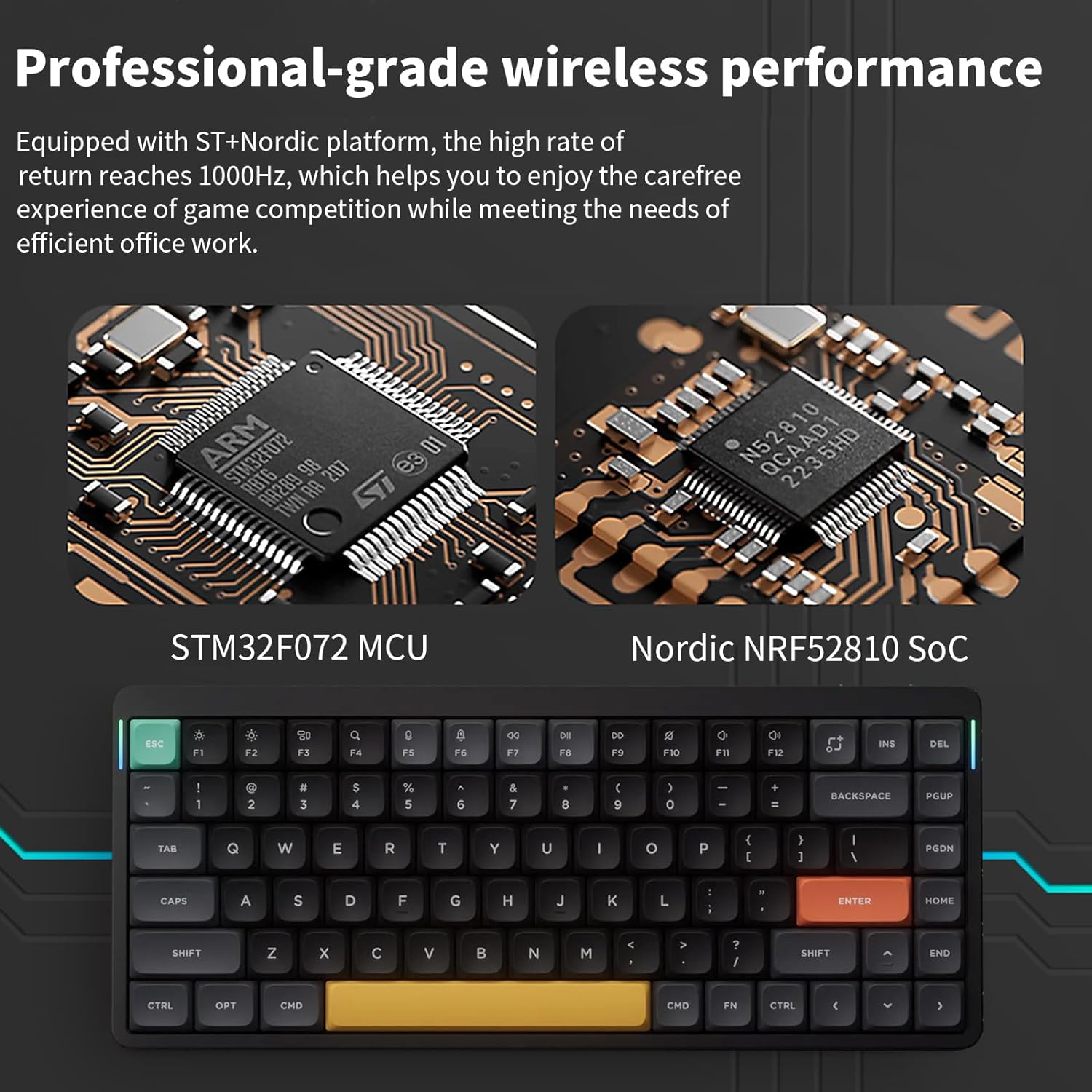
One of the core strengths is connectivity. It supports Bluetooth 5.1, 2.4G dongle, and wired USB-C, and can pair with up to four devices simultaneously. This is convenient for users who juggle a PC, a laptop, a tablet, and perhaps a phone—allowing quick switching without re-pairing. Compatibility spans Windows, Mac OS, Linux, Android, and iOS, which means you can integrate this keyboard into mixed ecosystems without a hassle.
Key switching and typing feel
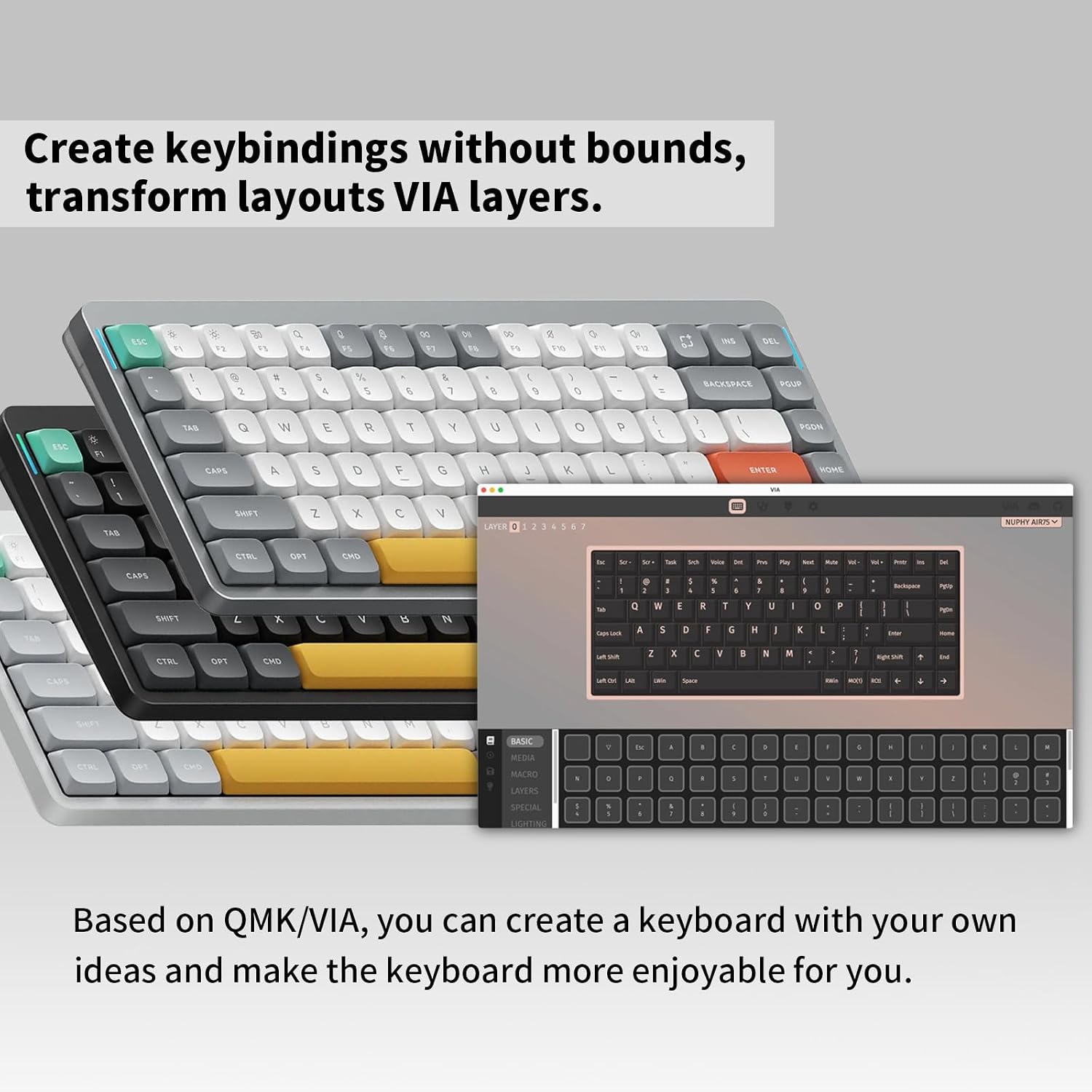
The Air75 V2 uses Gateron Cowberry switches, a detail that matters for tactile or linear preferences depending on your typing or gaming style. While many buyers weigh switch feel heavily, it’s important to recognize the open-source potential via QMK/VIA, which invites remapping and light customization through compatible firmware. If you enjoy tailoring key mappings and lighting to your workflow, this openness can significantly extend the keyboard’s practical value.
Lighting and visual feedback
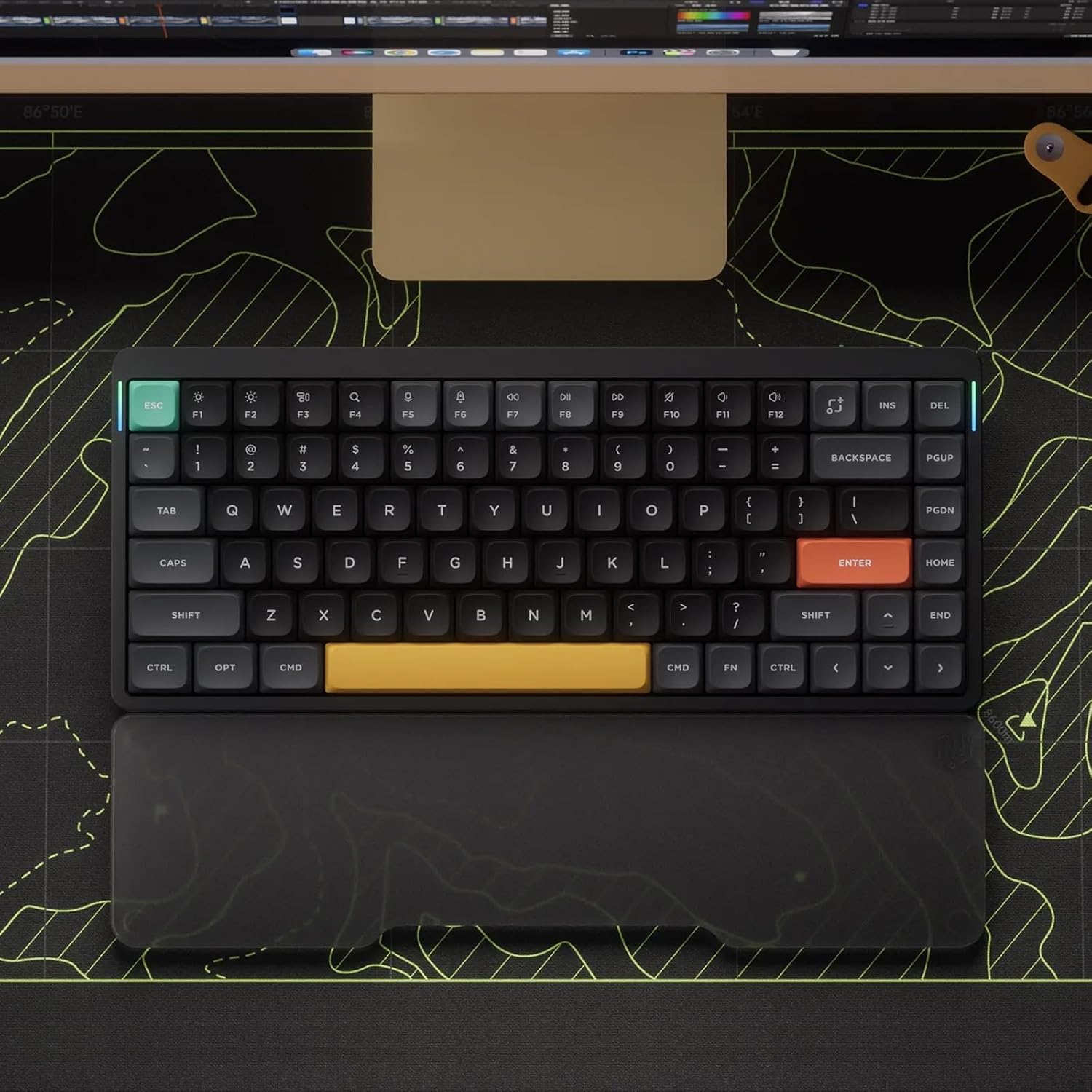
RGB is a notable feature, with more than 21 lighting effects accessible through key combinations. There are also visual status cues on the left and right RGB light bars—cap lock and connection mode on the left, battery level and system mode on the right. However, the keycaps themselves don’t glow, so the lighting is more about ambience and status indicators than full key visibility in low light.
Battery and endurance
Power comes from a 4000mAh battery. In practical terms, you can expect roughly 35–57 hours of use with the backlight fully engaged, depending on usage. If you turn off the lighting, endurance can stretch up to about 220 hours. This places the Air75 V2 in a solid mid-to-high endurance range for wireless mechanical keyboards, especially useful for days without frequent recharging. That said, battery life will vary with lighting, Bluetooth activity, and connected devices.
What it’s best for and who should consider it
If you’re after a portable, multi-device keyboard with a premium chassis, efficient wireless options, and a degree of customization through VIA, the Air75 V2 fits the bill. It’s particularly appealing for multi-OS workflows, creators, students, and professionals who value a compact footprint without sacrificing software flexibility. It may not be ideal if you rely heavily on backlit keycaps for visibility in the dark, or if you want a more aggressive or tactile switch profile that isn’t readily customizable via firmware.
Potential caveats to keep in mind
- The keycaps aren’t backlit, so certain lighting-focused use cases won’t benefit from glowing legends.
- While VIA and QMK support are strong selling points, deep customization requires some setup and familiarity with keyboard firmware.
- The 75% layout, while compact, strips away dedicated function rows and some navigation keys. If you rely on those frequently, this could be a drawback.
Before you buy: what to review
- Confirm you’re comfortable with a compact layout and the 75% form factor for your daily tasks.
- Consider how often you’ll need multi-device switching and ensure your workflow benefits from quick device toggling.
- Decide how important ambient RGB and status indicators are for you, given that the keycaps aren’t backlit.
- If you’re new to QMK/VIA, research the setup process and community resources to maximize customization without frustration.
Practical usage scenario
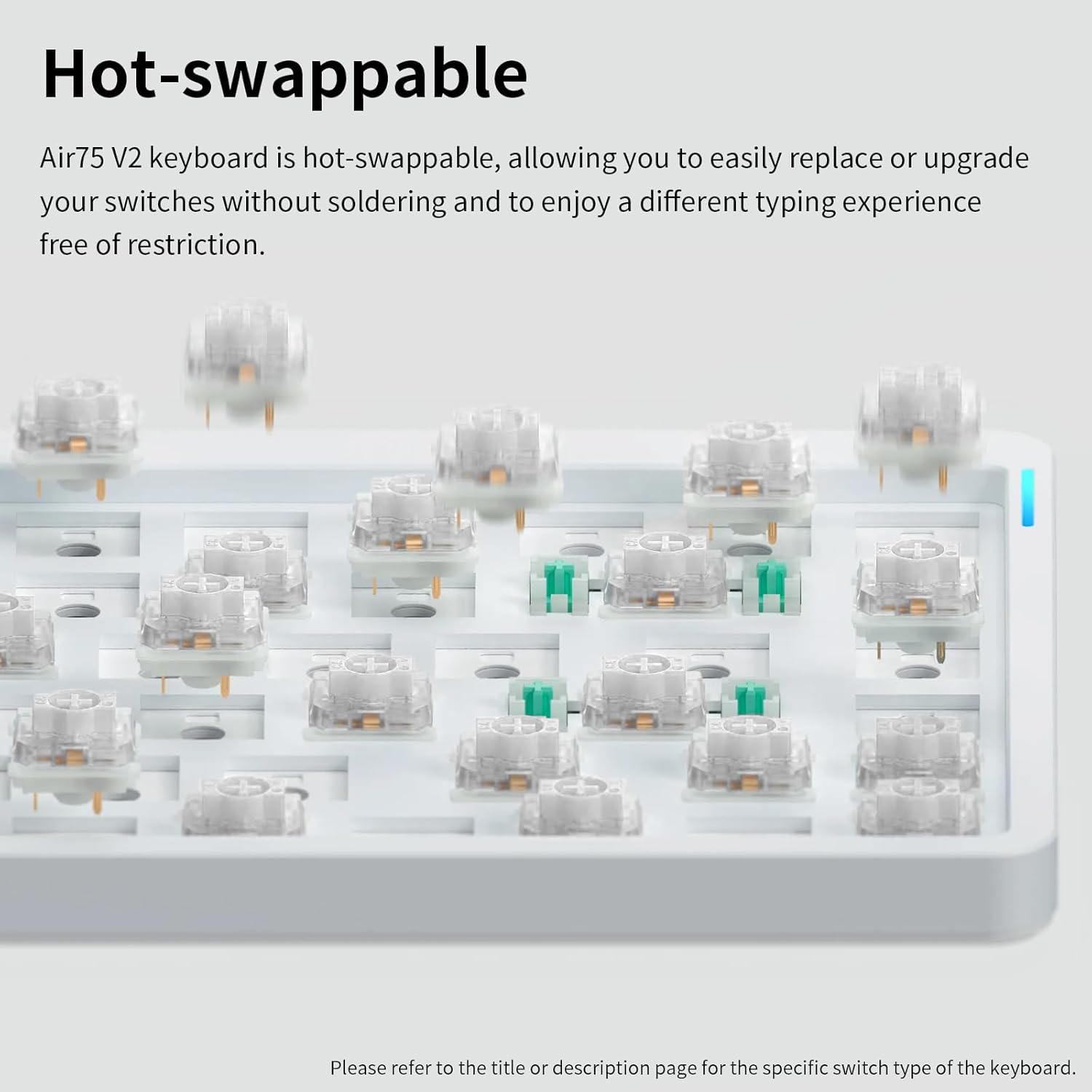
Imagine editing a document on your laptop, streaming a video from a tablet, and having a PC in the background for heavy-duty tasks. With Air75 V2, you could switch between devices with a tap, customize a few remaps for your most-used shortcuts, and enjoy a clean desk setup thanks to the translucent bottom and slim profile. The two height feet also help you dial in a comfortable tilt for long typing sessions.
Final decision: Is it worth it?
If you prioritize a portable, highly adaptable wireless keyboard with multi-device support, a premium build, and open firmware for personalization, the NuPhy Air75 V2 is worth considering. It isn’t the most feature-rich option for backlit key illumination, but its combination of form factor, battery life, and customization potential targets a clear use-case: a versatile workstation that travels well and plays nicely with diverse systems.
FAQ
- How many devices can it connect to simultaneously? Up to four devices.
- Do the keycaps glow? No, the keycaps themselves are not backlit.
- Is firmware customization accessible to beginners? VIA/QMK support exists, but some setup is recommended for full customization.