

NETGEAR GS324 24-Port Gigabit Ethernet Switch, Unmanaged and Fanless
Product description
For a home office or media area with several wired devices, the NETGEAR GS324 adds 24 Gigabit Ethernet ports in one place. It’s an unmanaged switch, so setup is plug and play, with no software or configuration required. Need flexible placement as well as more ports? Its metal design supports desktop, wall, or rack mounting.
Worth noting
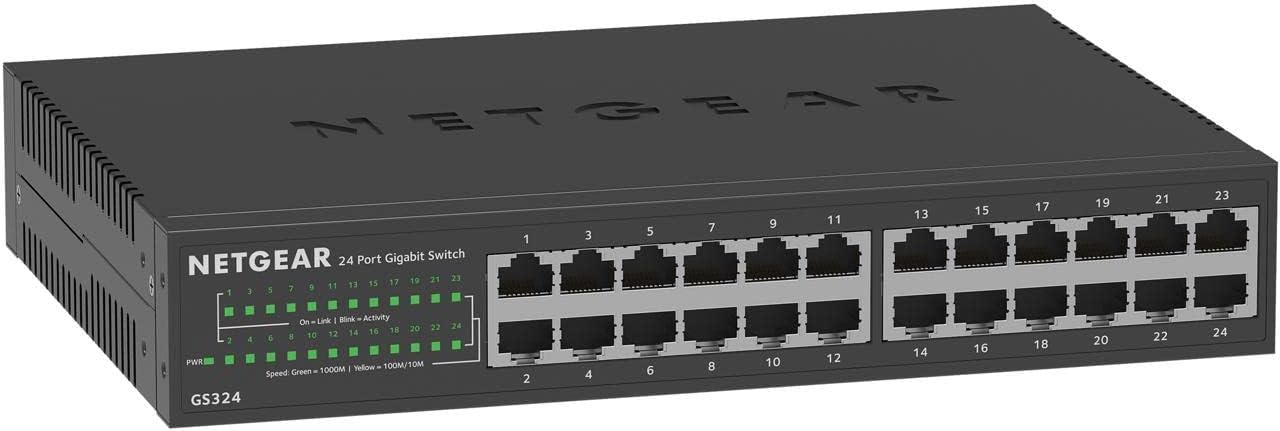
Each port supports 1.0Gbps Ethernet and auto-negotiates with connected devices. The switch works with existing Cat5e or Cat6 Ethernet cables, which can make it a practical way to add wired connections without replacing compatible cables. Its fanless design is intended for silent operation, while IEEE 802.3az Energy Efficient Ethernet helps reduce power use.
The trade-off is the unmanaged approach: this model is built for straightforward connections, not for users who want to configure or manage network settings through the switch. It is specified for use in the U.S. and Canada. The package includes a power cord, desktop rubber feet, rack-mount and wall-mount kits, and an installation guide.
Getting the most from it
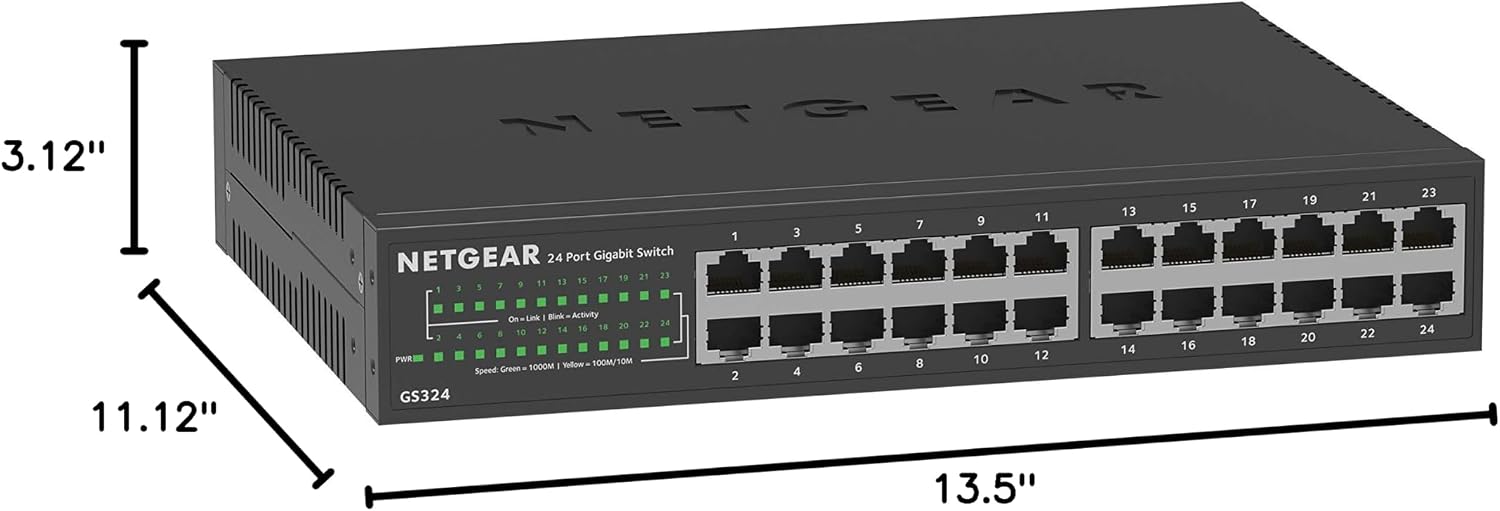
Think through where the wired devices and network cables will sit before choosing a mounting position. The included options let you place the GS324 on a desktop or attach it to a wall or rack, while the auto-negotiating ports handle connection speed for compatible devices. For a household media setup, it can bring a TV, gaming console, and computer together on wired Ethernet, in a small office, the same 24-port layout can serve multiple computers and other compatible equipment.
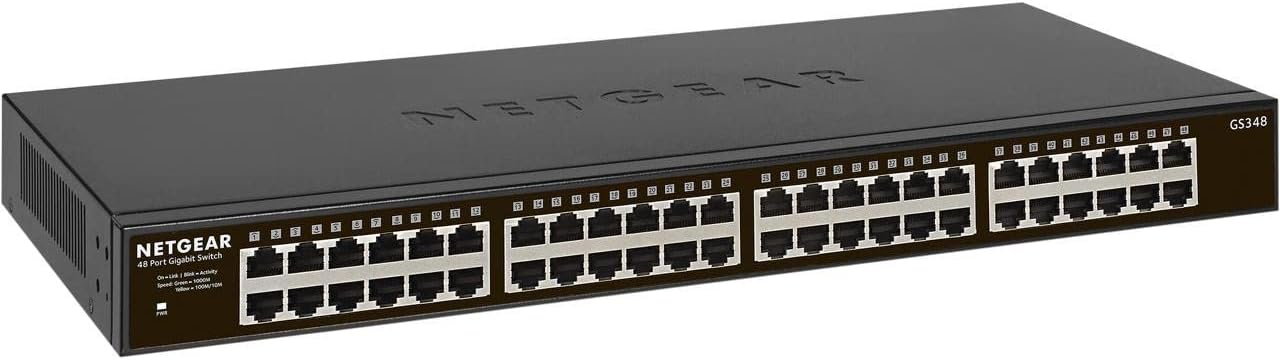
Customer feedback often highlights the easy setup and solid-feeling construction. Reports about reliability and connectivity are mixed, though: some buyers describe years of use, while others report failures or connection problems. Those experiences are worth weighing alongside the straightforward feature set rather than treating them as a guarantee of how any individual unit will perform.
Best use cases
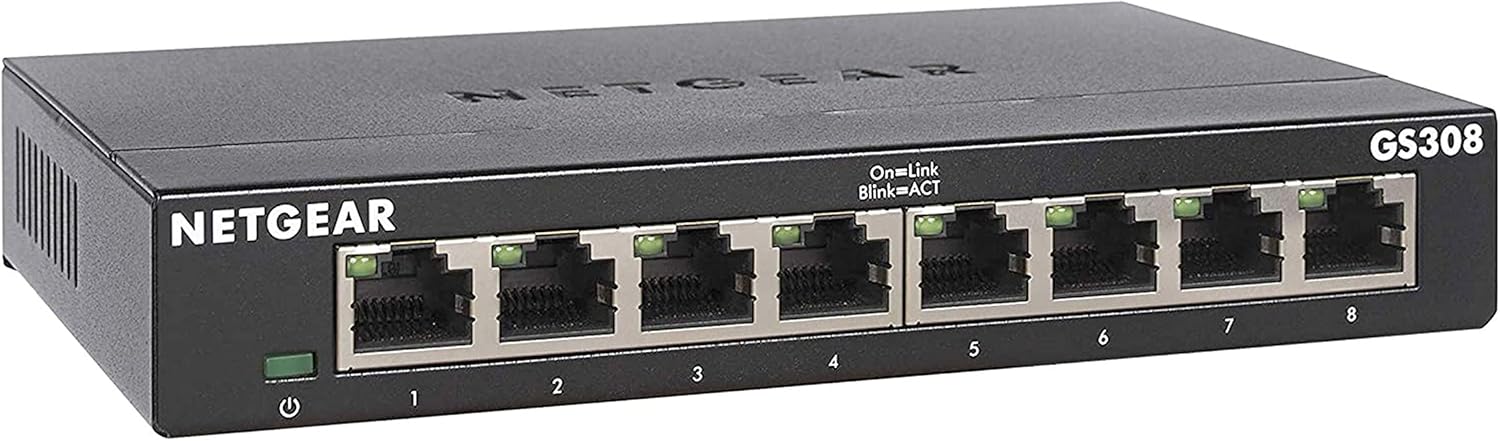
The GS324 makes sense when a home or small office needs many wired connections and does not need switch configuration. Its mounting options are useful when a desktop placement is inconvenient or a rack is already part of the setup. Compared with choosing a smaller switch for only a few devices, the 24-port layout gives more room for a larger wired network. A managed switch is the more relevant direction if network controls are a priority.
It suits you if you want a fanless, plug-and-play way to connect multiple wired devices using Cat5e or Cat6 cables. It’s not for you if you need a managed switch or are buying for use outside the stated U.S. and Canada region.
Before you decide
Does the GS324 require software or configuration? No. NETGEAR describes it as plug and play, with no software installation or switch configuration required.

What mounting options are included? The package lists desktop rubber feet, a rack-mount kit, and a wall-mount kit, so placement can follow the available space.
Which Ethernet cables does it work with? The product information names existing Cat5e and Cat6 Ethernet cables and says the ports auto-negotiate with connected devices.
Should you buy it?
Choose the NETGEAR GS324 when the main need is adding a substantial number of wired Gigabit Ethernet connections with minimal setup and flexible mounting. Its fanless design also fits spaces where switch noise matters. If you need network management features, or need a product specified for a different region, this is not the right fit, for a basic wired expansion in a home or small office, its 24 ports and included mounting hardware are the most decision-relevant advantages.