

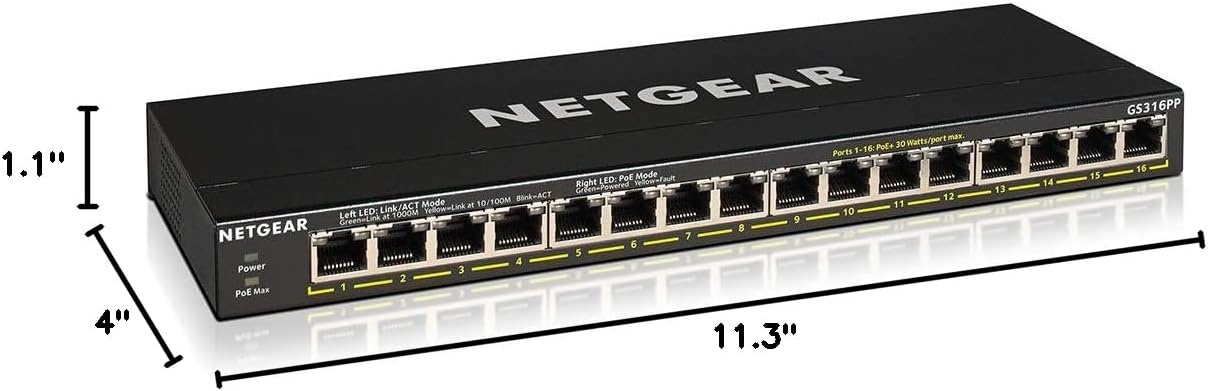
NETGEAR GS316PP 16-Port Gigabit PoE+ Unmanaged Switch, 183W, Fanless
Product description
For a home security camera setup or another network with several PoE devices, the NETGEAR GS316PP combines 16 Gigabit Ethernet ports with PoE+ power in one unmanaged switch.
It can also suit a small office or home network where straightforward wired connections matter more than configurable network controls. Setup is plug and play, with no software installation or configuration required.
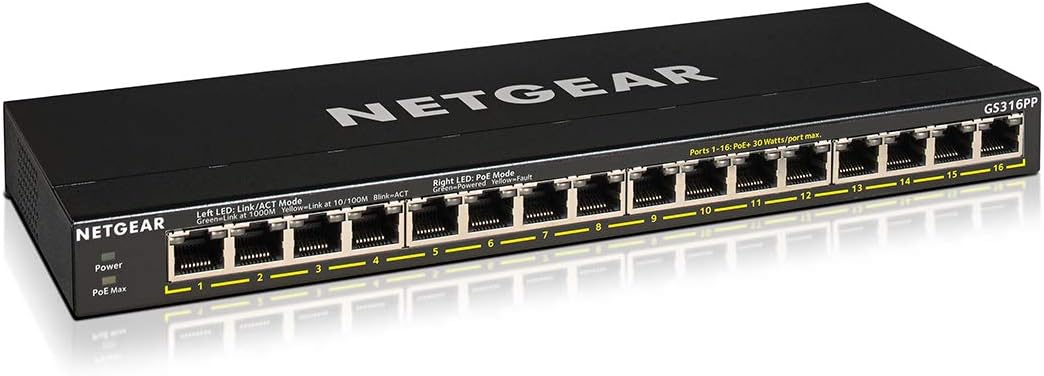
The fanless design is intended for silent operation, and the switch can sit on a desktop or be wall mounted. It is not listed as a rack-mount model.
What to know
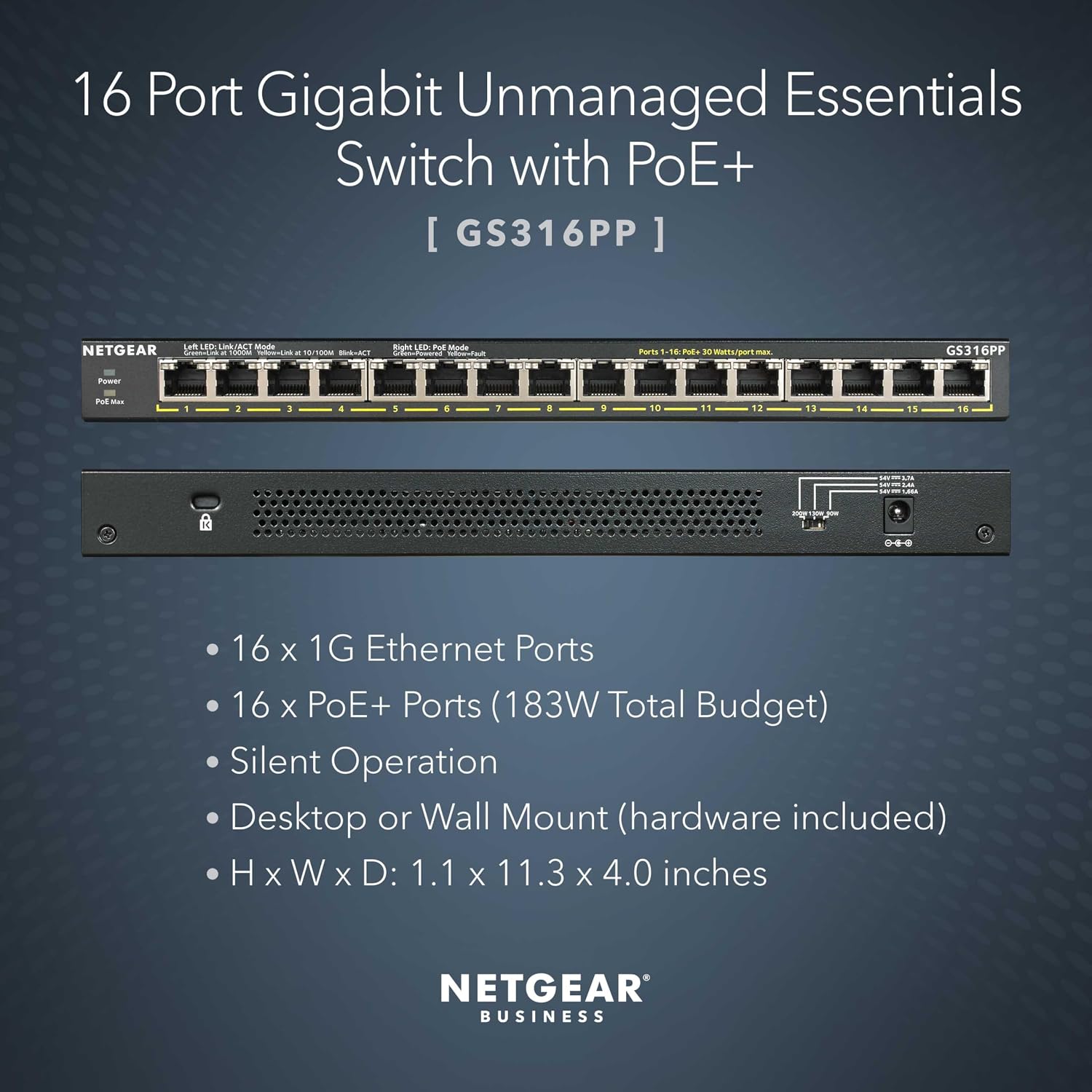
All 16 ports support Gigabit Ethernet and PoE+. Each PoE+ port can deliver up to 30W, while the shared power budget is 183W. That distinction matters when planning a group of cameras, phones, or other powered devices: the per-port figure does not mean every port can draw its maximum at once. Dynamic PoE allocation redistributes unused power to devices that need more, within the total budget.
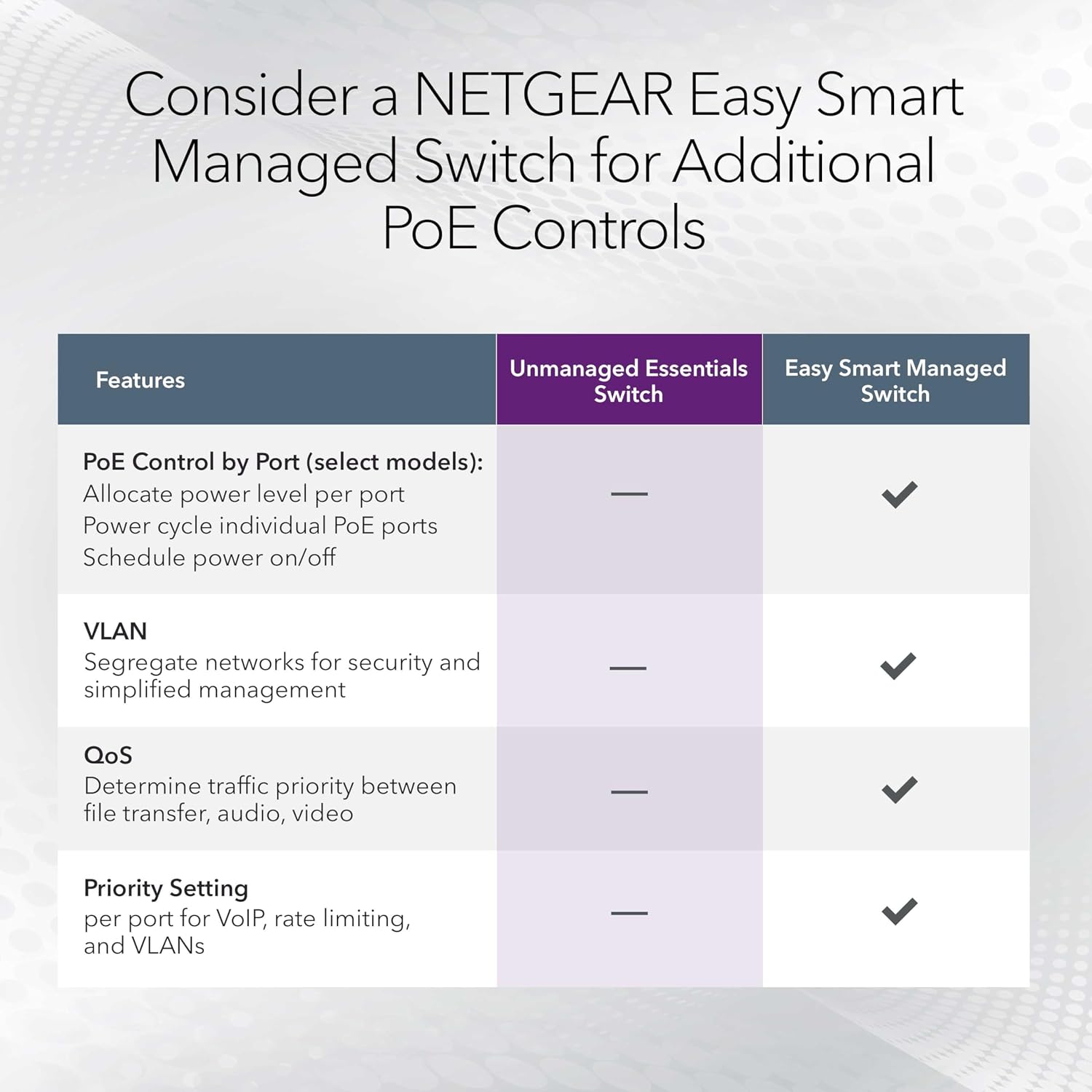
The ports auto-negotiate connection speed and work with existing Cat5e or Cat6 Ethernet cables. As an unmanaged switch, the GS316PP focuses on adding wired connections and PoE power without requiring network setup. A managed switch is a better fit if you need to configure or monitor network settings.
Buyers describe it as easy to install and dependable in home camera systems and Gigabit networks, and some report using it with VoIP phones. Feedback also praises its solid construction. These are user impressions, not a substitute for matching the switch’s power budget to the devices you plan to connect.
Practical tips
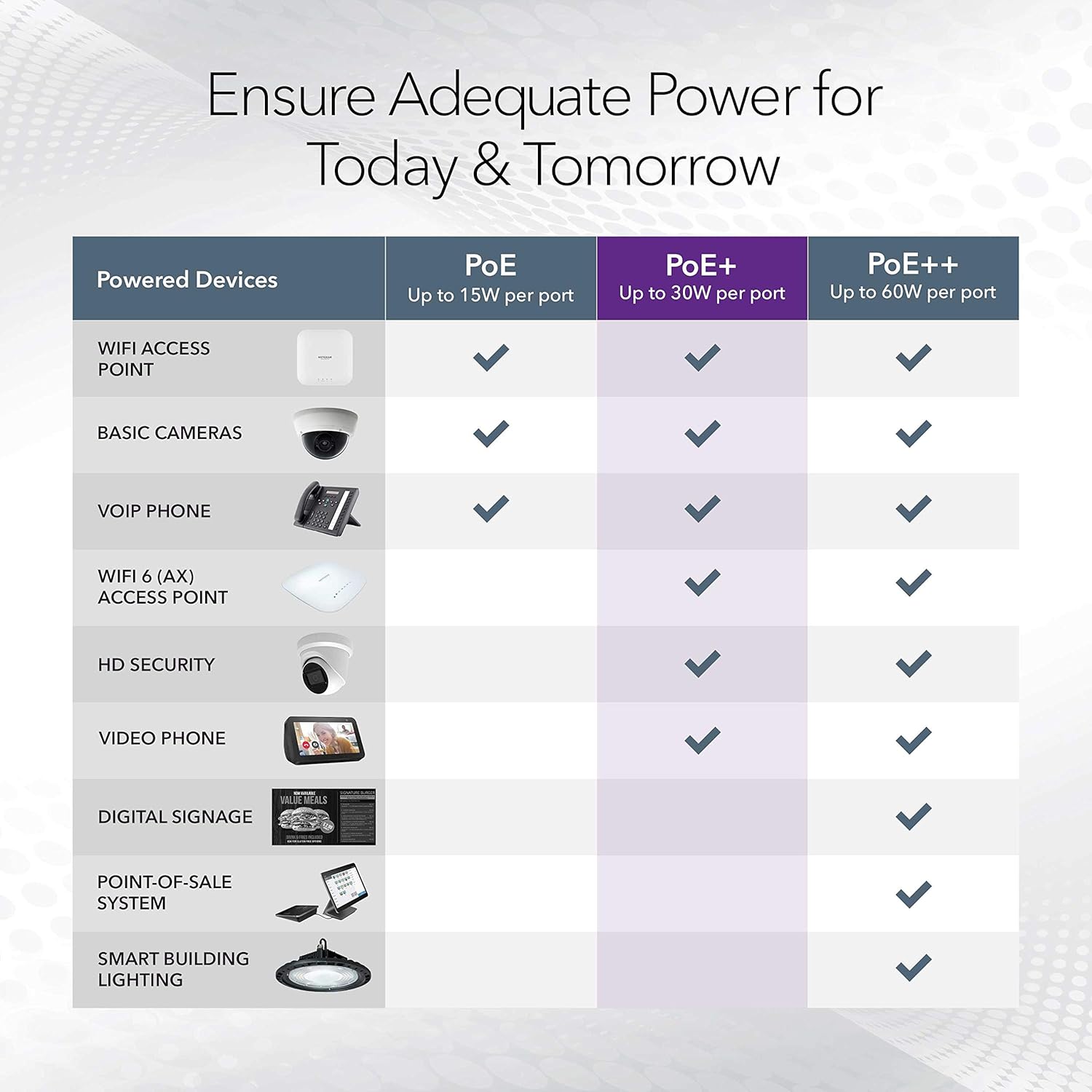
Before choosing it, list the devices that need PoE and check their power requirements against both the 30W-per-port maximum and the 183W total budget. The switch can power compatible devices while carrying their network connection, so it can reduce the need for separate power adapters at those endpoints. Non-PoE devices can use the Ethernet ports for data connections.
Placement is another decision point. The included components list a wall-mount kit, and the product supports desktop or wall placement. Rack mounting is not listed, buyers also report that it is not rack mountable and lacks rack-mount hardware. If your setup is built around a rack, choose a model designed for that installation instead.
Tips for day-to-day use
A practical setup could connect security cameras around a home, with the switch linking them to the wired network and supplying PoE where the cameras support it. Leave room in the shared power budget for every connected device rather than judging capacity by port count alone. The fanless design is useful where fan noise would be distracting, such as a desk or a quiet home-network area.

The switch also supports IEEE 802.3az Energy Efficient Ethernet, which reduces power consumption without compromising high-speed network performance, according to the product details. A solid pick if you want many wired Gigabit ports and PoE+ in a simple desktop or wall-mounted unit. It may not suit you if rack installation or managed network controls are essential.
Practical questions
Does every port provide PoE+? Yes. All 16 ports support PoE+, with up to 30W per port, subject to the shared 183W budget.
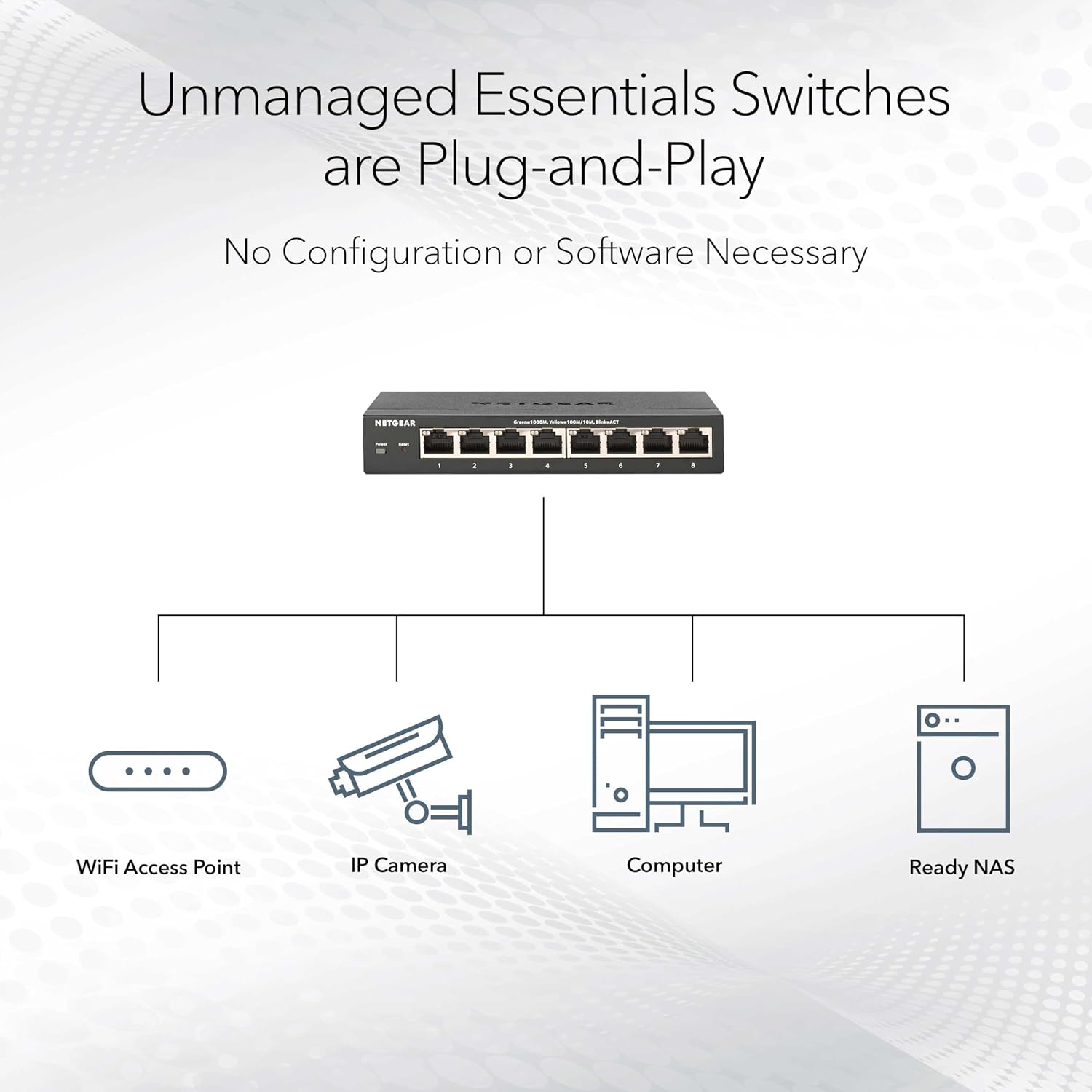
Do I need to configure the switch? No software or configuration is required for plug-and-play setup. It is an unmanaged switch.
Can it be mounted in a rack? Rack mounting is not among the listed options. Desktop and wall mounting are supported, and the included components list a wall-mount kit.
Final verdict
Choose the GS316PP when your priority is adding a large set of Gigabit wired connections and PoE+ power without managing switch settings. Its 16 PoE+ ports, 183W shared budget, quiet fanless design, and desktop or wall placement suit camera and small-network setups. Look elsewhere if you need rack mounting or want to manage network configurations, those requirements are not covered by this model’s listed features.