

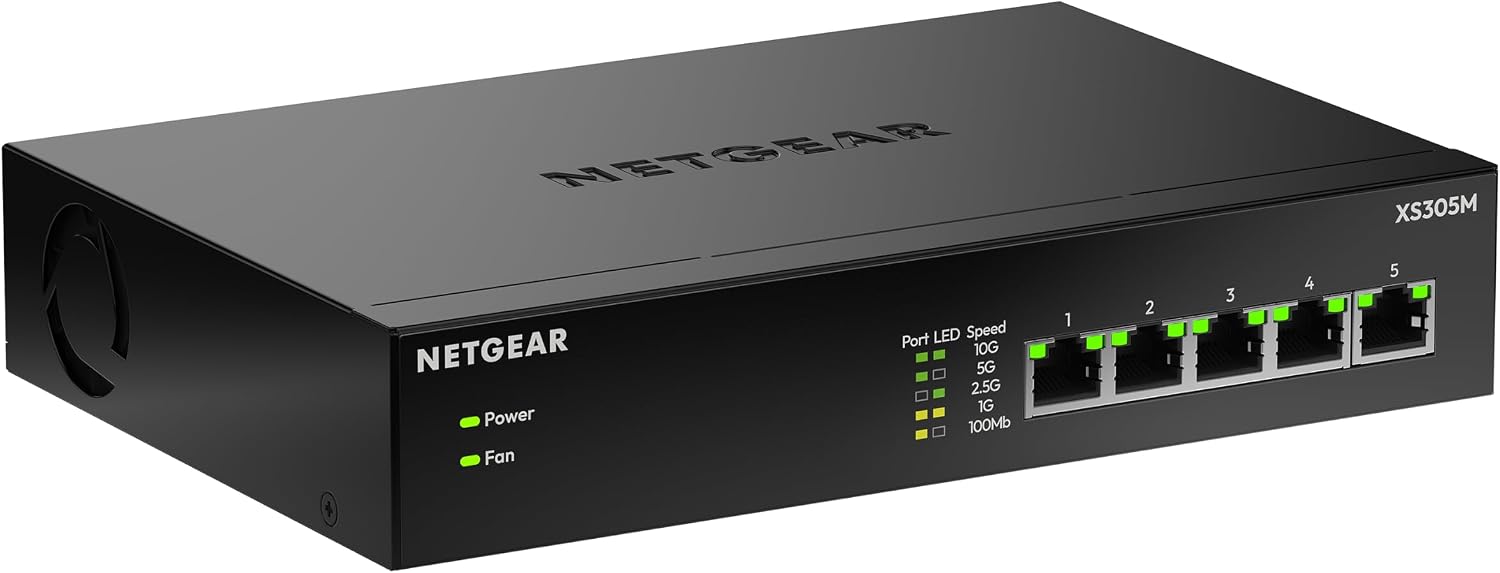
NETGEAR Ethernet switch MS308
Product description
For a home office, creative workspace, or small network with several wired devices, the NETGEAR MS308 adds eight multi-gigabit Ethernet ports without asking you to configure a network interface. Its ports support up to 2.5Gbps and automatically negotiate a speed with each connected device. That makes it a straightforward way to connect compatible equipment using Cat5e or Cat6 cables you already have. The tradeoff is its simplicity: this is an unmanaged switch, not a tool for customizing network settings.
How to use it
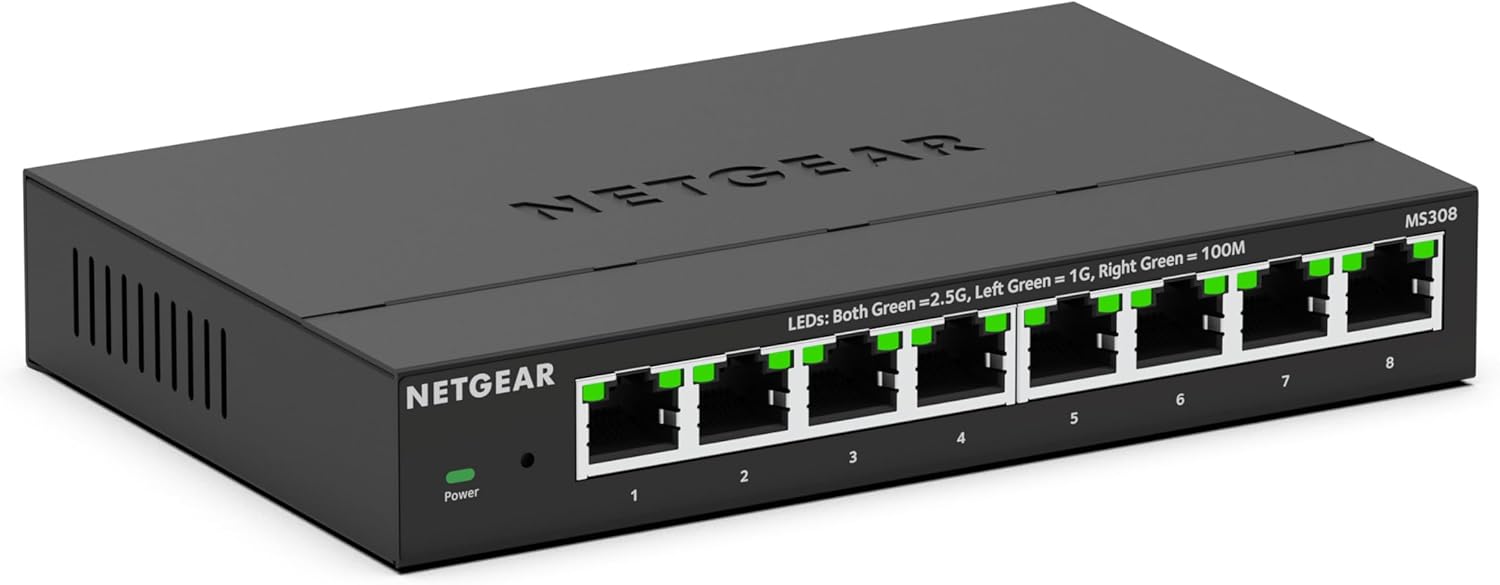
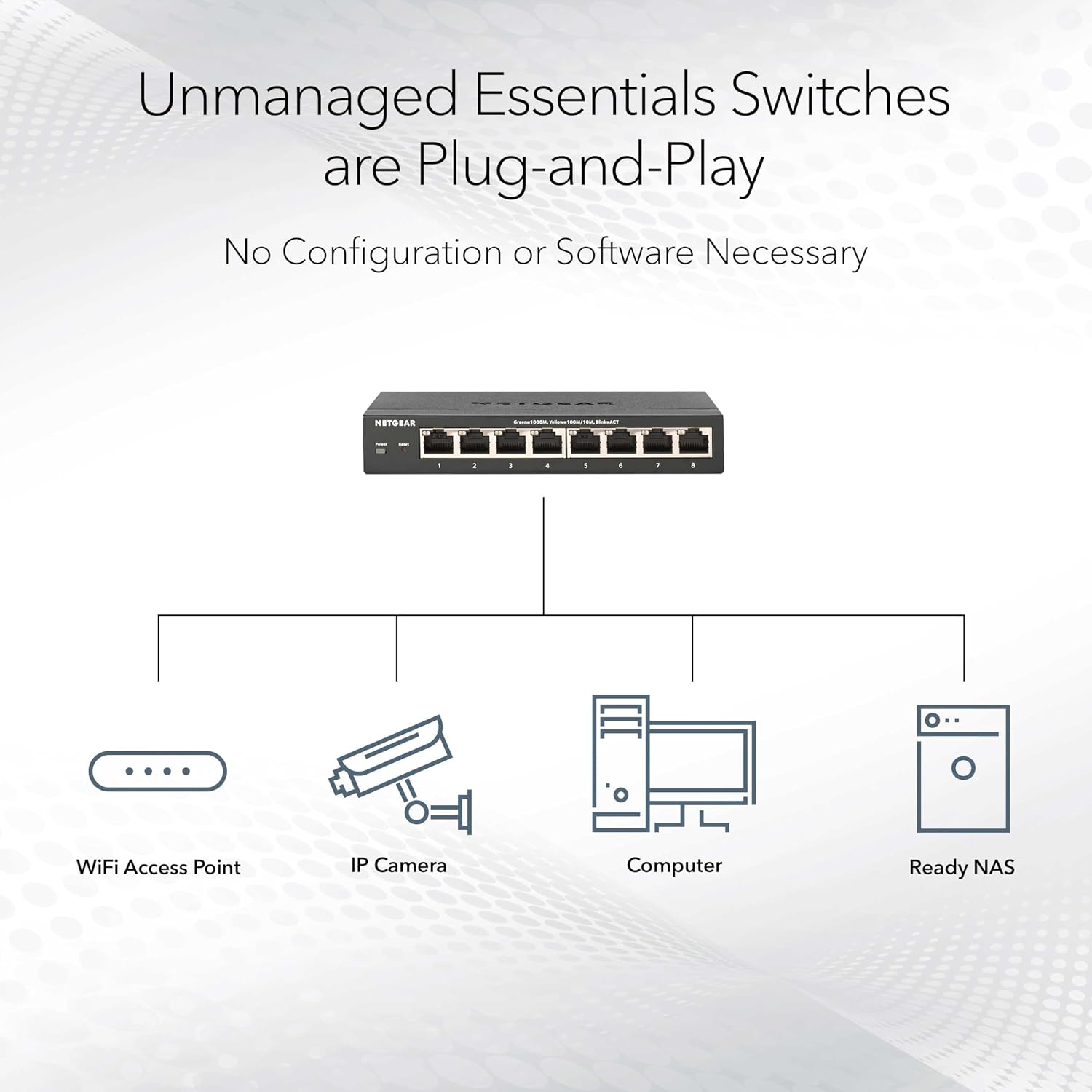
Connect the switch to your wired network and plug in the devices you want to bring together, there’s no software installation or configuration step. For example, you could place it on a desk and connect a computer and other wired gear, or mount it on a wall where a desktop unit would be in the way. Its compact metal case supports both placements, and the fanless design avoids the noise of a cooling fan.
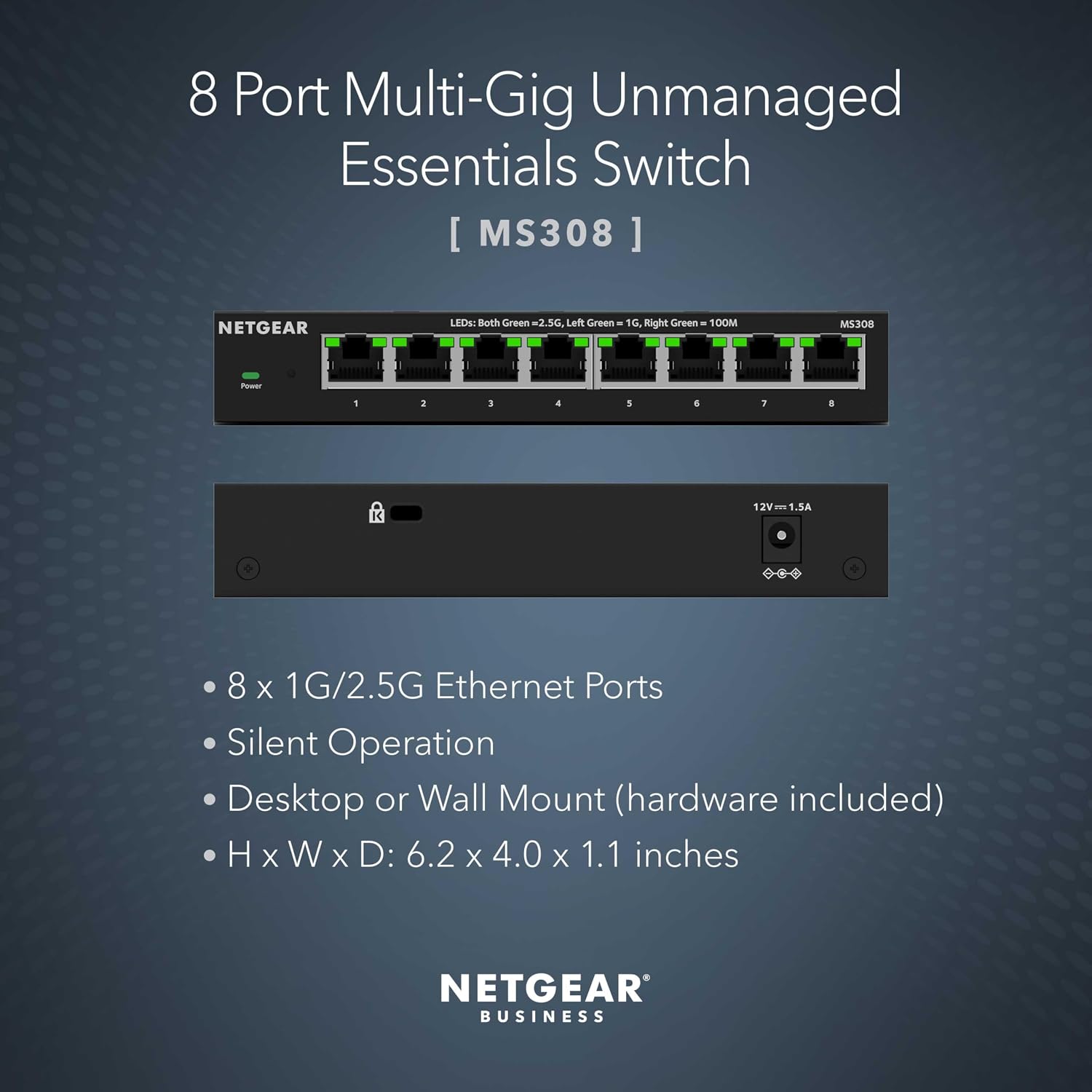
The 2.5Gbps ports are useful when your connected equipment can also use multi-gigabit Ethernet. If a device supports a lower speed, the ports automatically negotiate the best speed available for that connection, the switch doesn’t make the device itself faster. Existing Cat5e or Cat6 cabling is supported, so replacing every cable isn’t a stated requirement. Are you looking to add faster wired links without managing a more complex network setup? That’s the use case this model is built around.
Pros
- Eight 2.5Gbps Ethernet ports provide room to connect multiple compatible wired devices.
- Plug-and-play operation means no software installation or manual configuration.
- Desktop and wall-mount placement gives you a choice of where to put it.
- Fanless operation keeps the switch silent, while IEEE 802.3az Energy Efficient Ethernet is designed to reduce power consumption.
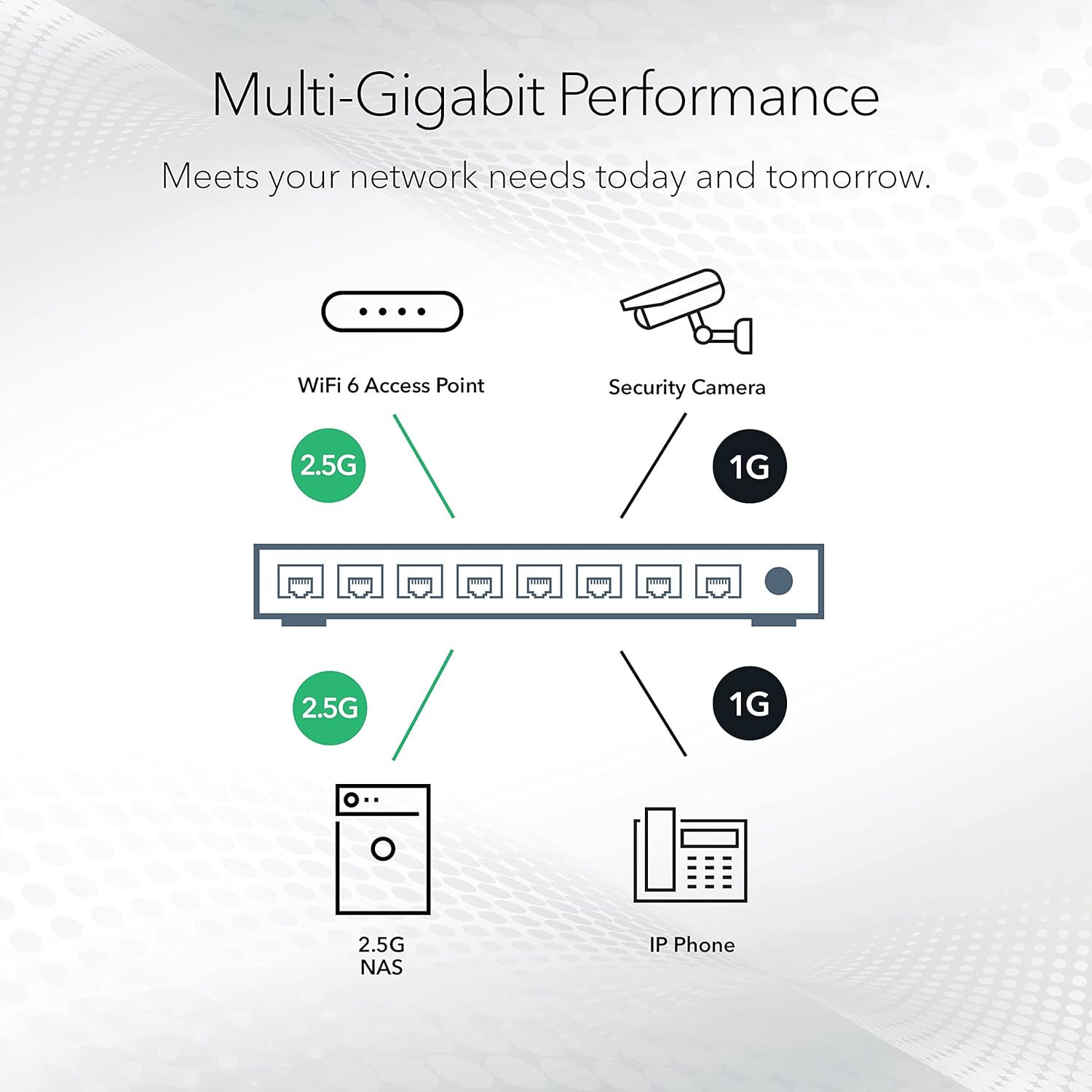
The main limitation is also the defining choice: because it’s unmanaged, it doesn’t offer the configuration controls of a managed switch. You’ll appreciate it if you want to add multi-gigabit wired connections and keep setup simple. It may not suit you if you need to manage or customize network behavior. The product is made for use in the U.S. and Canada only, which also narrows who should consider it.
Spec sheet
- Name: NETGEAR MS308
- Type: Unmanaged multi-gigabit Ethernet switch
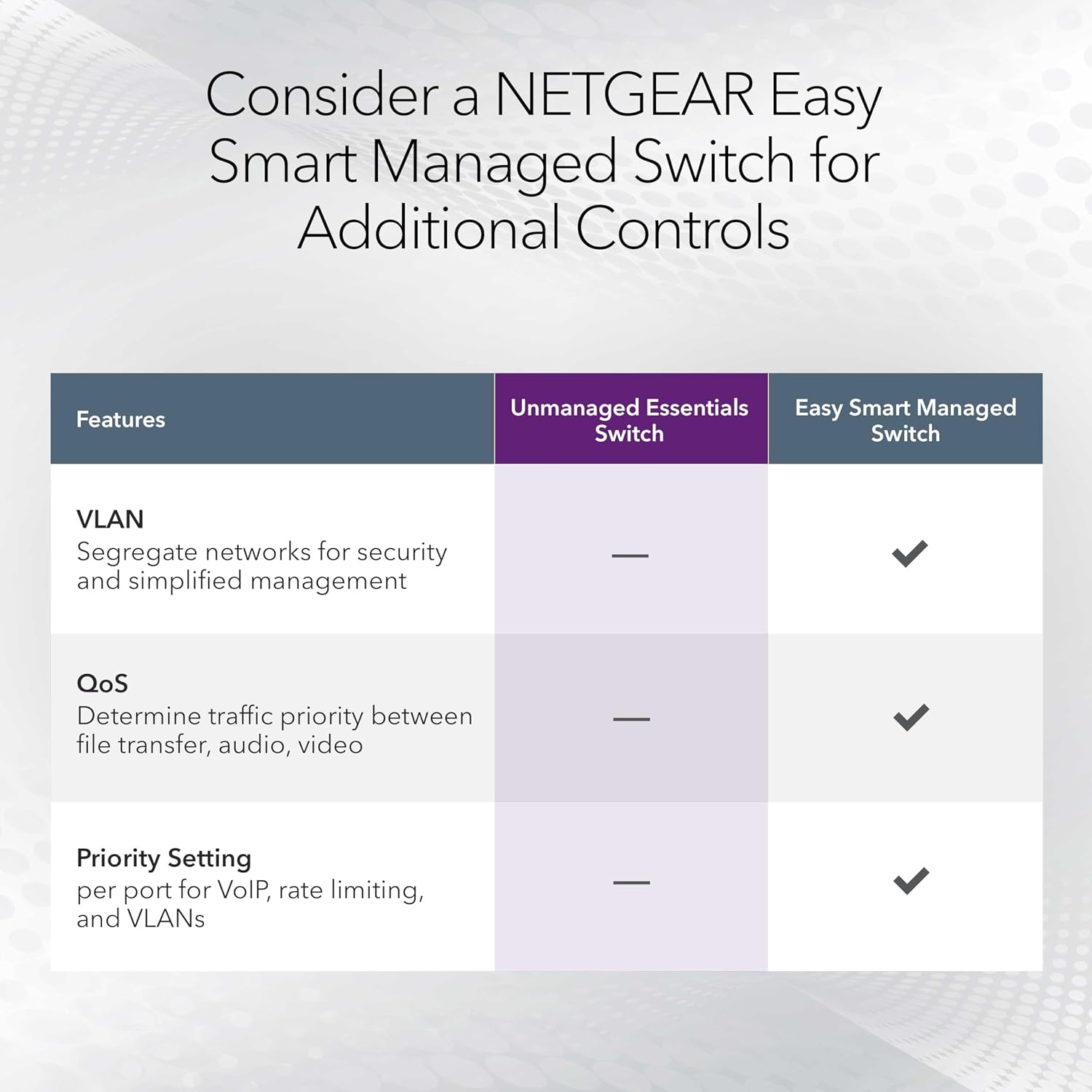
It has eight 2.5Gbps ports with auto-negotiation, supports Cat5e and Cat6 Ethernet cables, and can be placed on a desktop or mounted on a wall. The metal case is fanless, and IEEE 802.3az Energy Efficient Ethernet helps reduce power use. On the spec sheet, its appeal is a useful mix of multi-gigabit ports and low-effort setup, there’s no indication here of advanced management features, so don’t choose it expecting those controls.
When it makes sense
Choose the MS308 if your priority is adding several wired connections, and at least some of your devices can take advantage of speeds above standard gigabit Ethernet. It’s a more capable fit than a basic gigabit switch when those faster links matter, while remaining simpler to set up than a managed switch. If your devices don’t support multi-gigabit Ethernet, or you need detailed control over network settings, those benefits may not justify choosing this model. Also keep its stated U.S. and Canada use restriction in mind before buying.