

Aceele USB hub with USB 3.0
Product description
What to know
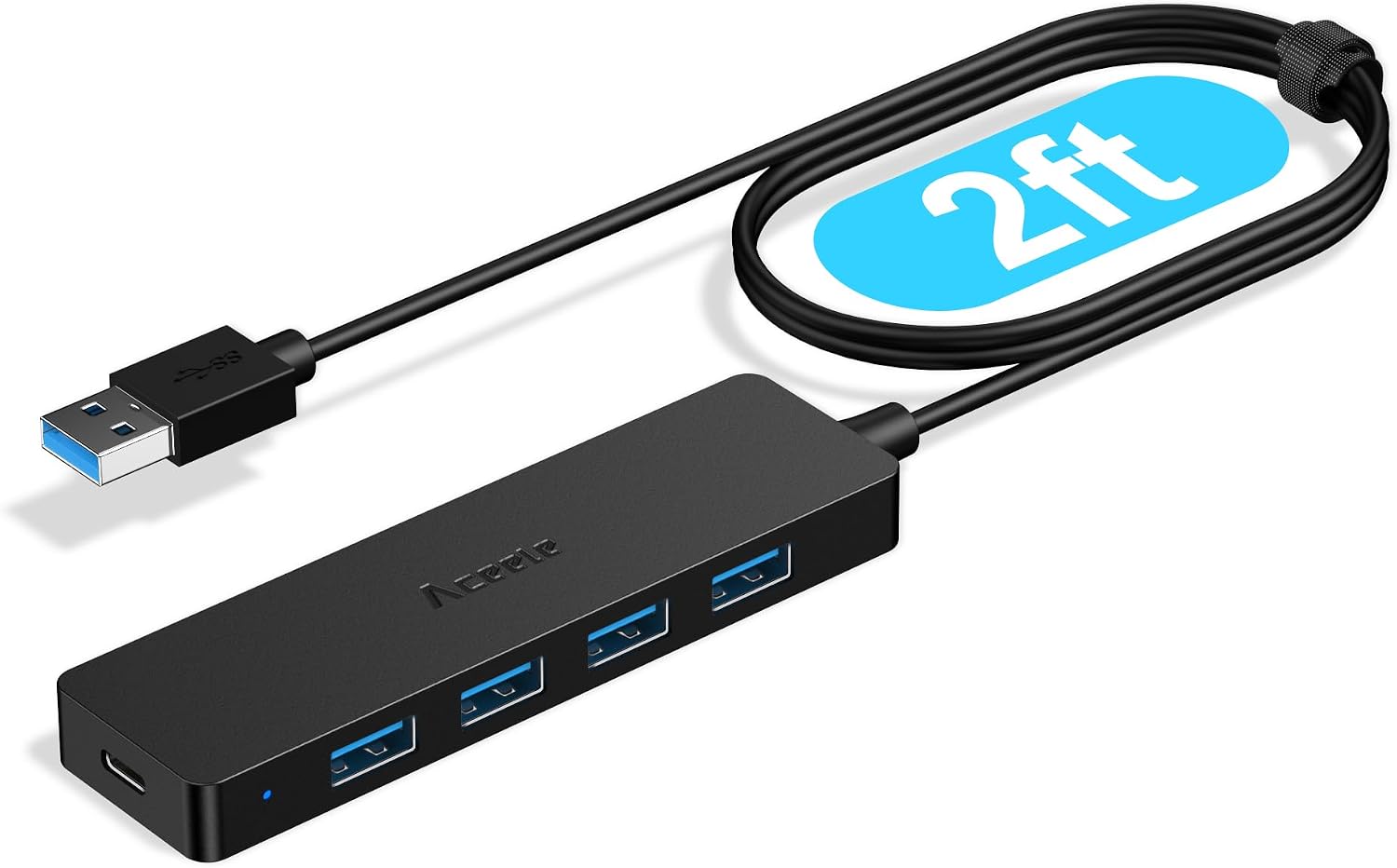
Running out of USB ports can mean unplugging your mouse just to connect a flash drive. The Aceele USB 3.0 hub turns one USB port into four, giving a laptop or desktop a more convenient place to connect everyday peripherals. Its 2-foot cable lets you position the hub on your desk instead of crowding the computer’s own port.
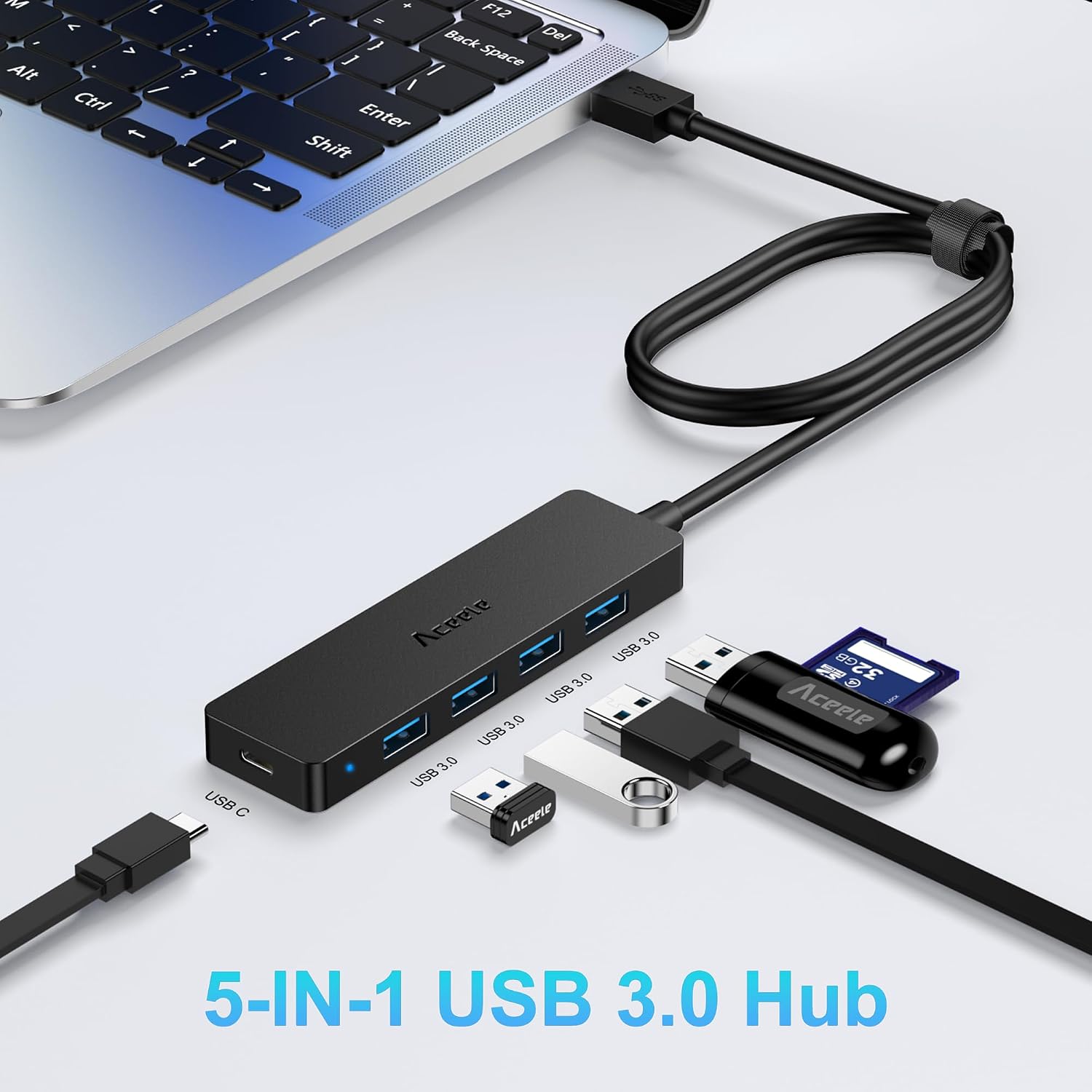
It’s a data hub, not a charging hub. From the way it is set up, the main benefit is adding connections for devices such as a keyboard, mouse, webcam, printer, USB headphones, flash drive, or mobile hard drive.
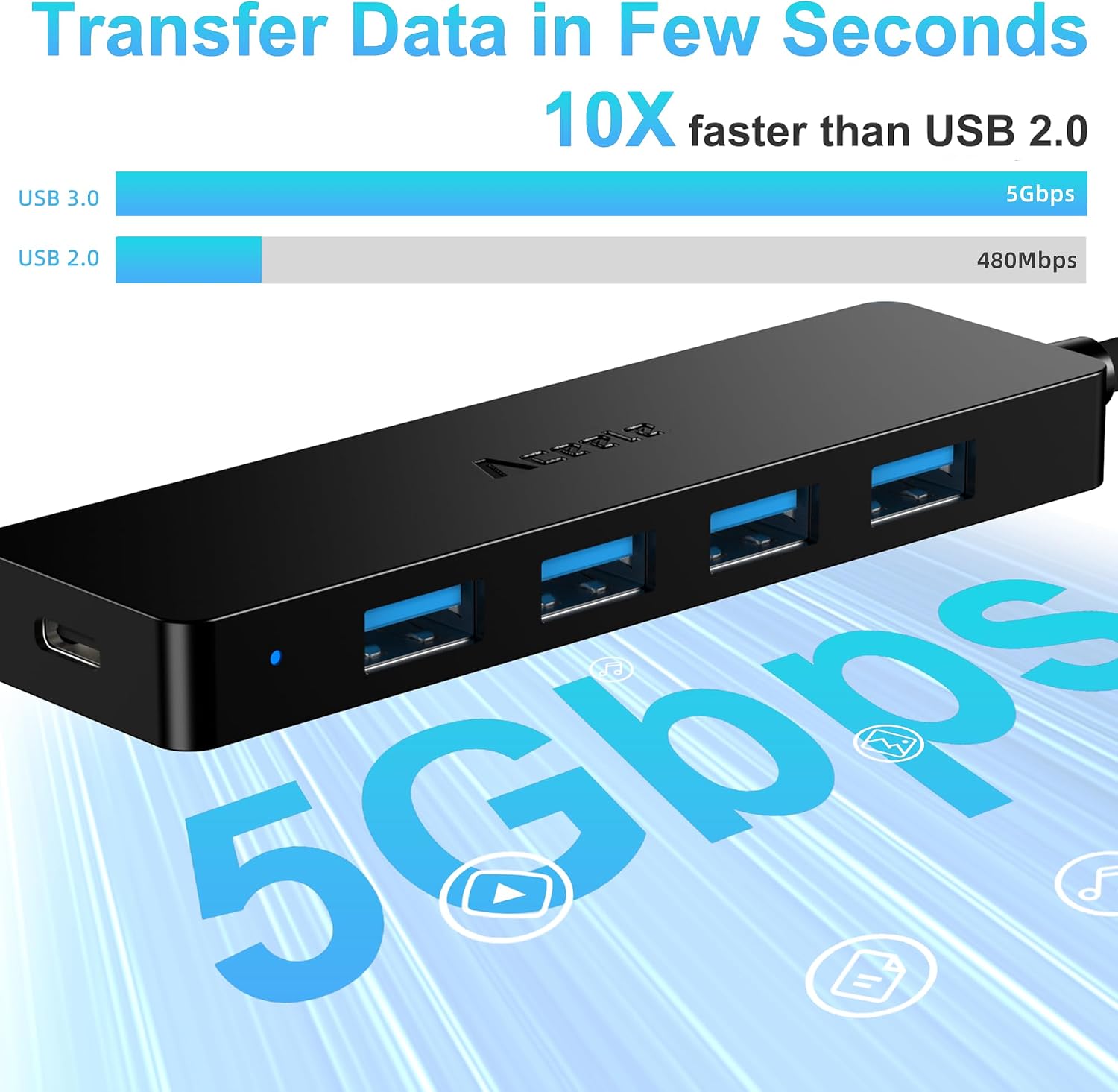
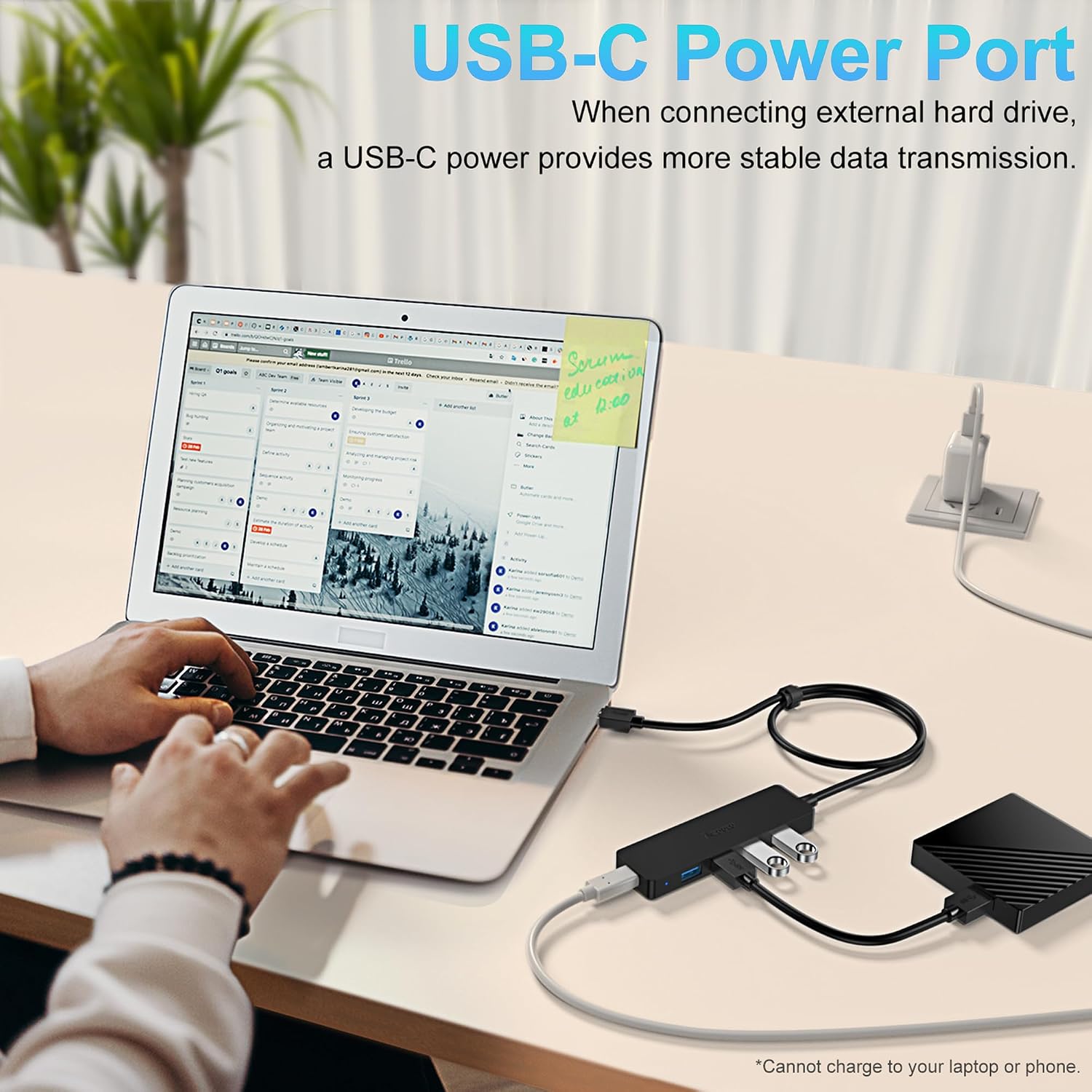
The listed transfer rate is up to 5Gbps, and no driver installation is required. Keep in mind that charging isn’t supported, so this isn’t the right fix for a phone or other device you want to charge through the hub. The product details also recommend extra power for power-hungry devices through the USB-C port of a USB adapter, and say not to use an adapter above 5V/2A.
Best use cases
This layout is useful when a computer’s ports are hard to reach or already occupied. For example, connect the hub to a desktop, set it beside your keyboard, and keep a mouse and flash drive within reach instead of reaching around the computer each time you swap devices. It can also help a laptop user keep several data peripherals connected at once.
If you only need to add a single device, a basic one-port extension may be enough. The Aceele’s four connections make more sense when you regularly switch between several USB accessories. Just don’t treat the extra ports as a promise that every high-power device will work without additional power.
Tips for day-to-day use
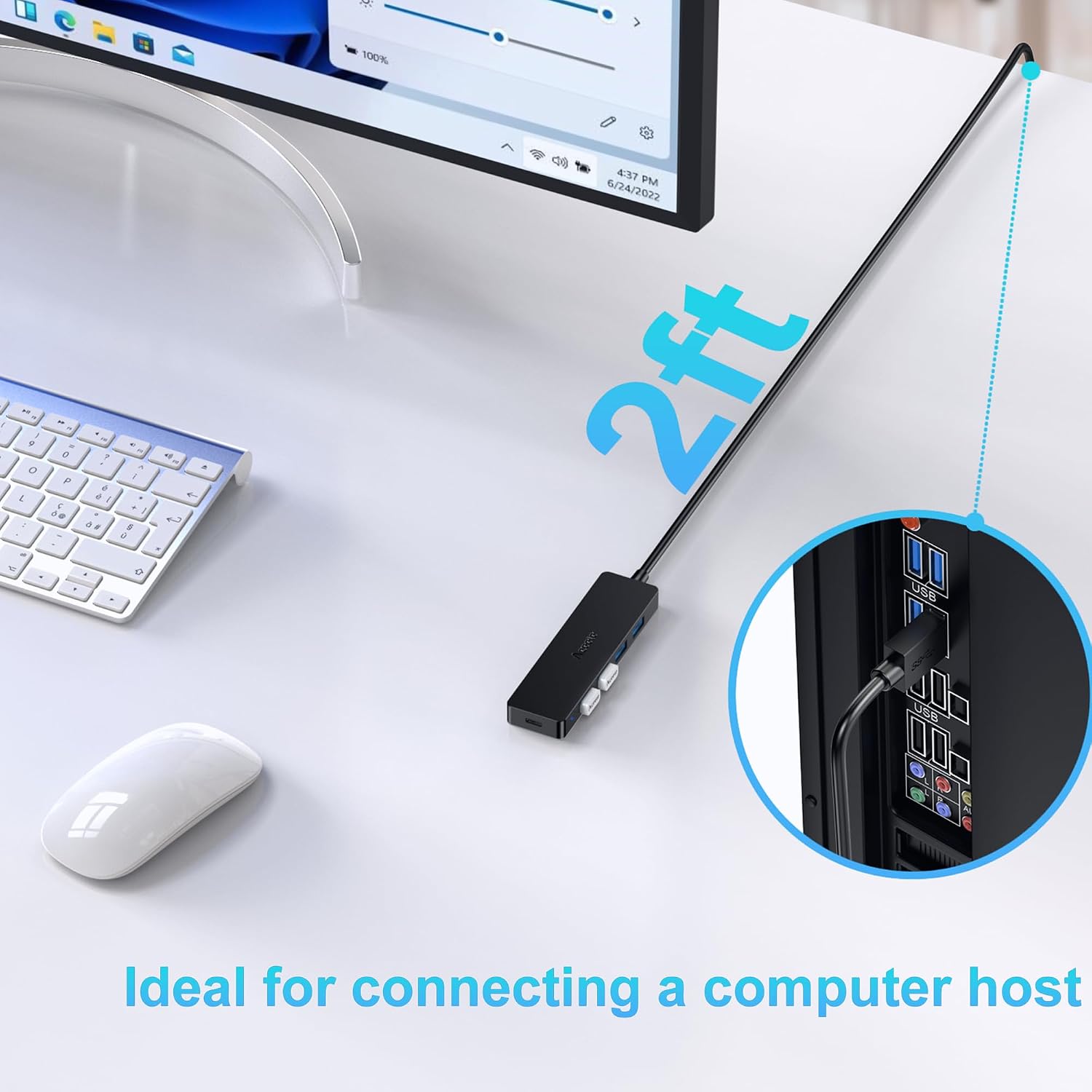
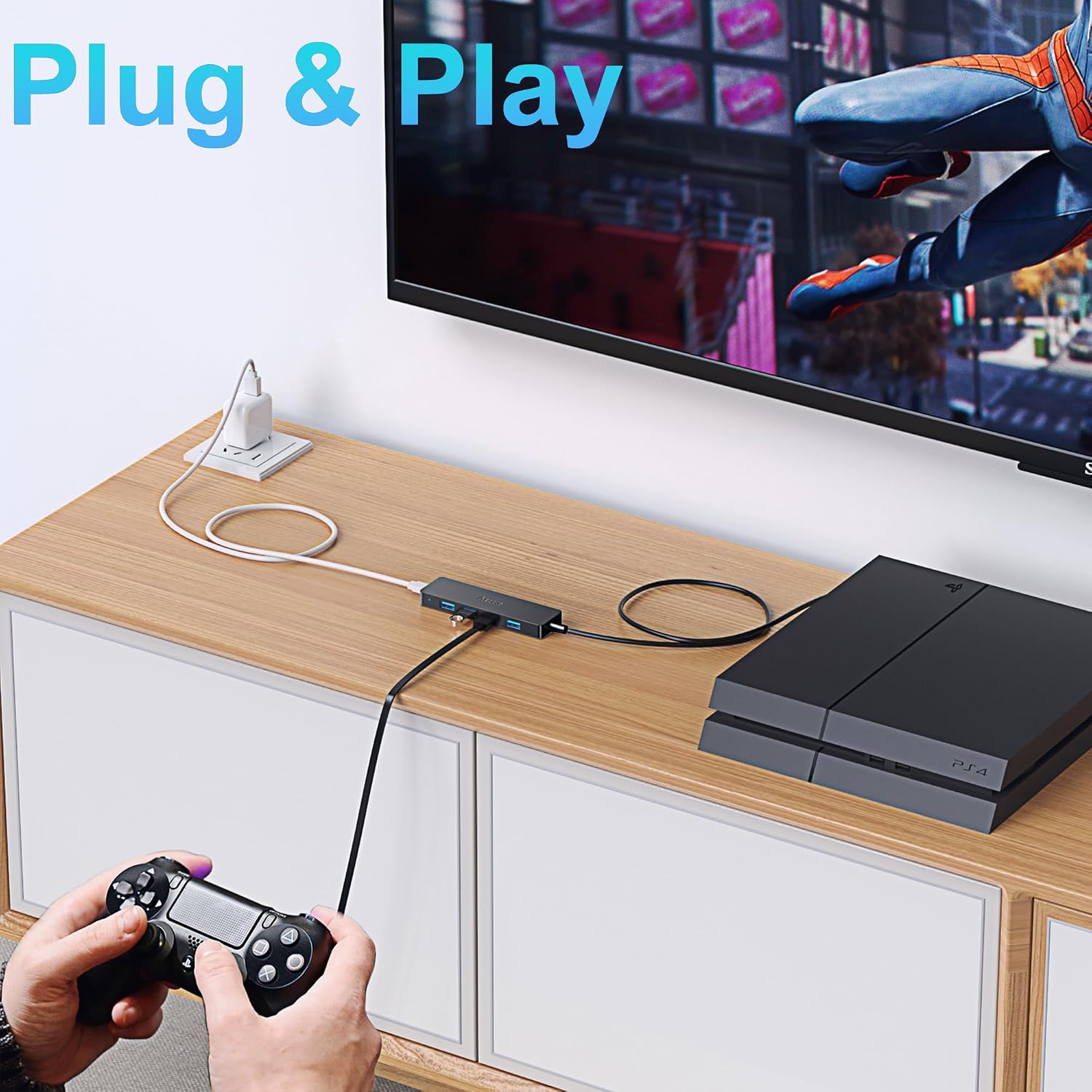
Plug the hub into a USB port on the computer, the listing says it works without drivers. Leave the cable where it can reach your usual devices, and connect only the accessories you actually need rather than expecting it to act as a charger. If you plan to attach a power-hungry device, follow the stated guidance for supplemental power and the adapter limit.
For file transfers, the advertised speed is a maximum, not a guarantee that every connected device will reach it. The connected computer, accessory, and transfer conditions can affect the result, and the listing doesn’t provide more detail about those factors. If consistent performance for demanding storage or several power-hungry peripherals is the priority, a powered hub may be a better fit.
Practical doubts
Does it charge a phone or other USB device? No. Charging is explicitly not supported, so choose a separate charger for that job.
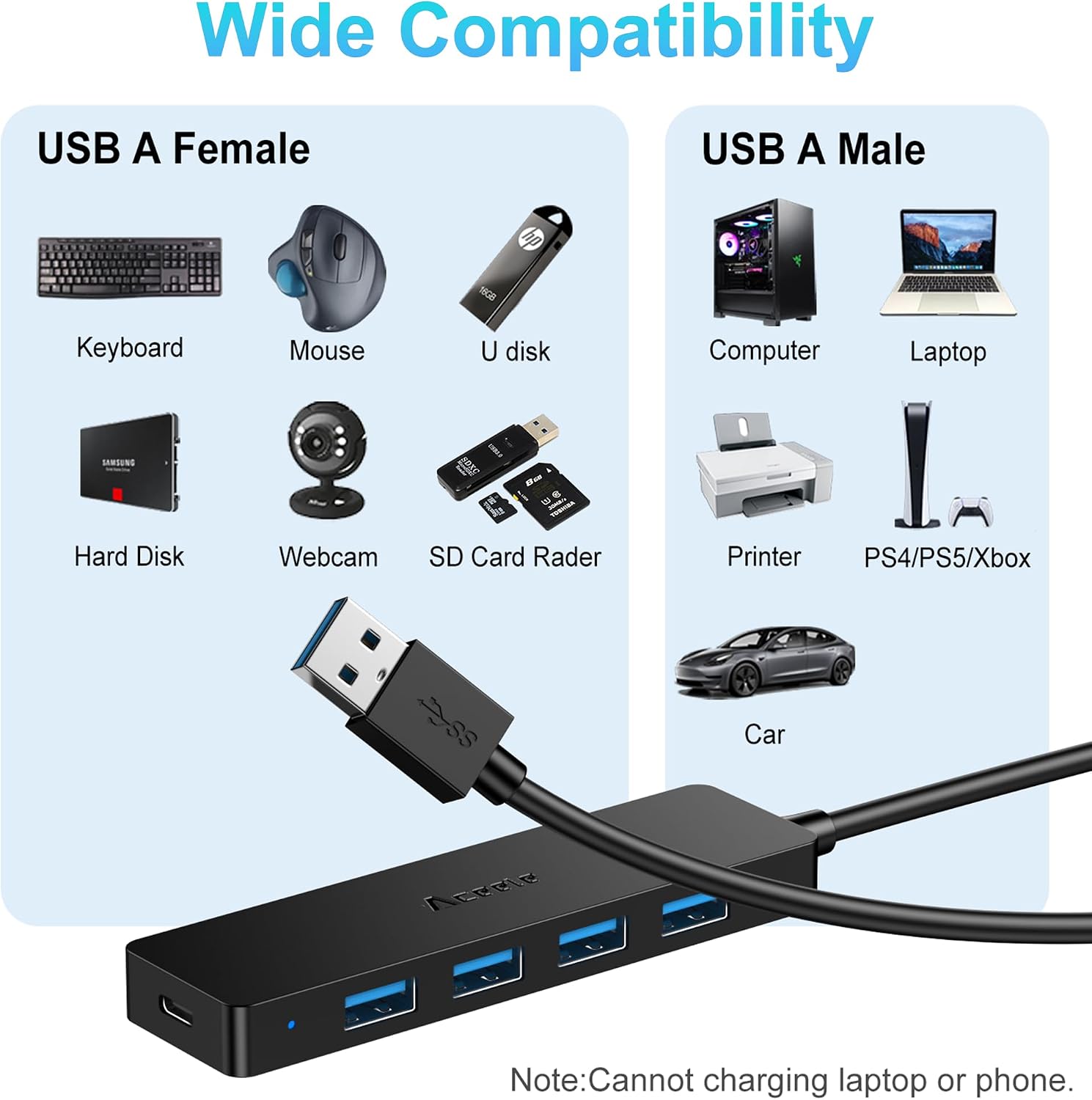
Do I need to install a driver? The product information describes it as plug and play and says no driver is required.
How long is the cable? The cable is 2 feet long, giving you some room to place the hub on a desk near a computer.
When it makes sense
It makes sense if you want four data ports for everyday peripherals and would benefit from placing them within easier reach. The 2-foot cable is a practical detail for a desktop setup or a laptop used on a desk, while the stated 5Gbps maximum gives a clear reference point for data use.
It might not be a great match if you need USB charging, want a hub specifically designed for multiple power-hungry devices, or expect the advertised maximum transfer rate in every setup. For those needs, look for a solution that explicitly supports charging or provides the power arrangement your devices require. For a simpler goal—organizing several standard USB accessories around one computer port—this hub’s purpose is more straightforward.