

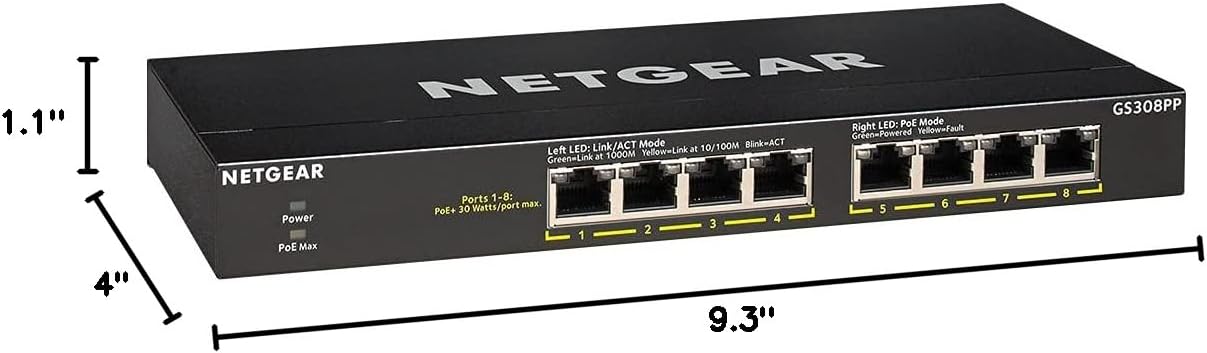
NETGEAR PoE Gigabit Ethernet Switch GS308PP
Product description
Key specifications
For a small office, home workspace, or other setup that needs wired connections and PoE from one switch, the NETGEAR GS308PP keeps the setup straightforward.
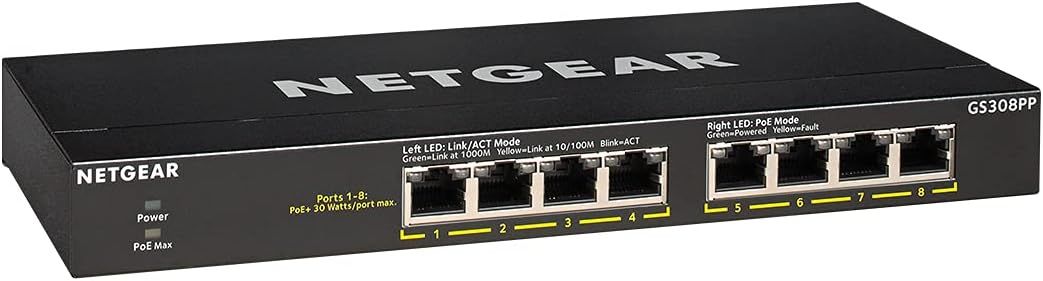
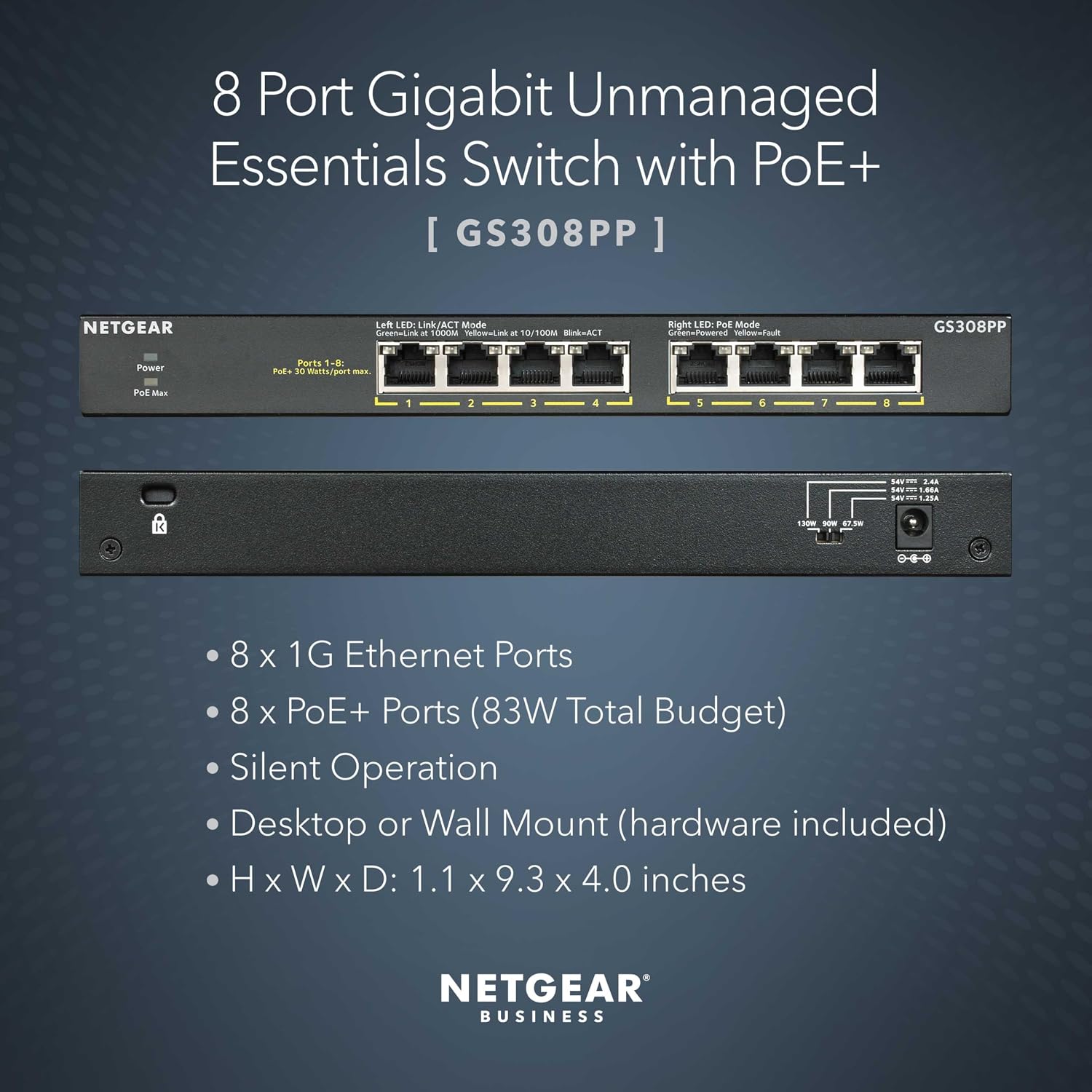
It has eight Gigabit Ethernet ports, all with PoE+ support, and an 83W total power budget. That budget is shared across the switch, not available in full to every port at once.
The switch is unmanaged, fanless, and designed for desktop or wall mounting. Its metal housing and support for existing Cat5e or Cat6 Ethernet cables make it easier to fit into a wired network without adding configuration steps.
Who it’s for
This model fits buyers who want to connect multiple wired devices and supply power over Ethernet without setting up switch software. Dynamic PoE allocation redistributes unused power, which can help accommodate devices with different power needs while staying within the overall 83W budget.
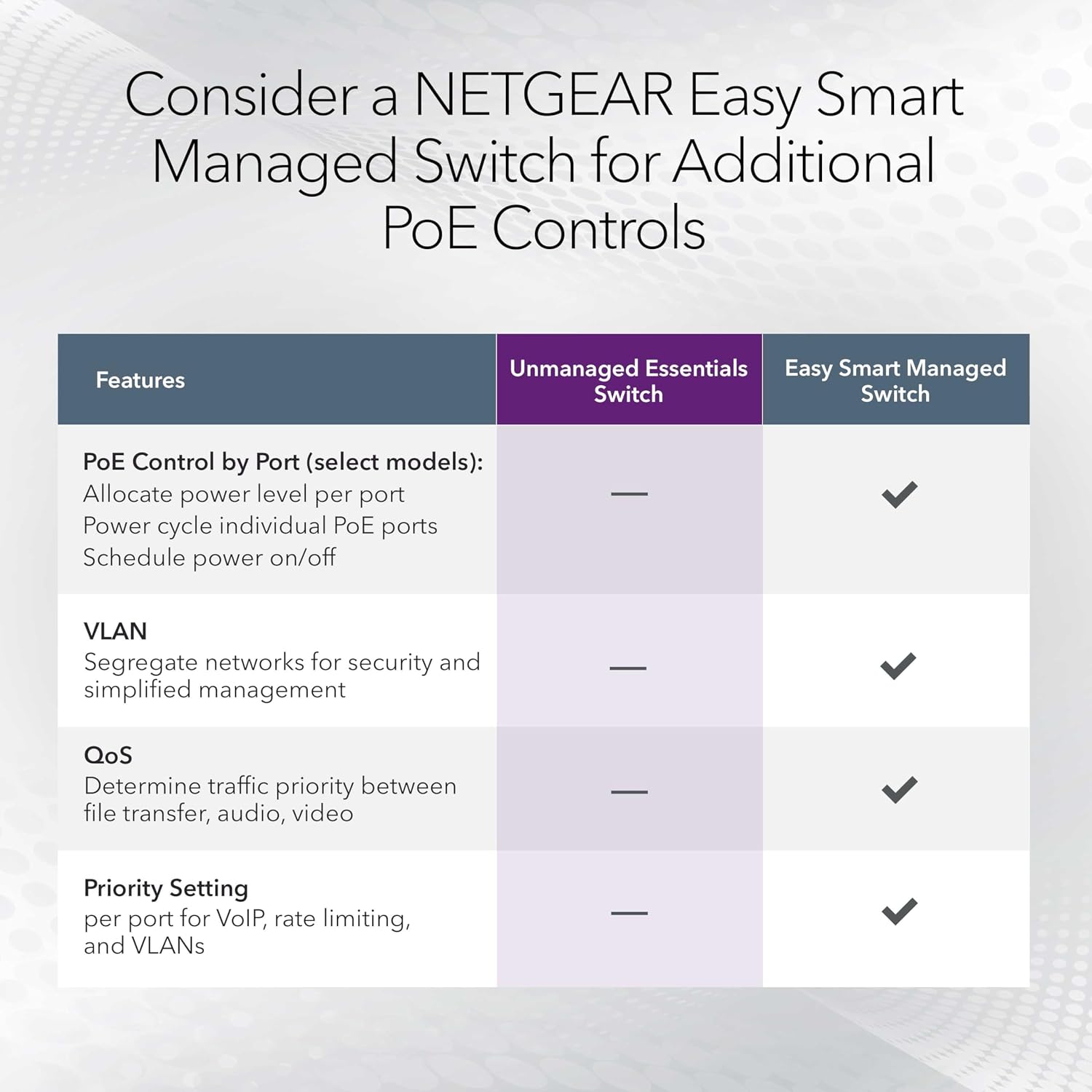
It suits you if you value a simple plug-and-play setup and don’t need to configure network settings through the switch. You may want to skip it if you need managed controls or a larger PoE power budget, neither is listed as a capability here. The key buying check is whether the combined power demand of your PoE devices fits within 83W.
Everyday use
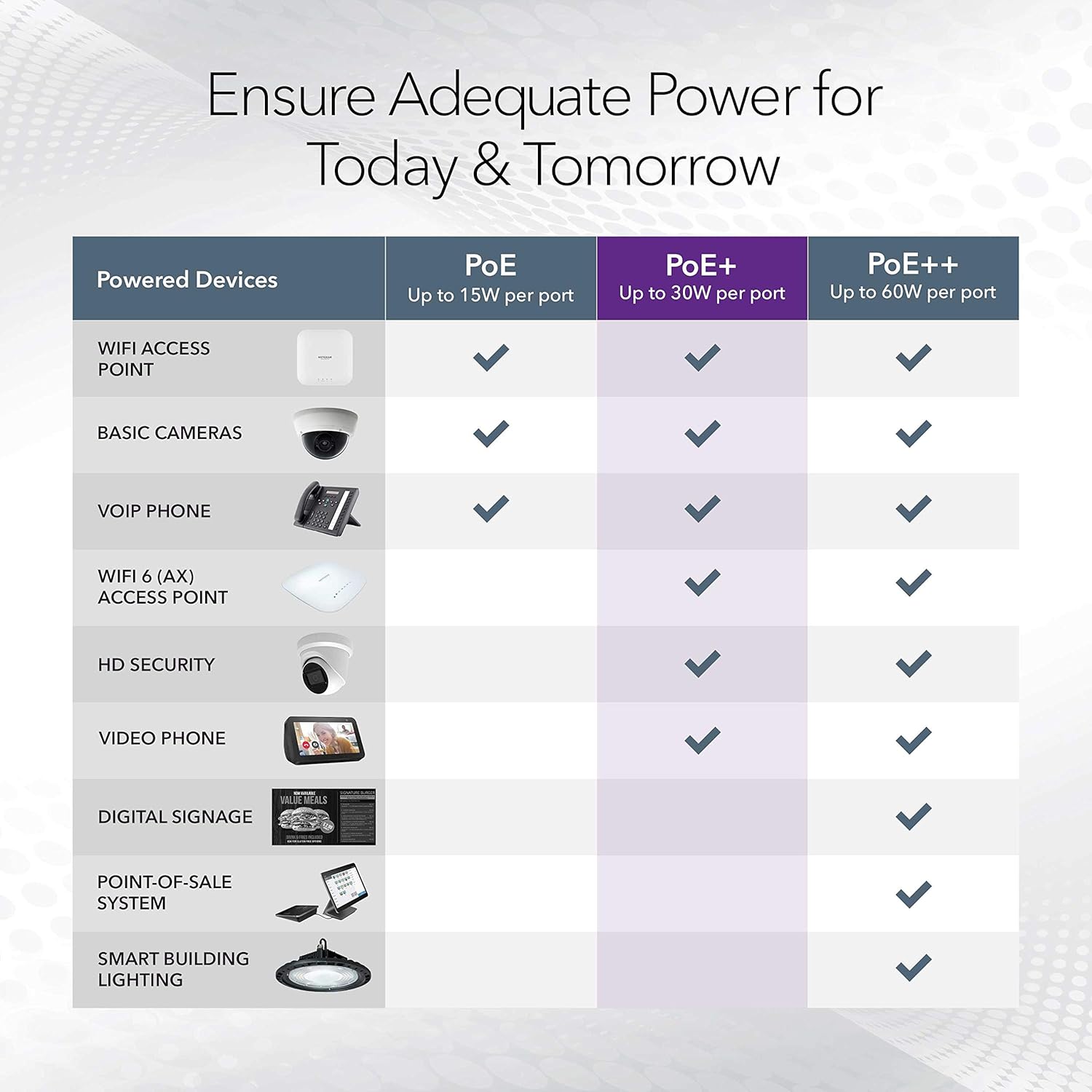
In a practical setup, you could place the switch on a desk or mount it on a wall, connect it to your wired network, then run Ethernet cables to devices that need data and PoE power. The fanless design is a useful detail for a workspace where fan noise would be distracting, and IEEE 802.3az Energy Efficient Ethernet is intended to reduce power consumption without giving up high-speed network performance.
This is a simpler approach than choosing a switch with configurable management features. That simplicity means less setup, but also fewer listed controls for tailoring the network. The product information does not specify included cables or mounting hardware, so don’t assume those come in the box.
Questions before you buy
Does each port provide 83W? No. The listed 83W is the total PoE power budget for the switch. Dynamic allocation can redistribute unused power, but the total remains the limit.

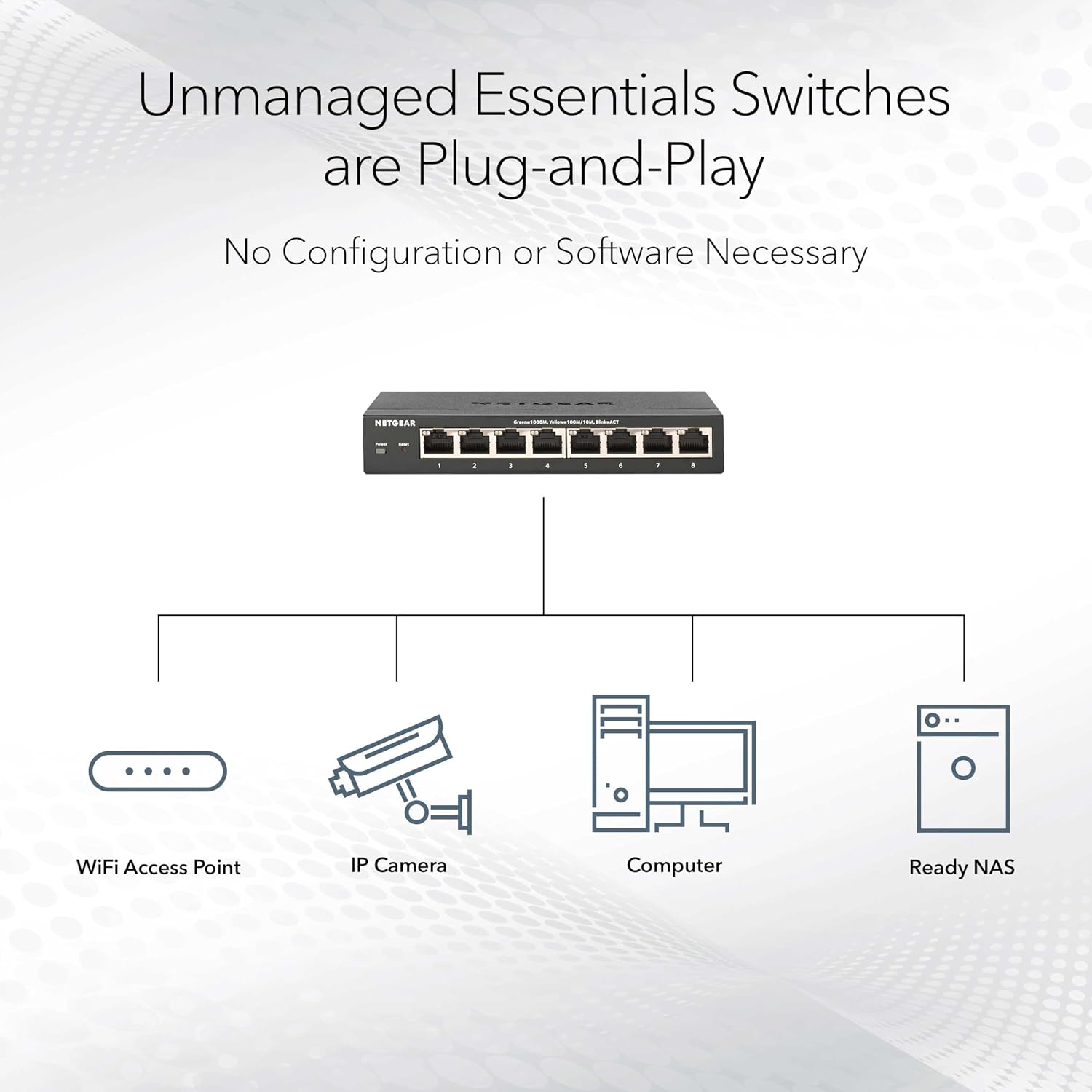
Does it require software or configuration? It is described as plug-and-play and unmanaged, with no software installation or configuration required.
Can it be placed somewhere noise-sensitive? Its fanless design is intended for silent operation. It supports desktop or wall-mount placement, so you can choose a location that suits your setup.
When it makes sense
Choose the GS308PP when you need eight Gigabit Ethernet connections with PoE+ and prefer a straightforward, quiet switch over a model focused on configurable network management. Before choosing it, add up the power needs of the devices you plan to connect and compare that total with the 83W budget. If you need switch-level management or more PoE capacity, this model’s listed features don’t establish that it will meet those requirements.