

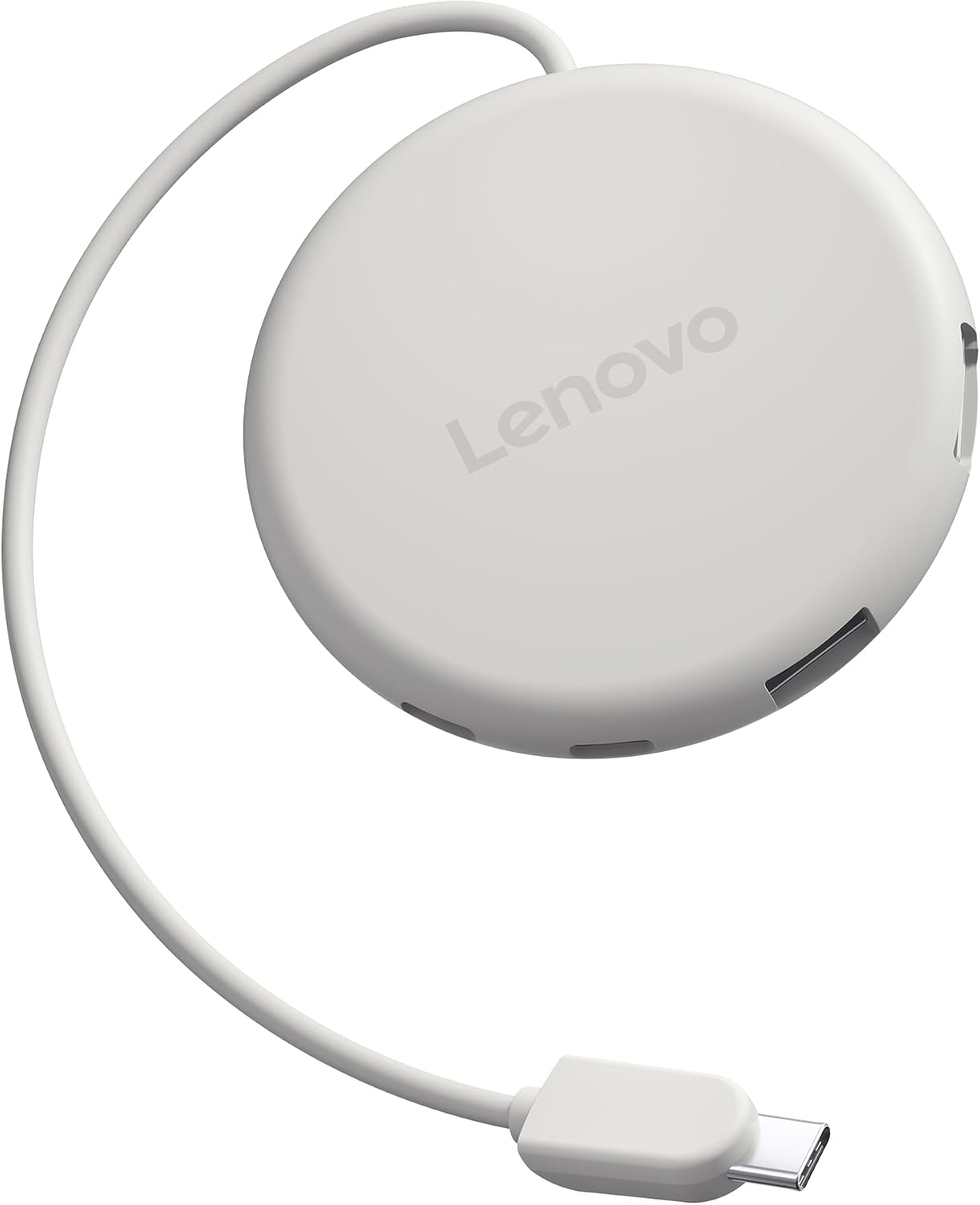
Lenovo 5-in-1 USB-C Hub
Product description
Key specifications
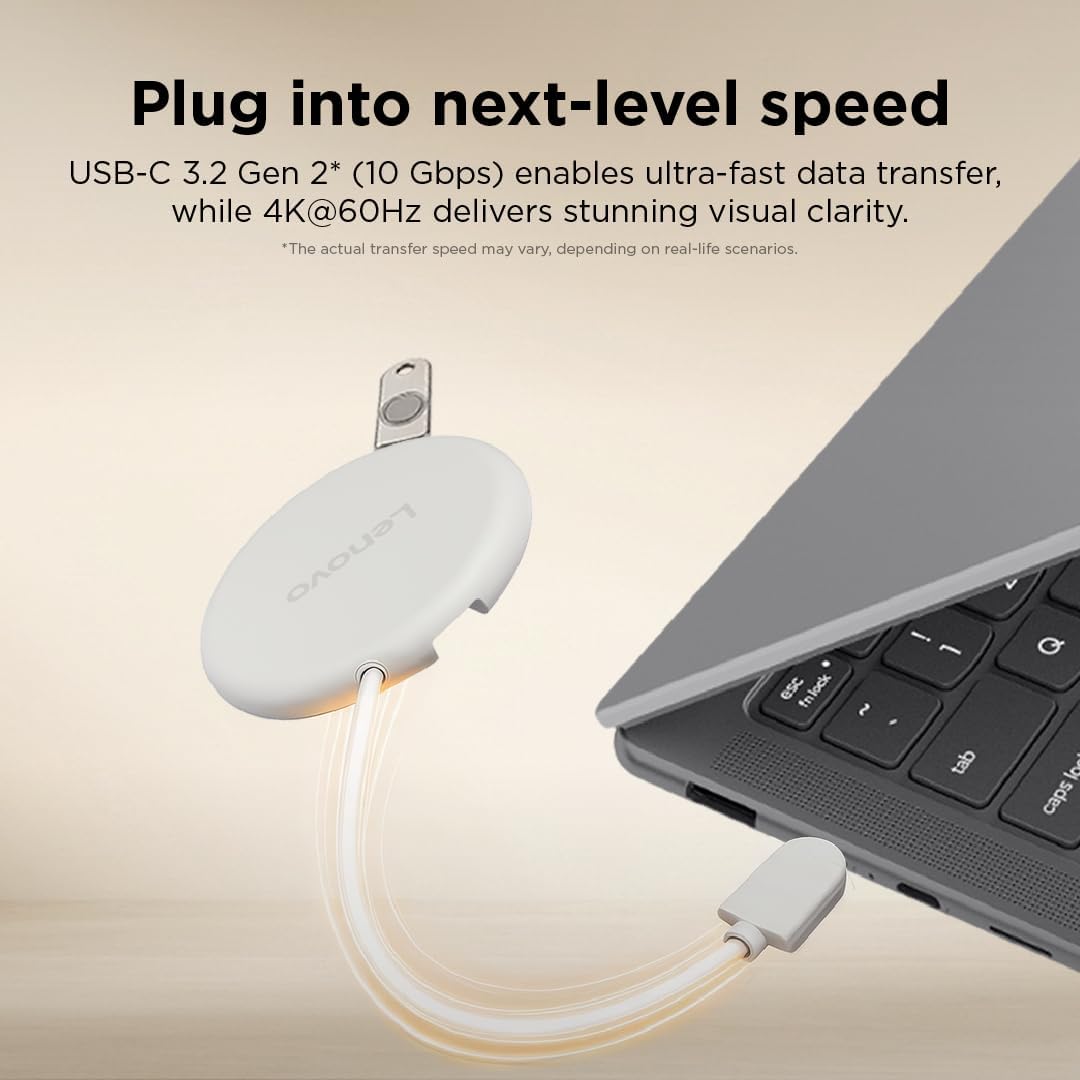
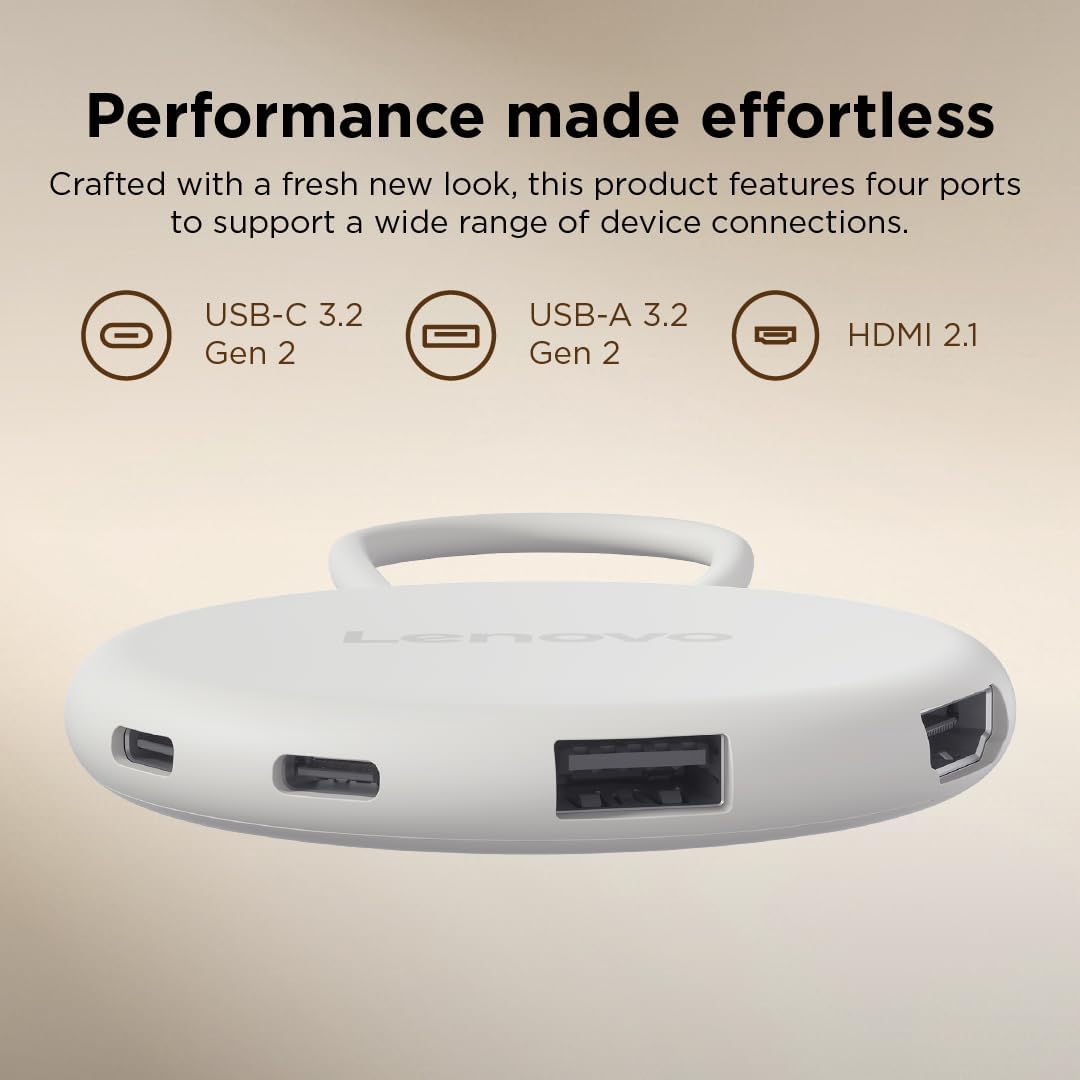
For a laptop setup that needs a monitor and a couple of accessories without carrying a full-size dock, the Lenovo Slim USB-C Hub brings display, data, and pass-through charging connections into a compact unit. Its HDMI 2.1 output supports up to 4K at 60Hz, while its USB-C and USB-A data ports are rated for transfers up to 10Gbps.
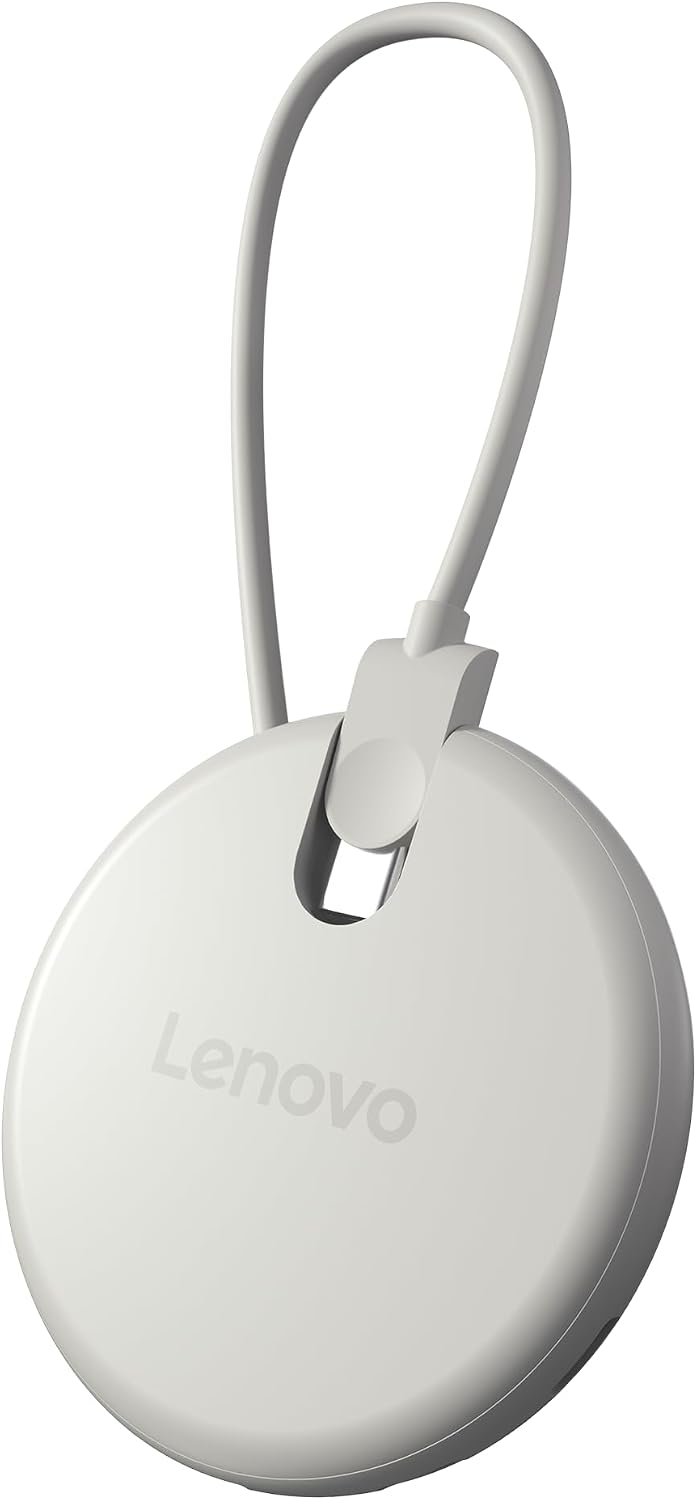
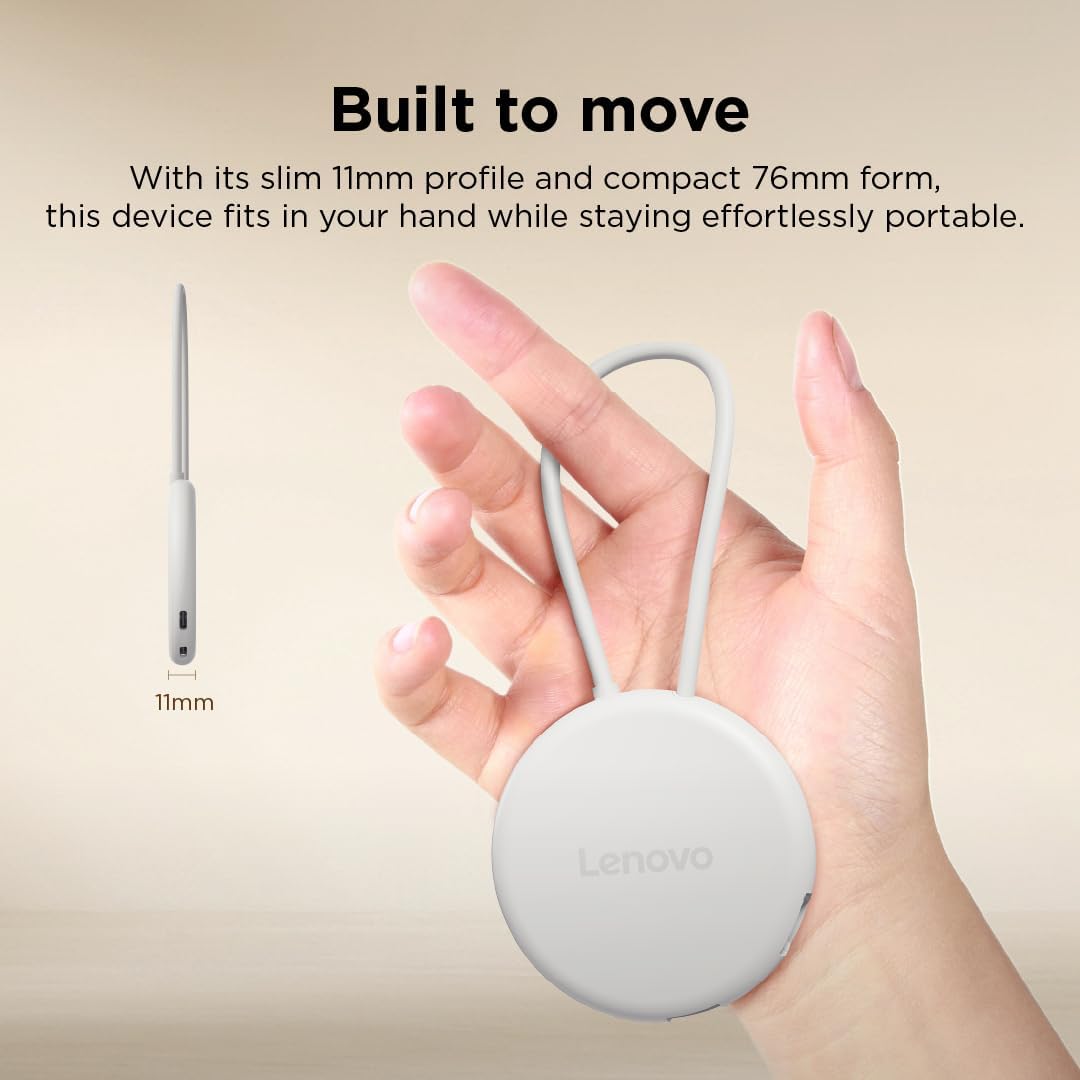
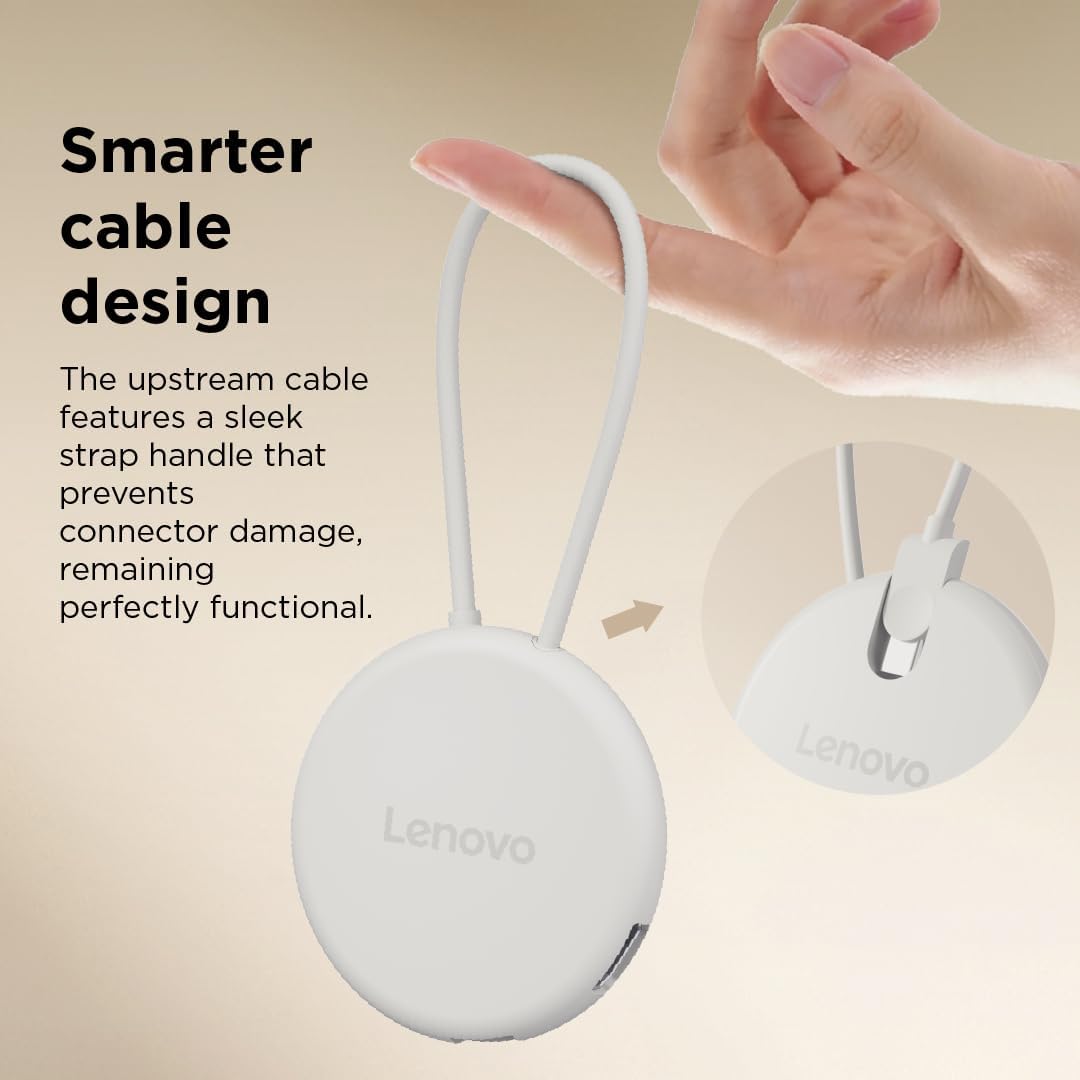
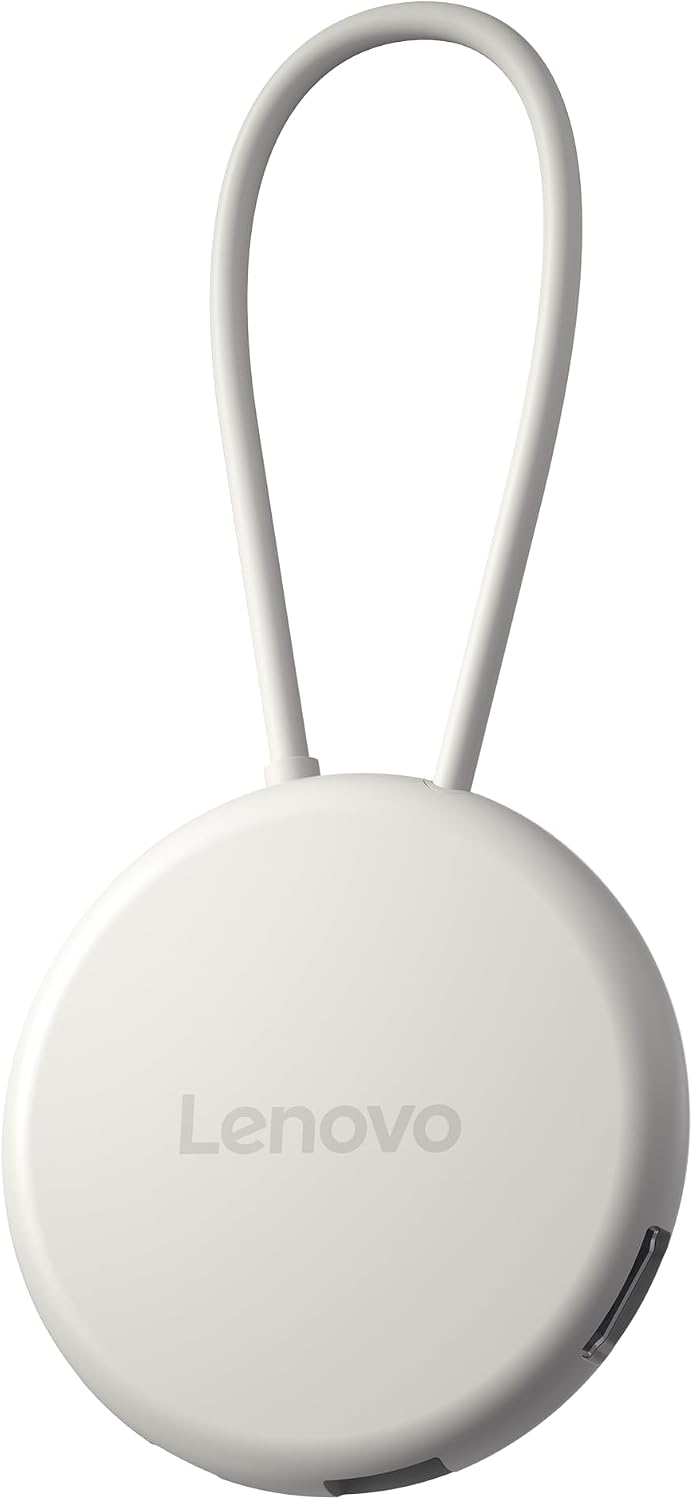
The hub has an 11 mm-thin profile, a 76 mm round form, and a listed weight of 50 g. Its integrated 20 cm USB-C cable has a strap handle for keeping the lead together when packed away. USB-C PD input supports up to 100W, with up to 65W delivered to the laptop. That distinction matters: 100W is the input rating, not the stated laptop charging output.
Who it’s for
This setup makes sense for someone who moves between a desk, meeting room, and travel bag, and wants one small hub for a monitor, a USB accessory, and laptop charging. For example, you could connect an external display for a presentation, plug in a mouse or storage device, and keep the laptop charging through the PD input—all without setting up a larger dock.
It suits you if you value portability and need the specific connections listed here. The tradeoff is a short 20 cm attached cable and a focused selection of ports: there is one USB-C data port and one USB-A data port, alongside HDMI and PD input. If your desk setup depends on several wired accessories at once, a larger dock with more connections may fit better. Not the best choice if you need a broad collection of ports or more than the stated 65W laptop charging output.
Everyday use
The 5-in-1 count includes the hub’s laptop connection, HDMI, USB-C data, USB-A data, and USB-C PD input. That’s a practical arrangement for a light mobile setup, rather than a replacement for a more expansive desktop dock. The HDMI connection is specified for up to 4K at 60Hz, while both data ports are rated up to 10Gbps, actual transfer speeds can depend on the connected devices and files.
The small, round body and cable strap address a familiar travel annoyance: a loose lead tangling with other items in a bag. Still, the integrated cable is only 20 cm, so placement may be less flexible than with a hub that has a longer detachable cable. From the way it is set up, the main appeal is reducing what you carry, not maximizing expansion options.
Before you decide
How many data ports does it have? One USB-C data port and one USB-A data port, each rated for up to 10Gbps.
What display output is listed? HDMI 2.1, supporting up to 4K at 60Hz.
Does it pass charging through to a laptop? Yes. It accepts up to 100W PD input and delivers up to 65W to the laptop.
Buying verdict
Choose this Lenovo hub if a compact travel-friendly adapter with HDMI, two data ports, and pass-through charging covers your everyday laptop needs. Its strongest case is keeping a simple monitor-and-accessory setup portable, with the cable strap helping keep the integrated lead tidy. Skip it if you need a wider port selection, a longer cable, or more than 65W of stated laptop charging. That makes the decision less about having every possible connection and more about whether this short, focused layout matches the devices you actually use.