

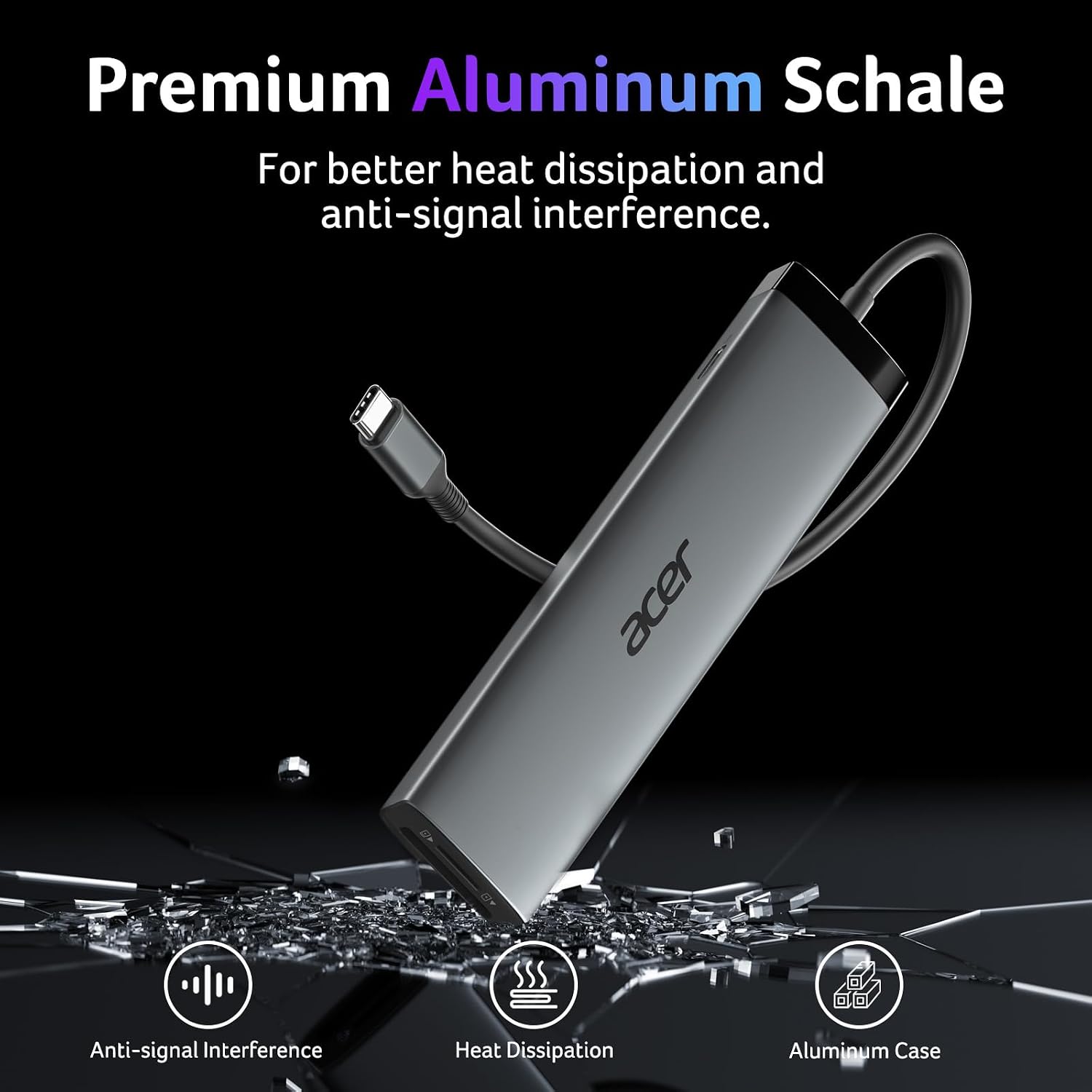
Acer USB-C Hub 10Gbps
Product description
Highlights
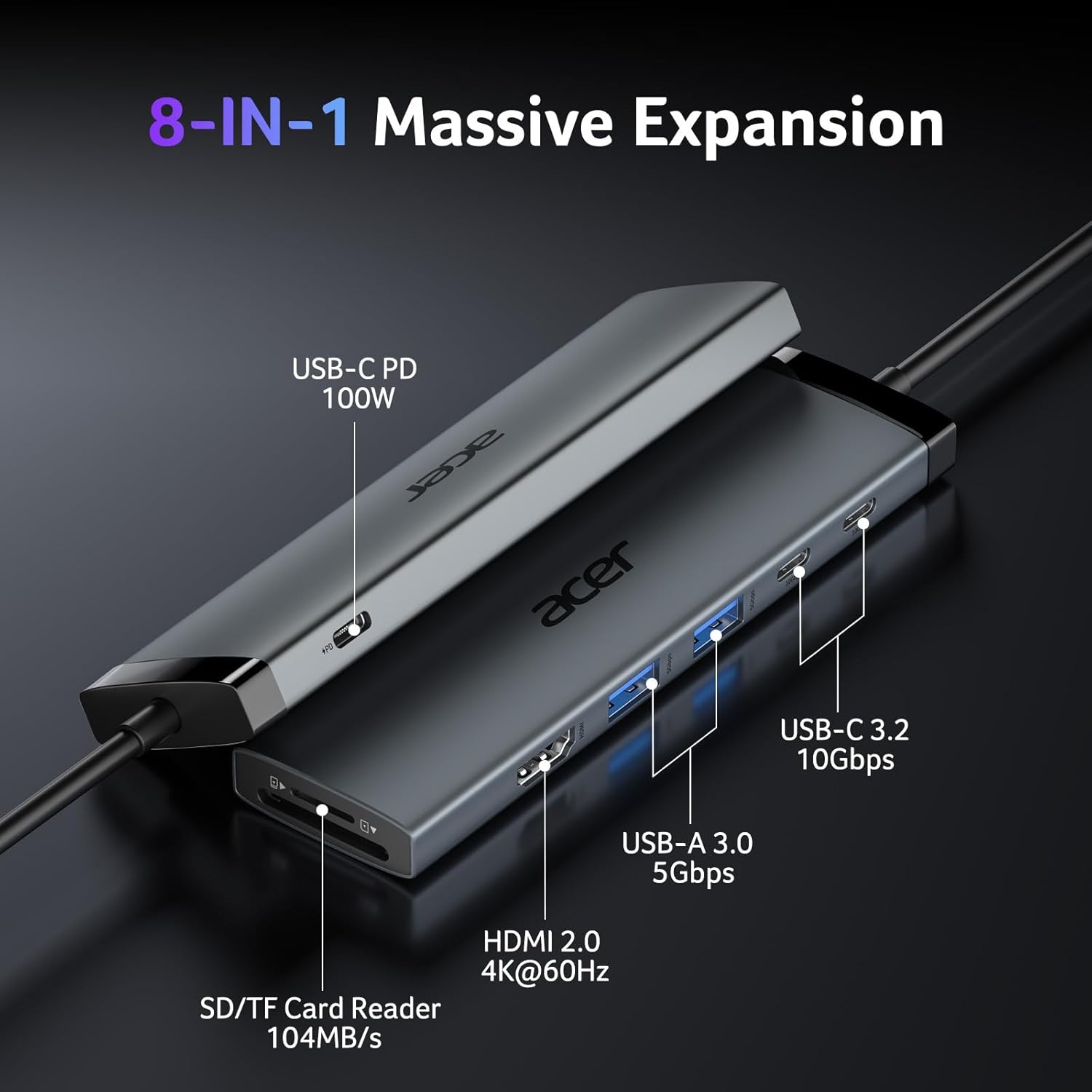
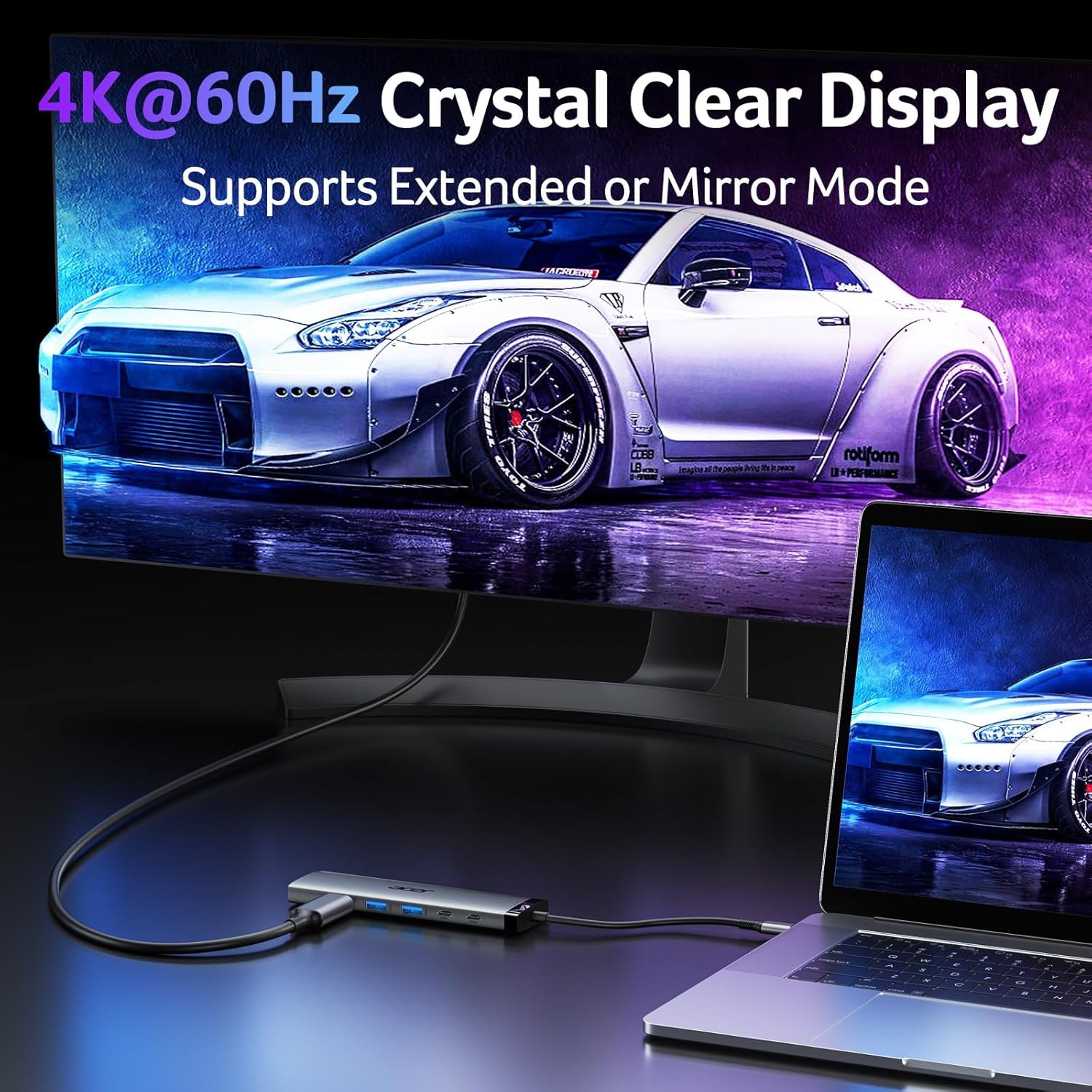
The HDMI port supports up to 4K at 60Hz, giving this Acer USB-C hub a useful role when you want to connect a compatible laptop to a larger screen without giving up access to other ports. It combines HDMI, two USB-C data ports, two USB-A data ports, an SD and microSD card reader, and a USB-C PD input in one compact hub with a 0.65 ft cable. That makes it a practical way to connect a monitor, storage, and everyday peripherals through a single USB-C connection.
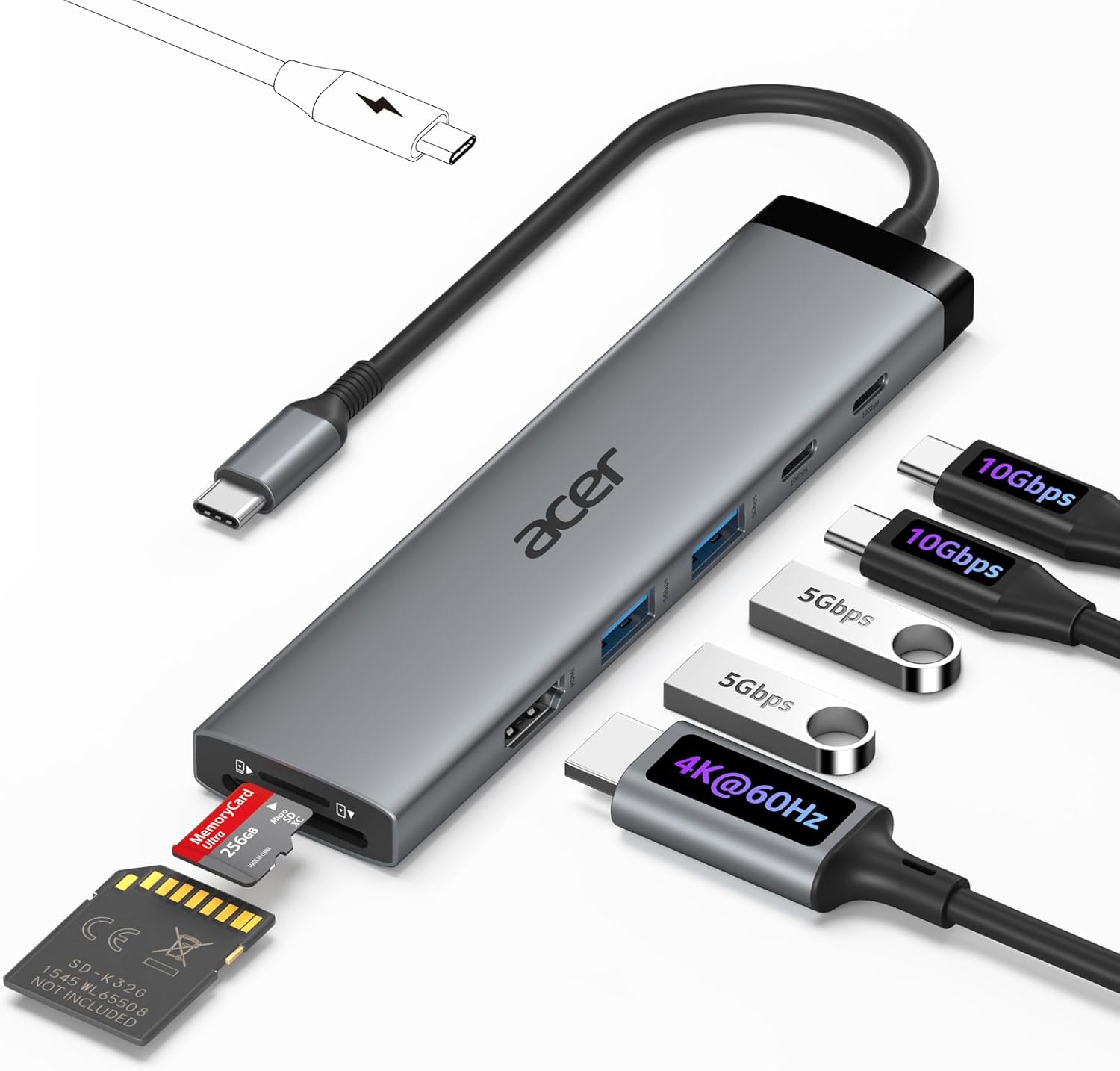
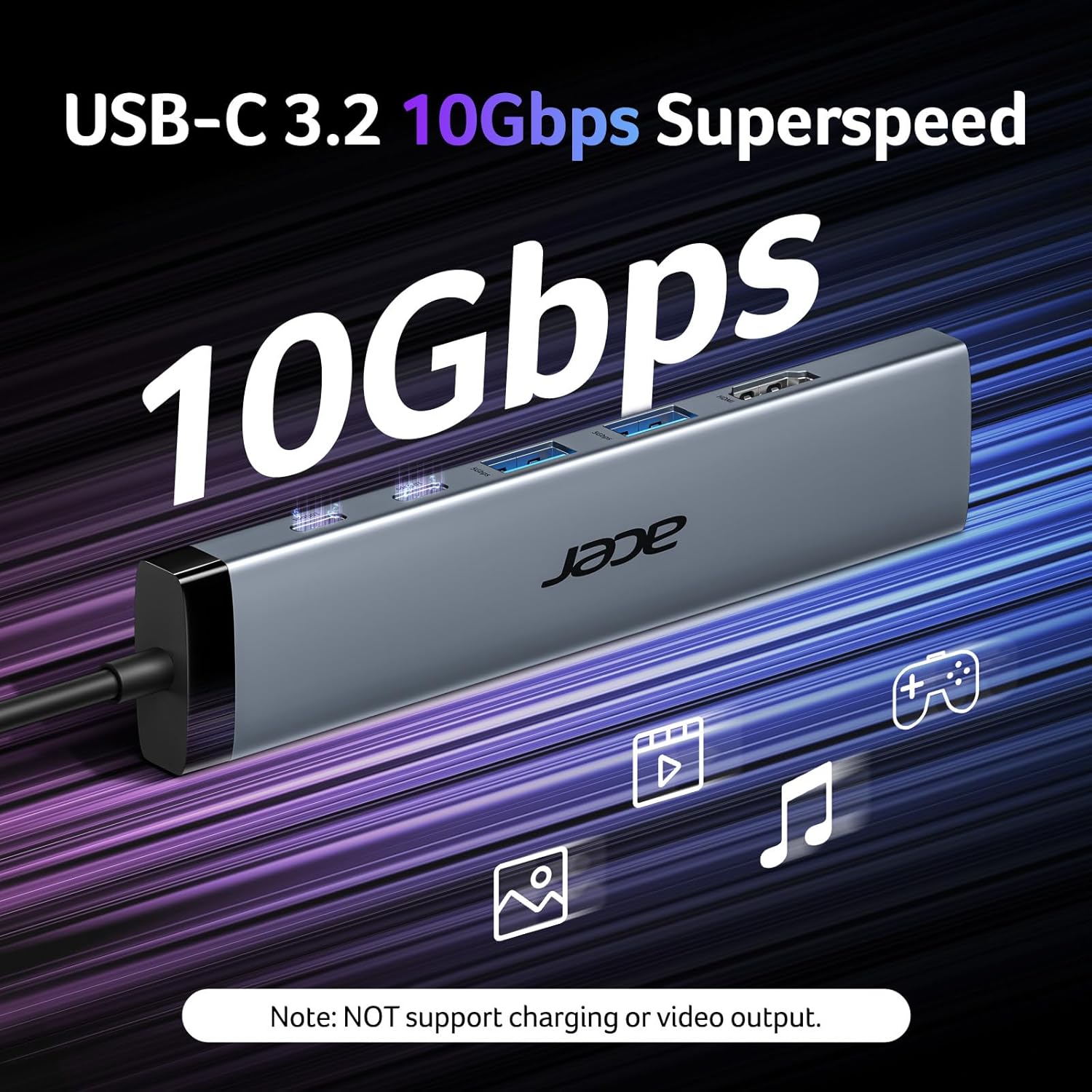
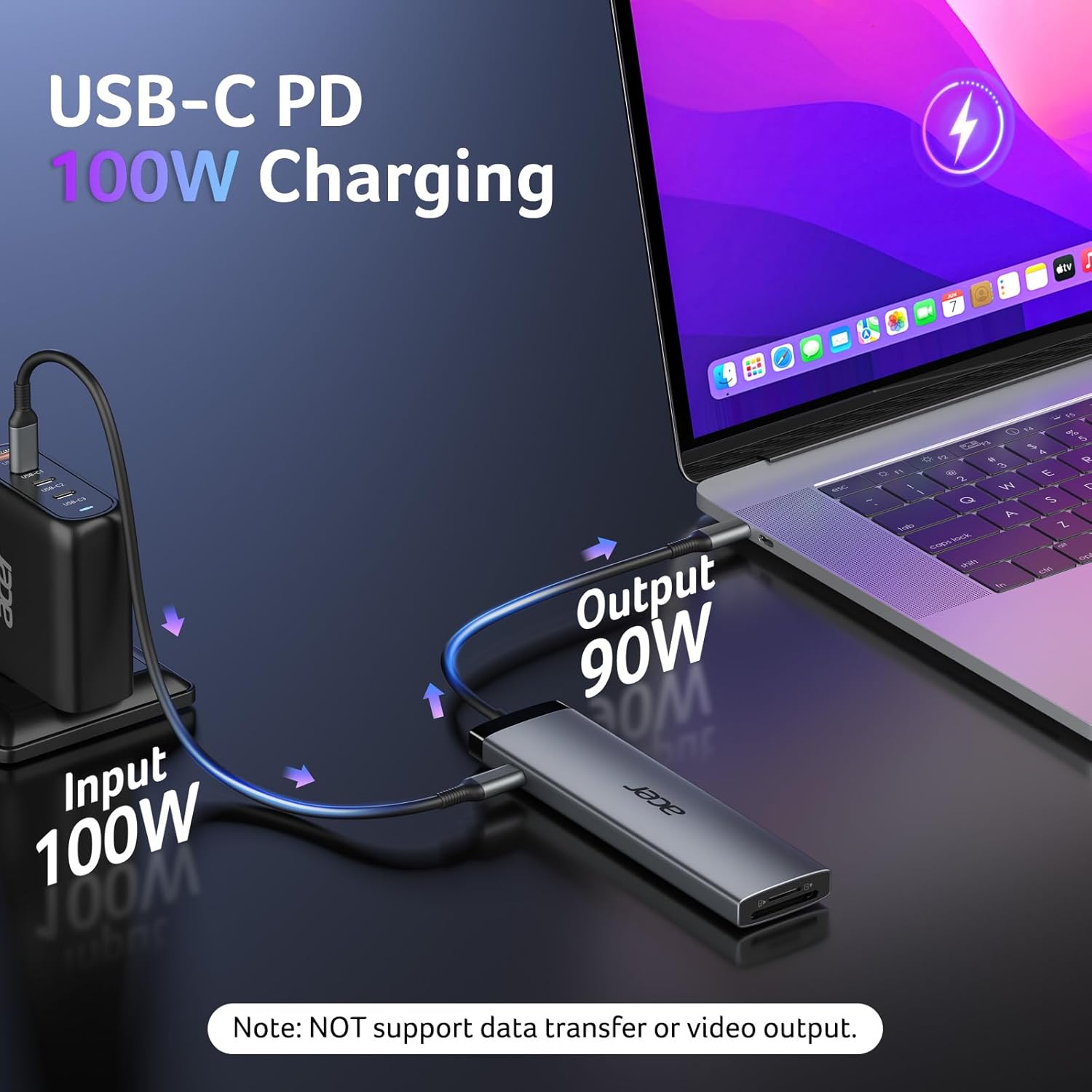
The two USB-C ports support data transfer up to 10Gbps, while the USB-A ports support up to 5Gbps and the card readers up to 104Mbps. The PD port accepts a 100W charger and provides up to 90W output to the connected device, it does not transfer data, and the charger and charging cable are not included. From the way it is set up, this is a hub for expanding ports rather than replacing a full docking station with additional features.
Best use cases
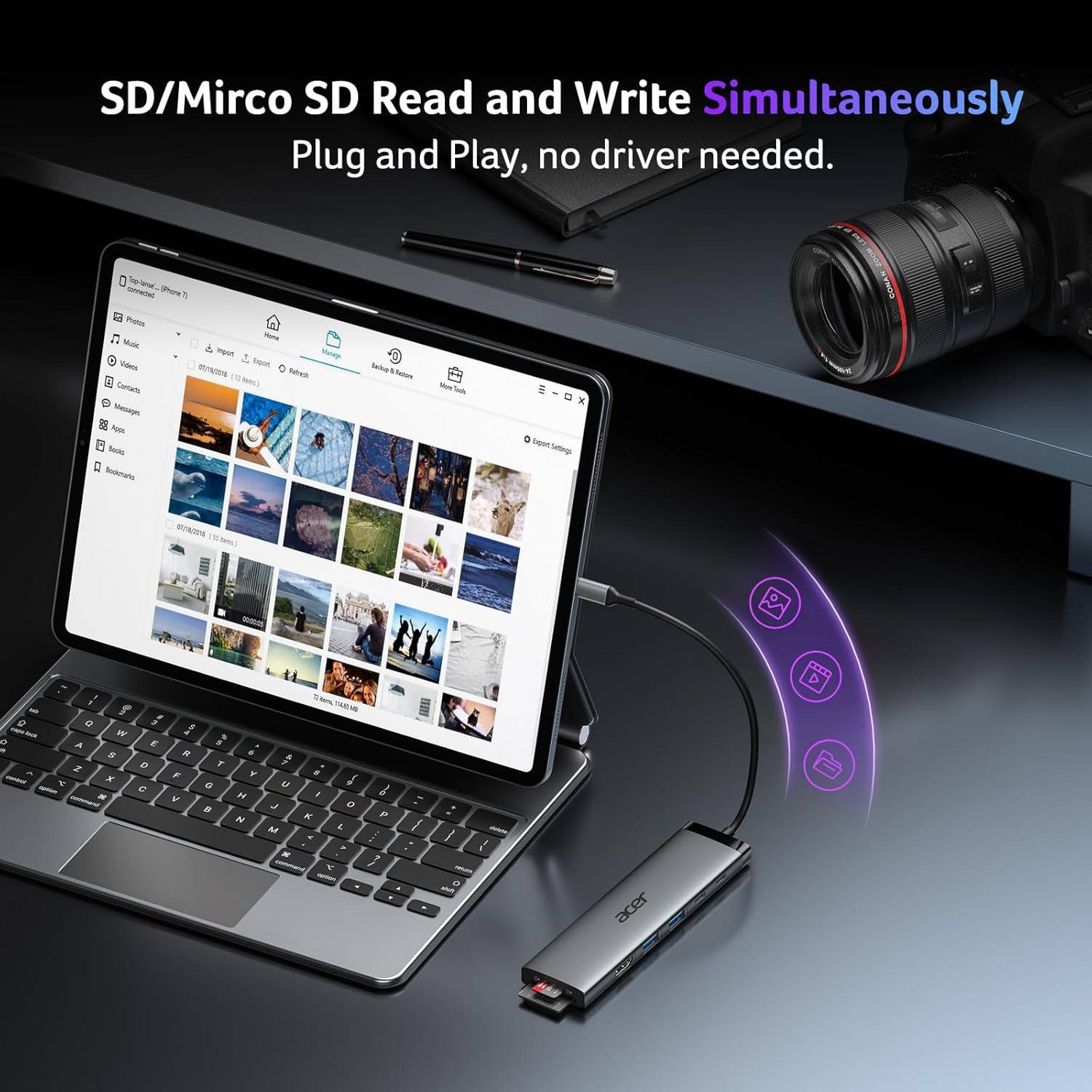
It suits you if your laptop has USB-C with DisplayPort Alt Mode and you want to connect an external display while keeping storage and accessories within reach. For example, you could plug in a monitor for a video call, connect a USB drive, and read a memory card without swapping each item into the computer. The card slots may also be handy when moving photos from an SD or microSD card to a laptop.
Keep in mind that video output requires DP Alt Mode on the host device, so a USB-C connector alone does not guarantee HDMI display support. The USB-C and USB-A data ports are for data only, not charging, video, or audio. If your setup depends on charging while using demanding storage devices, powering the hub through its PD port is recommended for more stable performance, SSD use specifically calls for hub power. It might not be a great match if you need a hub whose USB ports also charge accessories or carry video.
Tips for day-to-day use
For a desk setup, connect the hub to the laptop first, then attach the monitor and the peripherals you use regularly. Seat the HDMI connector firmly, as the product notes that a secure connection matters. When charging through the hub, use a 100W charger to access its stated charging capability, and remember that the actual output to the device is up to 90W. A separate charging cable is needed.
If you are transferring files from a portable SSD, connect power to the hub rather than relying on the laptop connection alone. For occasional mouse, keyboard, or storage connections, the USB-A ports can help keep older accessories in use, while the USB-C ports provide faster data connections for compatible devices. Device compatibility varies: video needs DP Alt Mode, and Android phones or tablets need OTG support for the stated use.
Practical doubts
Will it send video from any USB-C laptop? No. The laptop's USB-C port must support DisplayPort Alt Mode for HDMI output.
Can the USB-C ports charge a phone or laptop? The two USB-C data ports do not support charging. The separate PD port is for power input and supports up to 90W output to the connected device when used with a 100W charger.
Can I use an SD card and a microSD card? The hub includes both SD and TF (microSD) card slots, with stated transfer speeds up to 104Mbps.
Final verdict
This hub makes sense if you want one connection for a compatible external display, card reading, and several data accessories, especially in a compact desk or travel setup. Its key trade-off is that the ports have distinct jobs: only HDMI handles display output, only the PD port handles pass-through power, and the other USB ports are for data. Check your device's DP Alt Mode support and decide whether 90W maximum output and data-only accessory ports fit your setup before choosing it.