

Hiearcool USB-C hub 8-in-1
Product description
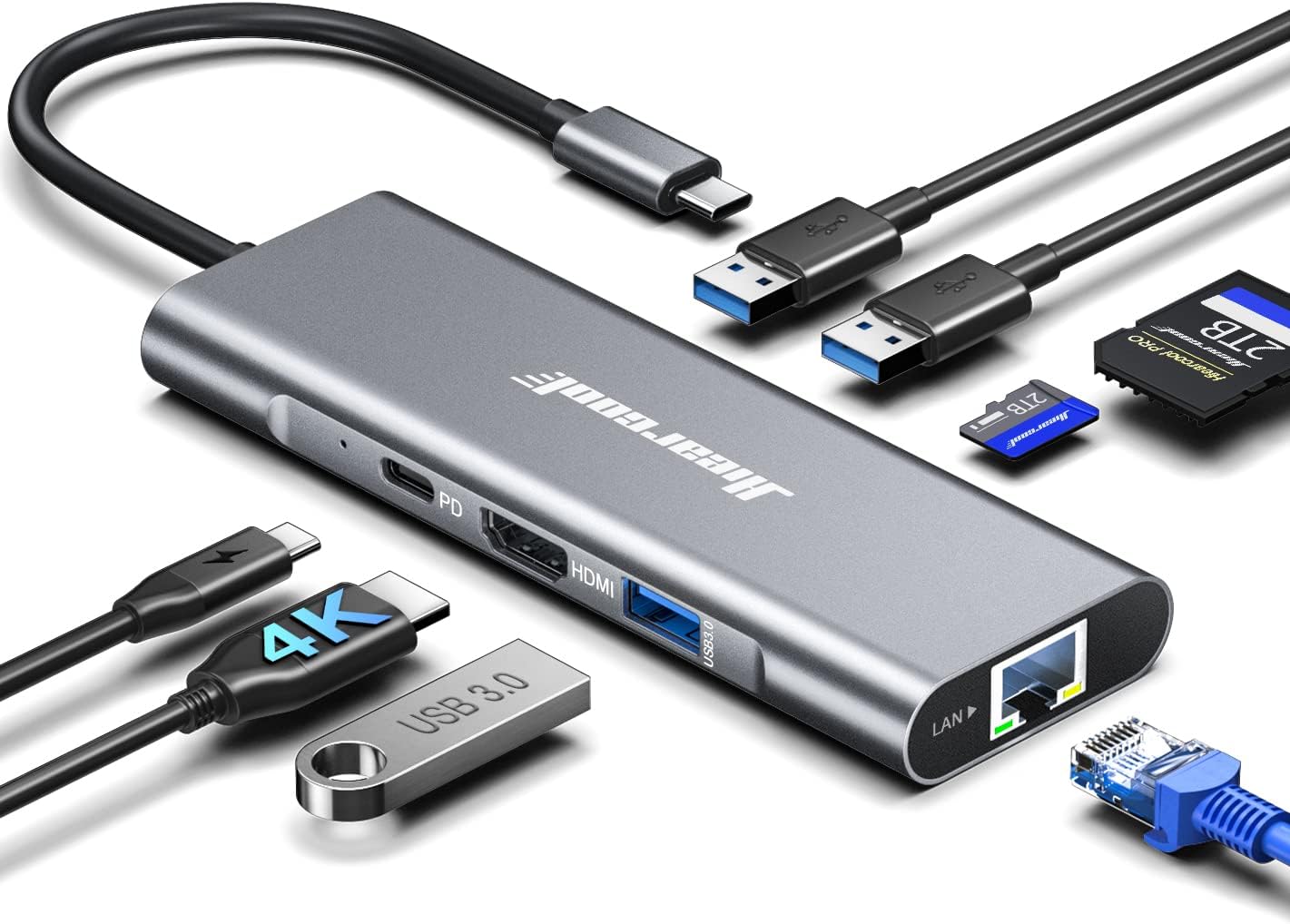
When a laptop runs short on connections at a desk, in a classroom, or while traveling, a compact hub can make it easier to plug in a monitor, wired network, storage, and everyday accessories. The Hiearcool USB-C hub brings those connections together, with HDMI, Ethernet, three USB-A ports, SD and microSD card slots, and pass-through charging in one aluminum unit.
It’s aimed at people who want more ways to connect without building a larger desktop setup.
How to use it

Connect the hub to a USB-C laptop, then attach the devices you need. For example, at a coffee shop you could connect a monitor over HDMI, use Ethernet where a wired network is available, and plug in a mouse or flash drive through USB-A. The SD and TF slots also offer a direct way to move photos or other files from cards without adding a separate reader.
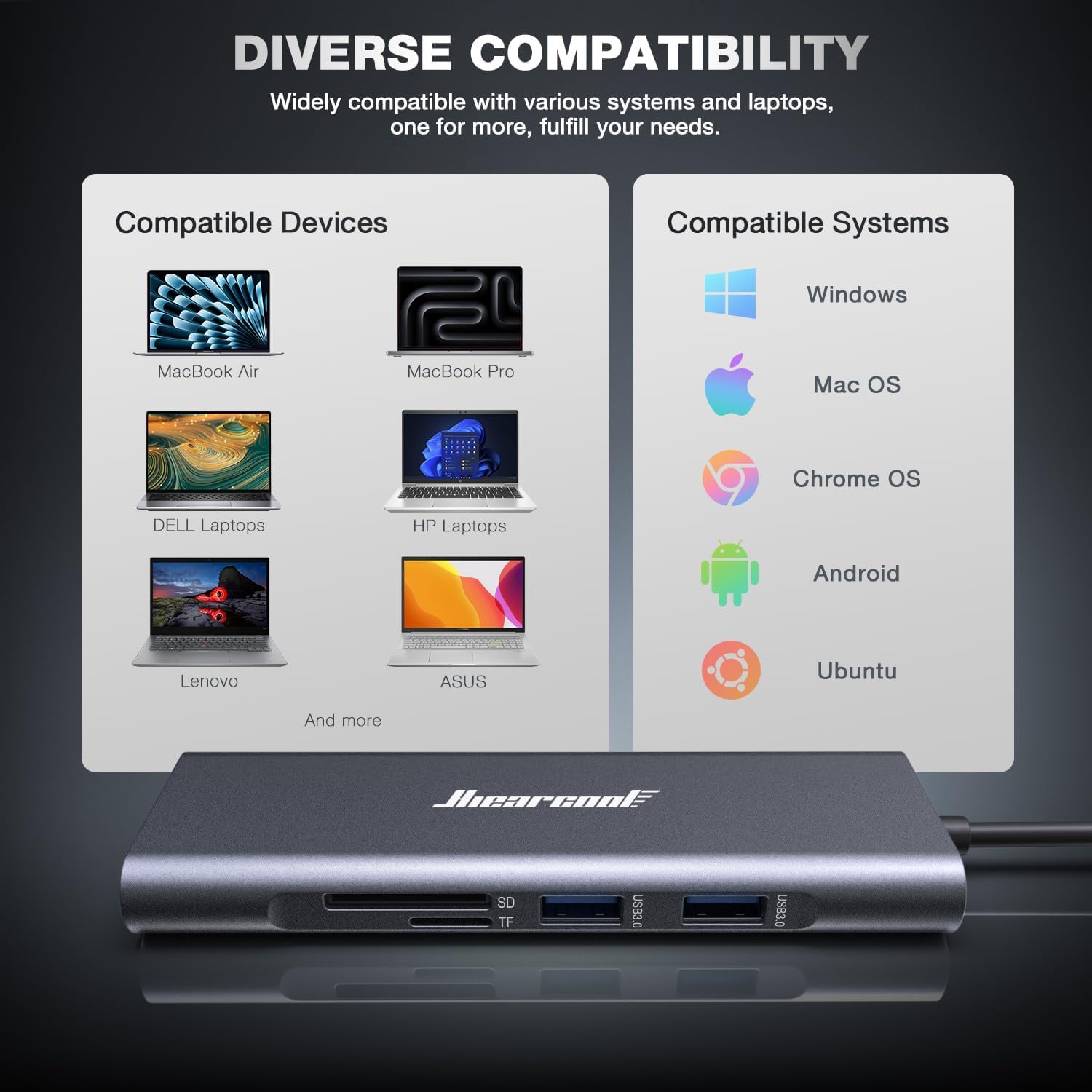
The maker lists compatibility with MacBook Pro and Air, Dell XPS, HP, Lenovo, and other USB-C laptops. That makes it relevant for work-from-home setups, online classes, presentations, and travel, but the phrase “most USB-C laptops” is not a guarantee for every model. Check that your laptop’s USB-C connection supports the functions you intend to use, especially external display output and charging.
Pros
- HDMI output is listed at 4K@60Hz for connecting to a monitor, TV, or projector.
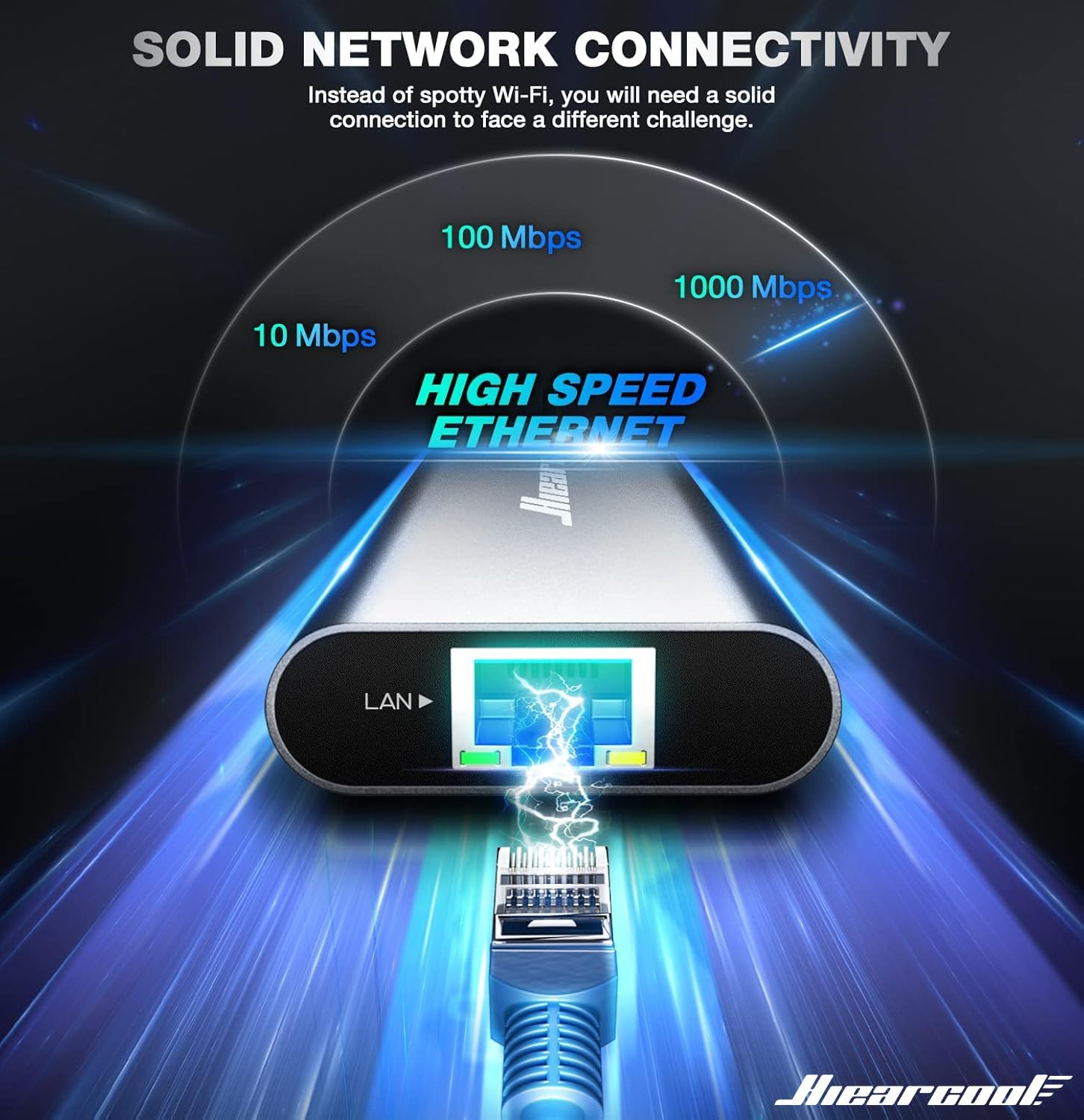
- Gigabit Ethernet provides a wired-network option for video calls, meetings, or file transfers.
- Three USB-A 3.0 ports support common accessories such as a keyboard, mouse, flash drive, or hard drive.
- SD and microSD card slots make transferring media more convenient for photographers, students, and other card users.
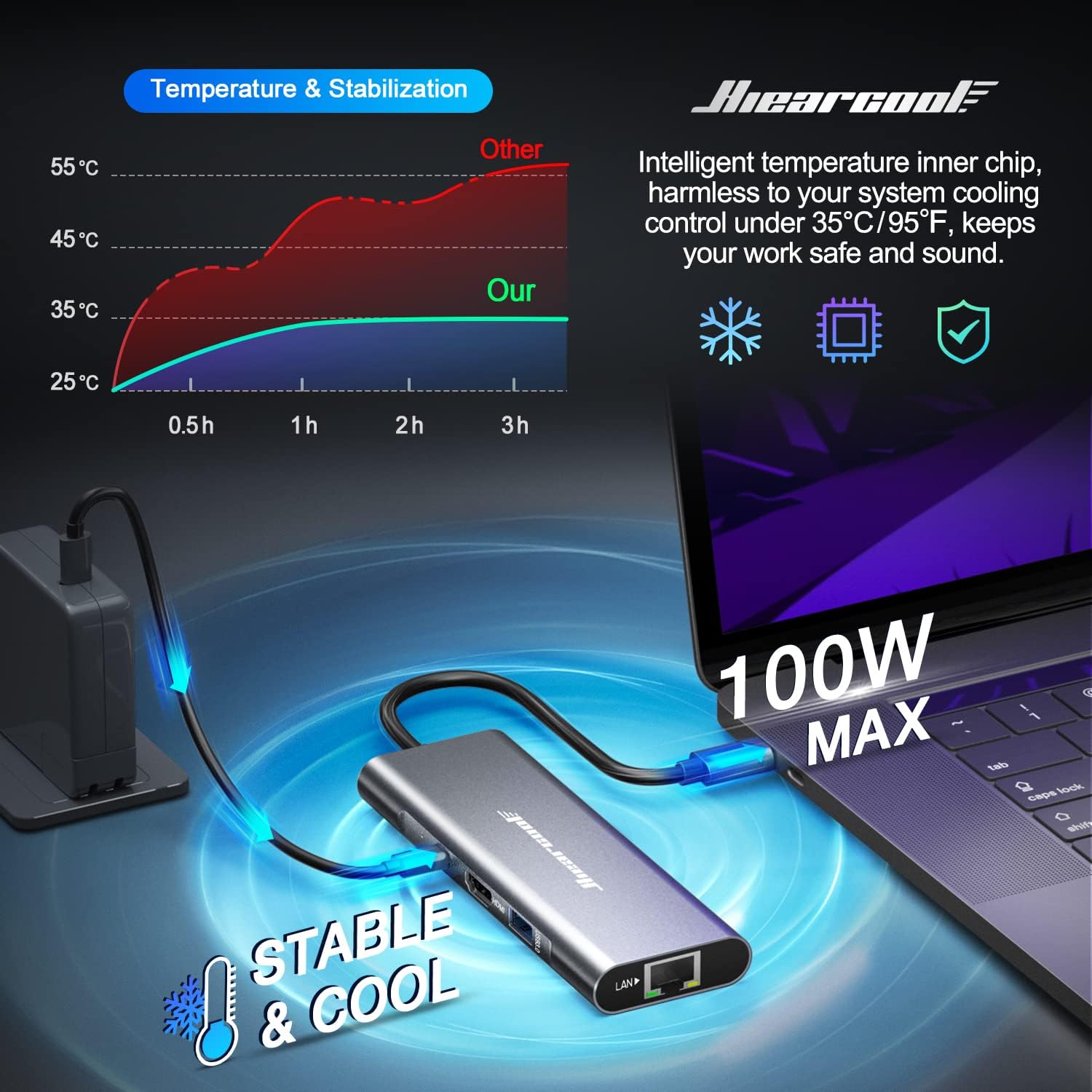
- USB-C pass-through charging supports up to 100W, so you can charge a laptop while using the hub’s connections.
- The aluminum body and plug-and-play design suit a portable setup where carrying a full dock would be more than you need.
You’ll appreciate it if you regularly switch between a laptop-only setup and a desk with a display, wired internet, or card-based storage. Need a simpler setup with just one extra USB port? A basic adapter may be easier to carry and less feature-heavy.
Spec sheet
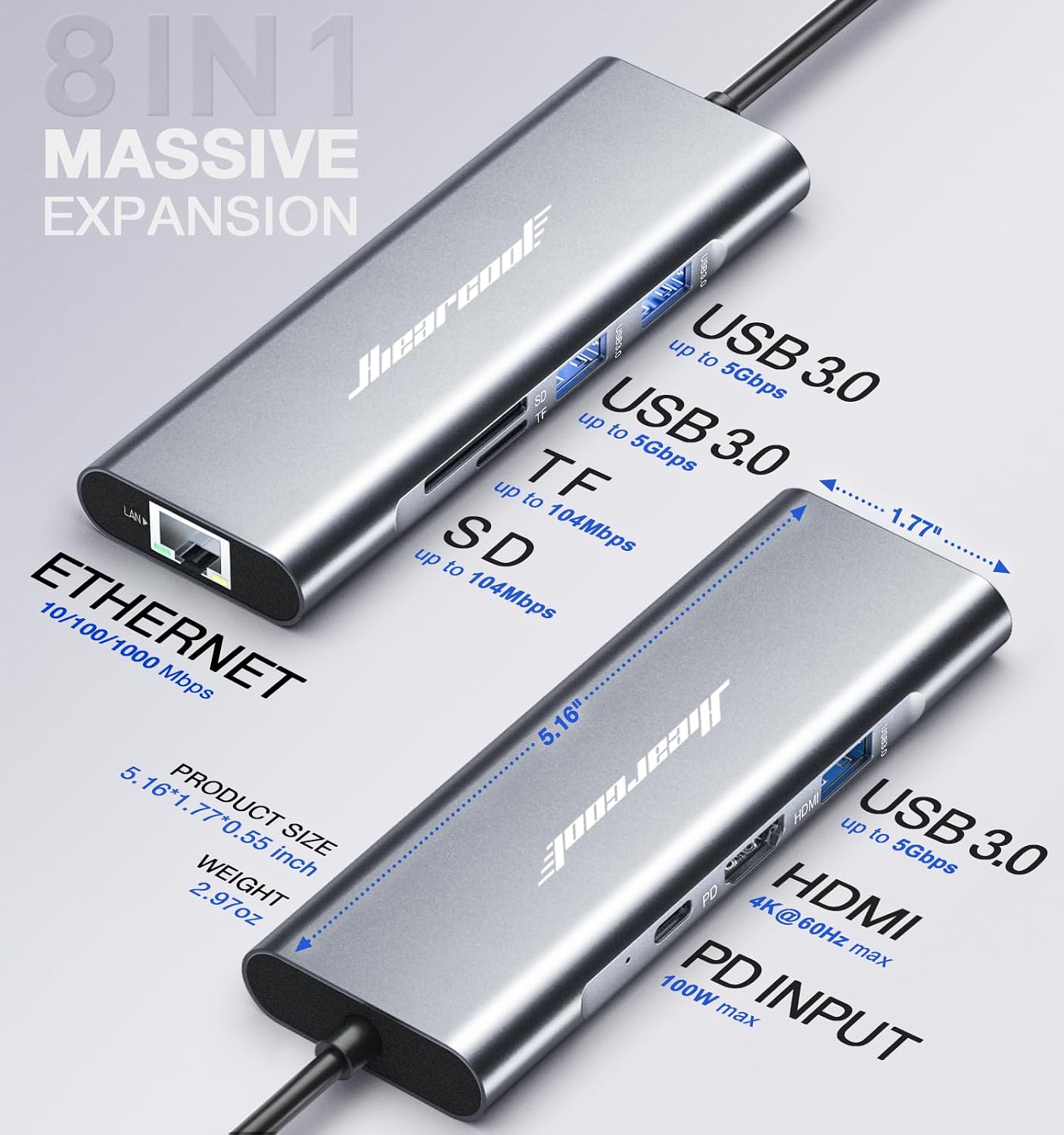

- Name: Hiearcool USB-C Hub
- Type: 8-in-1 USB-C hub
- Color: Space Gray
- HDMI: 4K@60Hz output
- Ethernet: 1Gbps
- USB-A: Three USB 3.0 ports, listed at 5Gbps
- Charging: USB-C pass-through, up to 100W
- Card readers: SD and TF
- Material: Aluminum
One practical limit: this hub adds connections, but it does not replace a laptop or provide a display on its own, you’ll still need compatible host hardware and the monitor or accessories you want to use. The advertised charging figure is a pass-through maximum, so don’t treat it as a promise that every laptop will receive that exact amount while all ports are active.
Is it worth it?
For a USB-C laptop owner who wants display, wired networking, card access, and several USB-A connections in one portable hub, the feature mix is well targeted. It can help reduce the scramble for separate adapters when moving between a home desk and a temporary workspace. The maker describes setup as plug-and-play, but the actual usefulness depends on your laptop’s USB-C capabilities and which connections you need at the same time.
Better avoided if your laptop lacks compatible USB-C functionality, or if you need a more extensive fixed workstation setup than a hub with the listed ports can provide. If your daily routine calls for these particular connections rather than a larger dock, this Hiearcool model is a practical format to consider.