

Learning Resources TP-Link TL-SF1005D 5-Port Fast Ethernet Unmanaged Switch (Plug-and-Play, Desktop)
Product description
The essentials
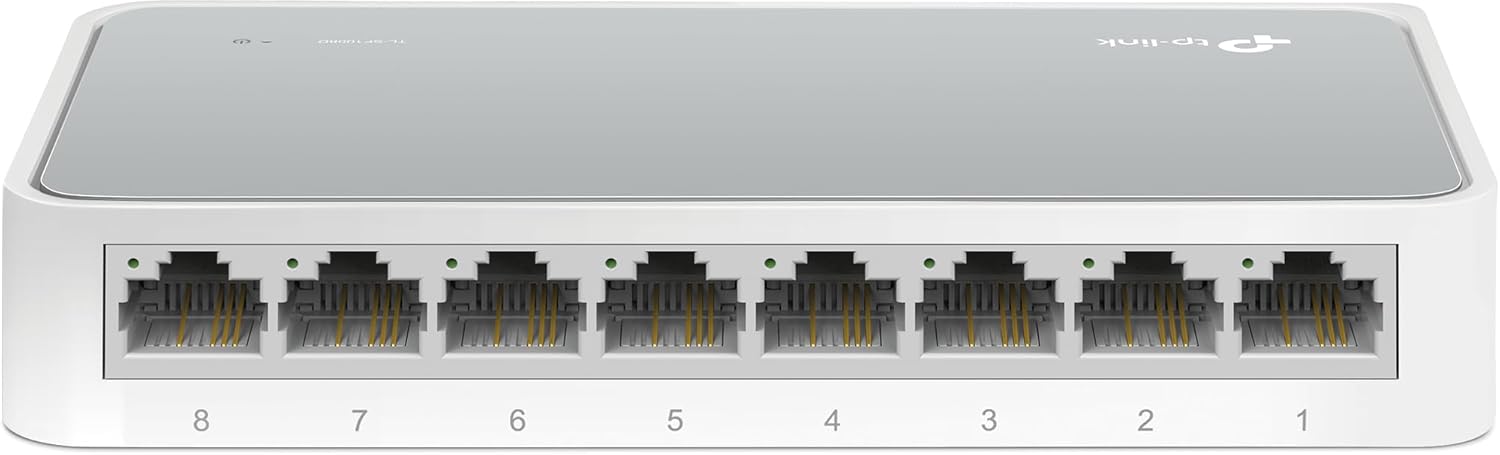
If you’re trying to squeeze more wired devices onto a router or modem router, a small unmanaged switch can feel like instant relief. The Learning Resources TP-Link TL-SF1005D is built for exactly that: adding extra Ethernet ports without complicated setup. On paper, it’s a simple, desktop-friendly way to connect things like a laptop, gaming console, printer, or other wired gadgets.
What makes this type of switch appealing is the “plug-and-play” approach. There’s no software to manage and no configuration steps to wrestle with. You basically extend what your router can do—only now you’re not forced to constantly unplug and replug devices.
Key features that matter in daily use
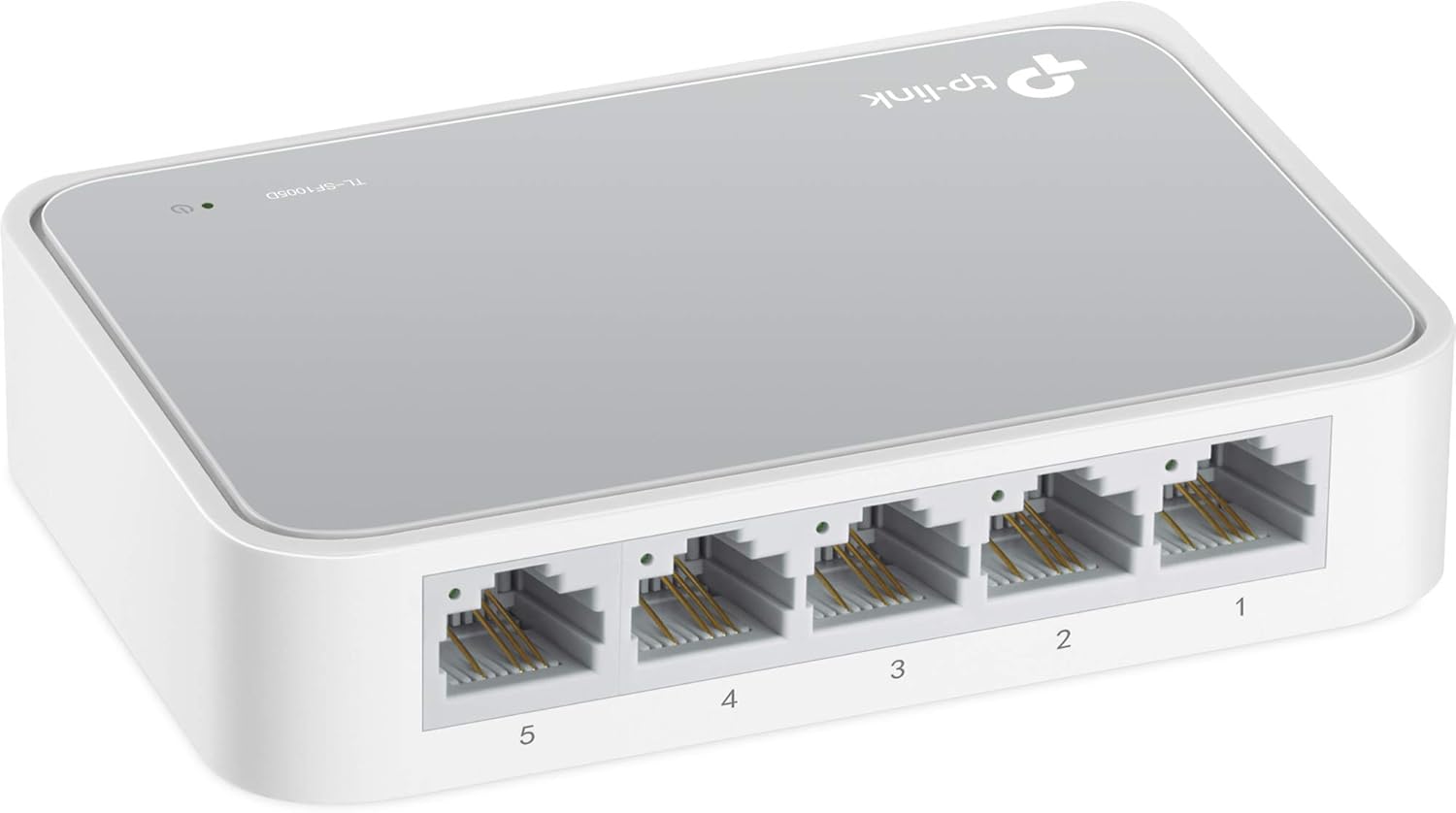
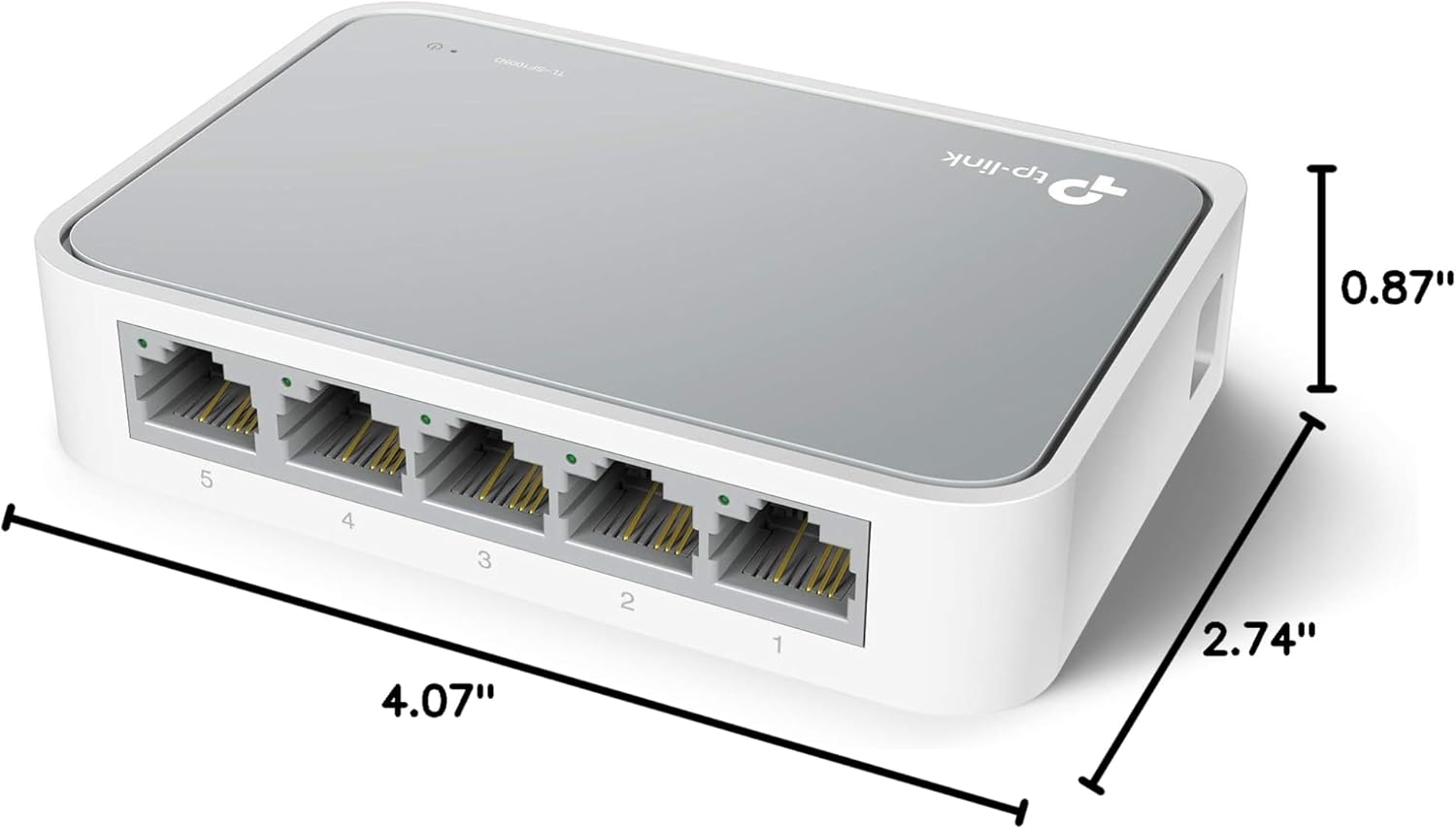
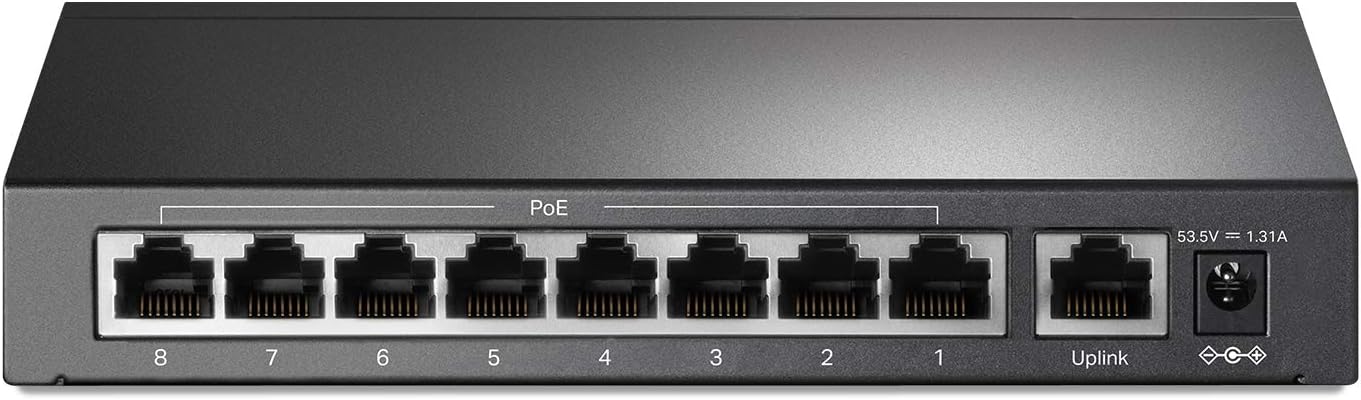
This is a 5-port Fast Ethernet unmanaged switch using RJ45 connections. The ports are 10/100 Mbps and use auto-negotiation, which helps devices and the switch agree on a speed automatically. It also supports Auto-MDI/MDIX, so you don’t need special crossover cables.
A practical plus here is the fanless, quiet desktop design. If you’re placing it on a desk, in a small home office, or in a bedroom setup, you probably don’t want another device making noise. Another detail worth noting is the IEEE 802.3x flow control, which is there to support more reliable data transfer—good for basic day-to-day networking where stability matters.
And then there’s power saving: it adjusts power consumption based on link status and cable length. That doesn’t magically make your network faster, but it’s a sensible design choice if the switch will run continuously.
What to know before you buy
The big limitation with a 5-port Fast Ethernet switch is speed class. Fast Ethernet (10/100 Mbps) can be fine for printers, basic streaming, office tasks, and many gaming scenarios—but it may feel limiting if your setup is built around higher-speed Ethernet needs. If you’re expecting gigabit performance end-to-end, this one may not match that goal.
Also, it’s unmanaged. That’s a non-issue for many home users, but it does mean you won’t be able to fine-tune behavior, prioritize traffic, or manage advanced settings. So if your use case requires control beyond simple connectivity expansion, you may want a different approach.
Here’s a concrete example: imagine your router only has one open Ethernet port, and you want a wired printer plus a gaming console wired at the same time. With this switch, you connect the switch to the router/modem router, then plug both devices in—no extra configuration, no software, just a straightforward wired layout.
Is it the right fit for you?
It’s a solid pick if you want an easy, low-fuss way to expand wired connections with a small desktop switch. You’ll appreciate it if your priority is simplicity—plug it in, connect your devices, and move on.
It may not suit you if you’re trying to maximize throughput for large file transfers or you specifically need gigabit Ethernet performance. It’s also not the best match if you want network features you can’t get on an unmanaged model.
If you’re deciding between this kind of plug-and-play switch and a more managed, feature-heavy option, think about what you actually need. For straightforward “more ports” functionality, this style makes a lot of sense. For customization and deeper control, you’ll likely need to look elsewhere.
Tech specs
- Type: Unmanaged switch (plug-and-play)
- Ports: 5 RJ45
- Ethernet speed: 10/100 Mbps (Fast Ethernet)
- Setup: No configuration/software needed
- Flow control: IEEE 802.3x
- Power behavior: Automatically adjusts power consumption based on link status and cable length
- Cable compatibility: Supports Auto-MDI/MDIX (no crossover cable needed)
- Design: Fanless quiet desktop design
- Form factor: Desktop
Should you buy it?
Worth considering if you want to add wired connections quickly—without software, without configuration, and with a quiet fanless desktop design. This is especially compelling for a home office or small setup where you just need a few extra Ethernet ports to stop disconnecting devices.
Better avoided if you know you need higher-than-Fast-Ethernet performance or you want managed networking controls. For many everyday users, it hits the sweet spot: straightforward expansion more than advanced networking.
Quick FAQ
How hard is the setup?
Setup is designed to be plug-and-play, with no configuration or software needed.
Does it require crossover cables?
No. It supports Auto-MDI/MDIX, which helps eliminate the need for crossover cables.
What kinds of devices can I connect?
The intended idea is to connect typical wired Ethernet devices—like a laptop, gaming console, printer, and other Ethernet-capable devices.
Does it manage network settings?
No. It’s an unmanaged switch, so it’s aimed at simple connectivity expansion rather than configuration control.
Does it stay quiet?
Yes, it uses a fanless design for quiet operation, which is helpful on a desk or in a bedroom setup.