

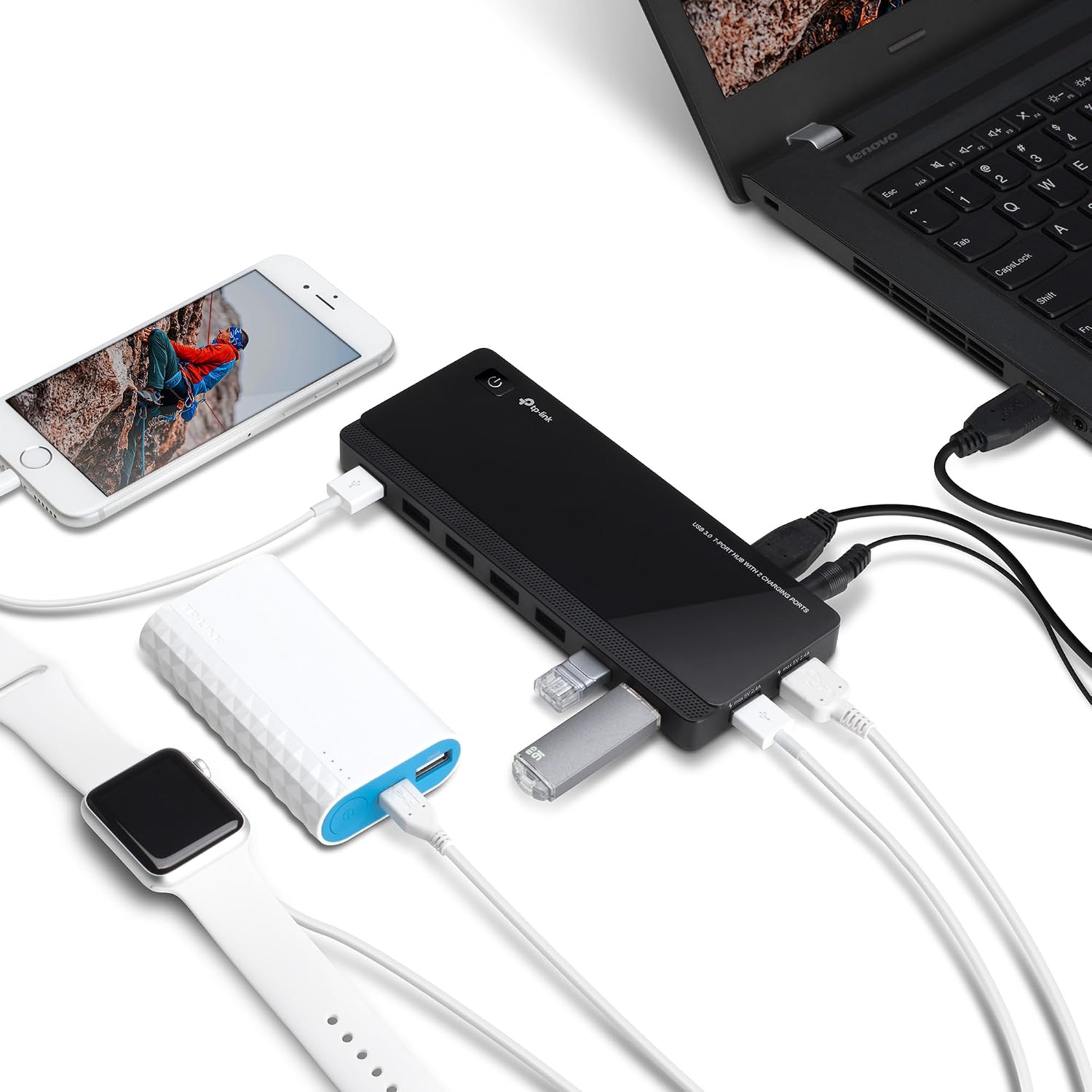
TP-Link USB Hub UH720
Product description
Quick overview
For anyone juggling a keyboard, mouse, printer, and external drives, the TP-Link UH720 adds more connections without requiring a separate data port for each device.
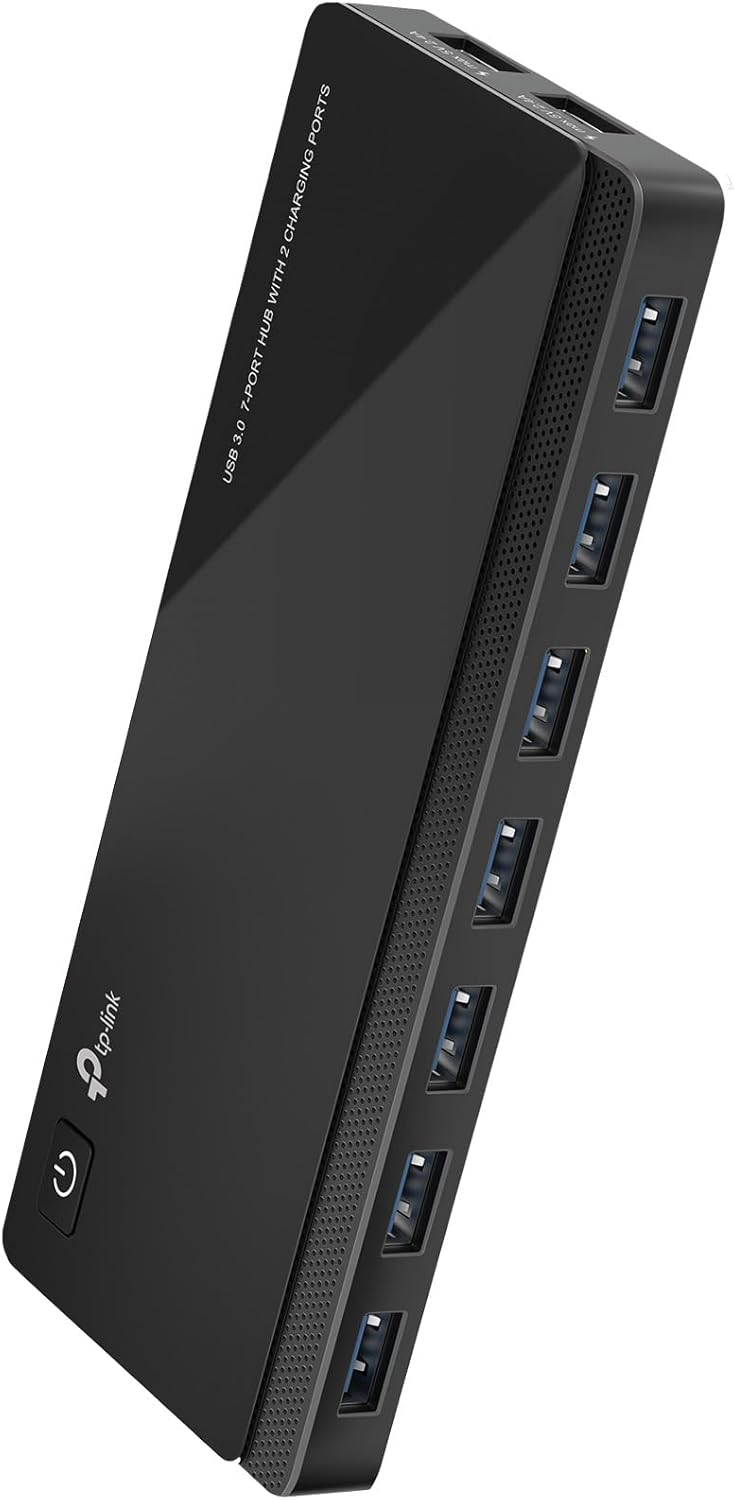
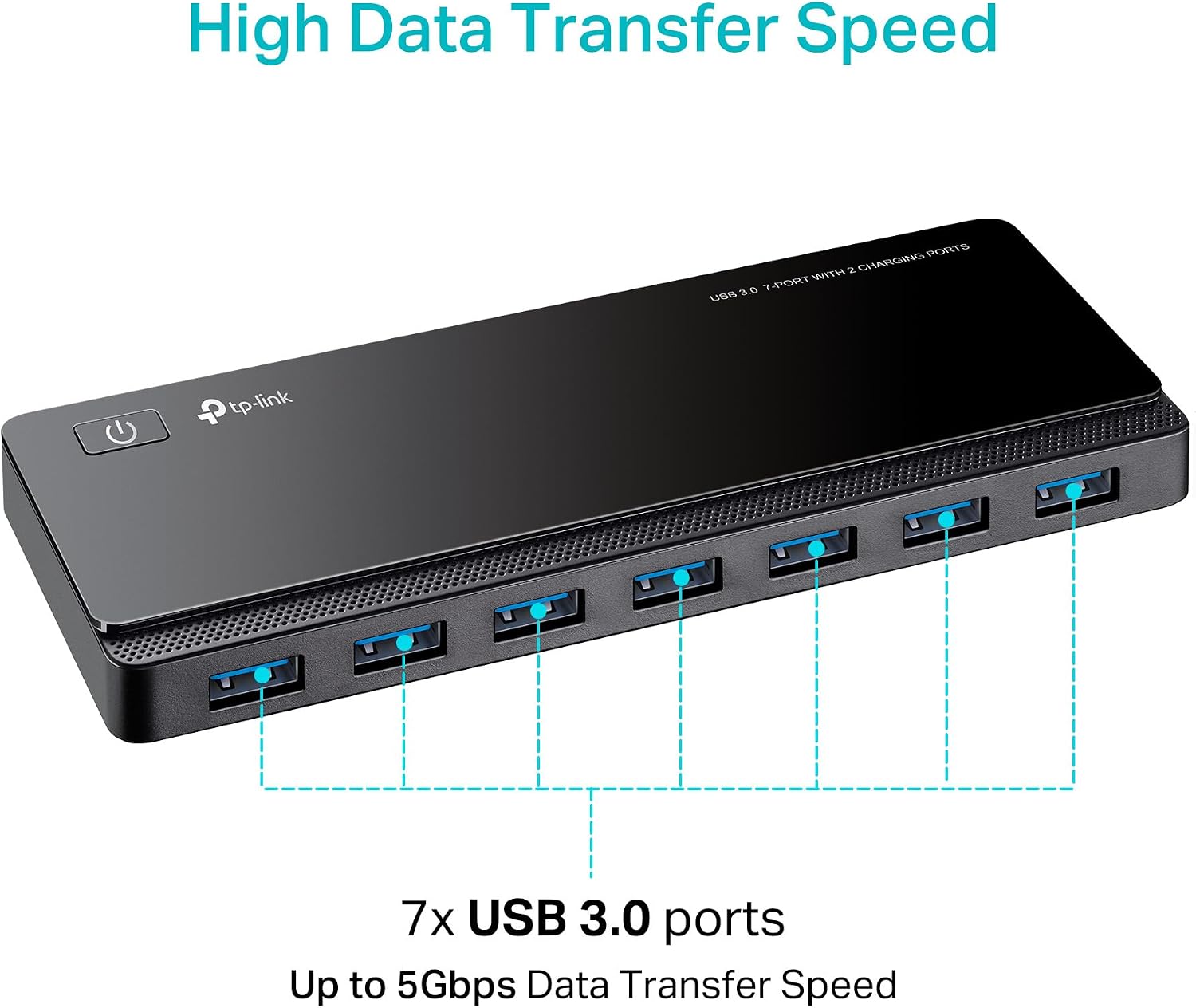
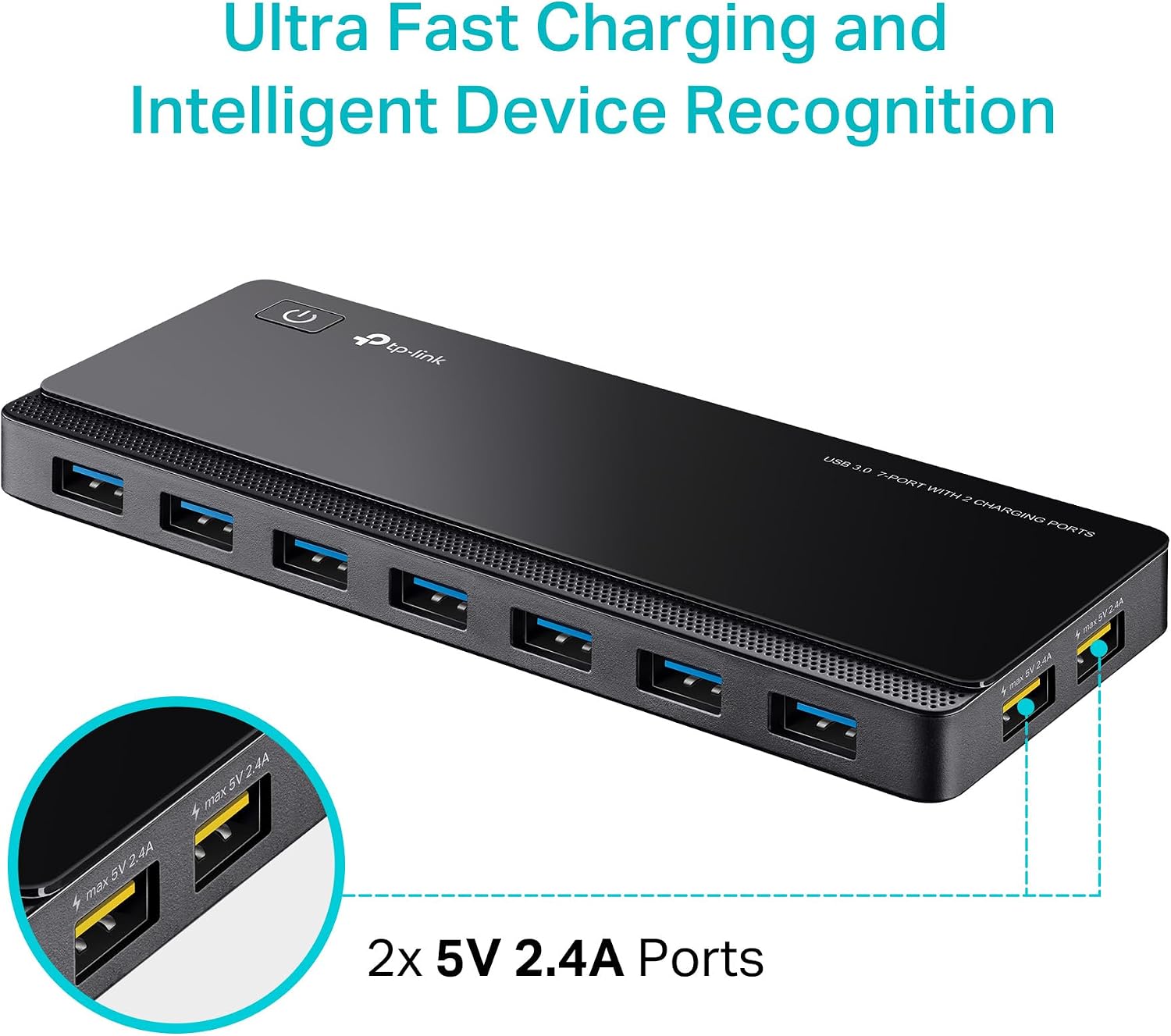
It has seven USB 3.0 data ports and two additional USB charging ports. The included 12V/4A power adapter and power button give the hub its own power connection and an easy way to switch it off.
The data ports are rated for transfer speeds up to 5Gbps, while actual speed depends on the connected device. From the way it is set up, this is more useful for a desk with several USB accessories than for someone who only needs one extra port. It suits you if you want both peripheral connections and dedicated charging ports in one hub.
Best use cases
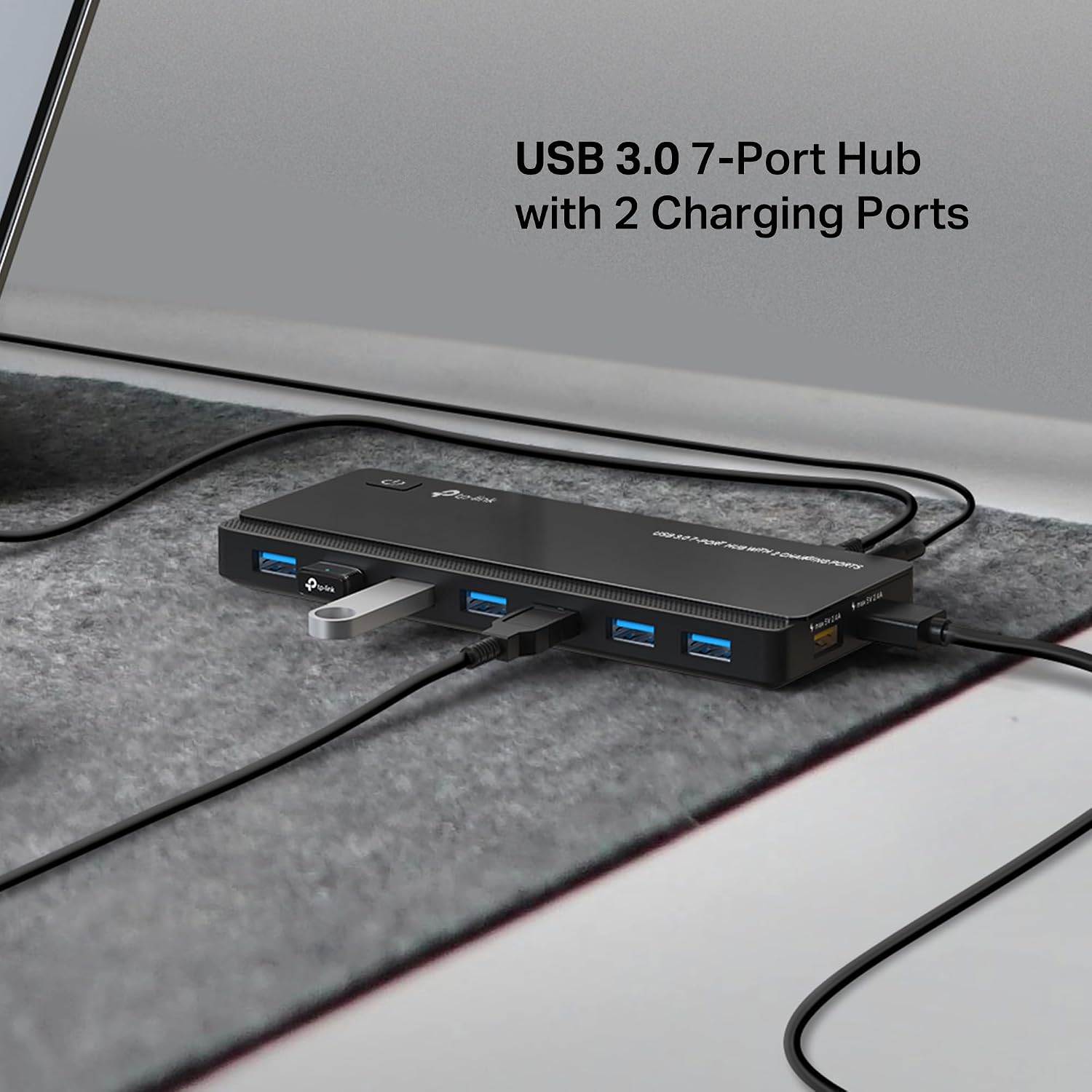
The seven data ports can connect devices such as a keyboard, mouse, printer, and hard drives, so the hub can help tidy up a workstation with several wired accessories. For example, you could leave a keyboard and mouse connected, then plug in a drive to move files without repeatedly swapping cables at the computer. It also supports hot-swapping, so compatible USB devices can be connected or disconnected while the computer is running.
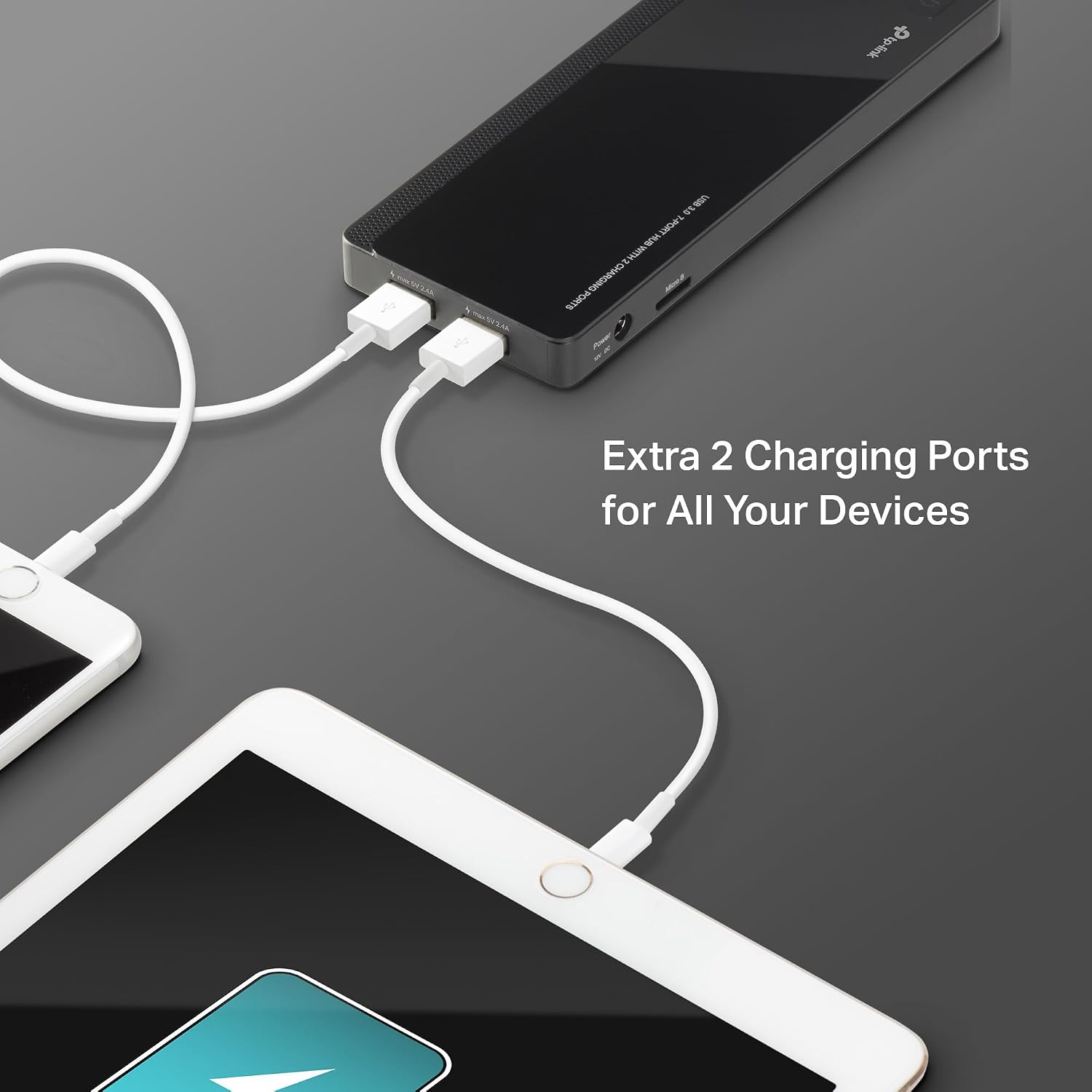
The two extra ports are intended for USB charging, with 5V/2.4A output. TP-Link says its charging technology identifies connected devices and adjusts charging accordingly. Keep in mind that transfer speeds are limited by the connected device, so a USB 3.0 hub alone cannot make a slower drive transfer faster.
Compared with a basic hub that only adds data connections, the UH720 also provides two charging ports and a power button. A simpler hub may make more sense if you only need a couple of peripherals and do not need separate charging connections. It might not be a great match if your setup depends on a specific transfer speed that the connected device cannot support.
Tips for day-to-day use
Connect the hub to your computer and use its power adapter, then attach your regular peripherals to the data ports. Keeping frequently used devices plugged in can reduce cable swapping, use the power button when you want to switch the hub off. The product is described as plug and play, with no drivers required for the listed Windows, Mac OS X, and Linux systems. Chrome OS compatibility is also listed.
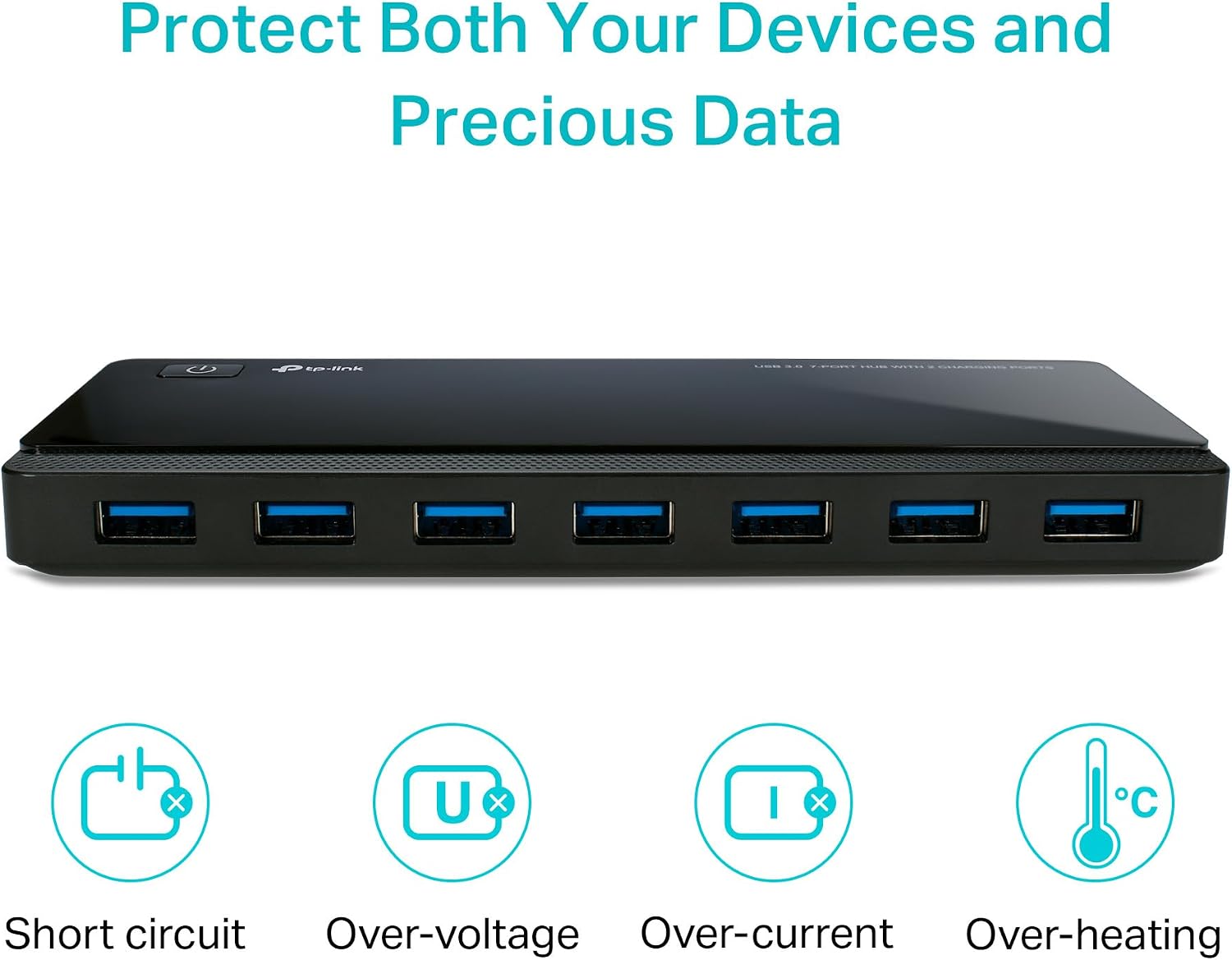
The hub is backward compatible with USB 2.0 and 1.1 devices, though the connection will not make those devices operate at USB 3.0 speeds. Its stated protections include safeguards against overheating, overload, overvoltage, and short circuits. Those features may be reassuring in a multi-device setup, but they do not replace checking that a connected device and cable are suitable for the task.
Practical doubts
Can it charge a phone or tablet? The two dedicated charging ports are designed for USB charging equipment, including smartphones and tablets, with 5V/2.4A output.
Does it need a driver? The product is described as plug and play, with no drivers required for the listed Windows, Mac OS X, and Linux systems.
Can I unplug a device while the computer is on? The hub supports hot-swapping, allowing USB devices to be connected or disconnected while the computer is running.
Final verdict
The UH720 is a practical fit for a computer desk that needs several USB data connections plus a couple of dedicated charging ports. Its seven-port layout and included power adapter give it more going on than a bare-bones port expander, while the power button makes it easier to manage a cluster of attached accessories. Choose it when that combination matches your setup, skip the extra ports if you only need a minimal connection and do not expect the hub to overcome the speed limits of your devices.