

UGREEN USB Hub, 4 Ports
Product description
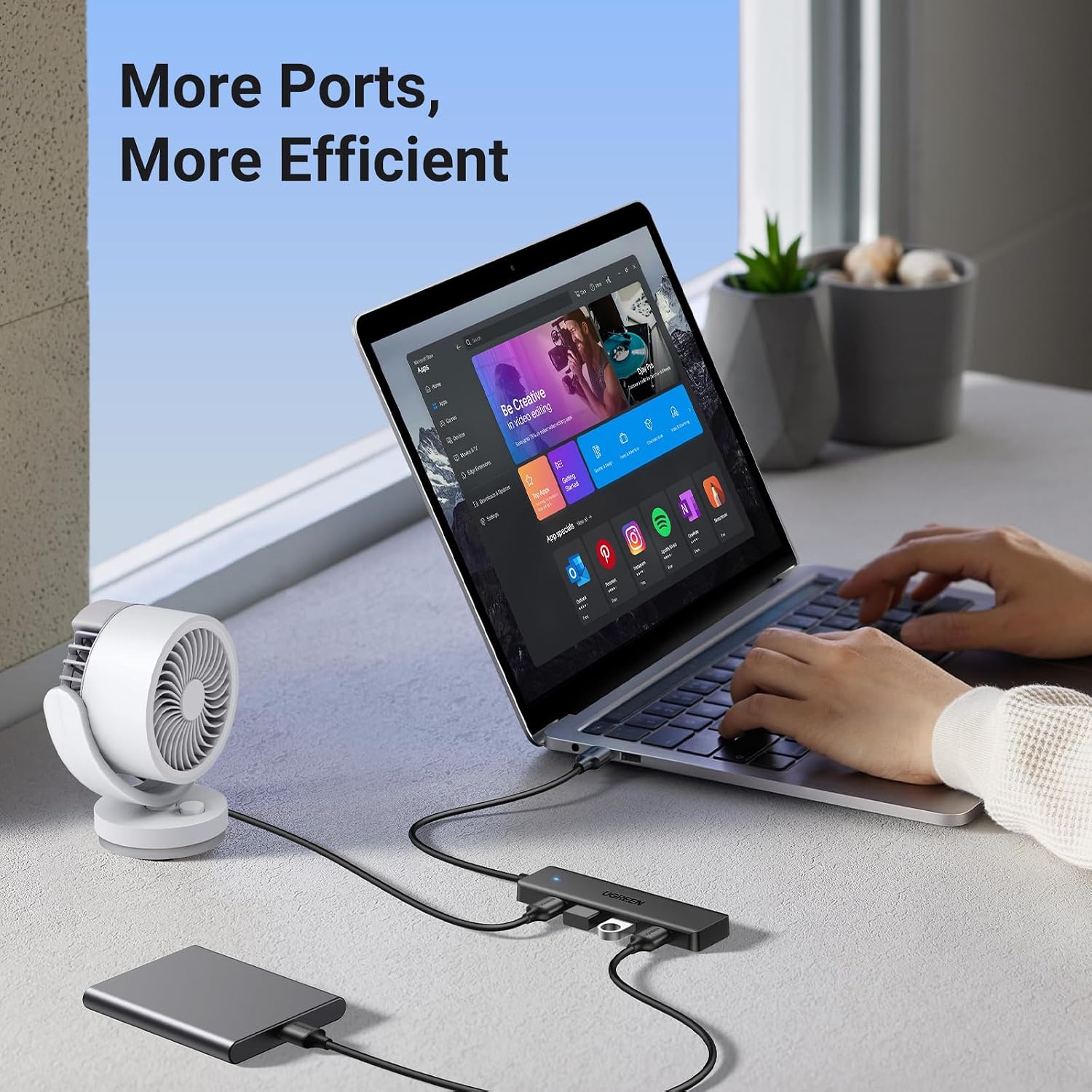
If your setup needs a few more USB-A connections, this hub is aimed at everyday peripherals, if you need different port types or a longer reach, a basic splitter may not cover those needs. It turns one USB-A port into four, so a mouse, keyboard, flash drive, and printer can share a connection to a laptop or desktop.
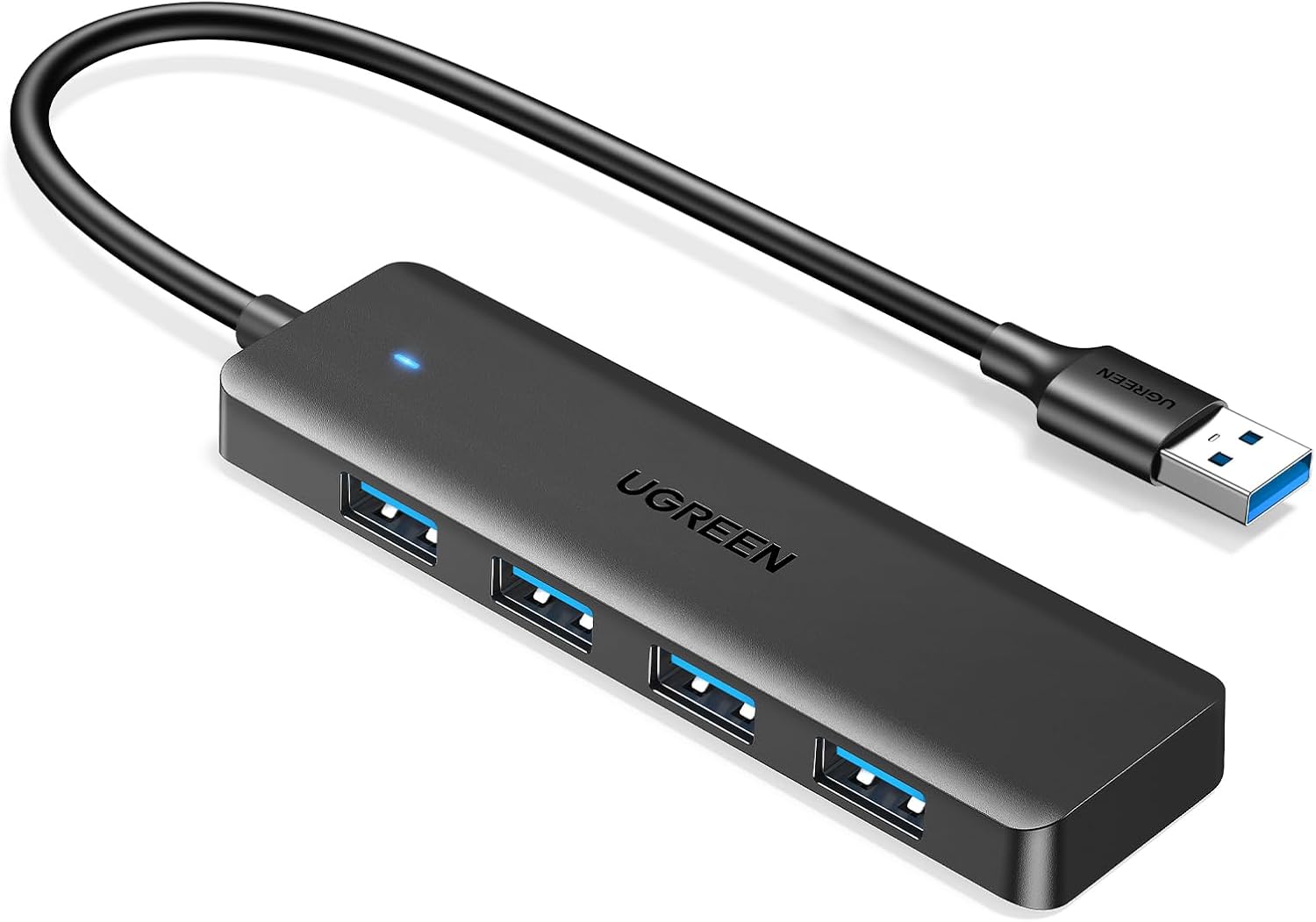
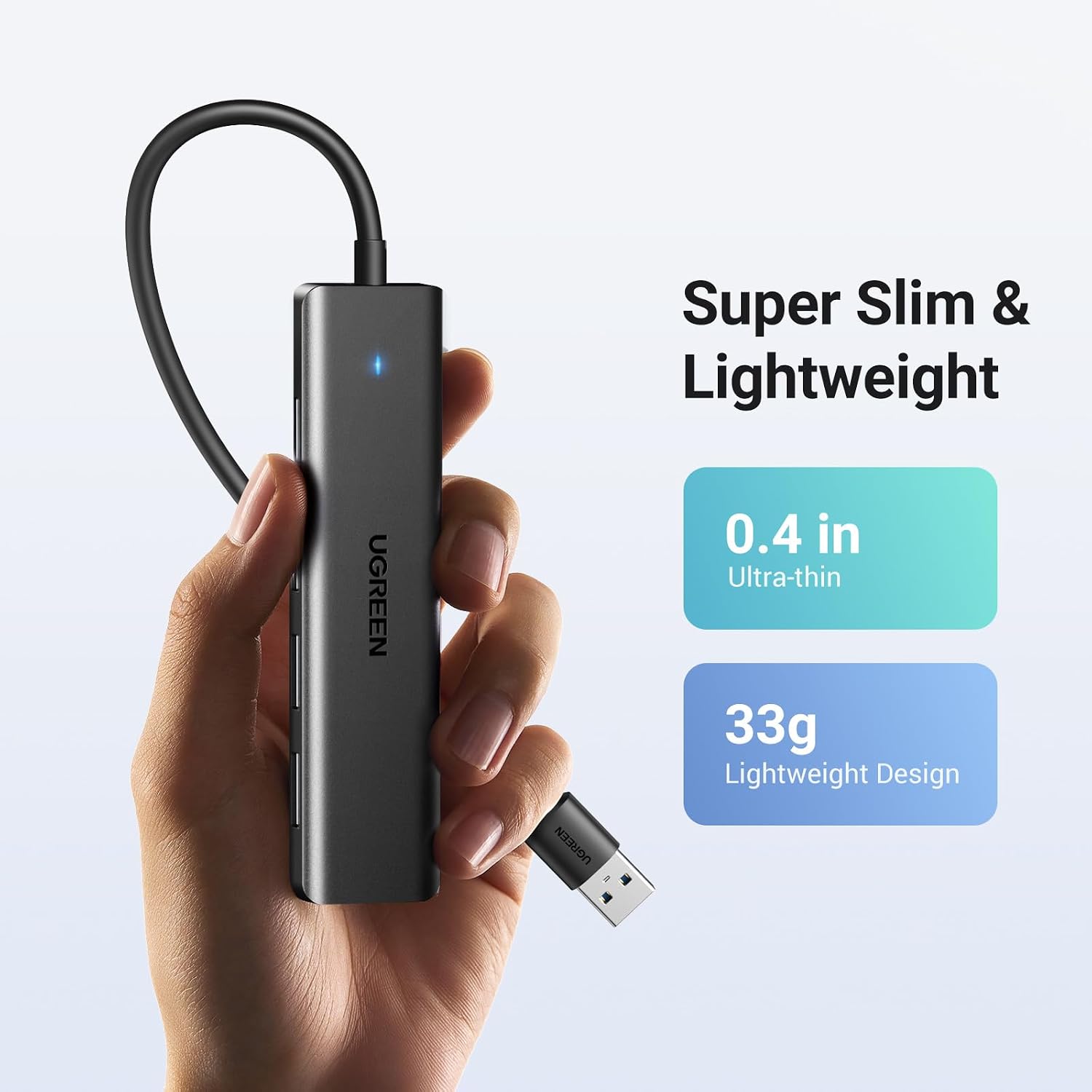
The 0.5 ft cable and slim, compact body make it easier to tuck beside a computer or pack for a work trip. It’s a straightforward add-on, rather than a hub built around a long cable or extra port formats.
Quick overview
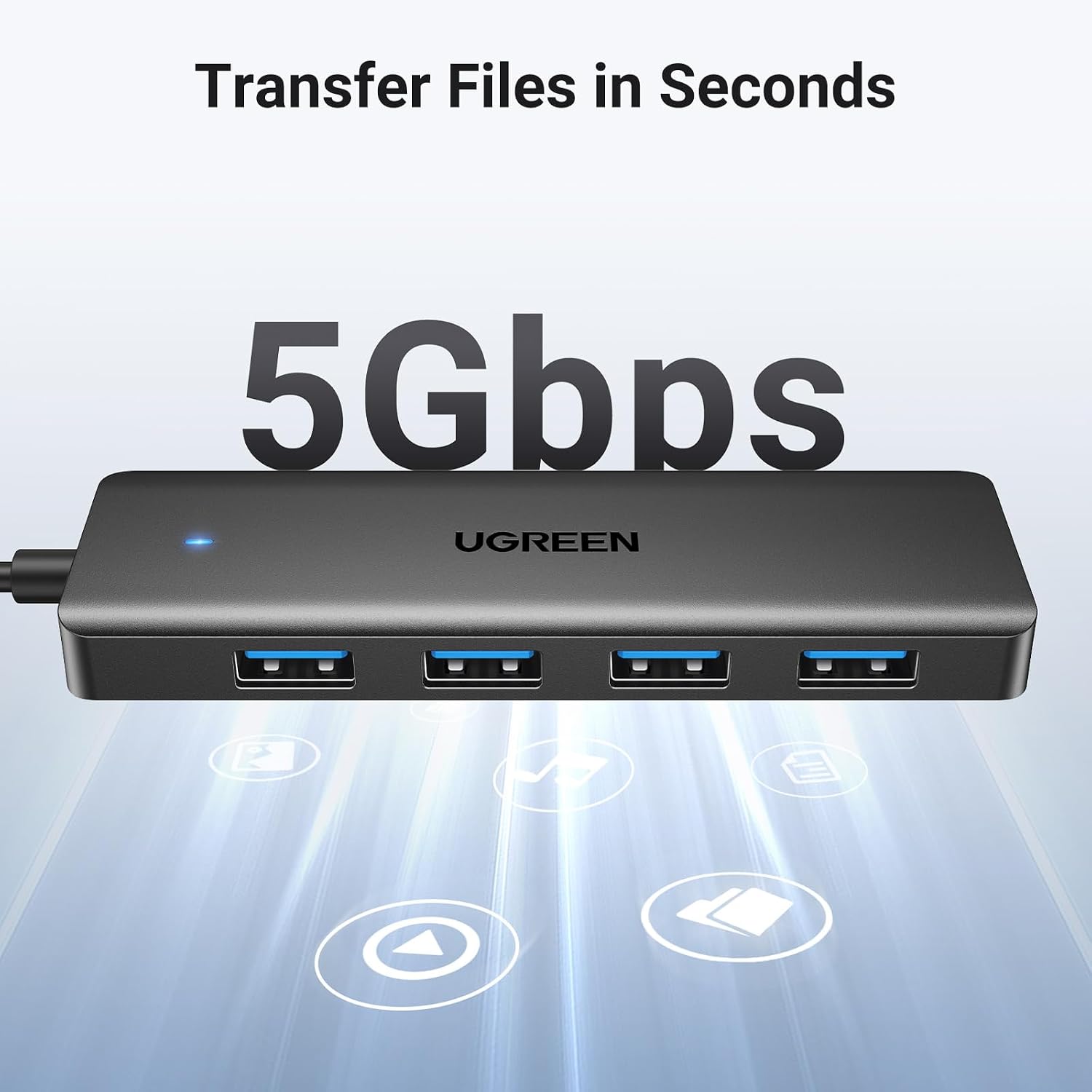
UGREEN’s USB 3.0 hub provides four USB-A ports and lists data transfer speeds up to 5Gbps. That maximum is a headline figure, not a promise that every transfer will run at that rate, the connected devices and files matter. For moving documents to a flash drive or connecting a keyboard and mouse, the point is convenience: use one computer port to connect several USB-A accessories.
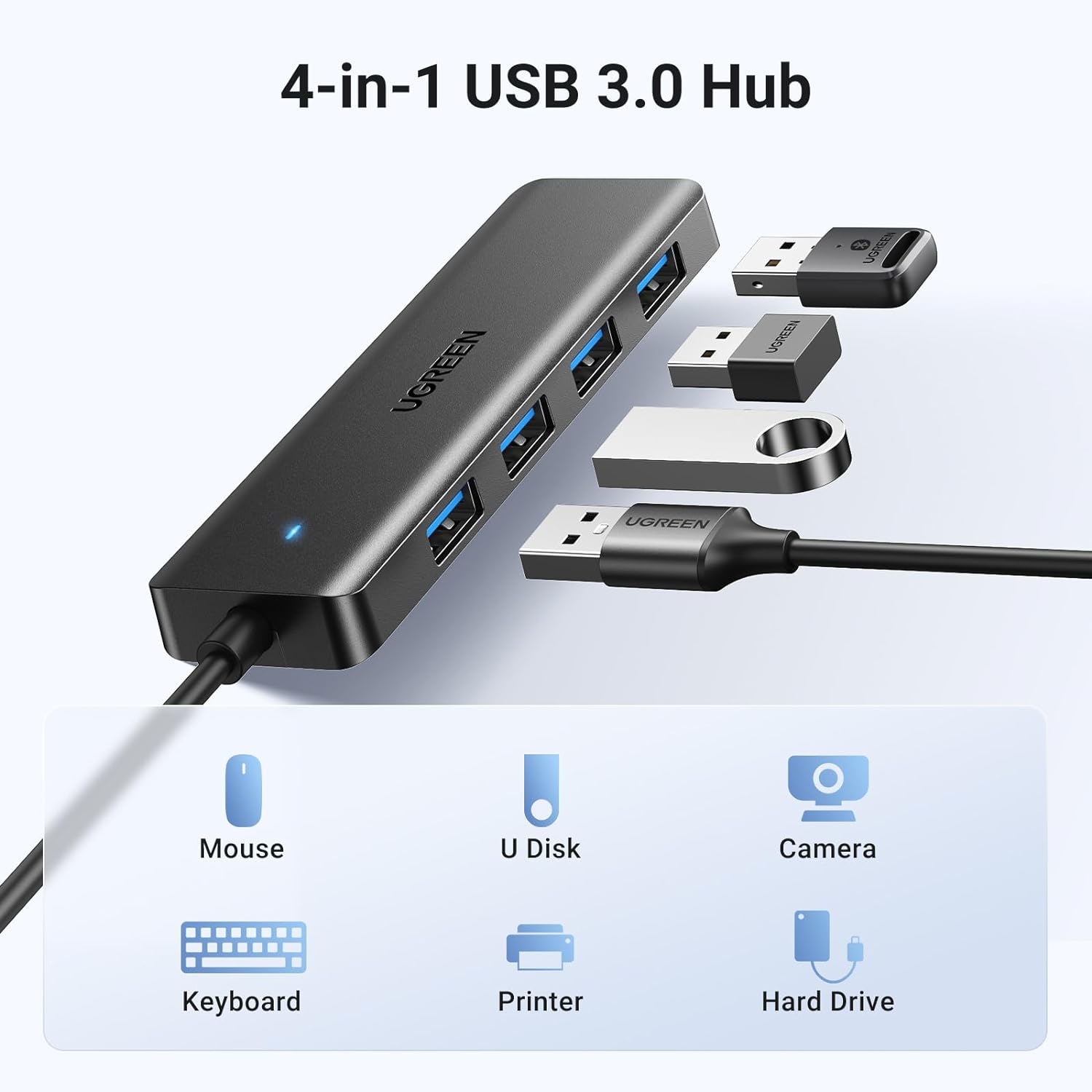
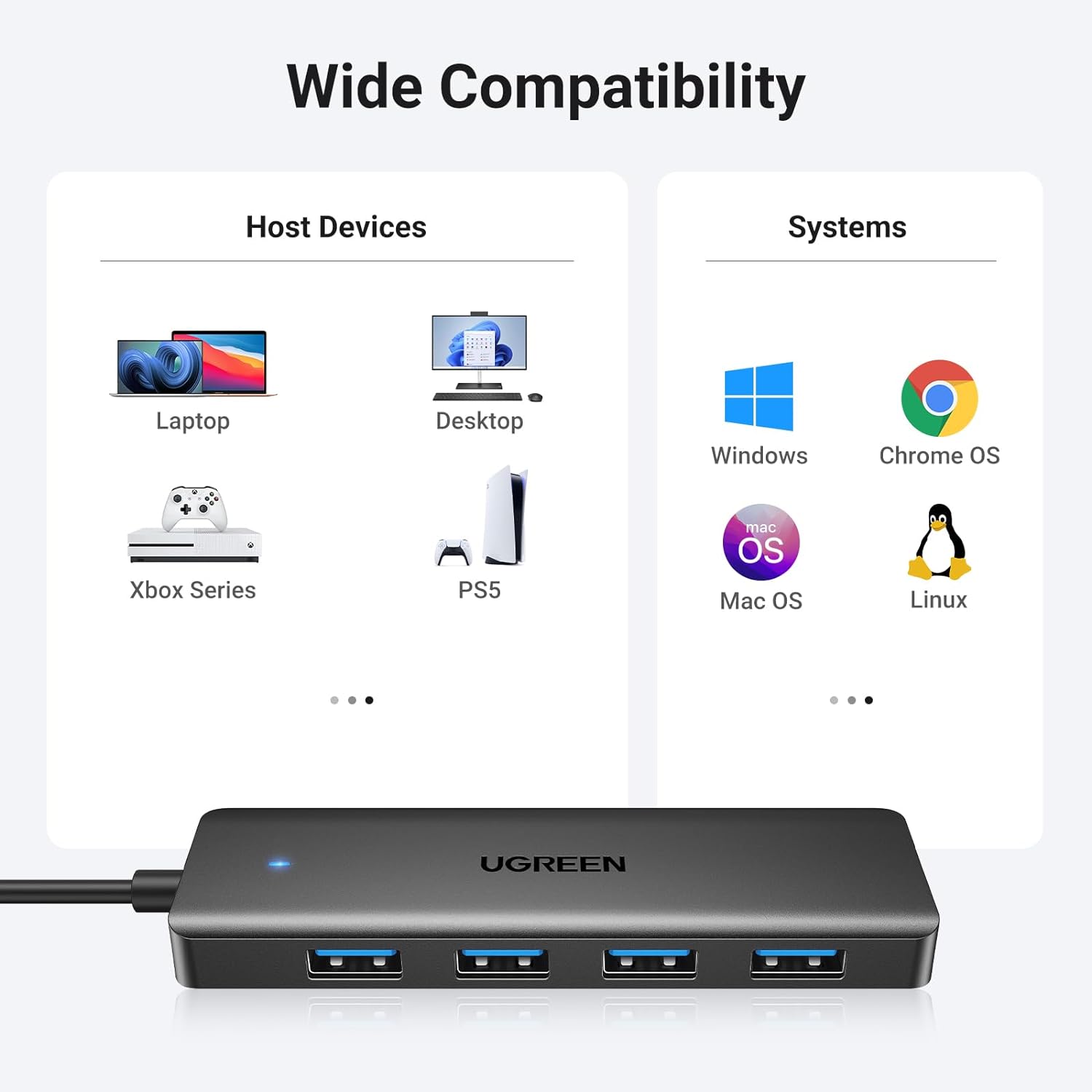
The listing names laptops, desktop PCs, Xbox Series systems, PS5, and car systems among compatible devices, and says it works with Windows, macOS, Linux, and Chrome OS without additional drivers or software. Keep in mind that all four added connections are USB-A, and the 0.5 ft cable may limit where the hub can sit relative to your device.
How to use it
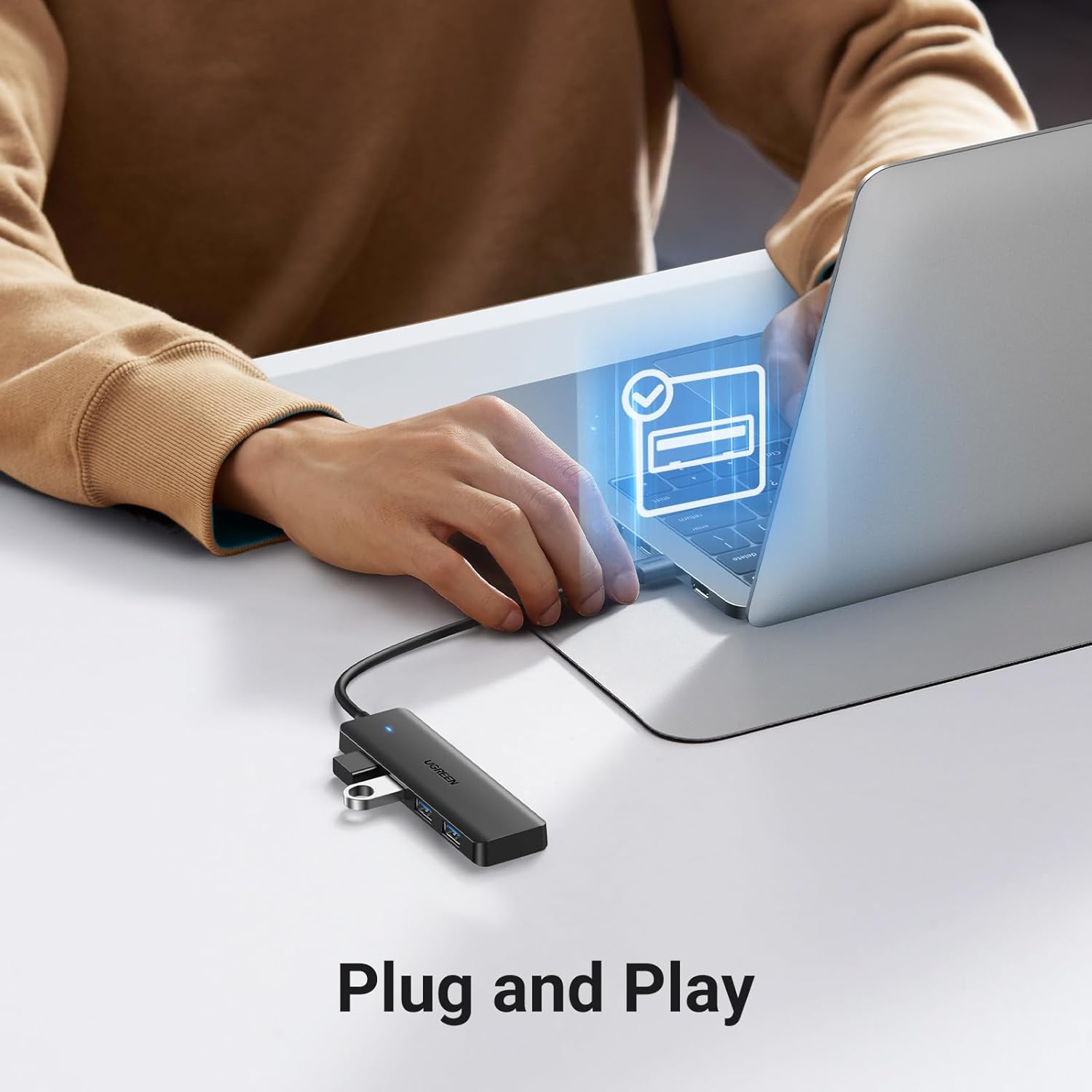
Connect the hub’s USB-A plug to an available USB-A port, then attach your peripherals to the hub. The product is described as plug-and-play, so no separate driver installation is required for the listed operating systems. For example, at a desk, you could leave a keyboard and mouse connected while plugging in a flash drive when you need to move files.
There’s no cleaning or maintenance guidance in the product details. Its compact size—listed as 0.4 inches thick and 33g—does suggest it can fit into a laptop bag without taking much room, though the short cable is less suited to setups where the computer and accessories are far apart.
Practical tips
Think about the devices you actually need to connect before choosing a hub. This model is useful when the missing connections are USB-A ports, it won’t add USB-C or other port types. If you mainly need to connect a mouse and keyboard, the extra ports also leave room for a flash drive or another USB-A peripheral without repeatedly swapping plugs.
For file transfers, treat 5Gbps as the stated maximum rather than an expected result in every setup. A transfer can be a convenient way to move files between a computer and a USB drive, but the listing doesn’t specify performance for particular drives or devices. A solid pick if you want a small, driver-free way to expand USB-A connectivity. You may want to skip it if your setup calls for a longer cable or ports beyond USB-A.
Questions before you buy
Does it require drivers? The product details describe it as plug-and-play, with no additional drivers or software required.
Which operating systems are listed? Windows, macOS, Linux, and Chrome OS are named as compatible.
Can it connect to a game console? The listing names Xbox Series and PS5, as well as laptops and desktop PCs, among supported devices with USB-A.
When it makes sense
Choose this hub when a computer or listed device has one available USB-A connection and you want to use several USB-A peripherals from it. Its short cable and compact build suit a close-by desk setup or travel kit better than a layout that needs the hub positioned at a distance. If your priority is simply adding USB-A connections without installing software, its design fits that job, if you need other port formats or more placement flexibility, look for a different connection layout.