

MIKIBY K98 Wireless Mechanical Keyboard, 96% Layout, Tri-Mode, Hot-Swappable RGB
Product description
If you need one keyboard for gaming and everyday work, the MIKIBY K98 combines wireless and wired connections with a number pad. Its 96% layout keeps frequently used keys while reducing some less-used ones. That makes it a different fit from a smaller keyboard without a number pad, while still aiming to take up less desk space than a more conventional full layout.
Product specs
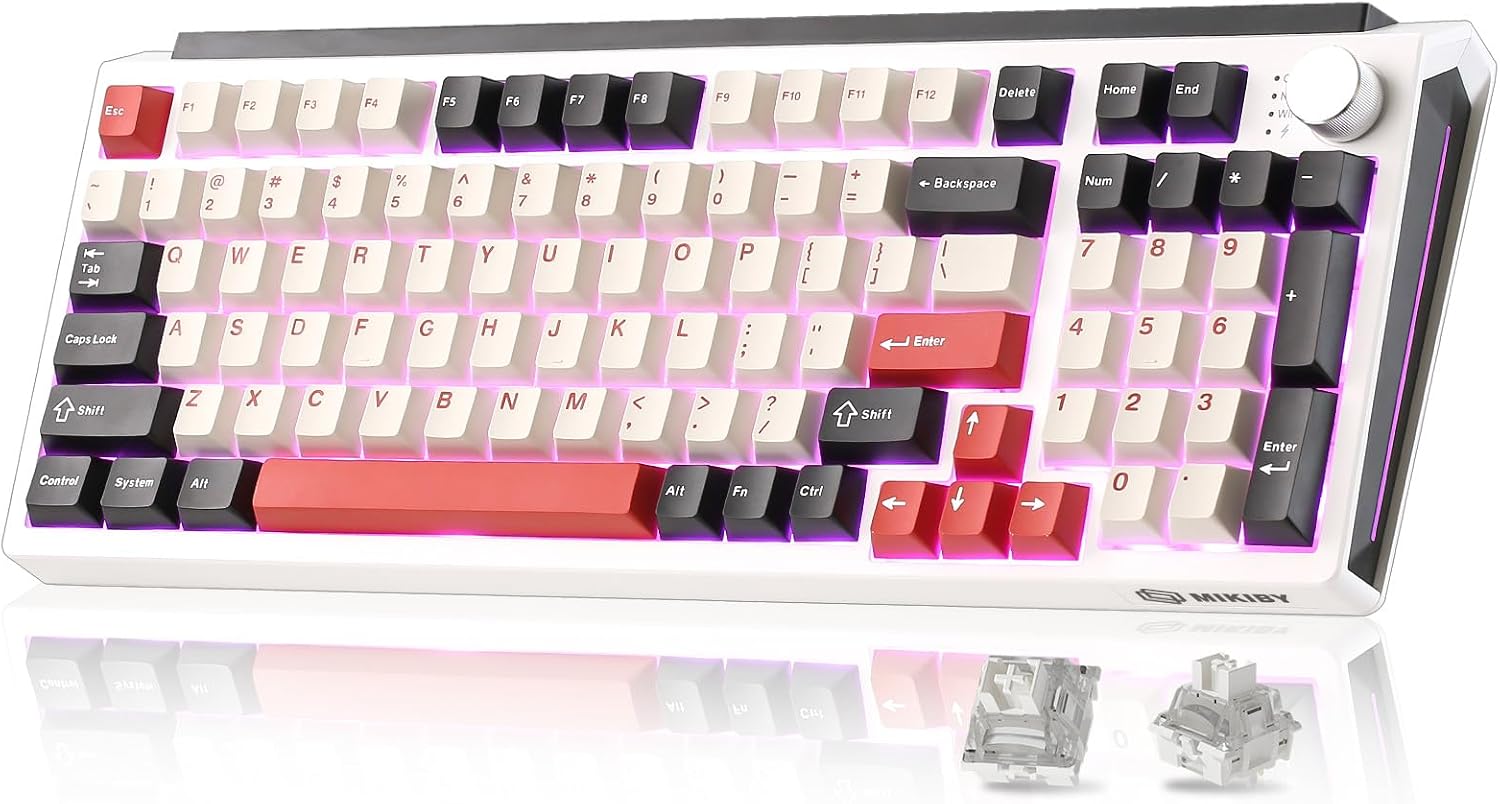
- Name: MIKIBY K98
- Type: Wireless mechanical keyboard
- Layout: 96%, with number pad, arrow keys, and function keys
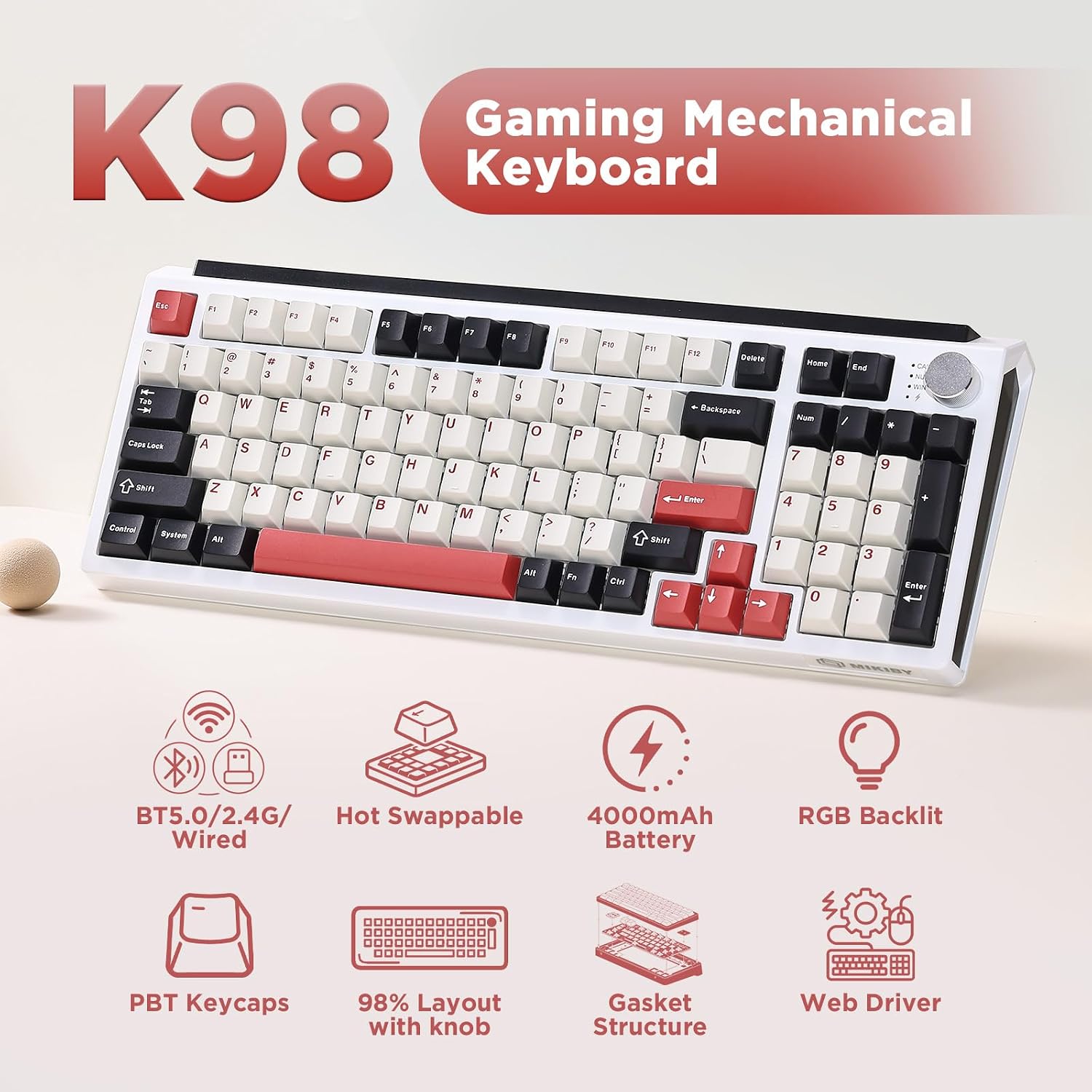
- Connectivity: Bluetooth 5.0, 2.4GHz wireless, and USB-C wired
- Multi-device support: Connects to up to five devices
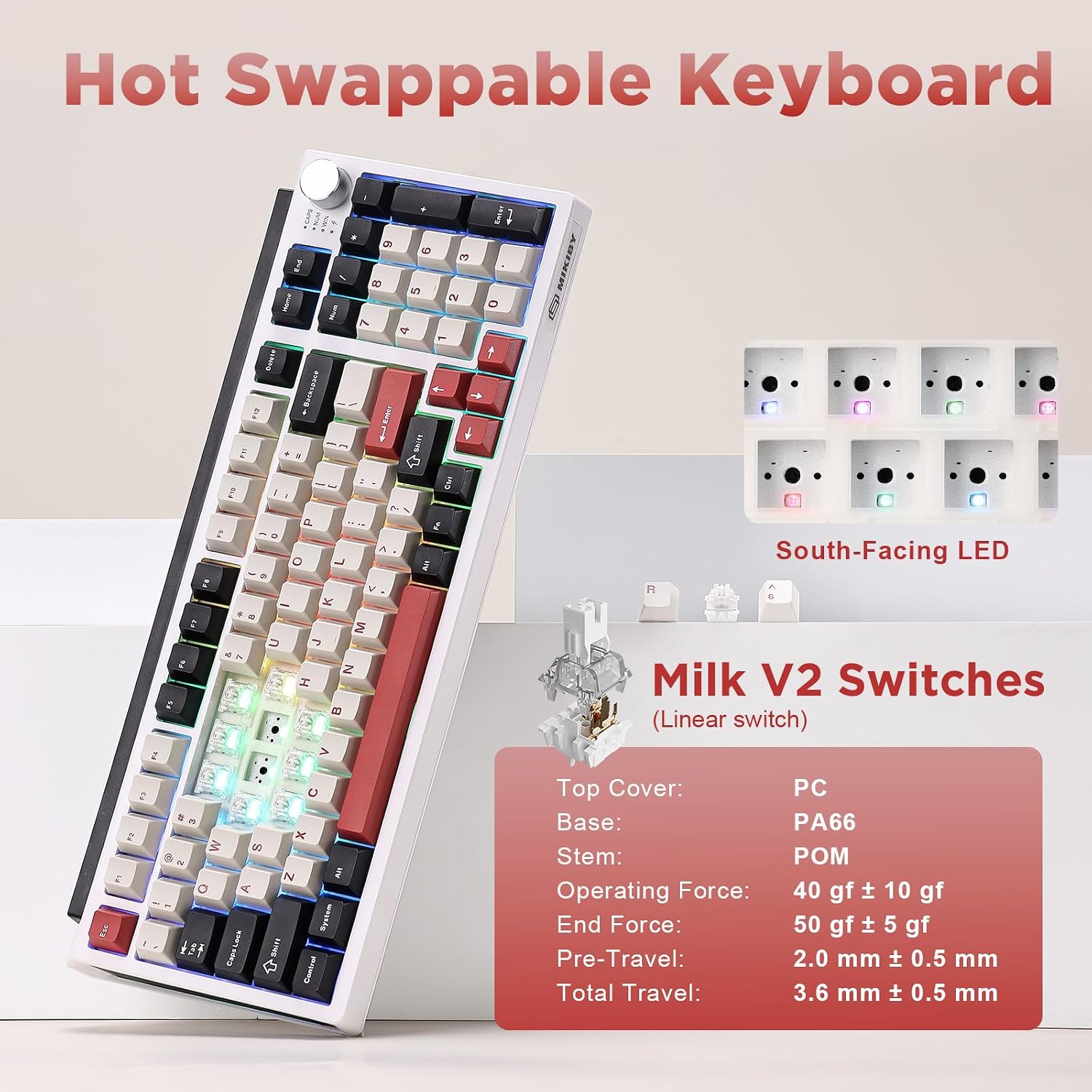
- Switches: Pre-lubricated linear Milk-V2 switches, hot-swappable 3-pin and 5-pin sockets
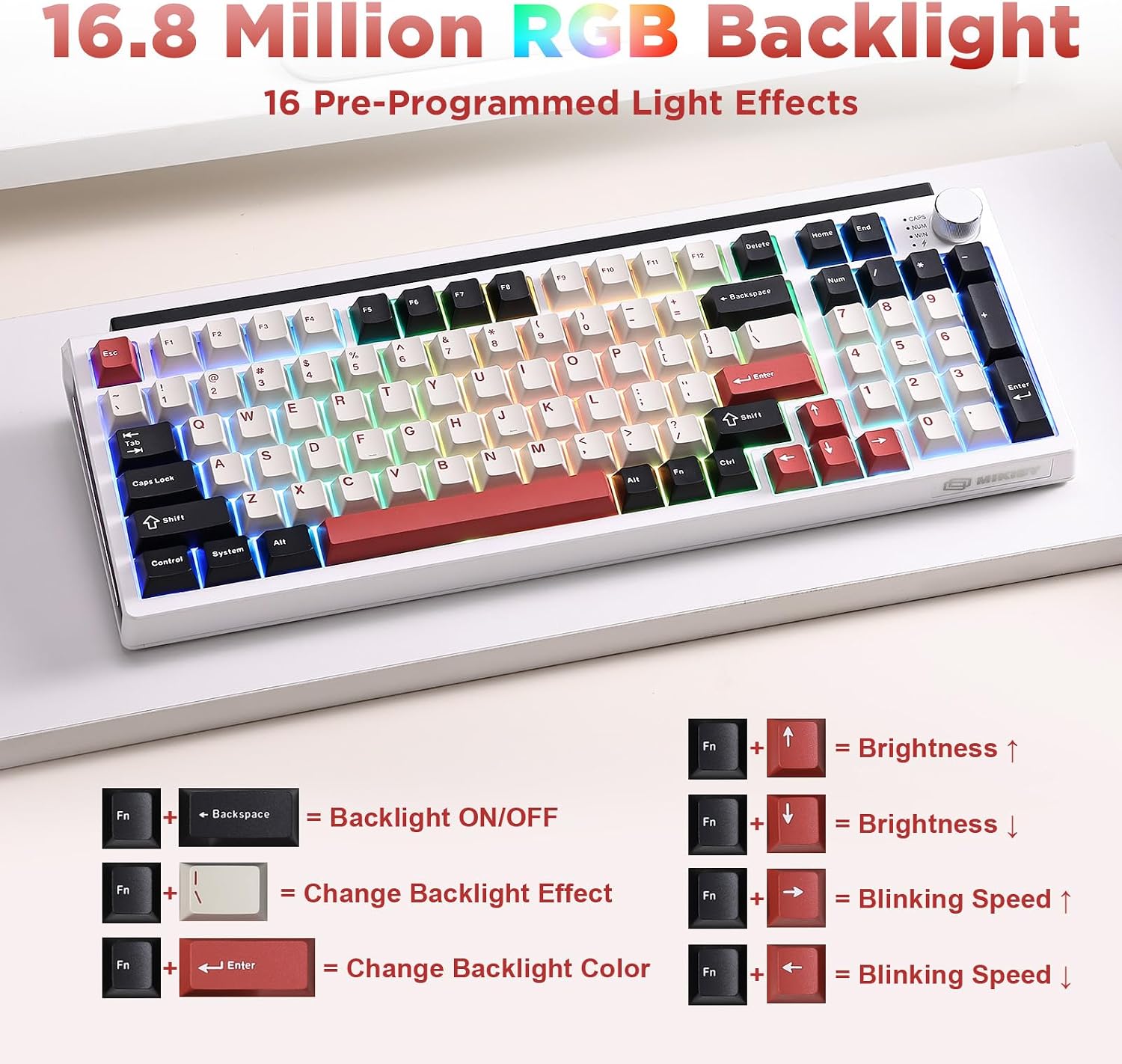
- Lighting: RGB backlighting with 16 effects
- Battery: Rechargeable, 4000mAh
- Dimensions: 15.16" L x 5.75" W x 1.89" H
- Compatibility: Windows and Mac, listed for PCs, laptops, tablets, phones, and gaming consoles
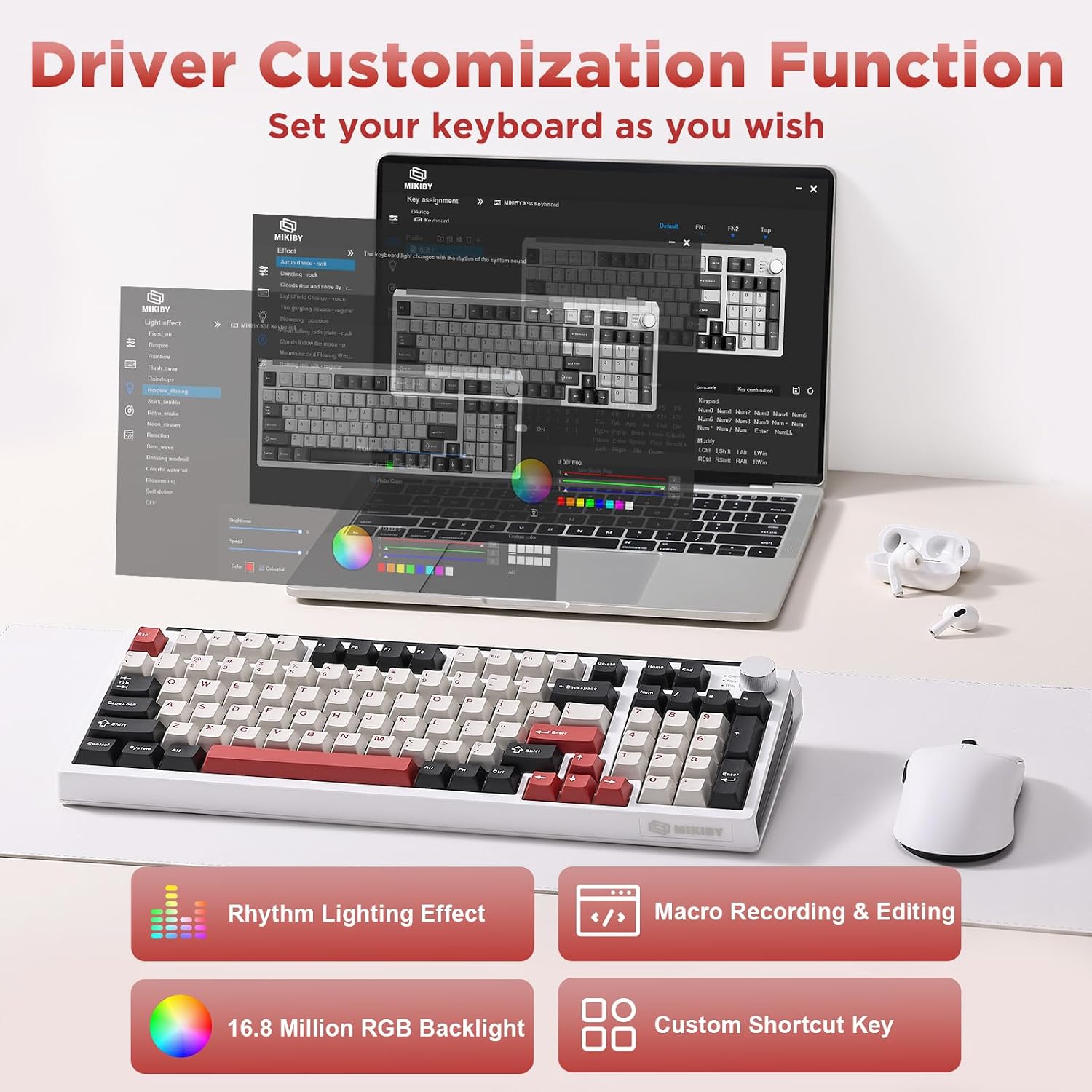
The combination of a gasket structure and linear switches is intended to give keystrokes a softer feel, while hot-swappable sockets let you change compatible switches without soldering. The K98 also supports remapping keys, creating macros, adjusting lighting, and customizing the control knob. These features make it more configurable than a basic plug-and-type keyboard, though the listing does not specify software requirements or the exact scope of customization.
How to use it
Choose Bluetooth, 2.4GHz wireless, or USB-C wired connectivity based on the device and setup you want. The keyboard is described as supporting up to five connected devices, which may be useful if you move between a computer, tablet, or phone. Windows and Mac are listed as supported systems, the product details also name gaming consoles, but do not explain setup steps for each one.
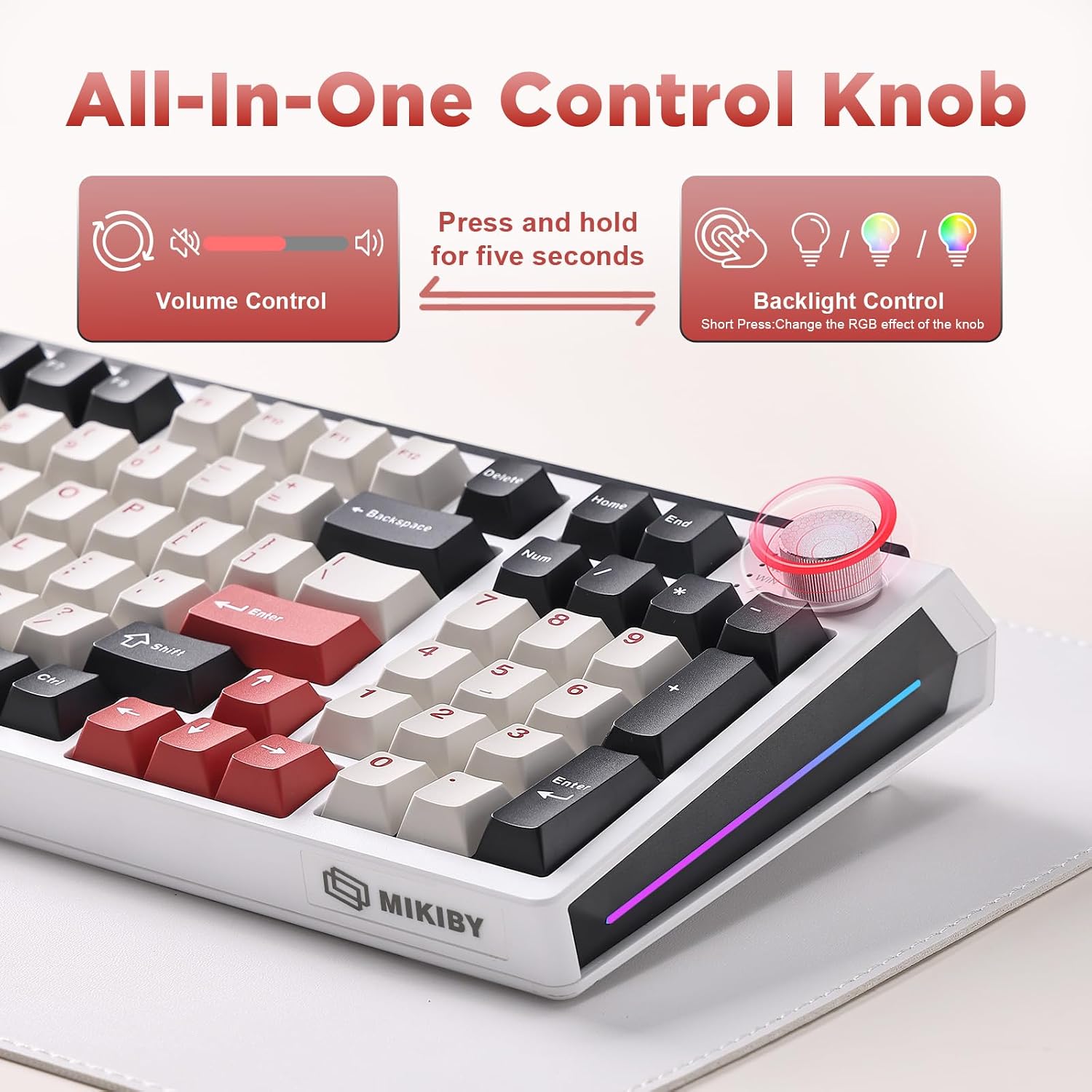
The knob changes function by mode. In gaming mode, turn it to adjust lighting brightness and press it to cycle lighting effects. In office mode, it controls volume, and pressing it plays or pauses media. Hold the knob for about five seconds to switch modes. It suits you if you want those controls close at hand alongside a number pad and configurable keys.
Tips for day-to-day use
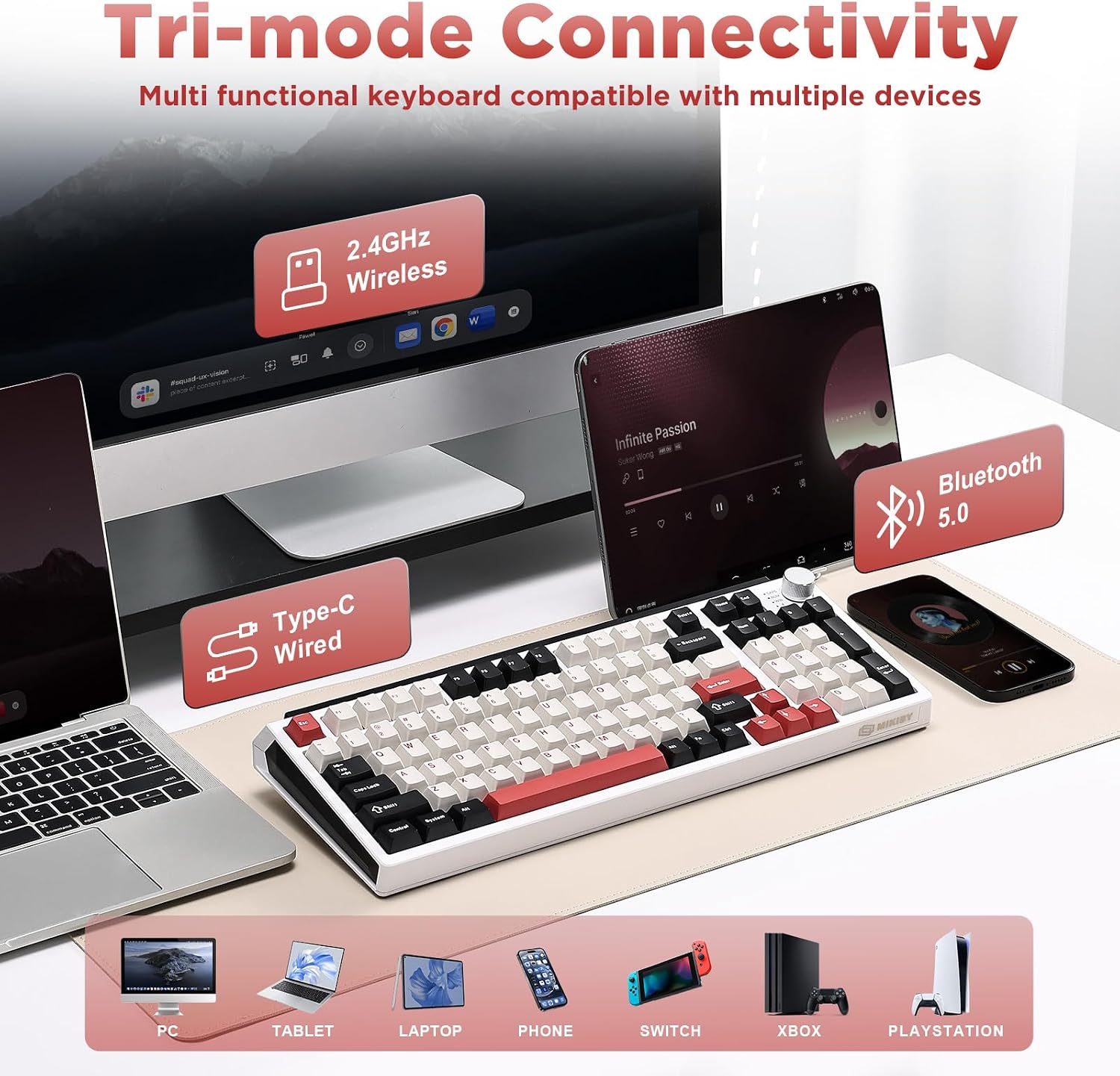
The K98’s 96% layout retains the number pad and common function keys, so it can serve for spreadsheet entry as well as gaming or general typing. Its listed dimensions are useful to compare against your available desk space before choosing a keyboard. For a shared setup, the three connection options offer alternatives to relying on a single wired connection, and RGB effects can be adjusted to suit the workspace or gaming setup.
The rechargeable battery is listed at 4000mAh, but no battery-life estimate or charging time is provided. If you prefer a keyboard without a number pad, this layout may not be the right shape for your desk, a more compact layout would be a better direction to consider.
Questions before you buy
Can you change the switches? The K98 has hot-swappable 3-pin and 5-pin sockets, and the listing says switches can be changed without soldering. Check that replacement switches match the socket type.
Can you customize the keys and lighting? The product description says you can remap keys, create macros, adjust RGB effects, and set up profiles. It does not detail the software or configuration steps.
What does the knob control? Its function depends on the selected mode: lighting controls in gaming mode and volume or media playback in office mode. Hold it for about five seconds to switch modes.
Final verdict
The MIKIBY K98 is worth considering if you want a wireless mechanical keyboard that keeps a number pad, offers three connection methods, and allows switch and key customization. Its mode-switching knob and RGB controls add practical options for a desk used for both work and gaming. It may not suit you if you specifically want a smaller layout without a number pad, and the available details do not establish how long the battery lasts between charges.