

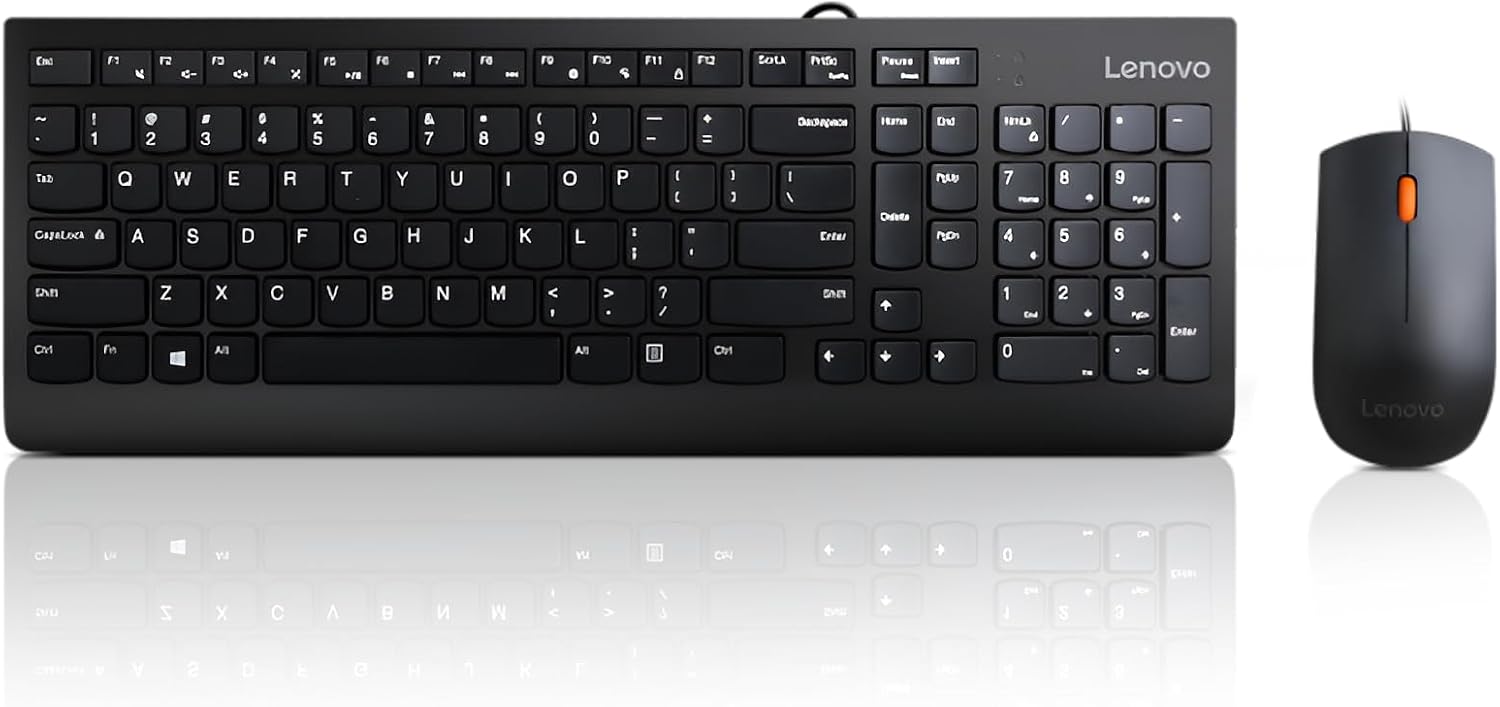
Lenovo USB-C Keyboard
Product description
Highlights
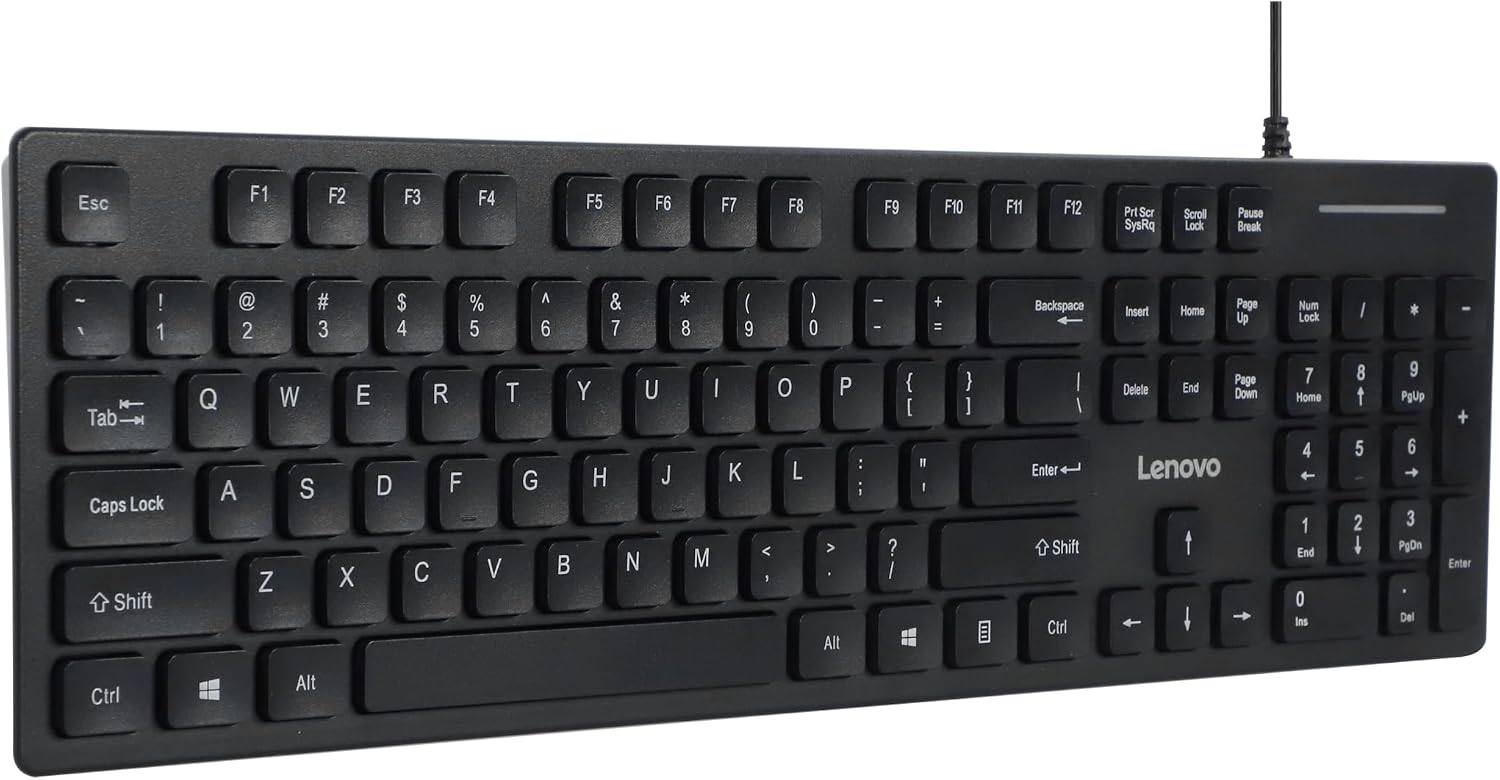
When a work session moves between spreadsheets, email, and everyday typing, a full-size layout can save the hassle of reaching for a separate number pad. The Lenovo 305 is a slim, wired USB-C keyboard with a numeric keypad, low-profile keys, dedicated function and AI keys, Windows keys, and multimedia controls. Its black finish and compact profile suit a home office or a desk where you want full-size controls without a bulky-looking keyboard.
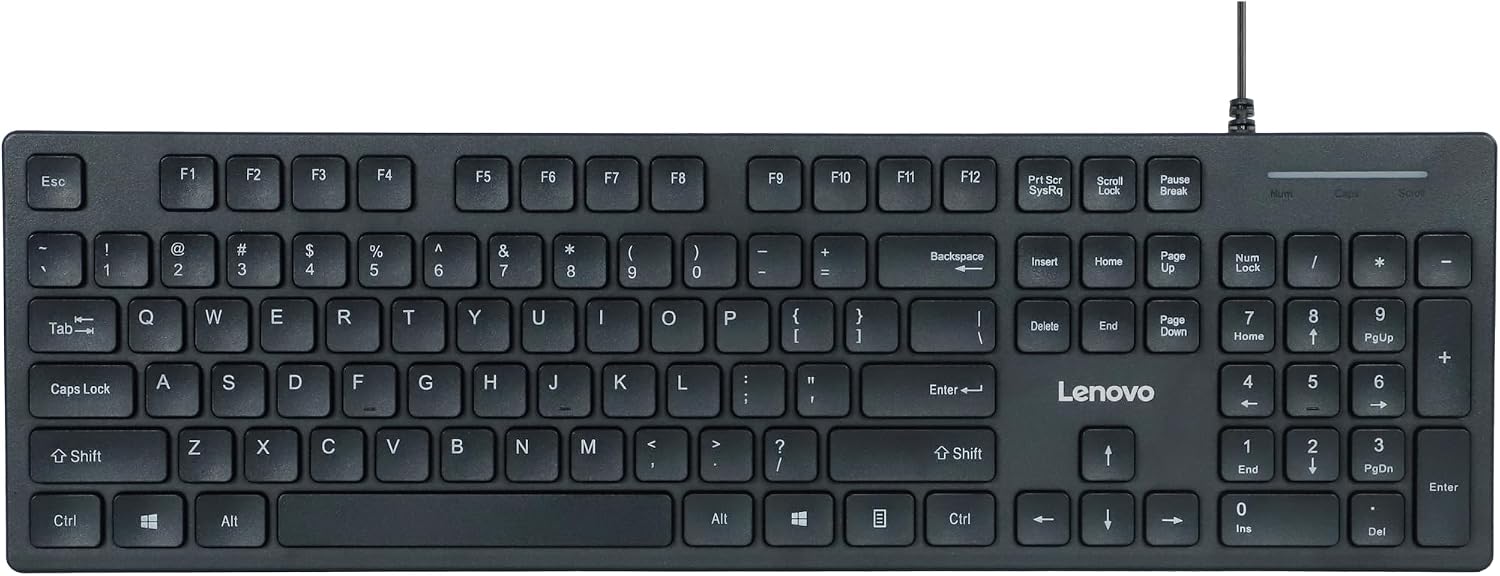
The number pad is the practical draw for entering figures or working through calculations. This is a straightforward wired keyboard, not a promise of gaming-specific performance.
How to use it
Connect the keyboard through its USB-C connection to a compatible device, the product description says it supports plug-and-play use with modern laptops, PCs, and tablets. For a typical desk setup, that means you can type, use the number pad for a spreadsheet, and access function or media controls from the keyboard instead of switching between devices. The listed Windows keys are useful in a Windows-focused setup, while the dedicated AI key is an additional control—the description does not explain which AI function it launches.
Practical tips
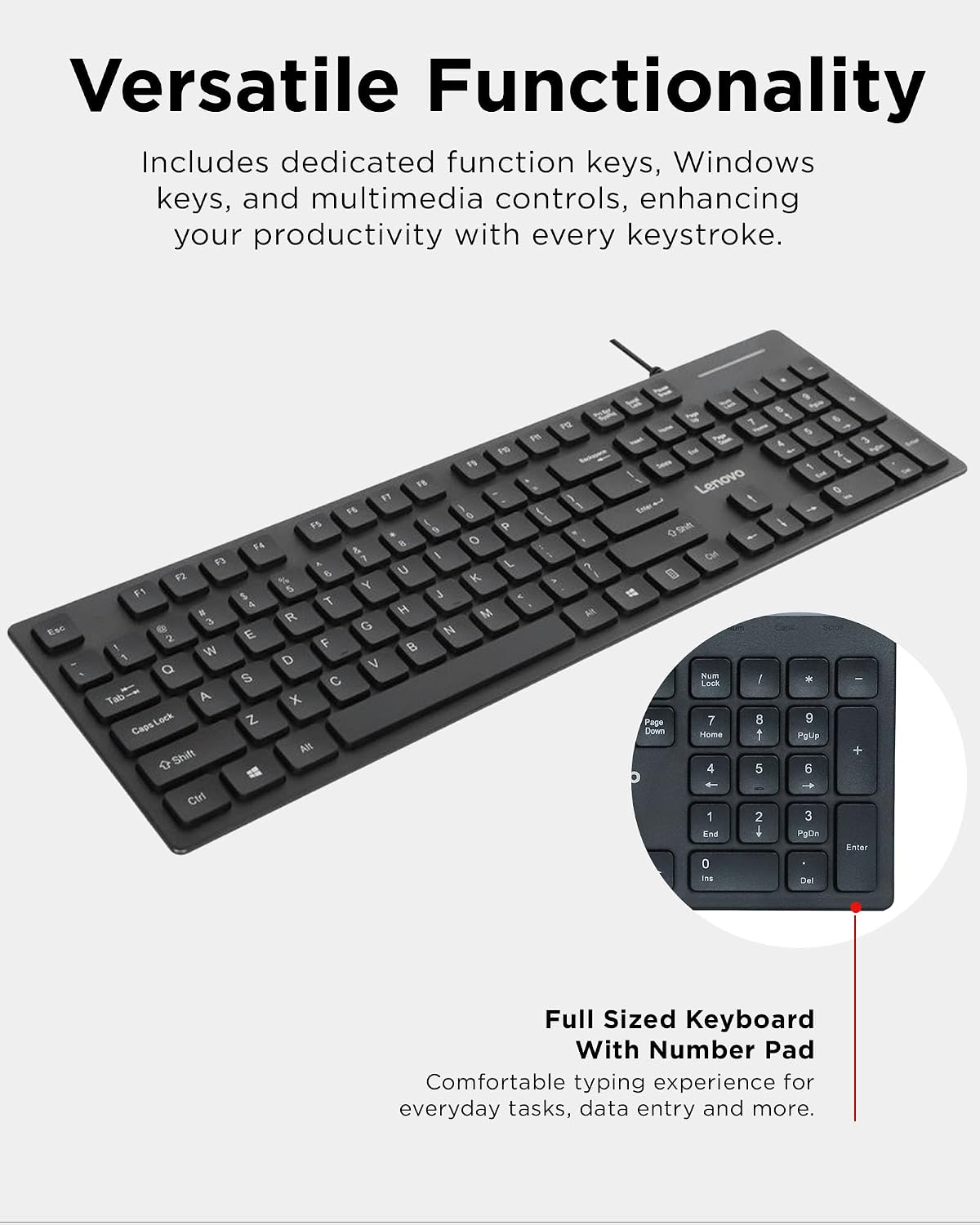
Before choosing it, check the connection your device accepts. Keep in mind that this is a wired USB-C model, so it does not offer the untethered setup of a wireless keyboard. If your desk has room for a full-size keyboard and you regularly enter numbers, the dedicated keypad may be more useful than choosing a slimmer compact layout without one. If you mostly type short messages and want to keep desk space open, that compact approach may suit you better.
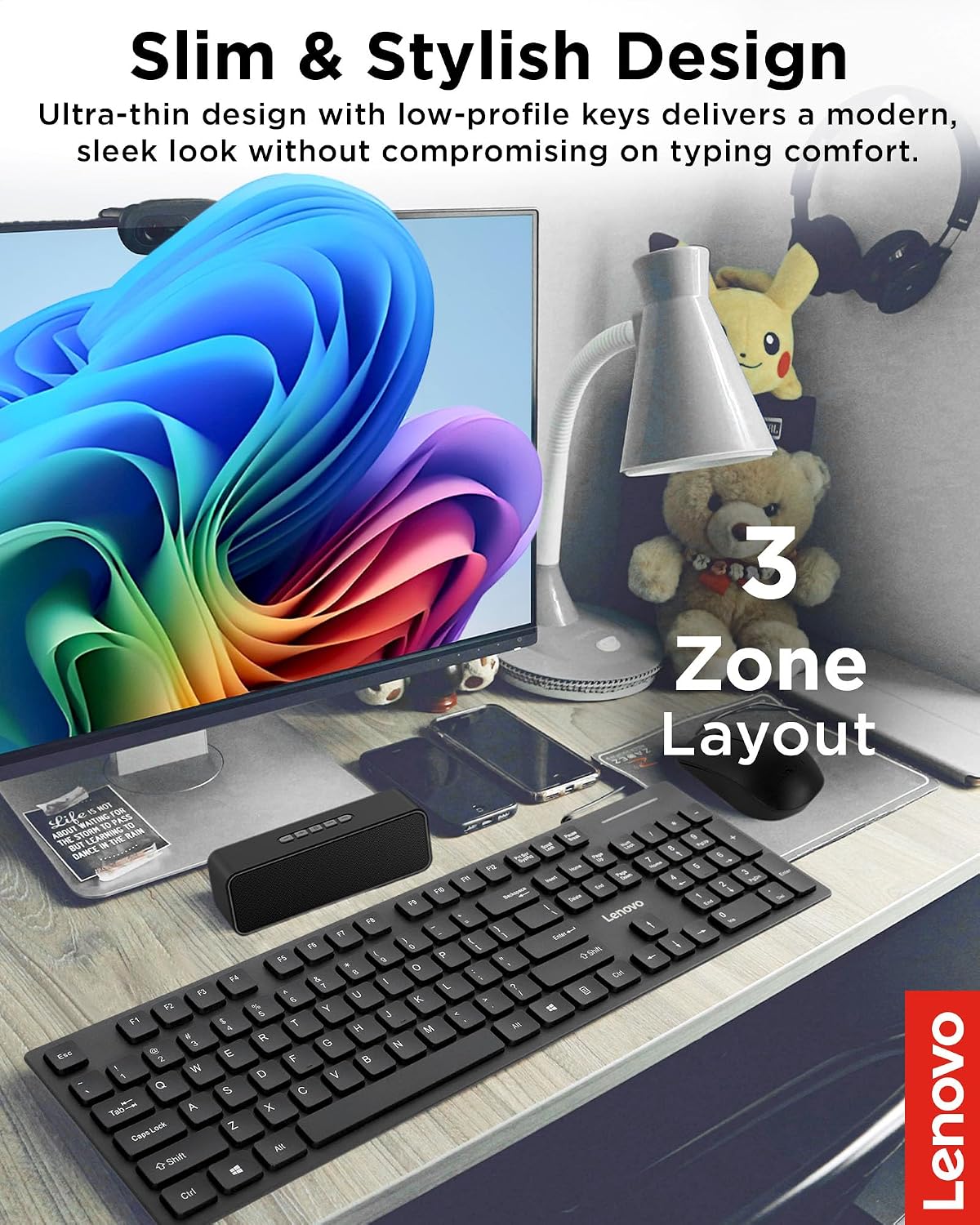
The slim design and low-profile keys are intended to keep the keyboard visually unobtrusive while retaining a full-size layout. The description does not give key travel, dimensions, or details about adjusting the function and AI keys, so buyers who care about those specifics should not assume they can customize them. It makes sense if your priority is a wired keyboard with a number pad and built-in function and media controls. It might not be a great match if you need wireless freedom or want documented gaming features beyond basic keyboard use.
Questions before you buy

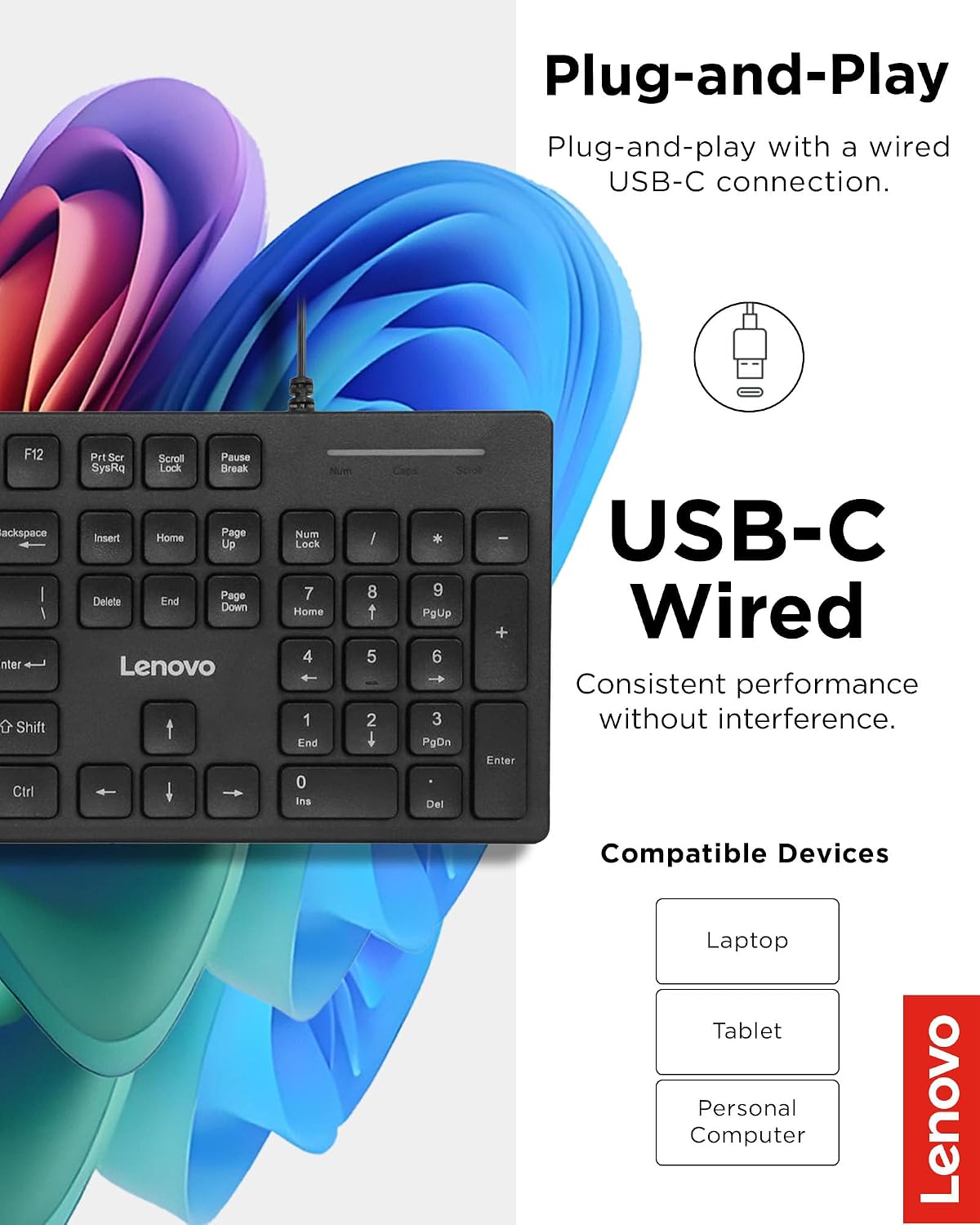
Does it include a numeric keypad? Yes. It has a full-size layout with a dedicated number pad for data entry, calculations, and spreadsheets.
Can it connect to a tablet? The product description lists tablets among the devices supported through its USB-C connection. Make sure your tablet has a compatible port.
Is it intended for gaming? It is listed for use with a gaming PC, but the available details focus on its layout and everyday controls rather than gaming-specific features.
Buying verdict
Choose the Lenovo 305 if you want a full-size wired keyboard for a USB-C setup and expect to use the number pad or built-in controls regularly. Its slim design may work well on a home-office desk, but the tradeoff is a physical cable and limited detail about the AI key or typing feel. If wireless placement or specific gaming features matter more than the keypad, a different style of keyboard is worth considering.