

Keychron Hall Effect mechanical keyboard
Product description
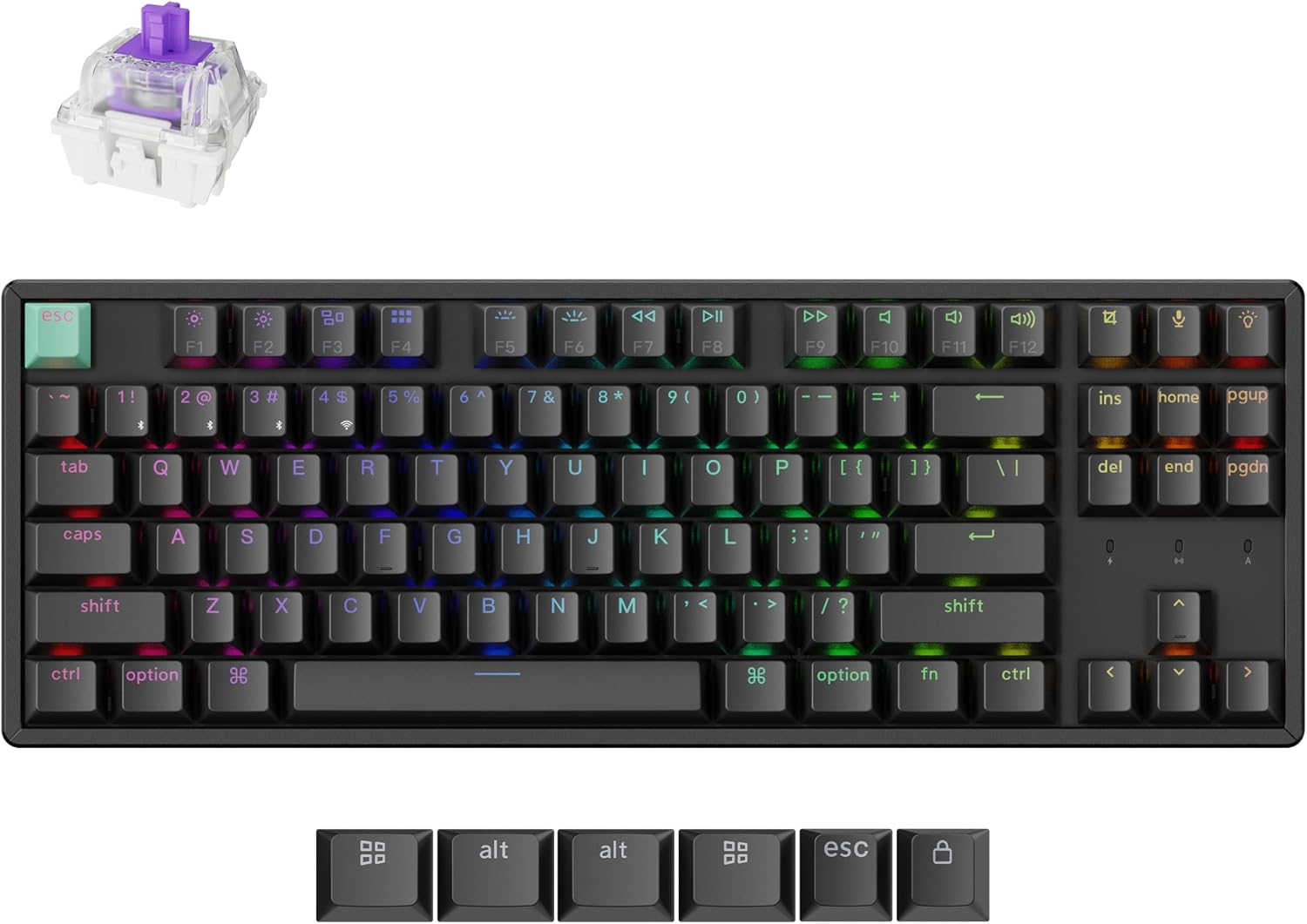
A keyboard that feels too cramped for gaming or office work can make switching between tasks awkward. The Keychron K8 HE uses a tenkeyless layout that keeps the arrow and function keys while leaving more desk space for mouse movement, with magnetic switches that let you adjust actuation depth and Rapid Trigger behavior.
It also switches between 2.4 GHz, Bluetooth 5.2, and USB-C wired connections, so it can serve a desktop setup or move between compatible devices. If you prioritize adjustable input and gaming response, its magnetic switches are the draw, if you prefer a simpler keyboard with a number pad, this layout is a different tradeoff.
Where it shines
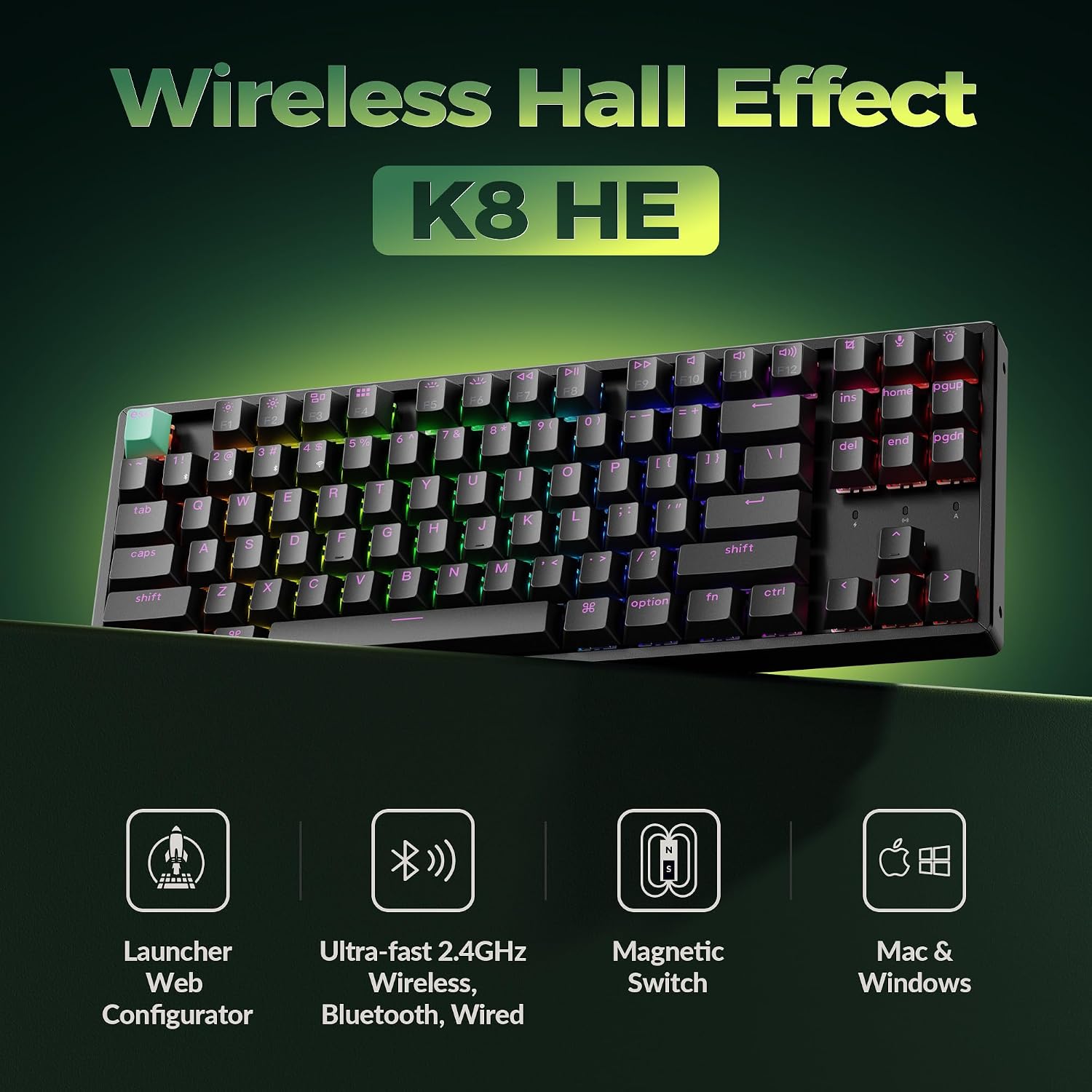
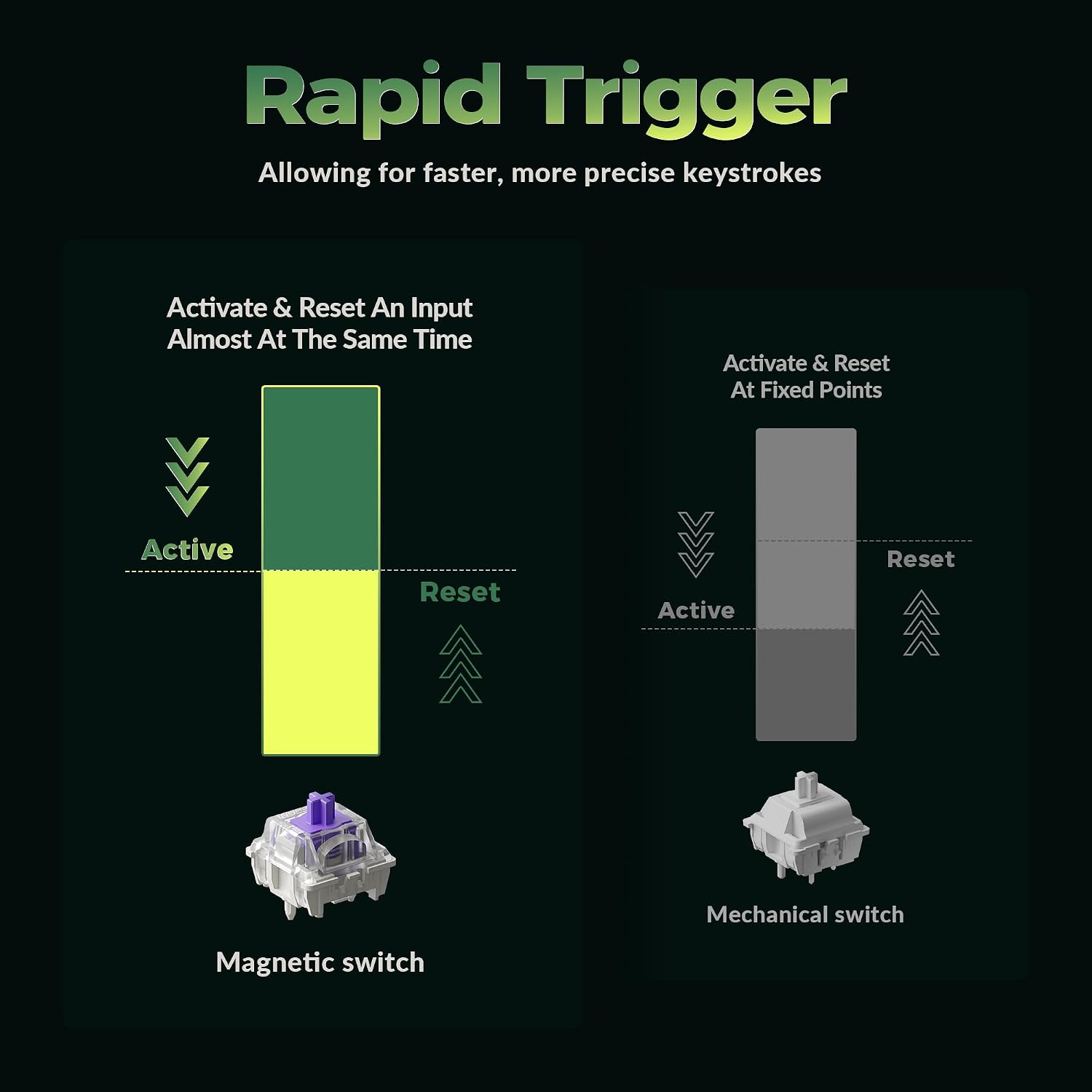
The Hall Effect switches register keystrokes magnetically, with adjustable actuation from 0.2 mm to 3.8 mm. Rapid Trigger resets a key according to its travel distance rather than requiring a fixed return point. For a fast-paced FPS session, that lets you tune how quickly a key activates and resets for repeated movement inputs. The practical benefit is more control over key response, though the right settings depend on how you type and play.
The 80% TKL arrangement keeps the arrow and function keys but drops the number pad, making room for a wider mouse area. That can be useful when a desk has to handle both work and gaming: finish a coding session, then shift the keyboard and mouse into a play position without changing peripherals. The full aluminum body adds rigidity and weight, while shine-through, double-shot PBT keycaps are designed to resist shine and wear. There are no listed keyboard dimensions, so if you need a precise fit, you’ll be choosing without that measurement.
Quick overview
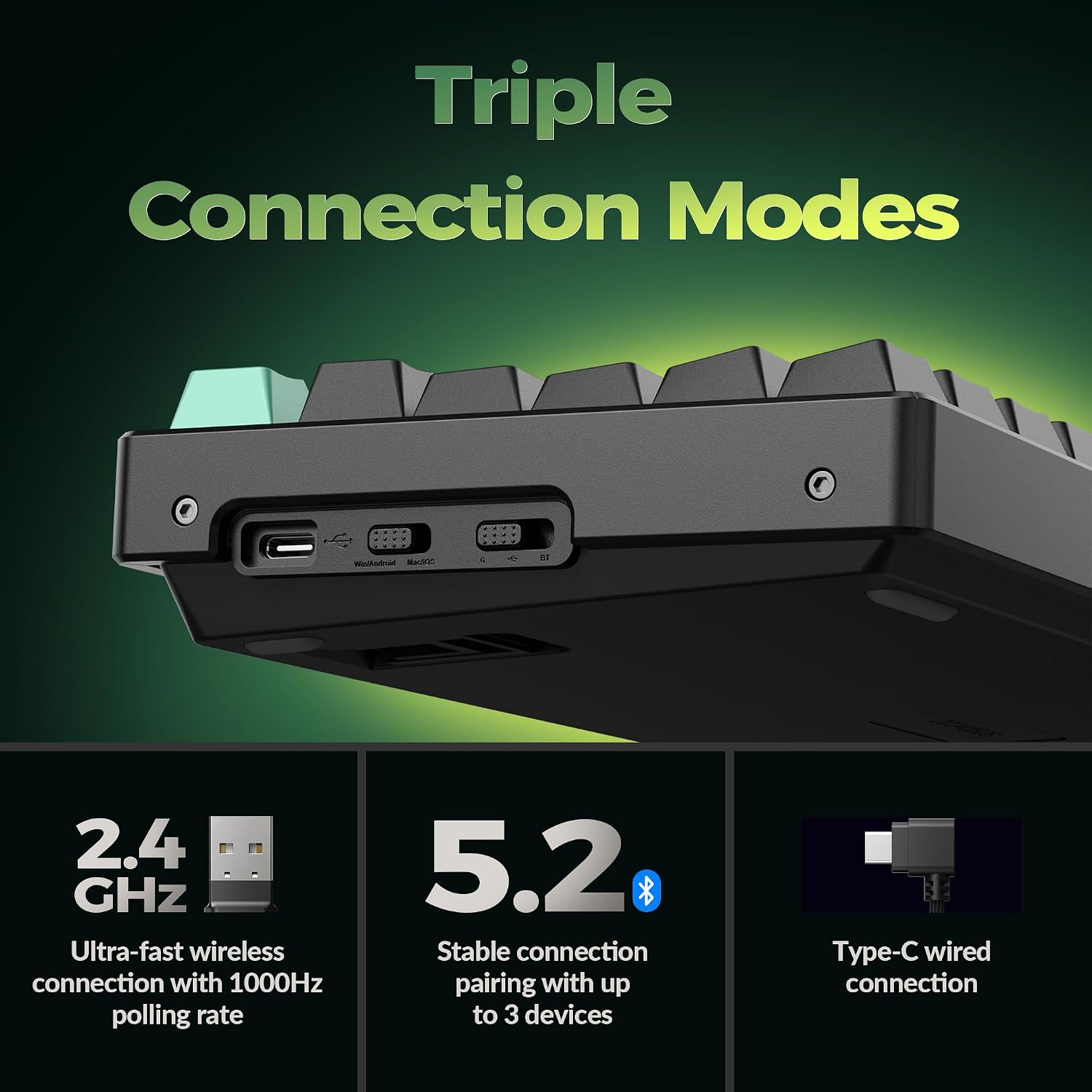
You can connect over 2.4 GHz, Bluetooth 5.2, or USB-C, and pair with up to three devices. The listed 1000 Hz polling rate applies to 2.4 GHz and wired modes, Bluetooth is also available, but the same polling-rate figure is not stated for it. Compatibility includes Mac, Windows, Linux, and Bluetooth tablets, giving the K8 HE more flexibility than a keyboard intended for just one desk-bound device.
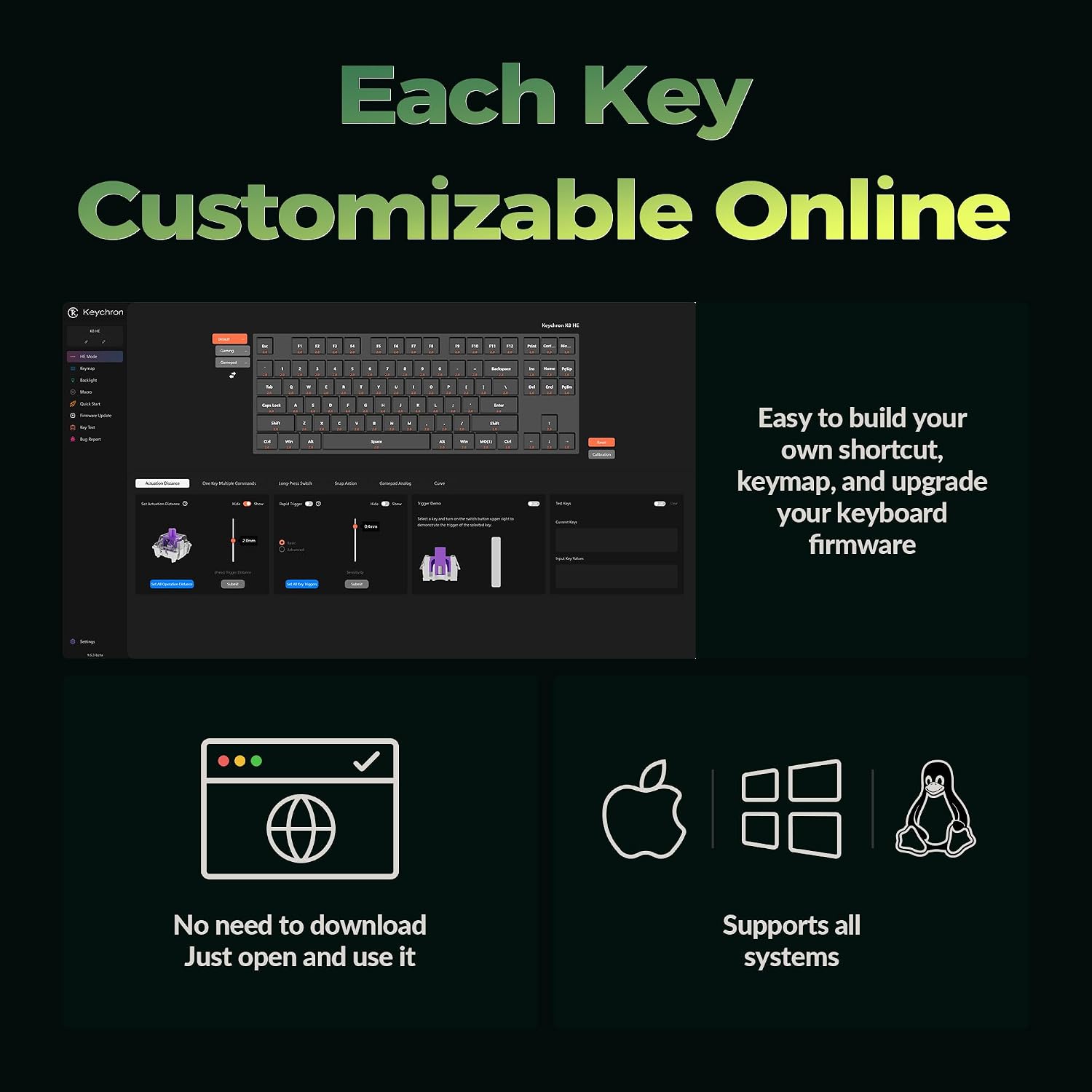
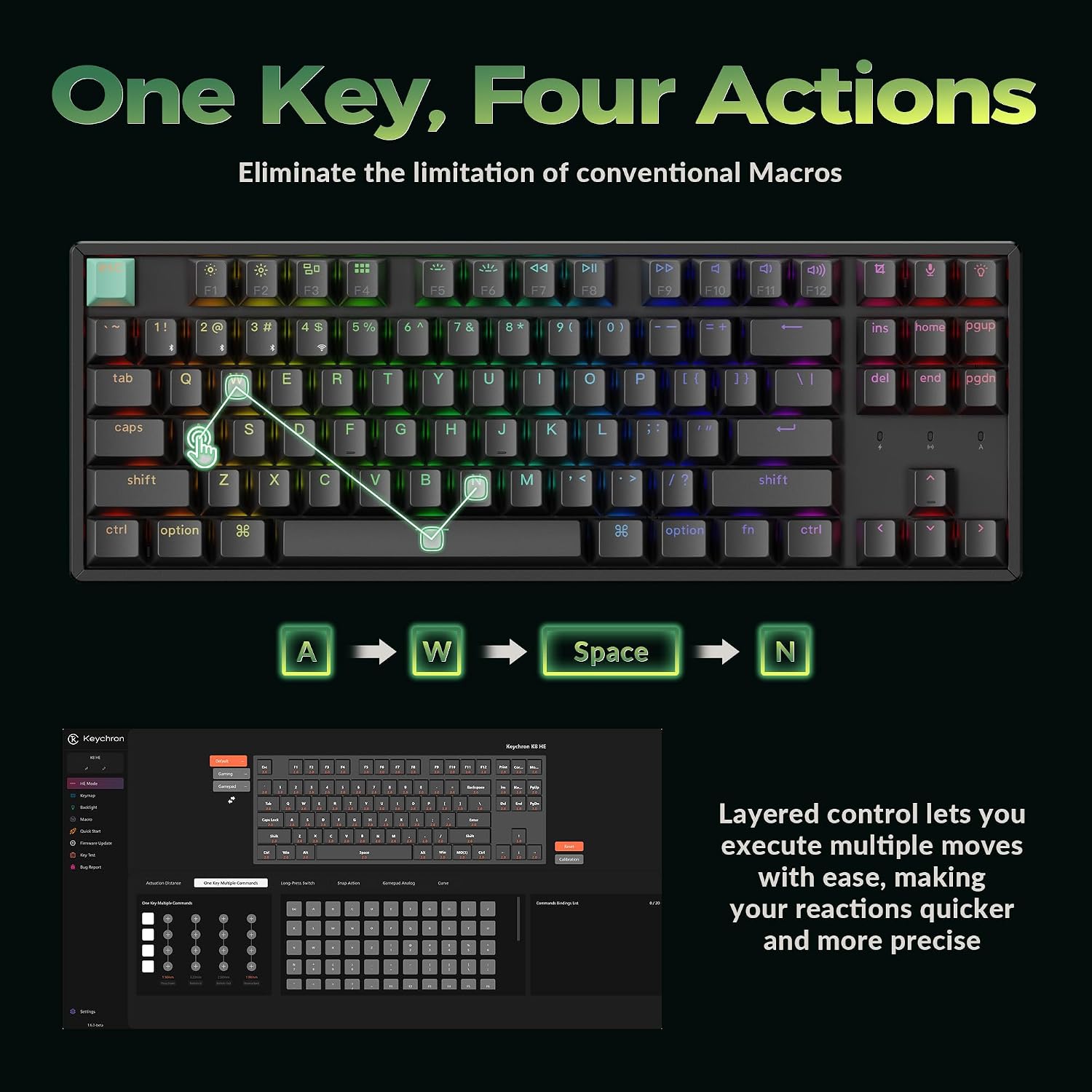
For customization, the Keychron Launcher web app or QMK lets you remap keys, create macros, and adjust actuation depth. The magnetic switches are hot-swappable without soldering, so changing them does not require that step. You’ll appreciate it if you want to adjust how keys respond or keep one keyboard in rotation across several devices. It may not suit you if a number pad is central to your workflow or you want a plug-and-play setup with no configuration.
Best use cases
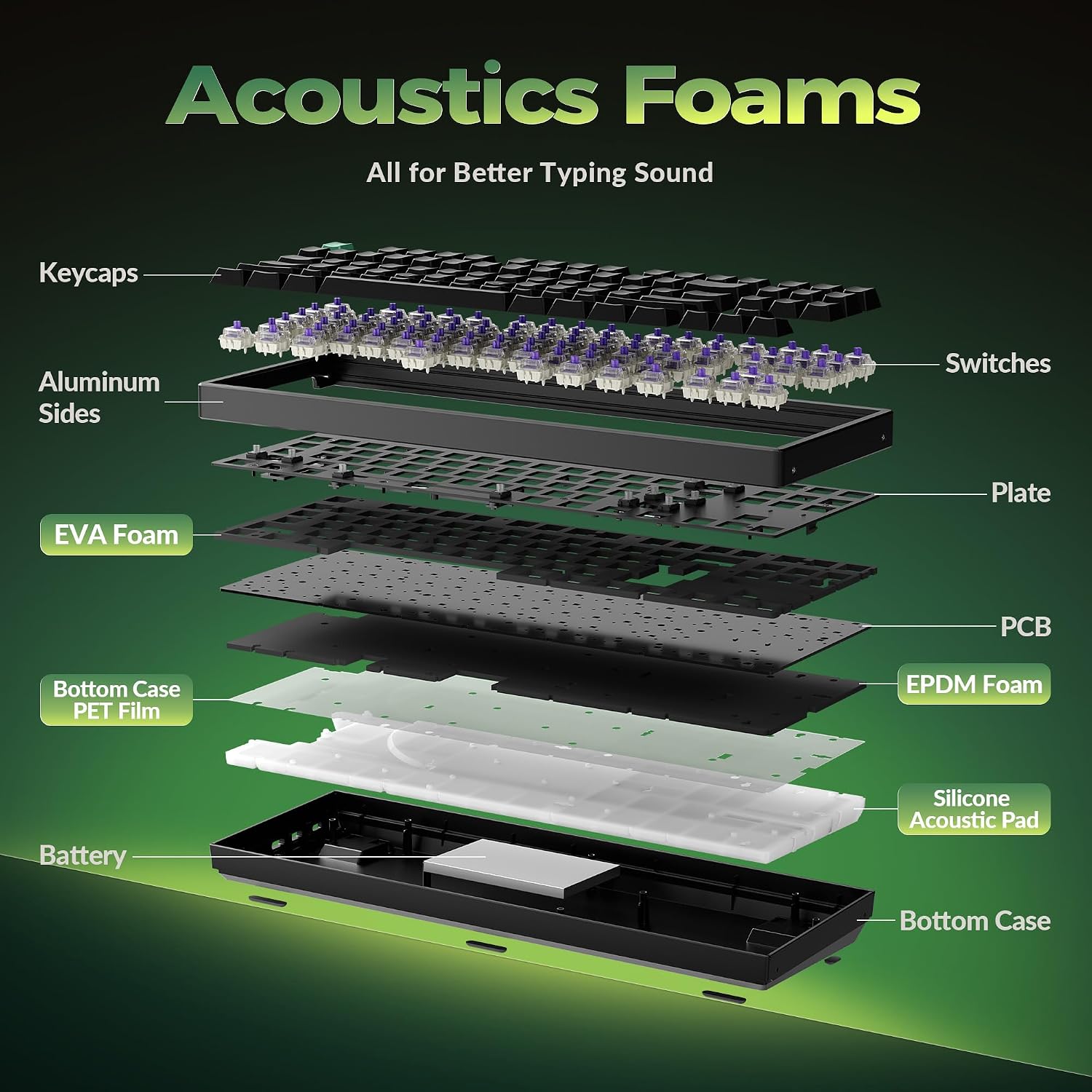
This layout makes the most sense for a shared work-and-gaming desk, especially if mouse clearance matters and you want to retain arrow and function keys. A laptop or tablet can also join the setup over Bluetooth, while a desktop can use 2.4 GHz or the wired USB-C connection. The included USB-C cable, keycap and switch puller, and quick start guide support setup and basic switch or keycap changes.
The main tradeoff is the missing number pad, which can slow down frequent data entry compared with a full-size keyboard. Also, adjustable actuation and macros offer options, but they add settings to manage, someone who wants a conventional typing layout with minimal customization may prefer a more straightforward model.
Buying verdict
The K8 HE is worth considering if you specifically want a TKL mechanical keyboard with adjustable magnetic actuation, Rapid Trigger, and three connection modes. Its strongest case is the combination of gaming-focused key response with a layout and customization tools that can also suit everyday work. Choose a full-size approach instead if number entry takes priority, favor a simpler keyboard if you do not plan to use the adjustable switches or custom key mappings.