

HyperX Origins 2 Gaming Keyboard 1800 Layout
Product description
For a gaming desk where space matters but a number pad and familiar full-size functions still earn their place, the HyperX Origins 2 1800 takes a compact-layout approach. It pairs an 1800-style layout with hot-swappable switches, a high-profile design, and an 8k polling rate. The included HyperX Linear Red switches are factory-lubed, so the board is set up for smooth, linear keystrokes rather than tactile bumps or clicky feedback. Its strongest appeal is flexibility: you can change switches or keycaps, and even swap the housing style without replacing the whole keyboard.
Where it shines
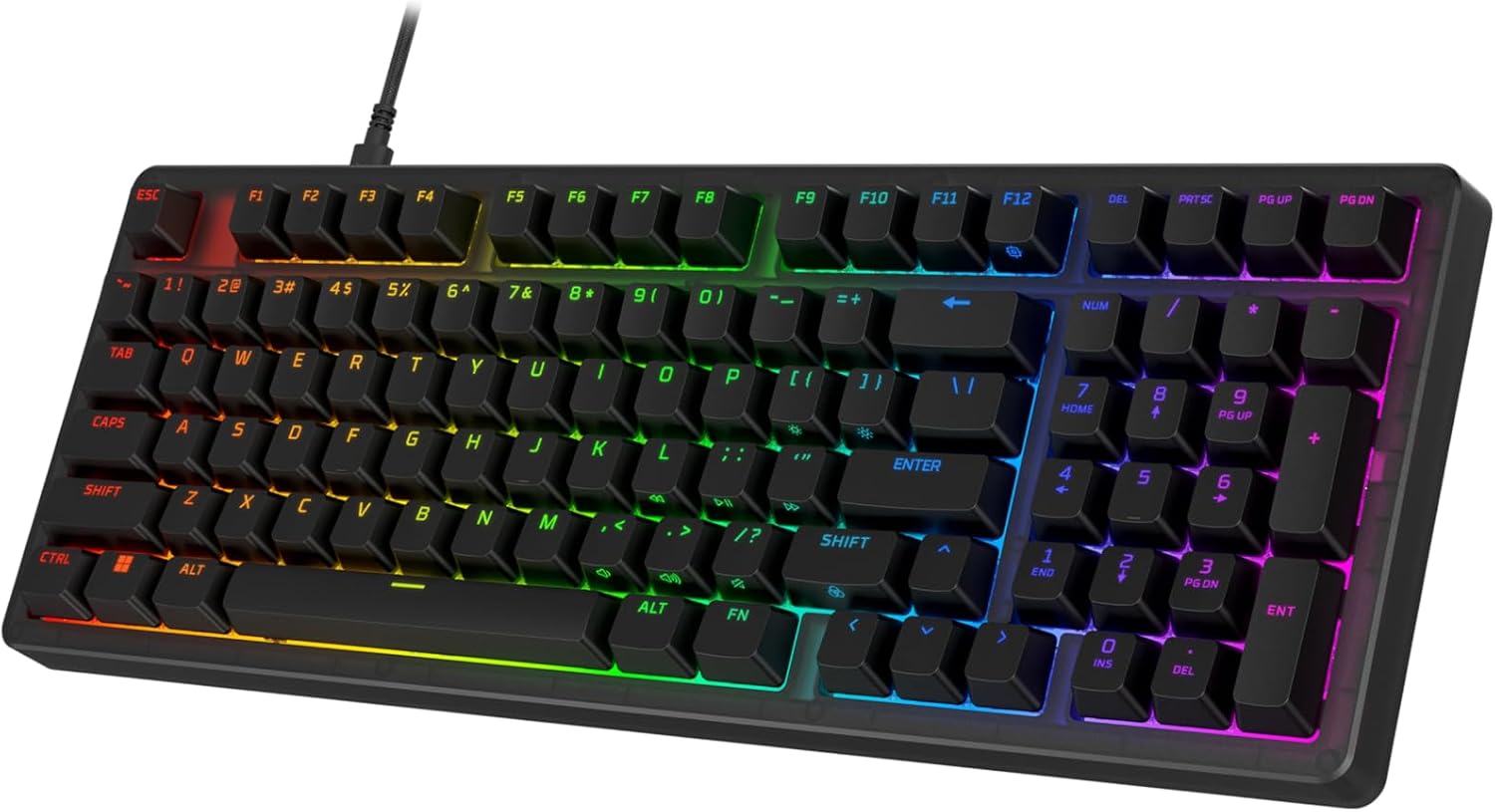
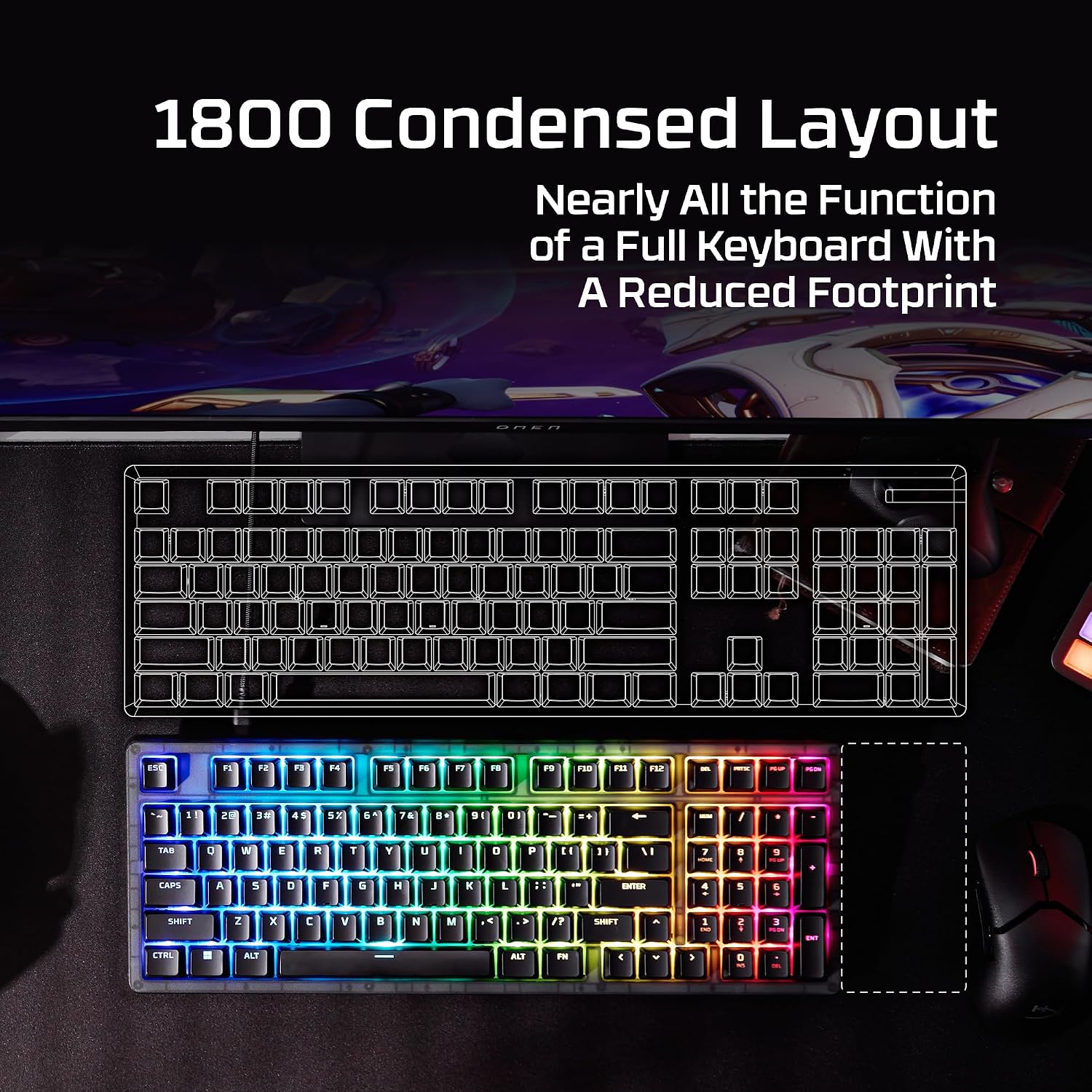
The 1800 layout is the main practical draw. It aims to keep the functions of a full-size keyboard while reclaiming desk space, which can be useful when a mouse needs more room beside the board. Picture switching between a game and a spreadsheet: the layout keeps number-pad access available without requiring a larger full-size footprint. The product listing doesn’t give physical dimensions, though, so it’s hard to judge exact desk fit without that measurement.
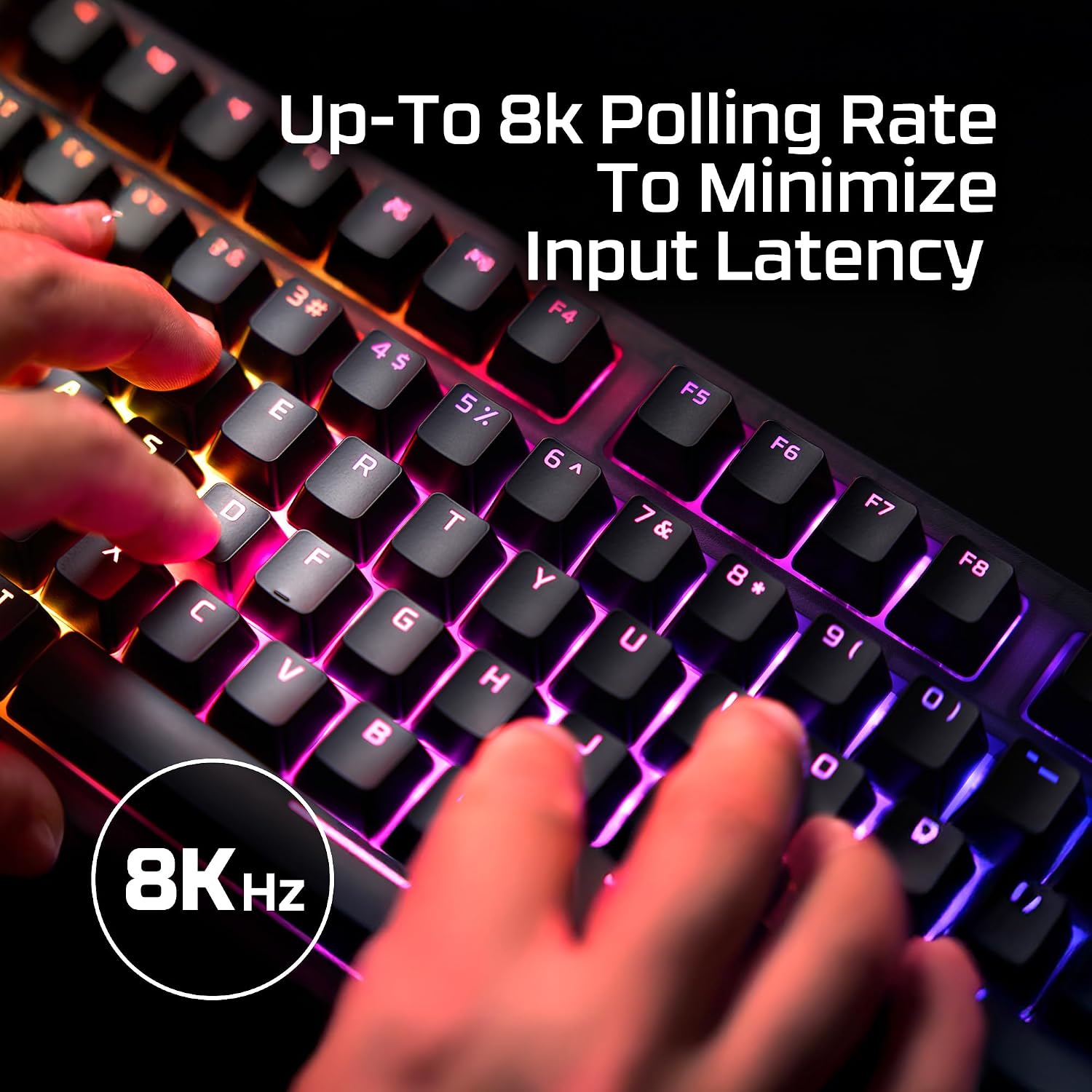
The 8k polling rate is another clear gaming-focused feature, with the keyboard communicating with a PC up to 8,000 times per second. That specification may appeal if you prioritize rapid input reporting, if you prefer a simpler keyboard and won’t use switch or housing customization, those features may matter less than the layout and feel. It’s a great fit if you want a compact board with number-pad functions and room to personalize it.
Highlights
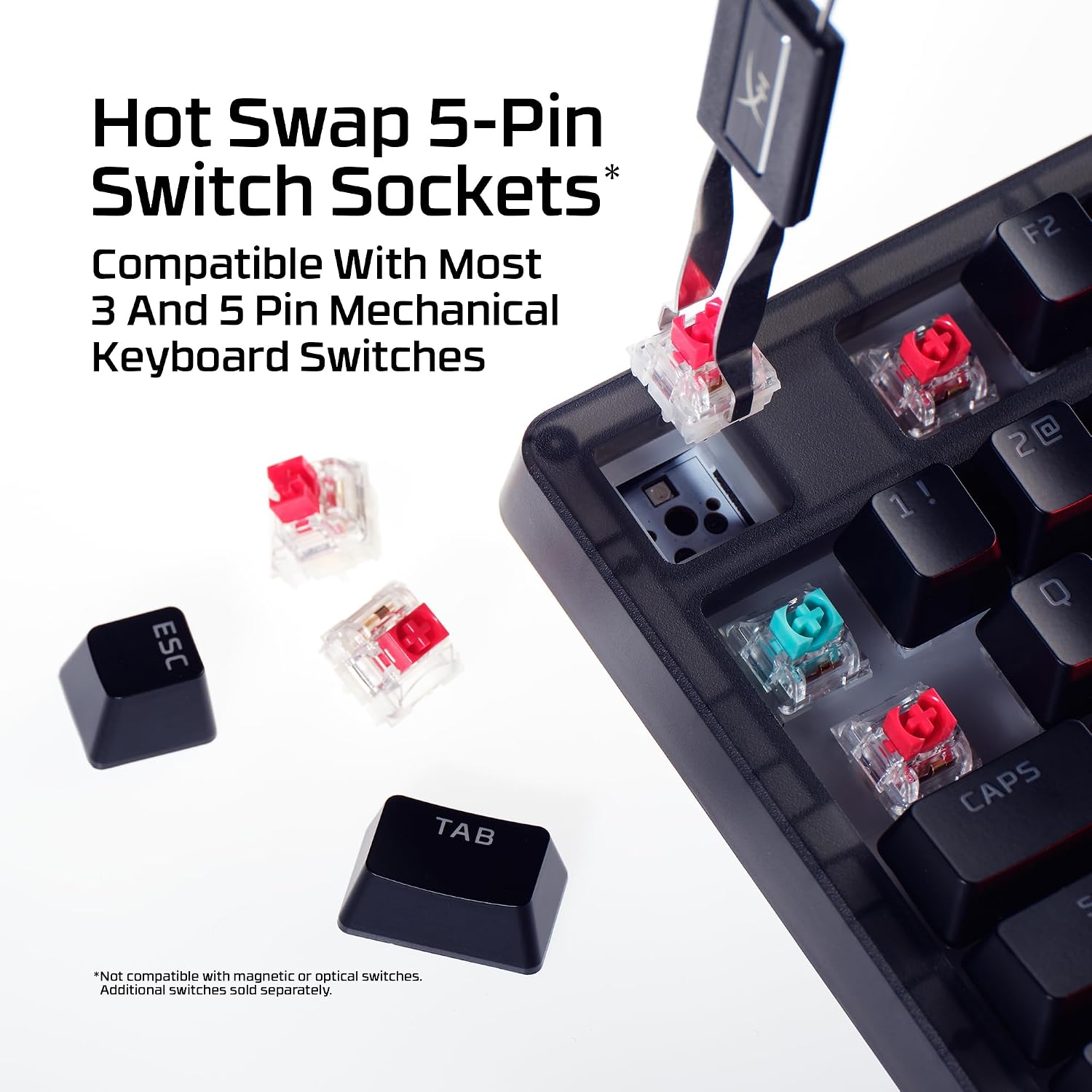
The 5-pin hot-swap sockets let you change switches without soldering, and the included linear Red switches have half-wall POM stems, factory lubrication, and a subtle typing sound. They’re rated for up to 80 million keypresses. That gives you an easy route to try a different switch feel later, but the listed setup is linear: anyone specifically seeking tactile or clicky feedback would need to change switches.
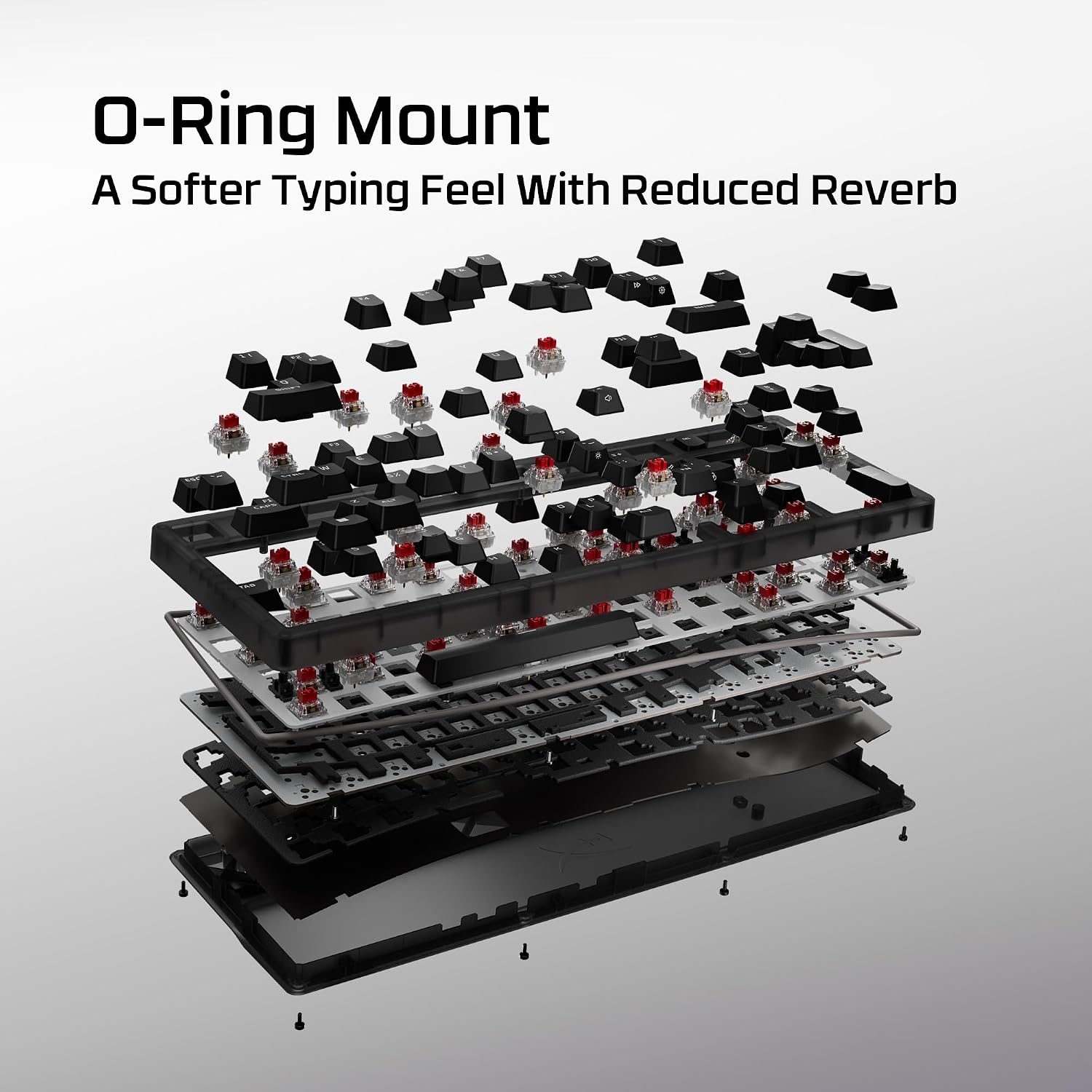
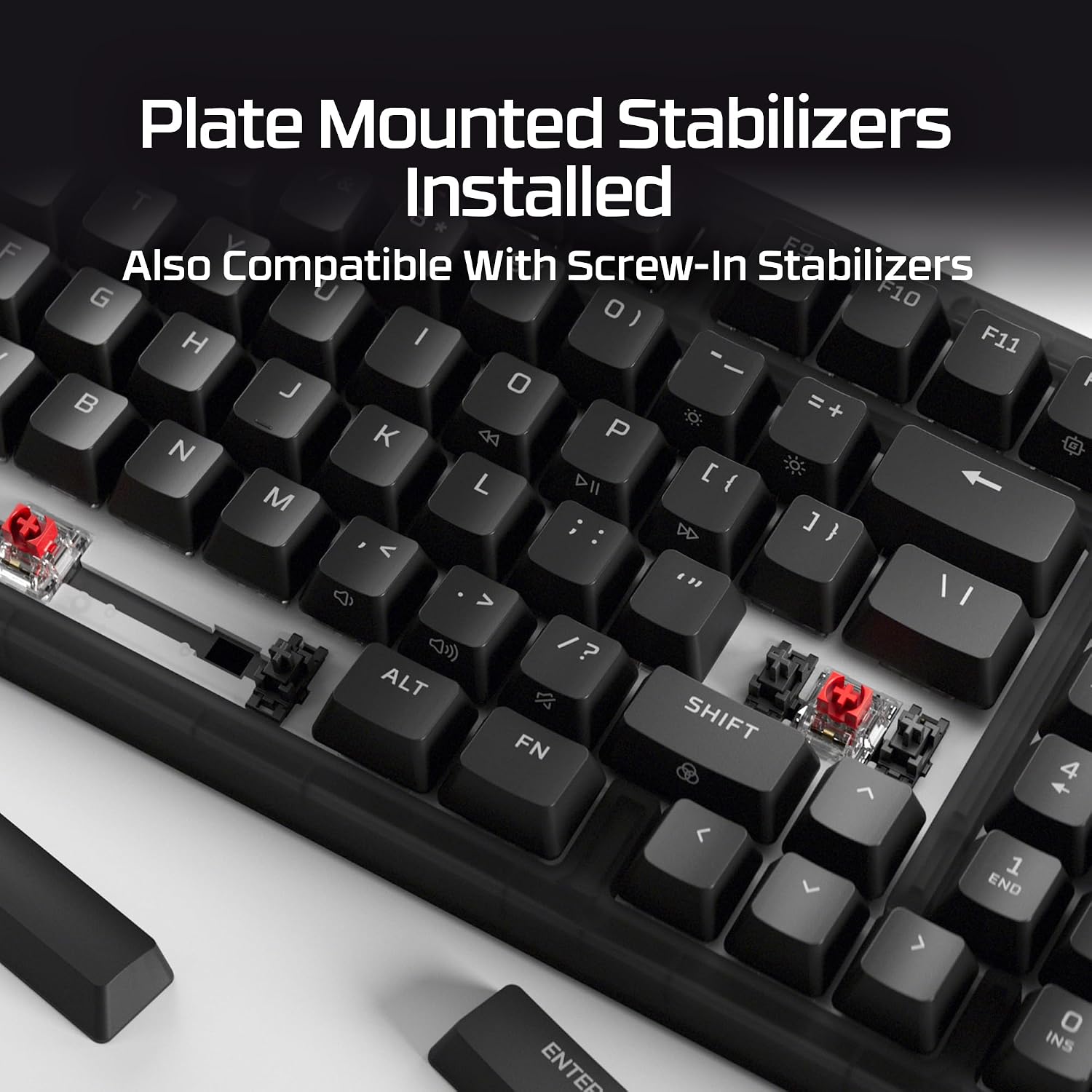
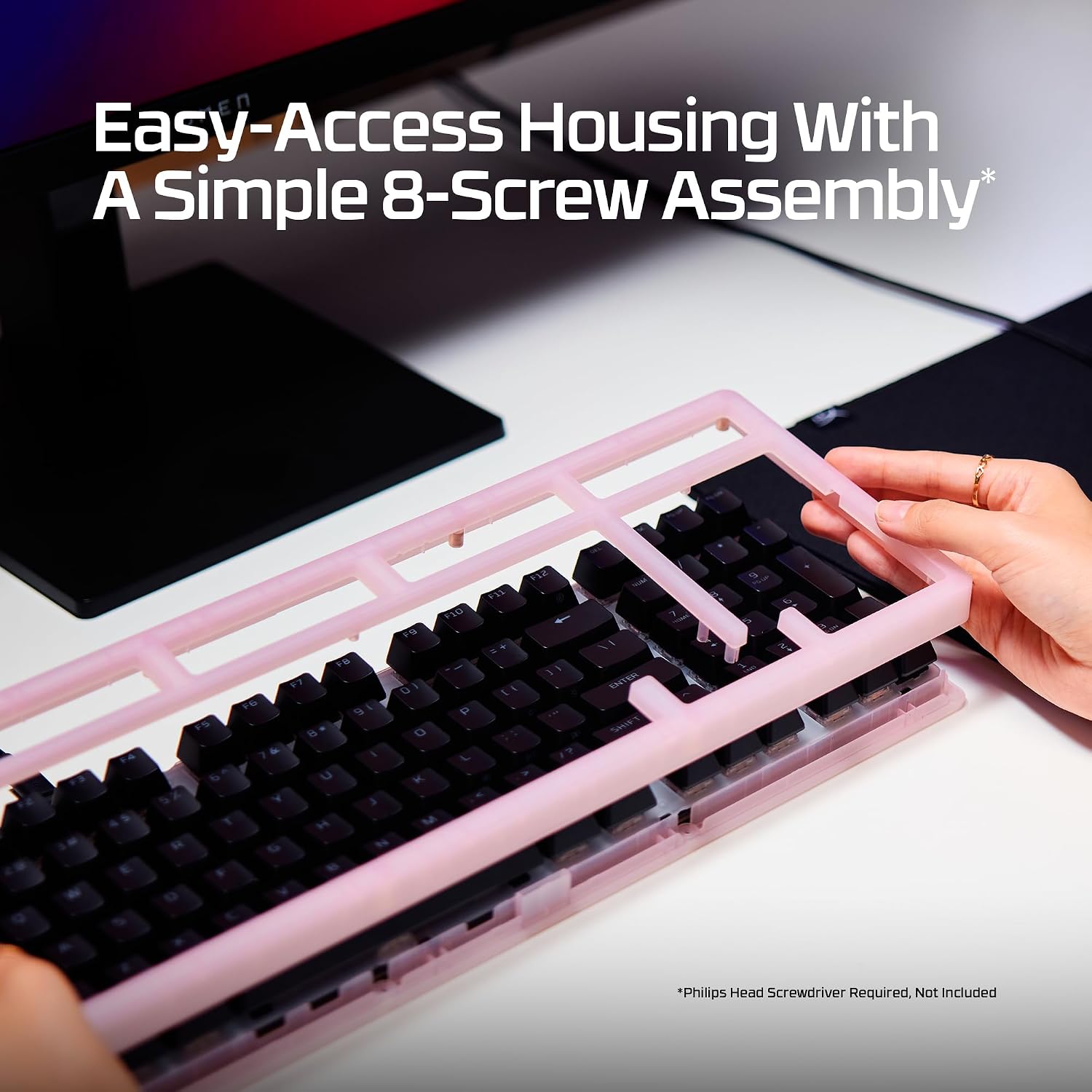
An O-ring mount is intended to add a light bounce and deeper sound, while a removable silicone weight helps dampen reverberation. Plate-mounted stabilizers are included to reduce key wobble. The high-profile form raises the key surface, and flip-down feet let you adjust the typing angle. Housing customization uses an eight-screw assembly and colorful frosted housings, so the board offers more visual flexibility than a fixed-case keyboard.
Best use cases
This setup makes the most sense for gaming and everyday PC use when you want number-pad functions in a more compact layout, plus the option to tune the board’s sound, switches, or appearance. The adjustable feet can help you settle on a more comfortable angle at your desk, while the removable weight gives you the option to change the board’s damping setup. Better avoided if you need a low-profile keyboard, want a specific physical size confirmed before buying, or have no interest in mechanical-switch customization. The supplied details don’t establish a particular cleaning routine, so stick to care guidance from the manufacturer rather than assuming the housing or switches can be cleaned in a specific way.
Should you buy it?
Choose the Origins 2 1800 if its combination of compact layout, number-pad access, linear switches, and hot-swap flexibility matches how you work and play. Compared with a basic keyboard that offers a fixed switch and case, this one gives you more ways to change the feel and look over time, in return, its customization features may be unnecessary if you simply want a straightforward board. Better avoided if tactile or clicky switches are essential and you don’t want to replace the included Reds, or if the high-profile form doesn’t suit your preferred typing position. The key decision is whether the 1800 layout fits your desk and habits, since the listed specs don’t provide a physical footprint.