

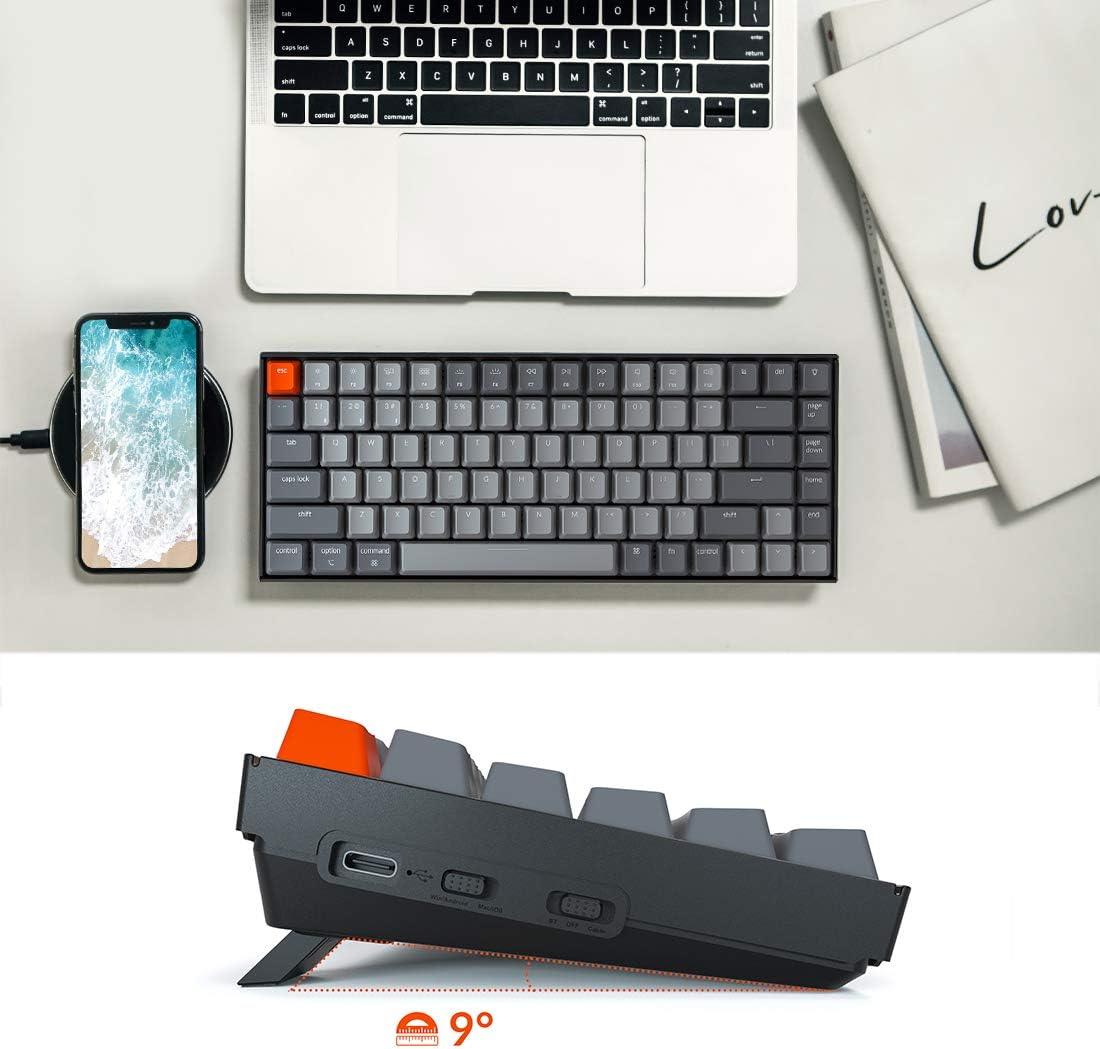
Keychron 75% mechanical keyboard, 84-key layout
Product description
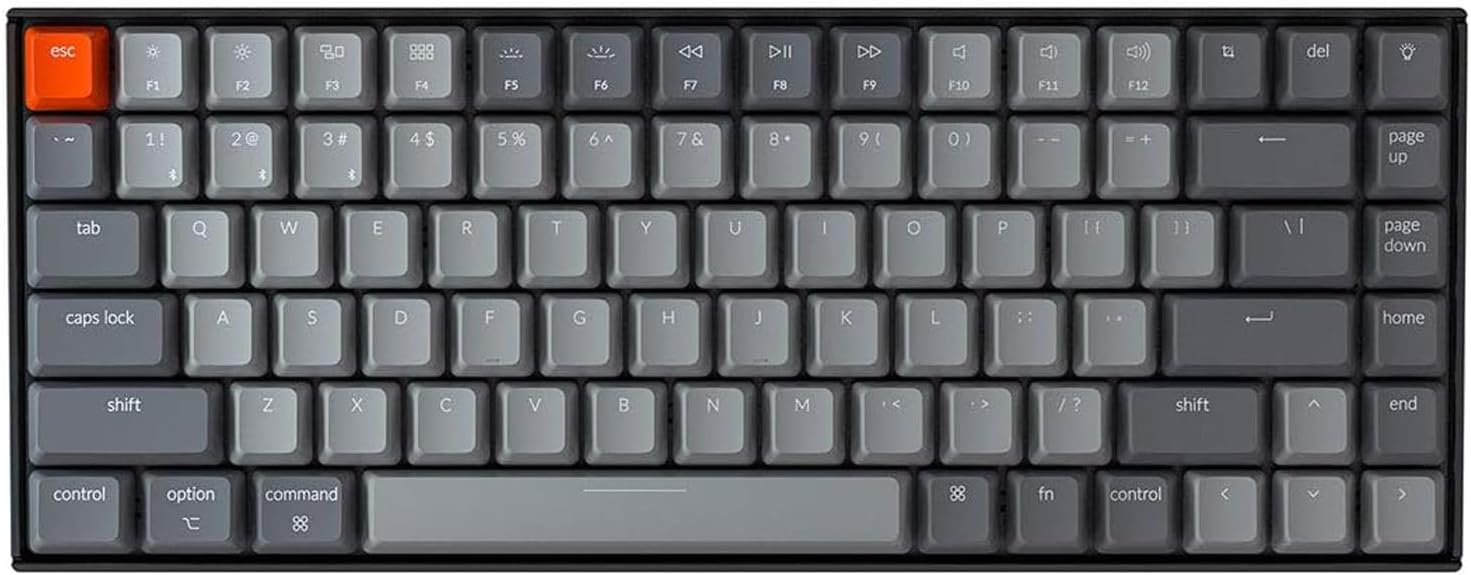
If you want a smaller keyboard but still rely on arrow keys and shortcuts, the Keychron K2 takes a different route from a minimal compact board: it keeps those keys in an 84-key, 75% layout. It connects to up to three devices over Bluetooth, or works in wired mode through USB-C, so it can suit a desk shared by a laptop and other devices. The linear Super Red switches and white backlighting round out a setup aimed at everyday typing, with light gaming also in its stated use range.
What matters most
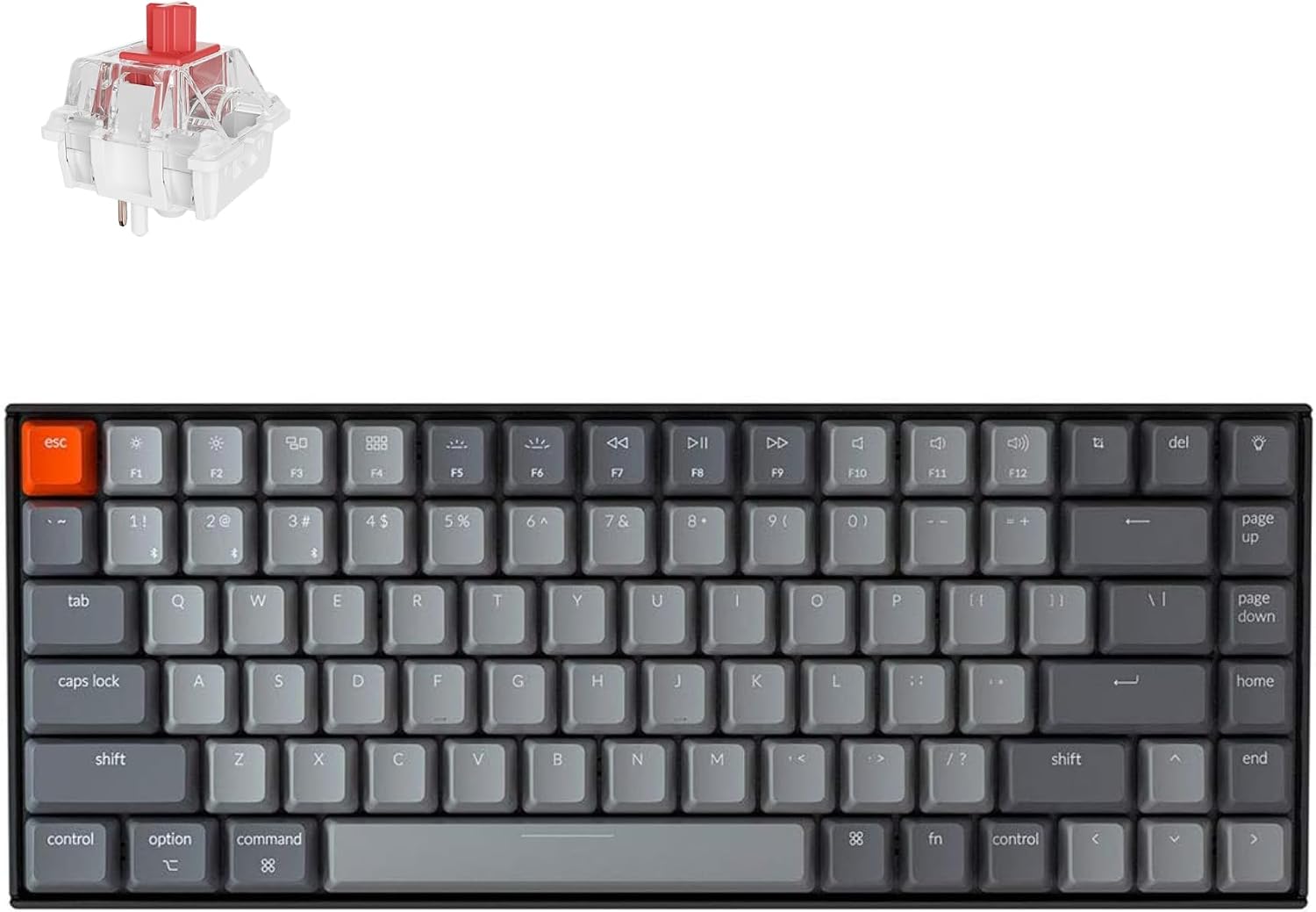
The useful distinction here is not simply compact versus full-size. The K2 retains arrow and shortcut keys while taking up less room than a keyboard with a more expansive layout, which may be welcome on a crowded desk. Its Red switches are described as linear, a relevant detail if you prefer a consistent keypress feel rather than a tactile bump. The white LED backlight offers a static mode as well as other lighting choices, and the key legends are intended to remain visible in dim surroundings.
For a practical example, you could type on a computer in wired mode, then switch the Bluetooth connection to a phone or tablet when you need to enter a message there. The keyboard can pair with up to three devices. Keep in mind that key rollover differs by connection: it supports N-key rollover when wired and 6-key rollover wirelessly. If that distinction matters for your gaming or typing habits, choose the connection accordingly. It suits you if you want a compact board with arrow keys and both Bluetooth and USB-C options, You may want to skip it if you specifically need N-key rollover while using a wireless connection.
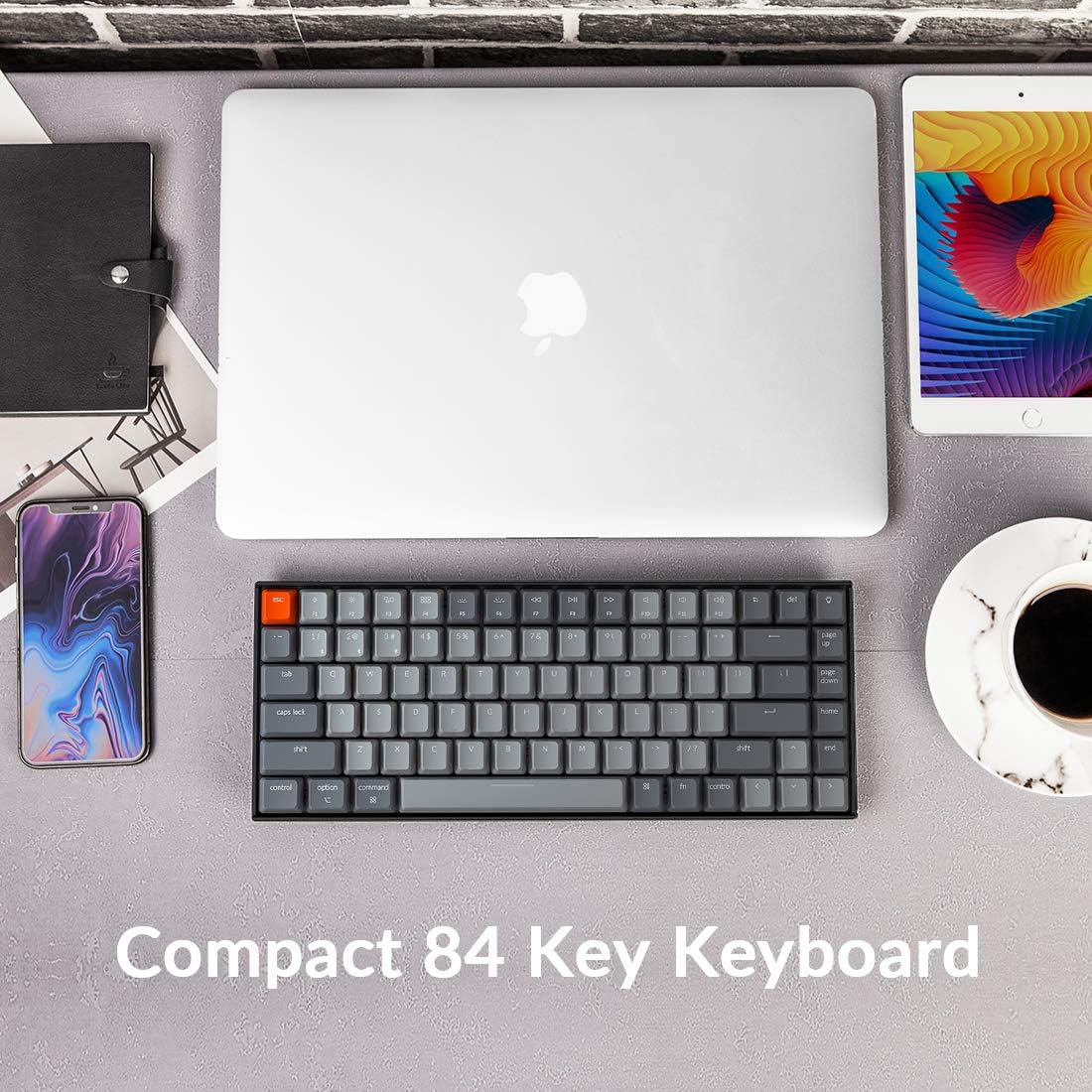
Best use cases
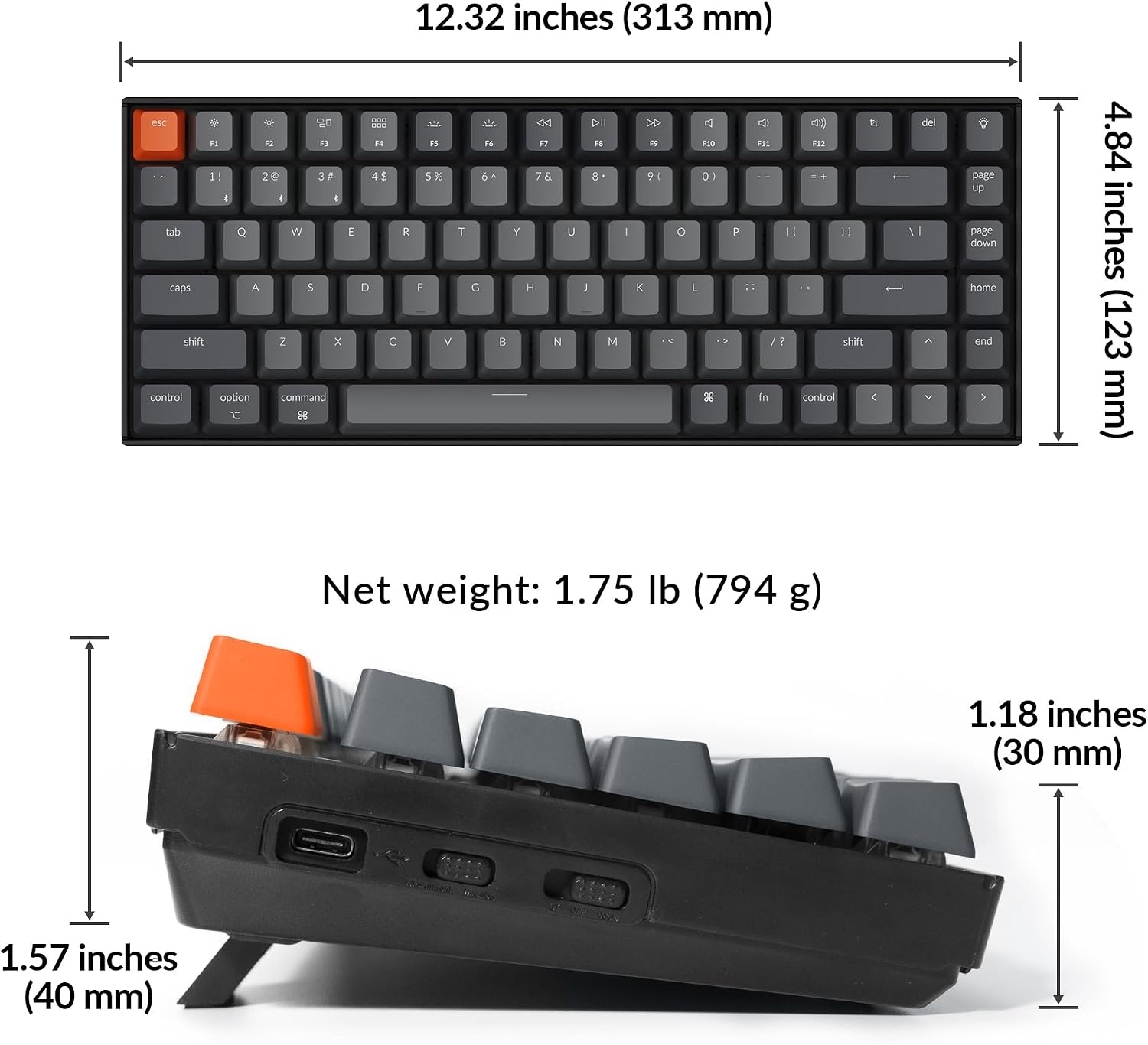
This layout is geared toward home or office desks where saving some space matters but losing dedicated arrow keys would be inconvenient. Bluetooth pairing can also help when moving between a computer, phone, and iPad, while the wired option gives you another way to connect. The keyboard includes a Mac layout and extra keycaps for Mac and Windows systems, making it more flexible for households or desks that use both. The product information does not specify dimensions, so check the physical footprint if you have a tightly measured space.
Tips for day-to-day use
For a stationary setup, USB-C wired mode is the straightforward choice, particularly if you want the listed N-key rollover. For a desk shared across devices, Bluetooth lets you switch among up to three paired connections. The stated battery life is up to 72 hours of typing or up to seven days of normal use, based on eight hours a day, actual use may vary. The 4000 mAh battery is specified, but no charging time is given. Use the included alternative keycaps to match the Mac or Windows system you use, rather than assuming the legends or layout need to be changed in software.
Questions before you buy
Does it connect without a cable?
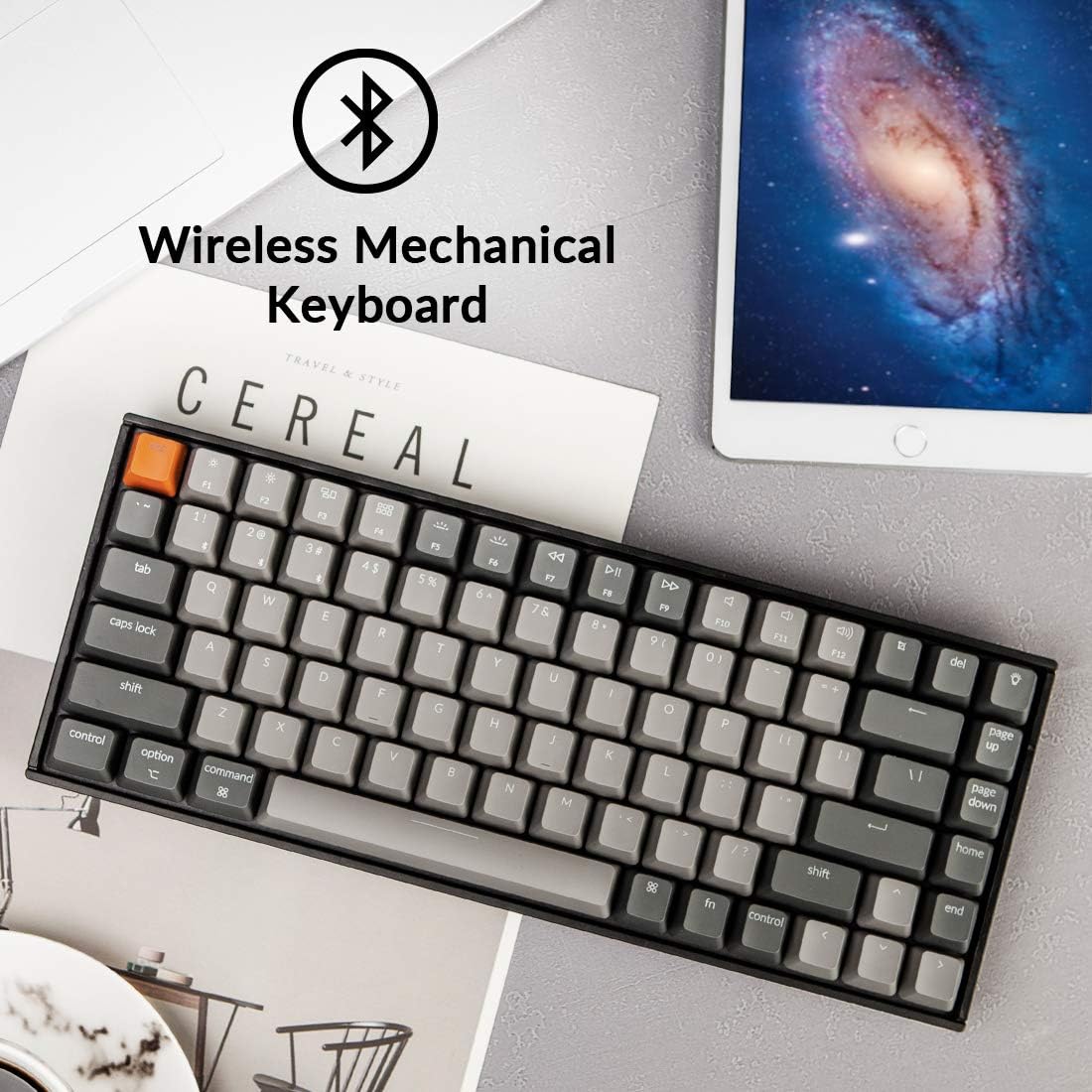
Yes. It supports Bluetooth connections with up to three devices, and it also has a USB-C wired mode.
Is it compatible with Mac and Windows?
The product description says it works with both and includes extra keycaps for the two operating systems.
What kind of switches does it use?
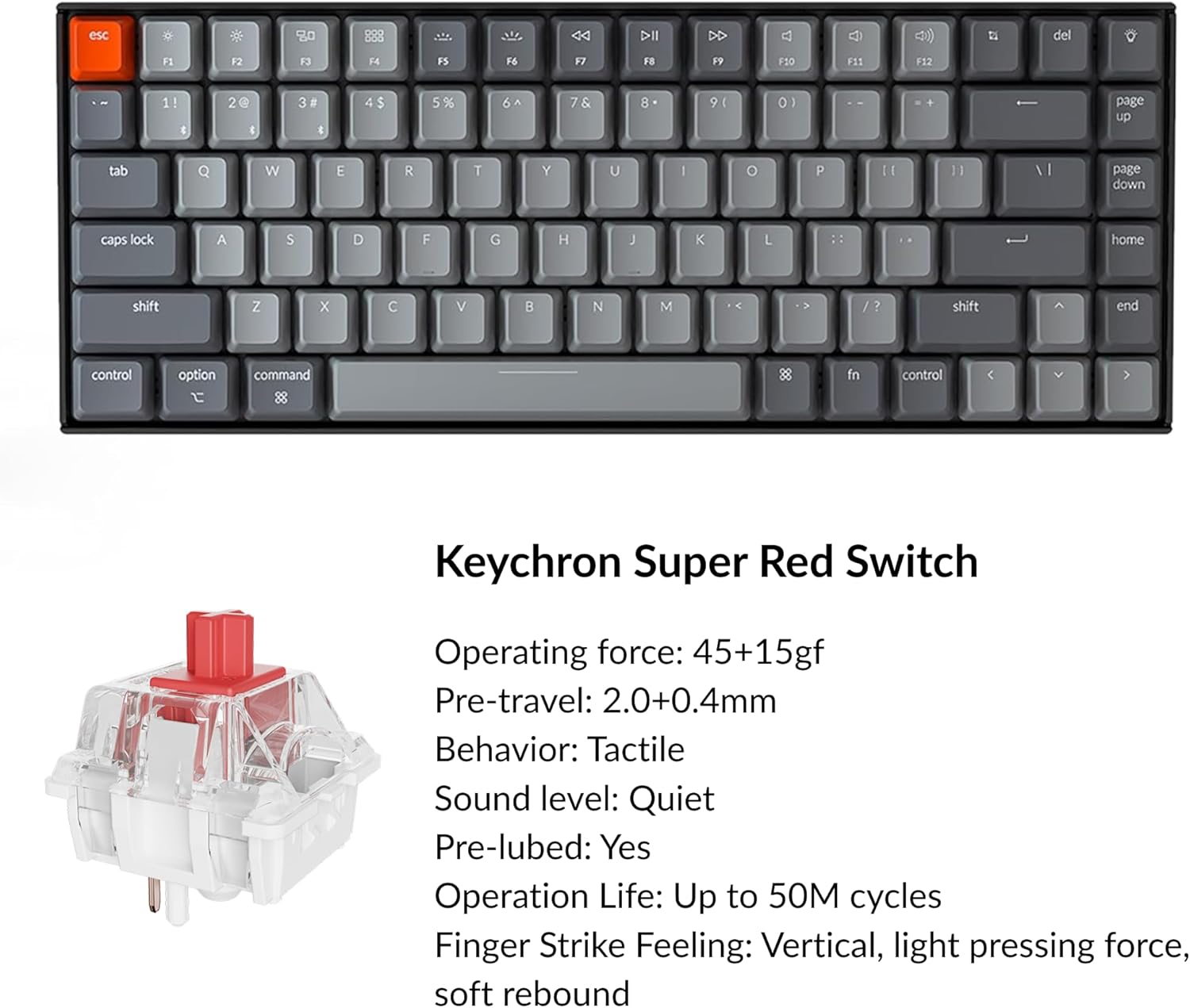
It uses Keychron Super Mechanical Red switches, described as linear, with a stated lifespan of up to 50 million keystrokes.
Final verdict
The K2 makes sense if you want a compact mechanical keyboard that keeps arrow keys, supports multiple Bluetooth devices, and can also connect by USB-C. Its Mac and Windows keycap support adds practical flexibility, and the linear Red switches give buyers a clear switch type to consider. The trade-offs are worth weighing: wireless rollover is 6KRO rather than N-key, and the available details do not give the keyboard’s dimensions. Choose it for its retained keys and connection options, look elsewhere if wireless N-key rollover or a precisely specified footprint is essential.