

Logitech full-size wireless keyboard K650
Product description
How to use it
At a desk where you type for hours, a built-in wrist rest and a familiar full-size layout can make everyday work feel less cramped.
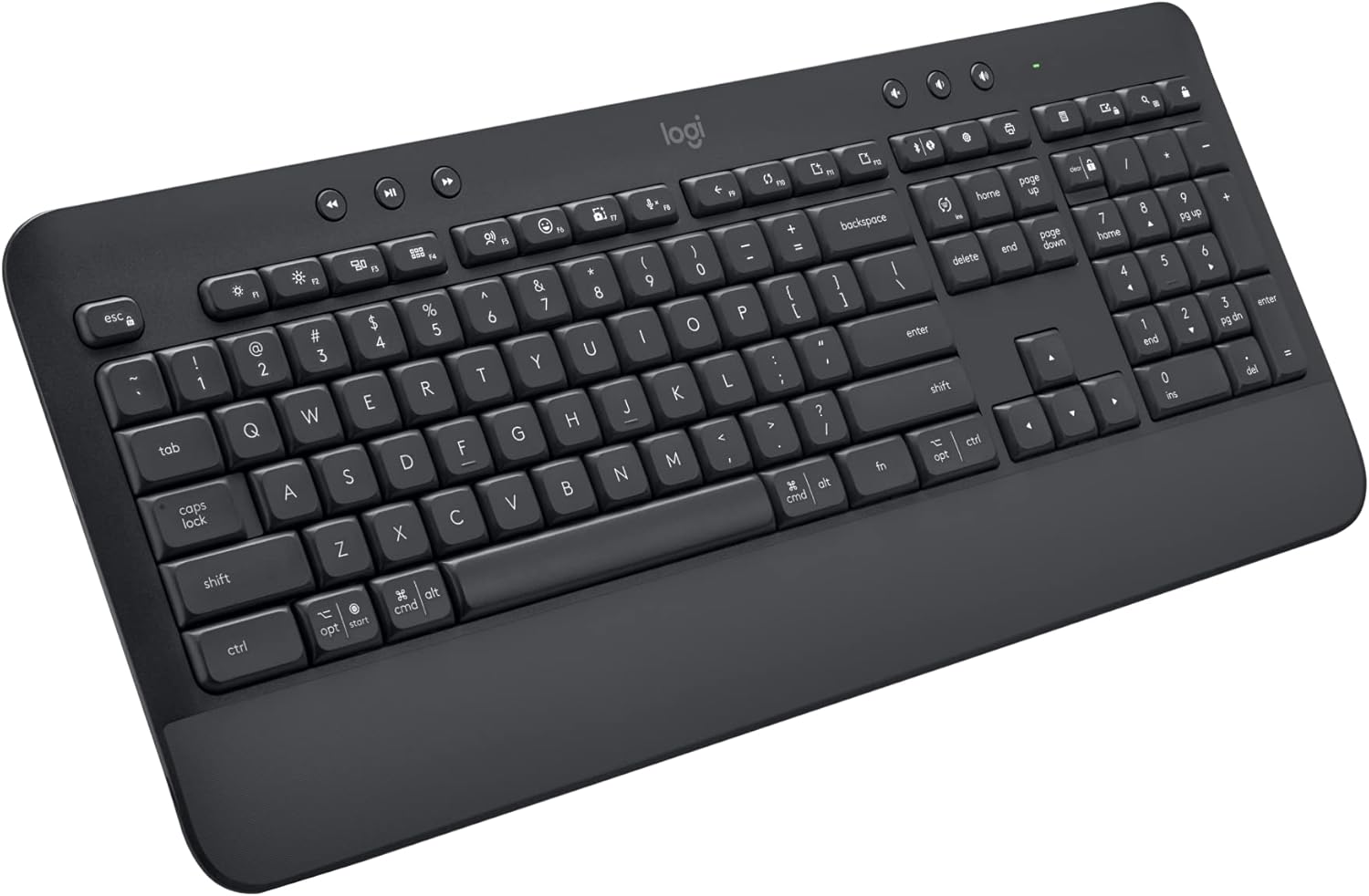
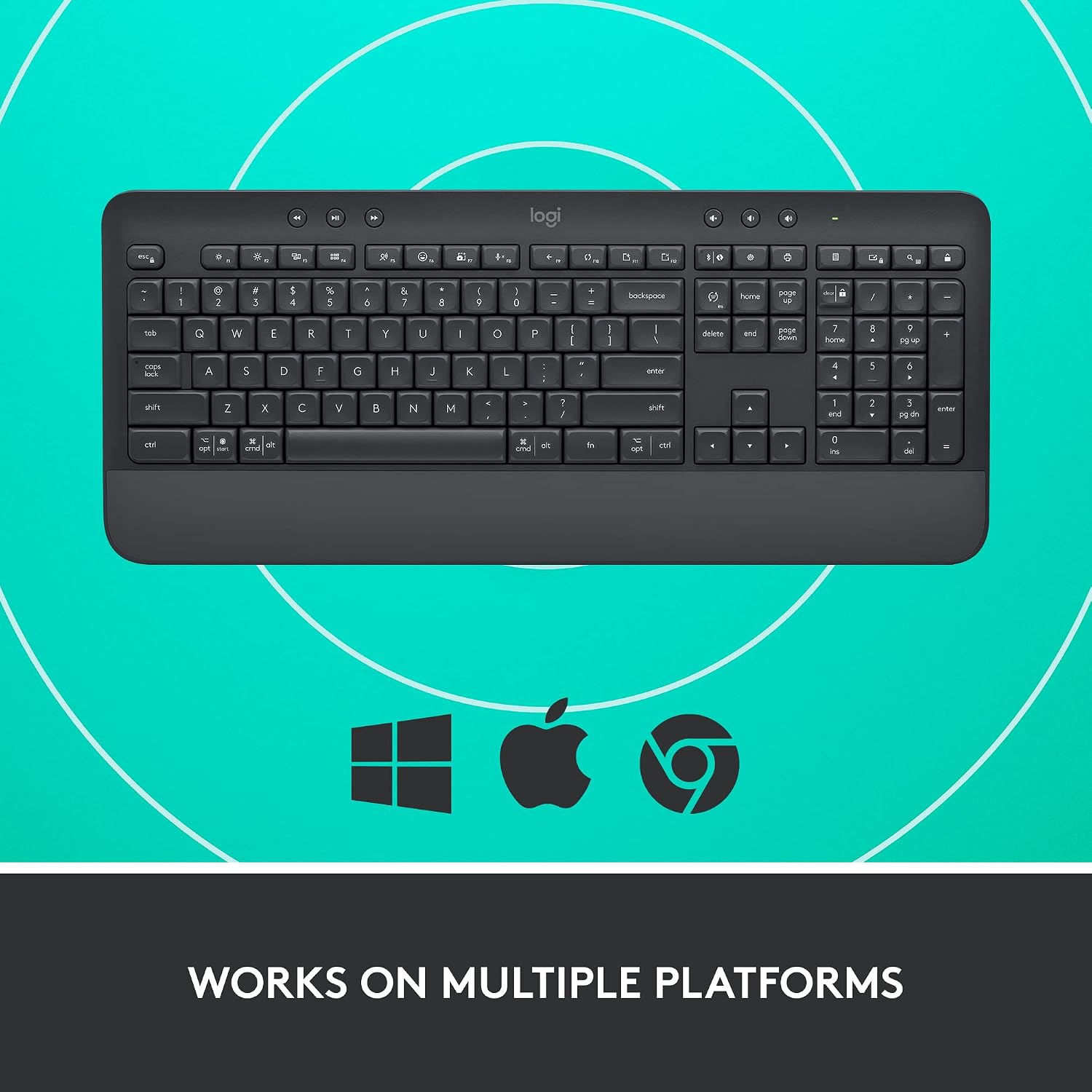
The Logitech Signature K650 is a wireless keyboard with a number pad, cushioned keys, and shortcut buttons for tasks such as muting the mic, taking a screenshot, and navigating the web.
Connect over Bluetooth Low Energy or use the included Logi Bolt USB receiver. That gives you a choice of wireless connection without adding a cable to your desk.
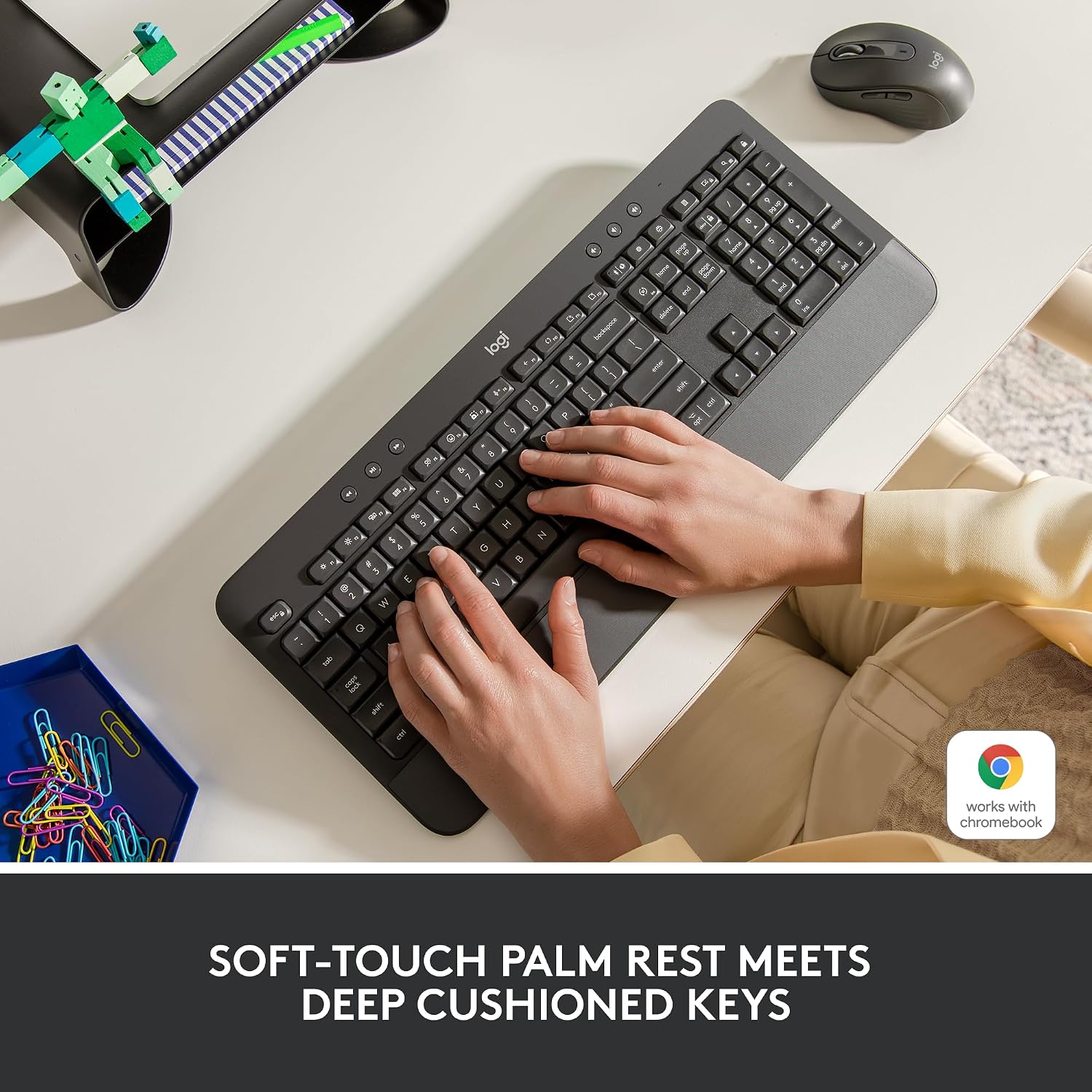
Picture drafting an email, switching to a spreadsheet, then muting your mic for a call: the number pad and dedicated shortcuts are there for those routine desk tasks. The wrist rest is integrated, so it’s part of the keyboard rather than a separate accessory to position.
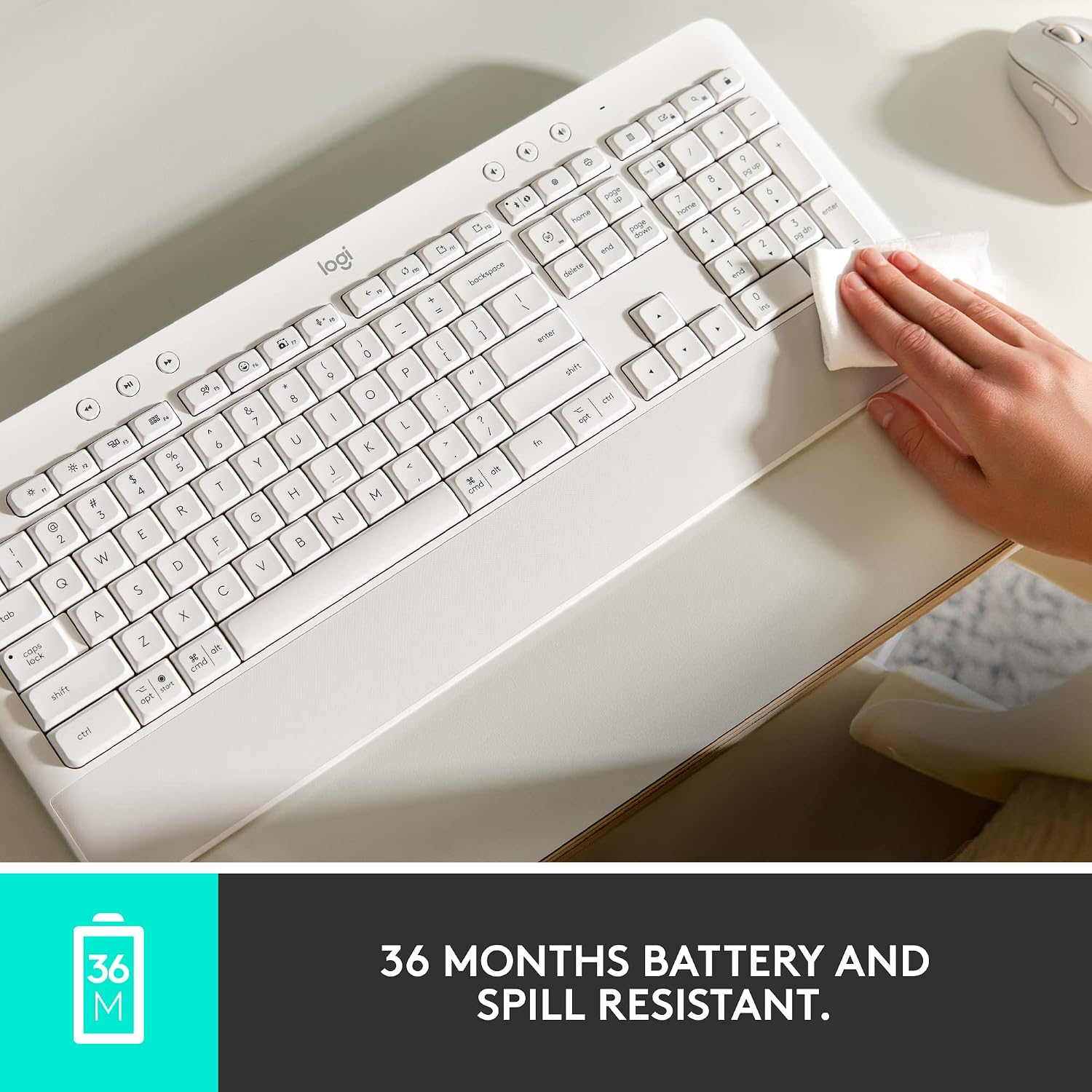
A full-size board does take up more desk space than a compact keyboard, so measure your available room if your setup is tight. And while the keyboard is described as spill-resistant and easy to clean, spill resistance isn’t the same as being waterproof. Is a smaller keyboard worth giving up the number pad and shortcut keys? That depends on whether desk space or those built-in controls matter more in your daily work.

Pros
The K650’s main appeal is the combination of a number pad, cushioned keys, and a soft-touch palm rest in one keyboard. Its shortcut keys can reduce the need to reach for on-screen controls during calls or routine navigation, although the benefits depend on which shortcuts you actually use.
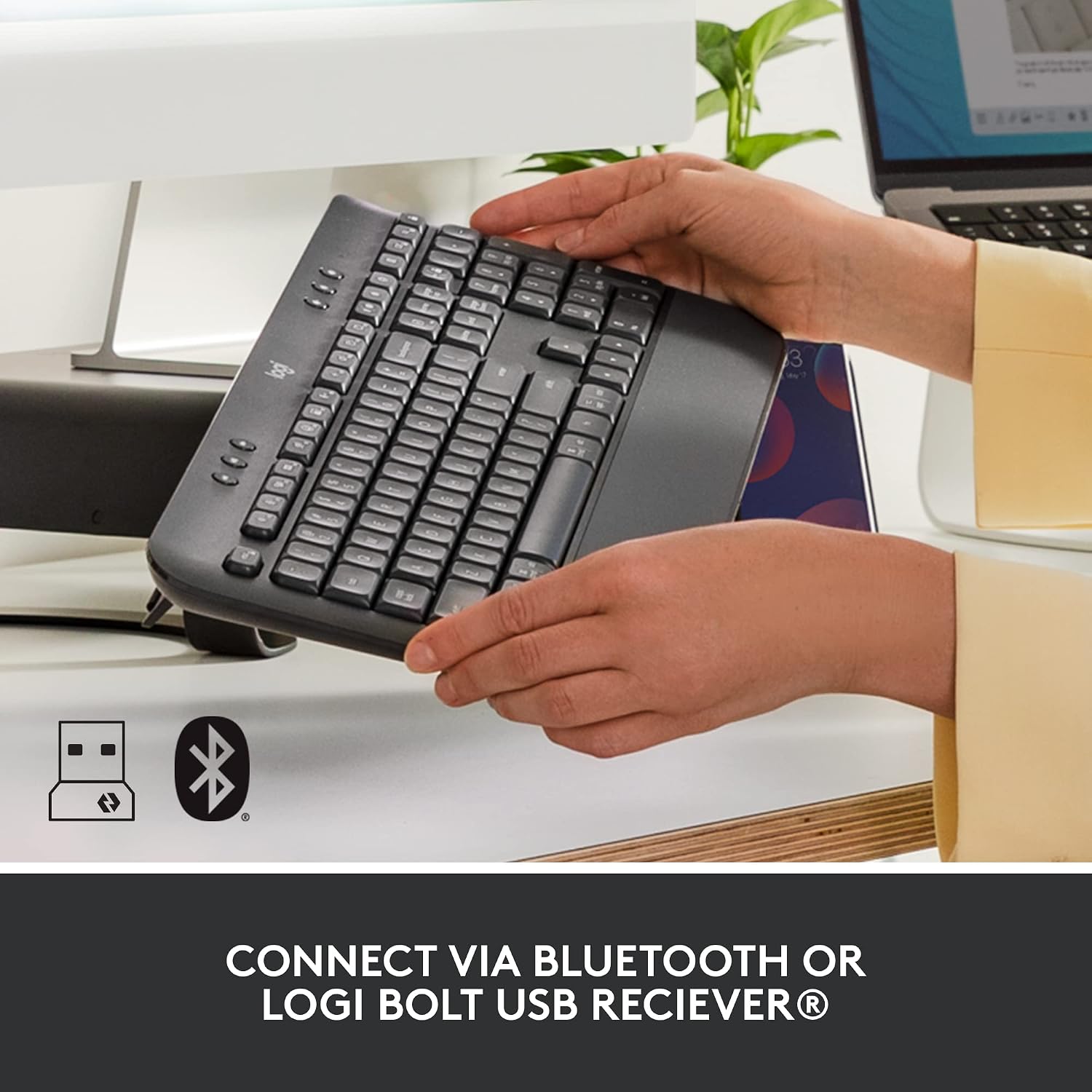
Bluetooth Low Energy and the included Logi Bolt receiver offer two ways to connect. It also works with a broad range of operating systems, including Windows, macOS, Chrome OS, Linux, iPadOS, iOS, and Android. You’ll appreciate it if you want a full-size wireless keyboard for a desk shared between compatible devices or platforms.
According to the maker, it can go up to 36 months without needing new batteries, actual battery life may vary with use and computing conditions. That’s a stated estimate, not a guarantee for every setup. It may not suit you if you want a compact layout, or if you need a keyboard with a stated waterproof rating—the provided details only say spill-resistant.
Spec sheet
- Name: Logitech Signature K650
- Type: Wireless keyboard
- Format: Full-size, with number pad and integrated palm rest
- Color: Graphite
- Connectivity: Bluetooth Low Energy or included Logi Bolt USB receiver
- Key features: Deep-cushioned keys and shortcuts for mic mute/unmute, screenshots, and web navigation
- Compatibility: Windows, macOS, Chrome OS, Linux, iPadOS, iOS, and Android
- Battery claim: Up to 36 months without new batteries, usage conditions may affect results
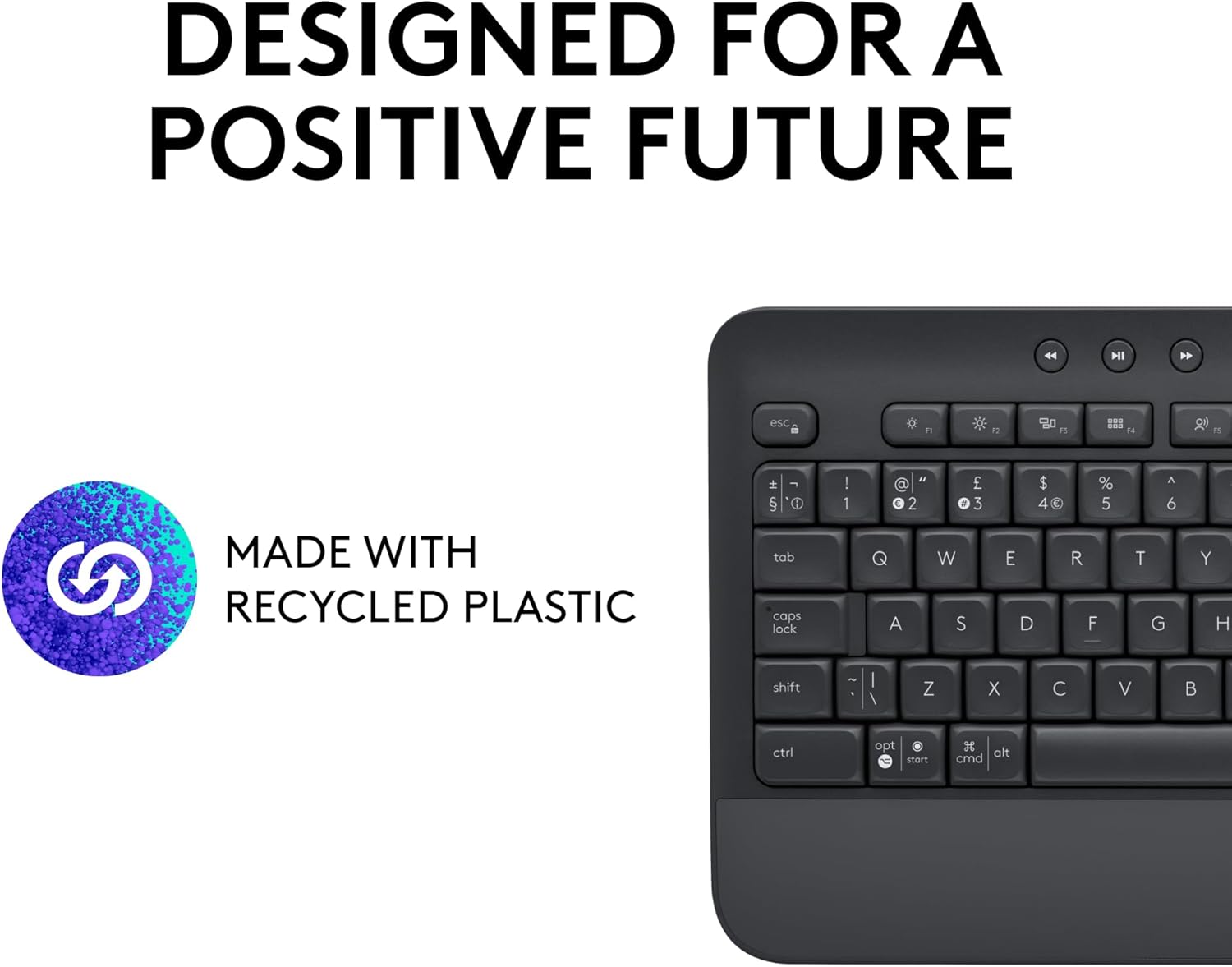
- Additional details: Easy to clean and spill-resistant, Graphite version includes 28% certified post-consumer recycled plastic in its plastic parts
Logi Options+ personalization is listed for Windows 10 and macOS 10.15 or later. That software detail is narrower than the keyboard’s stated platform compatibility, so check it against the computer you plan to use if customization matters to you.
Buying verdict
Choose the K650 if you want a conventional full-size typing layout, a number pad, and a built-in wrist rest without being tied to a wired connection. It makes more sense for a work surface with room for a full-size board than for a portable setup where every inch matters. The Bluetooth and receiver options add flexibility, while the shortcut keys are most useful if mic controls, screenshots, or web navigation are part of your regular routine.
If desk space is the priority, a smaller keyboard is the more practical direction, but you would be moving away from the K650’s full-size layout and number pad. If you’re considering this model, make sure its footprint and the Logi Bolt receiver or Bluetooth connection suit your setup, skip it if you need a compact board or stronger spill protection than the stated spill-resistant design.