

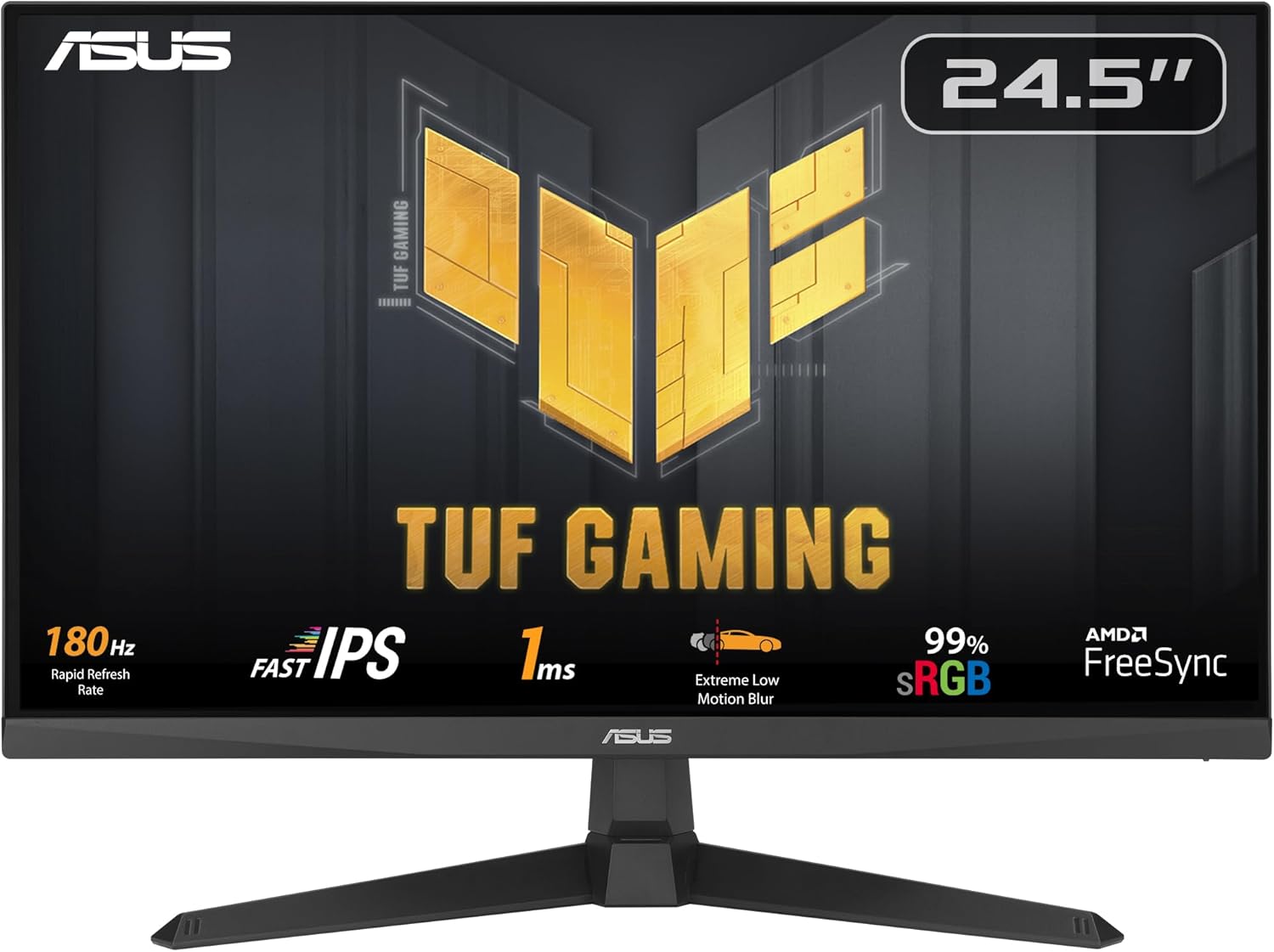
ASUS TUF Gaming VG259Q3A 24.5" FHD 180Hz IPS Gaming Monitor
Product description
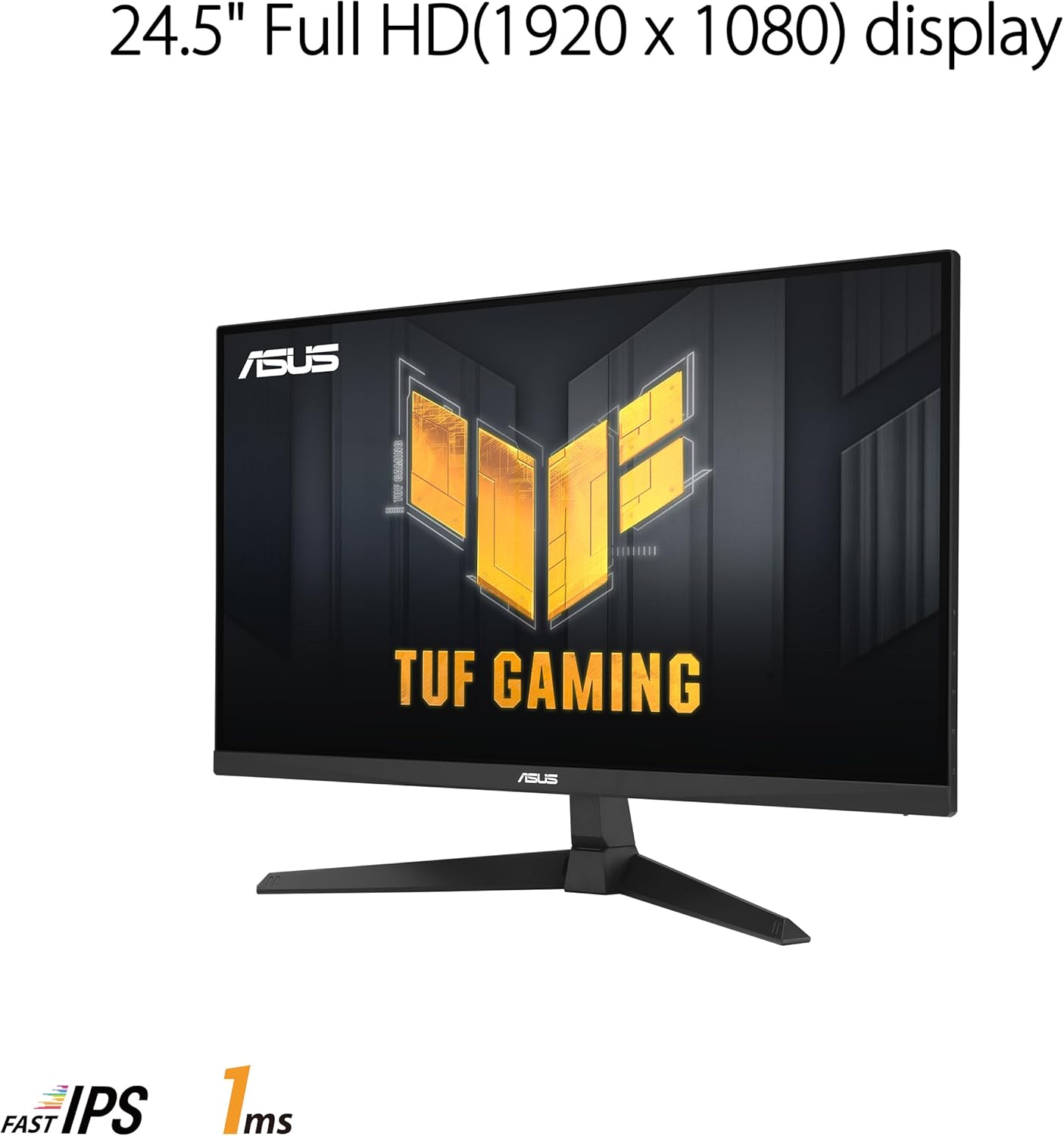
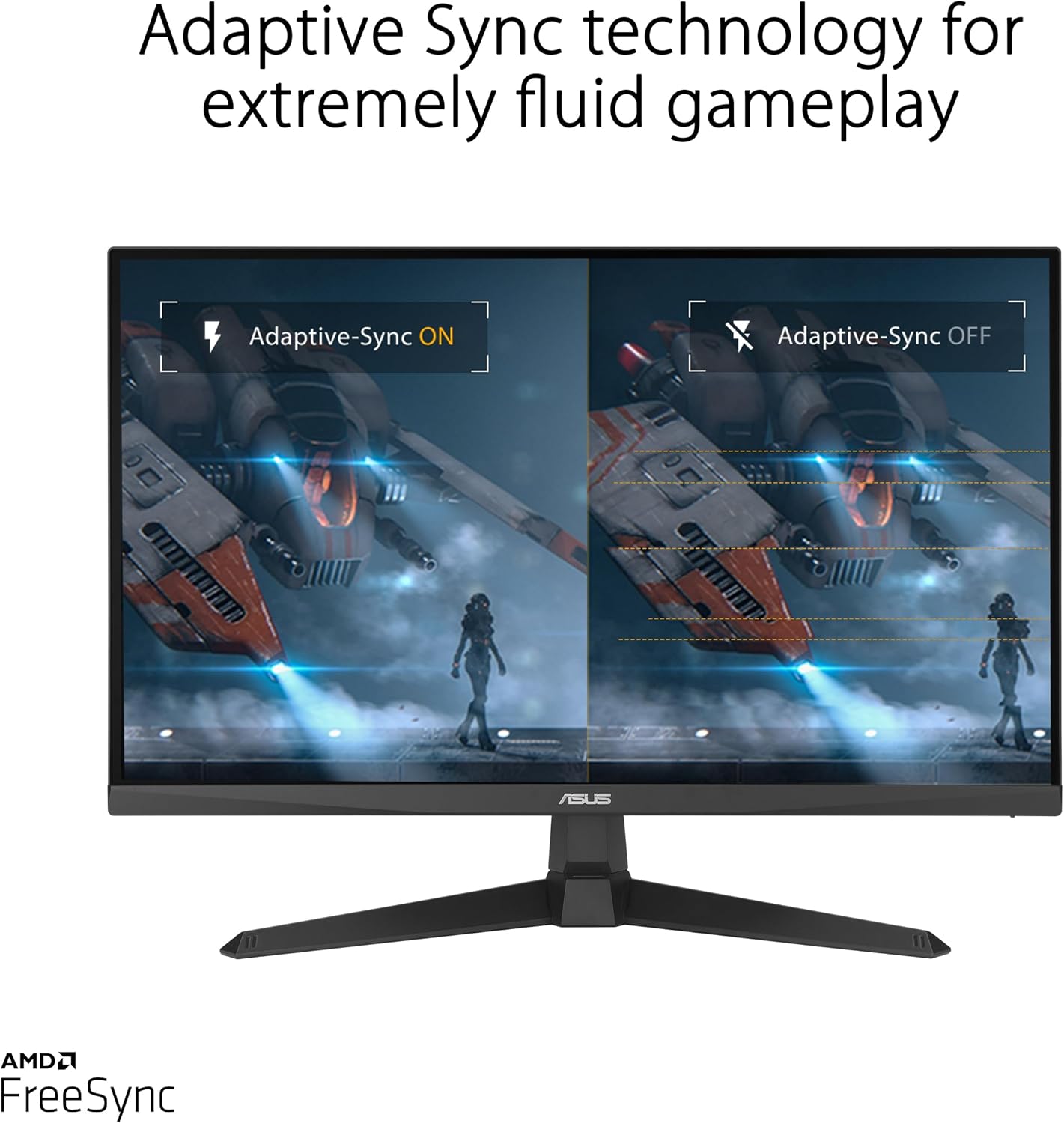
If you care about fast, clean motion, the ASUS TUF Gaming VG259Q3A is built for that. It pairs a 24.5" Full HD (1920 x 1080) IPS panel with a 180Hz refresh rate, plus a 1ms GTG response time aimed at smoother gameplay. It’s also designed to feel calmer on-screen thanks to Extreme Low Motion Blur (ELMB) and to reduce tearing/mismatches with FreeSync and variable overdrive.
That said, 1080p at 180Hz is a very specific kind of choice. It can be awesome for competitive play, but if you’re shopping for maximum clarity on text or high-resolution visuals, you may find higher-density options more satisfying. Still, for players who prioritize motion and responsiveness, this monitor checks a lot of the right boxes.
Key takeaways
This is a gaming-focused 24.5" IPS monitor that aims to deliver responsive gameplay with 180Hz and 1ms GTG, backed by ASUS features like ELMB and Shadow Boost. You also get built-in 1.5W x 2 stereo speakers for convenience, and a color claim of 99% sRGB for more consistent everyday content.
The most practical question is simple: do you want smoother motion and competitive-style tuning more than you want premium image processing or resolution headroom? If yes, VG259Q3A makes sense on paper.
What stands out in everyday play
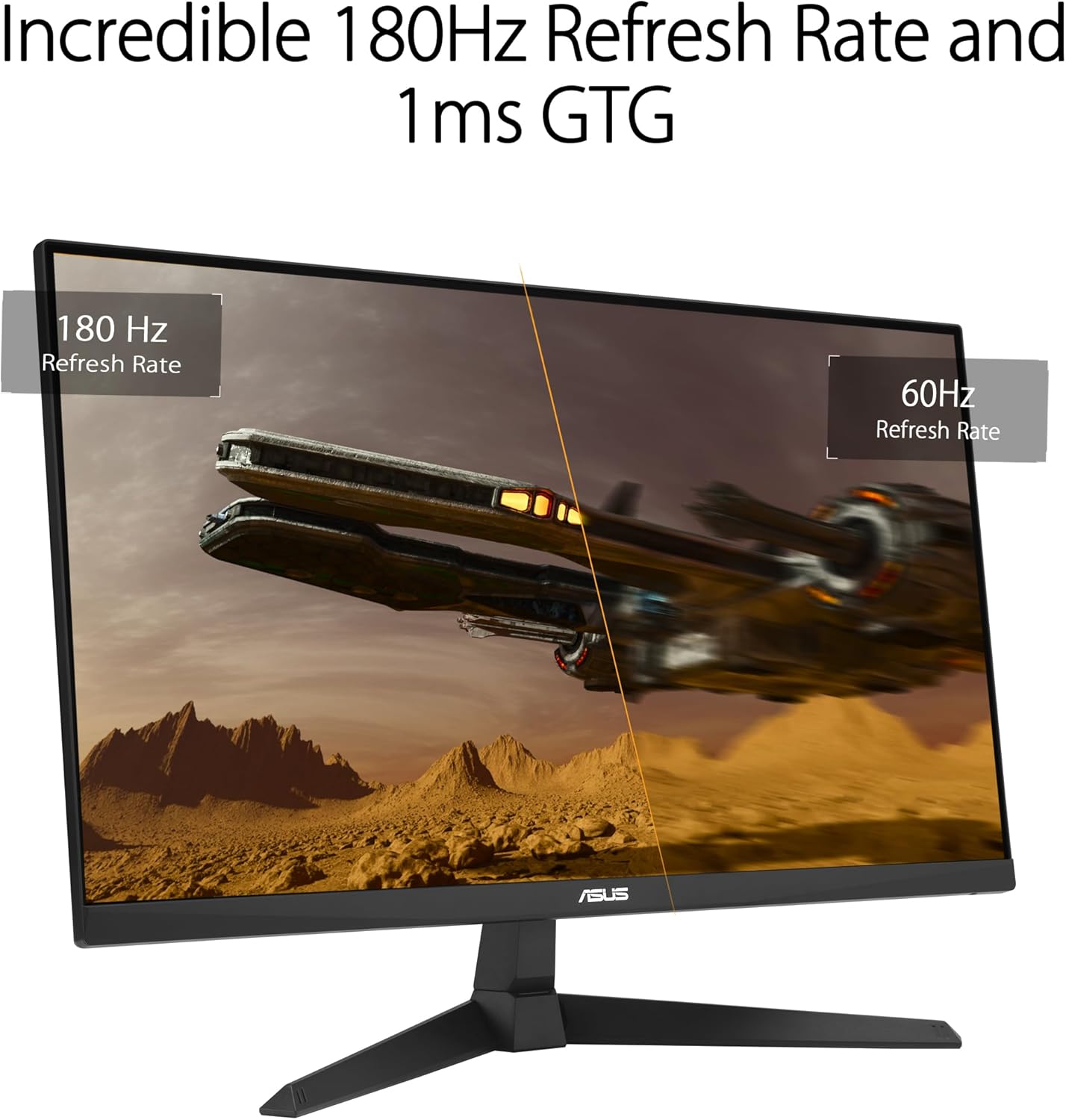
The headline here is motion. With 180Hz refresh and 1ms GTG response, the monitor is geared toward games where timing matters—think fast shooters or quick reaction gameplay. ELMB (Extreme Low Motion Blur) is specifically included to reduce ghosting and motion blur, which is often the difference between “it looks fast” and “it feels locked in.”
FreeSync plus variable overdrive also points to a smoother experience across different frame rates. In real-world terms, that can mean fewer distracting frame-to-frame inconsistencies when your performance isn’t perfectly steady.
There’s also Shadow Boost, which improves visibility in darker areas by illuminating shadows without (as the feature states) overexposing brighter zones. In gameplay, that can help you spot silhouettes or details in dim scenes without turning the whole image into a washed-out mess—though results depend on the game and your brightness settings.
Where it helps outside gaming
It’s not only for games. The monitor’s 99% sRGB coverage is a useful signal if you do color-sensitive tasks like basic photo edits, UI work, or everyday content creation where you want colors to stay more predictable.
And if you don’t want to deal with external audio setups, the built-in stereo speakers (1.5W x 2) can be a small quality-of-life win. You may still prefer headphones for competitive focus, but having speakers onboard means you can get started quickly.
One limitation to keep in mind: this is a 1080p panel. It will look sharp for gaming and typical desktop use, but if your priority is ultra-crisp text at a distance or you work extensively with higher-resolution workflows, you might feel constrained by the pixel density.
Tech specs at a glance
- Name: ASUS TUF Gaming VG259Q3A
- Type: Gaming monitor
- Display size: 24.5" (24.5 viewable)
- Resolution: FHD (1920 x 1080)
- Refresh rate: 180Hz
- Response time: 1ms GTG
- Panel/technology: Fast IPS, Extreme Low Motion Blur (ELMB)
- Sync/overdrive: FreeSync, Variable Overdrive
- Color: 99% sRGB
- Image tuning: Shadow Boost
- Speakers: 1.5W x 2 stereo speakers
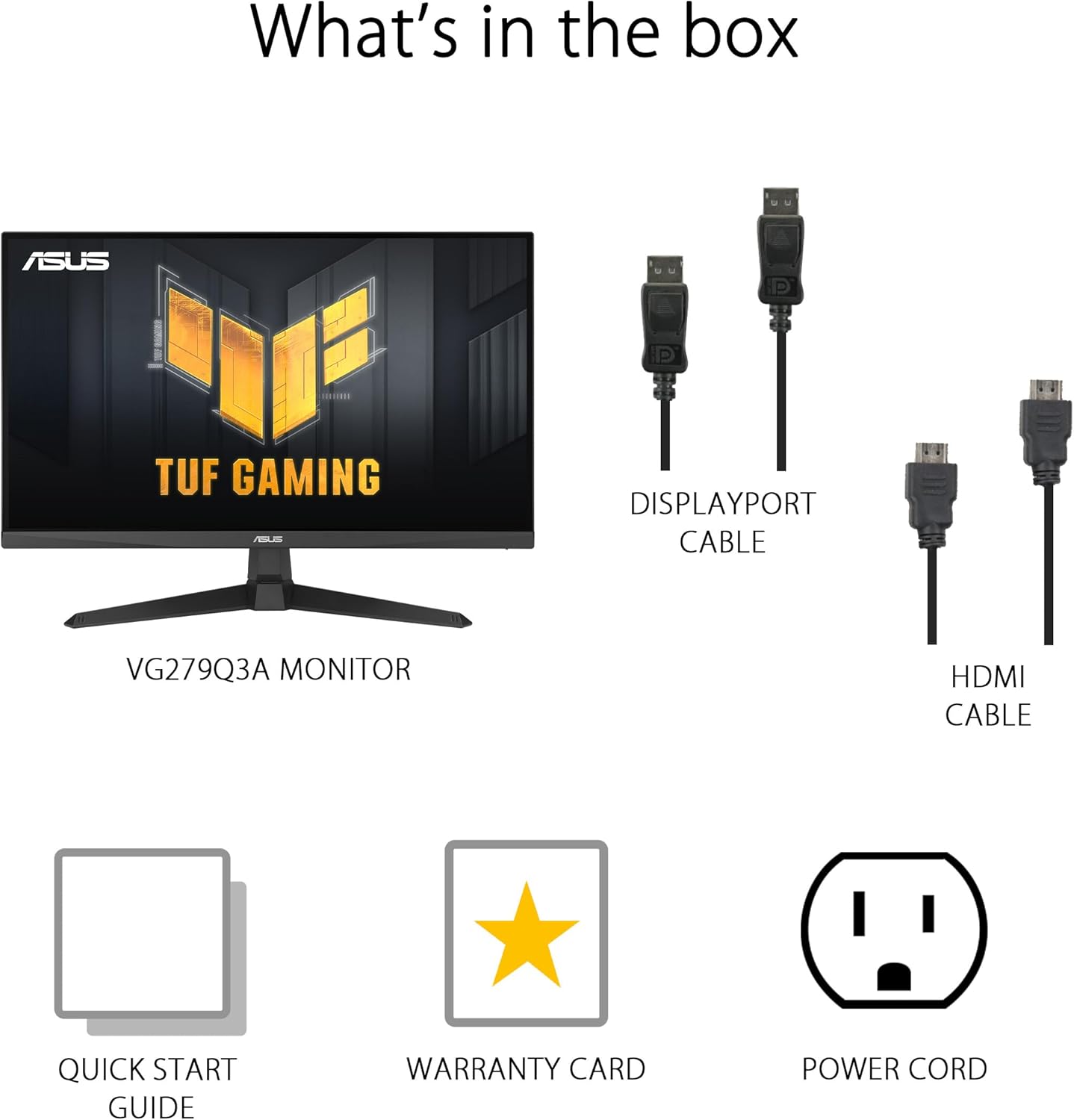
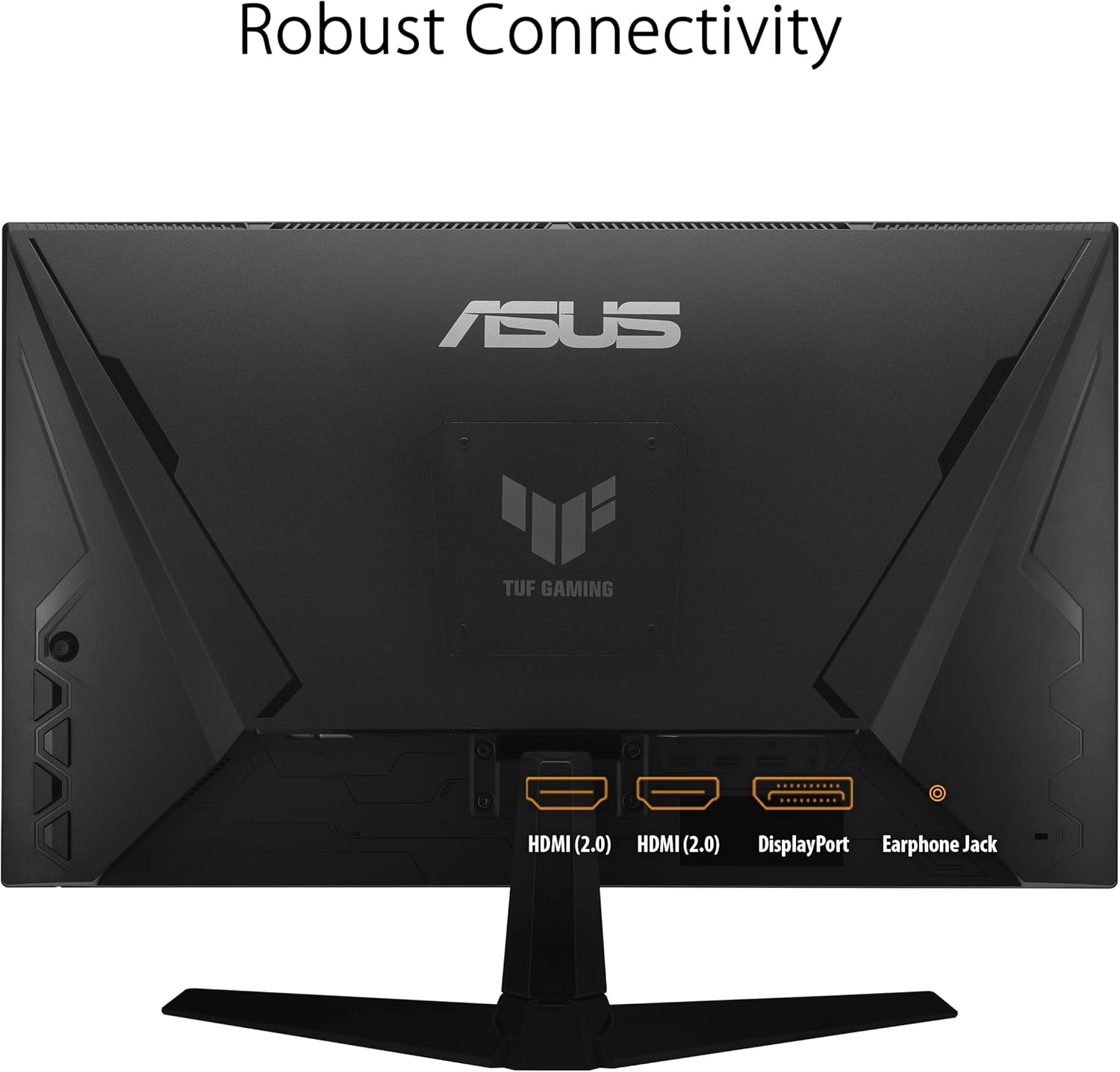
In the box (listed): DisplayPort cable, HDMI cable, power cable, quick start guide, warranty card.
Energy notes provided: under 18W in use, under 0.5W energy-saving mode, and under 0.3W off mode. Voltage listed as 100-240V, 50/60Hz.
Who it’s for (and who should skip it)
It’s a solid pick if you’re aiming for competitive smoothness and you like the idea of an IPS panel tuned for fast action. You’ll appreciate the 180Hz + ELMB + FreeSync combination if your games benefit from responsive motion and you play at frame rates that can take advantage of higher refresh.
It might not suit you if you’re specifically hunting for the sharpest text/desktop experience, or if you want a higher-resolution display for creative work where 1080p can feel limiting.
Also, keep expectations realistic: “1ms” and motion-blur features help, but they don’t replace good frame pacing, correct in-game settings, and sensible brightness/contrast tuning.
Care & warranty notes to consider
ASUS lists a 3yr warranty with this model, which is a reassuring detail for a gaming monitor. For day-to-day ownership, you’ll also want to use the included cables and set up inputs cleanly (DisplayPort or HDMI) so you’re actually using the performance features you’re paying for.
A small bonus: the purchase includes a free Adobe Creative Cloud access offer (valid from 1/9/2023 to 31/8/2025). Availability and eligibility depend on the promo terms, so it’s worth checking the included guidance or redemption instructions.
Is it worth it?
Buy the ASUS TUF Gaming VG259Q3A if you’re looking for a 24.5" fast IPS gaming monitor with 180Hz refresh, a 1ms GTG response time, and motion-focused features like ELMB and FreeSync. It’s especially compelling for players who prioritize smooth motion and darker-scene visibility via Shadow Boost.
Skip it if your main goal is maximum resolution clarity for desktop work or if you know you won’t care about high refresh rate gameplay. In that case, paying attention to what resolution and panel density you want could matter more than chasing high refresh numbers.
Mini FAQ
Does this monitor include speakers?
Yes. It includes built-in stereo speakers rated at 1.5W x 2.
Is it better for gaming or everyday use?
It’s clearly gaming-first, but features like 99% sRGB and Shadow Boost make it reasonably practical for mixed use as well.
What cables come in the box?
You get a DisplayPort cable and an HDMI cable, plus a power cable.
Does it support variable refresh?
Yes. The monitor is listed with FreeSync and Variable Overdrive.