

GigaMediaGroup Server 2025 Standard 16 Core OEM English Version NEW
Product description
What to know
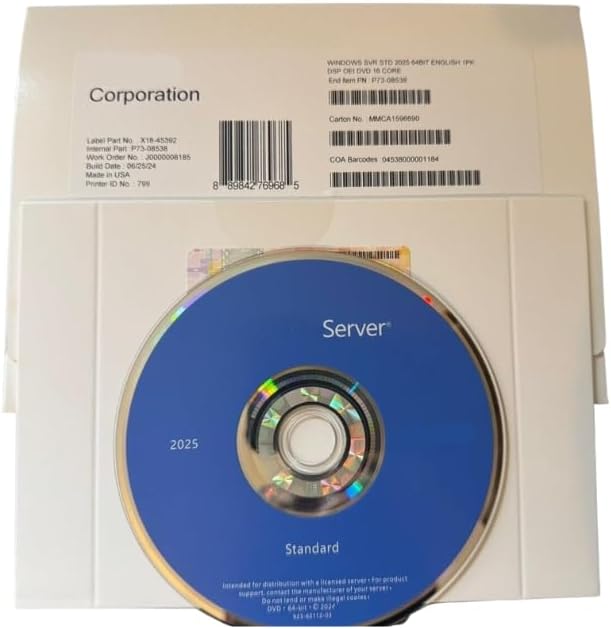
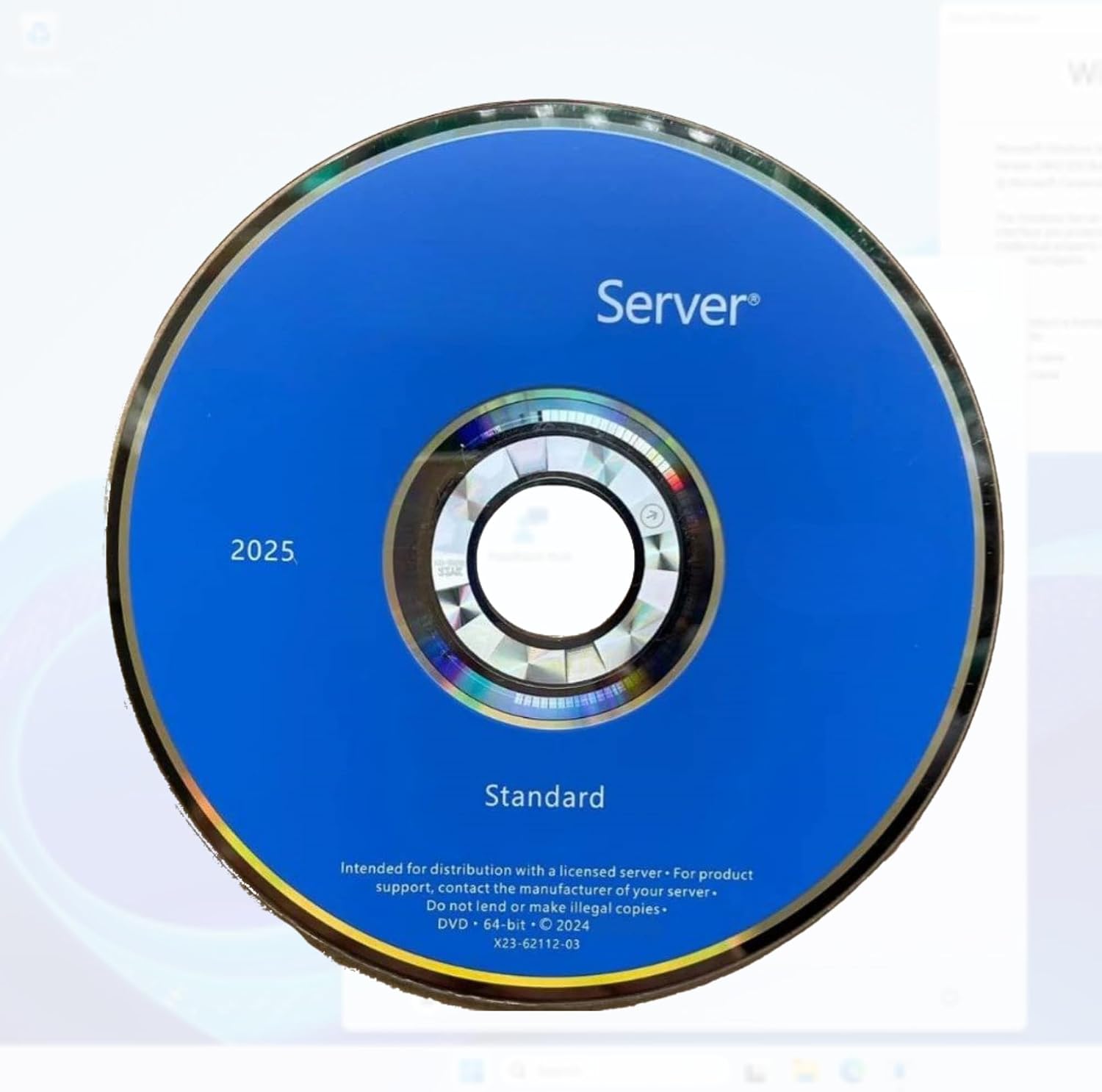
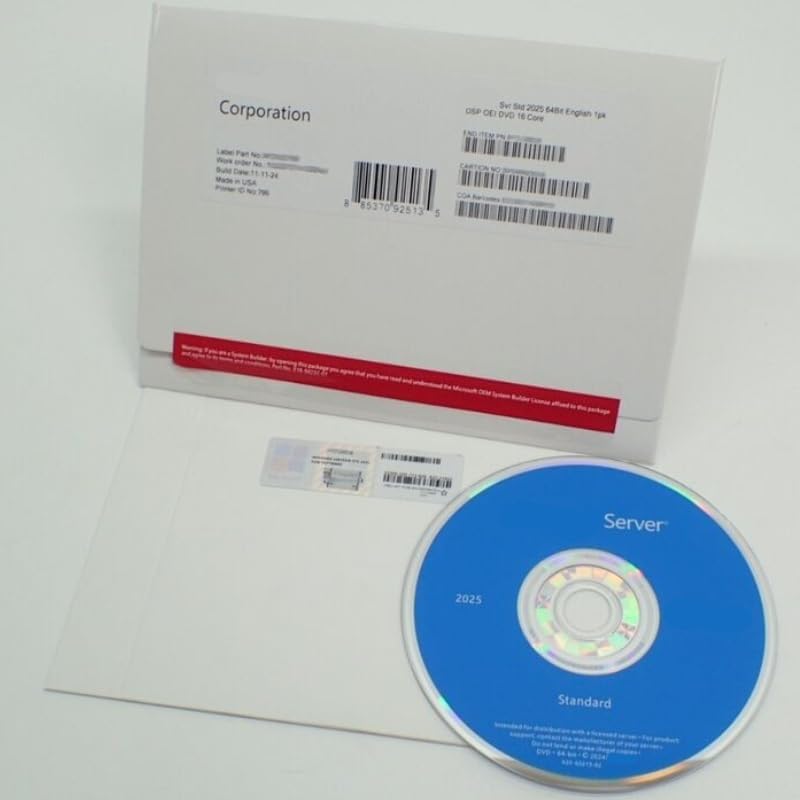
GigaMediaGroup Server 2025 Standard is a 16-core server OS option sold as an OEM English version and delivered by post. It emphasizes enterprise-grade security features and cloud-ready management, aiming at environments that blend on-premise resources with cloud services. If you’re evaluating a server OS with built-in security and modern administration tools, this could fit, but the lack of detailed hardware specs means you should confirm compatibility with your hardware stack and licensing terms before purchase.
What stands out
On paper, Enterprise Security features like Hotpatching for seamless updates and Credential Guard for access protection are highlighted, which can reduce downtime and tighten identity safeguards. The Hybrid Cloud Integration promise suggests easier coordination between local servers and cloud services, potentially simplifying IT operations. The user experience includes a modern desktop feel with management utilities such as WinGet and Terminal, which may help with day-to-day administration.
Who it’s for
This product seems aimed at small to mid-sized businesses or IT teams looking for a standard server OS with integrated security and cloud connectivity, without diving into high-touch customization. If you prioritize built-in protection and a straightforward management workflow, it could be appealing. However, if your environment needs explicit hardware requirements, performance benchmarks, or vendor-specific integrations, you’ll want to verify those details.
What you’ll notice day to day
- Security baked into the OS, which may reduce the need for heavy separate tooling.
- A hybrid approach that signals easier coordination with cloud resources.
- A refreshed management surface, including familiar tools like WinGet and Terminal, for routine tasks.
- Since exact hardware specs aren’t listed, expect to validate processor, memory, storage options, and licensing terms before deployment.
Pros
- Emphasizes enterprise-grade security features that can help protect against unauthorized access.
- Promises streamlined integration with cloud services for mixed environments.
- Modernized management tools could improve efficiency for administrators.
- Delivered as an OEM English version, which may simplify distribution in compatible setups.
Cons / limitations
- Limited technical details in the description, you’ll need to confirm compatibility with your server hardware and storage requirements.
- No explicit performance benchmarks or memory/drive specifications are provided, so sizing and scaling decisions depend on vendor confirmation.
- Delivery by post and OEM packaging may impose licensing or transfer constraints, verify activation terms and support coverage.
- As with any enterprise OS, real-world security effectiveness depends on configuration and patch management, default settings may still require tuning.

How to use it (practical tips)
- Start by checking hardware compatibility and licensing terms from the seller. Ensure your processor, RAM, and storage meet the minimum for a server OS deployment.
- Plan for hybrid cloud workflows by mapping which workloads will run on-prem vs. in the cloud, and assess connectivity and security controls.
- Leverage WinGet and Terminal for routine tasks, updates, and scripting to automate common admin jobs.
- Review security settings after installation, paying attention to hotpatch mechanisms and Credential Guard configurations to maximize protection.
What to check before buying
- Confirm the exact hardware compatibility list and any required licenses for enterprise features.
- Request any missing technical specs (CPU model, RAM requirements, storage capacity, network capabilities).
- Clarify post-delivery support terms, future update cadence, and the process for hotpatching in your environment.
- Evaluate whether your use case needs more advanced virtualization, clustering, or storage features that aren’t detailed here.
Comparison in context (alternative approaches)
If you’re weighing options, this OS could be preferable when you want built-in security and hybrid cloud hooks without a heavy, high-cost setup. If you need deep virtualization, advanced clustering, or explicit hardware-level performance metrics, you might look at other server OS choices that publish those specs more transparently.
Final verdict
Is it worth it? It depends on your need for integrated security and cloud-ready management in a standard 16-core server setup. If those elements align with your priorities and you can verify hardware compatibility and licensing terms, this could be a reasonable pick for a mid-range server deployment. If your environment requires detailed performance specs upfront, or specialized hardware support, you may want to gather more information before committing.
FAQ
- What does OEM English Version NEW imply for activation and support? Clarify licensing terms and whether activation is tied to a specific hardware key or a generic license.
- Does it include virtualization features out of the box? The description doesn’t specify, confirm virtualization capabilities and any related limits.
- Can I mix this with other cloud providers easily? The Hybrid Cloud Integration claim suggests compatibility, but verify supported services and any required connectors.
- What kind of security enhancements are actually enabled by default? Request a security baseline and recommended configuration steps to maximize protection.