

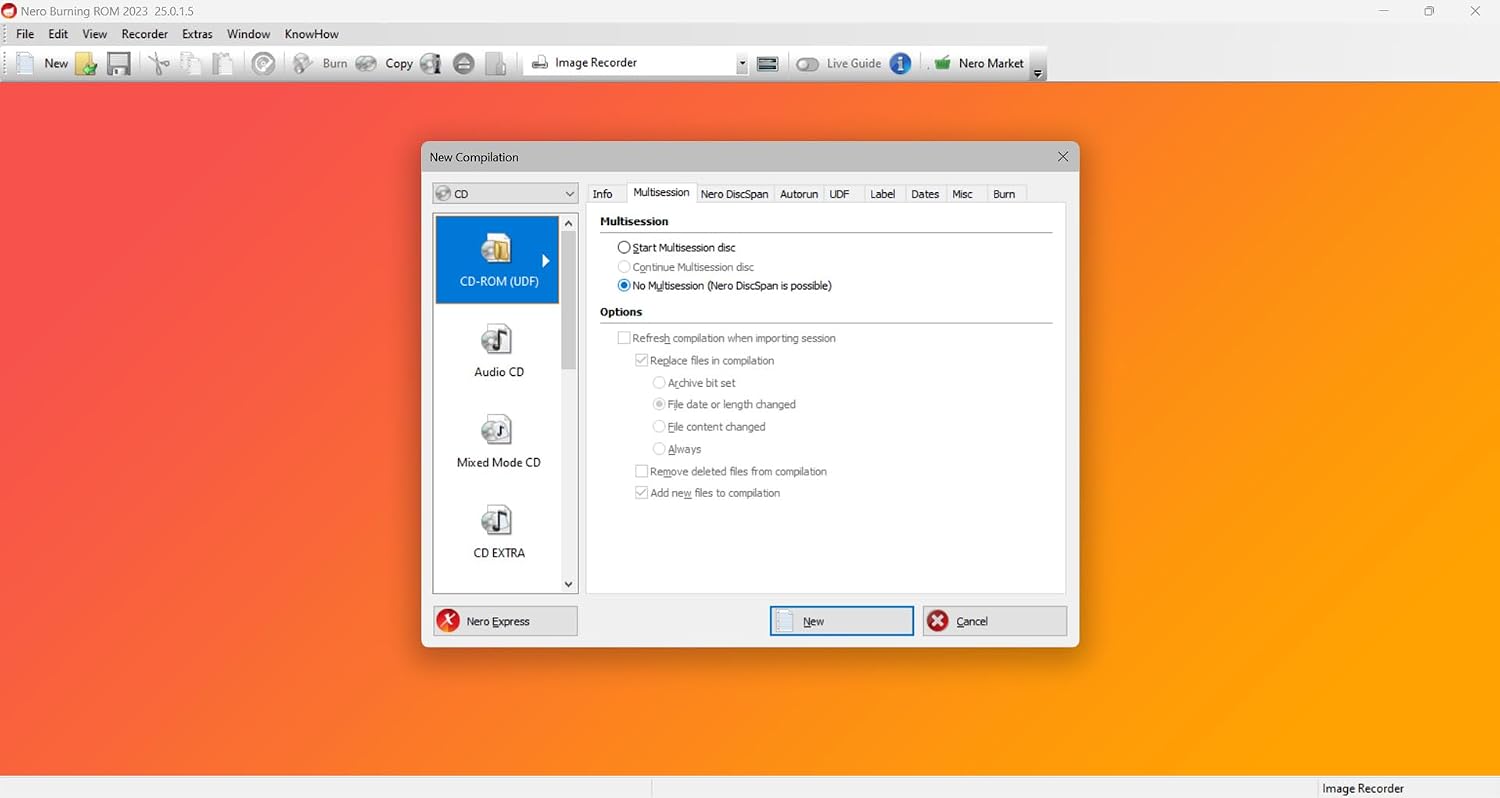
Nero Burning ROM 2026: Pro CD/DVD Burning Software for Music and Data
Product description
What it is
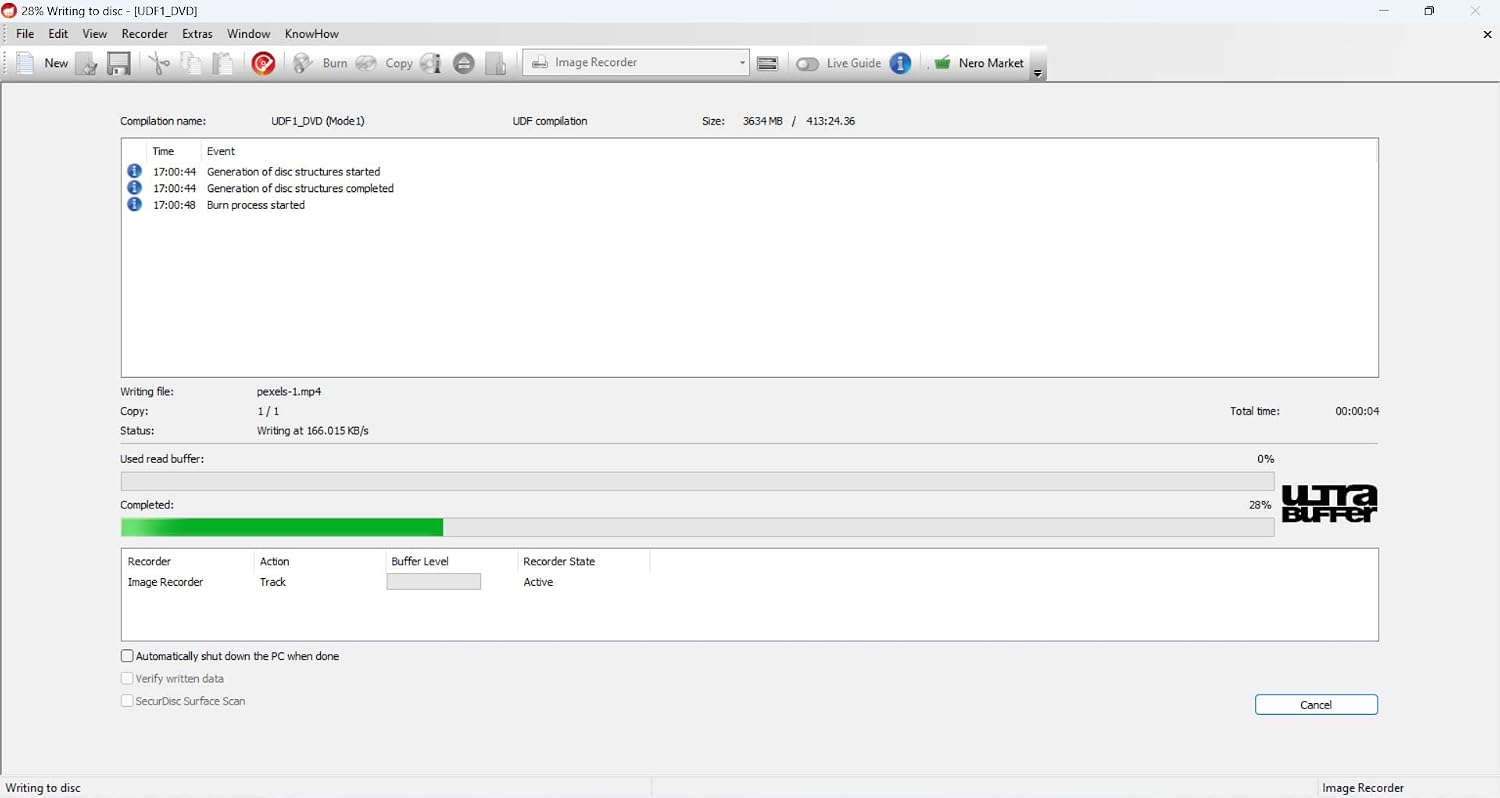
Nero Burning ROM 2026 is the established disc burning software that handles music compilation and data backups on a single PC. Built with a long history in optical media, it focuses on creating audio CDs, data discs, and reliable backups, with a lifetime license and no ongoing subscriptions.
What it solves
If you frequently burn mixed music CDs, organize large data archives, or need a trustworthy tool for safe long-term storage, Nero offers a familiar workflow with features that emphasize compatibility and offline control. It’s designed to work on Windows systems, aiming to streamline the process from ripping to archiving in one place.
Key features
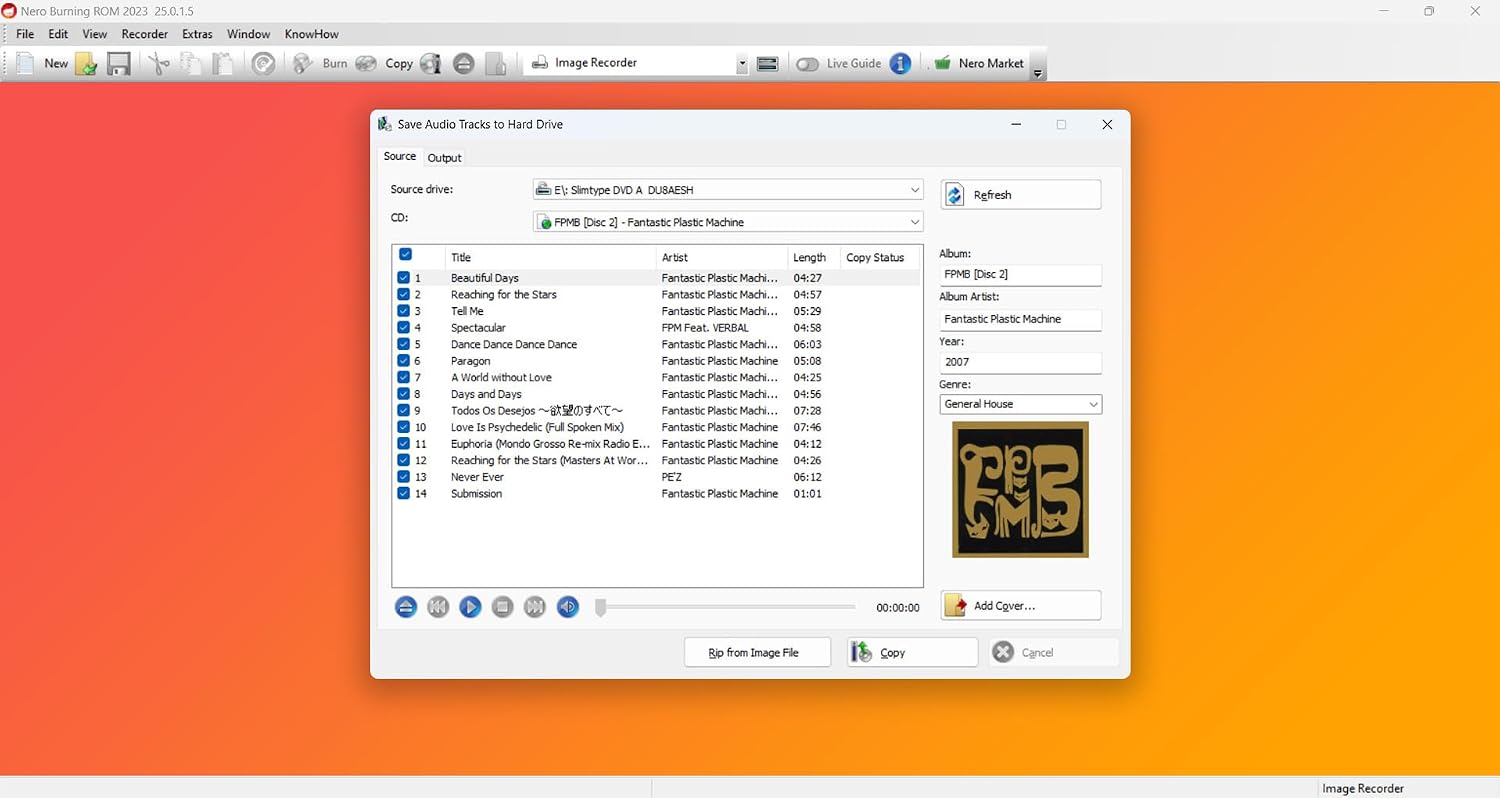
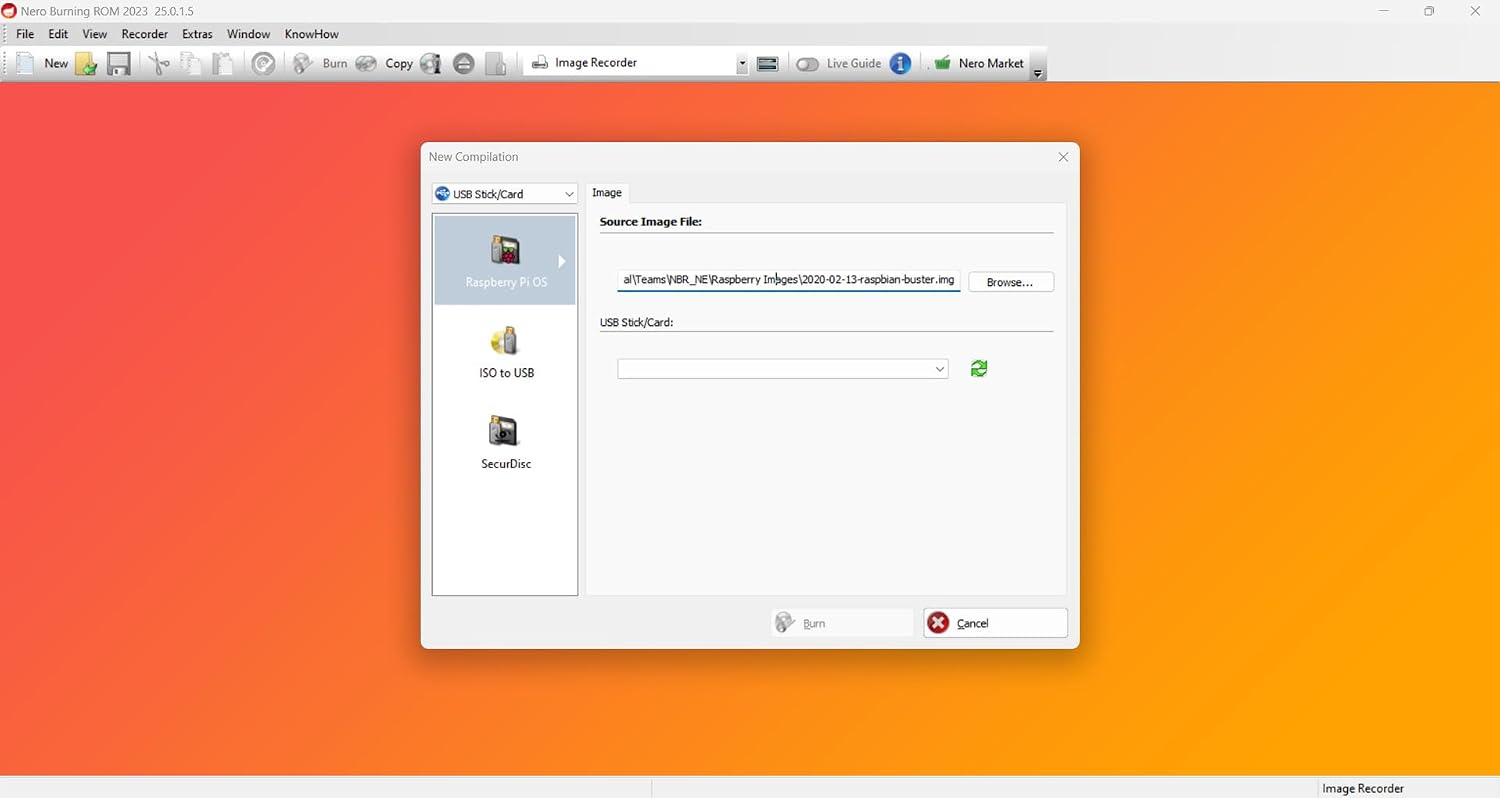
The software supports burning audio CDs, creating mix discs, and backing up data. It includes ripping to common formats like MP3, AAC, and FLAC, with automatic tagging for tracks and albums. SecurDisc provides 256-bit encryption, password protection, and digital signatures for better security on personal files, which can be important for archival needs. You can also design your disc artwork with Nero CoverDesigner, adding a professional touch to physical media.
What stands out day-to-day
On the surface, the appeal is straightforward: a one-time purchase that covers a classic burning workflow without ongoing fees, plus built-in security for sensitive files. If you value an established brand and a cohesive set of utilities (ripping, burning, encryption, and artwork), the integration can feel convenient. However, consider that the real-world experience hinges on how often you rely on optical media and whether your current devices still calibrate smoothly for CD/DVD workflows.
Potential limitations
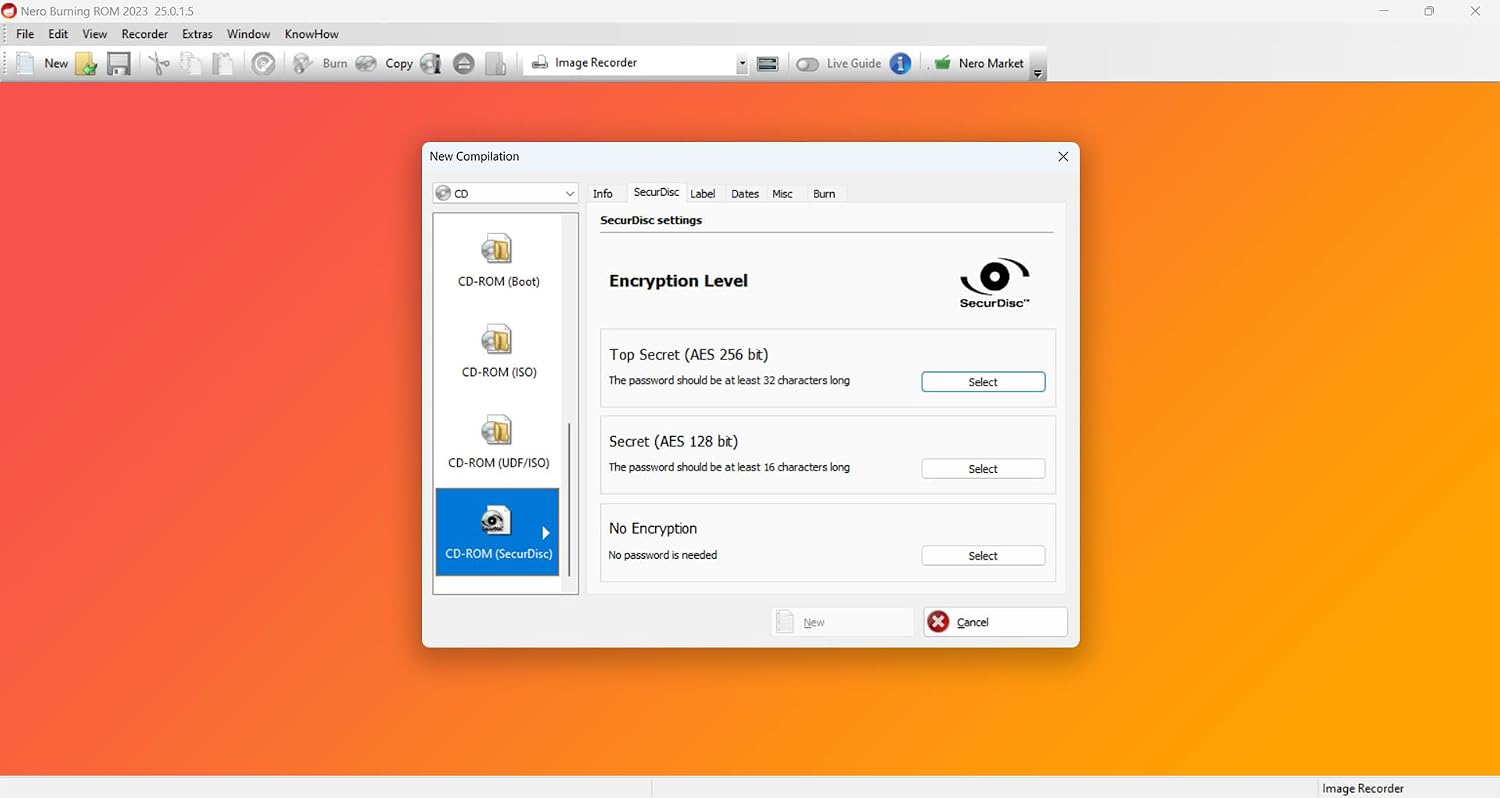
If you rarely burn discs or rely primarily on cloud-based backups, the payoff may be slower to realize. The product is tailored to Windows environments (11/10/8/7), so Mac users or those on alternative OSes may need to look for cross-platform options. Also, the benefit of SecurDisc encryption depends on your archival needs and how you manage encryption keys over time.
Who it’s for
This solution fits users who want a traditional, no-subscription burning tool with a lifetime license, especially those who create music mixes, need dependable data backups, and value adding custom artwork to discs. It’s reasonable for hobbyists, educators, and small offices that still rely on physical media for distribution or archiving.
Who it’s not for
If your setup leans toward digital-only workflows, streaming, or you’re seeking frequent software updates with cloud features, this may feel static. If you don’t use Windows PCs or you don’t need encryption for long-term archiving, there are lighter or more modern options that could suit your needs better.
Before you buy
- Confirm you’re on a compatible Windows version and that you’ll benefit from a lifetime license for one PC.
- Consider how often you’ll burn music or data and whether you’ll use encryption features for sensitive files.
- Decide if you value disc artwork customization as part of your physical media projects.
- If you’re comparing to other workflows, think about whether your priority is a single, self-contained tool or a broader, cloud-centric solution.
How to use it effectively (a quick scenario)
Imagine you’ve gathered a year’s worth of playlists and data backups. Nero lets you rip new tracks to MP3, organize album metadata automatically, and burn both a music CD and a data archive on the same session. You can password-protect the archive and add a custom cover before sending the discs to collaborators, students, or clients.
What to review before purchasing
- Check system compatibility with your Windows version and available optical drives.
- Evaluate whether a lifetime license aligns with your long-term purchase plan.
- Think about the necessity of encryption for your files and how you manage keys and permissions.
- Consider if disc artwork customization enhances your use case enough to justify a go-to workflow.
What’s included (in practice)
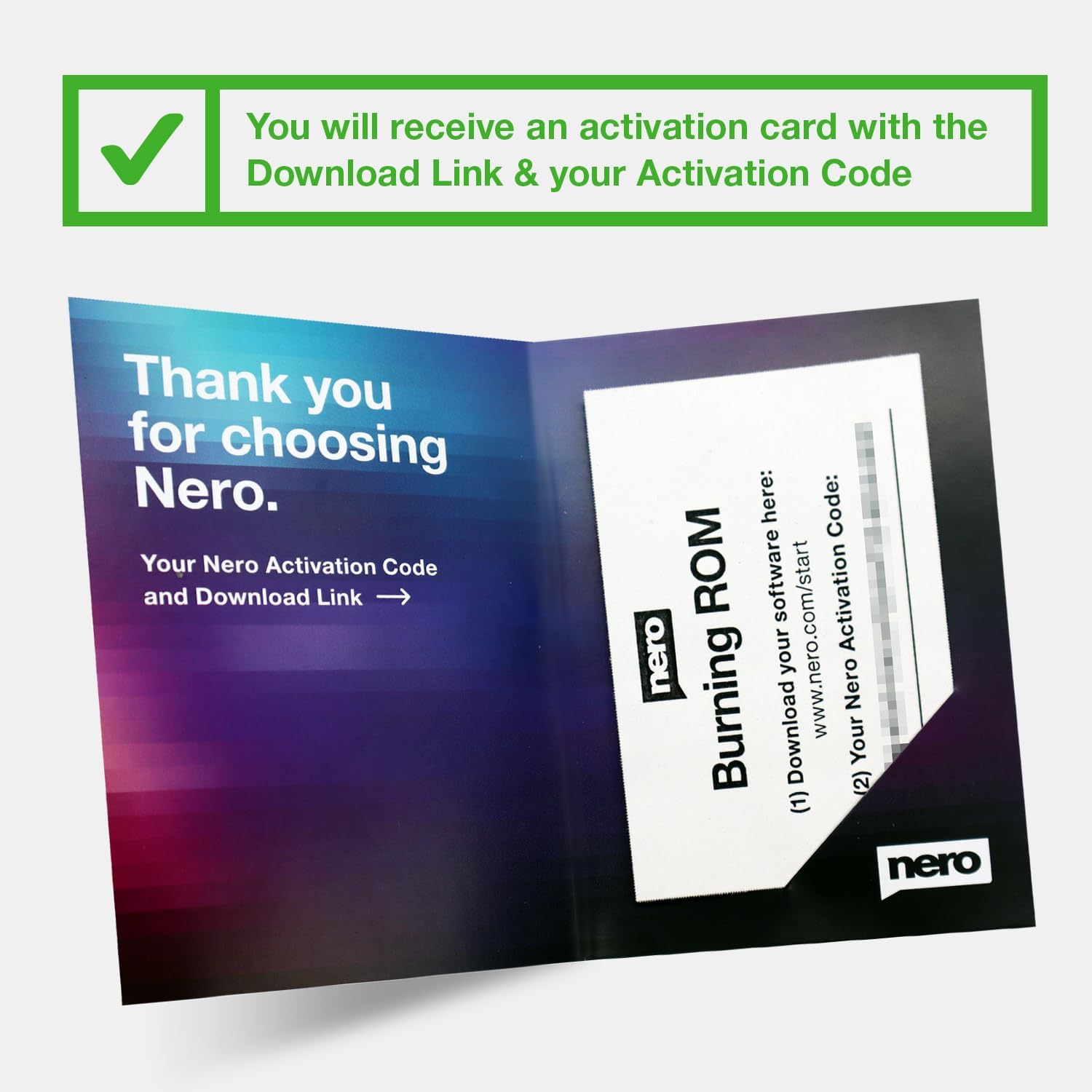
Nero Burning ROM 2026 provides core burning capabilities, audio ripping, data backups, SecurDisc security features, and CoverDesigner for labeling and booklet design, all bundled under a lifetime license for one PC. In practice, this means you can set up a complete on-disk workflow without subscribing to ongoing fees.
FAQ highlights
- Do I need an internet connection to use Nero Burning ROM 2026? The core features are offline-focused, but activation and updates may require connectivity.
- Can I rip CDs to FLAC or AAC? Yes, ripping supports MP3, AAC, and FLAC with automatic tagging.
- Is the encryption strong enough for sensitive archives? SecurDisc offers 256-bit encryption and password protection, which is suitable for personal archival needs depending on your threat model.
Final verdict
Final verdict: If you value a long-standing, no-subscription burning solution for music and data on a Windows PC, Nero Burning ROM 2026 offers a cohesive package with strong archival features and practical artwork tools. It suits users who regularly work with physical media, want reliable data integrity, and prefer a one-time purchase over ongoing payments. It may not be the best fit if you don’t use optical media frequently or if you need cross‑platform or cloud-first capabilities.