

Laplink PCmover Professional — Move Your Applications, Files, and Settings to a New PC (1 Use License)
Product description
What to know
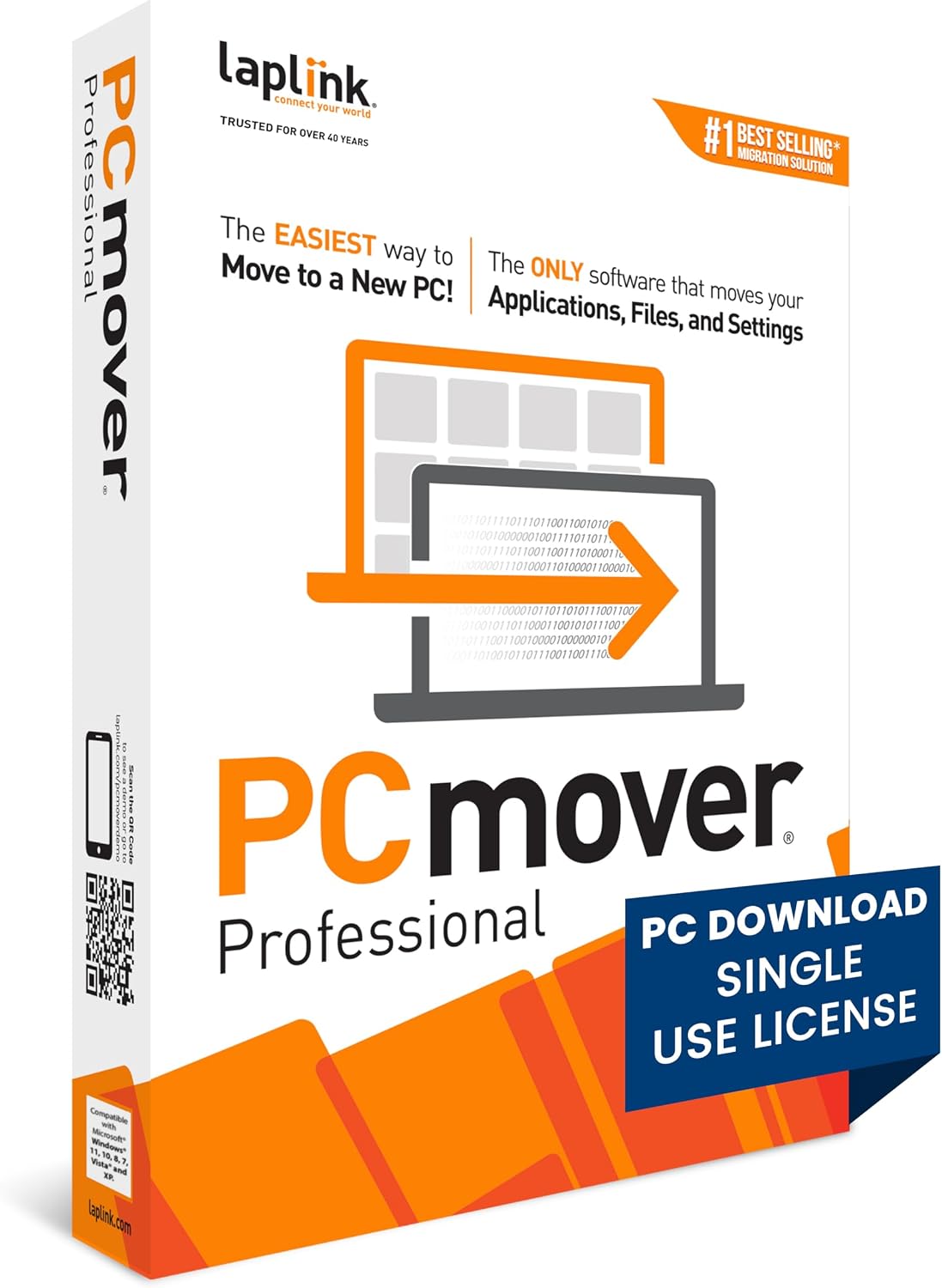
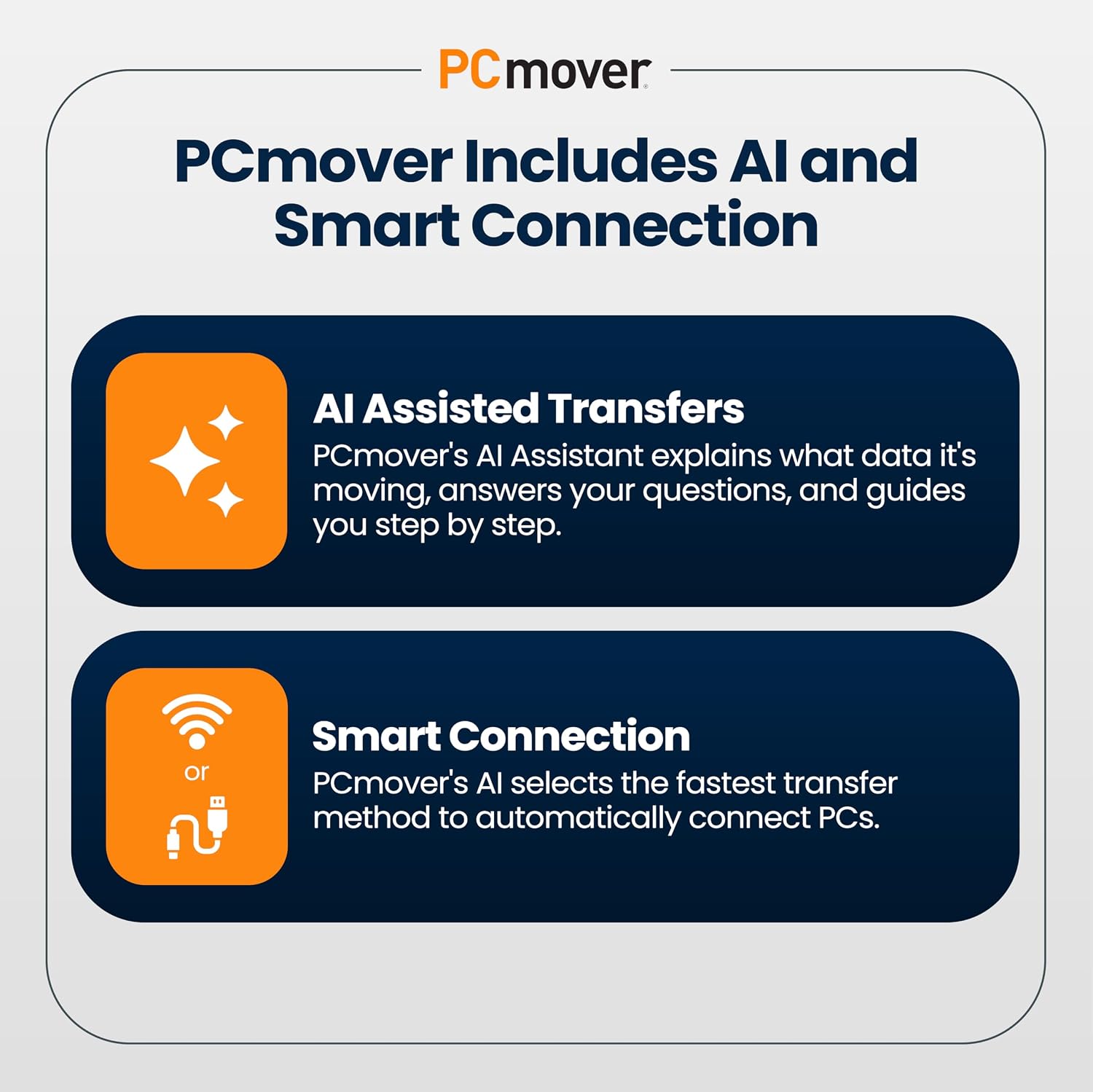
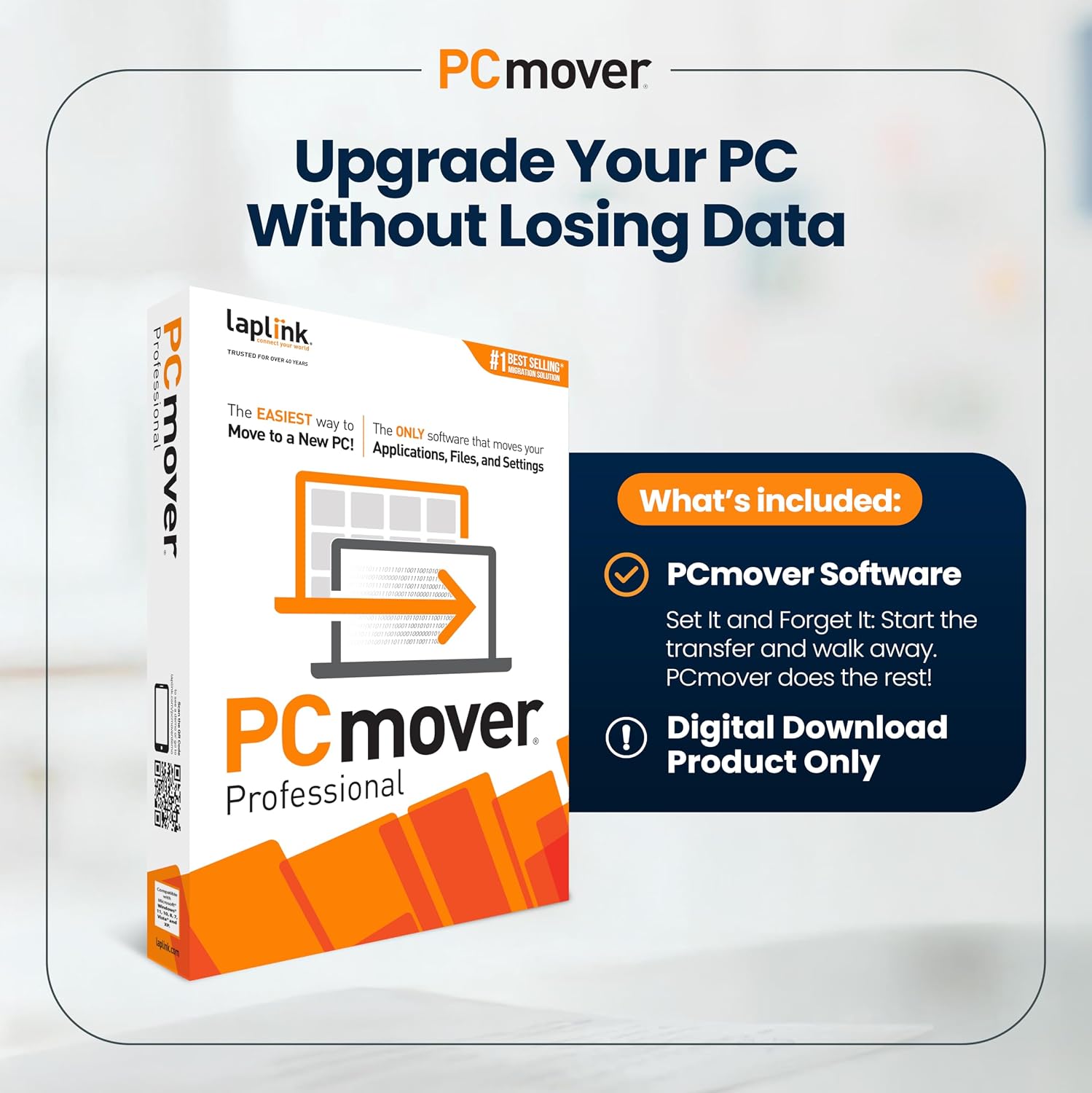
Laplink PCmover Professional is a data transfer solution designed to migrate the core personality of an old PC to a new one. It emphasizes speed and reliability, introducing Wi-Fi Direct for faster connections and an AI-assisted transfer experience that aims to clarify what can be moved and how to tailor the migration. The license covers a single source and a single destination PC, with unlimited transfer attempts between those two machines. If you’re planning to migrate more than two computers, you’ll need additional licenses.
How it helps your migration
On the surface, PCmover offers a structured path from old to new: select what you want to move, let the AI assistant summarize transferable items, and follow a guided setup to complete the transfer. The design centers on minimizing post-migration tweaking by letting you undo changes and fine-tune which apps, files, and settings travel with you. It’s positioned as a tool for a smoother first days on a new PC, rather than a bulk-transfer shortcut with no control.
What stands out in practice
The inclusion of AI-assisted insights is subtle but potentially useful: you can pose questions, adjust transfer choices, and get a recommended path for the migration. Wi-Fi Direct’s mention suggests faster, more direct connections than traditional network transfers, which can matter if you’re moving large app suites or extensive user data.
The less convincing points
While the promise is compelling, the product is restricted to a single source and destination per license. That means if you’re upgrading multiple machines or performing complex multi-device migrations, planning and budgeting for extra licenses is a must. The claim of “maximum performance” depends on the environment and the size of the migration, if you’re transferring terabytes or highly integrated software suites, performance will vary and may still require manual adjustments after the move.
Who it’s for
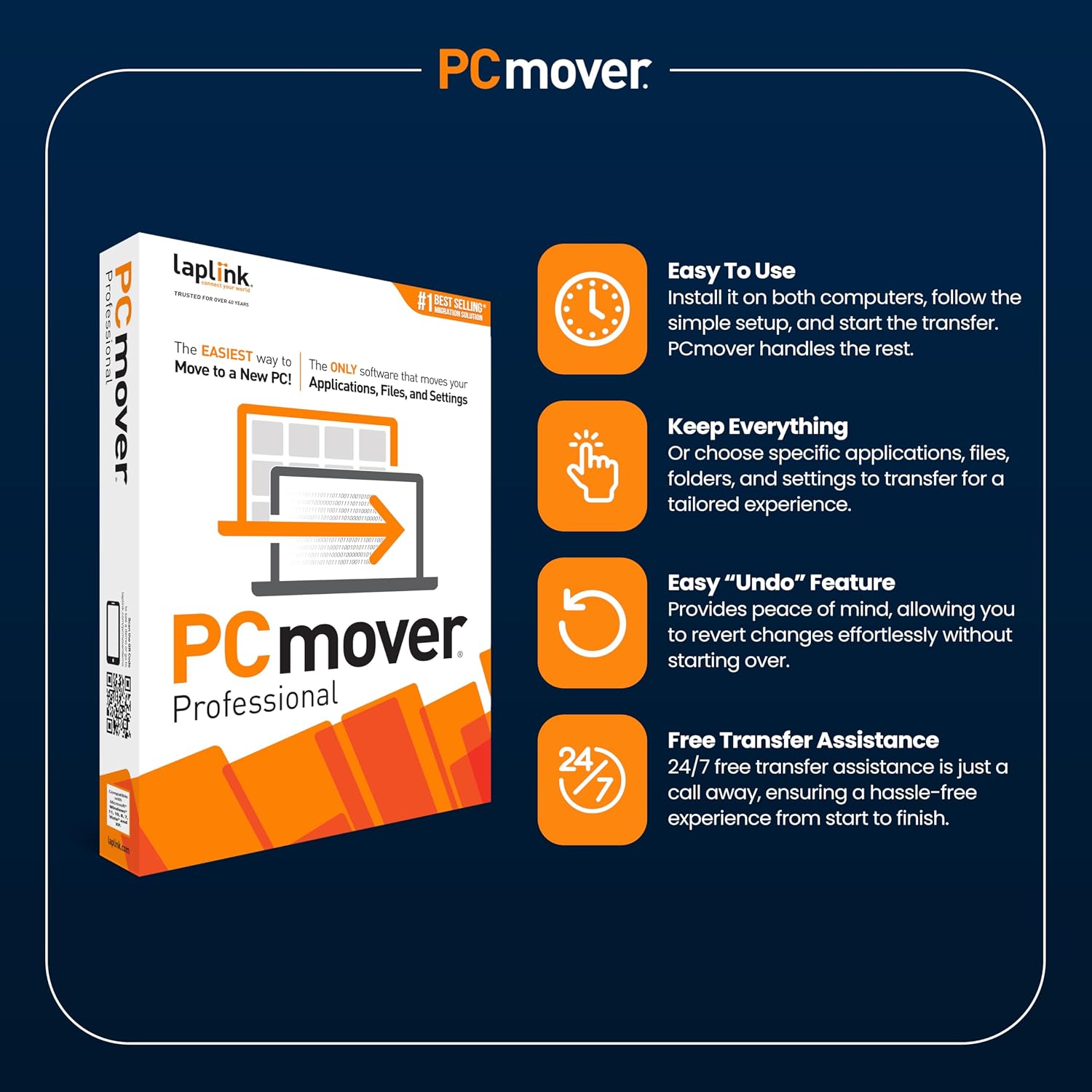
If you’re upgrading to a new Windows PC and want a guided, selective transfer that preserves apps, settings, and files with some control, PCmover Professional could fit. It’s likely more appealing to users who value a step-by-step setup and the option to undo or tweak the transfer rather than just pushing everything over blindly.
Who may want to skip it
If you need to migrate more than two PCs at once, or you’re working with a complex enterprise deployment that requires multiple licenses and batch migrations, the single-license constraint becomes a meaningful limitation. Also, if your priority is purely speed and you’re comfortable recreating a lot of software settings manually, a more straightforward file-and-config copy approach might suffice.
Before you buy, what to check
- Confirm you’re migrating between supported Windows versions and that your source and destination PCs align with the migration scope.
- Consider the size of your transfer: larger app suites and data sets may influence timing and post-migration tweaks.
- Plan for additional licenses if you anticipate migrating more devices beyond the two-PC scope.
- Think about post-migration cleanups, even with selective transfer, some apps may require re-authentication or reconfiguration after the move.
A practical use case
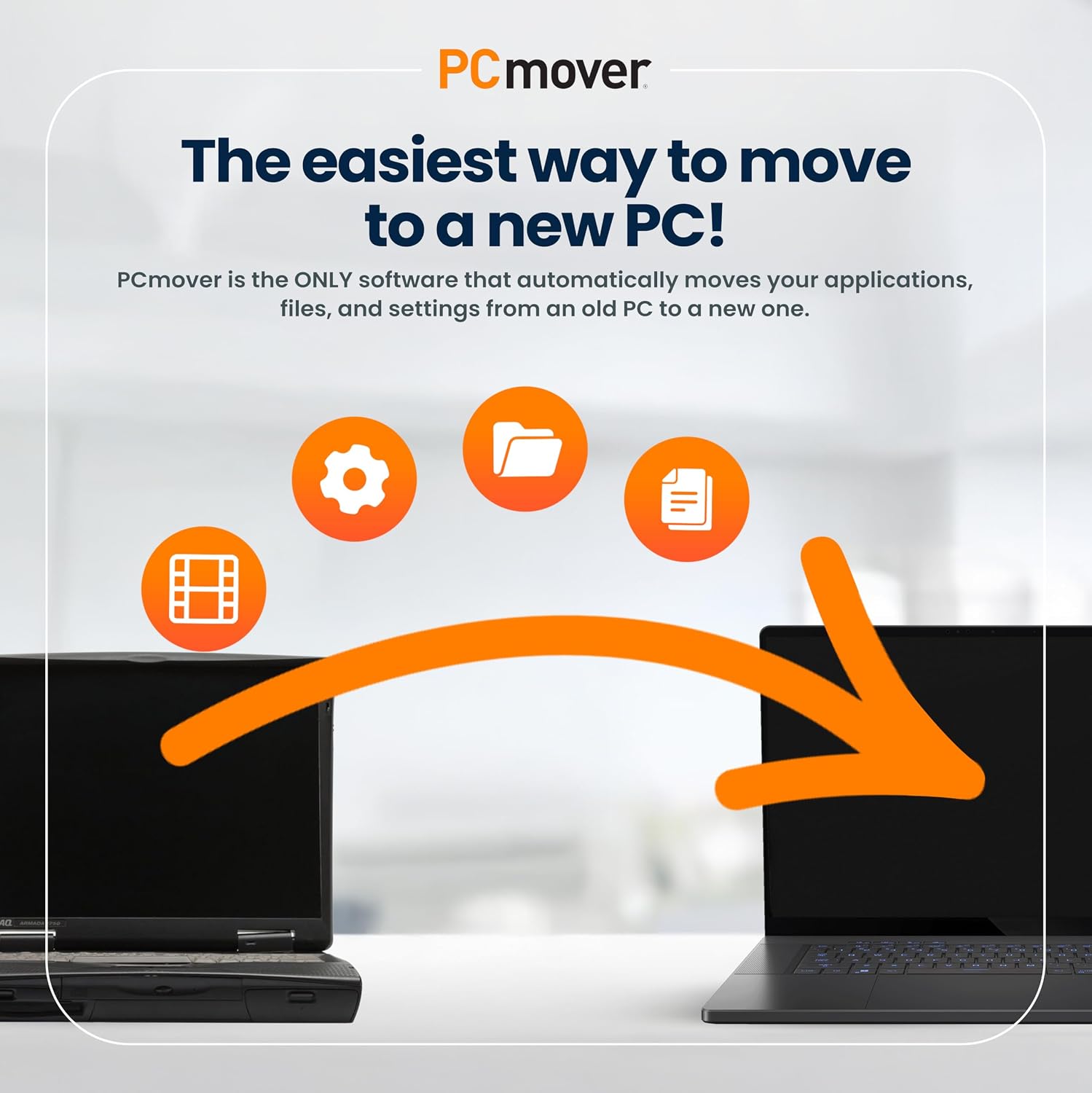
Imagine upgrading a work PC and wanting to keep your productivity suite, browser data, and preferences intact on a fresh machine. With PCmover, you’d start by connecting the two PCs, use the AI assistant to identify critical items, tailor the transfer to keep only what you really need, and then perform the migration. The goal is to land with a usable desktop faster, with fewer post-move reinstall chores.
Practical considerations vs. alternatives
Compared to a simple data copy, PCmover emphasizes selective transfer and settings preservation, which can reduce the time spent reinstalling and reconfiguring. If you’re comfortable recreating some settings or if you’re migrating to a clean slate for a specific reason, a traditional backup-and-restore approach could be cheaper and faster on tiny datasets. If your priority is maintaining software licenses, activation states, and user profiles, PCmover’s approach is designed to help, provided the licensing limits fit your plan.
Is it worth it?
Final take: it makes sense if you’re upgrading a single PC and want a guided, customizable migration with tools to reduce post-move setup. It may not be the best fit if you need multi-device migrations on a tight budget or if you anticipate significant post-move software reconfiguration beyond what the AI-assisted flow can handle.
Quick FAQ
- Does PCmover cover games and specialized software? It aims to transfer applications and settings, but results can vary depending on software licensing and compatibility.
- Can I undo a migration? Yes, the tool offers an option to undo changes during the transfer to fine-tune the outcome.
- What if I have data on both PCs that I don’t want migrated? The selectivity feature lets you choose specific items to transfer, helping you avoid unnecessary data move.
Final thought
If you value a guided, selective transfer and plan to migrate only one source to one destination PC, PCmover Professional provides a structured path to preserve your setup with built-in AI guidance. It’s not perfect for every scenario, but it offers concrete benefits for a smoother first day on a new PC.