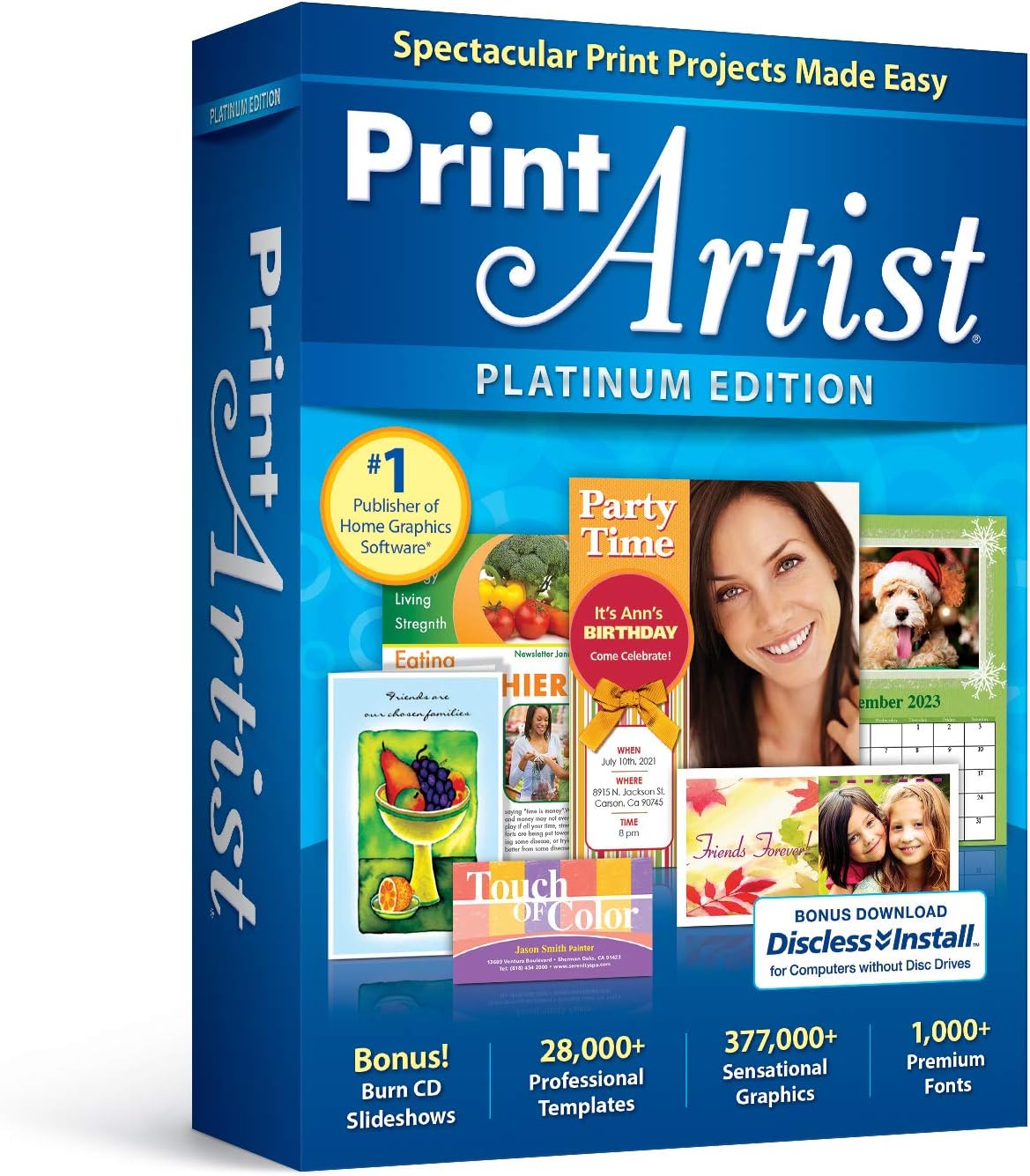
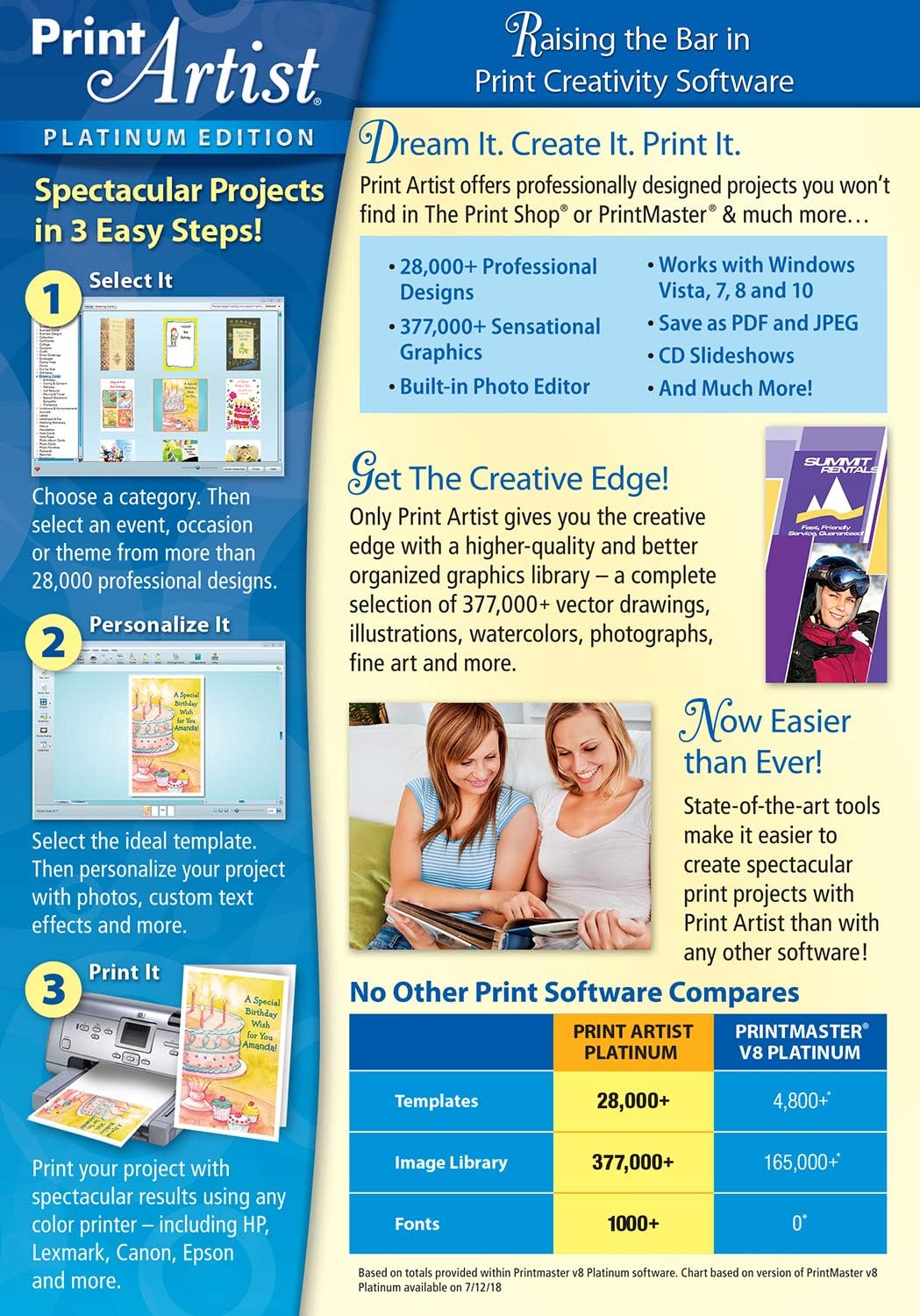
What it is and the need it meets\nNova Development US Print Artist Platinum 25 is a desktop design suite aimed at simplifying print projects. It emphasizes a new user interface for easier navigation, a video tutorial for a fast start, and social sharing improvements. If you’re looking to create polished print projects without a steep learning curve, this could streamline your workflow and expand your creative options.\n\n## How it helps in everyday projects\nThe standout promise here is usability. A new UI is designed to speed up the learning curve, so you can jump into design tasks faster. A video tutorial is positioned to help new users start quickly, which can be especially valuable if you’re onboarding a team or experimenting with print layouts for the first time. Sharing finished pieces on Facebook or YouTube is advertised as simpler, which could save time when you’re publishing final designs or portfolio pieces.\n\n## What stands out on paper\nThe product touts more than 28,000 professionally designed templates, which suggests a broad starting point for various print projects—from invitations to posters. The three-step path to “spectacular print projects” hints at a guided approach that could be friendly for less experienced users. On the surface, these features align well with users who want quick results and a strong starting library without hunting for assets elsewhere.\n\n## Who it’s for\nThis seems best suited for hobbyists, educators, small-business owners, or freelancers who want to produce ready-to-use print designs with less trial-and-error. If you value a large template catalog and a guided workflow, Print Artist Platinum 25 could fit your needs. It may be less compelling if you require deep customization beyond templates or if you’re seeking programs with advanced vector or photo-editing capabilities.\n\n## Who it isn’t for\nIf your priority is heavy, hands-on design control or advanced typography and image editing beyond templates, you might find this tool limited. Also, if you rely on niche print formats or highly technical print specs, a more specialized solution could be a better fit.\n\n## When it makes sense to buy\nConsider this if you want a broad starting library, a guided path to create prints quickly, and easier sharing options for social channels. It can be particularly useful for quick-turn invitations, posters, or marketing printouts where speed and templates are primary drivers.\n\n## What to review before buying\nVerify that the catalog of templates covers your typical project types and that the UI actually feels intuitive to your workflow. Consider whether the built-in sharing flows integrate smoothly with your usual social channels and whether the three-step process aligns with how you like to produce prints.\n\n## Practical use case\nImagine designing a set of event invitations in minutes, then sharing a draft preview to your social feed with a couple of clicks. You can iterate on templates, swap colors, and customize text quickly, which helps you deliver proofs faster and keep clients in the loop.\n\n## FAQ (brief)\n- How many templates are usable for my project? — The catalog claims 28,000+ templates, but real-world usefulness will depend on your specific needs.\n- Is the UI truly easier for beginners? — It’s advertised as a New User Interface designed to be more approachable, though experience may vary.\n- Can I export designs in common print-ready formats? — Details aren’t provided here, verify supported formats before purchasing.\n\n## Final decision: Is it worth it?\nIt’s worth considering if you value a fast-start, template-rich solution with easier social sharing. If your work centers on quick print projects with broad template needs and you don’t require deep, technical design features, this could be a practical addition. If, however, you need very advanced editing or highly customized typography, you might want to test whether the library and UI meet those demands before committing.