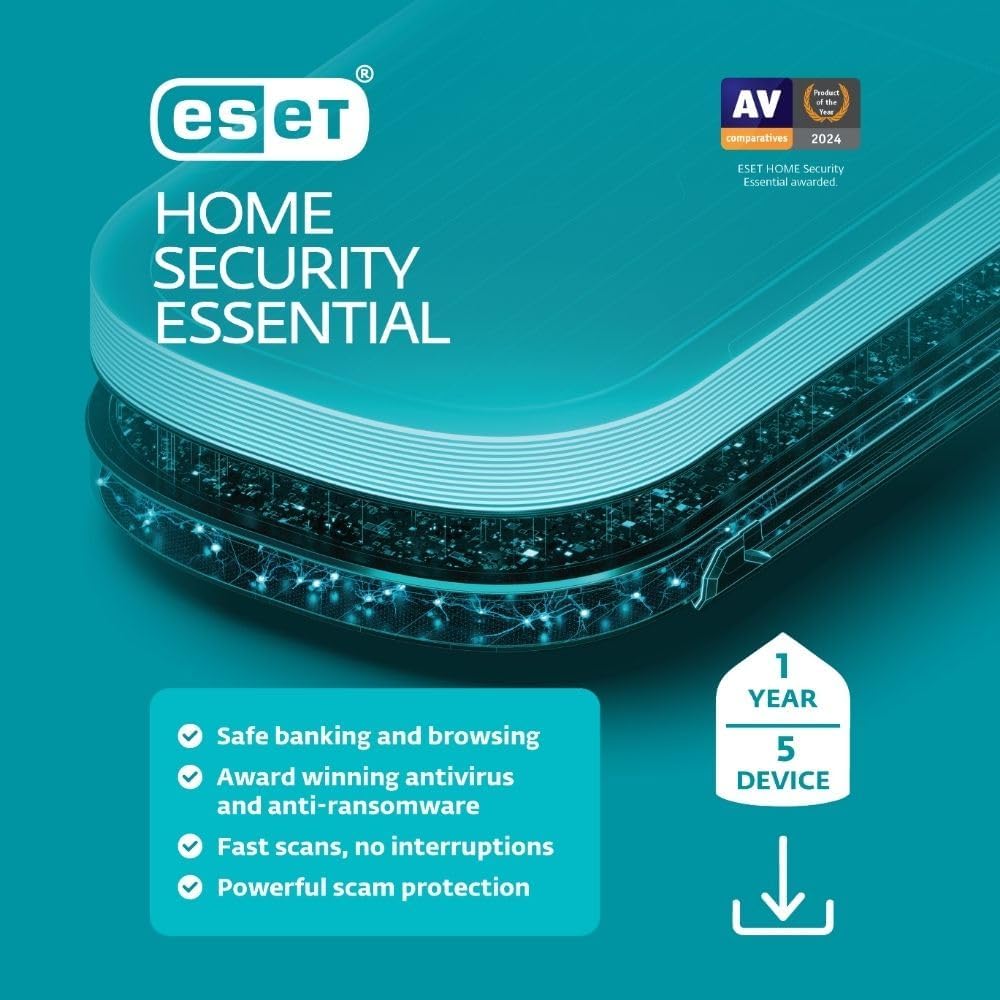
What it is and who it’s for\nESET Home Security Essential is a multi-device antivirus and privacy protection suite designed for households that want a centralized way to guard PCs, Macs, and Android devices. With a 1-year license covering up to 5 devices, it targets everyday online banking, shopping, and browsing scenarios, while aiming to keep IoT devices safer as part of a broader home security approach. If you’re looking for a single login to manage protection across devices, this subscription model can simplify administration compared to standalone solutions.\n\n## How it works on paper\nThe product emphasizes a layered defense: proactive protection against threats like ransomware and theft, plus features intended to shield your online banking and browsing activities. A secured browser mode and a Browser Privacy & Security extension (for Windows) are highlighted as tools to reduce phishing risk and improve privacy during web search and browsing. In addition, there’s a focus on webcam and microphone activity alerts, allowing quick decisions to block or permit access. The management experience hinges on ESET HOME, a centralized platform for activating features, adding devices, and monitoring what’s protected.\n\n## What stands out in usage\nOn the surface, the value lies in consolidating protection for multiple devices under one account, with the potential to expand coverage by purchasing additional subscriptions. The promise of “FAST, SEAMLESS SECURITY” suggests minimal performance impact while delivering ongoing updates and threat detection. For households with mixed devices, the ability to monitor and control access from a single portal can be a meaningful convenience.\n\n## Pros and where it shines\n• Centralized management through ESET HOME makes it easier to see which devices are protected and which features are active.\n• Bank and browser protections, plus a secure browsing mode, address common consumer concerns around online financial activities.\n• Webcam and microphone controls offer a privacy-first layer that’s not always emphasized in consumer security suites.\n\n## Potential limitations and what to watch for\n• The Windows Browser Privacy & Security extension is mentioned as part of the package, but there’s no detailed scope provided for other platforms. If you rely heavily on non-Windows browsers, you may want to verify how protection and privacy features translate there.\n• The description focuses on features, but there’s no explicit performance benchmark or independent test result included in the material. If you prioritize measurable impact, you might seek third-party validations.\n\n## What it means for different users\n• For households with 1–2 primary devices plus a few mobiles or tablets, a 5-device license can offer room to grow without immediate renewal.\n• If your main priority is “banking and browsing safety” with a simple management flow, this setup aligns with that intention.\n• If you’re seeking the absolute top-in-class phishing resistance or ultra-fast scans, you may want to compare with higher tiers or other vendors.\n\n## Before you decide to buy\nConsider how many devices you want protected and whether you’ll benefit from a single dashboard to manage them. Check whether all your devices are covered under the 5-device limit and whether you expect to add more later. Also, think about the value of the secure browser mode and privacy extension for your typical browsing routines.\n\n## Practical example in use\nA typical scenario: you’re banking from a Windows laptop after a long day. The secured browser mode activates to reduce phishing risk, while you’re alerted to any unexpected webcam or mic access. At the same time, your mobile device receives ongoing protection in the background, so you can browse, chat, and shop with fewer worries.\n\n## Quick tech notes\nThis is a digital download intended for PC, Mac, and Android platforms. The core promise is protection that updates over time to guard against online and offline threats like ransomware and spam, with a focus on ease of use and centralized management.\n\n## FAQ (based on available information)\n- Is it possible to add more devices later? Yes, additional subscriptions can be purchased and managed via the ESET HOME account.\n- Does it cover IoT devices? The package mentions IoT protection as part of the overall offering, though specific supported devices aren’t enumerated here.\n- What about privacy protections beyond browsing? The material highlights browser privacy features and alerts for device cameras/mics, but broader privacy controls aren’t described in detail.\n\n## Final decision