

Webroot Internet Security Complete (5 Devices, 1 Year) — Lightweight, Cloud-Driven Antivirus with Password Manager
Product description
What it is and what problems it solves
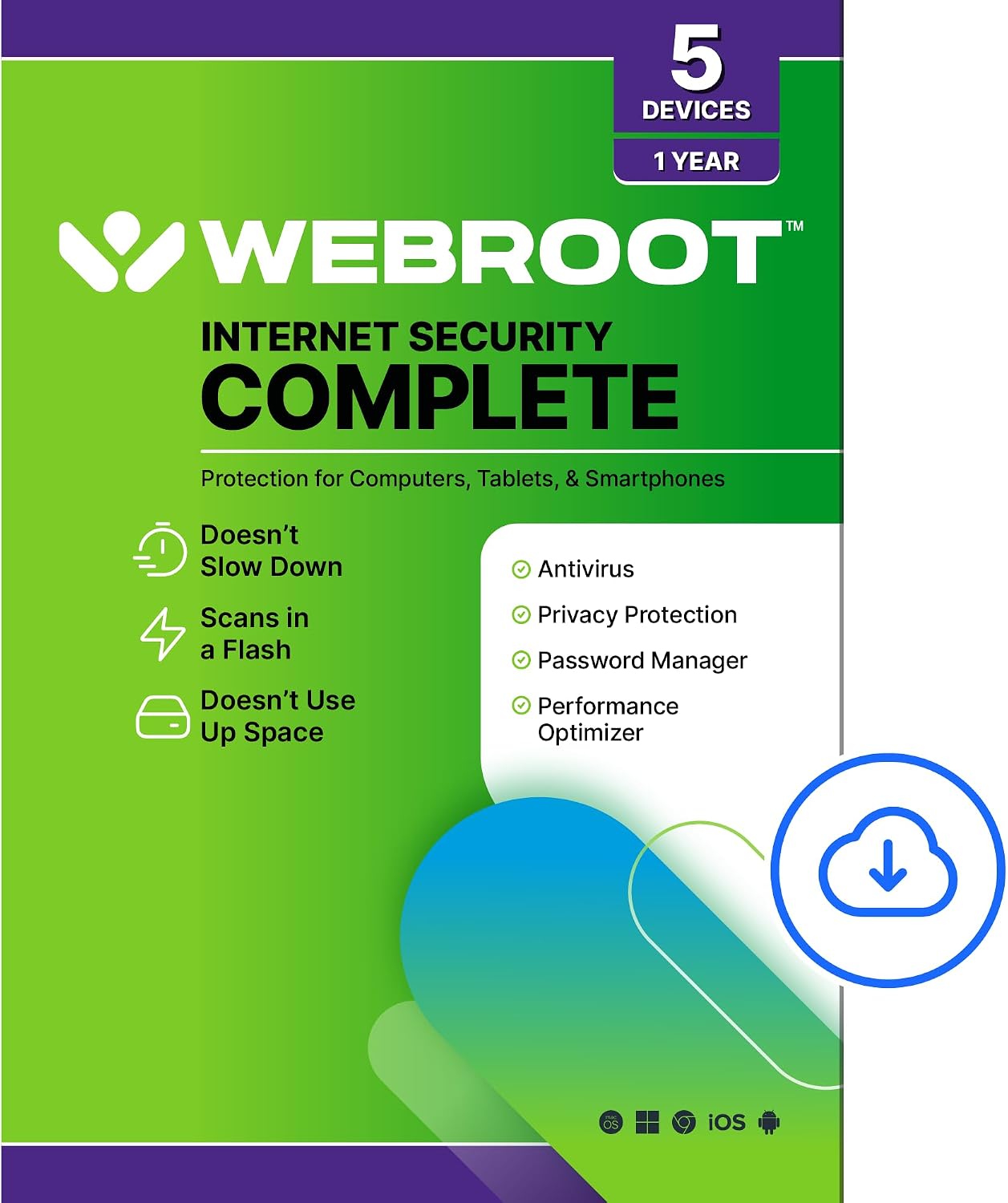
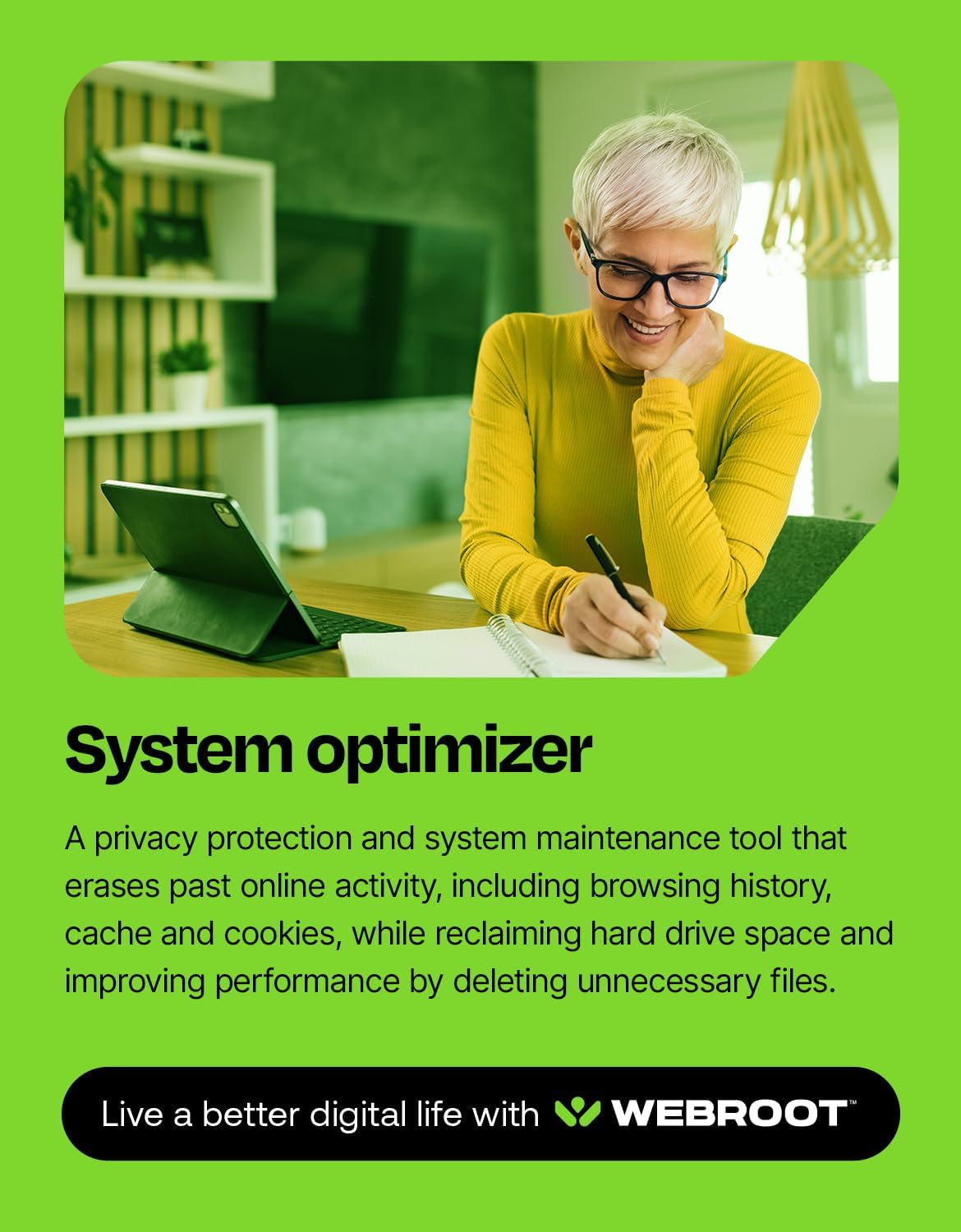
Webroot Internet Security Complete is a cloud-powered antivirus suite designed to protect multiple devices across PC, Mac, Chromebook, Android, and iOS. It emphasizes speed and low system impact by performing threat detection in the cloud, which means you’re not bogging down your machine with heavy scanning. It also bundles identity protection, anti-phishing, a password manager, and a system optimizer to help you manage credentials securely and keep devices running smoothly.
How it works in practice
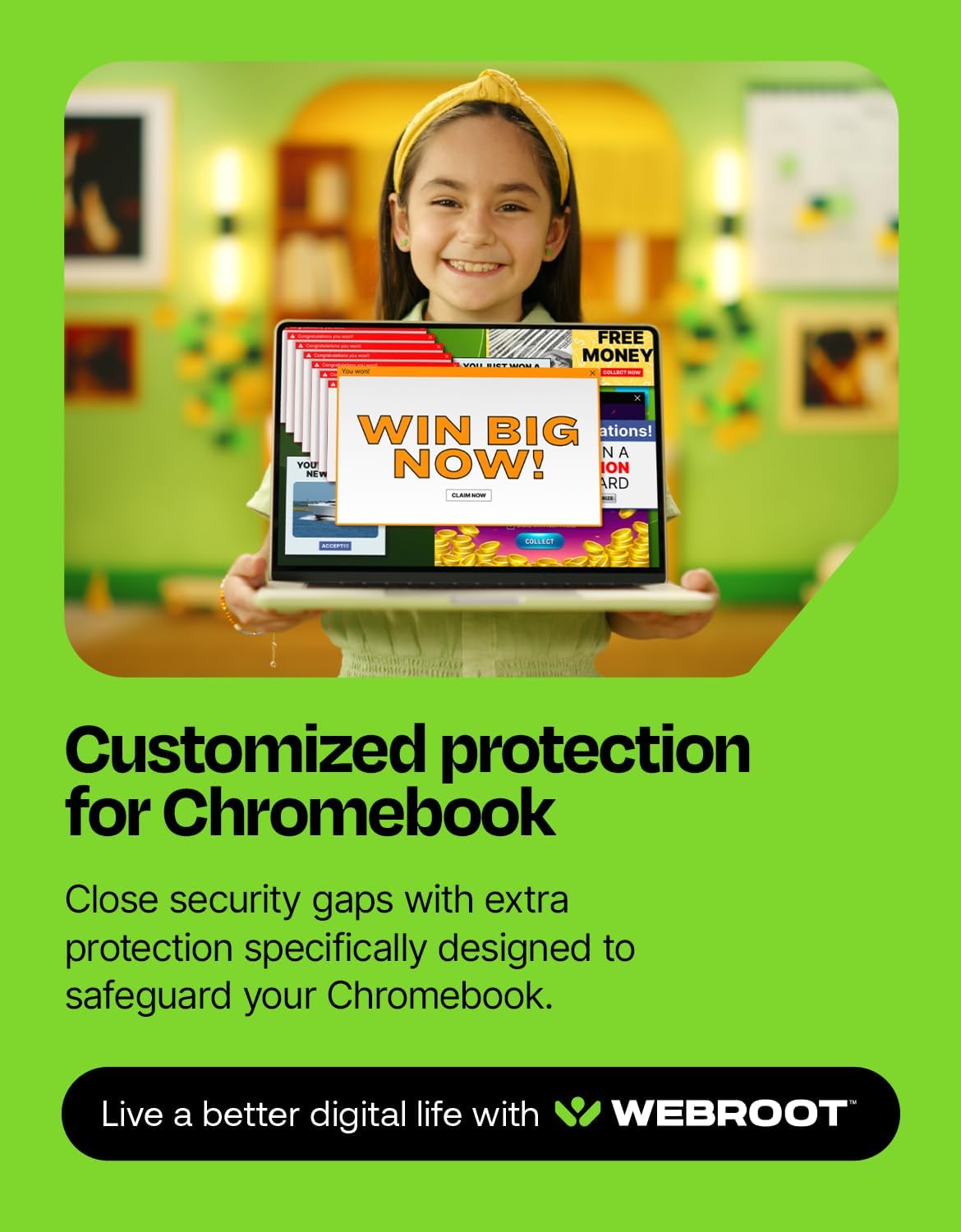
On the surface, Webroot keeps your devices safer from malware and phishing, while the password manager helps you store and autofill sensitive data securely. The cloud-first approach can contribute to faster scans and lighter resource usage, which is appealing if you’ve noticed slowdowns with traditional antivirus software. For Chromebook users, there is attention paid to security gaps common on Chrome OS, aiming to close those vulnerabilities with specialized protection.
What stands out, and where it may fall short
The strongest selling point is its lightweight footprint and cloud-based threat detection, which often translates to minimal performance impact in daily use. If you value a broad device ecosystem (Windows, macOS, ChromeOS, Android, iOS) in a single license, this package covers all five with one-year access. However, there’s no soluzione noted for deeper, platform-specific protections beyond what’s described, and the base description doesn’t reveal independent test results or calibration details. If you’re looking for hands-on performance benchmarks or a long-term security roadmap, you may want to look for independent reviews.
Ideal user or use case
If you manage multiple devices in a household or small team and want a single, cloud-driven security solution with a password manager and basic maintenance tools, this package can simplify coverage without heavy installs. It’s particularly appealing for Chromebooks and mixed-device environments where resource usage matters and you want a straightforward setup.

When it might not be the best fit
If you need exhaustive, independent-security-test-backed performance data, or if you rely on advanced enterprise-grade features (e.g., deep network protection, endpoint detection and response beyond basic antivirus), this may feel limited. Also, since it’s a one-year license for five devices, you’ll need renewal planning to maintain ongoing protection.
What to review before buying
- Confirm device count and platform mix to ensure all your devices are covered under one license.
- Consider how you weigh cloud-based detection versus on-device scanning, cloud protection depends on connectivity and service reliability.
- Check for any regional or platform-specific limitations not stated in the core description.
- Think about whether you want the included password manager to work with your preferred password strategy and how it integrates with your current ecosystem.
- Look for renewal pricing and what options exist after the first year.
Practical usage example
Imagine you’re juggling a Windows laptop, a Mac desktop, and a Chromebook for school and personal use. With a single Webroot plan, you have real-time threat monitoring across all three, plus a password vault that travels with you. When you sign into a new site on a public network, the anti-phishing layer can help you spot suspicious prompts before you click, and the system optimizer can help reclaim disk space after a week of browser cache buildup.
What you’ll notice day to day
- Quick scans that don’t noticeably slow down your devices
- A centralized security experience across multiple platforms
- Convenience of a built-in password manager and basic system maintenance
FAQ (practical, no fluff)
- Does this cover all my devices under one license? Yes, up to 5 devices per year according to the package description.
- Is it suitable for Chromebooks? Webroot positions a Chromebook-focused security approach, which may help address common Chrome OS threats.
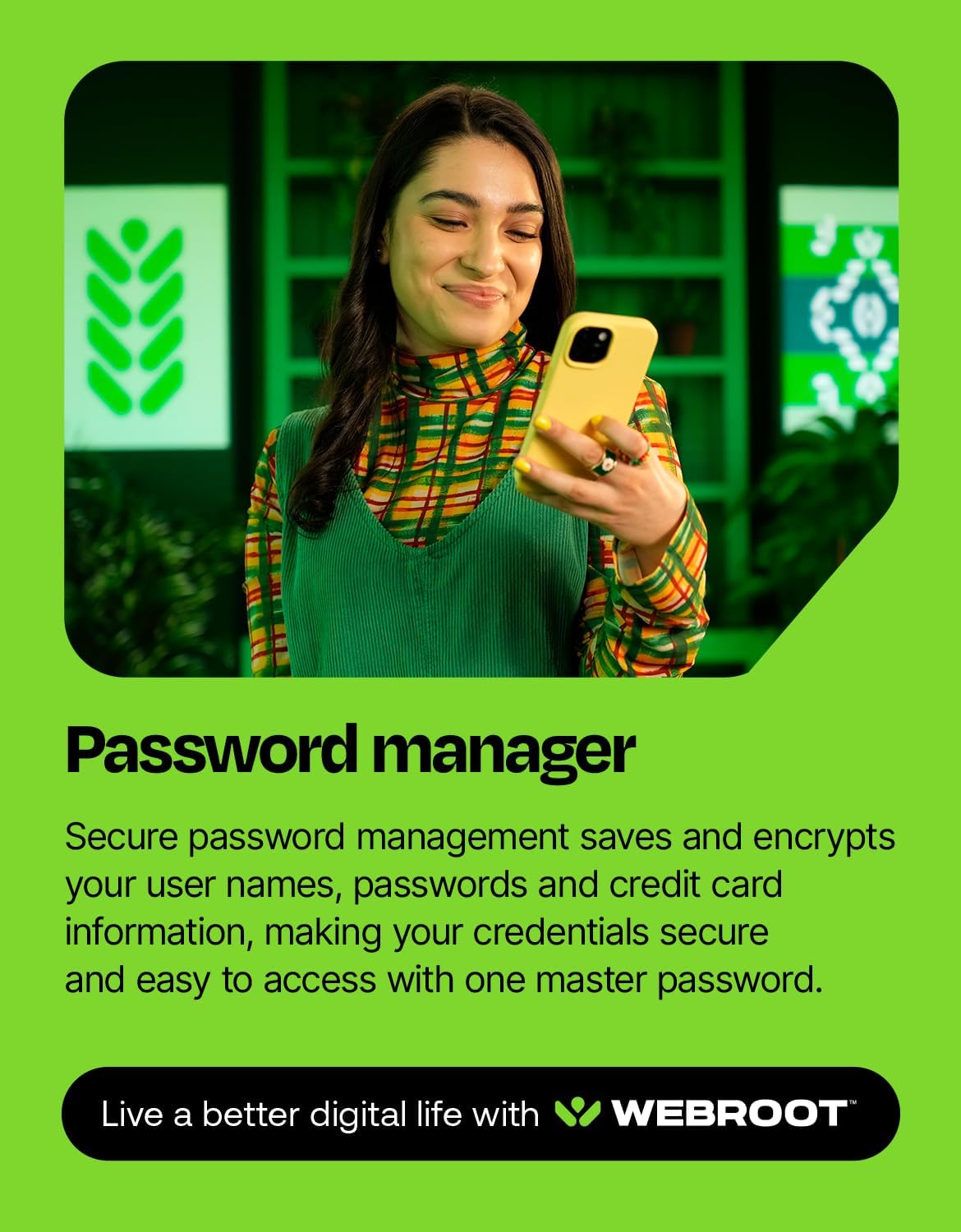
- How important is the password manager? It adds a credential vault and encryption of usernames, passwords, and credit card data, which can simplify safe online sign-ins.
Is it worth it?
Final verdict: It makes sense if you want a lightweight, cloud-based security setup that spans multiple devices and includes a password manager plus basic maintenance tools. If your priority is deep-dive security features or enterprise-grade controls, you may want to compare with other options. For households or small teams prioritizing speed, minimal impact, and cross-platform coverage, this package offers a straightforward path to practical protection.