

Nero Video Maker: Lifetime Windows Video Editing on 1 PC
Product description
What it is and who it helps
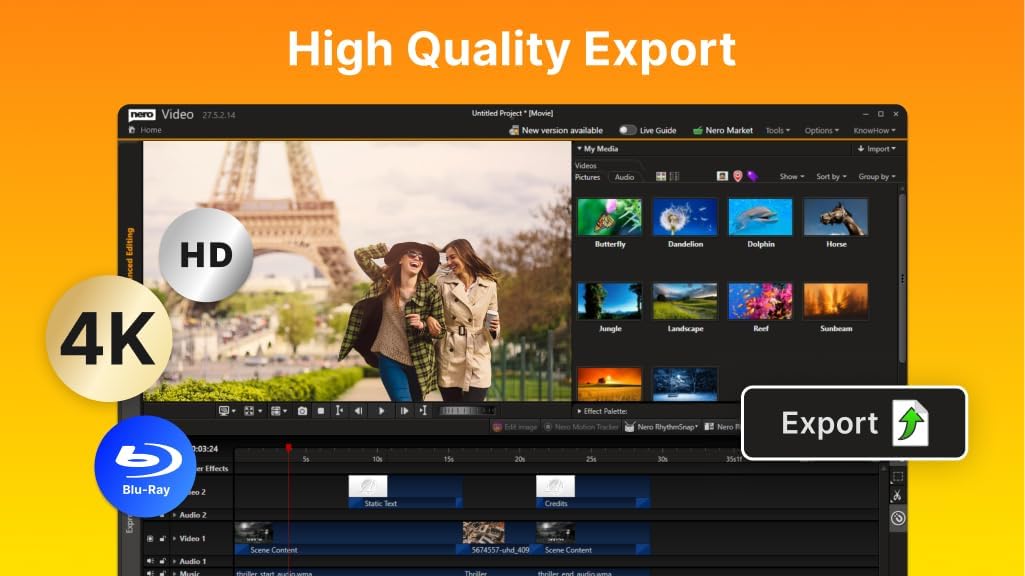
Nero Video Maker is a one-time-purchase video editing suite designed for Windows PCs. It targets creators who want to assemble, edit, and export videos and slideshows in HD, 4K, or 8K without ongoing subscription fees. If you’re looking for a desktop editor with a broad template library and AI-assisted workflow, this could fit your needs.
Core capabilities and how they translate to results
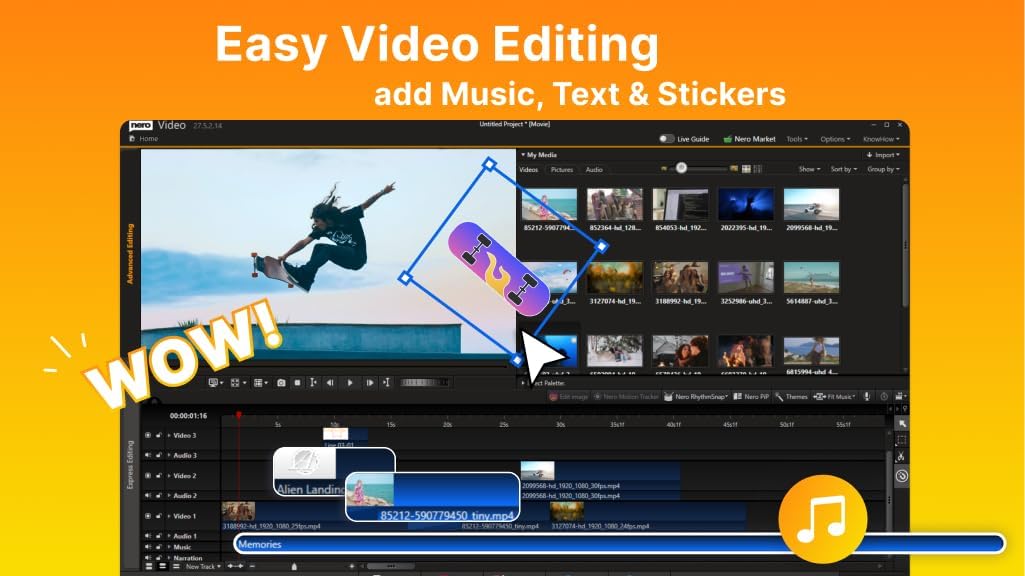
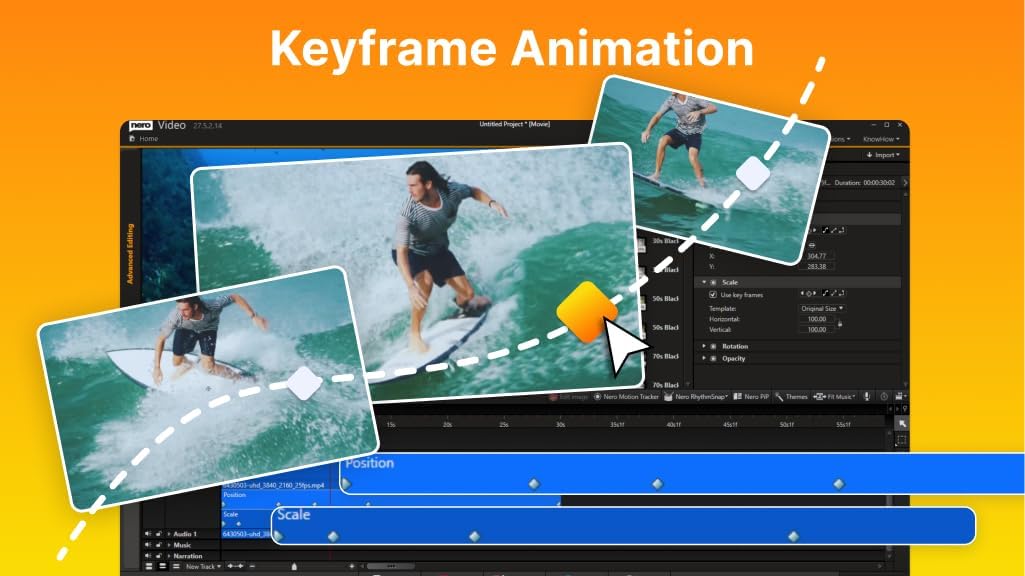
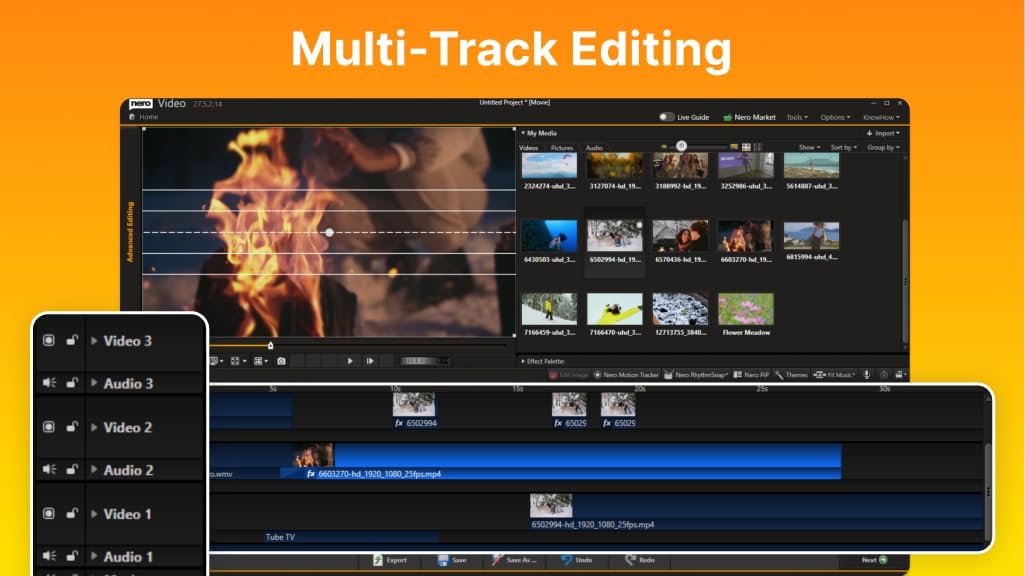
On paper, the software supports multi-track timelines, a range of templates and effects, green screen with alpha channel, PiP effects, and motion tracking. The AI-driven media management aims to help organize assets and optimize media faster, which can reduce the time spent on routine tasks and boost productivity when handling larger projects.
Strengths you’ll notice in use
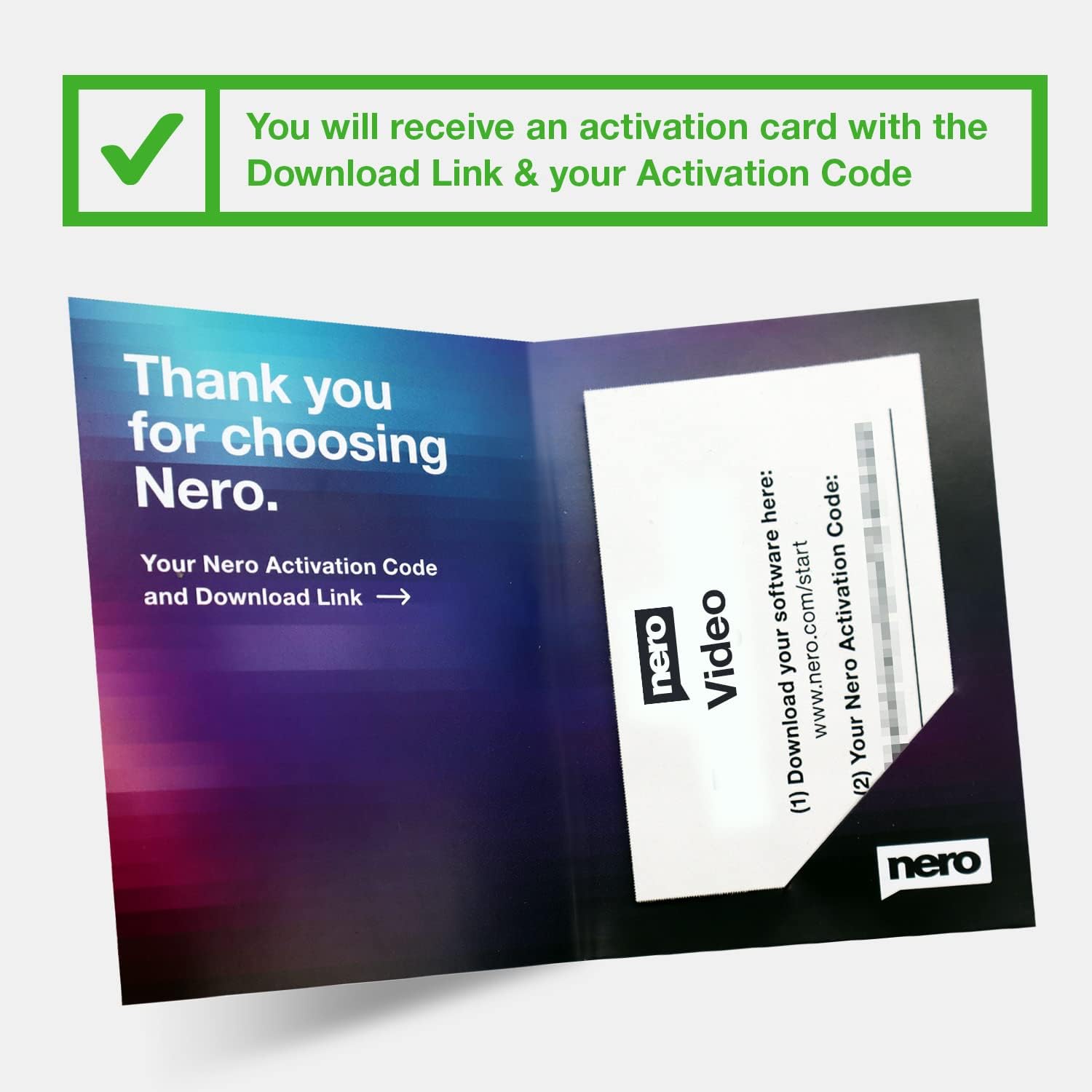
- Large template and effect library: Over 1000 presets give you quick paths to polished results with minimal effort.
- AI-driven media management: Intended to streamline asset handling and optimization, which can be a real time-saver for complex projects.
- Advanced visuals: Green screen with alpha channel, PiP, and motion tracking open the door to more dynamic storytelling without needing external plugins.
- One-time purchase: Lifetime license for a single PC avoids subscription costs and recurring fees.
Limitations and cautions
- It’s a single-PC lifetime license, so if you upgrade hardware or switch machines, you’d need to manage the license accordingly.
- The description emphasizes many features, but real-world performance and UX can vary depending on system specs and project complexity. If you work heavily with 8K footage, ensure your hardware is up to the task.
- No pricing or performance benchmarks are provided here, so consider your budget and compare with how often you’ll use it beyond initial projects.
Which user this fits
This is suited for hobbyists and semi-professional creators who want a comprehensive, no-subscription editor on Windows, with a focus on templates and quick effects to speed up video production. If you value a lifetime license and a broad effect library, this may align with your workflow.
When it might not be the best fit
- If you require frequent updates, ongoing feature releases, or cloud-based collaboration, a subscription model or cloud-enabled editor might feel more flexible.
- If your work centers around heavy 3D, color grading suites, or specialized post-production tools, you may outgrow the feature set.
What to check before buying
- Verify Windows version compatibility (Windows 11/10/8/7) and ensure your PC meets the performance needs for 8K edits.
- Consider whether you’ll edit on a single machine long-term, given the 1-PC license.
- Explore how the AI media management integrates with your current media library and whether the templates cover your preferred style.
How it compares to other approaches
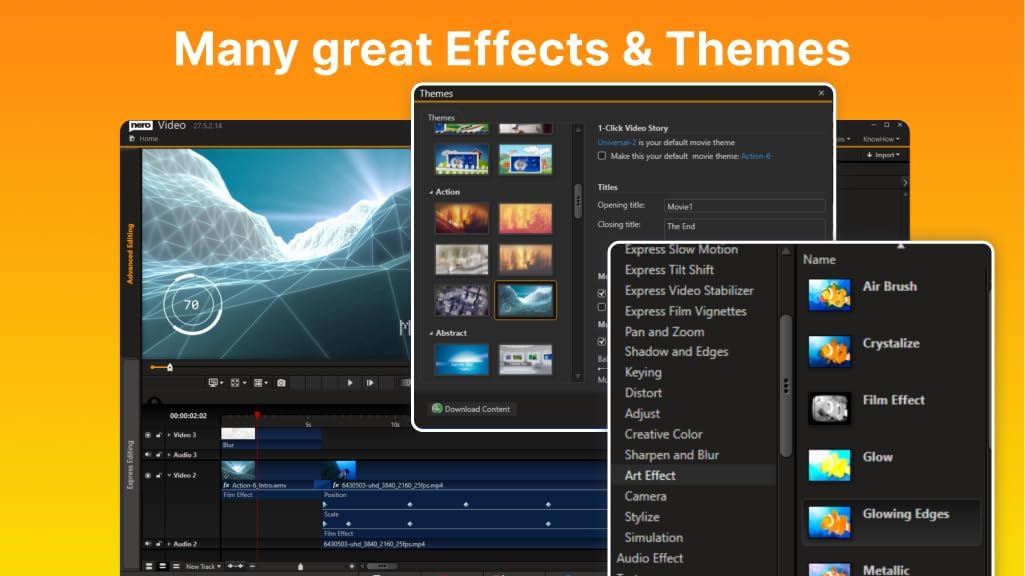
If you’re deciding between a desktop editor with a large template library versus a more modular workflow, Nero Video Maker aims to deliver an all-in-one experience without ongoing fees. For users who prefer modular, plugin-heavy pipelines or cloud-based collaboration, this may feel limited, but for straightforward production on one PC, it can offer a strong value proposition.
What you’ll get in use (practical example)
Imagine compiling a family slideshow with a cinematic touch: you drop photos and clips into a multi-track timeline, apply a few transitions from the 1000+ templates, enable PiP for a talking-head frame, and layer a motion-tracked title moving with the action. In minutes, you export a polished 4K video with a few clicks, all under a lifetime license on your Windows machine.
FAQ (quick answers based on available data)
- Is this a subscription-free editor? Yes, it offers a lifetime license for 1 PC with no ongoing subscription.
- What resolutions does it support? It can create and export in HD, 4K, and 8K as stated in the feature list.
- Does it include AI features? Yes, it mentions AI-powered media management to aid organization and optimization.
Final decision
Is it worth it?
Worth considering if you want a one-time purchase editor on Windows with a broad template library, AI-assisted media management, and advanced visuals, all for one PC. If you need frequent updates, cloud or multi-user collaboration, or work at an enterprise scale, this may not be the perfect fit.