

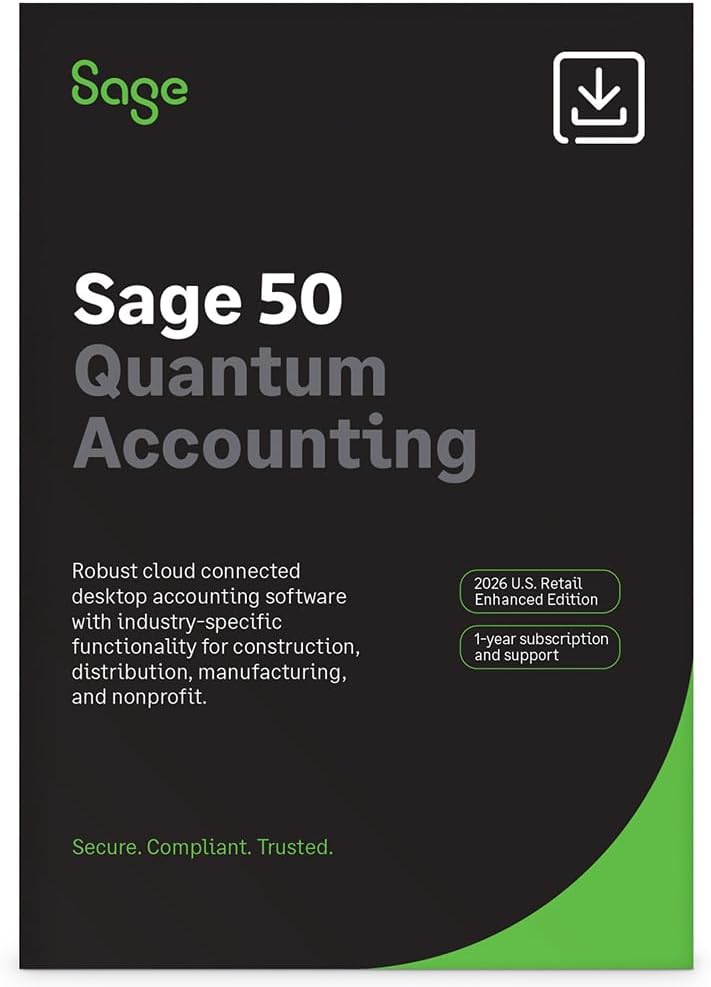
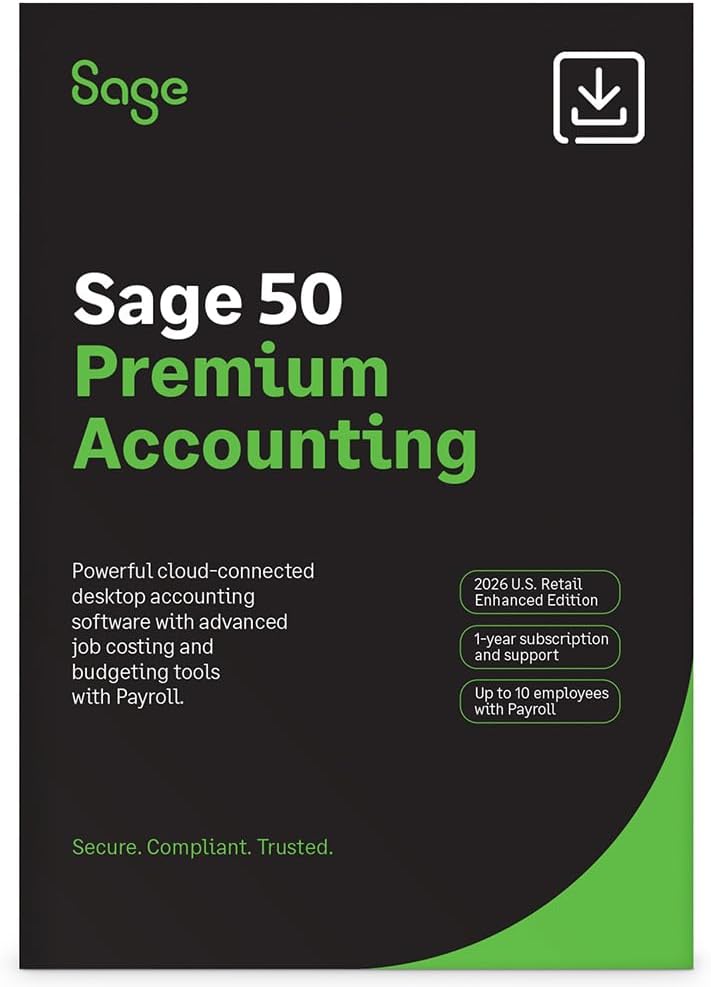
Sage 50 Premium Enhanced 2026 U.S. Edition: 1-User, 1-Year Subscription (PC Online Code) by Sage Software
Product description
What this is
Sage 50 Premium Enhanced Accounting is a desktop-based accounting solution with cloud-connected features designed for small businesses. It comes as a 1-user, 1-year subscription that includes bookkeeping, invoicing, inventory, job costing, reporting, and general business accounting tools. On paper, this setup aims to combine traditional desktop reliability with cloud-connected convenience for ongoing financial management.
Who it’s for
If you run a small business that needs robust accounting with auditable records, robust job costing by phase and cost type, and integrated invoicing, Sage 50 Premium Enhanced could align with your needs. It may be especially relevant if you value a familiar desktop experience but want cloud-connected capabilities and automated workflows to reduce manual data entry.
What stands out
The offering emphasizes automation and workflow improvements: AR automation to share invoices, payment reminders, and automatic collection of payments, plus a Customer Account Portal for 24/7 invoice viewing, management, and payment. The package also highlights premium budgeting tools, audit trails for security, and enhanced job costing by phase and cost type. Automated bank feeds are presented as a time-saver that helps keep accounts up to date without manual reconciliation.
Pros
- Cloud-connected desktop software without abandoning the familiar Sage interface.
- AR automation features that can streamline collections and client communications.
- Enhanced job costing by phase and cost type, plus audit trails for better accountability.
- Bank feeds aimed at reducing repetitive data entry.
Cons / Limitations
- The setup depends on a subscription model and is limited to 1 user, which may not fit growing teams requiring multi-user access.
- Some users may prefer a fully cloud-native experience over a hybrid desktop-cloud approach.
- As with any accounting suite, the usefulness of features hinges on proper setup of charts of accounts and processes, misconfig could limit benefits.
What to consider before buying
- Assess whether you need multi-user access or real-time collaboration beyond a single license.
- Consider your preferred workflow: is a desktop-first app with cloud features the right balance for your business?
- Review how AR automation and the Customer Account Portal would integrate with your current customer payment processes.
- Check if your team will benefit from enhanced budgeting and detailed job costing in your industry.
How it compares to alternatives
Compared to purely cloud-only alternatives, this Sage offering presents a hybrid approach: it preserves a desktop experience while introducing cloud-connected features to improve automation and data accessibility. If your priorities are strong job costing, invoicing automation, and auditable trails within a smaller team, this setup may be more appealing than basic accounting packages. If you need advanced collaboration for larger teams or real-time cloud-only access, you might weigh multi-user cloud options instead.
Practical usage example
A small service-based business could use Sage 50 Premium Enhanced to track project costs by phase, issue and manage client invoices through the AR automation flow. The Customer Account Portal could let a client preview and pay invoices online, potentially speeding up cash flow while keeping internal records clear via audit trails.
FAQ (based on available details)
- Does it support multi-user access? The current offer specifies 1-user, 1-year subscription, so multi-user needs would require additional licenses or a different plan.
- What kind of automation is included? AR automation for invoices, reminders, and automatic payments, plus automated bank feeds.
- Is the cloud feature independent of the desktop app? The materials describe cloud-connected capabilities alongside desktop software, suggesting an integrated hybrid approach rather than a fully cloud-native product.
Is it worth it?
If you prioritize a familiar accounting workflow with strong job costing, audit trails, and some modern automation without moving entirely to a cloud-only solution, this edition presents a reasonable fit. It may not be the best option if you need heavy multi-user collaboration or a fully cloud-native platform from day one. Consider your team size, preferred collaboration style, and whether AR automation and bank feeds align with your current processes.