


CorelDRAW Graphics Suite 2026 — Professional Vector Illustration, Layout, and Image Editing for PC/Mac
Product description
What it is
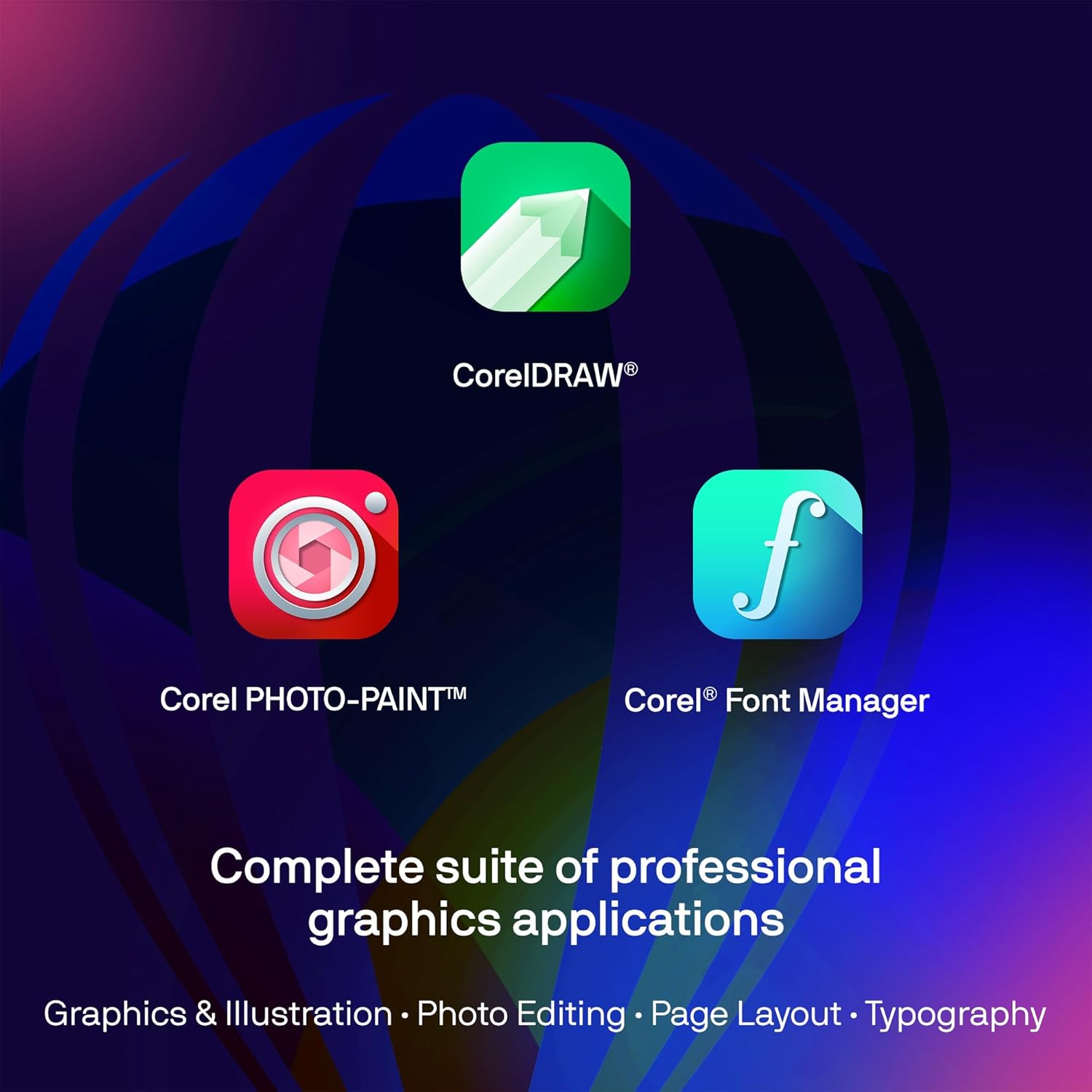
CorelDRAW Graphics Suite 2026 is a professional graphics software package designed for vector illustration, page layout, photo editing, and font management. It emphasizes a comprehensive toolset that supports print and web publishing, with an eye toward flexible workflows across PC and Mac platforms.
What matters most
On the paper, the suite embraces AI-assisted capabilities for text-to-image and content-to-image generation, AI-based image remixing, and AI background removal and masking. These features are positioned to speed up initial concepts and iterations, while a refreshed UI aims to streamline common tasks. It also highlights robust color management with integrated Pantone palettes and a broad range of export formats to fit various production pipelines.
How it helps you in real work
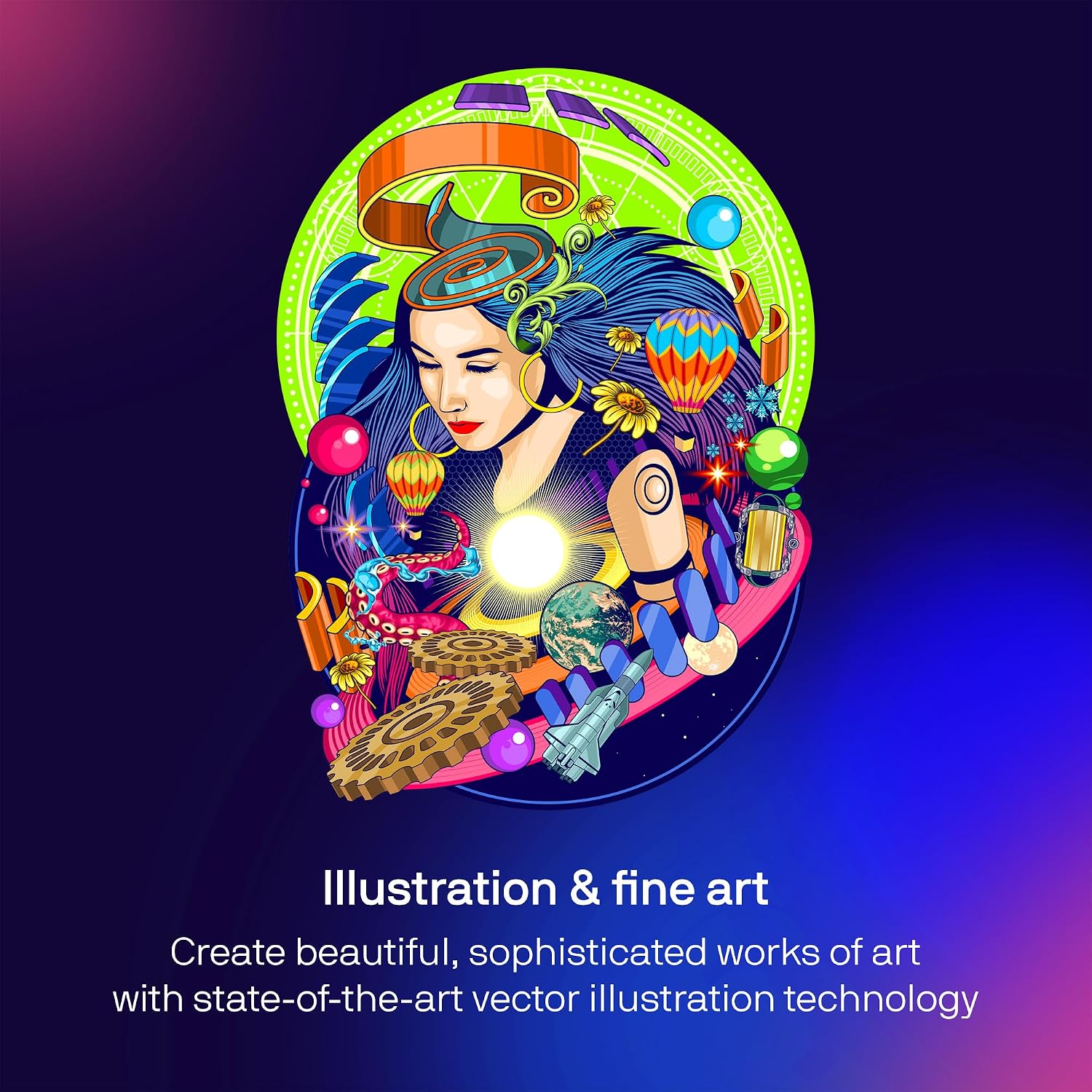
If you’re designing multi-page documents, brochures, or branding assets, the suite’s vector tools, layout capabilities, and photo editing features cover end-to-end production. The AI features can assist with rapid ideation and massaging images into usable visuals, while precise color tools and output options aim to reduce back-and-forth when preparing final art for print or web.
What stands out day to day
The integration of AI generation and image manipulation sits alongside traditional tools for color correction, masking, and effect application. For professionals who juggle multiple file formats (AI, PSD, PDF, SVG, DWG, DXF, EPS, TIFF, HEIF, WebP, and more), the broad file support reduces the friction of translating assets between programs.
Where it might fall short

If you rely on a lean, minimal toolset, the breadth of CorelDRAW Graphics Suite 2026 could feel comprehensive to the point of overwhelm. It’s also important to verify how AI features integrate with your current workflow and hardware, as performance can depend on system resources and project complexity.
Who it’s for
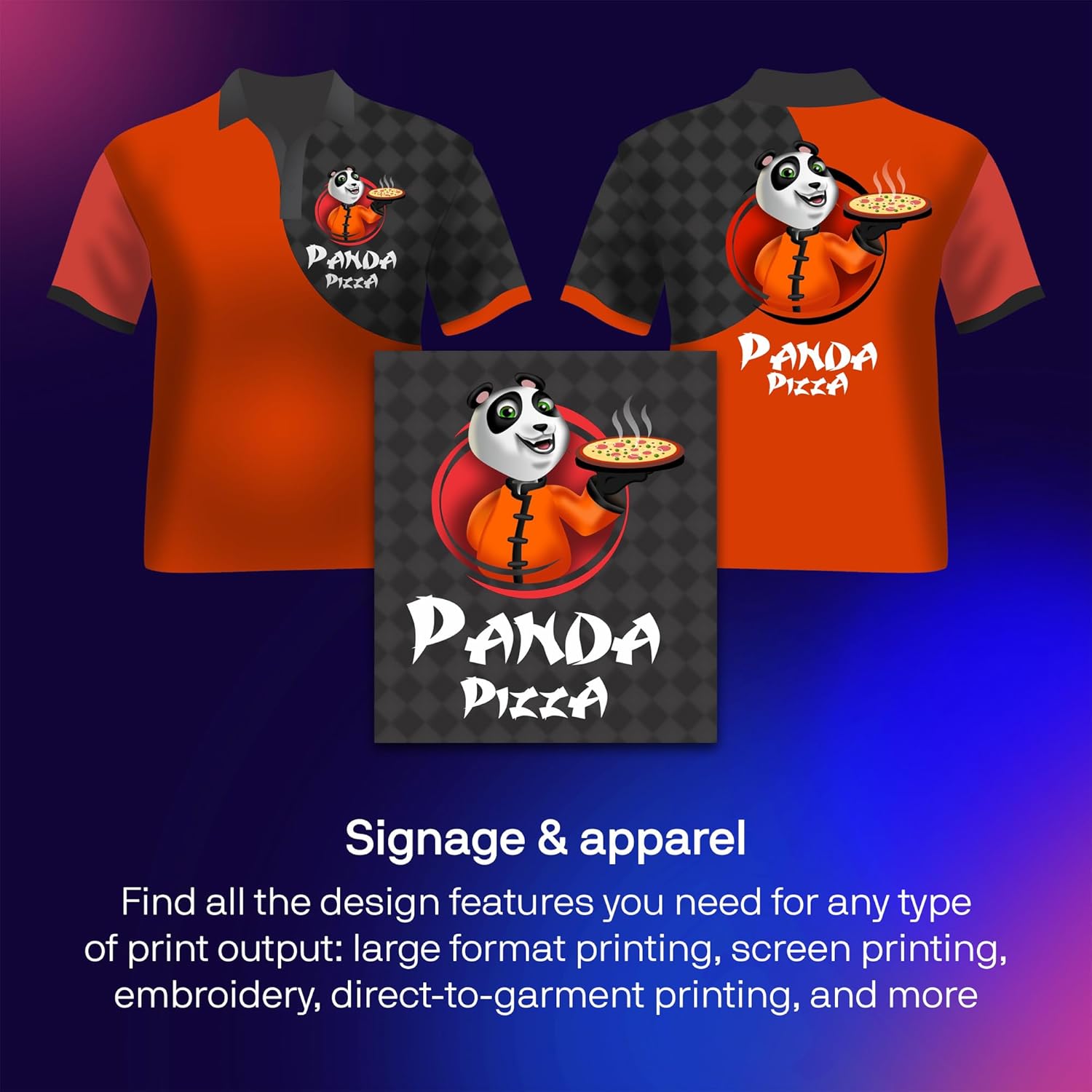
This suite is a solid fit for professional designers who work across vector art, page layouts, and image editing, especially those who need robust color management and a versatile export pipeline for print and web output.
Who it isn’t ideal for
If your needs are strictly photo editing with a narrow set of vector tasks, or you operate with limited hardware, you may find a lighter, more specialized tool could suit you better.
Before you buy: practical checks

- Confirm platform compatibility (PC/Mac) and ensure your system meets performance expectations for AI features and large document work.
- Consider your typical export formats and ensure they align with CorelDRAW’s supported outputs.
- If color accuracy and Pantone integration are critical, test how the color management aligns with your print shop requirements.
- Think about your workflow for multi-page layouts, assess how well CorelDRAW handles long documents and asset organization.
Practical use example
Imagine laying out a multi-page product brochure: you sketch layout ideas with vector illustrations, apply AI-generated imagery as starters, refine with background removal for clean compositions, and finish with precise color adjustments before exporting to print-ready PDFs and web-optimized formats.
Quick FAQ
- Is AI image generation available for both vector and raster assets? The base description lists AI-driven image generation and remix tools as part of the suite, applicable within the provided toolset.
- Does it support Pantone color palettes? Yes, integrated Pantone Color Palettes are included for consistent color workflows.
- Can I publish directly to print and web from CorelDRAW? The package emphasizes publishing and output with advanced printing options and web graphics presets.
Final decision: Is it worth it?
It’s worth considering if you need a comprehensive, all-in-one graphics suite that blends vector work, layout, and image editing with AI-assisted capabilities and strong color management for both print and digital projects.