

Corel WordPerfect Office Standard 2021: A Practical Office Suite for Everyday Productivity
Reviews
Price
Product description
What it is and what it solves
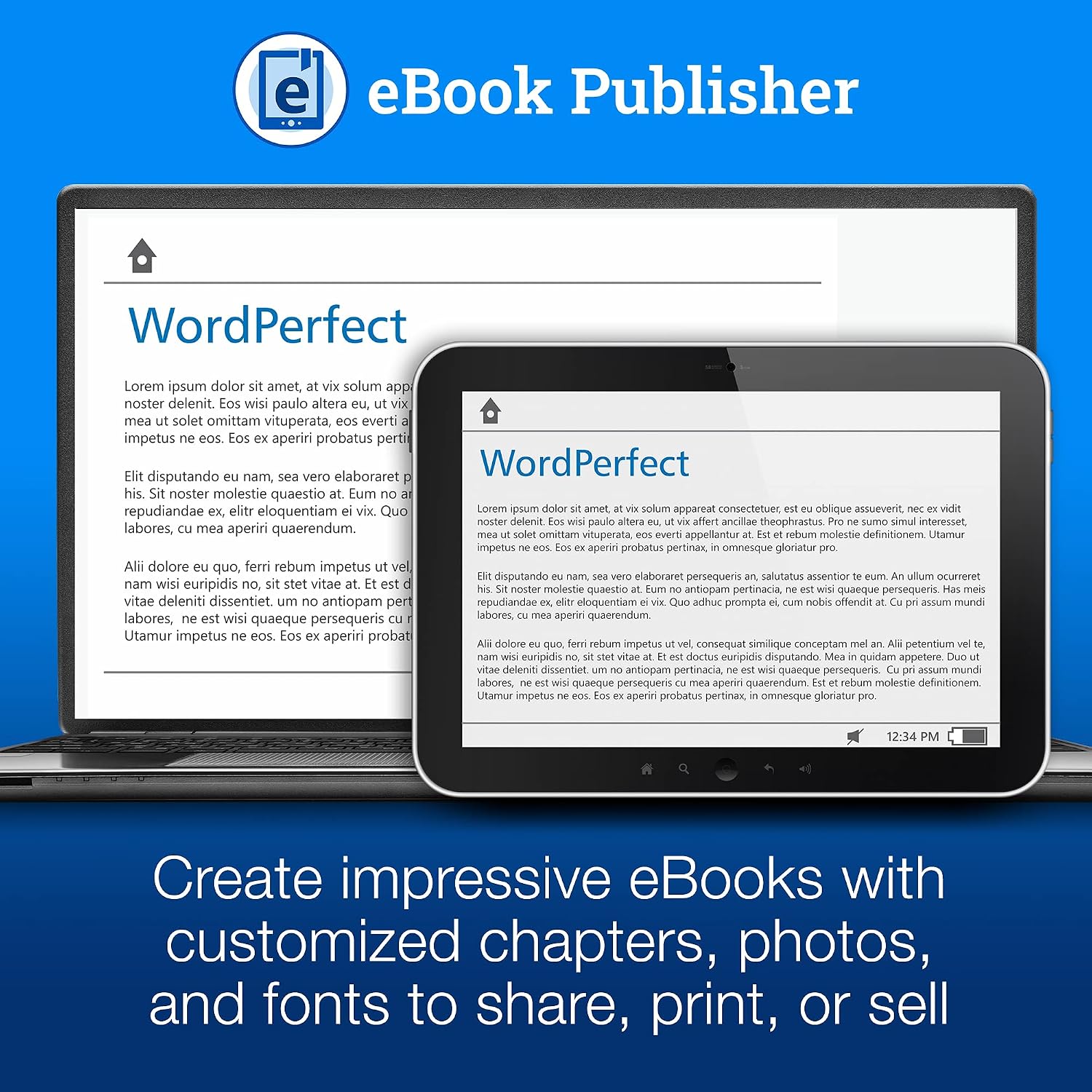
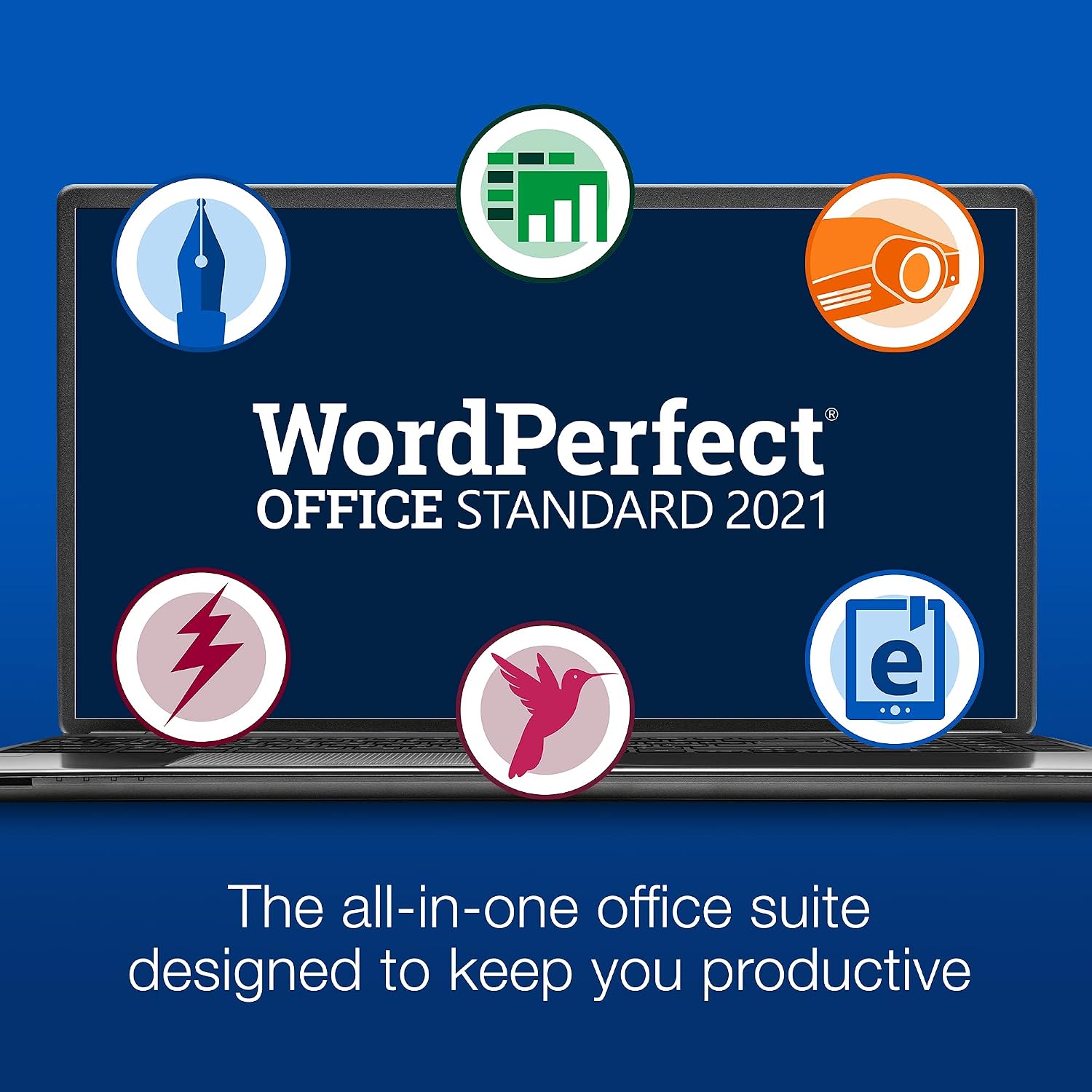
Corel WordPerfect Office Standard 2021 is a complete office suite designed to cover word processing, spreadsheets, and presentations, plus note taking, eBook publishing, and more. If you frequently work with a variety of document formats, this suite aims to ease opening, editing, and sharing files across 60 formats, including common Word, Excel, and PowerPoint files. For users who value a traditional word processor with robust compatibility, this product offers a familiar workflow without mandatory cloud dependencies.
What stands out on paper
On the surface, WordPerfect Office Standard 2021 emphasizes broad format support, extensive included resources, and a mix of tools that go beyond basic documents. The package includes the Oxford Concise Dictionary for quick reference, a collection of fonts and media, and built‑in capabilities to create fillable PDF forms with several form controls. The breadth of supplied assets (900 TrueType fonts, 10,000 clipart images, 300 templates, 175 digital photos) could boost productivity for users who like ready‑to‑use assets without hunting online.
What to consider before buying
If your work relies on seamless collaboration with colleagues who use Microsoft 365 or Google Workspace, you’ll want to check whether WordPerfect’s format compatibility meets your team’s needs. While it promises extensive format support, the user experience and feature depth may feel different from more widely adopted ecosystems. Additionally, the presence of a large asset library is appealing, but some users may prefer more modern interface cues or frequent updates that come with cloud‑centric options.
Who this is for
This suite tends to suit solo professionals, students, or small offices that value a stable, traditional productivity toolset with strong file compatibility and offline work capability. It can be particularly compelling if you frequently handle multiple document formats and want an offline solution with a well‑stocked asset library.
Who it’s not ideal for

If you primarily rely on real‑time collaboration, frequent cloud storage, and integrations with modern productivity ecosystems, this product may feel less aligned with those workflows. It’s also worth noting that the asset library, while generous, isn’t a substitute for ongoing access to up‑to‑date online templates and media channels that cloud‑heavy suites offer.
When it makes sense to buy
Choose WordPerfect Office Standard 2021 if you want a one‑time purchase for offline office work with broad format compatibility and a generous set of built‑in resources. It’s a reasonable option if you prefer avoiding ongoing subscription costs while still needing solid word processing, spreadsheet, and presentation capabilities.
When it might not be the best fit
If your priority is collaborative features, regular updates, or integration with popular cloud services, you might lean toward a suite that emphasizes cloud‑based workflows. Also, if you rely on the latest, continually refreshed media libraries, you may find the included assets helpful but not exhaustive.
What to check before buying

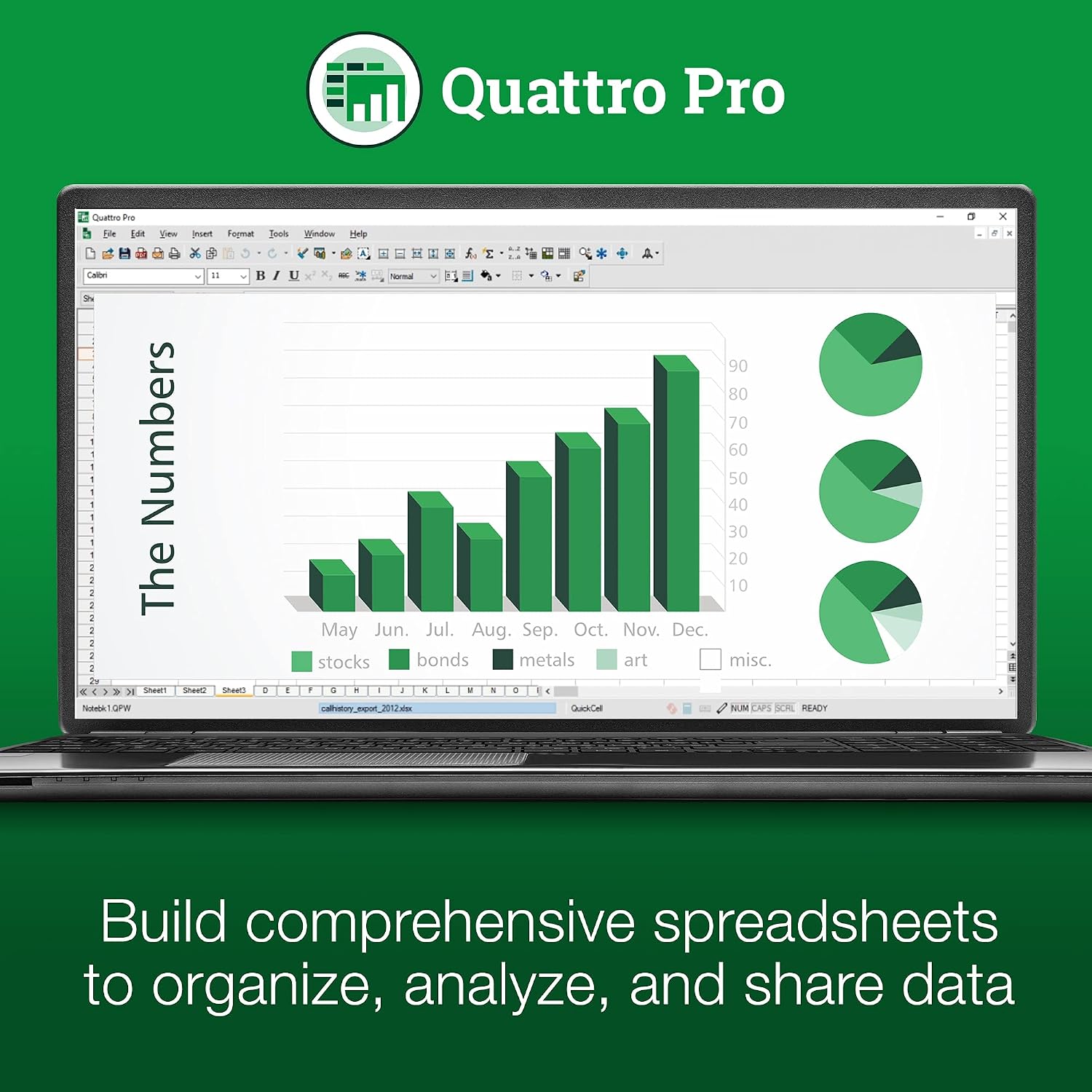
Verify that the formats you work with most frequently are supported as claimed, and consider whether offline access aligns with your workflow. Look at the availability of templates and the ease of accessing the included dictionary and media assets. If you depend on advanced data analysis features beyond basic spreadsheets, compare whether the bundled tools meet those needs or if you’d benefit from additional software.
Practical usage snapshot
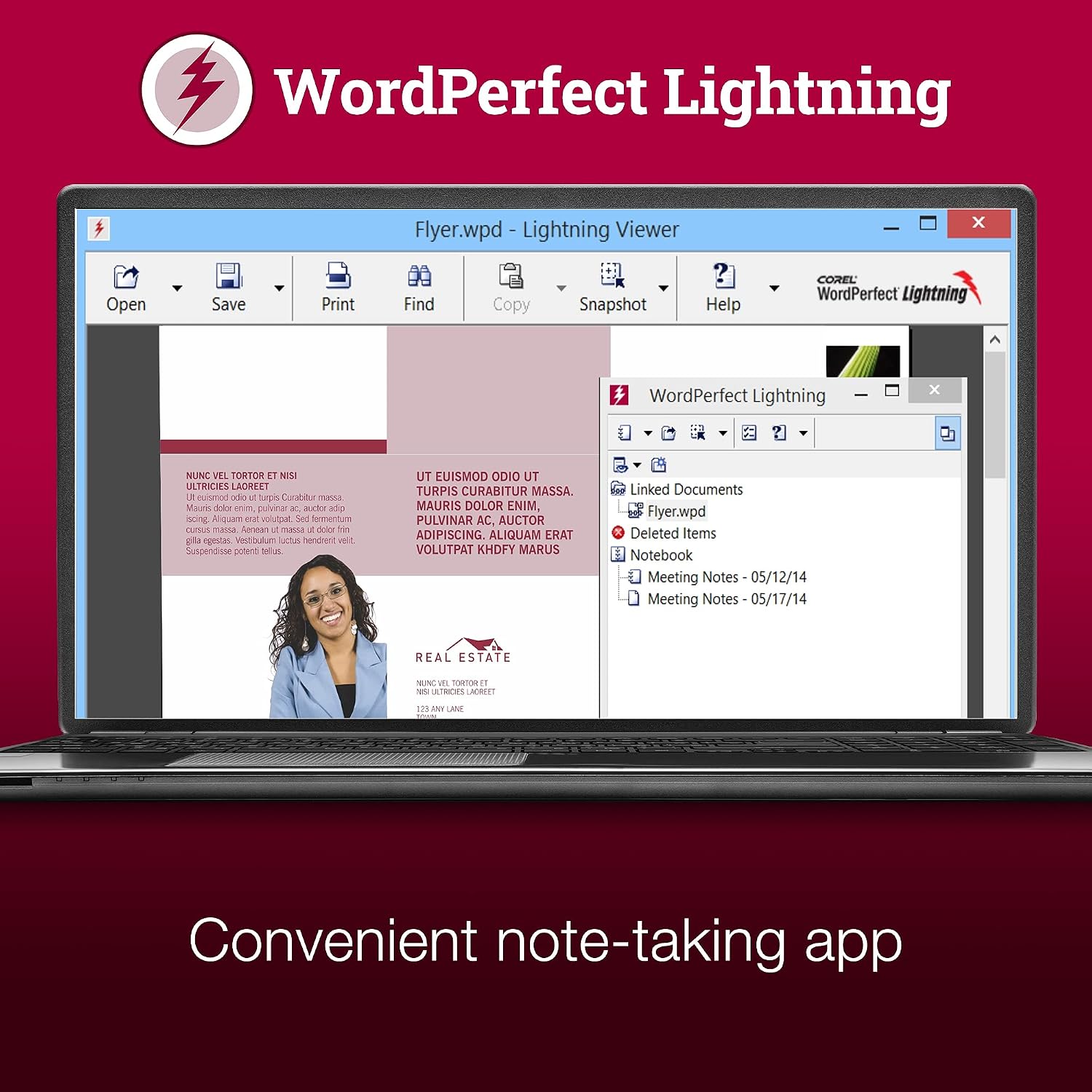
Imagine drafting a report, pulling data from a small spreadsheet, and presenting a slide deck to a class or client—all within a single offline environment. You can also rely on the Oxford Dictionary for quick terminology checks and publish fillable PDFs for forms without needing extra tools. For occasional formatting tasks, the built‑in resources provide a practical head start without hunting for external assets.
Quick comparison thinking
If you’re weighing options, consider whether a more cloud‑driven office package or a traditional offline suite better fits your routine. Corel WordPerfect Office Standard 2021 leans toward stability, broad compatibility, and offline operation, which can be advantageous for setups with limited internet or for users who value a familiar, consistent workflow over frequent interface changes.
FAQ (where data allows)
- Does it support editing Microsoft Word, Excel, and PowerPoint files? Yes, with extensive compatibility across 60 formats.
- Are the included assets useful for professional documents? The package includes fonts, clipart, templates, and photos intended to enrich documents, though the usefulness depends on your project needs.
- Is it better for offline work than subscription services? The product is positioned as a complete offline office suite, which can be beneficial if you prefer not to rely on a cloud subscription model.
Is it worth it?
Worth considering if you want a one‑time purchase offline office solution with broad format support and a rich asset library. It may not be the best fit if you need frequent cloud collaboration or the latest online templates. Consider your typical workflow and whether the offline model aligns with your daily tasks.