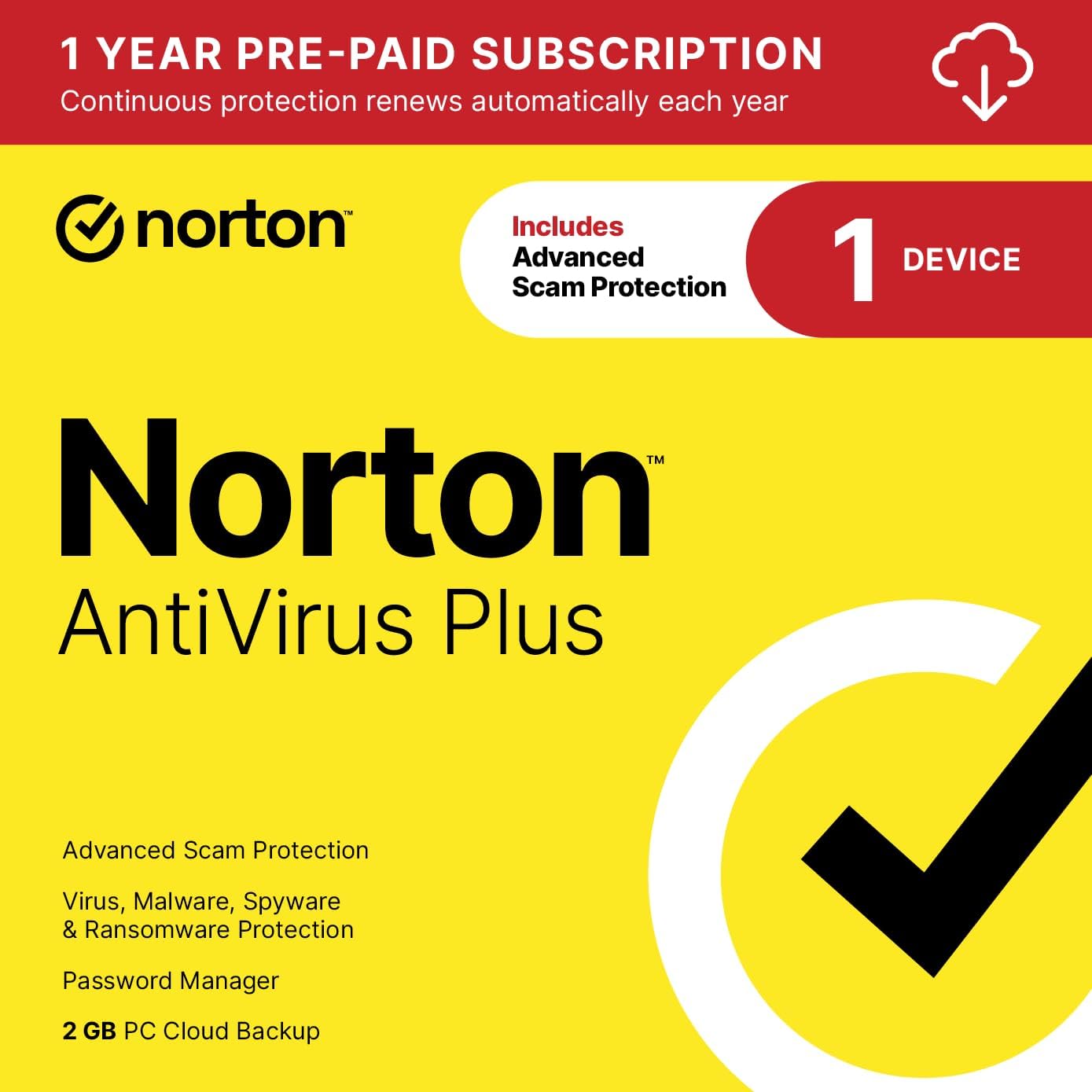
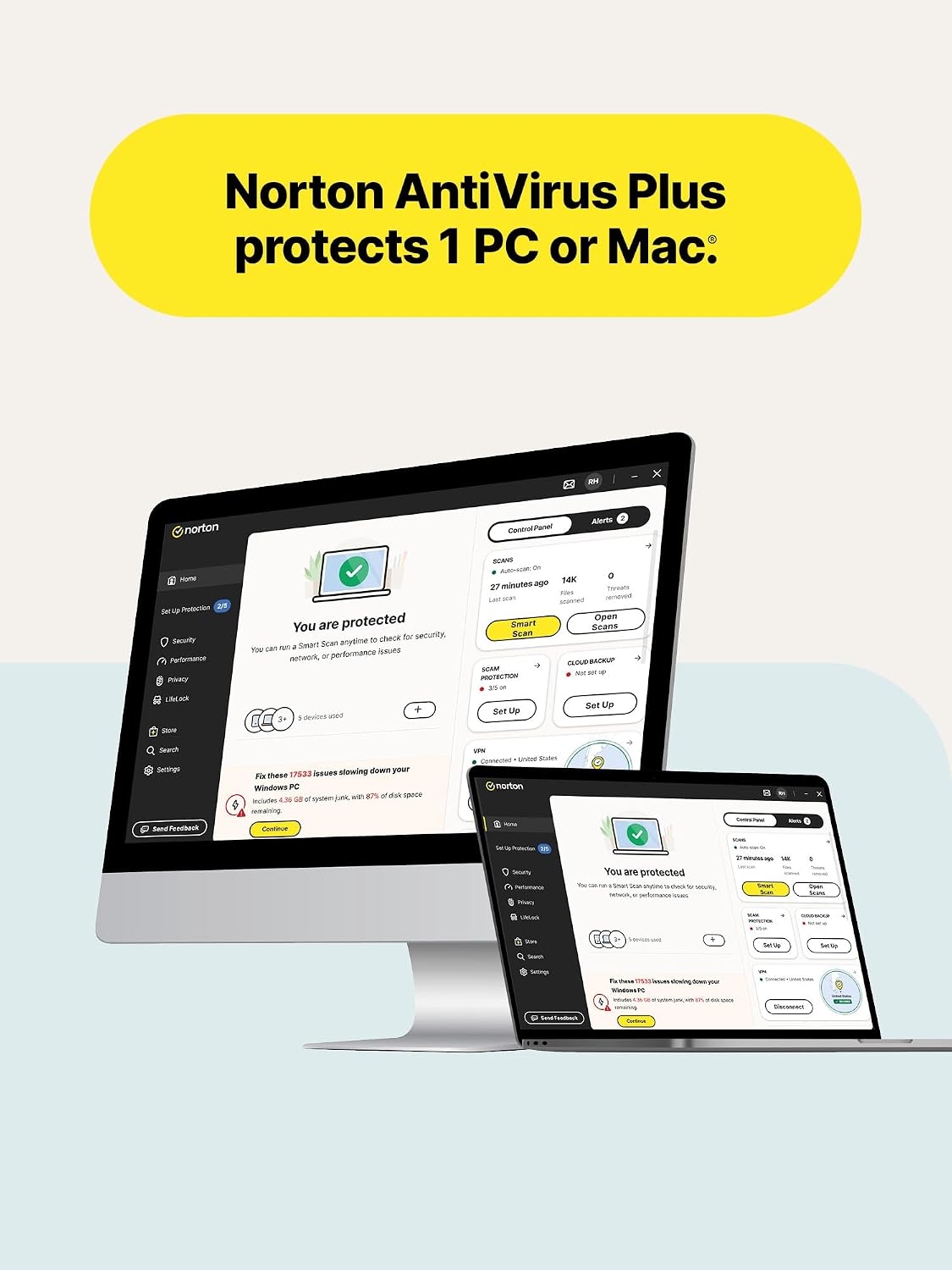
What it is and what it aims to solve\nNorton AntiVirus Plus is a download-ready antivirus solution designed for a single device. It focuses on real-time protection against malware, ransomware, and online scams, while offering cloud-backed password management and PC backup. If you’re looking for a single-tenant security setup that stays put through auto-renewals, this option is positioned as a straightforward, low-friction way to guard a PC or Mac from evolving threats. On the surface, it combines essential protection with optional conveniences that many users want, like password vaults and a cloud backup plan, all under one subscription umbrella.\n\n## What stands out on the paper\nA core selling point is the Advanced AI Scam Protection, powered by a Genie-style assistant that aims to help you spot suspicious messages or emails. Real-time protection is designed to respond to both known and emerging threats without bogging down device performance. The inclusion of a cloud-backed password manager and a 2 GB PC cloud backup adds a layer of resilience against data loss from ransomware or hardware failures. The auto-renewal model promises continuity, which can be a practical advantage for busy users who don’t want lapses in protection.\n\n## The best use case and who it’s for\nThis product is well-suited for individuals who want an all-in-one security stack for a single device—ideally someone who prioritizes ease of setup and ongoing, hands-off protection. If you’re managing a household with mixed devices or need multi-device coverage, this single-device license may feel limiting. It’s also worth noting that the value becomes clearer if you actually feel attracted to the integrated password manager and cloud backup as part of a single subscription rather than treating them as separate tools.\n\n## Strengths you’ll notice in daily use\nThe real-time protection aims to keep performance impact low, so your everyday tasks—browsing, streaming, working—don’t suffer slowdowns. The AI scam feature tries to reduce the cognitive load of security, especially when you’re unsure about emails or messages. The 2 GB cloud backup provides a safety net for important files and photos, which can be meaningful for users who don’t have a separate backup plan.\n\n## Limitations and places where it may fall short\nThis is a 1-device license, so if you have multiple computers or want broader coverage, you’d need to upgrade or opt for a different plan. The 2 GB cloud backup is a modest amount by modern standards, heavier users or media libraries may want to assess whether that capacity meets their needs or if they’ll need additional storage. The auto-renewal model is convenient for ongoing protection but requires you to manage renewals if you ever decide to switch.\n\n## What to review before buying\n- Confirm the device you intend to protect is compatible (PC or Mac) and that you’re comfortable with a download-based setup.\n- Consider how the AI scam protection aligns with your typical online communications and whether you prefer a guided assistant to flag suspicious content.\n- Evaluate whether 2 GB is enough for your file-backup habit, if you rely on larger backups, you’ll want to understand how this limit fits into your workflow.\n- Check your preferred payment method and how auto-renew influences your budgeting, especially if you might cancel at the term end.\n\n## How it compares to other approaches\nIf you’re choosing between a multi-device suite versus a single-device plan, this Norton option concentrates protection and features for one device, with helpful extras like a password vault and cloud backup in the same package. For some, a more modular approach—separating antivirus, password management, and backup—could allow more granular control or cost optimization, but at the cost of extra setup steps. If you value a unified experience and don’t need multiple licenses, this all-in-one approach can simplify ongoing maintenance.\n\n## Practical example of use\nImagine you’re juggling work and personal life on a single laptop. You install Norton AntiVirus Plus and enable the AI scam protection while you continue to receive work emails and personal messages. A few weeks later, you save important photos and documents in the cloud backup, giving you a restore point if a hard drive issue pops up. The automatic renewal keeps protections active without interrupting your routine, which can be a relief during busy seasons.\n\n## FAQ (practical responses with the available data)\n- Is 2 GB enough for cloud backup? It depends on your typical file size, for many users, this is a starter amount, and you might need to adjust expectations or supplement with additional storage if you have a larger library.\n- Can I use this on a Mac? Yes, the description indicates protection for PC or Mac.\n- What happens if I want to cancel? Auto-renewal exists, but you can cancel in your Norton account at any time to avoid future charges.\n\n## Final decision: Should you buy it?\nIs it worth it? If you want a single-device security solution that pairs real-time antivirus with AI-based scam protection, plus a password manager and cloud backup, and you value an automated renewal that preserves coverage, this Norton option offers a cohesive package. It’s a sensible pick if you prioritize convenience and a straightforward setup, and you’re protecting one device with a desire for integrated features. It may not be the best choice if you need multi-device coverage, a larger cloud backup, or prefer modular tools you can mix and match.