

Laplink PCmover Professional – Instant Download, 2 Uses, Migrate Apps, Files & Settings
Product description
What it does
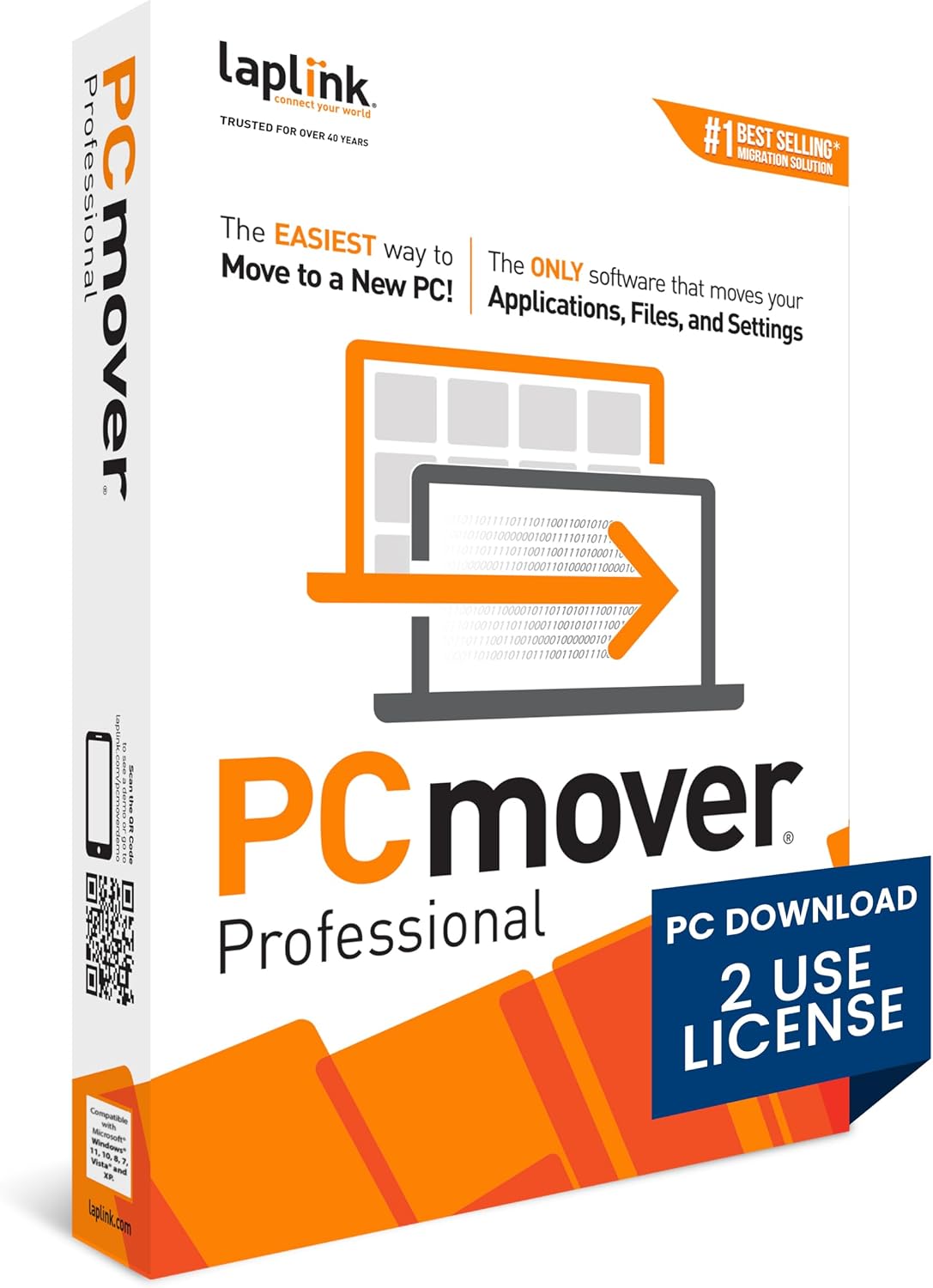
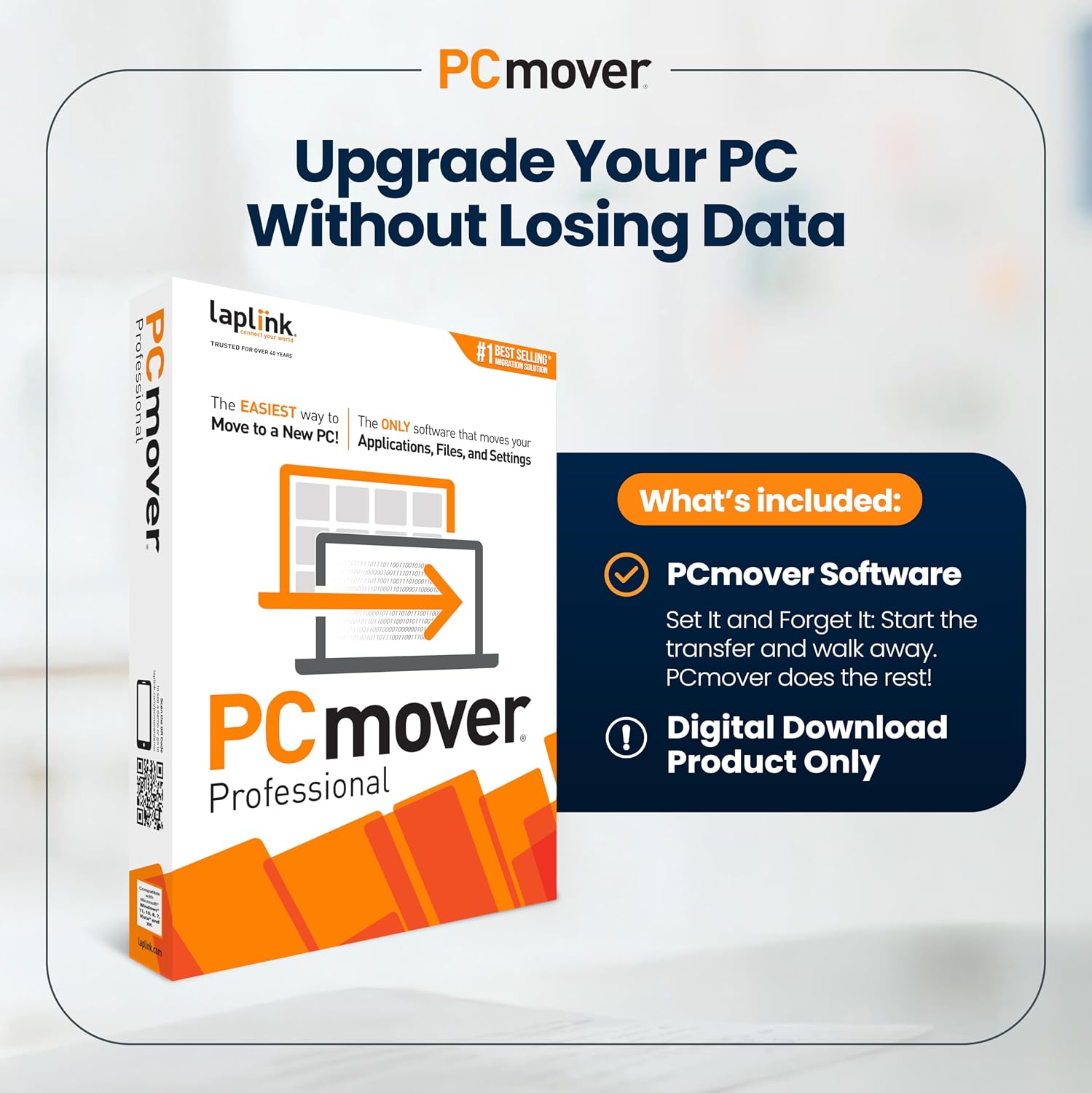
Laplink PCmover Professional is a software solution designed to help you move applications, files, and user settings from an old PC to a new one. It’s sold as an instant download and supports 2 uses, making it suitable for small migrations or transfers between two machines without a subscription commitment. On the surface, the concept is straightforward: install PCmover on both PCs, follow the guided wizard, and select what you want to transfer. The result is a new PC that’s ready with your programs and personalized setup.
How it works
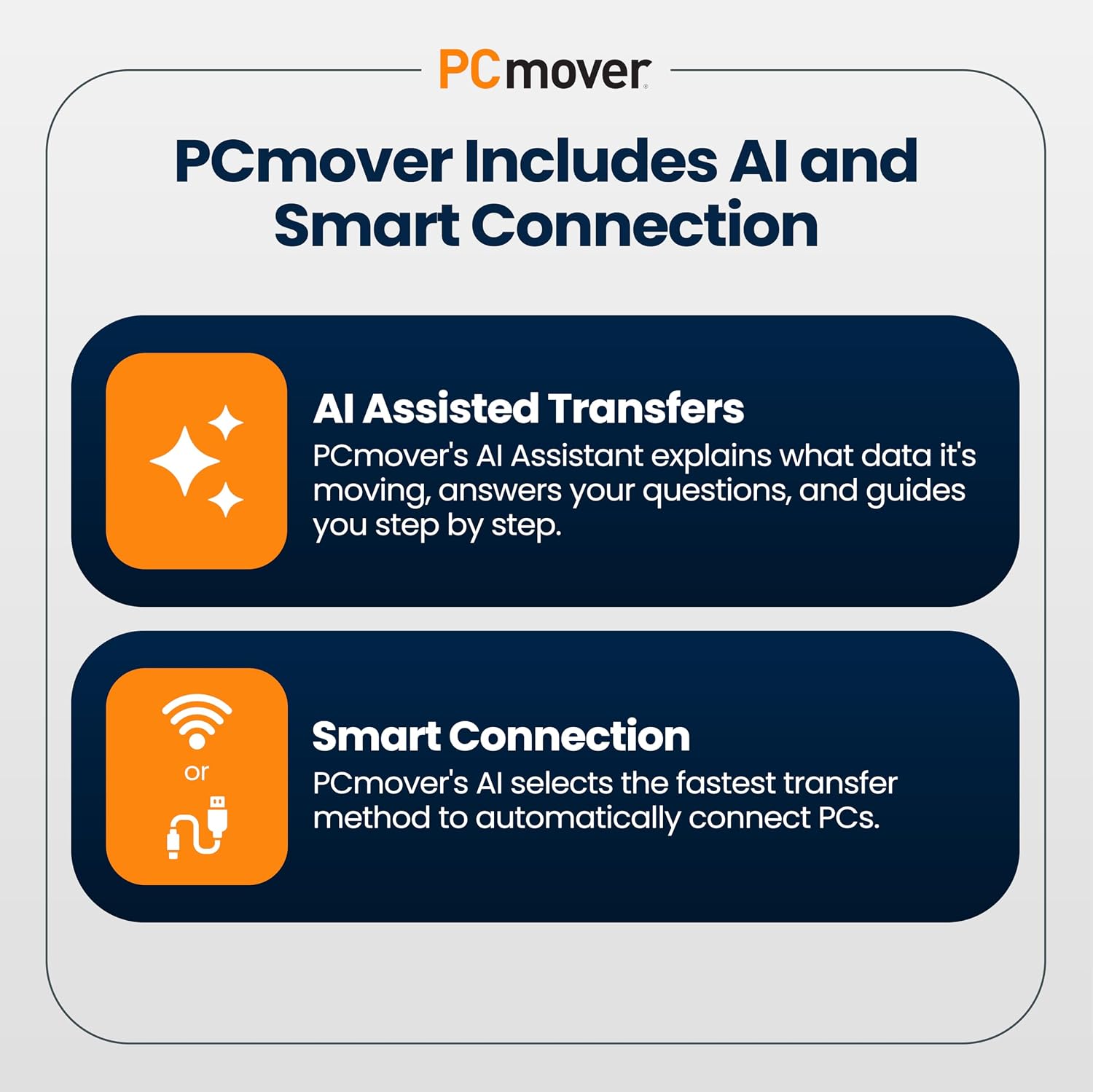
The product emphasizes a simple, guided flow. After installation on both machines, you start the transfer process and let PCmover handle the rest. It claims to auto-detect and connect the source and target PCs using the fastest method available, aiming to minimize the time spent waiting for a move. The core value proposition is complete selectivity: you choose which applications, files, folders, settings, and user profiles to bring over, rather than pushing a blind clone of the entire system.
What stands out
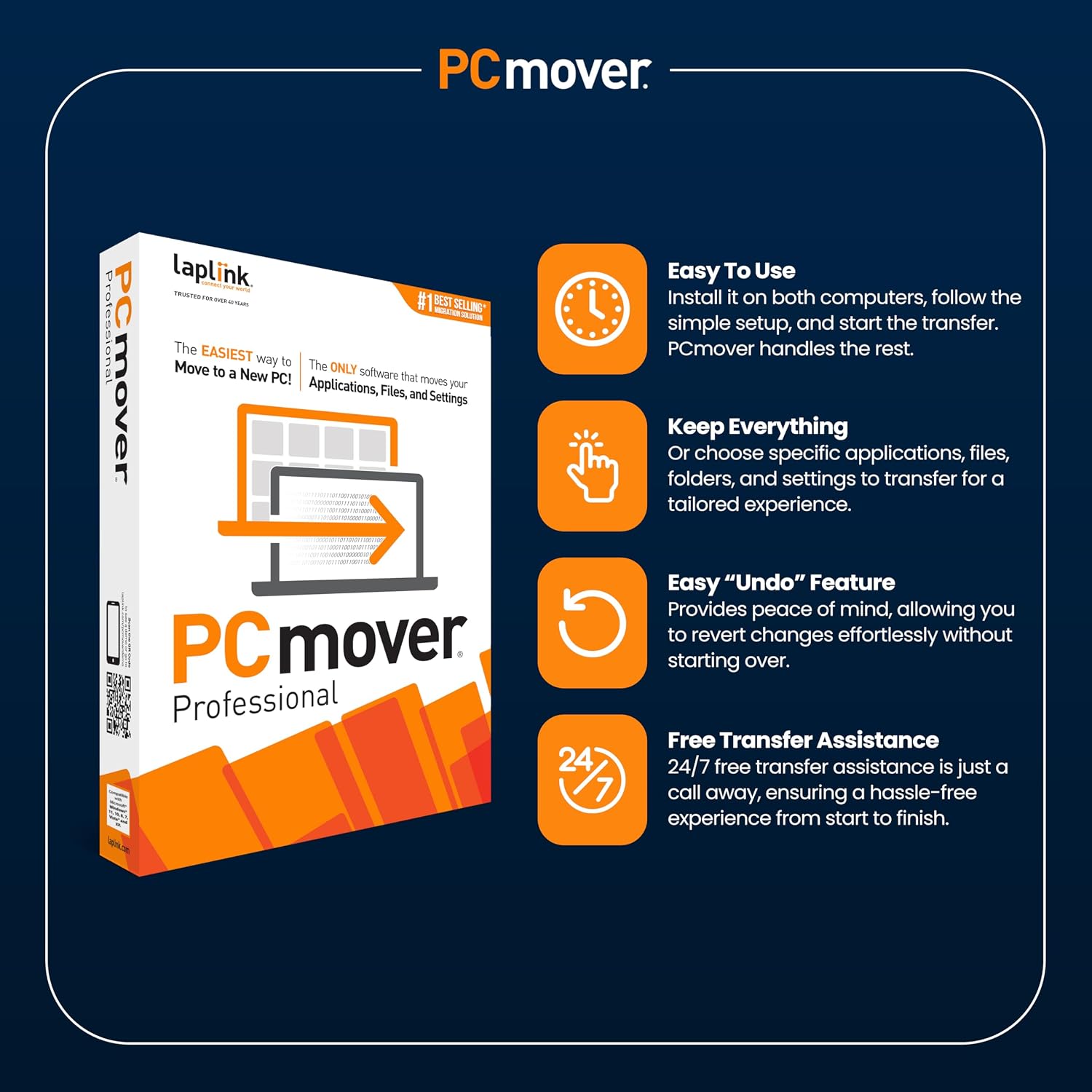
On paper, the workflow is user-friendly: install once on each computer, run a wizard, and you’re done. The emphasis on “Set It and Forget It” suggests a hands-off transfer once initiated, which can be a relief for users who want a calm migration without babysitting the process. The feature of automatic PC discovery and fast connection attempts to reduce setup friction, and the ability to fine-tune what moves can help avoid unnecessary bloat on the new PC.
What isn’t perfect (or worth considering)
While the approach sounds clean, it’s important to recognize that real-world results depend on your environment. If the new PC has a significantly different software stack, license constraints, or incompatible applications, some adjustments or reactivation steps may be needed after the transfer. The two-use limit, while practical for a pair of machines, could be a constraint for households or small teams planning multiple migrations. If you prioritize moving every single registry tweak or font preference, you might still encounter post-move tweaks.
Who it’s for
This tool seems well-suited for individuals or small teams looking to migrate a familiar setup to a new PC with a controlled scope. If you value a guided process with selectivity—avoiding unnecessary files and keeping the environment organized—PCmover Professional aligns with that approach. It’s also appealing if you want a low-friction transfer that preserves user profiles and applications without building a new setup from scratch.
When it makes sense to buy
- You’re upgrading to a new PC and want to bring over a curated set of applications, files, and settings.
- You prefer a wizard-guided transfer that minimizes manual reconfiguration.
- You have two machines available for transfer and need a straightforward, license-limited solution.
- You expect to retain user profiles and preferences with fewer post-move compatibility checks.
When you might skip it
- If your migration involves many machines or you anticipate needing more than two transfers.
- If your new environment includes software licenses that require reactivation or compatibility verification beyond what the mover handles.
- If you rely on ultra-custom system tweaks that aren’t easily captured in a standard transfer.
What to check before buying
- Ensure the two PC requirement is feasible and you have both machines accessible for the move.
- Consider your software licensing and whether applications will reactivate smoothly after the transfer.
- Think about the variety of data you want to move: some large files or cloud-synced folders may require additional setup on the new PC.
Practical use case
Imagine upgrading your main desktop to a newer model. You run PCmover on both machines, choose to carry over your most-used applications, key documents, and your desktop layout. The wizard guides you through mapping settings and user profiles, and you start the transfer. While you grab coffee, the software does the heavy lifting. When it’s done, you log into the new PC with your familiar setup and most everything is ready to go, with only minor adjustments needed for a couple of apps that require license validation.
FAQ snapshot
- Q: How many uses does PCmover Professional include? A: 2 uses.
- Q: What can PCmover transfer? A: Applications, files, folders, settings, and user profiles.
- Q: Does it auto-connect the two PCs? A: Yes, it discovers and connects using the fastest method detected.
Decision
Is it worth it? It depends on your migration needs. If you want a guided, selective transfer between two PCs and you’re comfortable handling post-move license checks or minor tweaks, this could save time and reduce setup friction. If your scenario involves more complex licensing or more than two machines, you might want to consider alternatives or plan for additional steps after the move.