

Corel Easy CD & DVD Burning 2 | Disc Burner & Video Capture for PC
Reviews
Price
Product description
What it is
Corel Easy CD & DVD Burning 2 is a desktop-focused disc burning and media capture solution. It’s designed to copy and burn CDs and DVDs quickly, while also enabling video capture, DVD authoring with chapters and menus, and basic audio and photo management. The emphasis is on combining disc creation with media capture and simple editing tools in one package.
What it does and how it helps
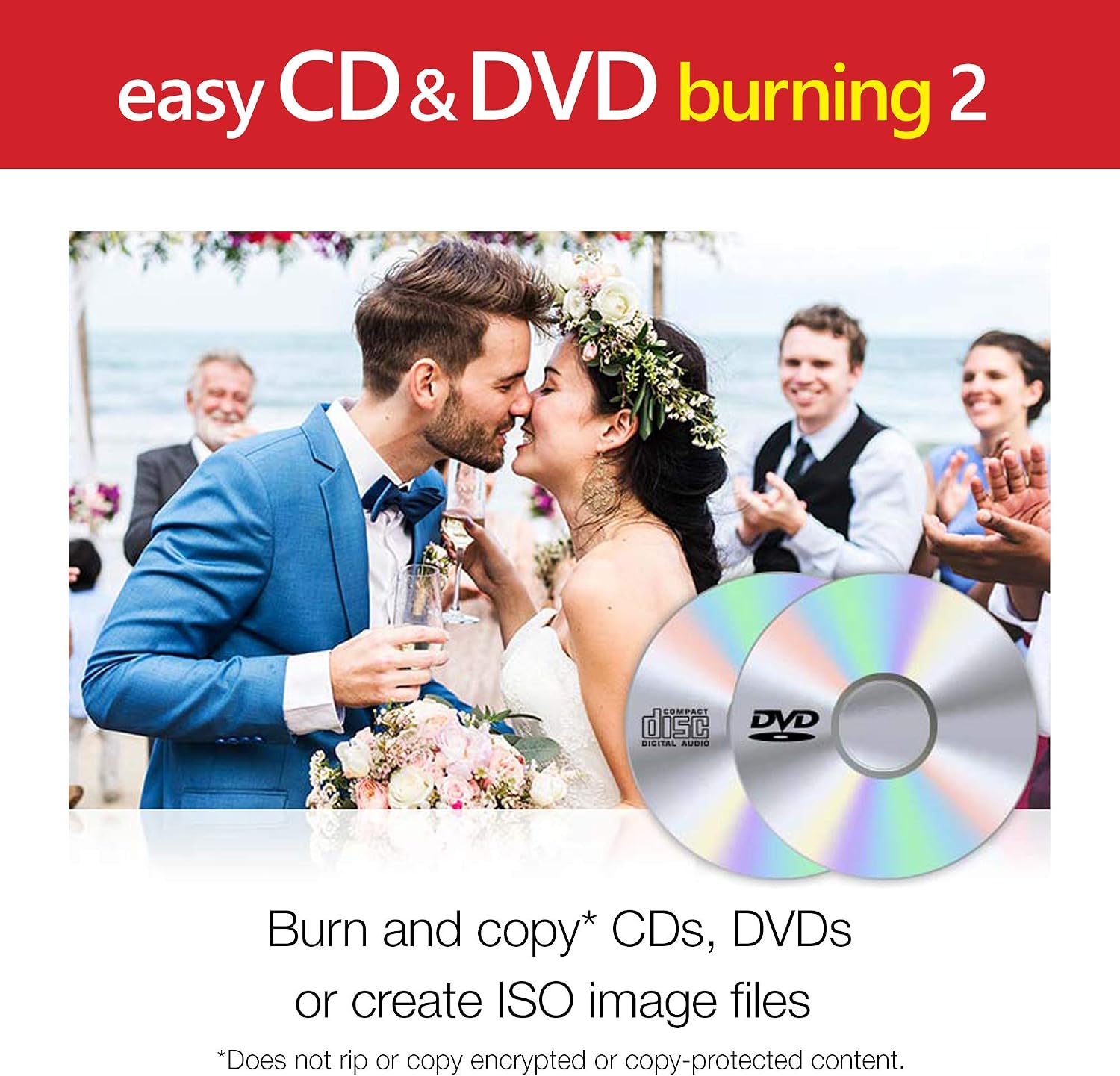
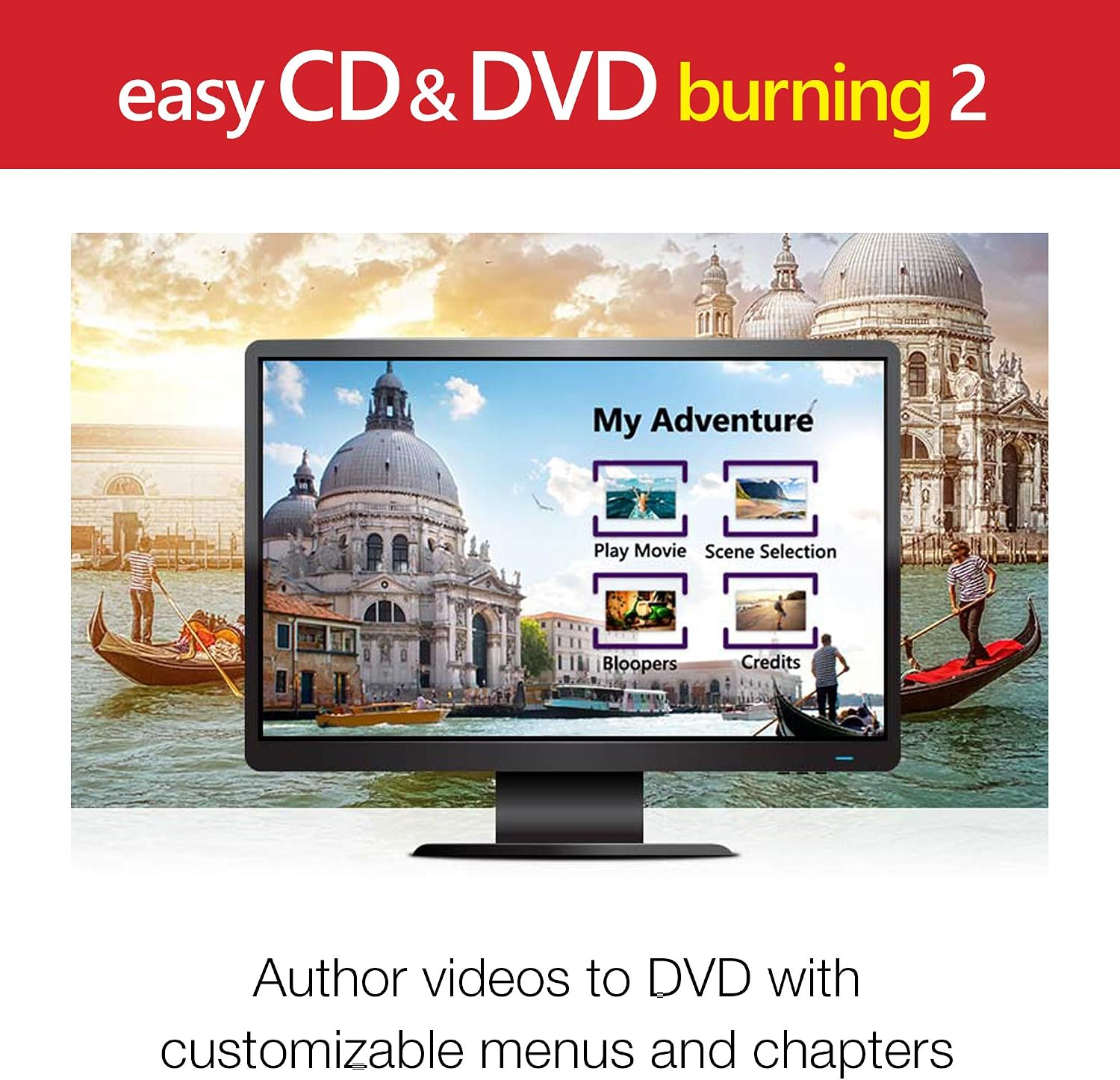
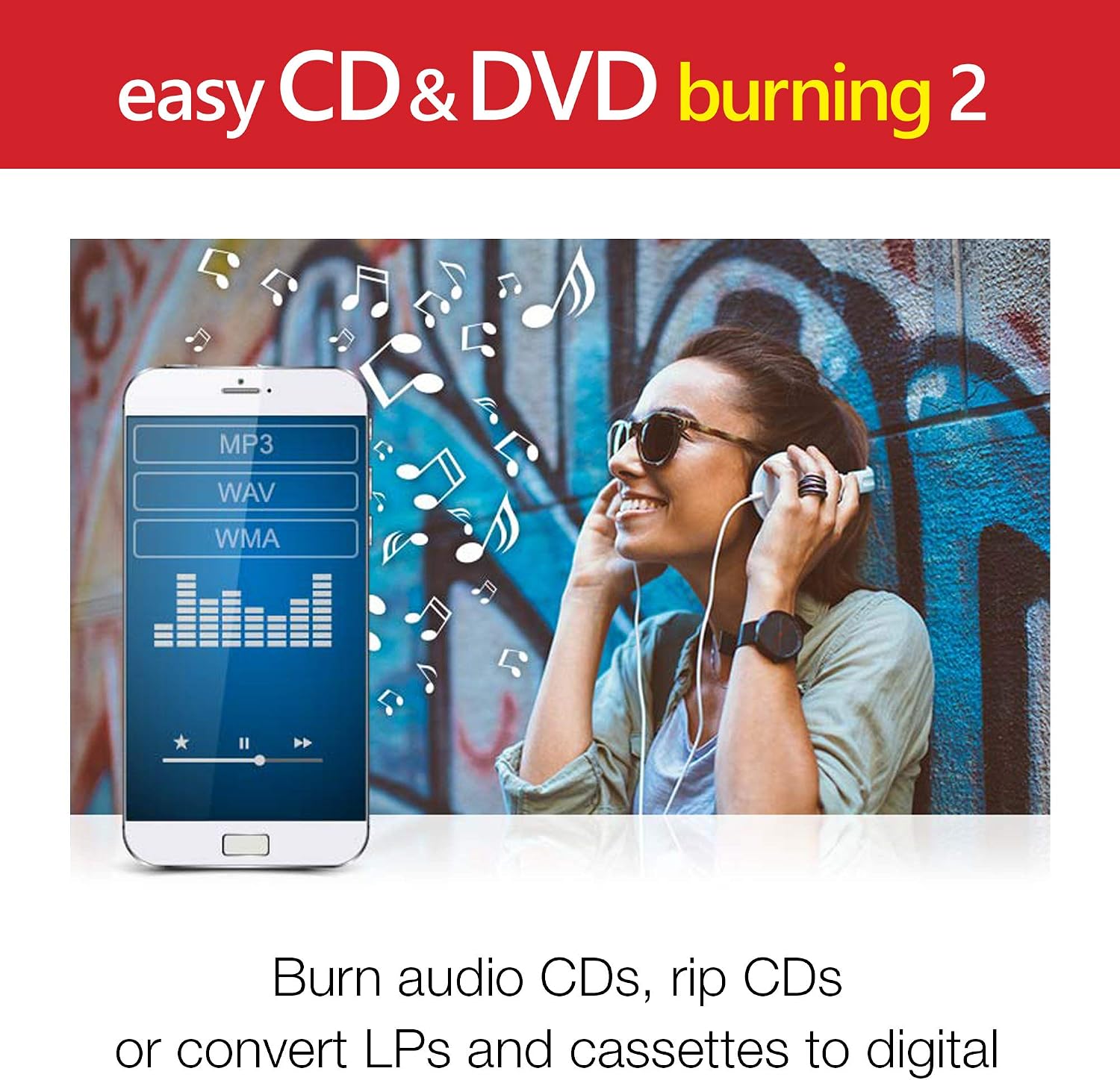
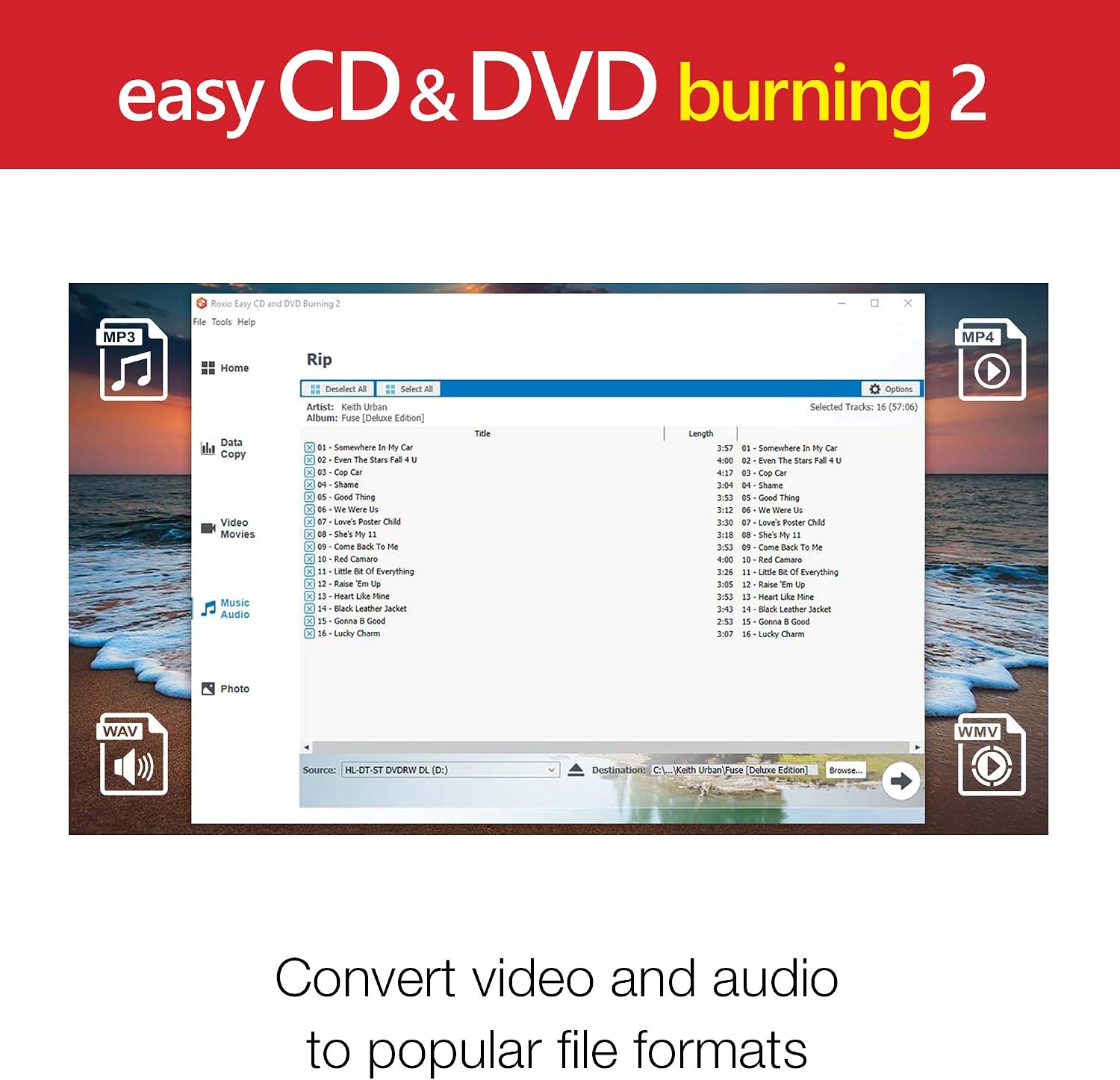
On the practical side, you can copy and burn discs from your computer without needing separate apps. The software also supports converting analog media like CDs, LPs, and cassettes to digital audio files, which can be handy for preserving old collections. You can capture online audio or import music into a playlist to create custom audio CDs. For video, you can capture footage, import videos, and author DVDs with chapters and menus, plus personalized disc labels for easier organization.
If your goal is to archive large photo and video backups, the program offers multi-disc burning and straightforward file organization. It also includes basic photo editing tools—cropping, red-eye removal, and other adjustments—to help you preserve or improve images before burning or archiving.
Why it might be worth considering
If you prioritize an all-in-one approach for disc burning, media capture, and basic editing, this Corel solution consolidates several workflows you might otherwise handle with multiple tools. It’s particularly attractive if you already operate within the Corel ecosystem or you want a workflow that moves from capture to a finished disc without jumping between programs.
What stands out
On the paper plan, the integration of disc burning with video capture and DVD authoring (menus and chapters) stands out as a cohesive feature set. The ability to convert older formats (CDs, LPs, cassettes) to digital audio is a notable value for users with analog remnants. The included photo editing capabilities before burning or archiving can save an extra step in your workflow.
Limitations and caveats
This kind of software often targets basic to mid-level users. If you require advanced DVD authoring (sophisticated menus, complex scripting, or high-end video editing), you might find this package limited. Also, the gear needed to reliably capture and encode high-quality video can demand modest system resources, if you’re working with large HD projects, you may notice performance depends on your PC’s capabilities.
Who it’s for
- Home users who want a single tool for burning discs, capturing media, and performing light editing.
- People looking to convert old analog media to digital formats for preservation.
- Light to moderate video authors who want basic DVD menus and chapters without a steep learning curve.
Who it isn’t for
- Power users or professionals needing advanced video editing, blending, or color grading tools.
- Those seeking enterprise-grade disc management or large-scale media workflows.
When it makes sense to buy
- You have a mix of physical media, analog-to-digital conversion needs, and basic DVD authoring.
- You want a straightforward path from capture to final disc or digital file with minimal setup.
- You value an all-in-one solution rather than juggling multiple applications.
What to check before purchasing
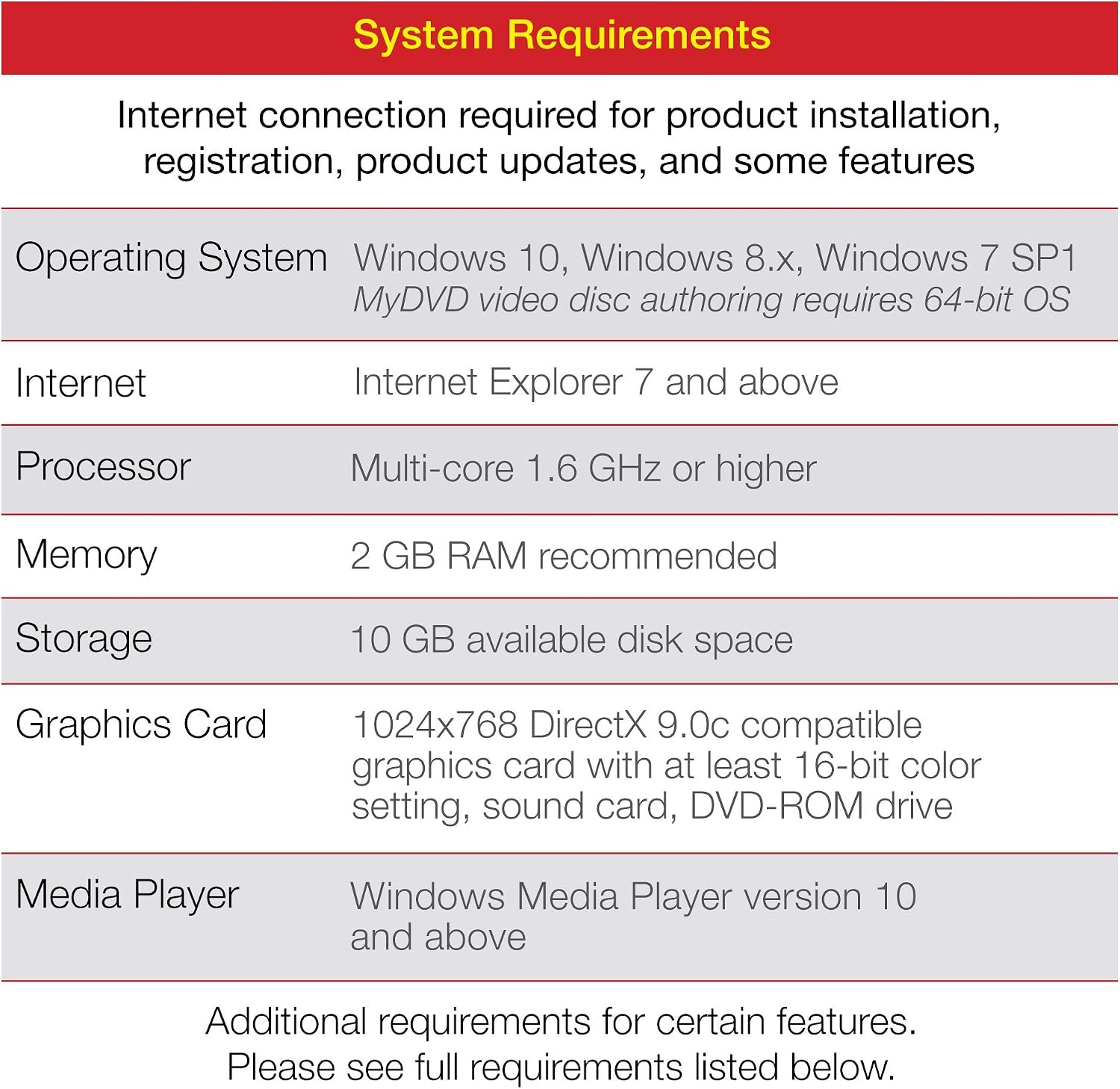
- Ensure your PC meets any minimum system requirements for video capture and DVD authoring, as performance can hinge on hardware.
- Consider how often you’ll perform analog-to-digital conversions, as capabilities here impact long-term utility.
- Think about your need for disc labeling and whether personalized labels improve your workflow.
Practical use example
Imagine you’ve got a box of family VHS tapes and a few old photo reels. You capture new footage from a camcorder, import scans of photos, and edit them lightly. Then you author a simple DVD with chapters for each event and print personalized disc labels. Finally, you burn a backup copy on a few blank DVDs. It’s a straightforward, end-to-end workflow that keeps everything in one application, reducing the back-and-forth between tools.
Quick FAQ
- Can I convert vinyl and cassette to digital audio with this software? Yes, the product description mentions converting CDs, LPs, and cassettes to digital audio files.
- Does it allow authoring DVDs with chapters and menus? Yes, it supports authoring DVDs with chapters and menus, plus personalized disc labels.
- Is it suitable for advanced video editing? It’s described for capture and basic editing, for advanced video work, more robust editors may be preferable.
Final thoughts: Is it worth it?
Is it worth it? Worth considering if you want an approachable, all-in-one solution for burning discs, capturing media, and doing light editing. It suits users who value simplicity and an integrated workflow over high-end professional features. If your needs lean toward heavy video production or complex disc menus, you may want to explore more capable alternatives. In short, it can be a solid fit for entry-to-mid level tasks that combine physical media with digital preservation.