

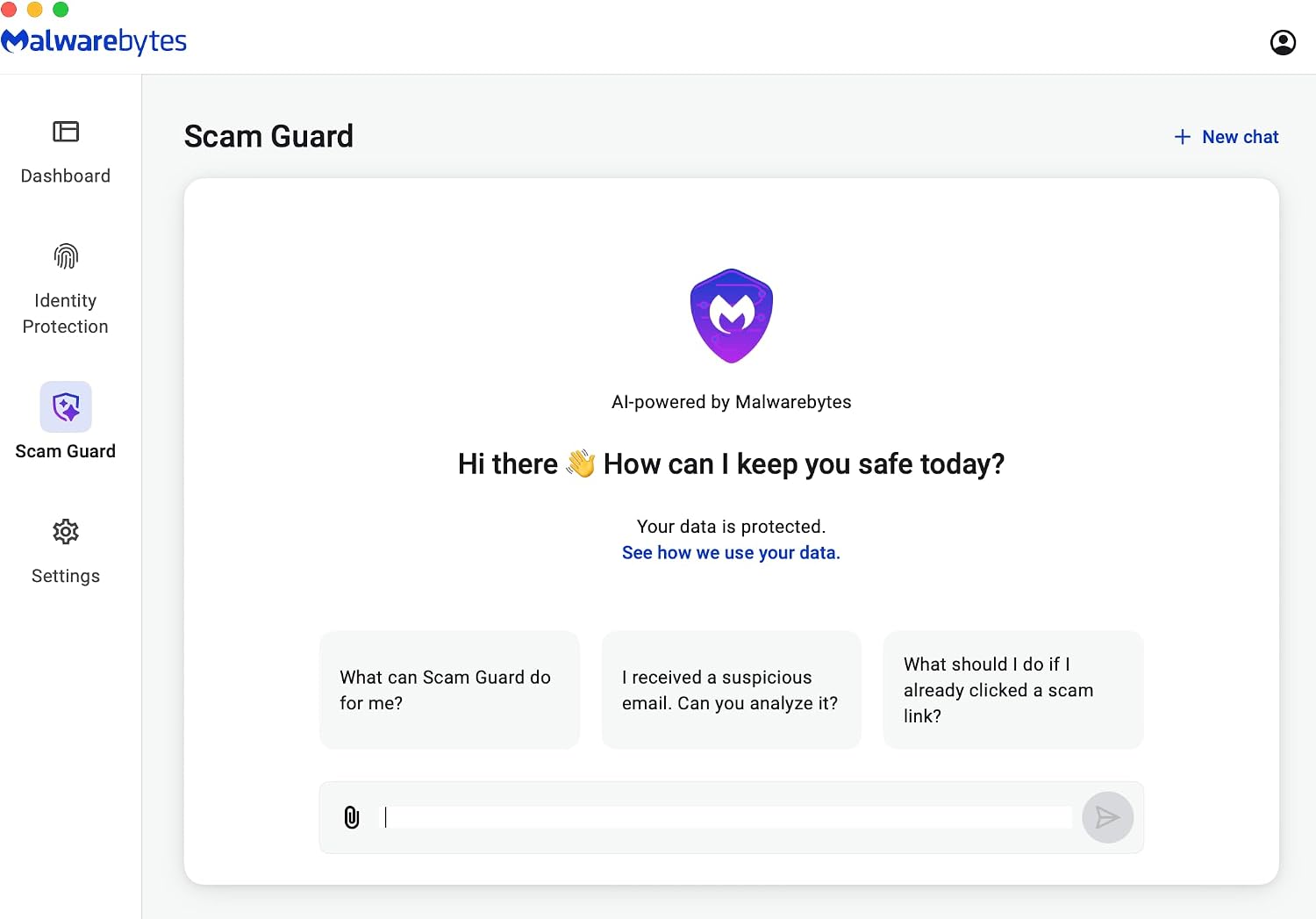
Malwarebytes Standard, Premium Security | 18 Months, 2 Devices — Amazon Exclusive
Product description
What it is and who it’s for
Malwarebytes Standard, Premium Security is a multi-platform antivirus and anti-malware solution offered as an amazon Exclusive. It covers Windows, Mac OS, Android, Apple iOS, and Chrome, all under a single online code. If you’re seeking a protection layer that combines real-time threat detection with a straightforward interface, this product positions itself as a practical option for households or small workgroups that want broad coverage without juggling multiple licenses.
What you’ll get on paper
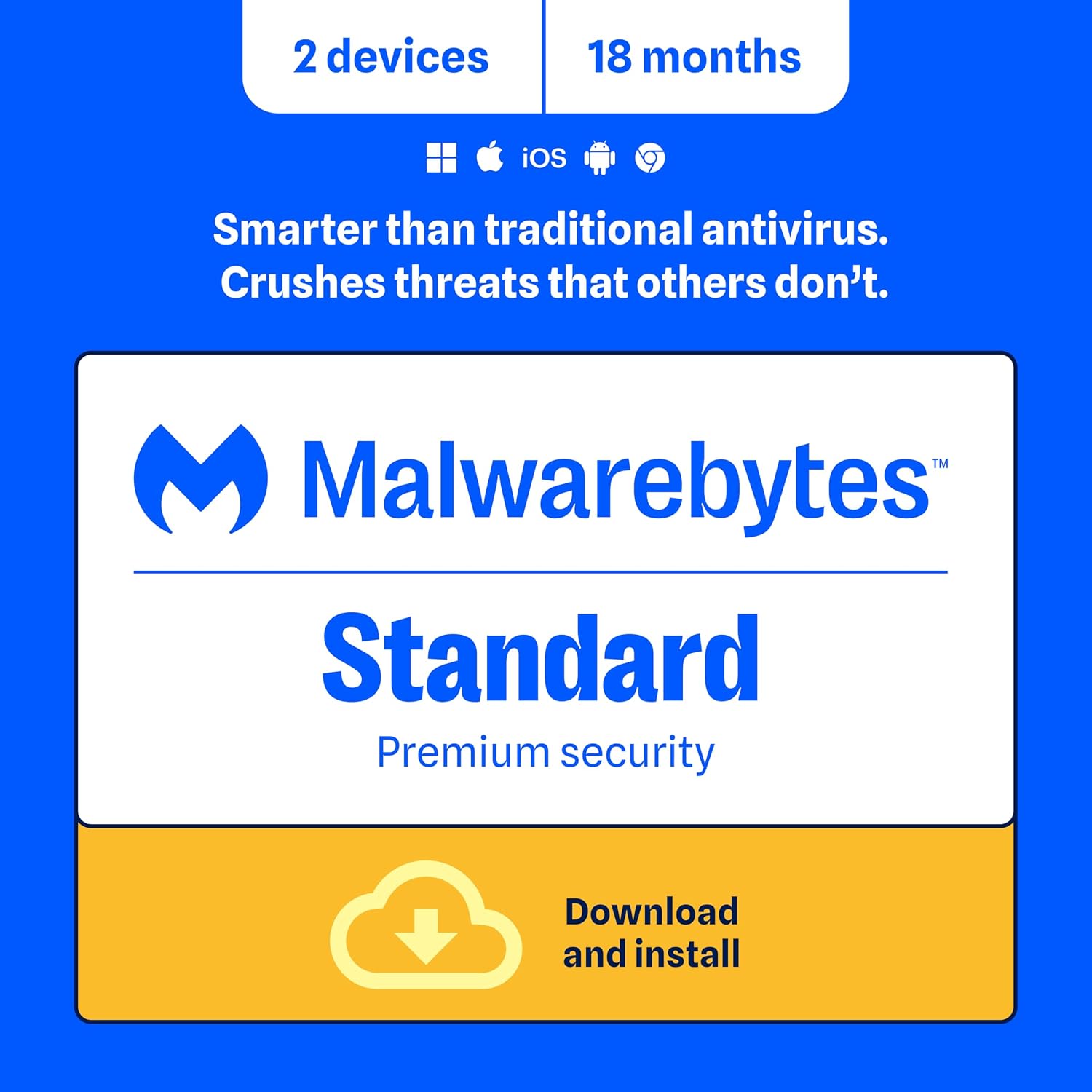
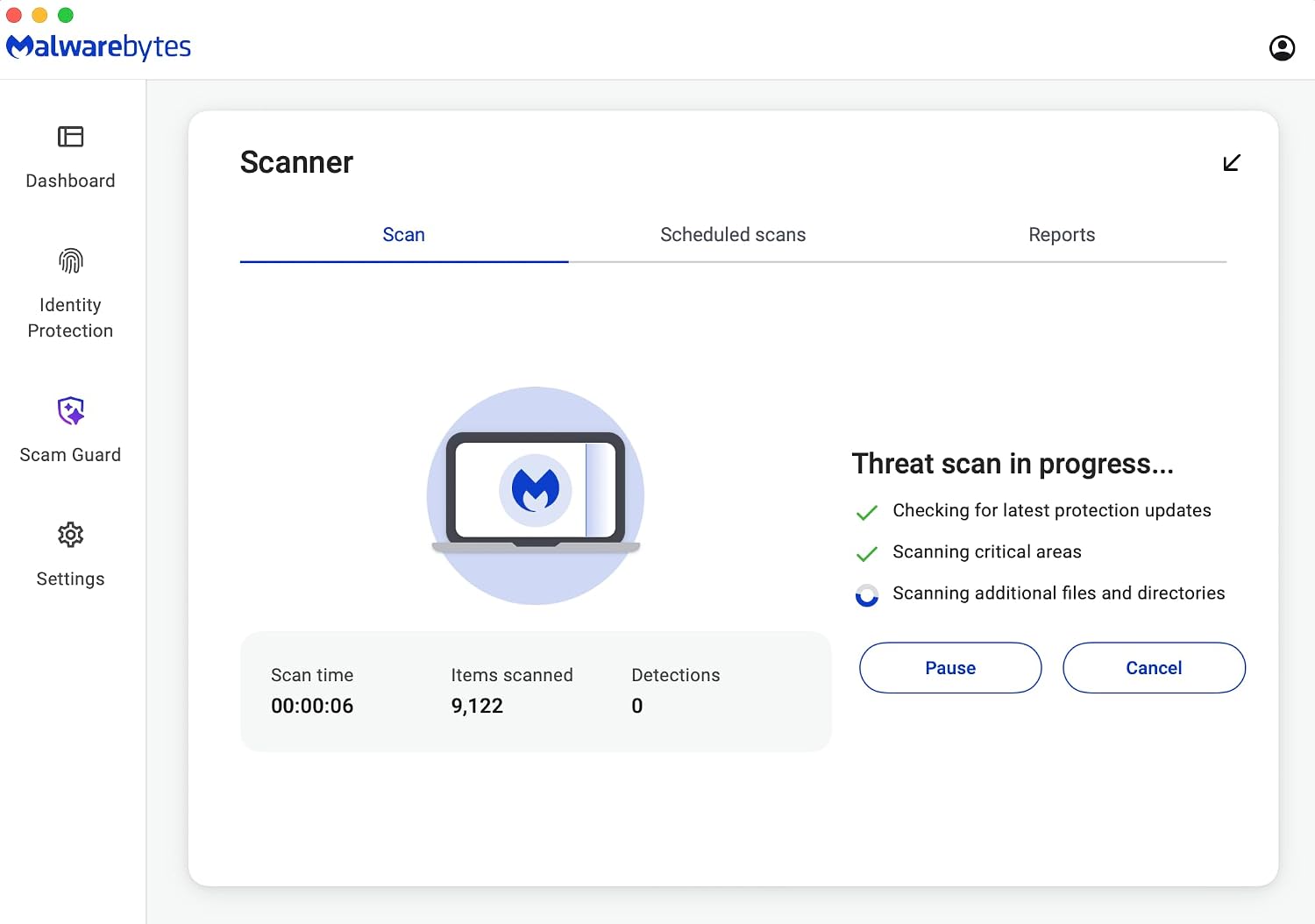
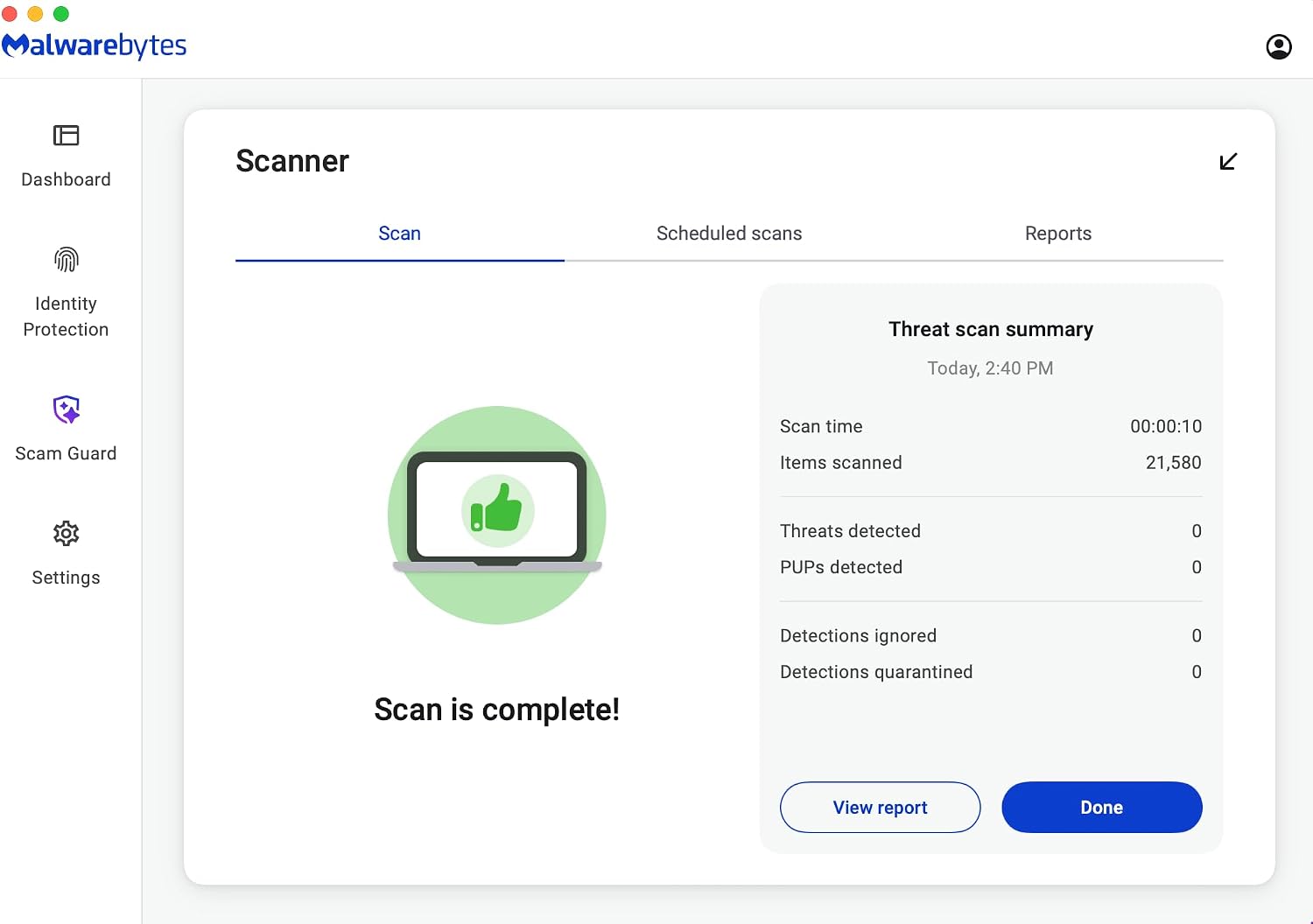
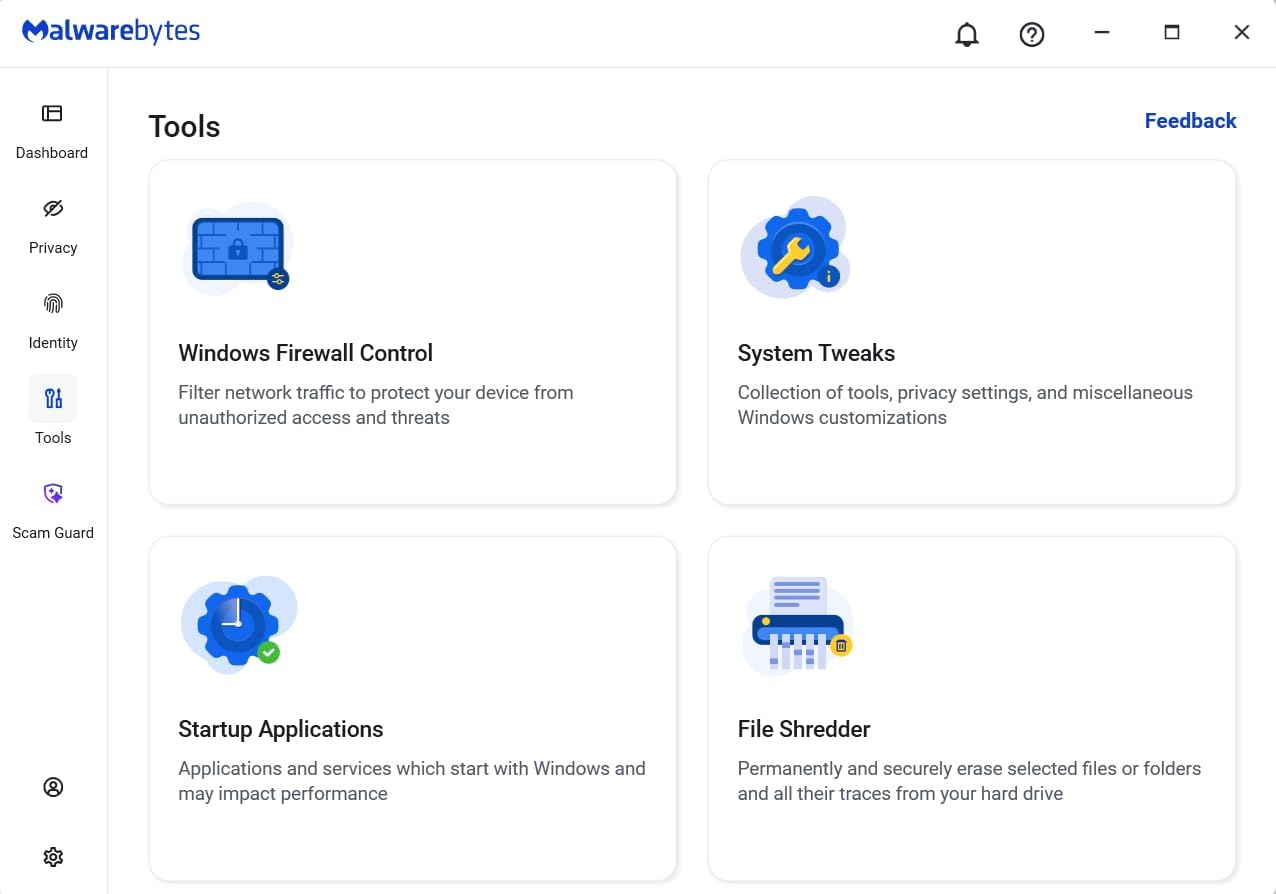
On the surface, the bundle promises 24/7 real-time protection against emerging threats, including ransomware and viruses, without slowing devices down. It emphasizes cross-platform compatibility and easy download/installation, plus a focus on threat detection that has reportedly found malware on devices even when third-party antivirus was present. The claim of “ultimate control” hints at a user-friendly dashboard where protection can be customized to fit different needs.
Where it stands out in use
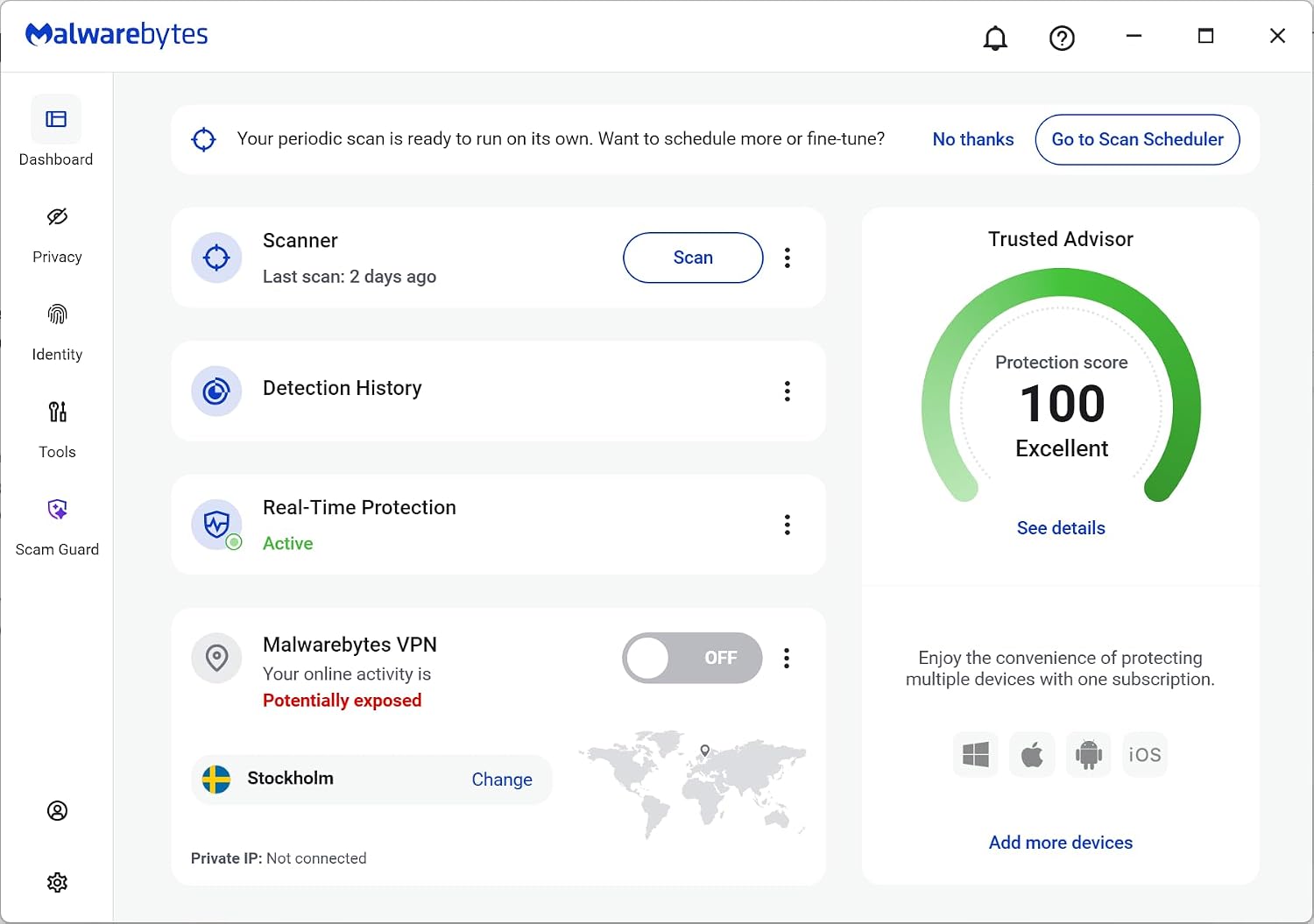
If you prioritize cross-device security with a single management flow, Malwarebytes’ approach can simplify protection for a family or team. The product emphasizes features like web and malware protection to block hackers, infected ads, and credential stealers, along with optional call protection to block scam calls and texts. The idea is to reduce the number of weak points across your digital footprint—from devices to online interactions—without requiring constant manual tweaks.
What may give you pause
On paper, the claim of “unmatched threat detection” and the inclusion of dark web scans may sound compelling, but you should consider how you typically use devices. If your current setup already relies on a robust, integrated security suite, this product may feel like a complementary layer rather than a stand-alone solution. The platform promises a broad feature set, if you mostly use a single device or have specialized security needs (e.g., enterprise-grade remote management), you’ll want to verify how the protection levels translate to real-world performance in your environment.
Best use cases
- Families or individuals with multiple devices across different OSs who want a single purchase and license structure.
- Users who want basic ransomware and malware protection with additional web and credential security features.
- People who value a relatively intuitive interface to control protection and tailor it to daily use.
When it might not be the best fit
- If you rely on deep, centralized security governance or require advanced network protection at the enterprise level, this may feel limited compared to more comprehensive security ecosystems.
- If you’re already locked into a different security stack and are satisfied with it, switching costs and learning curves could outweigh the perceived benefits.
Practical considerations before buying
- Confirm device count and OS compatibility for your household: Windows, Mac OS, Android, iOS, and Chrome are listed, but ensure you have the exact devices you plan to shield.
- Consider how you’ll deploy the online code (delivery method, redemption steps) and whether you need incremental licenses beyond the 18-month window.
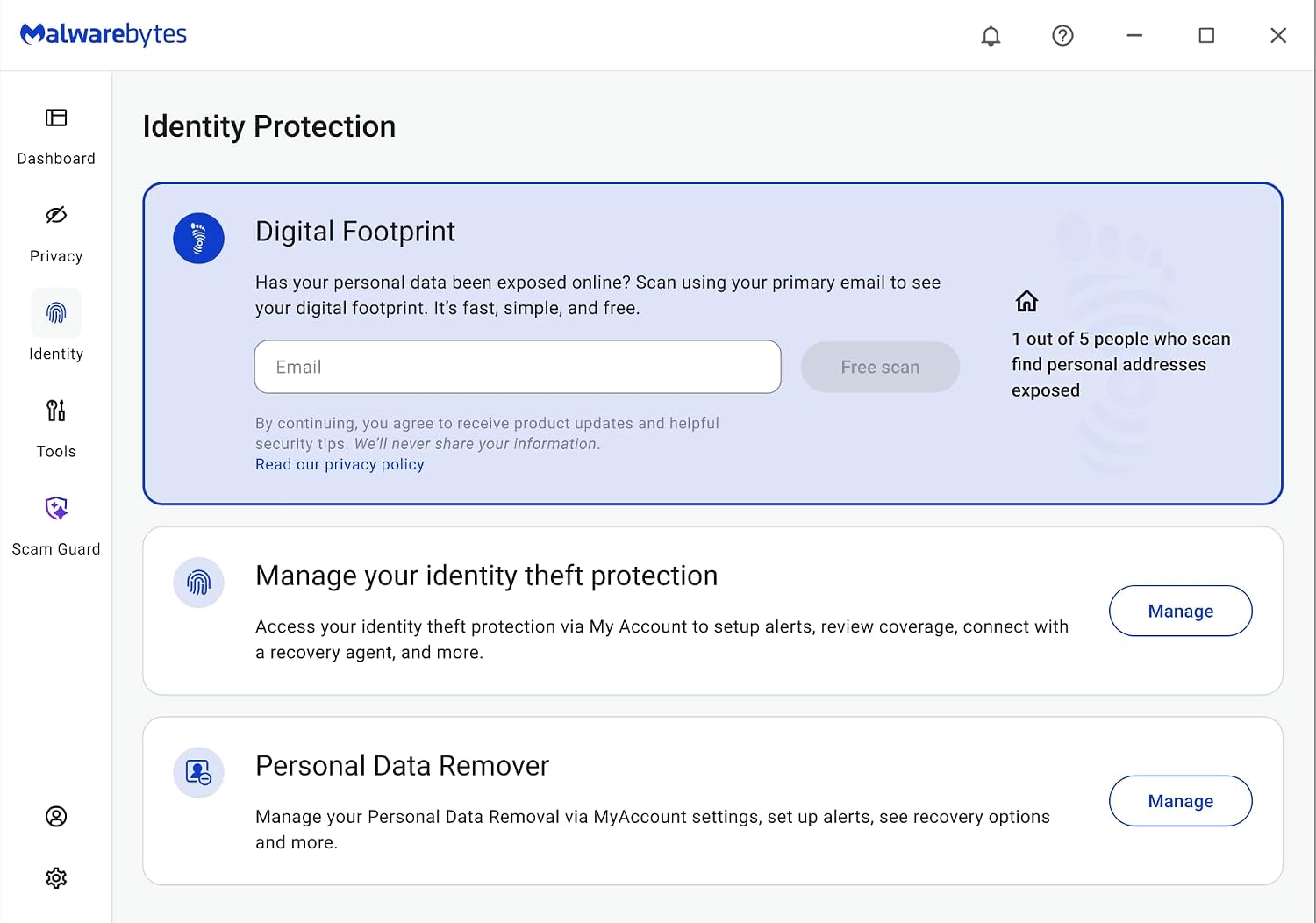
- Think about your needs beyond malware detection—things like phishing protection, identity protection, and privacy features may determine if this bundle covers your top priorities.
- Reflect on how the product integrates with any existing security tools you rely on. If you use a third-party antivirus already, assess the added value of Malwarebytes’ standalone protections.
What’s included and how it helps
The Amazon Exclusive bundle centers on a single purchase covering 18 months for two devices, which can be appealing for light households or couples sharing devices. While the base features emphasize real-time protection, ransomware defense, and cross-platform security, you’ll want to verify whether any extras (like dark web scanning or call protection) align with your risk concerns and explained use cases.
In practice: a quick scenario
Imagine a family member opening a suspicious email on a Windows PC while a teen uses an Android phone and a parent uses a MacBook. The system’s real-time protection should raise warnings or block threats as they appear, and the web protection can intervene if they stumble onto a risky site. If a scam text hits the iPhone, the call protection could help reduce nuisance or exposure. This kind of daily guardrail is what Malwarebytes touts as its core value.
FAQ snapshot
- Does this cover all my devices at once? It covers 2 devices under the 18-month period, per the bundle description.
- Is there a performance impact? The description emphasizes protection without slowing you down, but real-world impact depends on device specs and concurrent scans.
- Can I expand coverage later? Details aren’t provided here, check the redemption flow and any add-on options in your Amazon account.
- How is ransomware protection delivered? The product highlights proprietary defenses against ransomware attacks, specifically aiming to shield files and photos.
- What about privacy and data scans? Dark web and data broker scans are mentioned, suggesting a broader look at where your data may leak online.
Final buying verdict
Is it worth it? Worth considering if you want straightforward, multi-device protection across popular platforms and you don’t need enterprise-grade controls. It’s not a universal slam-dunk for every setup, especially if you require extensive centralized administration or already rely on a different security stack. For a household needing coherent cross-device protection with a focus on user-friendly control and practical extras (browsing protection, scam call blocking, and dark web scanning), this bundle offers a compelling balance between coverage and ease of use.