

Nero Burn Express 4 for Windows: Burn, Rip, Convert, and Back Up on 1 PC
Reviews
Price
Product description
What matters most
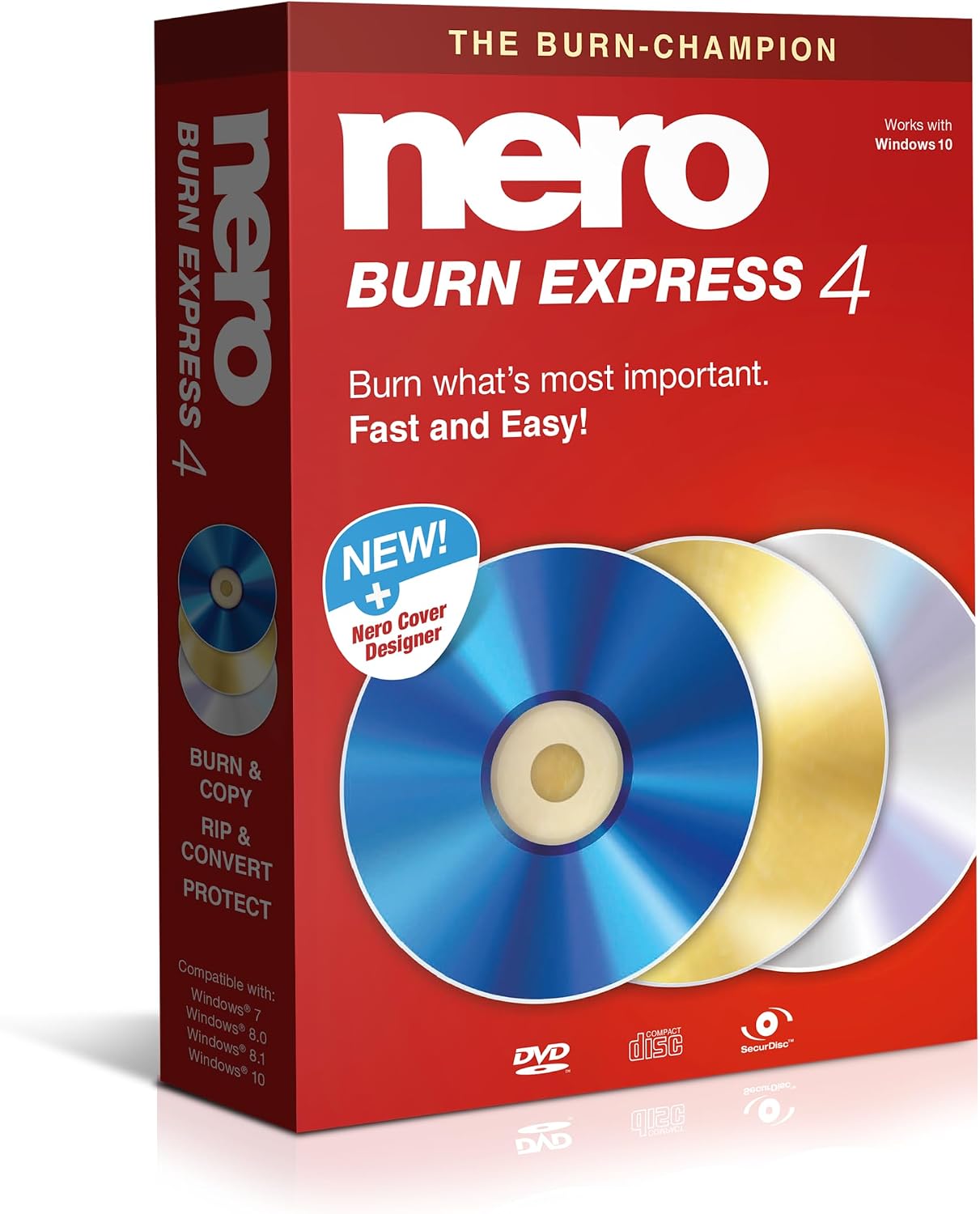
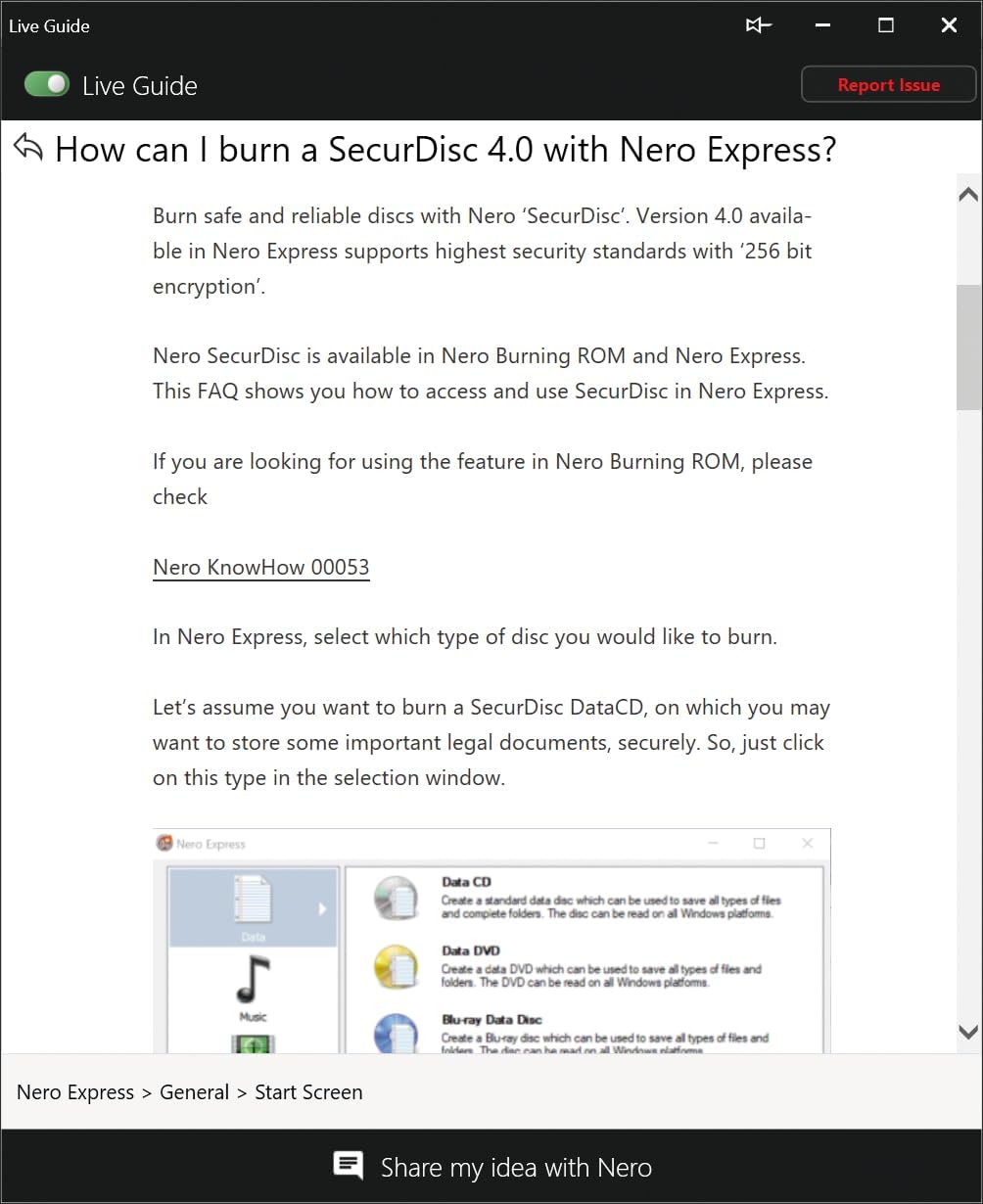
Nero Burn Express 4 is a disc burning and data management suite designed for Windows users who want a reliable all-in-one solution. It covers the core tasks you’d expect from a modern burning tool: create and copy data, music, videos, and photos to CD, DVD, or Blu-ray discs, rip audio CDs, convert to popular formats like MP3 or AAC, and back up important files with password protection. If you’re aiming for a straightforward workflow on a single PC, this package promises a cohesive experience powered by Nero’s long-standing burning engine.
The essentials
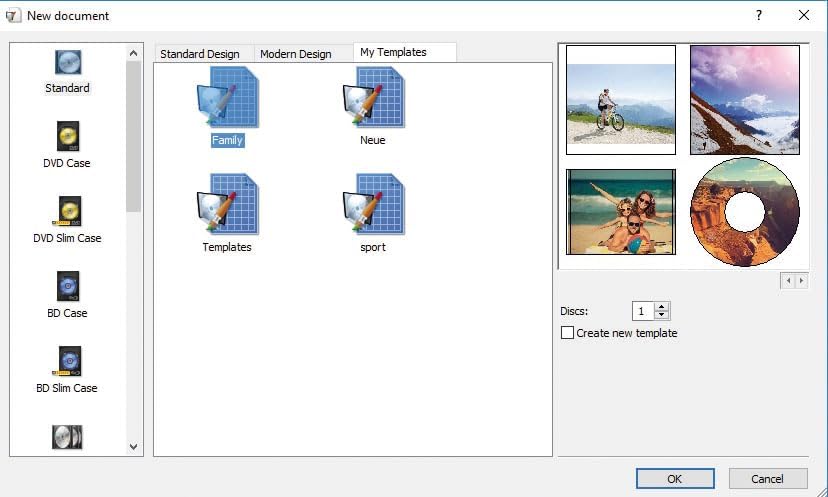
On the surface, the value proposition is simple: fast, dependable burning plus practical extras. The included Nero Cover Designer helps you print professional-looking disc labels, covers, and booklets. That means you can hand over a finished, polished project, whether it’s a data archive, a music mix, or a video compilation. The product is pitched as a one-time purchase designed for Windows 11/10/8/7 and is marketed as a German-made solution with three decades of development behind it.
What stands out in everyday use
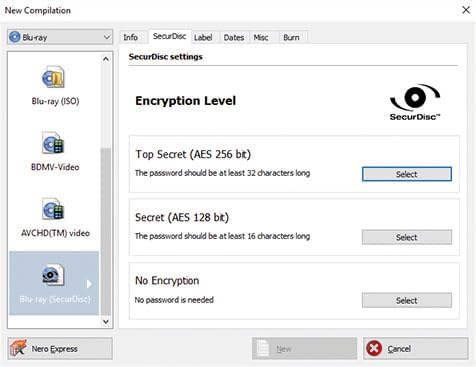
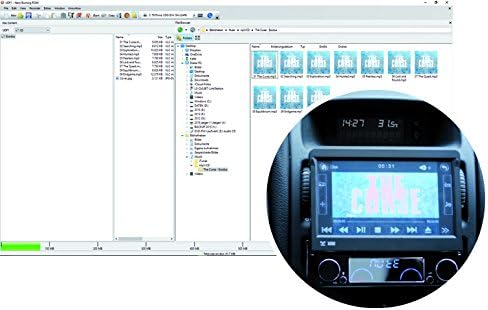
For many buyers, the most tangible benefits are the consolidated feature set and the absence of ongoing subscription fees. The ability to password-protect backups adds a layer of data security for sensitive files, which can be appealing if you’re archiving personal documents, photos, or work materials offline. The rip-and-convert capability is handy if you want to portable or share music across devices. The inclusion of an integrated label design tool reduces the number of moving parts in a project—from data transfer to presentation.
What to watch for (limitations and trade-offs)
A single-purchase license that works on one PC can feel restrictive if you upgrade hardware or need multiple installations across a household. Also, while the set of features is solid for standard disc creation and conversion tasks, more advanced video editing or file management features aren’t the core focus of this package. If your use case leans toward heavy media production or cross-platform syncing, you may find yourself short of capabilities that specialized software offers. Given the reliance on older Windows versions, check compatibility with your current system before buying.
Who it’s for
This product makes sense if you primarily work with physical discs and want a dependable, all-in-one tool for burning, ripping, and backing up on a single Windows PC. It’s particularly suitable for users who value a professional touch—thanks to the included label designer—and who prefer a straightforward, non-subscription purchase.
Who should consider alternatives
If you need multi-device installations, ongoing cloud or subscription features, or advanced media editing pipelines, you might want to explore options that scale beyond a single PC or offer broader media management features. Also, if you don’t foresee frequent disc burning or backups, you may opt for lighter tools focused on a narrower task.
What to review before buying
- Confirm system compatibility with Windows 11/10/8/7 (as listed).
- Decide whether a one-time license for 1 PC fits your setup or if you require a portable or multi-user solution.
- Consider whether password-protected backups align with your data-security needs.
- Think about how often you’ll use the label designer to justify the bundled value.
- If you anticipate frequent format conversions, verify that the supported formats meet your usual workflow.
Practical example of use
Imagine you’ve got a family photo project stored across multiple devices. You can burn a cohesive Blu-ray archive, create a neat set of printed labels with the included Cover Designer, and password-protect the backup so the memories stay private even if the discs change hands. It’s a practical blend of storage, presentation, and security in one package.
FAQ (based on available data)
- Is it a subscription product? No, it’s described as a one-time purchase.
- How many PCs does the license cover? It’s specified for 1 PC.
- Can I rip audio CDs and convert formats? Yes, ripping and conversion to MP3, AAC, and other formats are included.
- Does it include professional disc labeling tools? Yes, Nero Cover Designer is included for labels, covers, and booklets.
- Is it compatible with Windows 11/10/8/7? Yes, though you should confirm your exact OS version before purchase.
Is it worth it?
It makes sense if you want an all-in-one, non-subscription solution focused on burning, ripping, conversion, backup protection, and professional labels for a single Windows PC.