

SAMSUNG LS34C502GANXZA ViewFinity 34" Ultra-WQHD Monitor
Reviews
Price
Product description
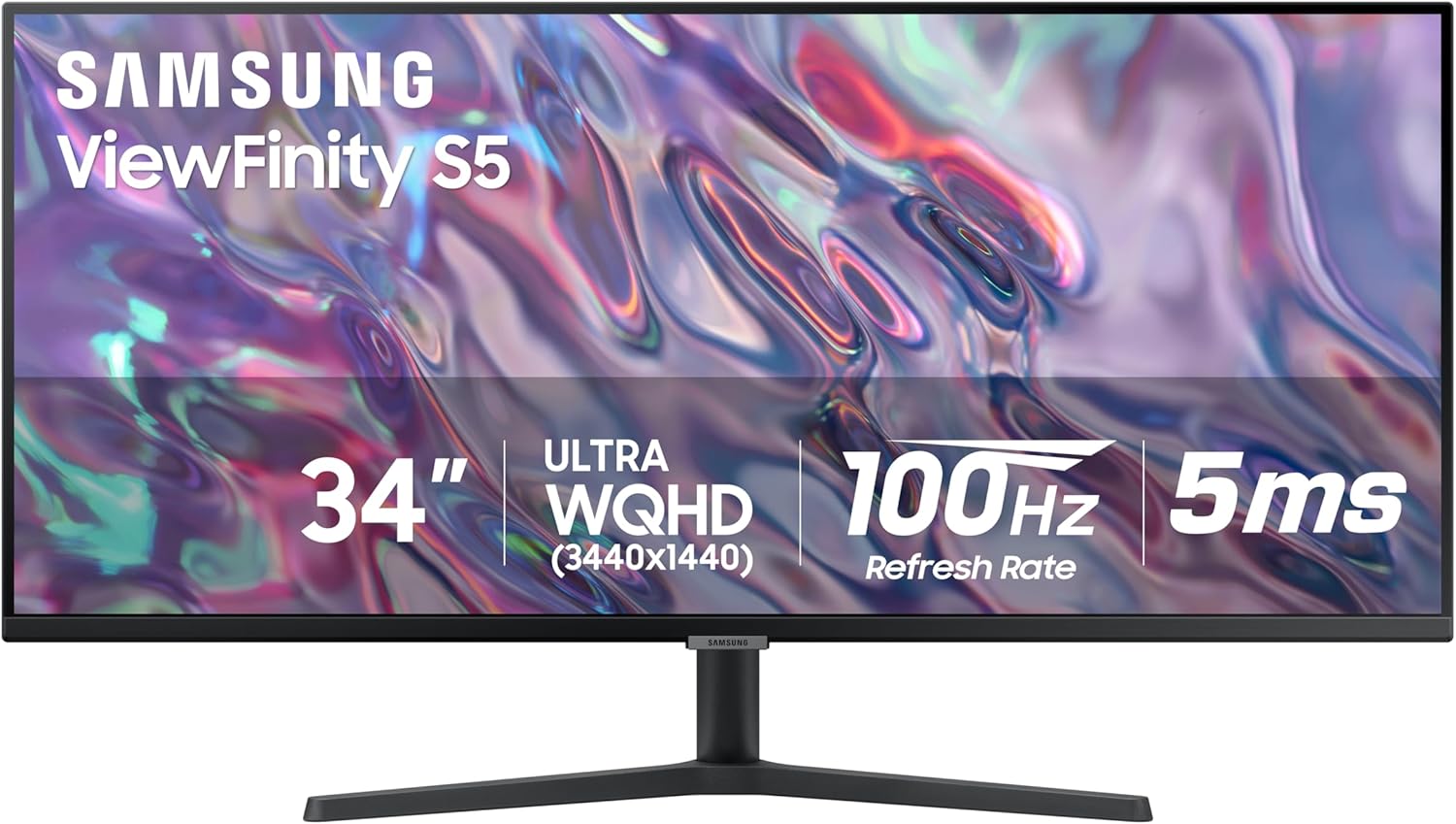
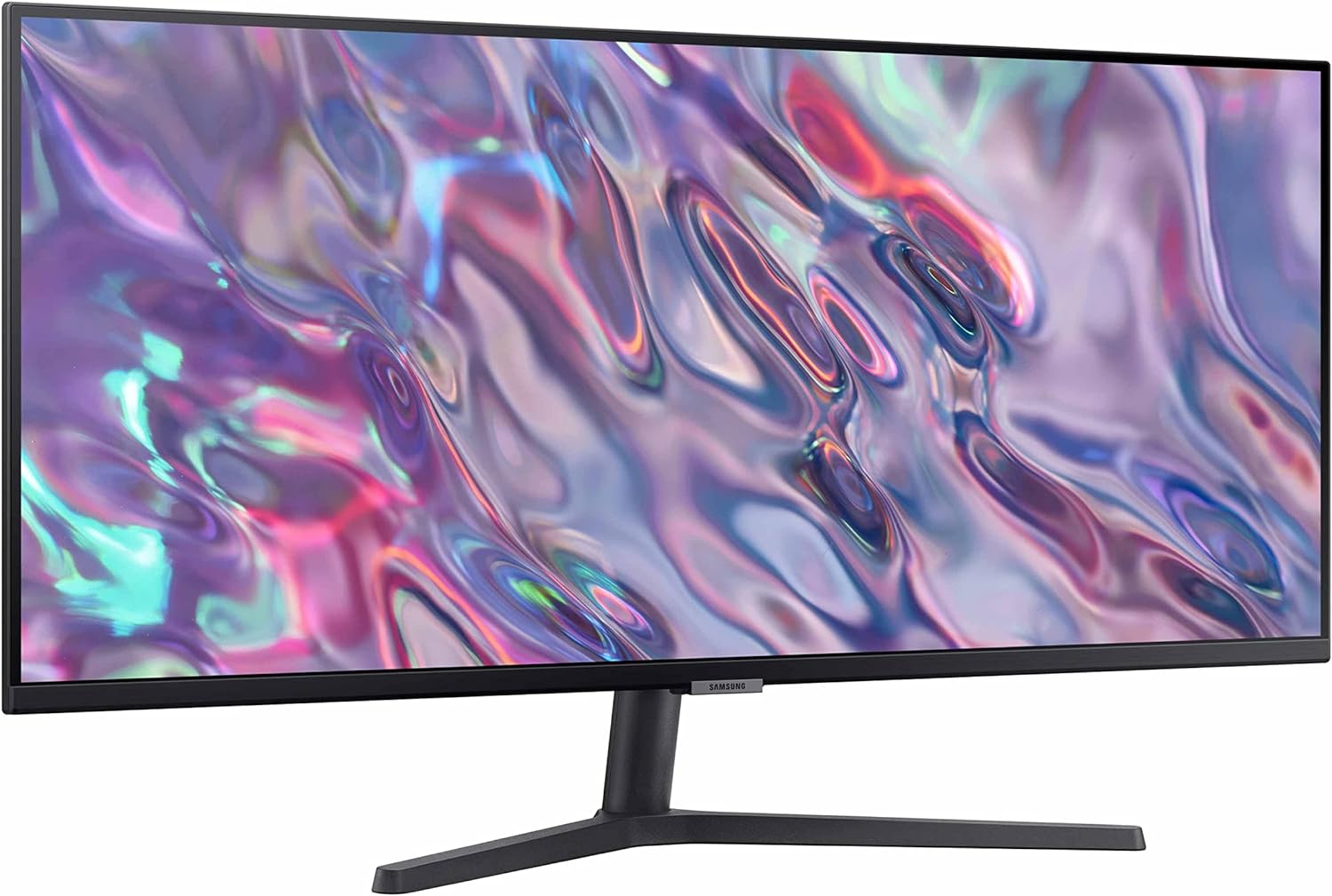
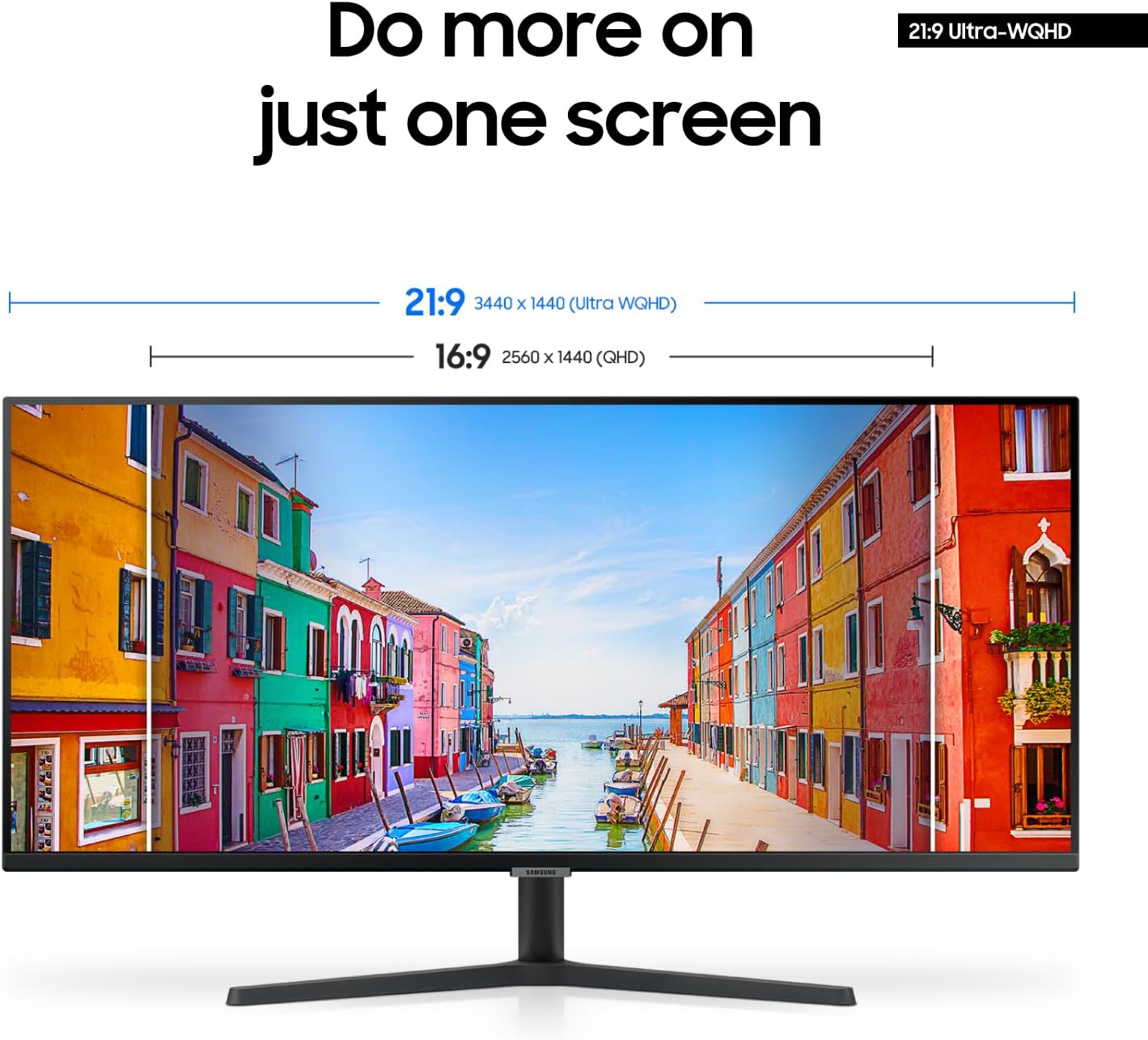
This 34-inch ultrawide monitor from Samsung expands workspace with a 21:9 Ultra WQHD panel that helps you run multiple windows side by side and handle creative or productivity tasks with less scrolling. It stands out for HDR10 color depth and adaptive eye-care features, making it useful for long editing sessions, content playback, and smoother gaming at 100Hz.
Key Points
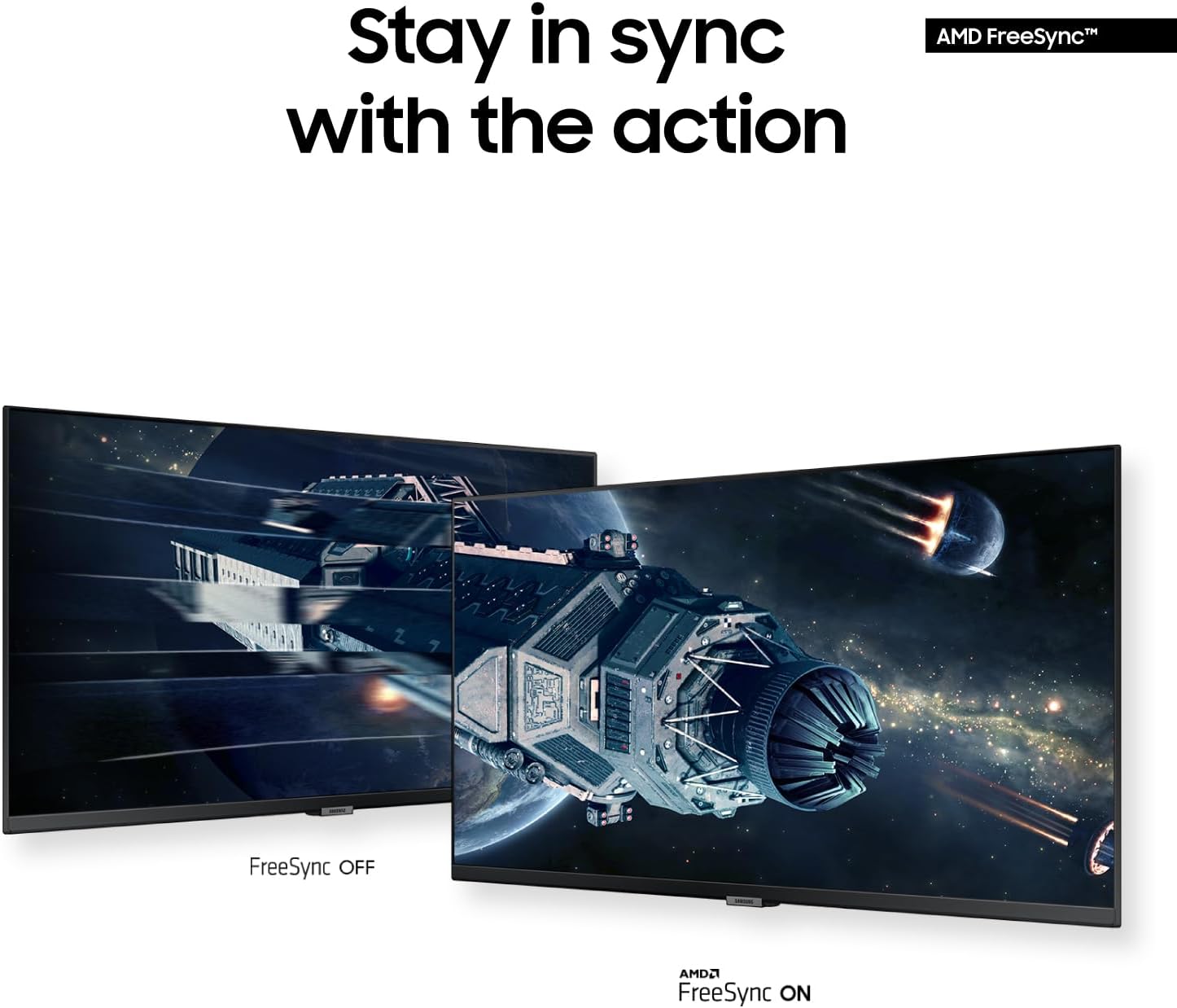
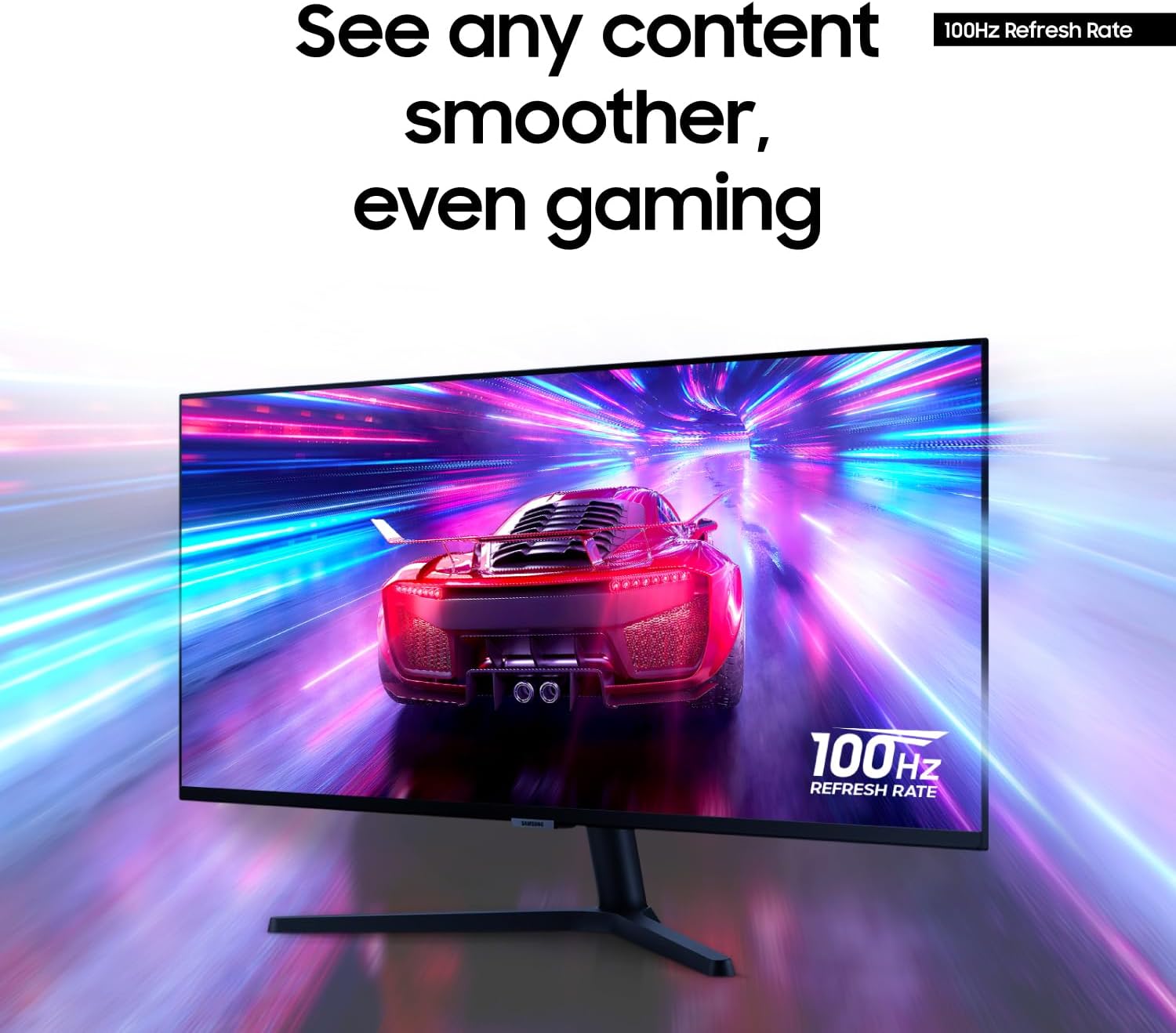
The curved 34-inch ViewFinity S50GC offers a wider field of view that improves multitasking and reduces the need for multiple displays. With HDR10 supporting over a billion colors according to the manufacturer, contrast and color depth are significantly enhanced compared to typical SDR panels. The monitor also includes AMD FreeSync to minimize tearing and a 100Hz refresh rate that reduces motion blur during fast scenes. Eye Comfort features include an ambient light sensor, Eye Saver Mode, and Flicker Free technology to help lessen eye strain during extended use. Multi-source workflows are supported via PBP and PIP so you can view two inputs simultaneously or monitor a second source while working.
Technical Specifications
- Name: Samsung LS34C502GANXZA ViewFinity S50GC
- Screen size: 34 inches
- Resolution: Ultra WQHD (21:9 aspect ratio)
- Refresh rate: 100 Hz
- Response time: 5 ms
- Brightness (Typical): 300 cd/m²
- Contrast ratio: 3000:1
The Best of This Model
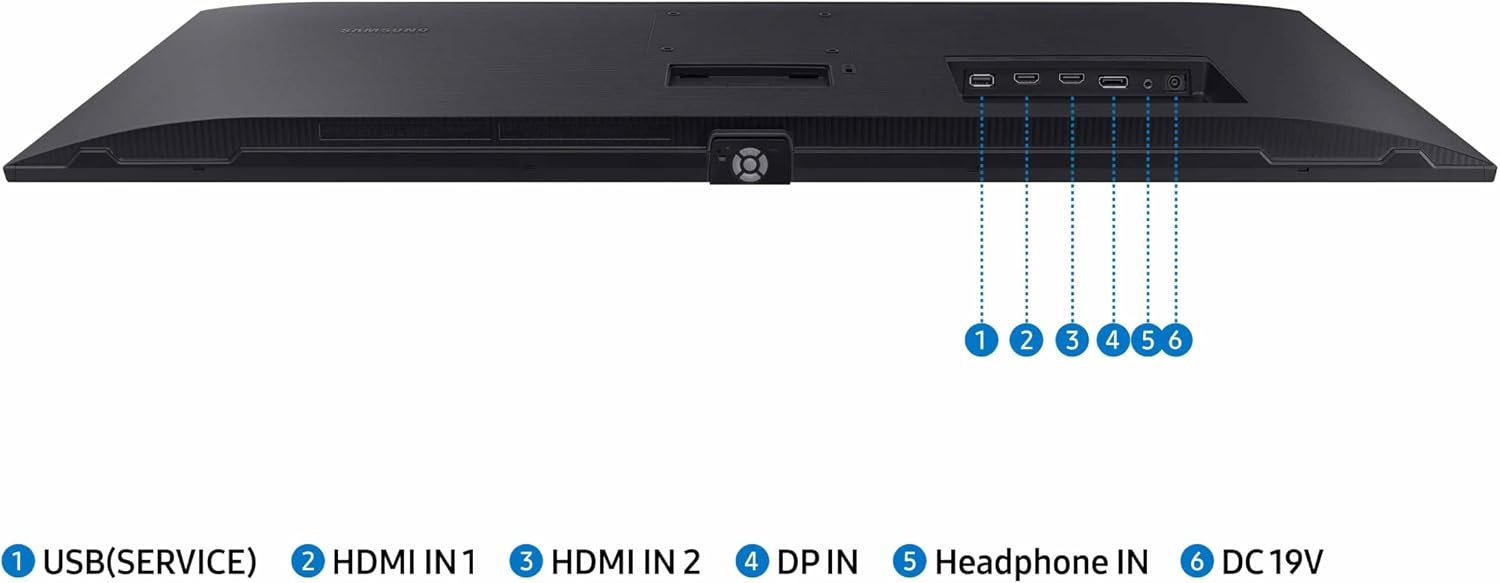
The almost bezel-free borderless design emphasizes the display area and reduces visual interruptions when placed alongside another monitor, which benefits designers and spreadsheet-heavy workflows. The combination of high contrast ratio and HDR10 delivers more detailed shadows and highlights, useful when grading video or reviewing HDR-capable content. Connectivity includes two HDMI 2.2 ports and one DisplayPort 1.2 port, giving versatility for multiple desktop and console setups.
Usage Recommendations
For multitasking, enable Picture-by-Picture to run two full-resolution sources side by side, or use Picture-in-Picture to keep a smaller monitoring window while focusing on a main task. Adjust the ambient light sensor and Eye Saver Mode to match room lighting and reduce blue light during long sessions. Consider pairing this monitor with a graphics card that supports AMD FreeSync to take full advantage of smoother frame delivery; note that standard SDR content will still be subject to its native color and dynamic range limitations according to the manufacturer.