

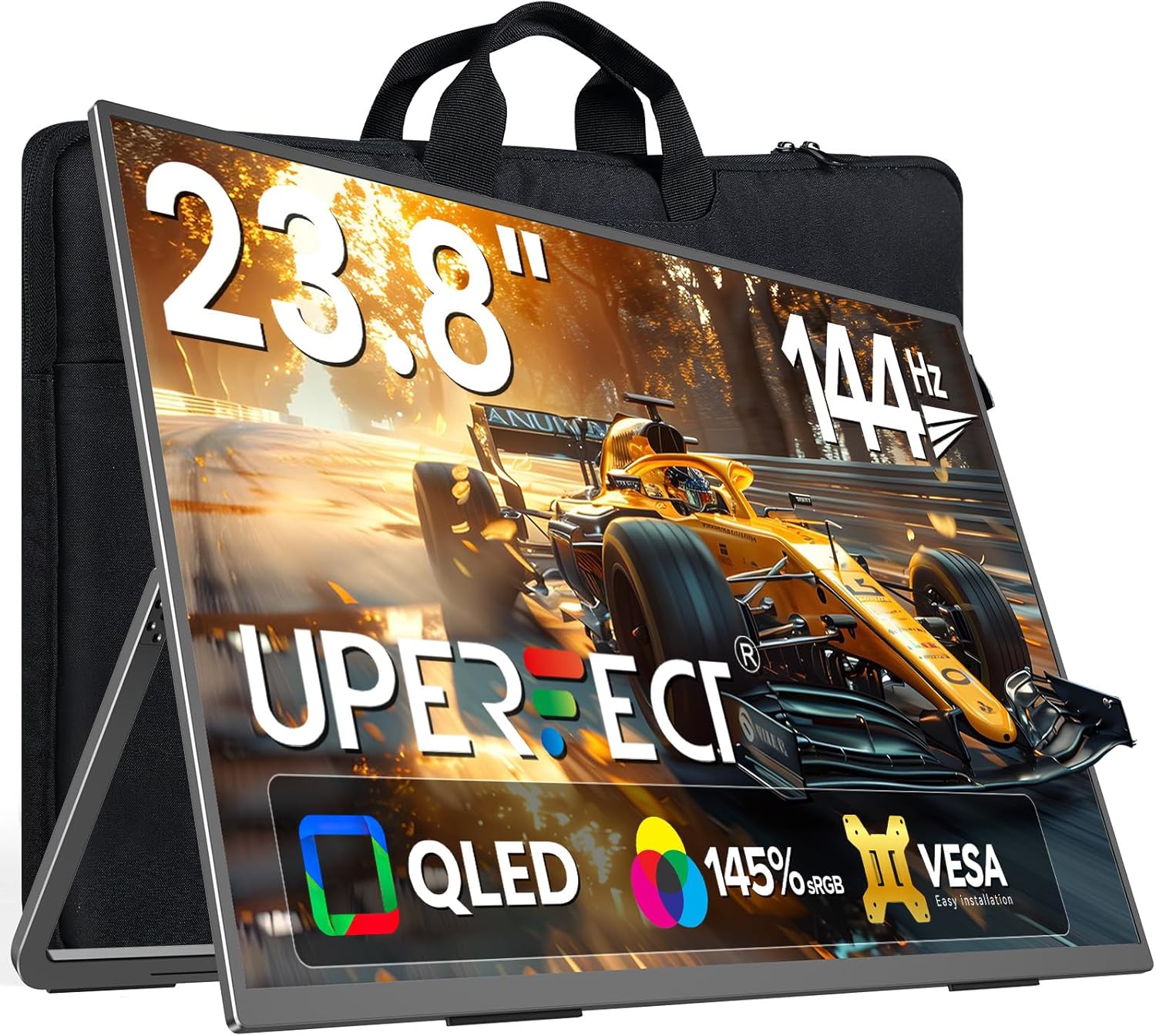
UPERFECT QLED 24" 120Hz Portable Monitor (1080P, 125% sRGB, 400 nits) with Stand & VESA
Product description
Quick overview
A portable second screen can make a laptop feel less cramped, whether you’re working on the go, editing photos, or adding a little extra screen space for gaming and movies. The UPERFECT QLED 24" 120Hz Portable Monitor is built for that “set it up anywhere” idea: a QLED panel aimed at more vibrant, true-to-life visuals, plus a 120Hz refresh rate for smoother motion.
On paper, it hits a few of the big buying priorities at once—portable weight, plug-and-play connectivity (HDMI and USB-C), and a high refresh rate that’s meant to reduce motion blur. That combination is exactly why a travel monitor like this tends to appeal to people who want an external display without turning setup into a whole project. Still, it’s worth staying realistic: without hands-on info, you can’t assume the stand behavior, brightness consistency, or performance in every lighting scenario will match the marketing wording.
The essentials (what you’re buying and why)
This is a 23.8–24 inch class portable QLED monitor designed to be used as an external second screen. The main promise is better-than-average visual quality for a portable unit thanks to QLED, with a focus on both productivity and entertainment. The included context in the description points to use cases like:
- Photo editing while traveling or working away from a desk
- Streaming movies
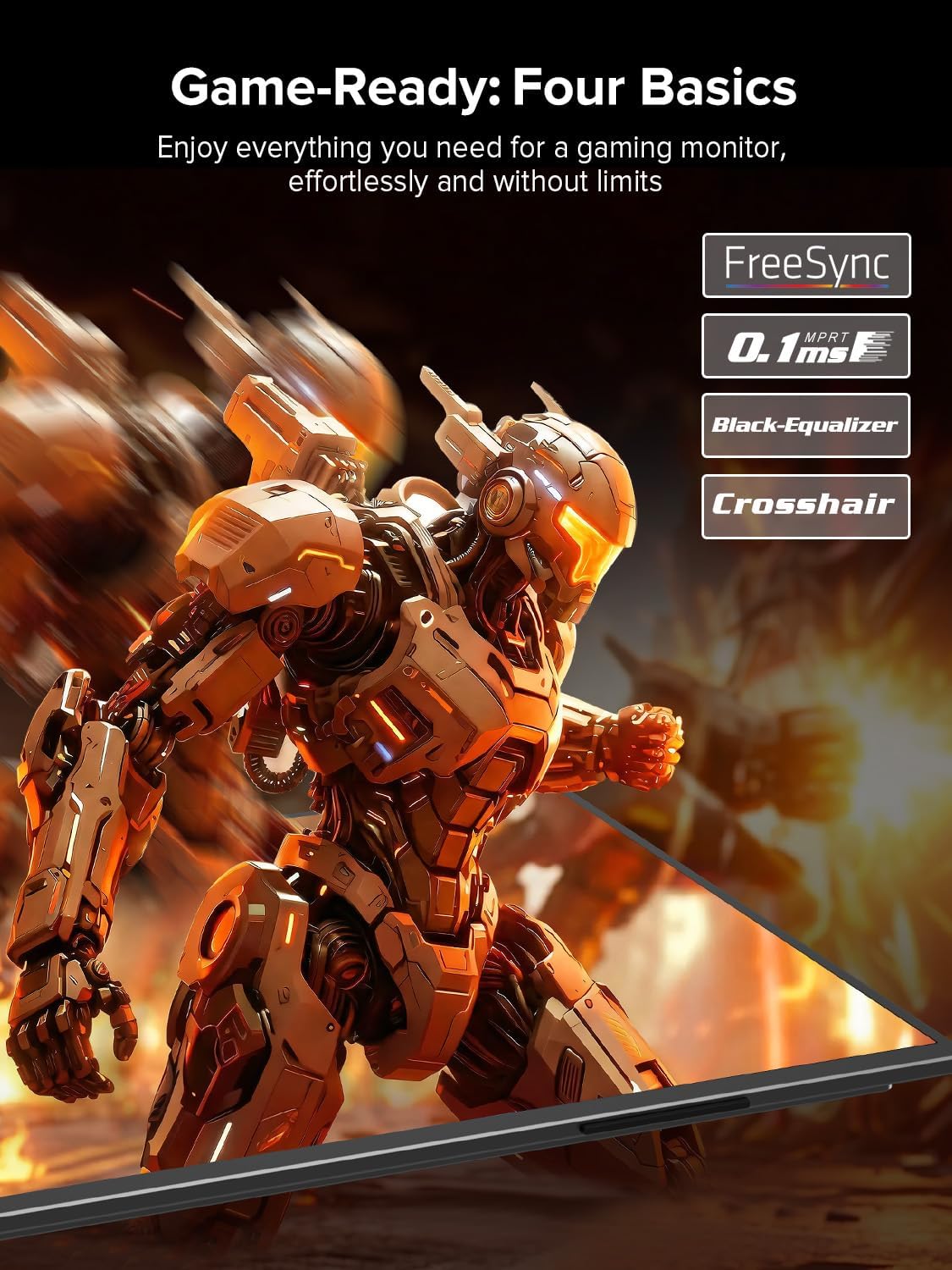
- Gaming or adding smoother motion to compatible devices
- Using it as an extra display for a laptop, phone, or mini PC
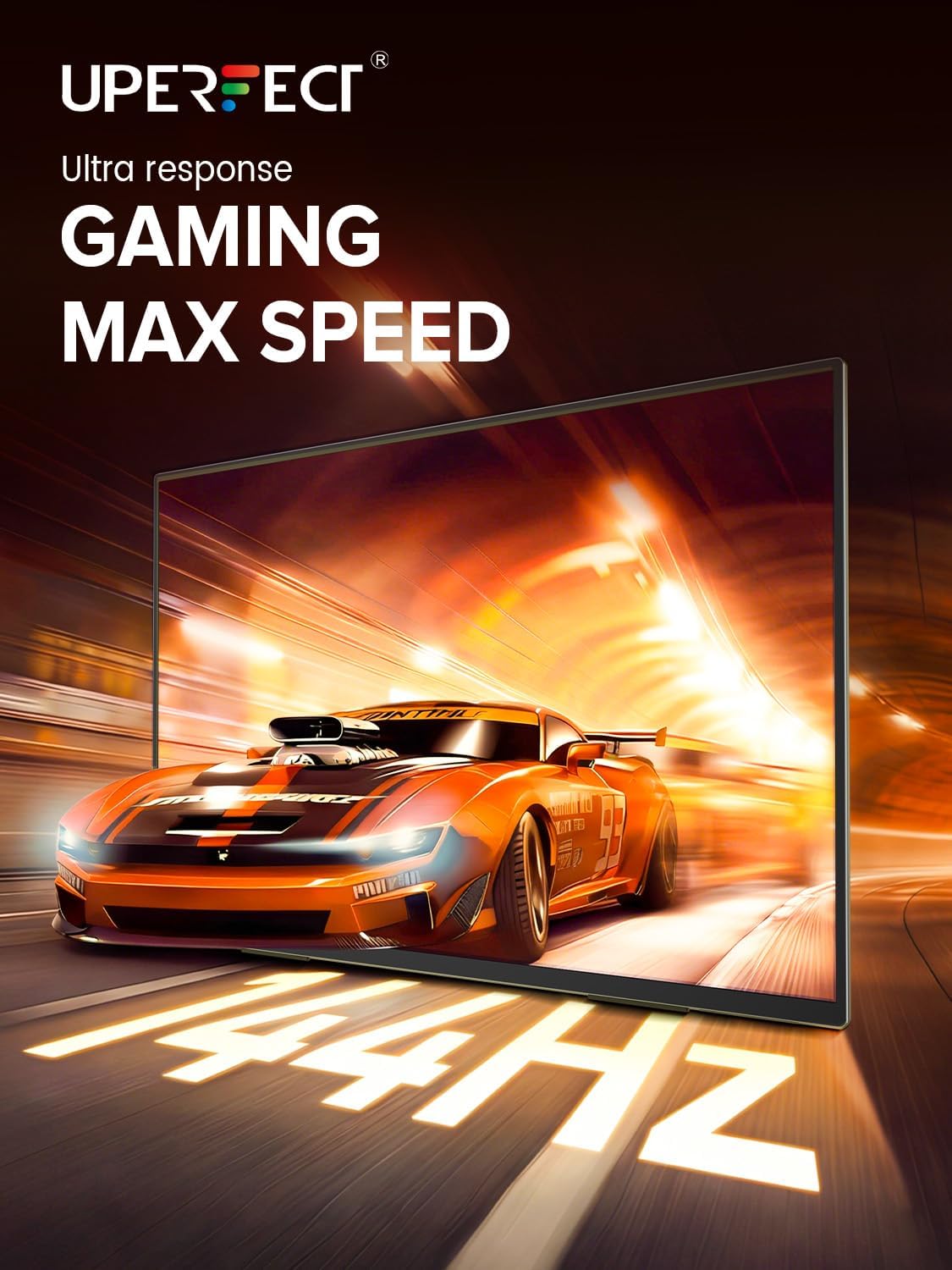
The refresh rate matters because it’s tied to motion smoothness. If you routinely play games or watch fast-moving content, 120Hz is the kind of spec that can feel more “alive” than standard 60Hz.
Key features and what you’ll notice day to day
The most noticeable day-to-day upgrade is the move from a single screen to a real second workspace. Instead of constantly switching windows, you can spread tasks out—think editing tools on one screen and your preview on the other, or chats/launchers on one side while you keep the main content full focus.
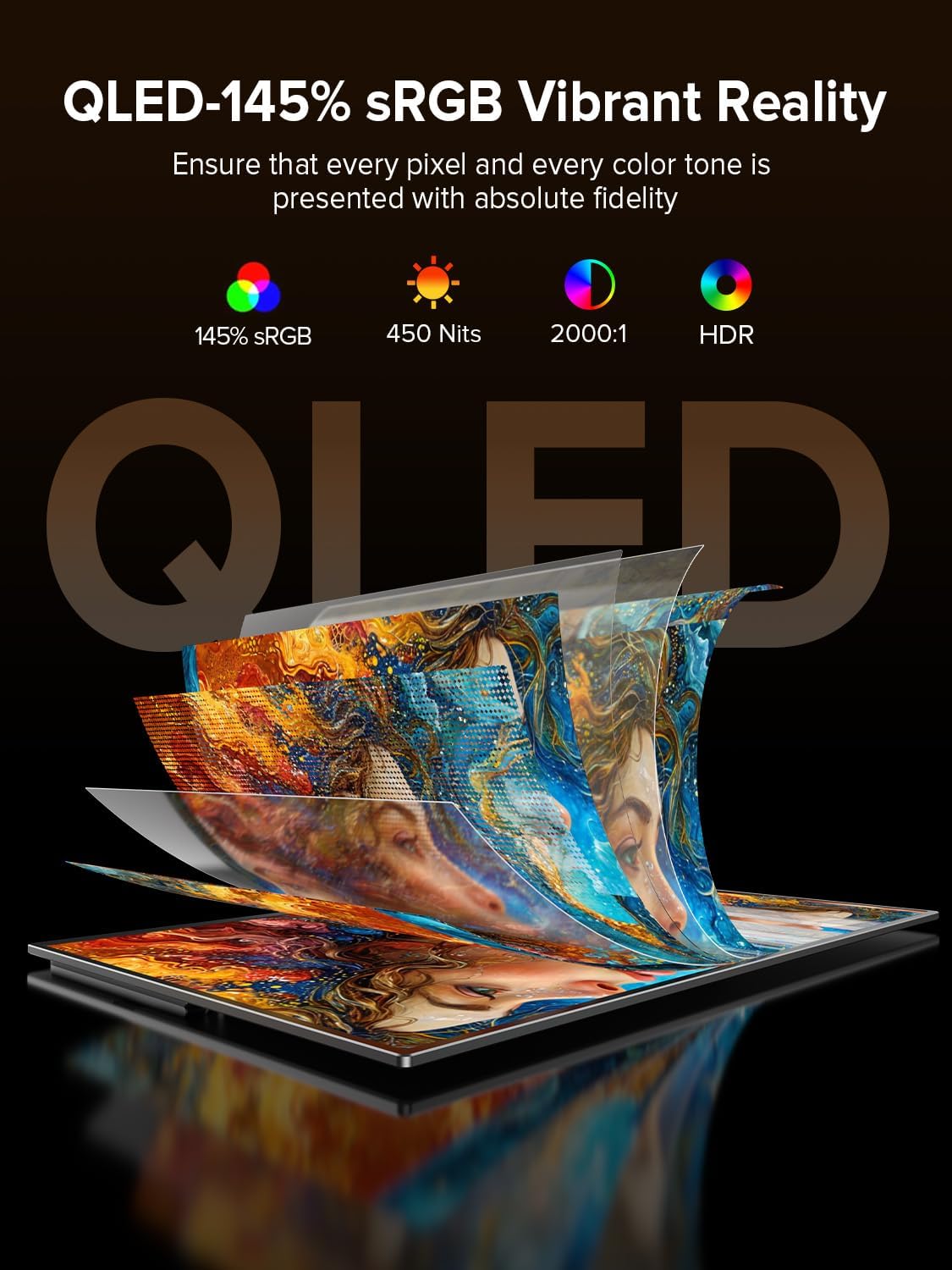
The QLED angle is meant to support color depth and contrast, which is especially relevant for creative work like basic photo editing where you want colors to look closer to what you expect. It also positions this monitor as more than just a “work-only” travel panel.
Connectivity is another practical win. The monitor supports HDMI and Type C plug-and-play, so it’s built for quick setup rather than fiddling with adapters and settings every time you move locations. If you’re setting up a dual-screen workstation in a hotel room, a desk at work, or a couch gaming session, that convenience is usually what makes or breaks a portable display.
Tech specs (from the provided info)
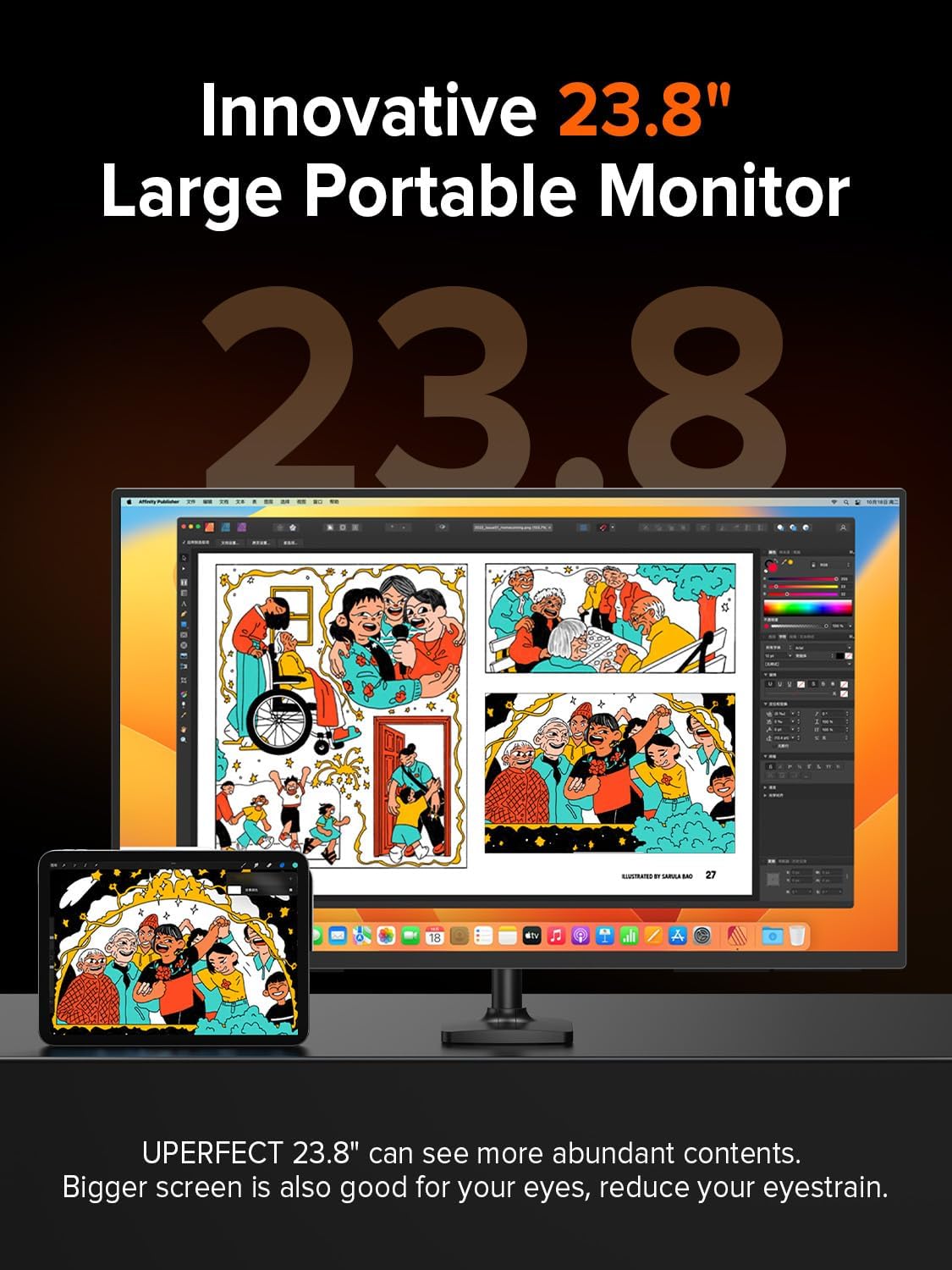
- Display size: 23.8-inch (listed as 24" in the product name)
- Refresh rate: 120Hz
- Resolution: 1080P (FHD)
- Color coverage: 125% sRGB
- Brightness: 400 nits
- Panel technology: QLED
- Connectivity: HDMI and USB-C (Type C)
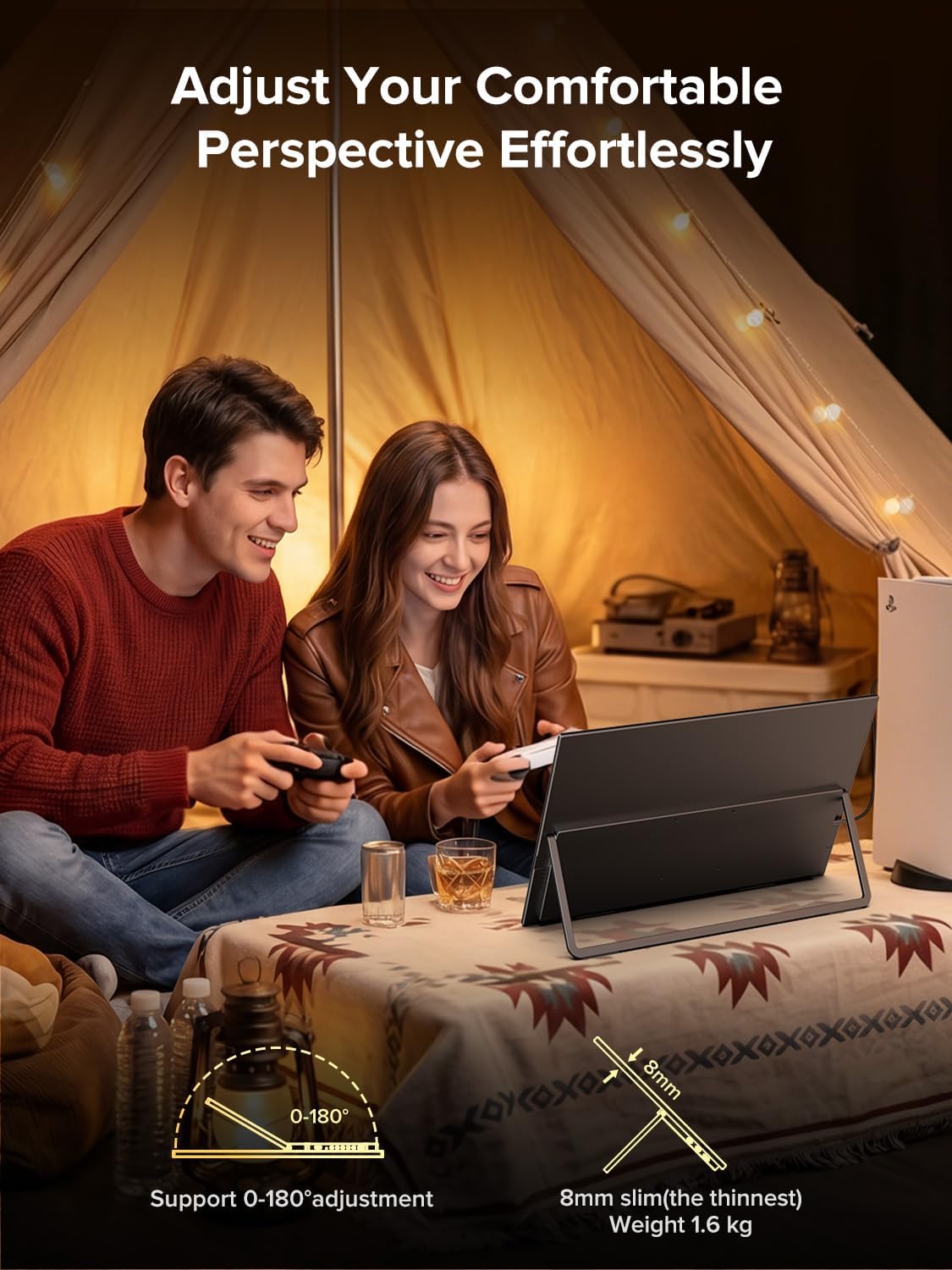
- Weight: 5.37 pounds
- Mount support: VESA (included with stand)
- Warranty: 2-year limited warranty
Limits and things to watch before you buy
There are a couple of details worth taking seriously even if you like the concept.
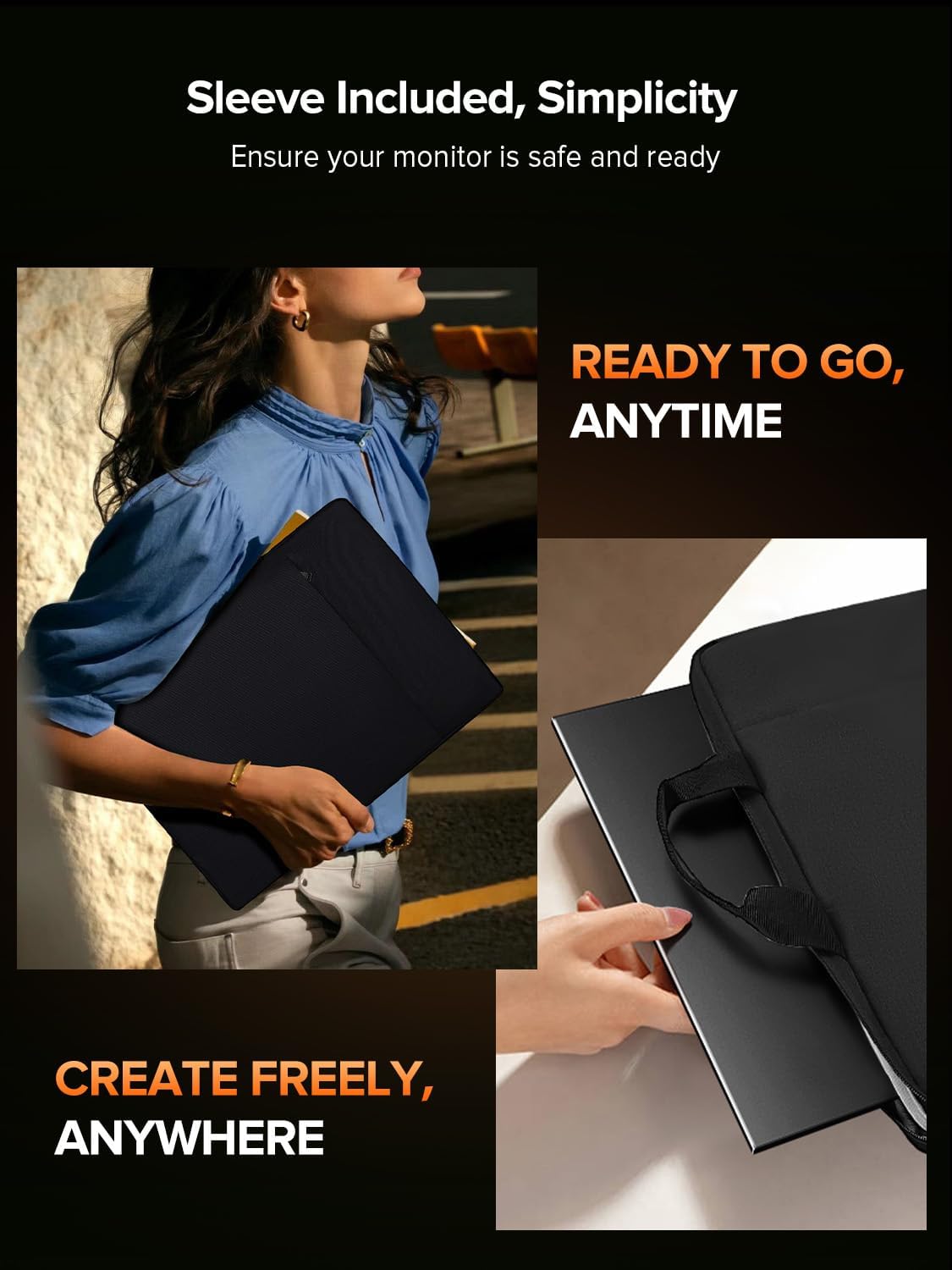
First, the description includes a warm safety reminder about screen placement: it’s best to position the monitor at or slightly below eye level and avoid steep downward angles, because it may stress the stand and cause the monitor to fall—especially with larger screens. That’s not something to ignore if you plan to tilt it aggressively for a low desk setup.
Second, while 120Hz is promising, the experience still depends on what you connect it to and whether the device output supports the refresh rate. If your source device can’t deliver 120Hz, you may not get the full smooth-motion benefit.
And lastly, for serious color-critical work, you’ll want to keep expectations grounded. 125% sRGB is a strong indicator for everyday creative tasks and pleasing visuals, but there’s nothing here that confirms advanced calibration tools or professional-grade color management.
Who it’s for (and who should skip it)
It’s a strong fit if you want a lightweight travel monitor that works as a real second screen—especially if you bounce between work and entertainment, or you care about smoother motion and color quality in a portable format.
It may not suit you if you’re expecting a dedicated, high-end desktop replacement with guaranteed performance in every lighting condition, or if your setup relies on steep downward tilts that conflict with the included safety guidance.
Best use cases, quick setup scenario
If you’re heading to a coffee shop or taking a laptop on a trip, this type of external monitor usually shines when you can go from “packed” to “working” fast. With HDMI or USB-C plug-and-play, you can connect your laptop, place the monitor near eye level, and run a dual-screen workflow—like putting your photo editor timeline tools on one side while keeping the preview large and stable on the other.
For gaming and fast-moving content, the 120Hz refresh rate is the spec that suggests fewer blur artifacts and a smoother look—assuming your connected device supports it.
Final verdict
When it makes sense
Buy it if you’re looking for a portable QLED second monitor with 120Hz refresh, FHD resolution, HDMI and USB-C plug-and-play, and a relatively light weight that makes it easier to carry. The 125% sRGB and 400 nits figures also suggest it’s meant to be more visually engaging than the cheapest travel displays.
When you should pass
Skip it if your priority is a fixed desk monitor that you’ll tilt aggressively downward, or if you can’t realistically use (or don’t expect) 120Hz from your source device. In those cases, you could end up paying for features you won’t fully benefit from.
Quick question to ask yourself
Do you want a second screen mainly for convenience and portability, or are you aiming for deep, pro-level color workflows? If it’s the first, this is the kind of feature-driven travel monitor that can be worth your attention.