

LG 27G610A-B UltraGear 27-inch QHD IPS Gaming Monitor
Product description
What matters most
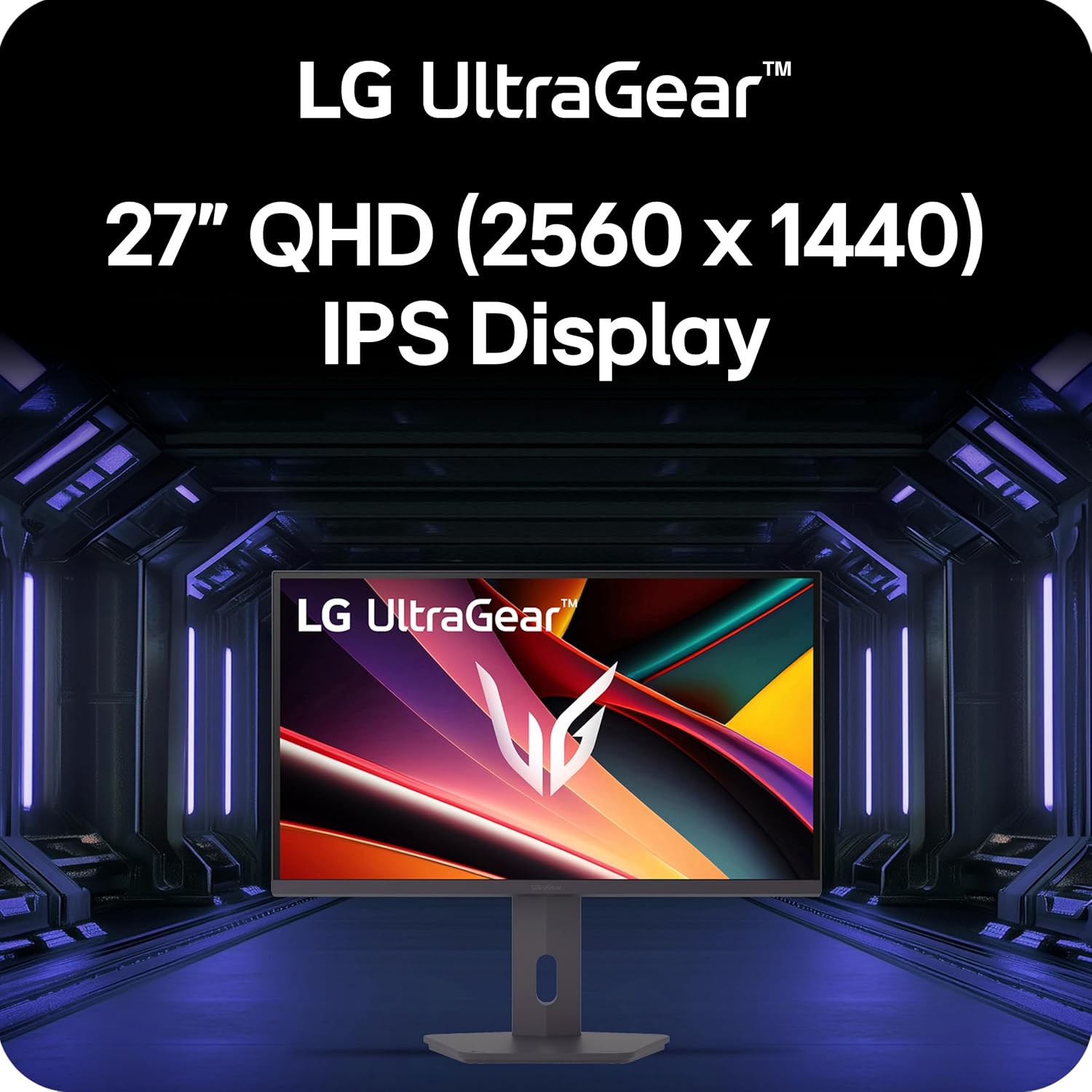
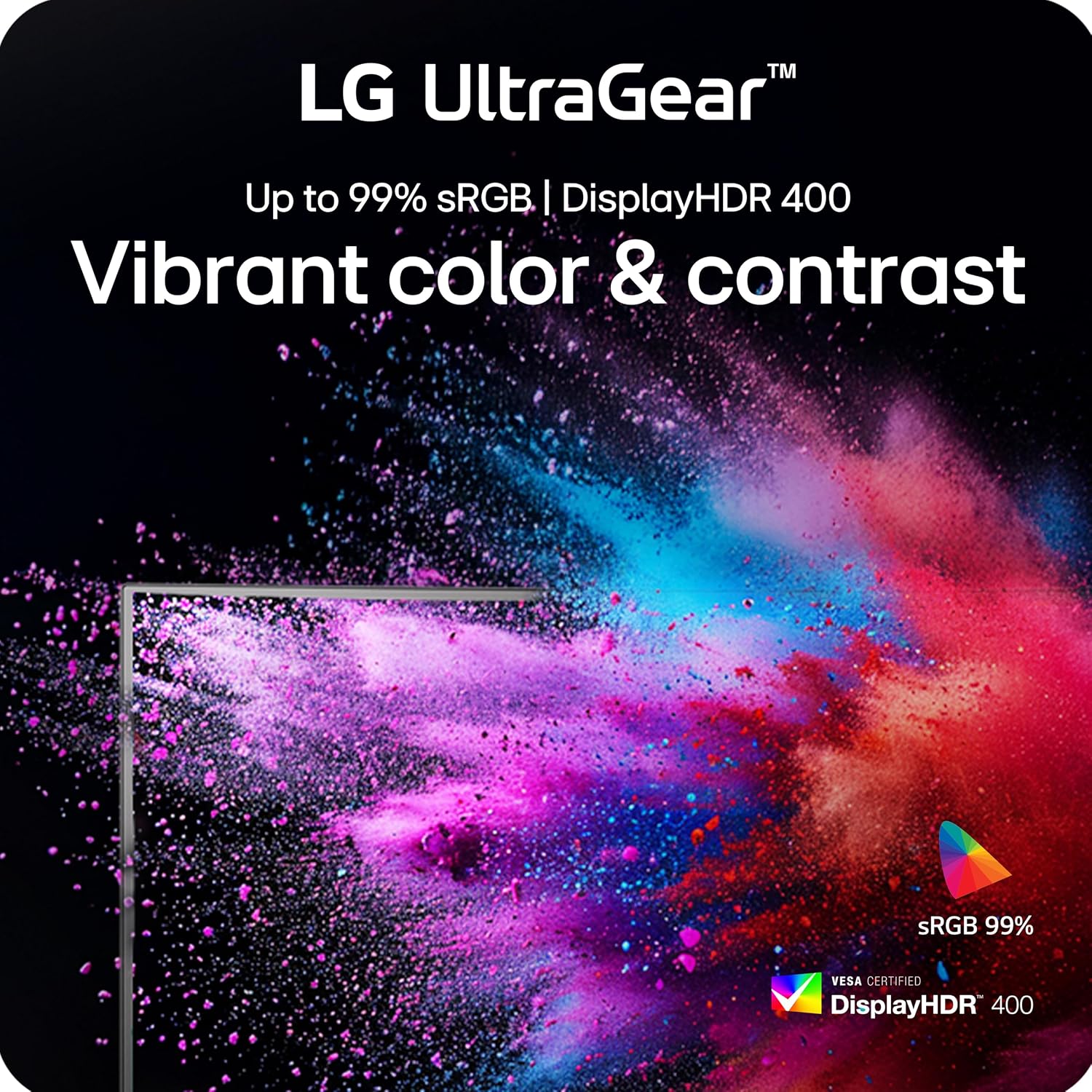
The LG 27G610A-B is a 27-inch IPS gaming monitor designed to balance speed, color, and clarity for both competitive and immersive gaming. With a QHD resolution (2560 x 1440) and an IPS panel, it aims to deliver vivid colors and wide viewing angles while keeping the image sharp across fast motion. The panel supports VESA DisplayHDR 400, which can enhance contrast and detail in darker scenes, and it covers a broad portion of the sRGB color space for more natural greens, blues, and skin tones. If you prioritize color accuracy for games and media, this panel offers a solid baseline that avoids overly clinical tones that some gaming screens exhibit.
Why it might be worth it
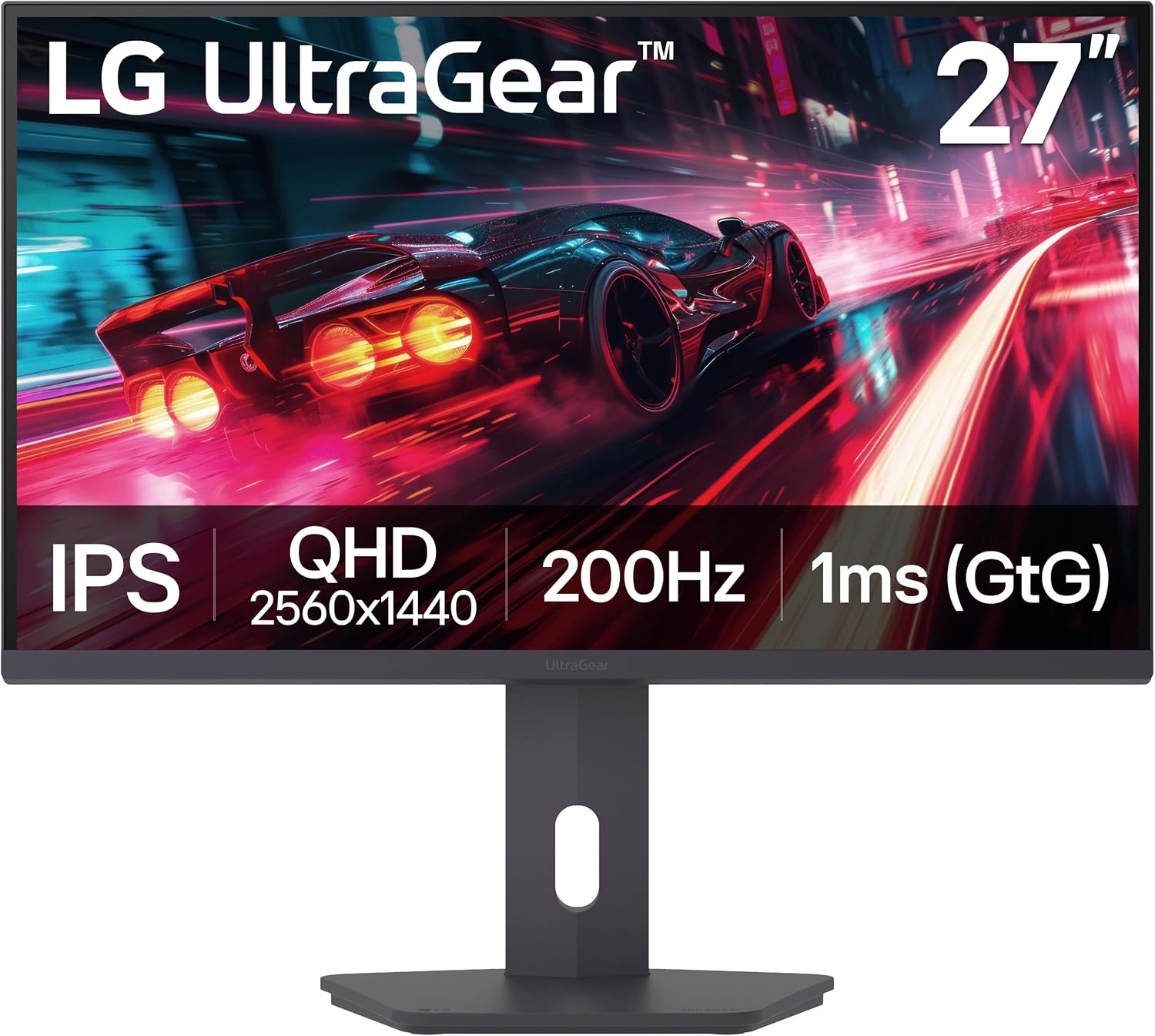
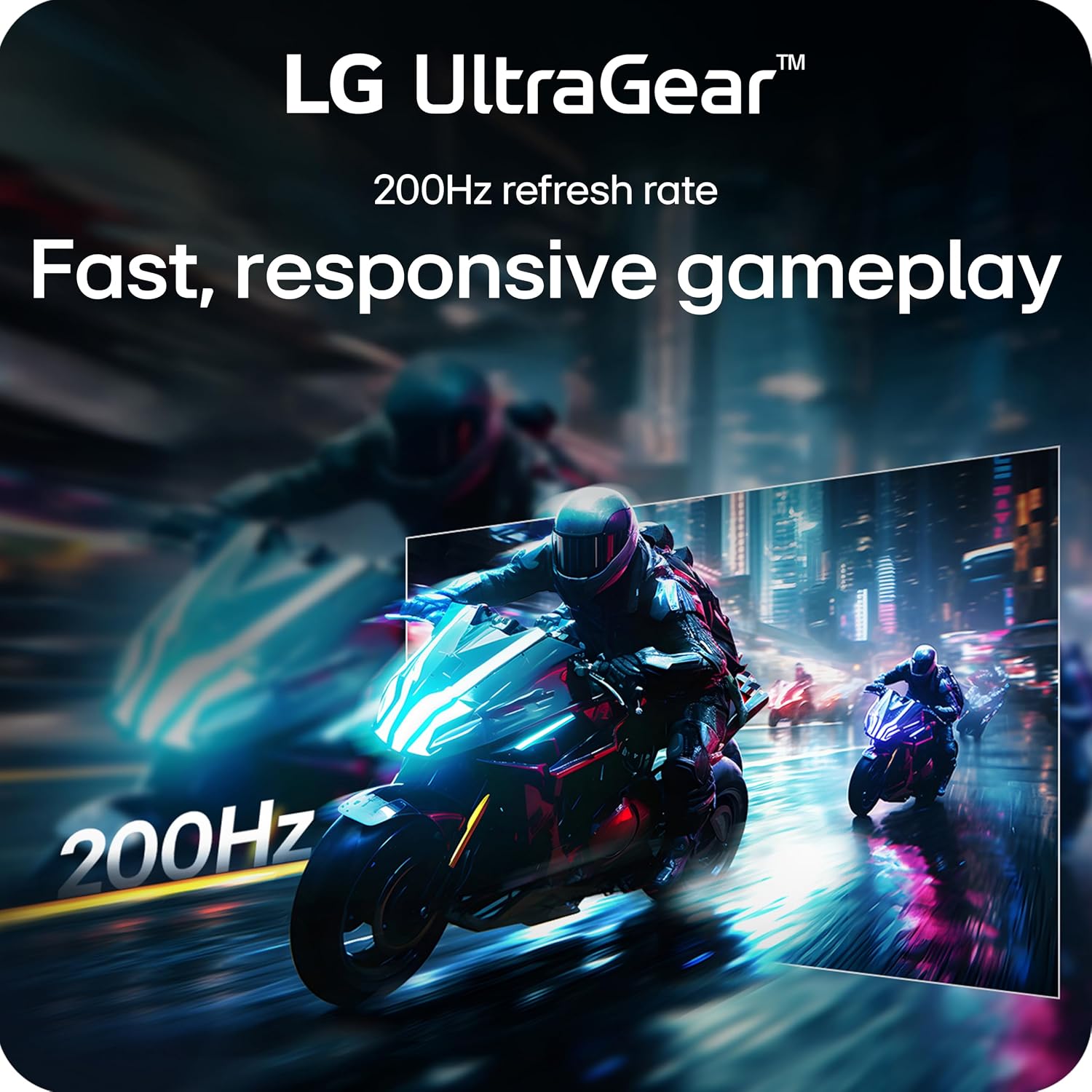
On paper, the standout specs are the 200Hz native refresh rate and 1ms GtG response time. In fast-twitch titles like shooters or racing games, that combination is known to reduce motion blur and improve frame-to-frame readability. The inclusion of FreeSync Premium further reduces tearing and stutter when connected to a compatible GPU, which can translate to smoother, more predictable performance during chaotic moments.
What stands out in usage
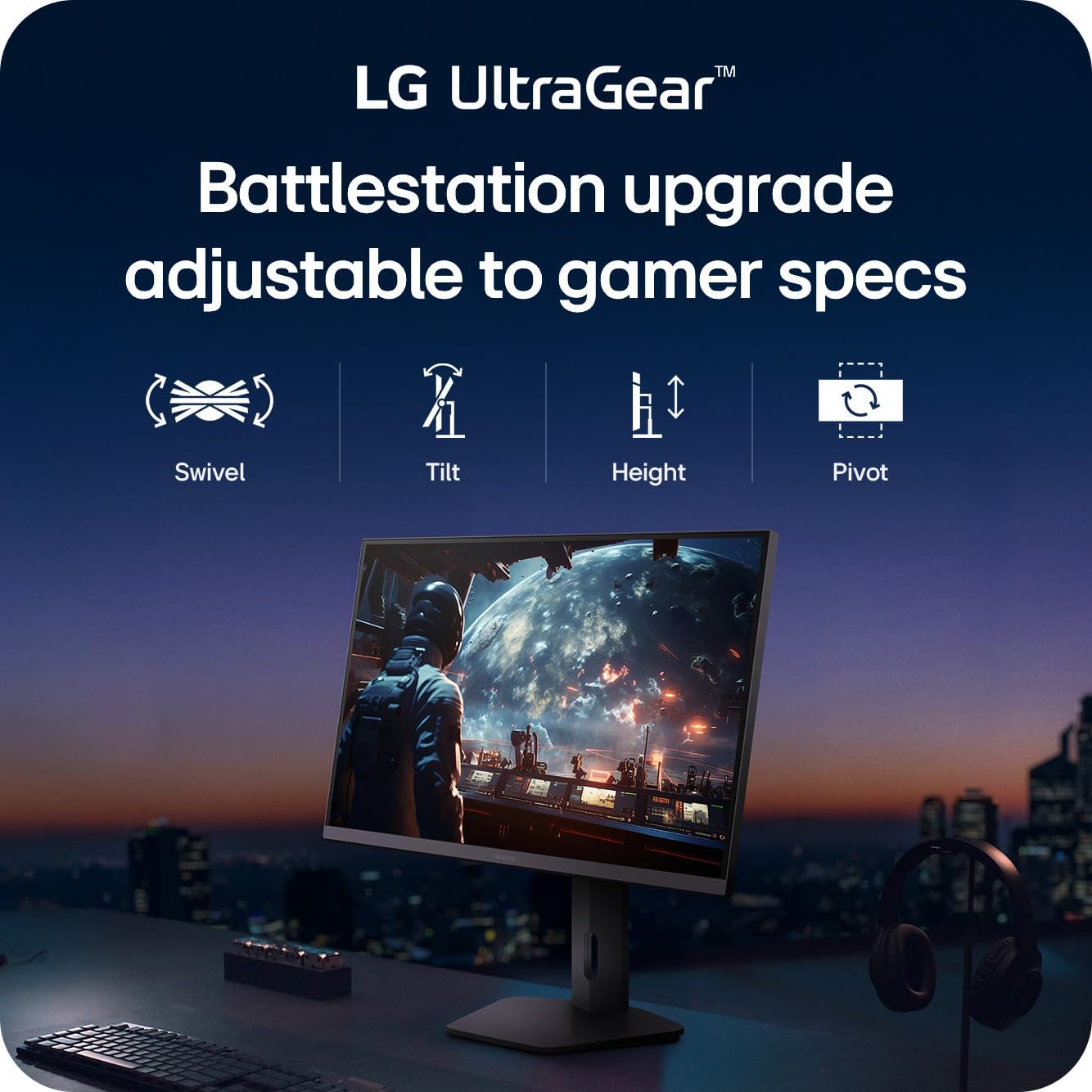
The build includes a stand with tilt, height, swivel, and pivot adjustments, which makes it easier to dial in a comfortable viewing position for long sessions. The design is described as slim and sleek, which can help keep your desk feeling uncluttered. Also, there are practical gaming-focused features such as Dynamic Action Sync for lower input lag, Black Stabilizer to brighten dark scenes, and an FPS counter for real-time performance awareness.
Potential limitations to keep in mind
No product is perfect, and this LG model may not be the best fit if you’re chasing ultra-high contrast for HDR performance or if you require top-tier local dimming. While DisplayHDR 400 helps with brightness and contrast, it’s not a high-end HDR experience, and some users may notice variation in HDR depth compared with dedicated HDR displays. The 27-inch size with 1440p resolution is a balanced choice, but people coming from 4K gaming or those who want maximum desktop pixel density might feel the jump is modest. If you need color-critical work beyond gaming, you’ll want to calibrate and test to ensure the panel meets your expectations.
Who it’s for
This monitor is well-suited for gamers who want a responsive, feature-rich screen without stepping up to the pricier high-end models. It’s a reasonable entry into high-refresh gaming with a desire for decent HDR-like brightness and vibrant colors. It can also work as a multipurpose display for media and light productivity, thanks to IPS visibility and a broad color gamut.
Who might skip it
If your priority is the absolute best HDR performance or if you prefer a higher pixel density for productivity tasks, you might prefer a different tier or a 4K option. Also, if you primarily play in genres where a 240Hz or higher refresh rate is more impactful and you require extreme color accuracy for professional work, this model could come up short.
What to check before buying
- Verify your graphics setup supports up to 200Hz at 2560 x 1440 and whether FreeSync Premium is compatible with your GPU.
- Consider if you’ll benefit from HDR-like brightness in dark scenes, noting that DisplayHDR 400 is a mid-range spec.
- Check room lighting and seating alignment to make the most of the IPS viewing angles and the adjustable stand.
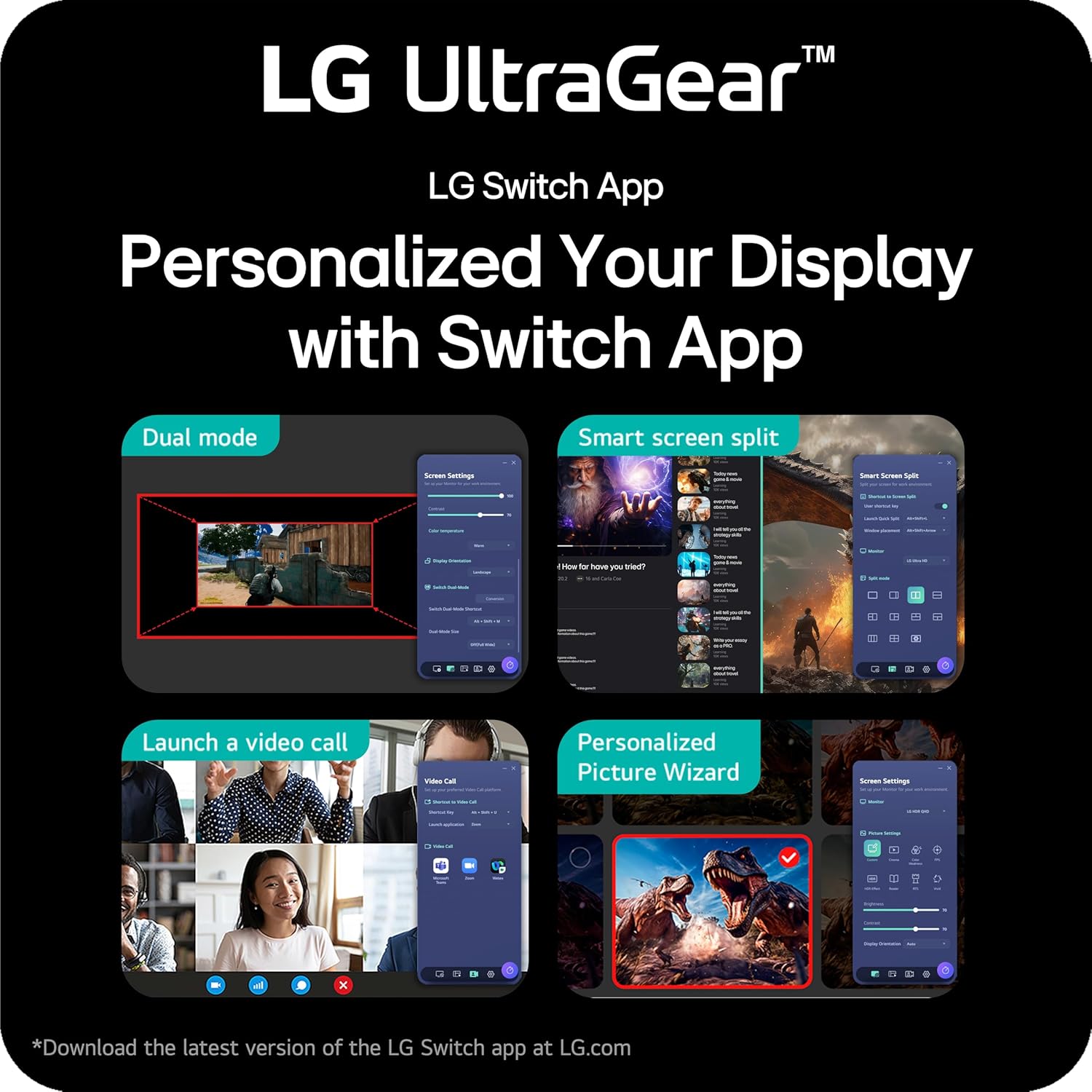
- If you plan to run multi-tasking with the Switch app features, ensure your workflow benefits from screen partitioning and hotkey-based layouts.
How this compares to other approaches

If you’re weighing this against a higher-end 27-inch 4K monitor, you’ll gain higher pixel density and potentially more HDR brightness at a price premium, but at the cost of requiring a stronger GPU for similar frame rates. If you want a balance—solid color, strong motion handling, and a capable HDR-like experience at a more approachable price—this LG UltraGear model sits in that middle ground. For those who prioritize sheer refresh rate for competitive play, a model with an even higher refresh rate and different panel tactics may be preferred, for casual gaming and general use, this screen offers enough performance without overwhelming complexity.
Practical use case
Imagine sitting down to a fast-paced shooter and noticing how quickly enemies pop into view without lingering motion trails. You can adjust the height and tilt to keep your eyes level with the center of the screen, then enable Black Stabilizer to reveal details in shadowed corners during nighttime ambushes—helpful when you’re navigating dim maps. The FPS counter and crosshair tool can provide quick feedback during a session, while the Switch app lets you snap the screen into a work-gaming split if you’re juggling tasks between rounds.
Final verdict
Is it worth it? Yes, if you want a balanced, capable gaming monitor that blends fast response, smooth motion, and decent HDR-like brightness with practical adjustability. It’s a solid pick for mid-to-enthusiast gamers who don’t need the absolute pinnacle of HDR or 4K pixel density, and who value a feature set tuned for responsive play and comfortable long sessions.
FAQ
- How does 200Hz compare to 144Hz in practice? In fast games, you’ll notice smoother motion with less blur, especially during quick camera pans and rapid on-screen movements.
- Does it support both NVIDIA and AMD GPUs? It uses FreeSync Premium, which is compatible with a wide range of GPUs, check your specific card’s compatibility for optimal tear-free performance.
- Can I use this monitor for productivity? Yes, the IPS panel and 27-inch size offer reasonable desktop real estate and color clarity, though it’s optimized for gaming through its feature set.