

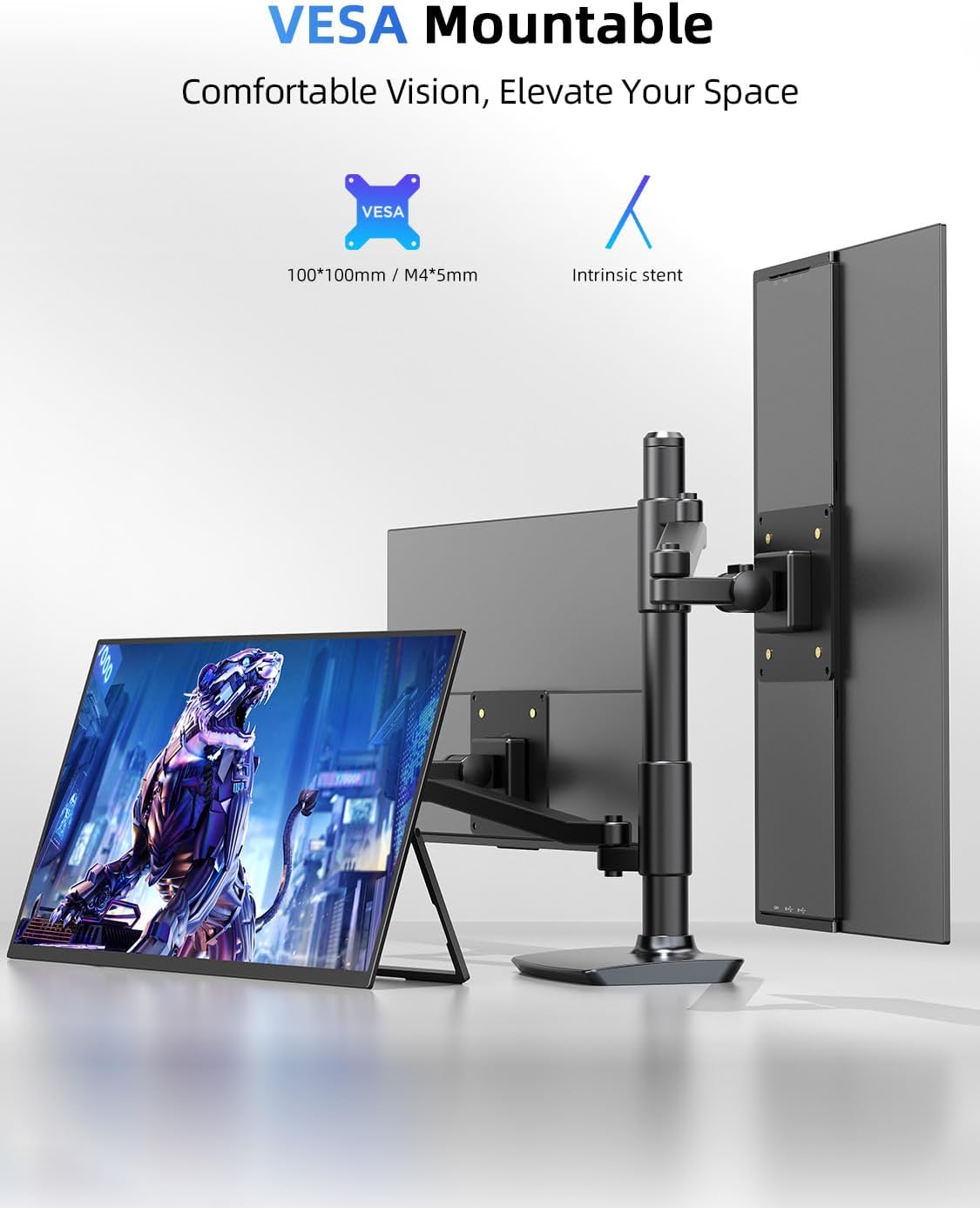
Newsoul 21.5-inch Portable Monitor (100Hz) with QLED Color, Built-in Stand, USB-C/HDMI, VESA Support
Product description
If you’re tired of squinting at a laptop screen during work, study, or fast-paced gaming, a large portable monitor can be a real quality-of-life upgrade. The Newsoul 21.5-inch portable monitor aims to give you that “bigger view” without tying you to a desk the whole time—plus it leans into smooth motion with a 100Hz refresh rate and a fast response claim.
That said, it’s still a portable second-screen setup. It won’t replace a full desktop-grade display for everyone, and the experience can depend a lot on how you use it (especially in bright rooms and with different input sources). Here’s how it stacks up on paper and what to watch before you buy.
The essentials
This is a 21.5-inch large portable monitor designed as a second screen for a laptop or other devices. It combines a built-in 180° adjustable stand (from flat to more upright) with options to mount via VESA, so you can set it up for browsing, work, or casual gaming. It supports plug-and-play use with HDMI and USB-C, and the display is positioned around “immersive visuals” with QLED color tech.
In day-to-day terms, think of it as the screen you bring into your workspace when you want more room for spreadsheets, timelines, or side-by-side reference while studying. For gaming, the idea is smoother motion than typical 60Hz portable panels.
What it’s really built to do
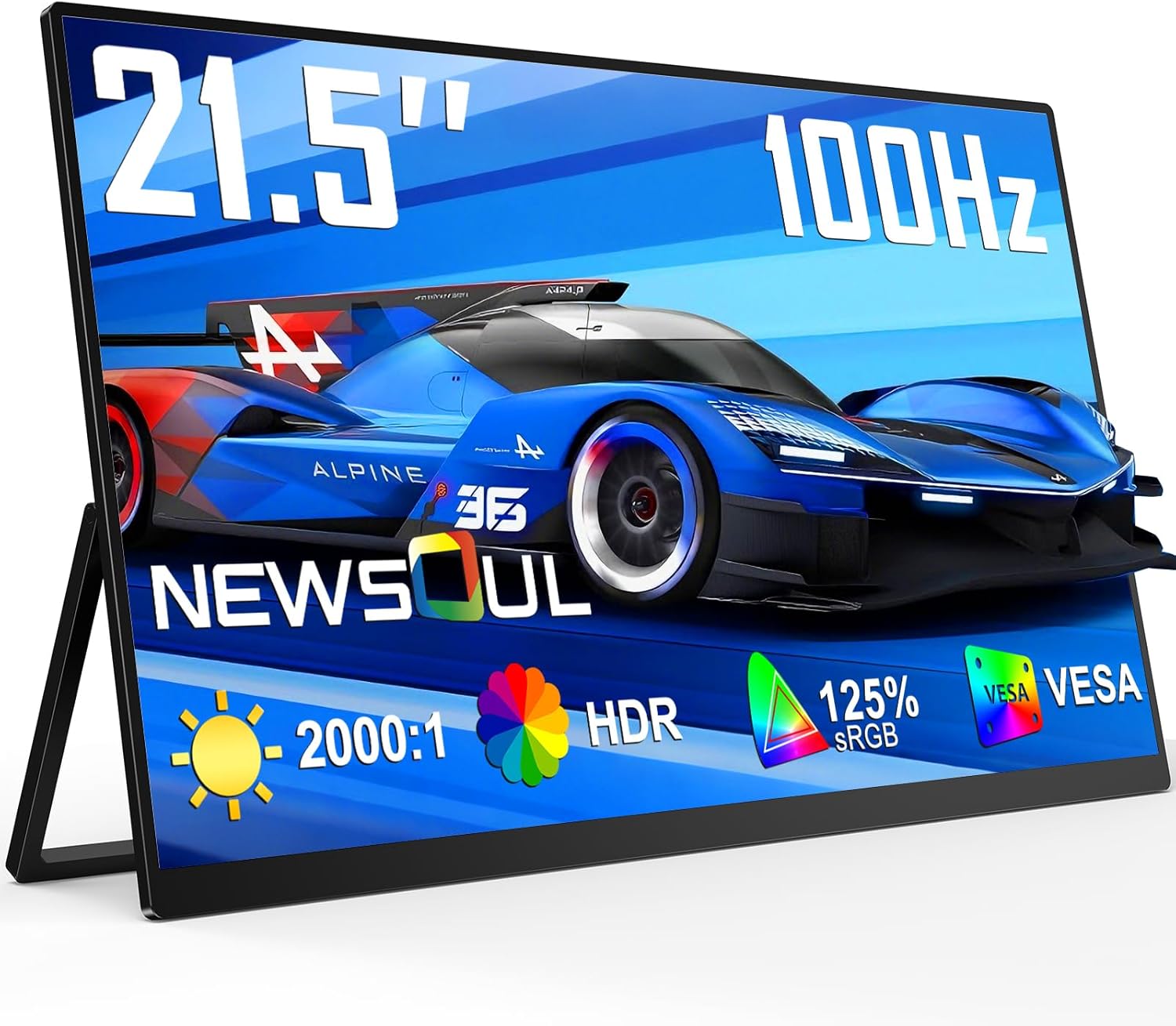
The main pitch here is multi-use: efficient productivity, studying, gaming, and watching movies. The manufacturer highlights an “ultra-fast” feel through:
- 100Hz refresh rate for smoother frame transitions
- FreeSync technology plus 0.1ms fast response (aimed at reducing motion blur and issues like tearing/lag in fast scenes)
You can especially notice the 100Hz/response focus if you play action or racing-style games or stream sports where motion stays busy. If your use is mostly document work and web browsing, the extra refresh rate may be less dramatic—but the larger screen still helps a lot.
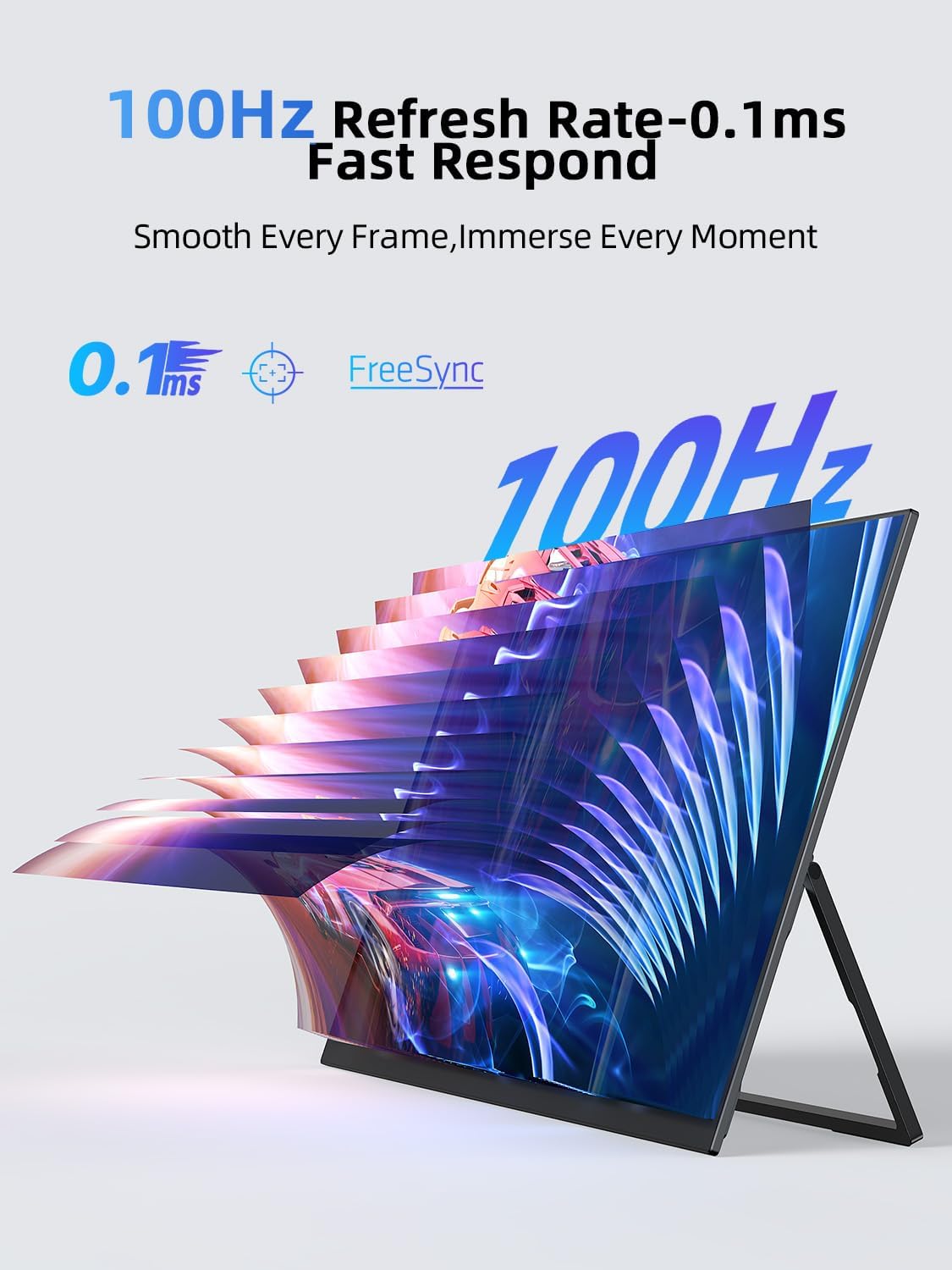
Keep in mind, smoothness depends on the device output and the content. If your laptop isn’t consistently feeding the monitor at a good frame rate, the “100Hz advantage” won’t always fully show.
Display and color: where the QLED angle matters
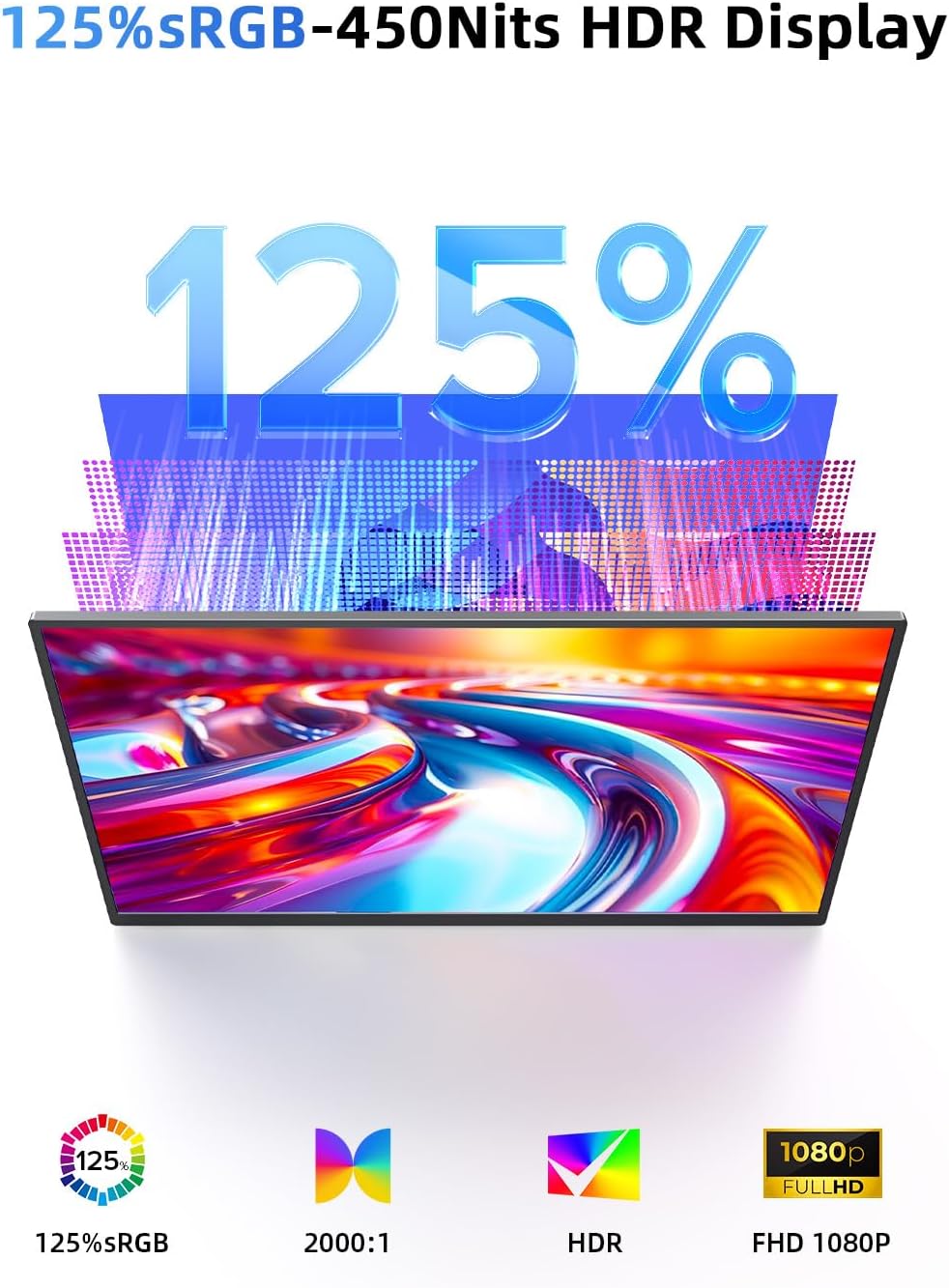
The monitor uses a QLED display approach and targets 125% sRGB color coverage, which is intended to deliver vivid, true-to-life color reproduction. The listed brightness is 450nits, and the contrast is 2000:1.
For people who care about visuals—like photo editing, design work, or video streaming—this spec-driven color claim is the part that’s most likely to feel meaningful. Even if you’re not doing professional edits, better color consistency can make media look less washed out.
The screen is also described as matte, with a goal of reducing glare. That’s a practical feature if you work near windows or in rooms with overhead lighting, although matte coatings never eliminate glare completely.
Setup, portability, and flexibility
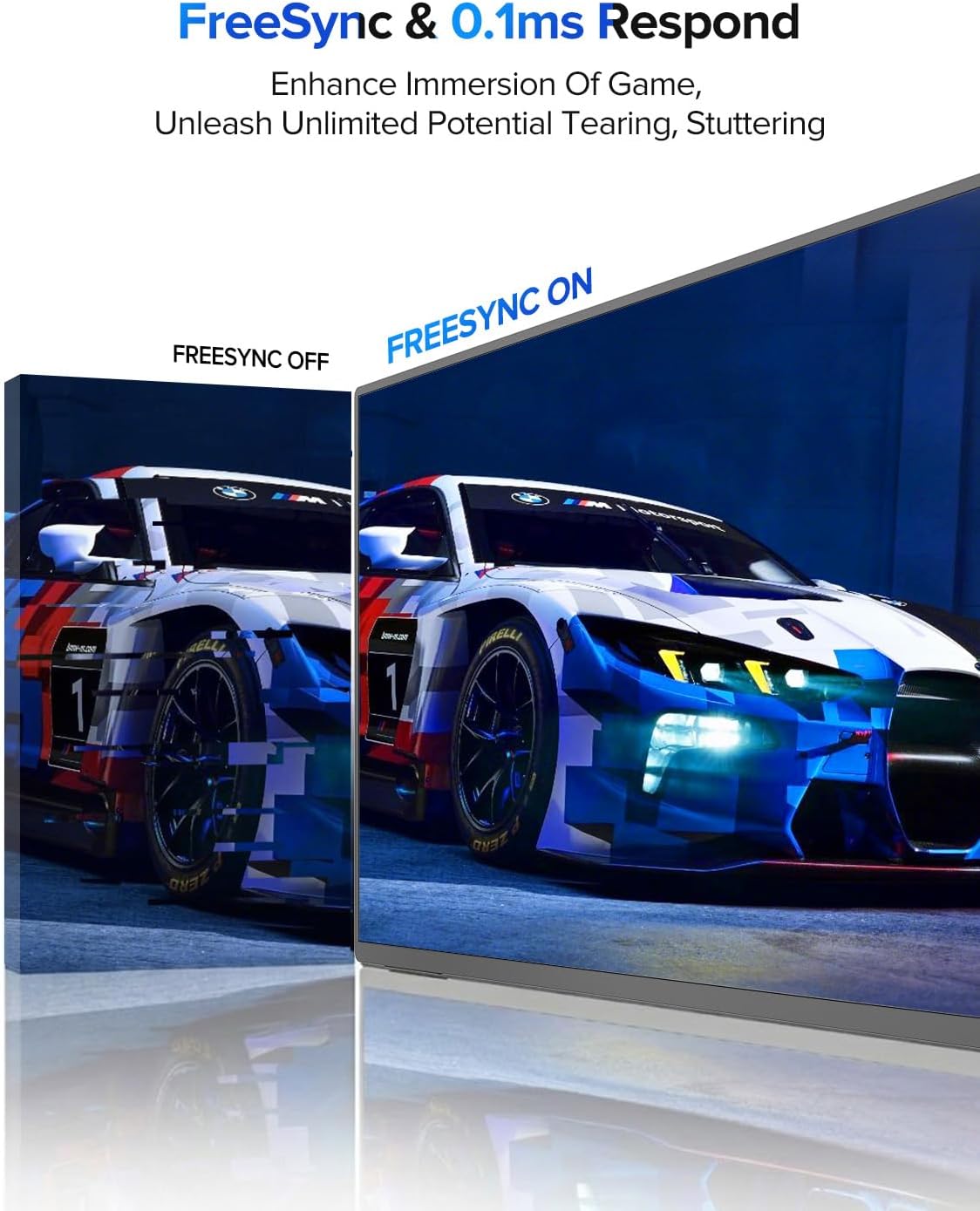
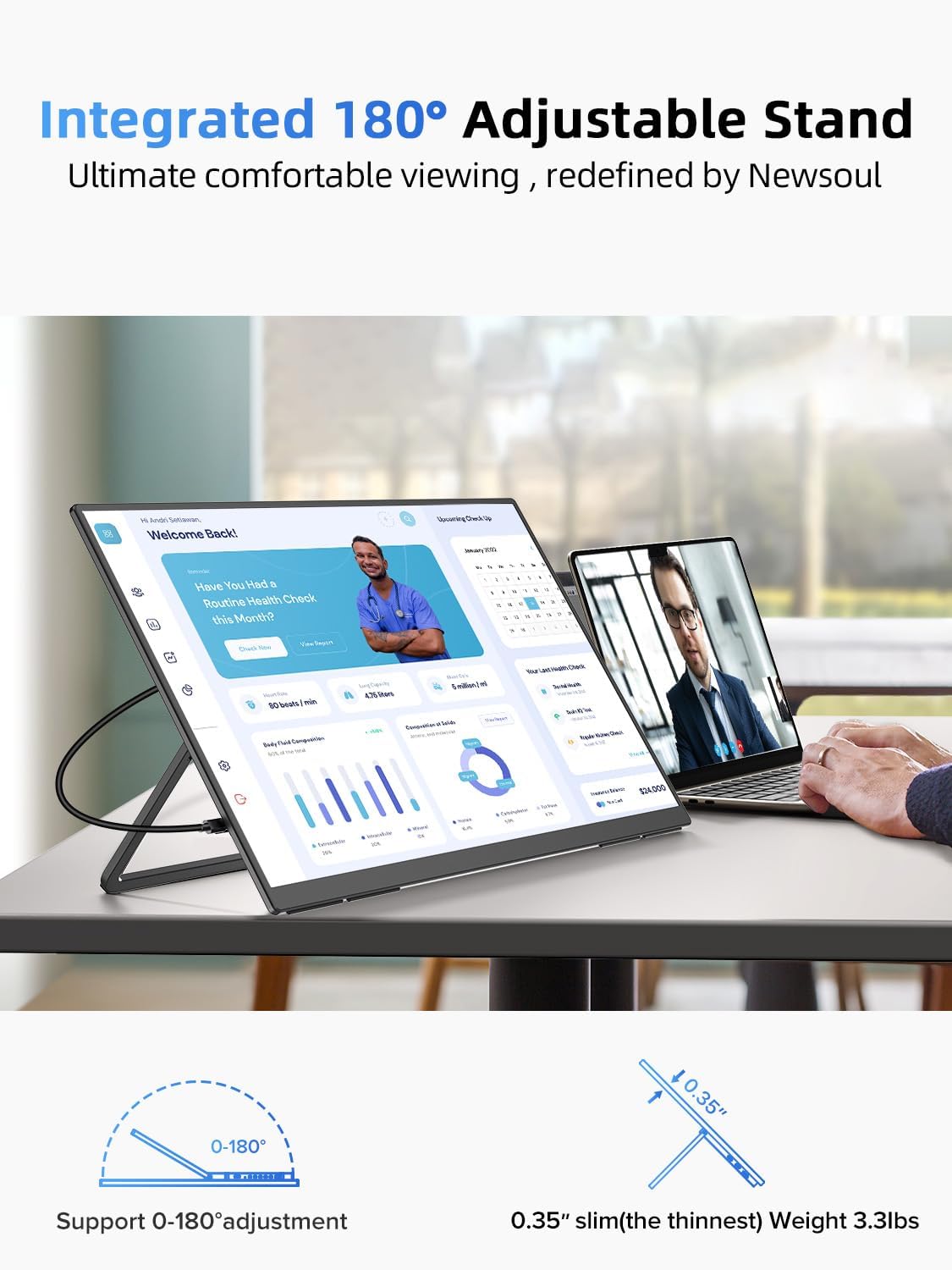
On the convenience side, it includes a built-in stand that adjusts up to 180°, letting you change the viewing angle for different tasks. It also includes VESA mounting, which matters if you want it off the stand and onto an arm or mount to free desk space.
For connectivity, you’re covered with HDMI and USB-C. The plug-and-play approach is meant to avoid complicated drivers, which is helpful when you’re switching between devices.
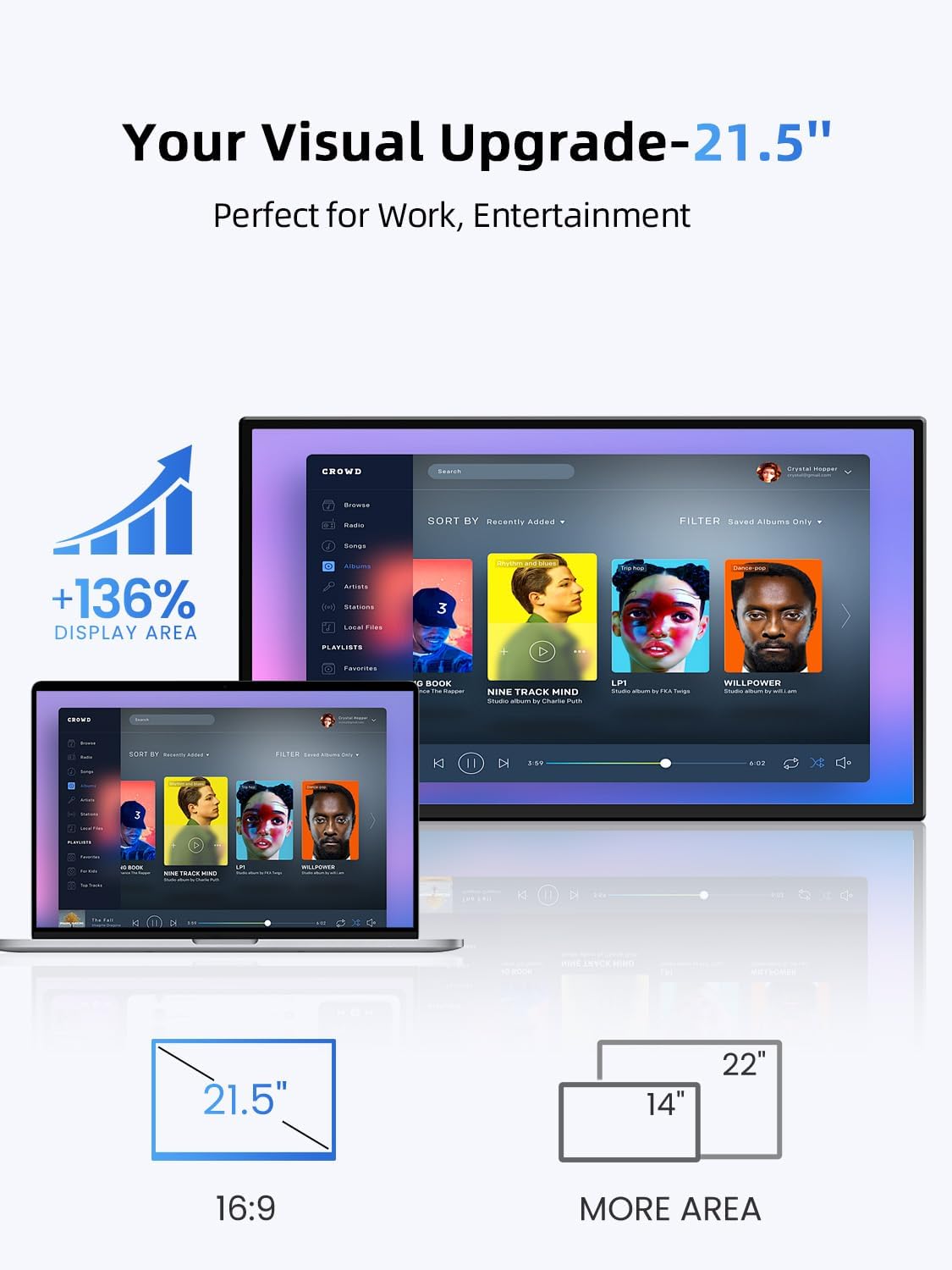
Also, the 21.5-inch size is explicitly positioned as a “large portable” format. It’s still a second monitor you carry, not a tiny travel screen, so it can be better for actual productivity than super-small displays.
Key specs you should care about
- Type: Portable monitor / second screen
- Size: 21.5-inch, 16:9
- Refresh rate: 100Hz
- Response time: 0.1ms (as claimed)
- Contrast: 2000:1
- Brightness: 450nits
- Color coverage: 125% sRGB
- Panel tech: QLED
- Includes: Built-in stand, speaker, and VESA support
- Ports: HDMI and USB-C
Who it suits (and who should be cautious)
It’s a solid pick if you want a larger portable laptop monitor that focuses on smoother motion (100Hz + FreeSync) and color performance (QLED + 125% sRGB). If you’re doing schoolwork, office tasks, or you occasionally play action games and want a second screen that doesn’t feel cramped, it matches that “daily carry” mindset.
It may not be the best match if you expect this to behave like a premium desktop display in every lighting condition, or if you need maximum brightness and color performance beyond what these listed specs suggest. Also, if you mostly play games that run at lower frame rates, the 100Hz headline may not translate into a dramatic improvement.
A practical example: imagine setting this up on a desk with the stand adjusted upright while you work. You could keep a document open on your laptop and use the portable screen for reference material or a second panel—then switch to gaming later without changing the physical setup much.
Final verdict
Worth considering if you’re buying a portable second screen for real work and occasional gaming, and you care about smooth motion plus a more color-focused panel. If you prioritize a true “best possible” visual experience above all else, you may want to compare what other options offer for brightness and consistency, since portability and second-screen designs can trade off some performance.
If you’re choosing between “just a basic extra screen” and something spec-forward, this one leans more toward the latter—especially with 100Hz, FreeSync, and the QLED/125% sRGB positioning.
Mini FAQ
Does it work as a second monitor without complicated setup?
The listing emphasizes plug-and-play design with HDMI/USB-C, aiming to eliminate complicated driver steps.
Can you mount it instead of using the built-in stand?
Yes—VESA support is included, so you can use a VESA mount to save desk space.
What devices is it compatible with?
It’s described as compatible with laptop, desktop, MacBook, phone, Switch, Xbox, and PS4/5, via the HDMI/USB-C connections.
Is the 100Hz refresh rate important for non-gaming use?
If you mainly browse and work, the larger screen may be the bigger benefit. The 100Hz spec can still make motion feel smoother, but it won’t be the main upgrade unless you care about fast motion or gaming.
Will the matte screen fully remove glare?
It’s meant to reduce glare and help keep the image more consistent, but no matte panel guarantees zero reflections in bright rooms.