

Samsung 32-inch S3 (S39GD) FHD 100Hz Curved Monitor with Game Mode, Eye Saver Mode, and Built-in Speakers (LS32D39DGANXZA, 2025)
Product description
The essentials (and the real-life reason you’d buy it)
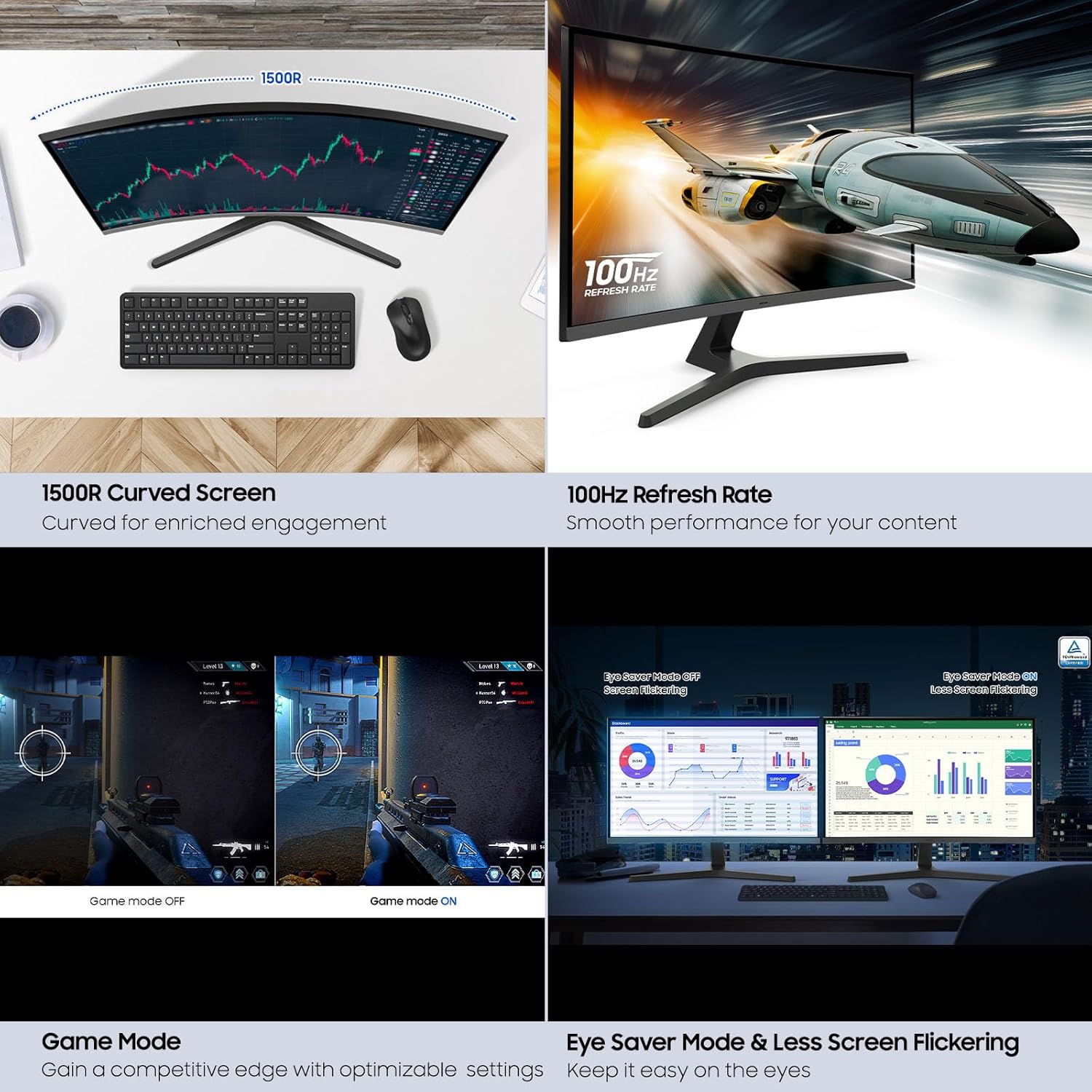
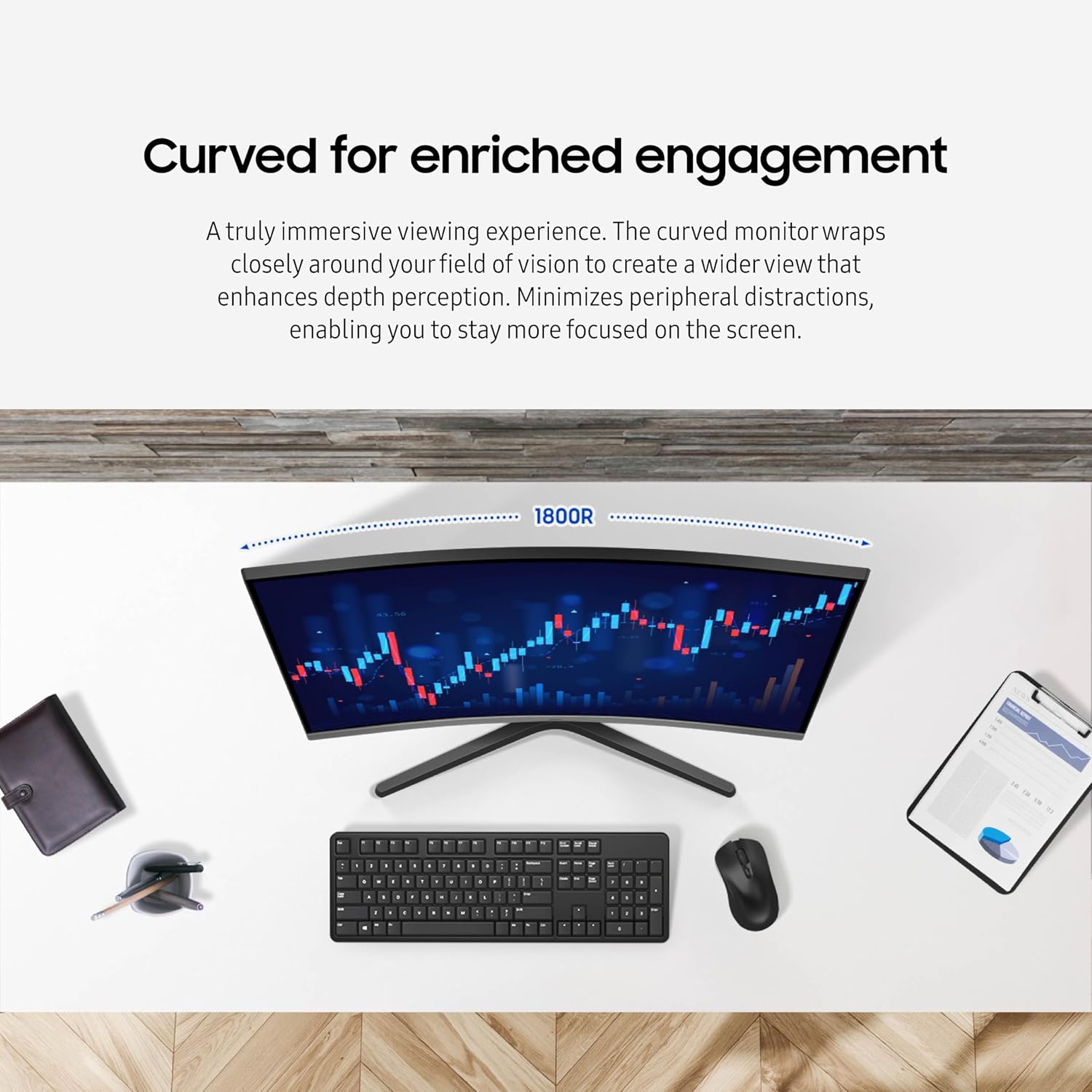
A curved monitor isn’t just about looks. On paper, Samsung’s 32-inch S3 (S39GD) is built to pull more of your viewing area into your field of vision, so movies, games, and everyday work feel more “wrapped in.” The curvature is meant to reduce peripheral distractions, which can be surprisingly helpful if your desk setup puts other screens, lights, or background clutter off to the sides.
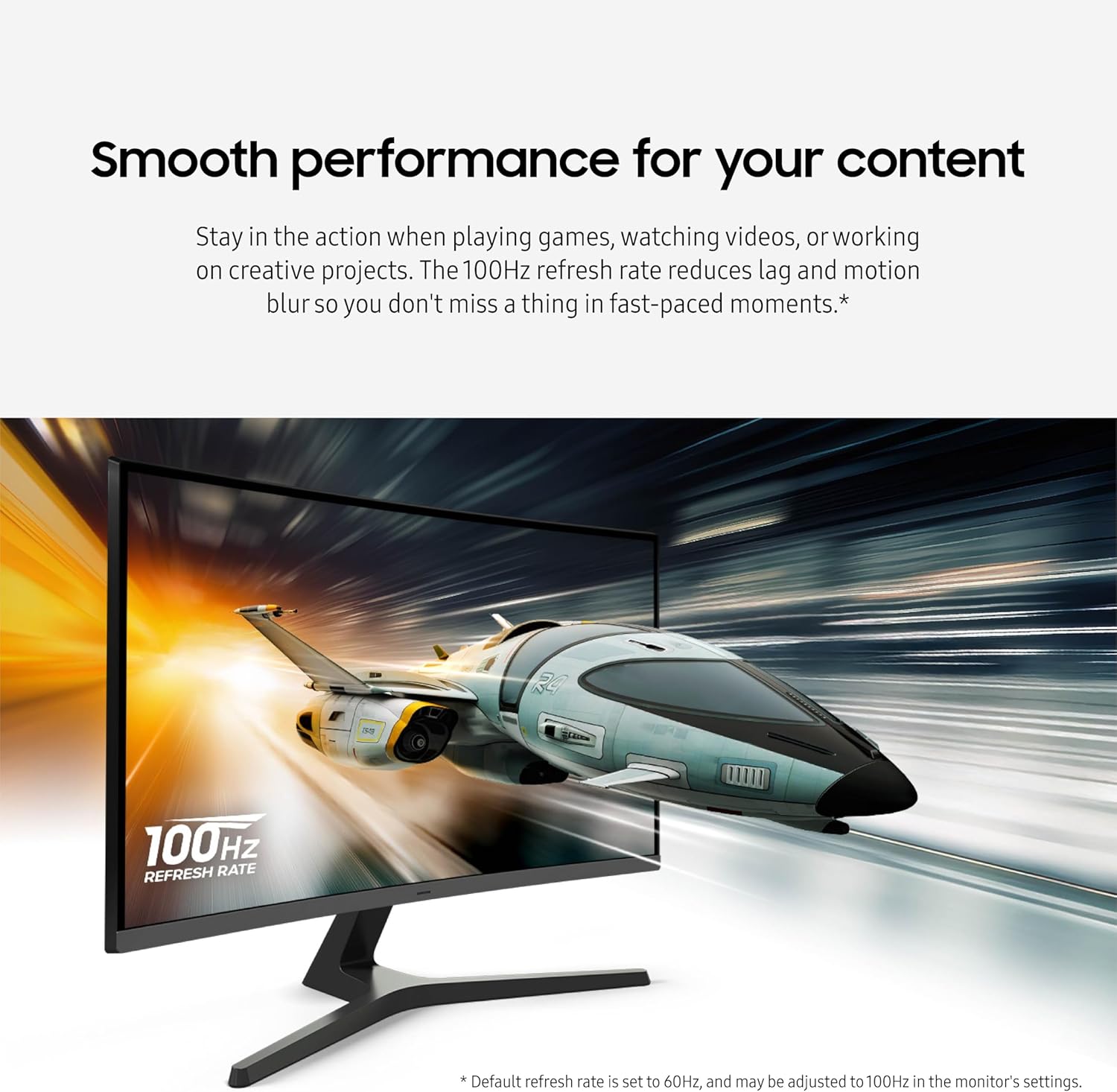
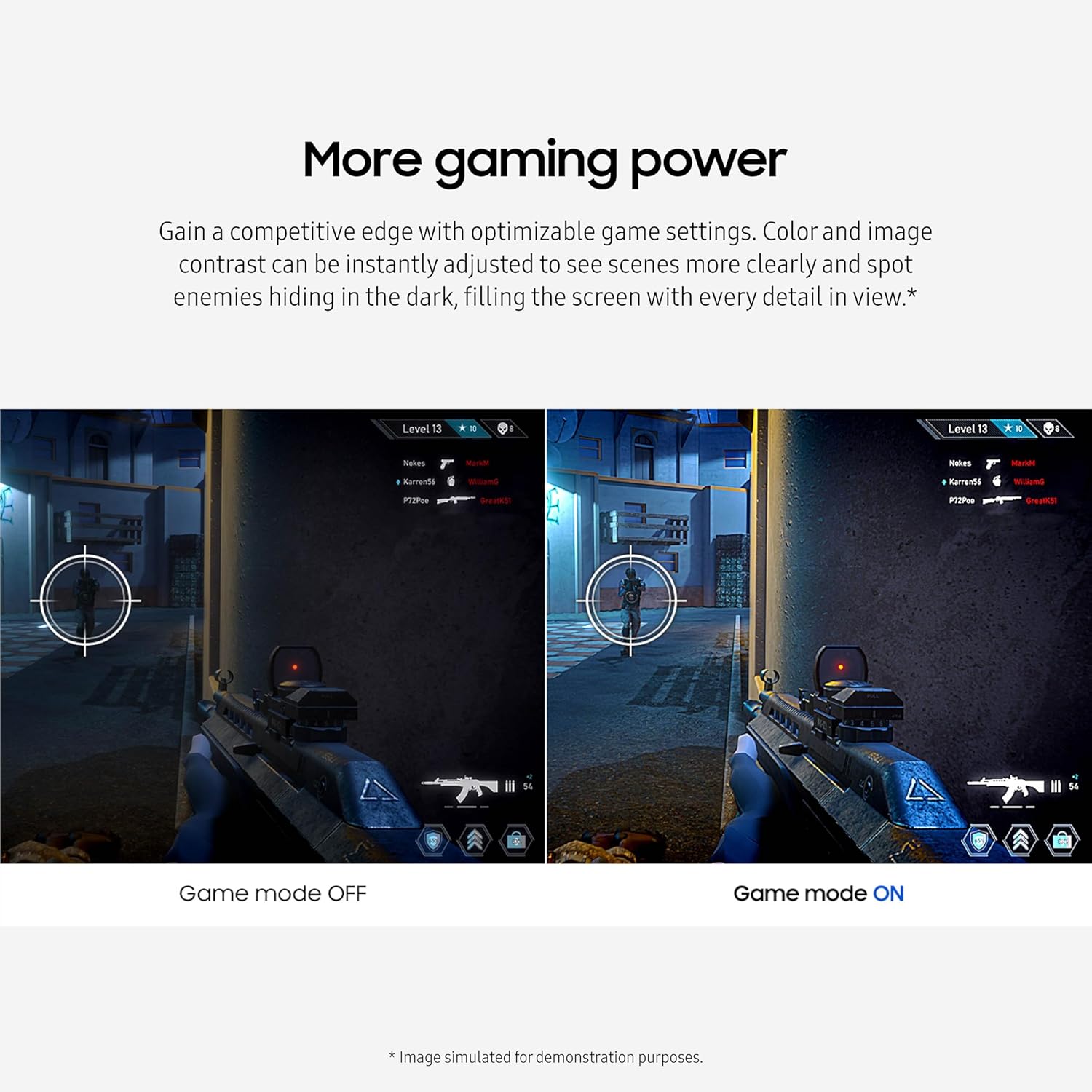
The other big theme here is momentum: a 100Hz refresh rate aimed at smoother motion and less lag/motion blur during fast content. That’s paired with Game Mode and optimizable game settings, so you can shift picture behavior for gameplay without digging through menus every time you sit down.
Then there’s the practical stuff: built-in speakers and multiple connectivity with an HDMI port. If you’ve ever had to juggle extra cables or desktop speakers just to get sound, this is the “simplify your desk” angle.
Where it shines for gaming, video, and creative work
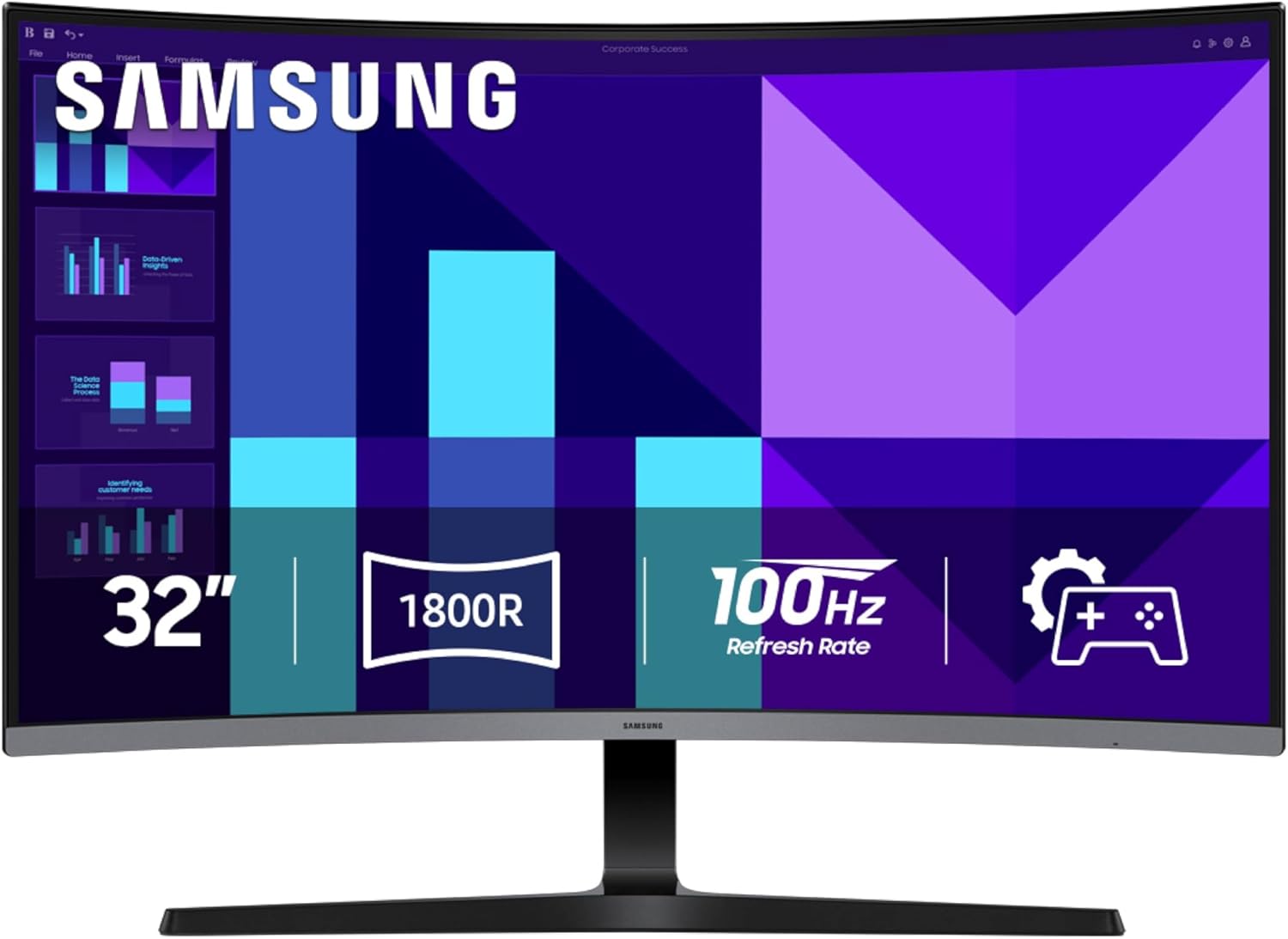
This monitor is positioned for people who want more fluid motion and an immersive screen without jumping straight to high-end tiers. With a 100Hz refresh rate, the pitch is straightforward: smoother visuals in fast-paced moments, with less motion blur and lag so you don’t feel like you’re fighting the display.
Game Mode and the promise of optimizable settings (including instant adjustments to color and image contrast) are the type of features that matter during gameplay. If you play action titles or anything where dark scenes hide details, the focus on clearer contrast across the screen is exactly what you’d look for in that situation.
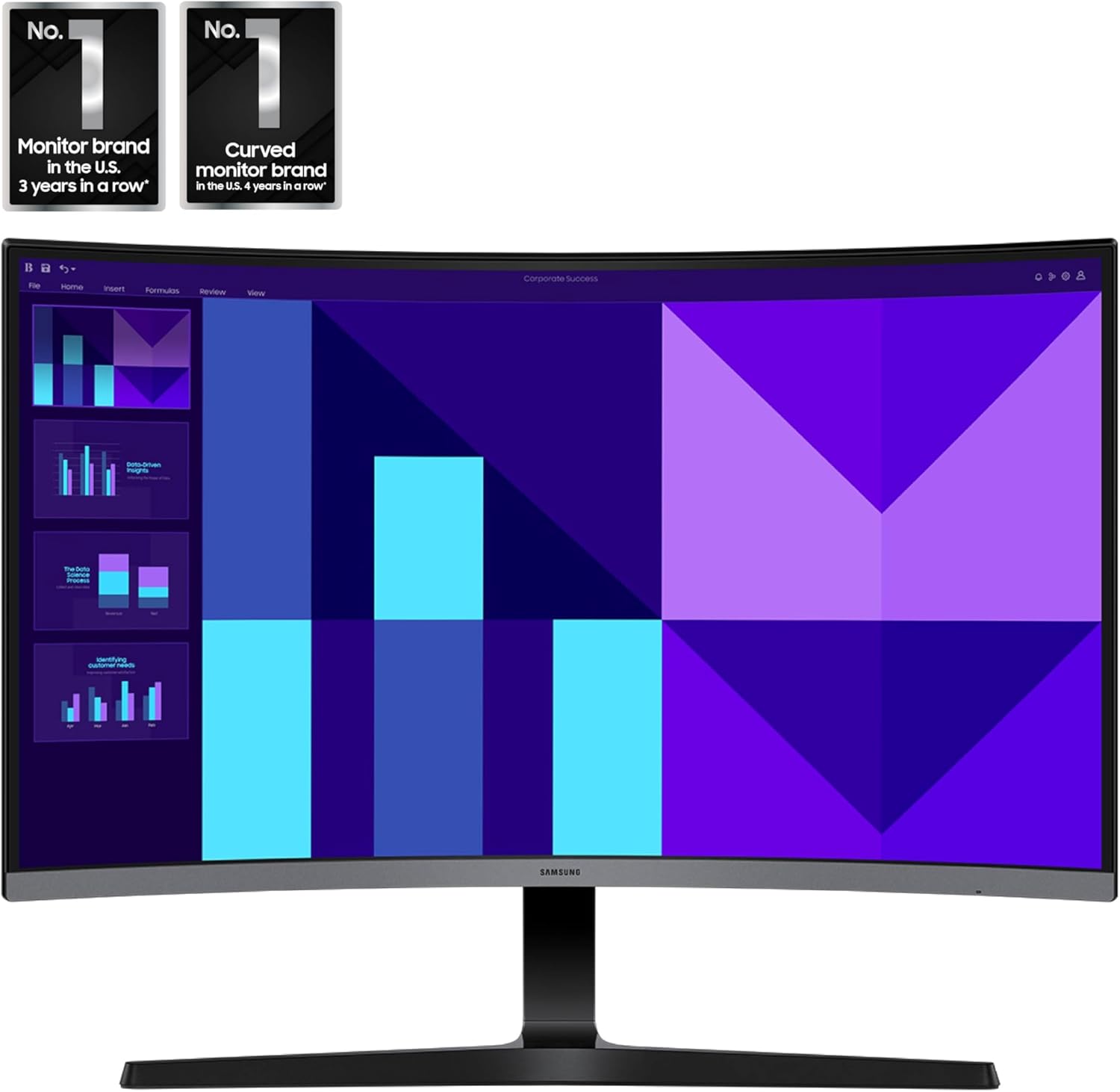
For non-gaming use, the curved design is still the main draw. When you watch content or work on creative projects, the wider sense of depth perception can make long sessions feel more engaging. It’s not a miracle cure for eye fatigue, but the overall “stay immersed” idea lines up well with desk-first usage.
Eye comfort you’ll notice during long sessions (with one caveat)
Samsung includes Eye Saver Mode and an advanced eye comfort technology certified by TÜV. The claims are specifically about reducing eye strain by minimizing blue light and reducing irritating screen flicker. If you often work late, study, or game for hours, this is the kind of feature set that can make the difference between “I can keep going” and “my eyes feel cooked.”
That said, keep expectations realistic. Eye comfort tech can help, but it won’t replace basic habits like taking breaks, adjusting brightness, and setting an appropriate viewing distance.
Sound and desk setup: built-in speakers help, but they’re still speakers
One of the more purchase-relevant details is that the S3 includes built-in speakers. In everyday terms, that means you may be able to cut down on extra desk gear and connections—useful if you want a cleaner setup for work, school, or casual entertainment.
However, built-in audio typically isn’t the same as investing in a dedicated speaker system or headphones, especially for people who are picky about volume headroom or sound staging. If sound quality is a top priority for you, this is where you may want to read carefully and consider your own expectations.
Connectivity and convenience: an easy plug-in approach
Samsung says you can connect devices straight into the monitor for increased flexibility, with an HDMI port included. The intent is clear: reduce cable clutter and make it quicker to switch between sources.
If your setup involves frequent input changes—like a laptop for work and a console for gaming—having straightforward connectivity can save you time and hassle.
Still, since the provided details only explicitly mention an HDMI port, you’ll want to confirm you have the right output options on your devices before buying, especially if you’re relying on specific ports or adapters.
Key takeaways before you hit buy
- If you want a 32-inch curved monitor for immersive viewing and smoother motion, the 100Hz refresh rate and Game Mode features are the core reasons this model makes sense.
- Built-in speakers are a practical win for a simpler desk, but they may not replace dedicated audio for serious listening.
- Eye Saver Mode and TÜV-certified eye comfort are aimed at comfort during long sessions—helpful, but not a substitute for smart lighting and breaks.
- The “connect more” approach sounds convenient, yet you should still verify device compatibility beyond the HDMI port mentioned.
Is it worth it?
Worth buying if you’re aiming for an immersive 32-inch FHD curved display, you care about smoother fast motion (100Hz), and you like the idea of Game Mode plus quick visual adjustments for gameplay. It also fits well if you want to cut down on extra audio gear thanks to built-in speakers.
You may want to skip it if you’re very sensitive to sound quality and plan to rely on speakers alone, or if you need specific connectivity options beyond HDMI that aren’t covered in the info here. And if your main priority is maximum clarity and performance above the midrange for high-end gaming/production, this may feel more like a balanced everyday-and-gaming monitor rather than something built to fully “push limits.”
Mini FAQ
What’s the main advantage of a curved 32-inch monitor?
On paper, the curvature is designed to wrap more closely around your field of vision, helping with depth perception and minimizing peripheral distractions.
Does the 100Hz refresh rate matter for non-gaming uses?
It can still make fast scrolling, sports, and action scenes feel smoother. The biggest benefit is for fast-paced content, whether you’re playing games or watching dynamic videos.
Are the built-in speakers enough for everyday use?
They’re there to reduce desk clutter and connections for daily work and casual audio. If you’re an audio-focused user, you may still prefer external speakers or headphones.
How does Eye Saver Mode help?
The provided details say it’s focused on minimizing blue light and reducing irritating screen flicker to help reduce eye strain during longer sessions.