


UPERFECT 18.5-Inch Portable Monitor with 120Hz FreeSync IPS HDR, 1080p
Product description
What it is and what it solves
The UPERFECT 18.5-inch portable monitor is a slim, travel-friendly second screen designed to boost productivity and enhance gaming on the go. It plugs into laptops, desktops, or handheld devices via HDMI or USB-C, giving you extra screen real estate without a heavy setup. If you often work remotely, travel for business, or crave a bigger display for gaming away from your main rig, this monitor aims to be that lightweight companion you can pop into a bag and use anywhere.
Core strengths and what stands out
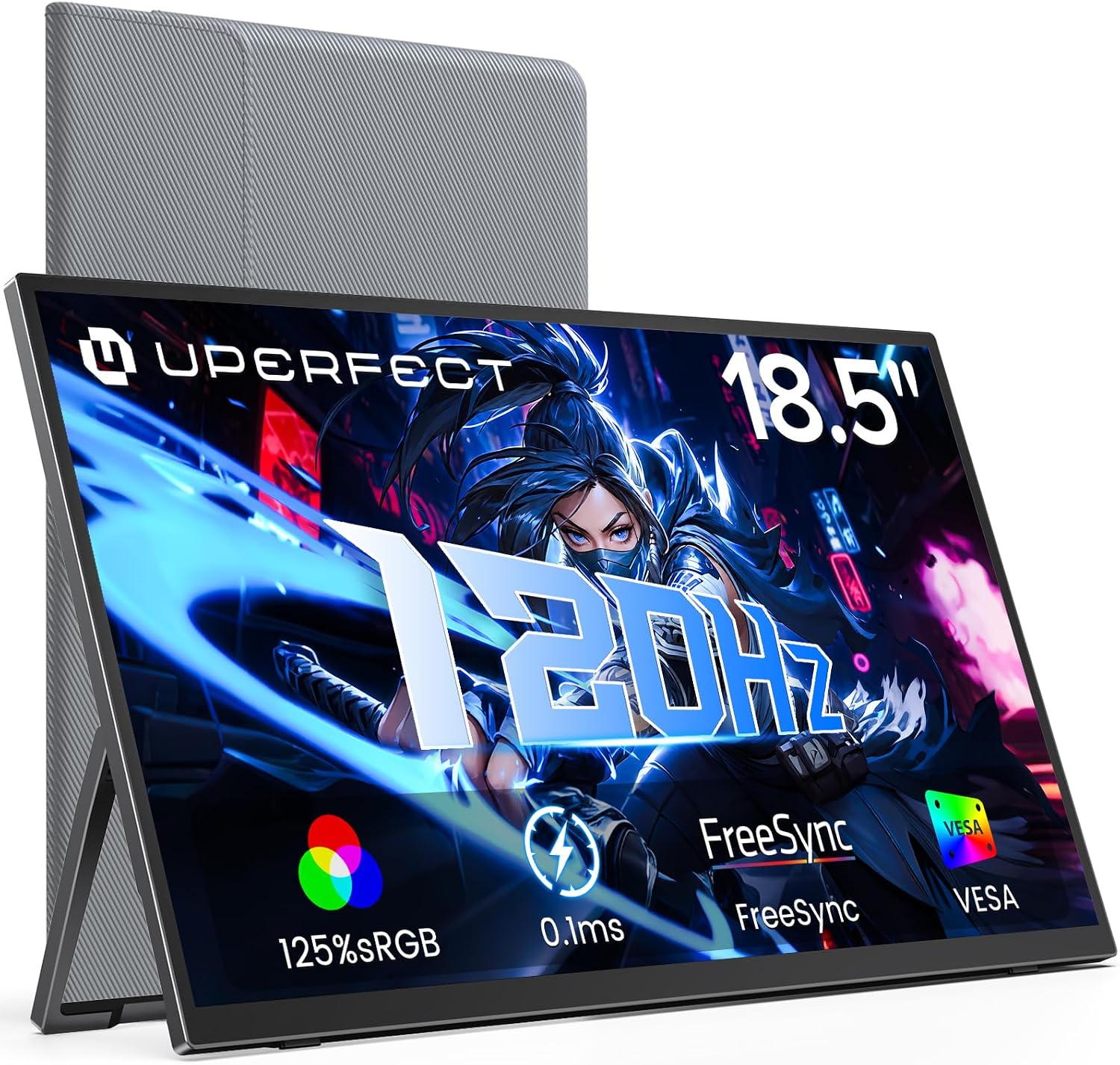
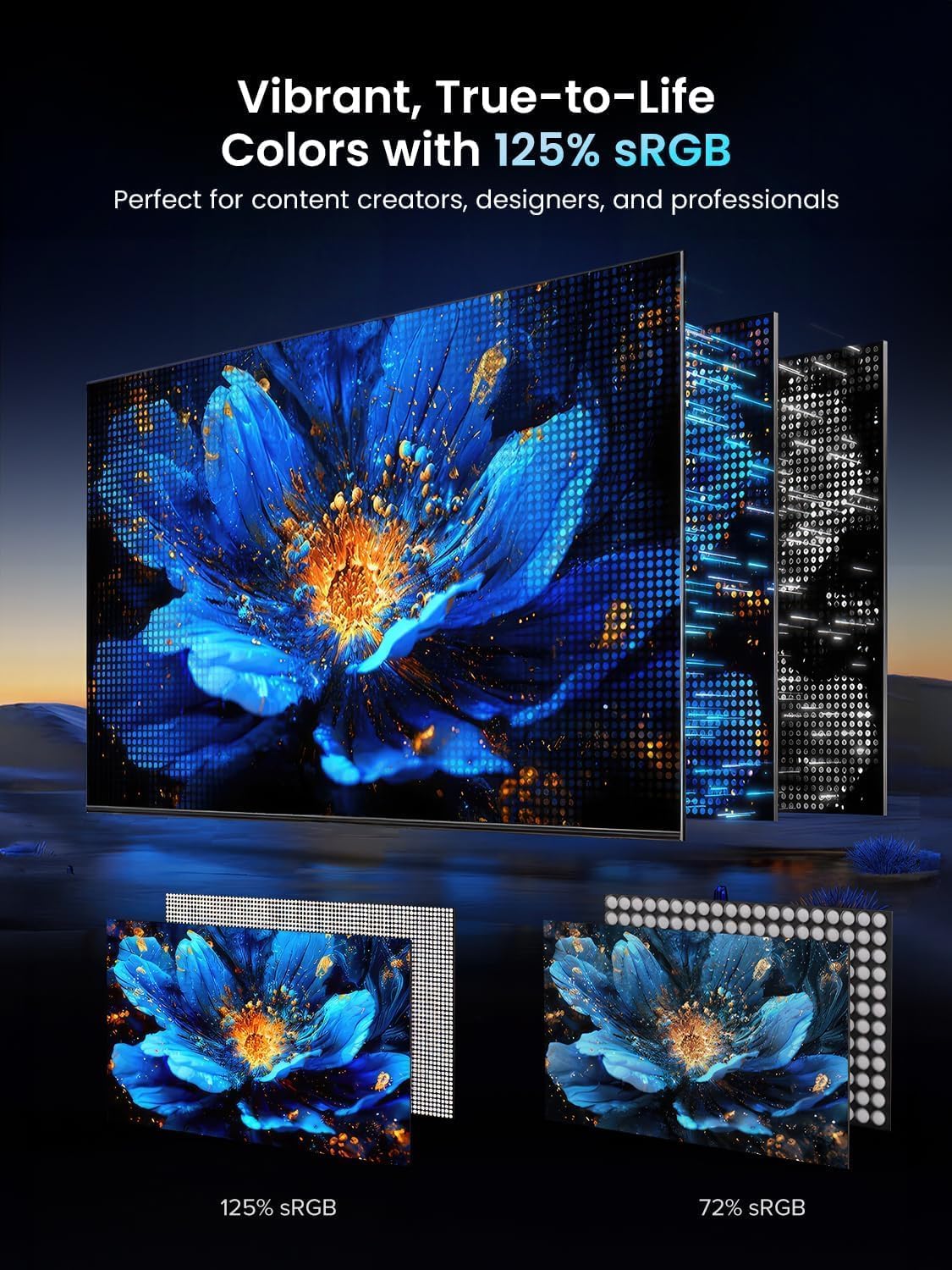
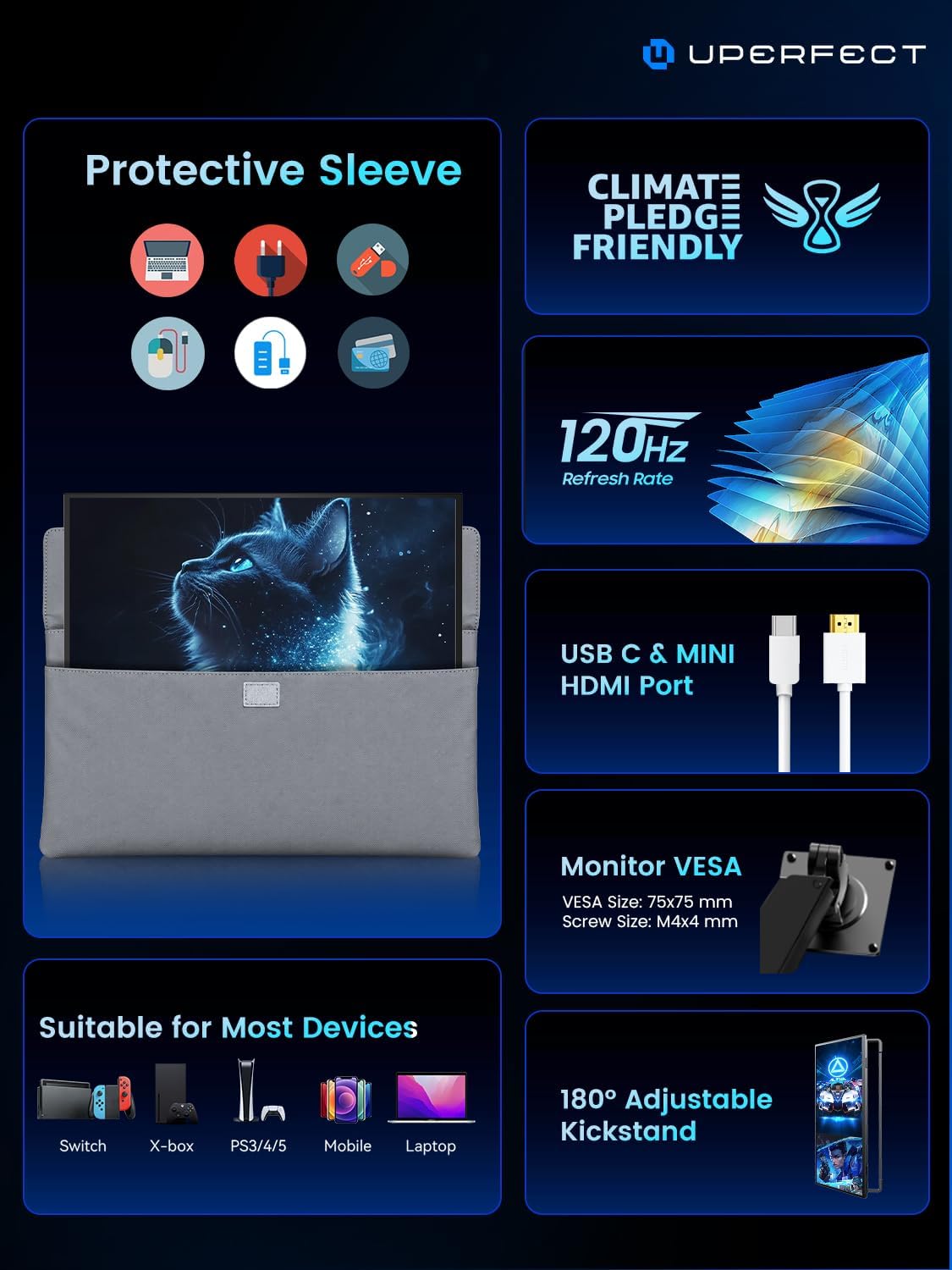
On paper, the standout features are a 120 Hz refresh rate with FreeSync, a wide color gamut at 125% sRGB, and a Full HD 1080p panel that delivers brighter, crisper images at up to 350 nits. The combination can make fast-moving games feel smoother and help you spot details in bright scenes. The screen is built with an aluminum alloy chassis for durability and uses an ultra-slim 0.2-inch bezel, which helps it feel more like a single extended workspace than a bulky extra panel.
How it performs in real use
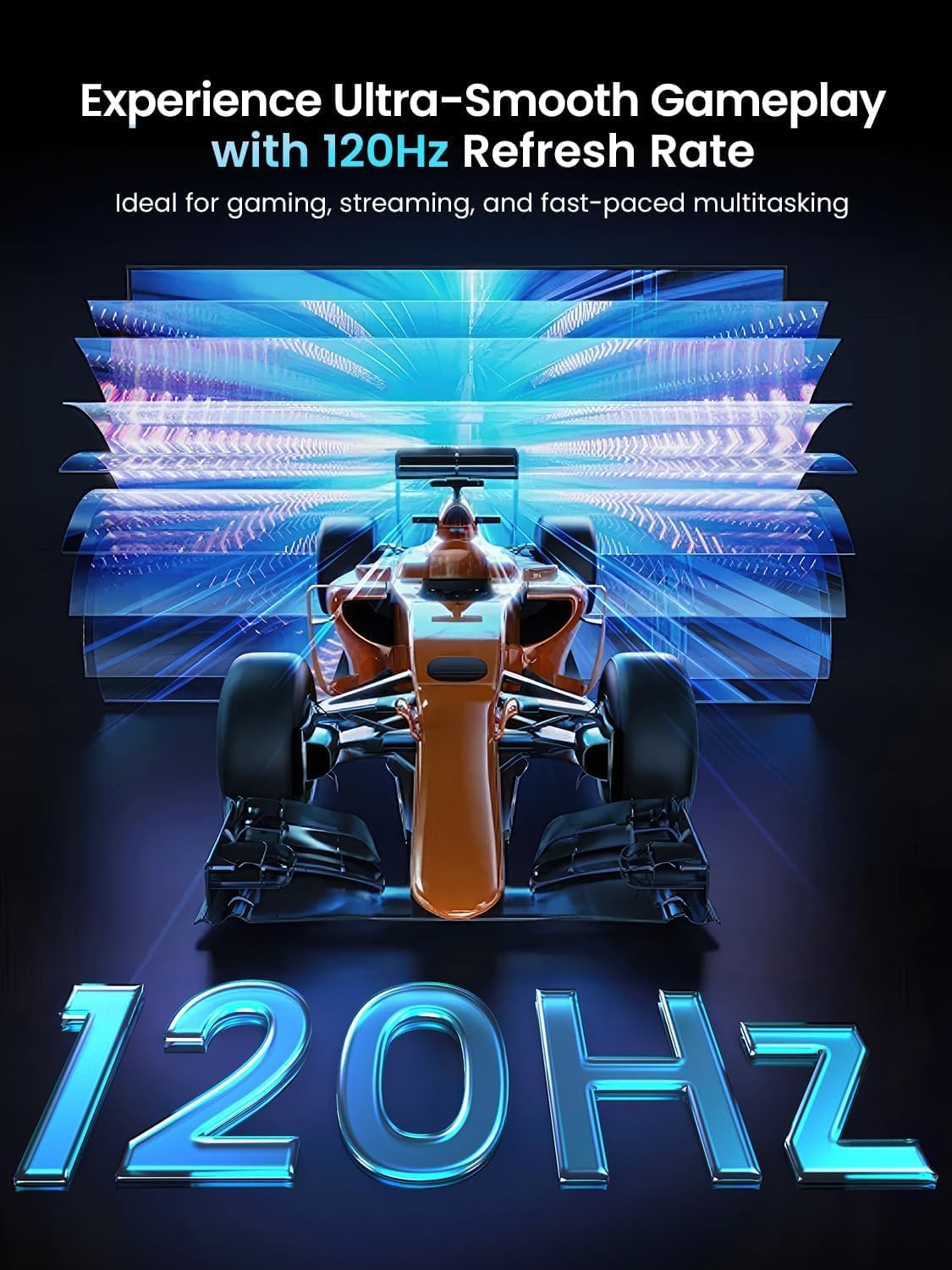
For gaming, the 120 Hz refresh rate helps reduce motion blur, and FreeSync can minimize tearing if your GPU supports it. For productivity, the large 18.5-inch panel makes spreadsheets, code, or design work more legible, especially when you’re not at your primary workstation. The 1080p resolution is ample for a secondary display and keeps scaling simple on most laptops. The dual USB-C ports and a mini HDMI input give flexible connection options, so you can connect a laptop, phone, or gaming device without hunting for adapters.
Design and build notes you should know
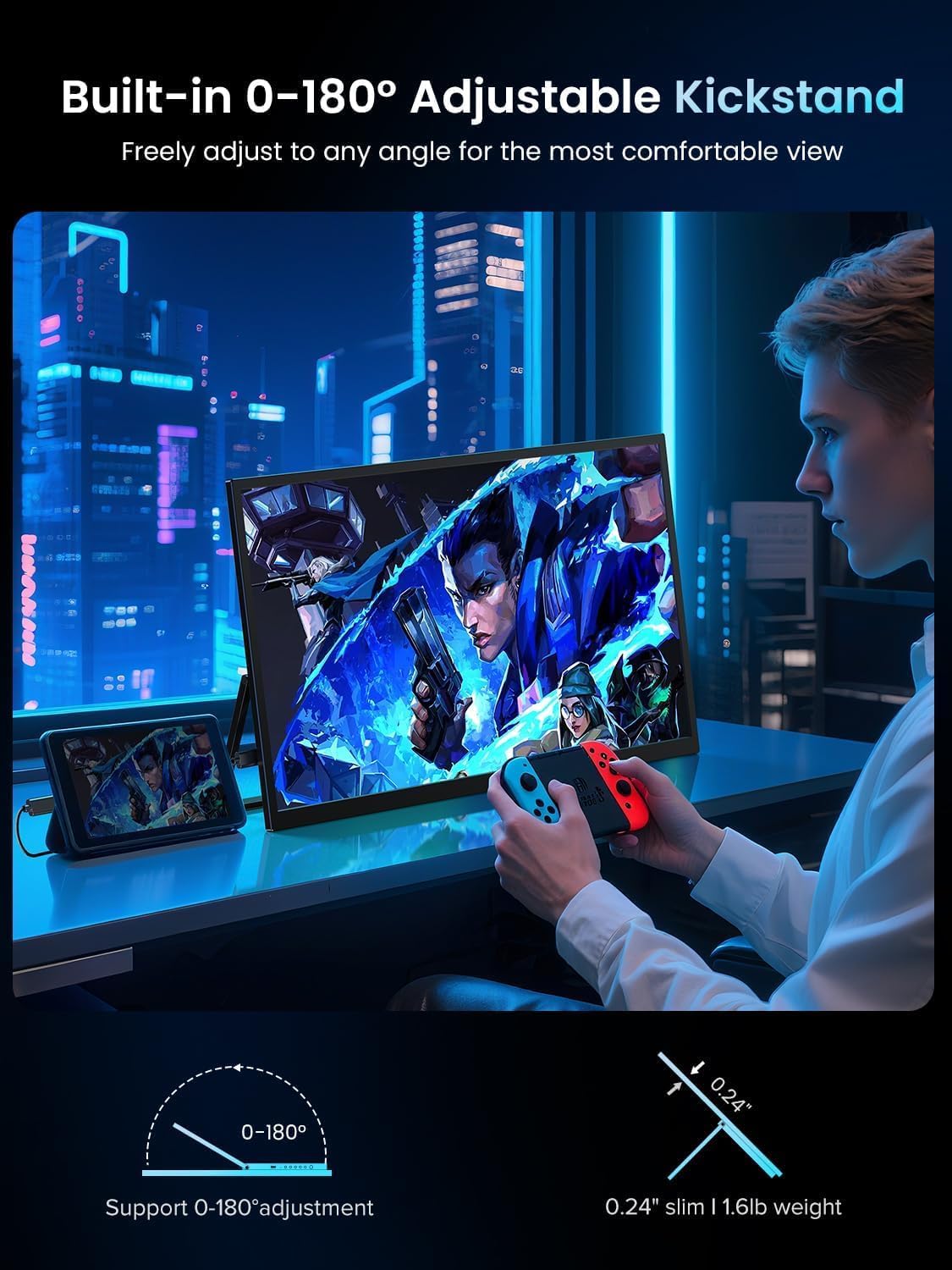
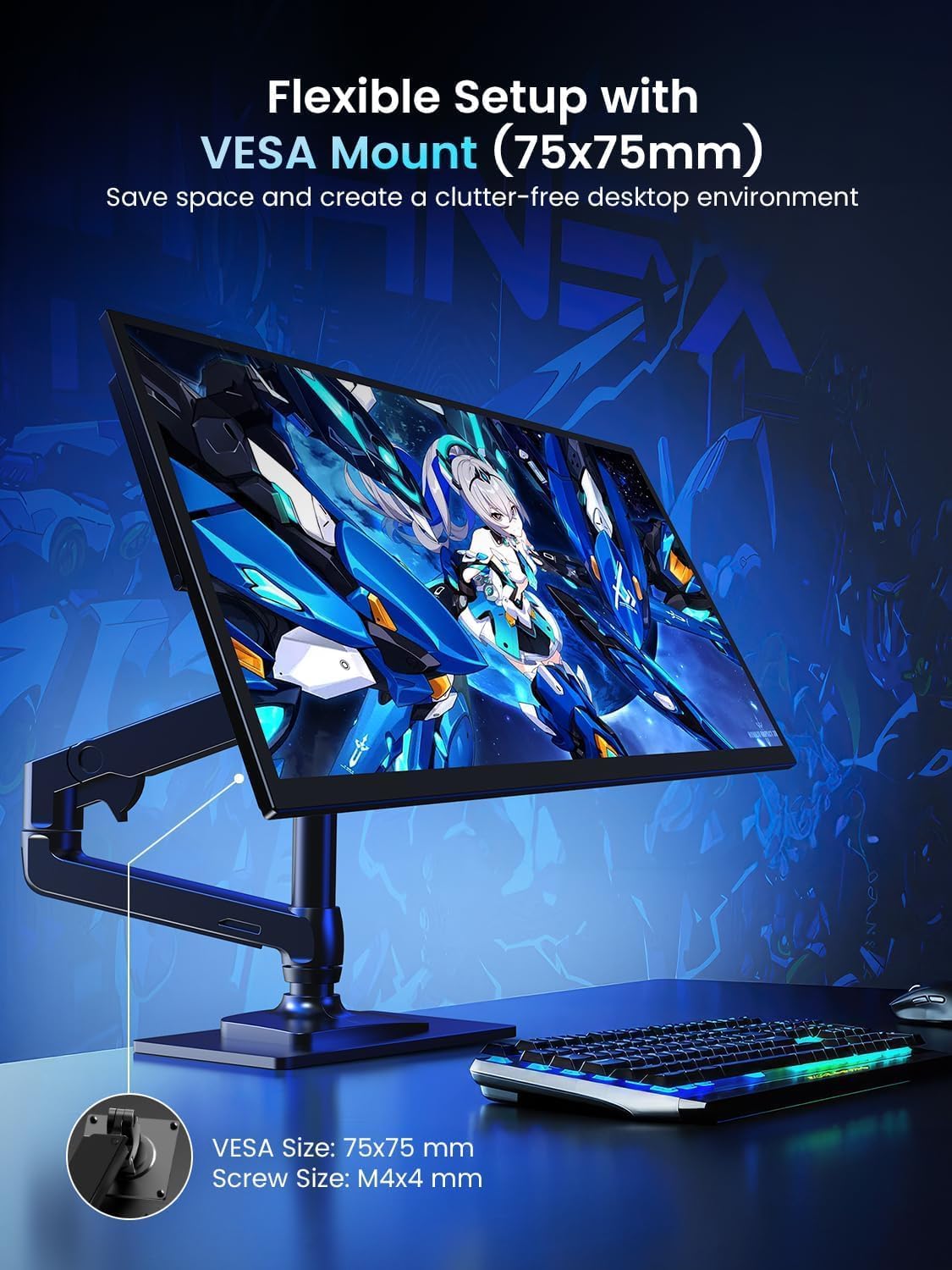
The integrated VESA mount (M4 x 4 mm) and stand provide vertical and horizontal adjustability, which is handy for desk setups or quick alignment on the go. The portability comes from a relatively light frame and a thoughtful, slim profile, but you’re still carrying a full monitor. If you value a robust, travel-ready display that doubles as a second screen, this model checks a lot of boxes.
Who it’s for (and who it isn’t)
It’s a sensible pick if you want a larger portable screen for work—think second monitor for a laptop, mobile workstation, or surface-style setups. It also fits gamers who want a bigger on-the-go display for casual titles, fps shooters, or travel tournaments. If you primarily need ultra-high color accuracy for photo or video work, note that this is a strong generalist display but not a premium pro-grade panel.
Pros and limitations in real terms
Pros: larger screen real estate, 120 Hz for smoother motion, FreeSync to reduce tearing, decent brightness and color coverage for everyday tasks, solid build with VESA mounting and a stand, flexible input options with HDMI and USB-C. Limitations: 1080p is not ultra-sharp on a big panel when you sit very close, color performance is good for most tasks but not a dedicated color-critical monitor, the portability comes with the trade-off of a larger footprint than smaller travel displays.
When it makes sense to buy
If you frequently work away from a desk and want a practical second screen that travels well, this model offers a straightforward setup with real screen size benefits. It’s also appealing if you game casually on the go and want smoother visuals at a comfortable frame rate without needing a heavy monitor setup.
When you might want to hold off
If your priority is top-tier color accuracy, or if you need a high-refresh-rate panel beyond 120 Hz for competitive esports on the highest settings, you might want to compare options with sharper color workflows or higher pixel density. Also, if you require a lighter, ultra-compact travel display, a smaller alternative could be easier to carry.
What to check before buying
Confirm your device supports USB-C Alt Mode or HDMI output for reliable compatibility. Consider how you’ll position the monitor at your workspace—VESA mounting is great, but you’ll need space or a compatible arm. Check the included stand stability and whether you’ll frequently adjust the tilt or orientation, the 0.2-inch bezel helps, but real-world use depends on desk setup.
Practical usage ideas
Imagine pairing this with a laptop on a coffee shop table: you open the lid, connect via USB-C, and instantly have dual-screen productivity—spreadsheet on one panel, reference docs on the other. For gaming on a portable rig, you keep the main monitor dedicated to your console or laptop, while this panel handles menus and secondary information for a smoother multitasking experience.
What to know about alternatives and context
If you’re choosing between a basic external display and this portable option, consider whether you need an active, travel-ready panel with a built-in stand and mount. If you want a more compact travel solution, smaller 14-inch or 15.6-inch models may be easier to carry but offer less screen real estate. If color accuracy and HDR are critical, you may prefer a panel that targets professional color workflows, even if it means a larger price or heavier device.
Is it worth it?
Final verdict: It’s a solid pick if you prioritize a larger portable screen with smooth motion and flexible connectivity for everyday work and casual gaming. It won’t be the cheapest option, and it may not replace a high-end desktop monitor for color-critical tasks, but for many on-the-go setups, it delivers meaningful gains in productivity and immersion.
Quick FAQ
- Do you need a special adapter to use USB-C? Most setups can use USB-C directly, but verify Alt Mode support on your device.
- Will it work with a MacBook? Yes, via USB-C or HDMI, depending on the model’s outputs.
- Is 1080p enough on 18.5 inches? It’s adequate for a secondary screen in most use cases, especially when sitting a few feet away.