

MagicRaven Laptop Screen Extender 15.6-inch
Product description
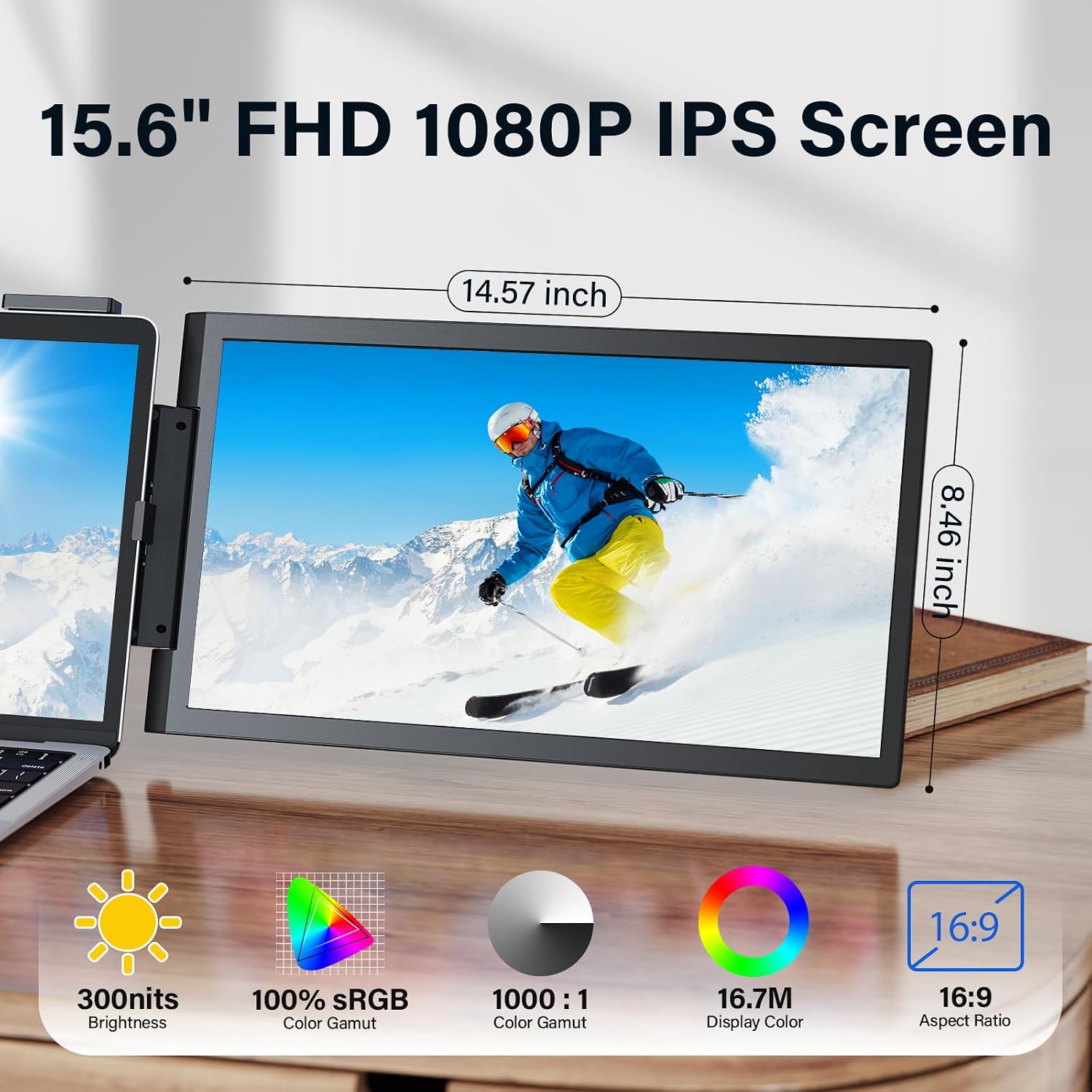
For laptop users who juggle documents, code, chats, or entertainment, the MagicRaven screen extender adds a second display that attaches to the computer instead of taking up a separate spot on the desk. Its 15.6-inch 1080p IPS screen is intended to make side-by-side windows easier to manage than constantly switching between tabs on one display. The portable design also suits work sessions away from a fixed desk, though the laptop’s size and USB-C capabilities matter before you choose it.
What to know
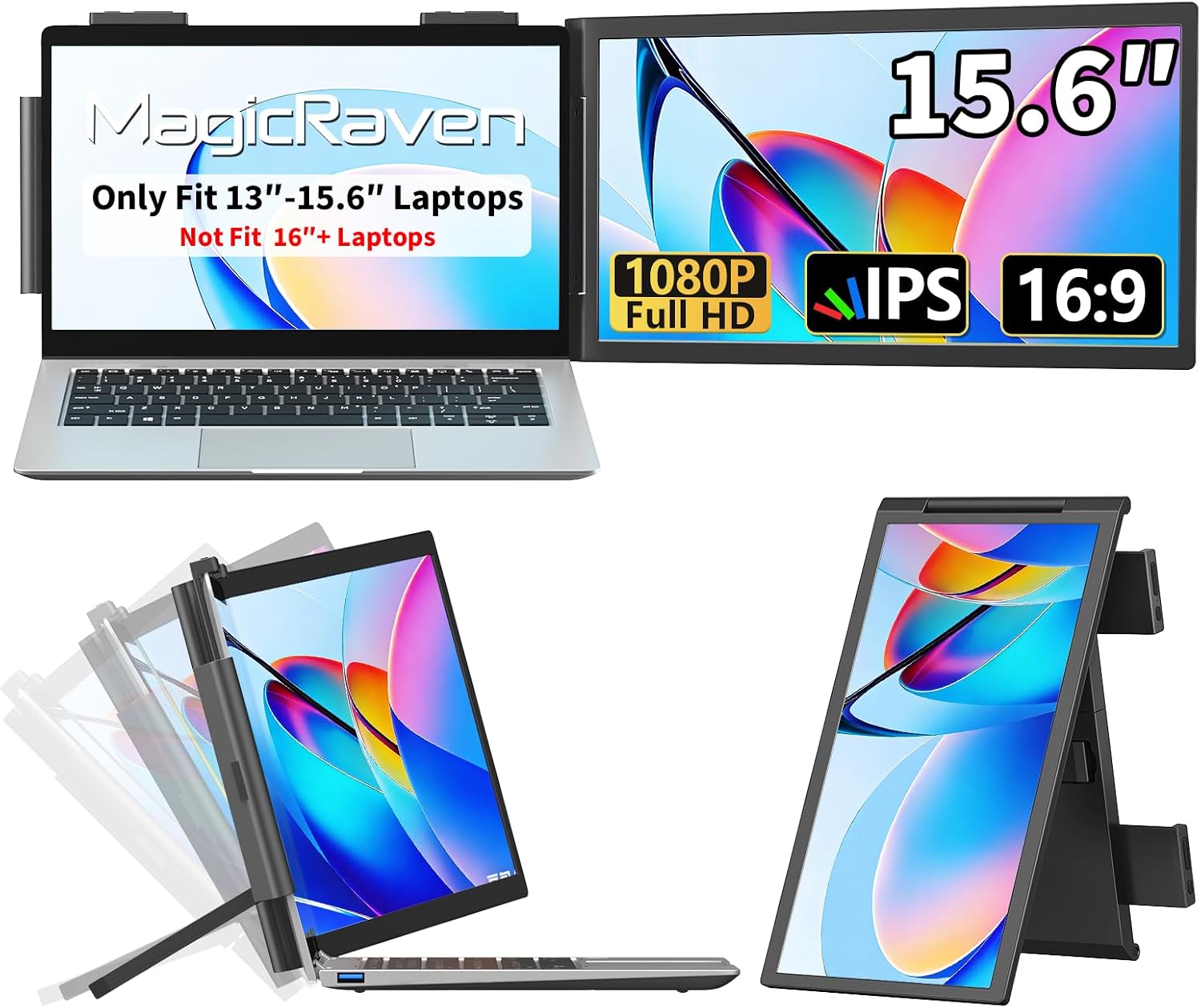
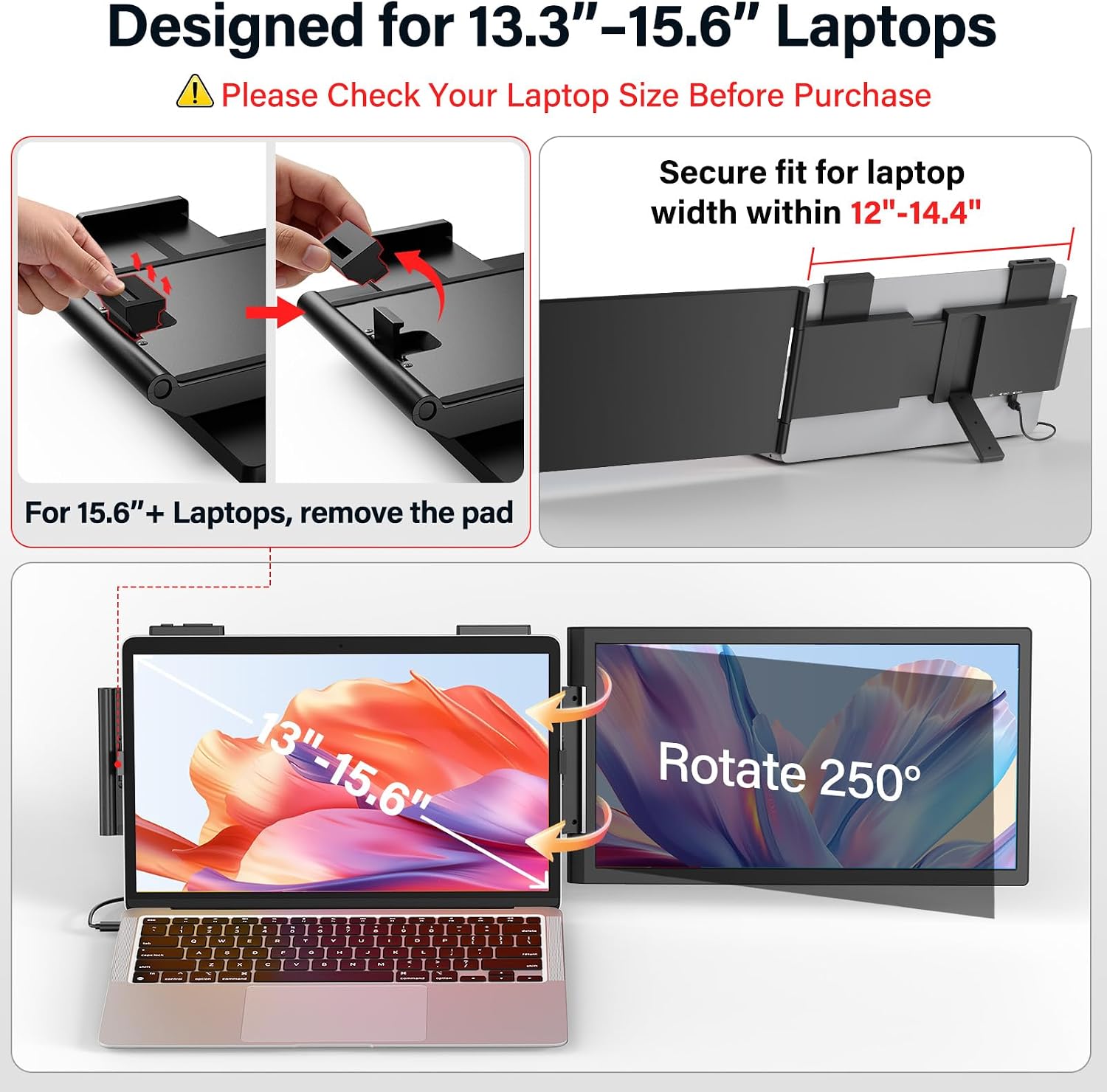
This is a clip-on laptop monitor extender, not a standalone desktop setup. The product name lists support for 13.3- to 15.6-inch laptops, while the product details warn that it will not fit laptops of 16 inches or larger. Keep in mind that those size limits make checking your laptop’s screen size an important first step, especially if you have a larger model.
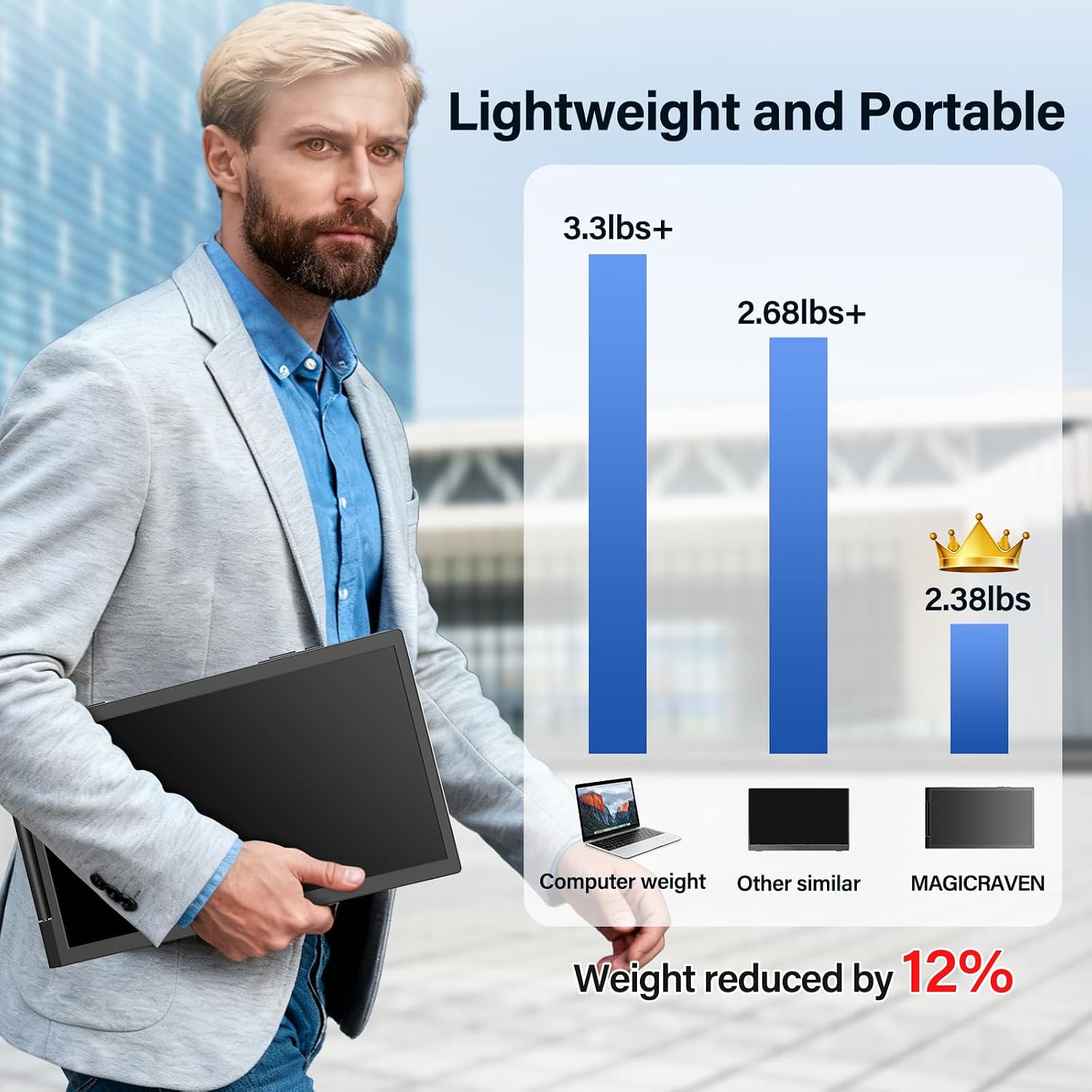
The display is listed as 1080p with an IPS panel, and the unit weighs 2.38 pounds. That combination points to a portable second-screen setup for tasks like keeping a reference document open beside a spreadsheet, or leaving a messaging window visible while working. Compared with a larger monitor that stays on a desk, this design favors portability and less desk space over a dedicated, stationary screen.
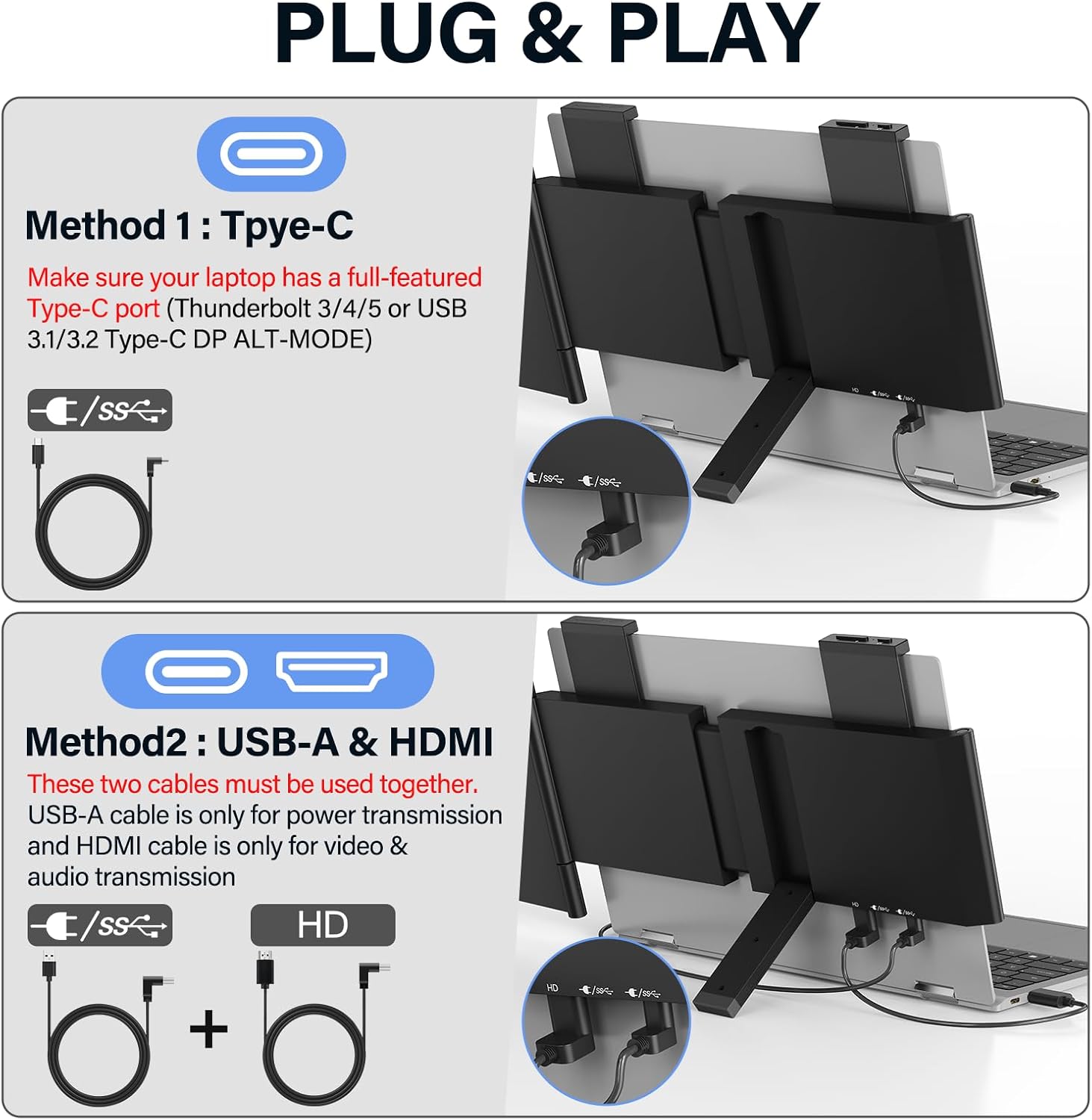
It suits you if you want more room for everyday multitasking without carrying a separate desktop monitor. The listing names Windows, Mac, Android, PS5, and Xbox, but connection requirements still apply: USB-C needs full-featured USB-C with DP Alt Mode. For HDMI, the included power cable must be used.
How to use it
The extender is described as plug and play, with no software download required. Connect it using a supported USB-C connection, or use HDMI with the included power cable. Before relying on it for a work session or trip, identify which connection your laptop supports, a USB-C port alone does not confirm DP Alt Mode capability.
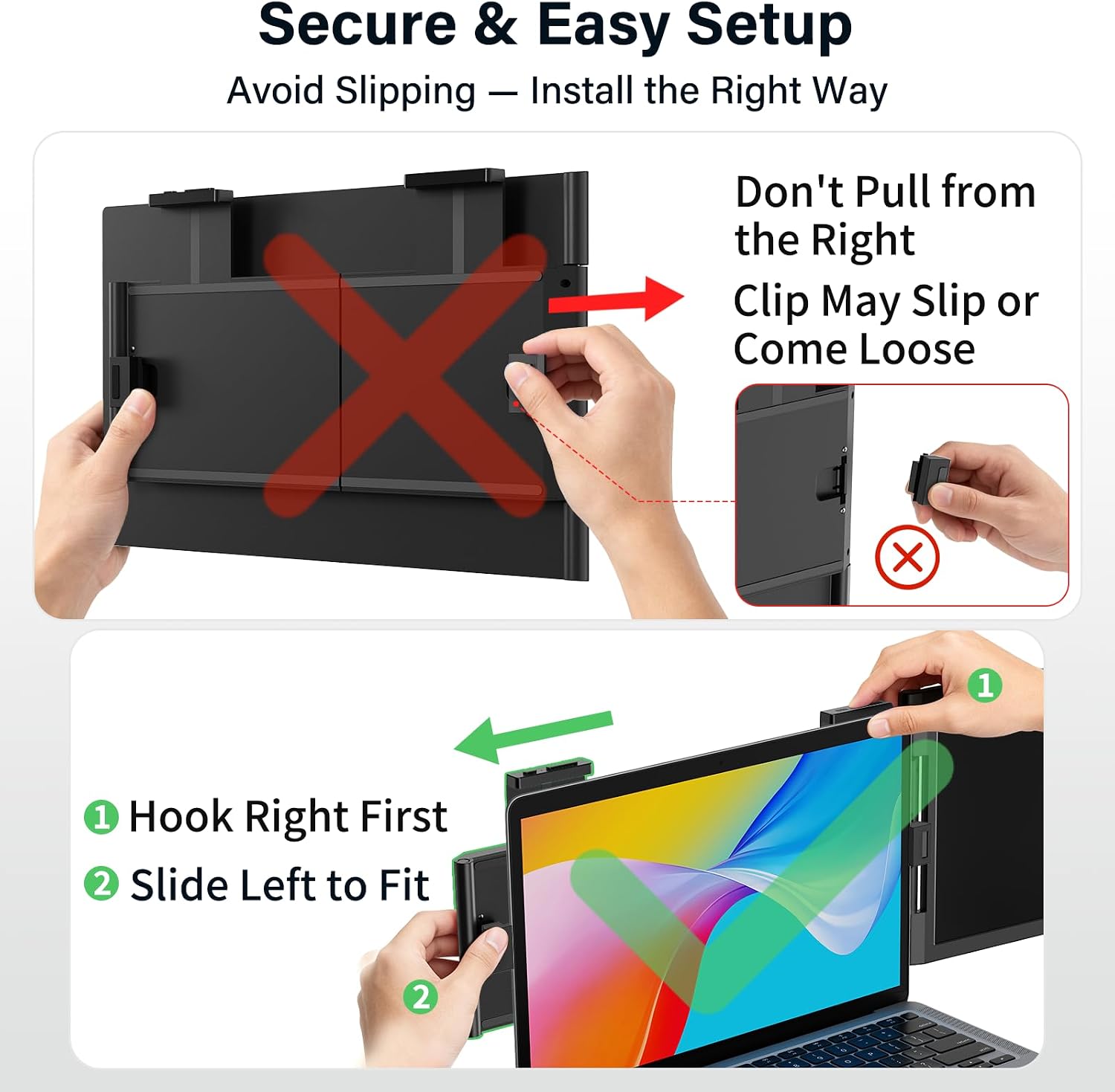
A practical example: at a coffee shop, you could keep a document open on the laptop and a reference page on the attached screen, rather than repeatedly minimizing and reopening windows. The built-in kickstand is described as working best at a 110° stand angle, so placement may take a little adjustment to get comfortable.
Practical tips
Think about your typical setup, not just the advertised screen size. If your laptop is within the stated range and has the required video connection, an attached screen can be useful for travel, home, or office work where a full-size monitor is inconvenient. If you already work at a permanent desk and want a larger display, a conventional desktop monitor may be the more suitable approach.
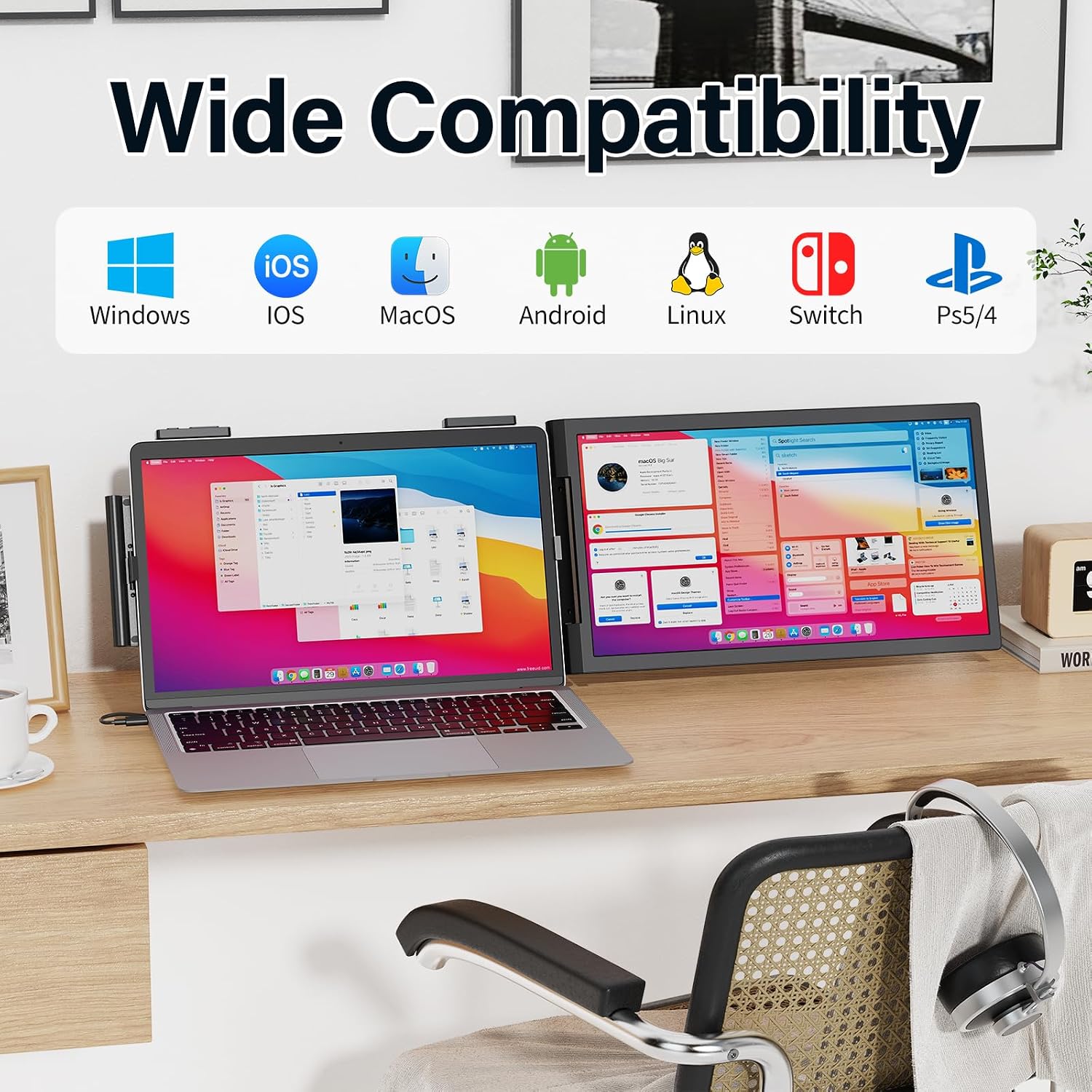
The product details do not specify screen brightness, refresh rate, or a resolution for the connected device, so those needs cannot be assessed from the available information. For gaming or video, check that your intended connection and viewing setup meet your expectations rather than assuming the listed console compatibility guarantees a particular performance level.
Practical doubts
Will it fit a 16-inch laptop? The listing warns that it will not fit laptops of 16 inches or larger, so it is intended for smaller screens.
Can I connect it with USB-C? Yes, if the USB-C port supports DP Alt Mode. A standard USB-C port may not be enough.
Does HDMI require separate power? The product details say to use the included power cable for an HDMI connection.
When it makes sense
Choose this format if your main goal is a portable second screen for a compatible, appropriately sized laptop, and you value keeping more than one window visible while moving between work locations. Not the best choice if you have a 16-inch-or-larger laptop, cannot confirm the required USB-C video support, or want the more spacious setup of a stationary desktop monitor. The key tradeoff is clear: less desk commitment and easier transport in exchange for strict fit and connection requirements.