


Dell 34 Monitor S3425DW: 120Hz VA display with Eye Comfort and USB-C connectivity
Product description
What to know
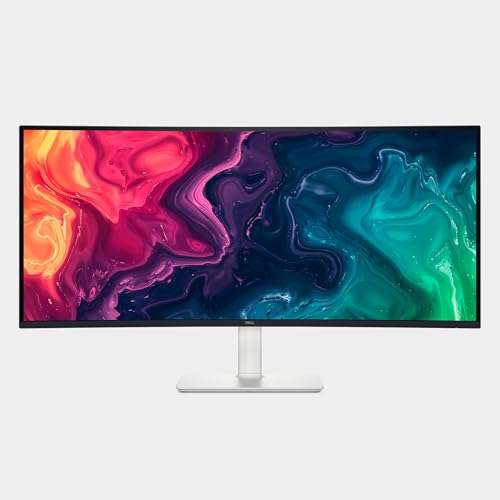
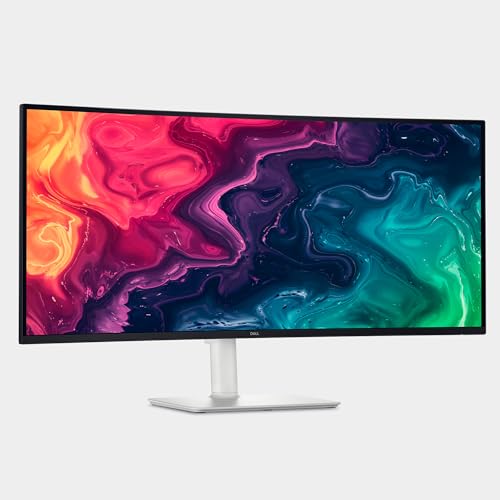
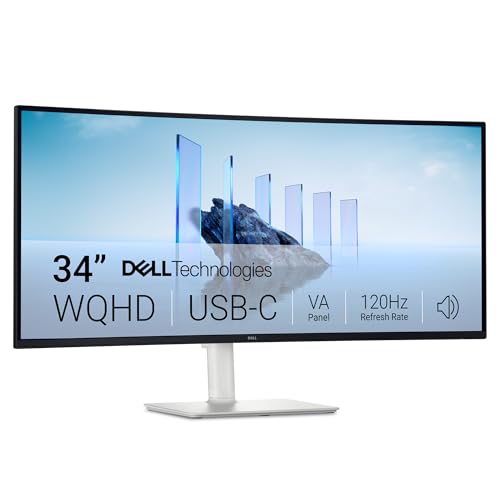
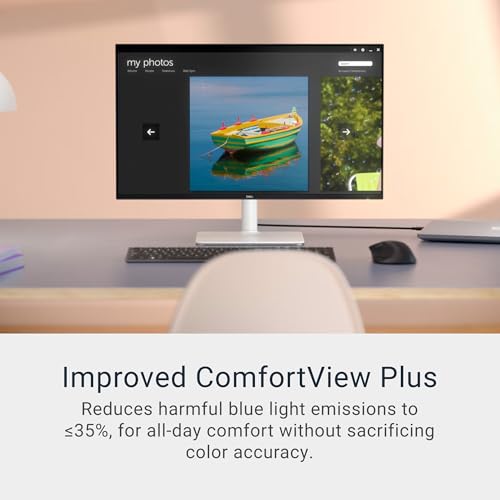
The Dell 34 Monitor S3425DW is a 34-inch display aimed at a balance of work and multimedia use. It emphasizes comfort features and fluid visuals with a 120Hz refresh rate and AMD FreeSync Premium support. The screen is built around a VA panel and includes Dell’s Improved ComfortView Plus to reduce blue light emissions, helping with long sessions at the desk without sacrificing color accuracy.
The essentials
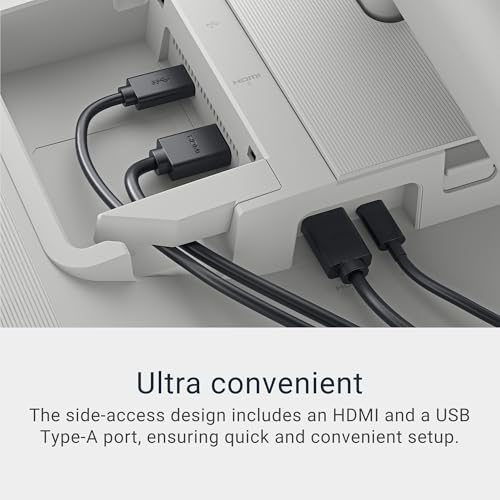
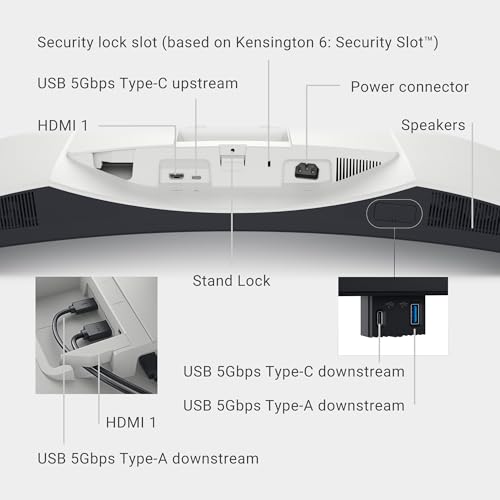
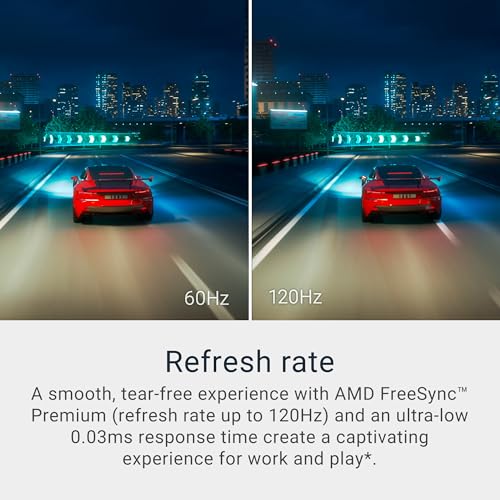
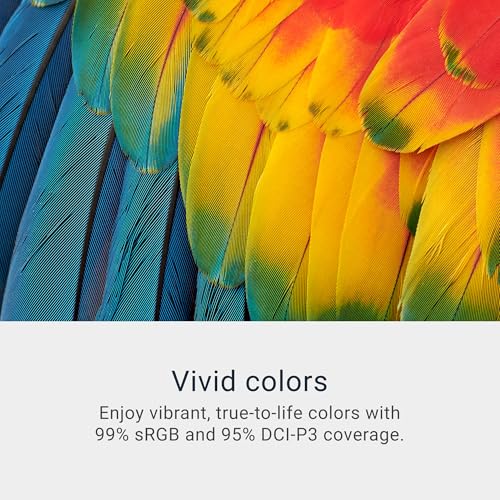
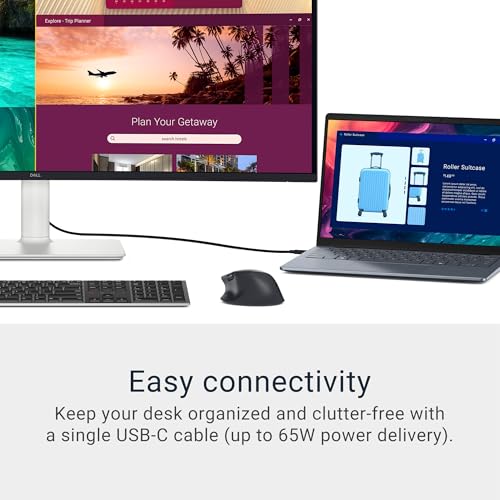
On paper, the S3425DW combines a high-refresh experience with strong color coverage (99% sRGB and 95% DCI-P3). The panel’s contrast is described as 3000:1 with HDR readiness, which should yield deeper blacks and more realistic depth in scenes that benefit from stronger distinction. Response times are notably low, described as 0.03ms, which can help with smoother motion in fast-paced tasks or gaming scenarios. Connectivity is simplified by a single USB-C connection that can deliver up to 65W power, helping keep desks uncluttered.

What stands out
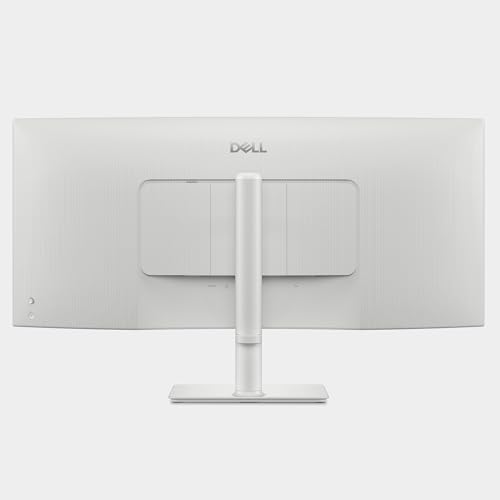
If you prioritize a clean desk setup and easy cable management, the USB-C / 65W Power Delivery option is notable since it can consolidate display and charging into one cable. The combination of FreeSync Premium and a 120Hz refresh rate signals you can expect tear-free visuals in appropriate content, which matters whether you’re editing, streaming, or gaming at times. The color coverage is solid for a monitor in this category, and the HDR readiness adds a sense of depth when you’re viewing compatible media.
Practical use and example
In daily use, you’ll notice smoother transitions when scrolling long documents, spreadsheets, or multi-window workflows thanks to the higher refresh rate. For content creation or photo/video reviewing, the color accuracy is aided by a broad color gamut, which helps when you’re comparing hues side by side. On the other hand, if your primary need is a high-resolution panel for very precise color grading, you may want to confirm whether the 3440×1440-like resolution is aligned with your color workflow and calibration needs.
Who it’s for
This model is well-suited for professionals who want a large curved-ish work setup with comfortable viewing and decent color reproduction, plus a simple path to a clean desk via USB-C. It also serves casual gamers who value a high refresh rate and reduced eye strain during extended sessions. If you’re a buyer who prioritizes a compact color-critical calibration or top-tier HDR performance, you may find the entry here a bit conservative compared with higher-end options.
What to watch before you buy
- Confirm your desk setup and whether a 34-inch ultrawide feel fits your space and workflow.
- Check your GPU and system capabilities to leverage 120Hz and FreeSync Premium effectively.
- Consider whether you’ll rely on USB-C power delivery and whether 65W covers your devices.
- Understand that the improved ComfortView Plus reduces blue light, but color accuracy is a balance and may vary by content.
How it compares to other setups
If you’re choosing between a larger ultrawide panel and a standard 27–32 inch display, the S3425DW offers a more immersive workspace while keeping an approachable price tier. It isn’t pitched as a premium HDR-beast, but HDR readiness plus a solid VA panel tends to deliver noticeable depth without the higher cost of top-tier OLEDs. For those who don’t need the largest possible color gamut or the most extreme peak brightness, this Dell can be a pragmatic middle ground.
FAQ (brief and practical)
- Does it support true 4K resolution? No, this model is described as WQHD with a VA panel, focusing on a balance of size, refresh, and color coverage.
- Is it good for gaming? The 120Hz refresh and FreeSync Premium help with smooth visuals, but it’s best aligned with mixed-use rather than a pure gaming-focused setup.
- Can I charge my laptop via USB-C while using the monitor? Yes, up to 65W power delivery through USB-C.
Is it worth it?
Based on the combination of an expansive screen, 120Hz performance, and comfort features, it makes sense if you value a larger desktop real estate with a straightforward, cable-friendly setup. It may not be the best choice if you need top-tier HDR or absolute color-critical work, but for many users, the S3425DW offers a compelling blend of size, fluidity, and comfort for everyday tasks and occasional media work.