

CRUA 34" WQHD 240Hz Ultrawide Curved Gaming Monitor (1500R) with FreeSync, Built-In Speakers, and HDMI 2.1/DP 1.4
Product description
What this is and who it’s for
The CRUA 34" WQHD ultrawide curved monitor is designed for gamers, streamers, and multi-taskers who want a wide, immersive view without juggling multiple screens. With a 34-inch 3440x1440 VA panel and a pronounced 1500R curvature, it aims to wrap your field of view for a more engaging gaming session, smooth videos, and efficient multitasking in home offices or creative spaces. If you value a wide aspect ratio for dashboards, trading layouts, or cinema-like content, this monitor positions itself as a mid-to-high entry option in the ultrawide segment.
Performance and visuals on paper
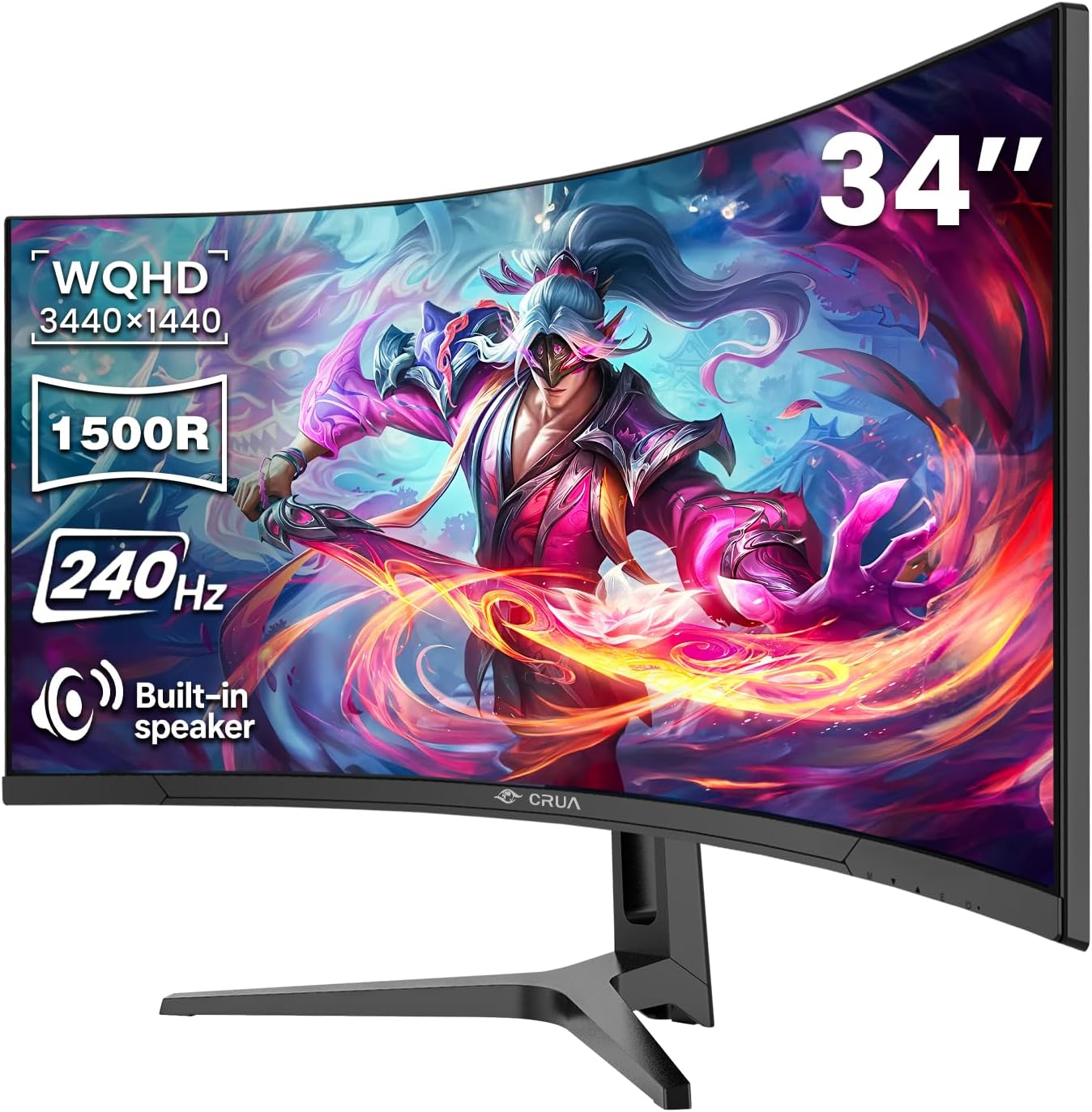
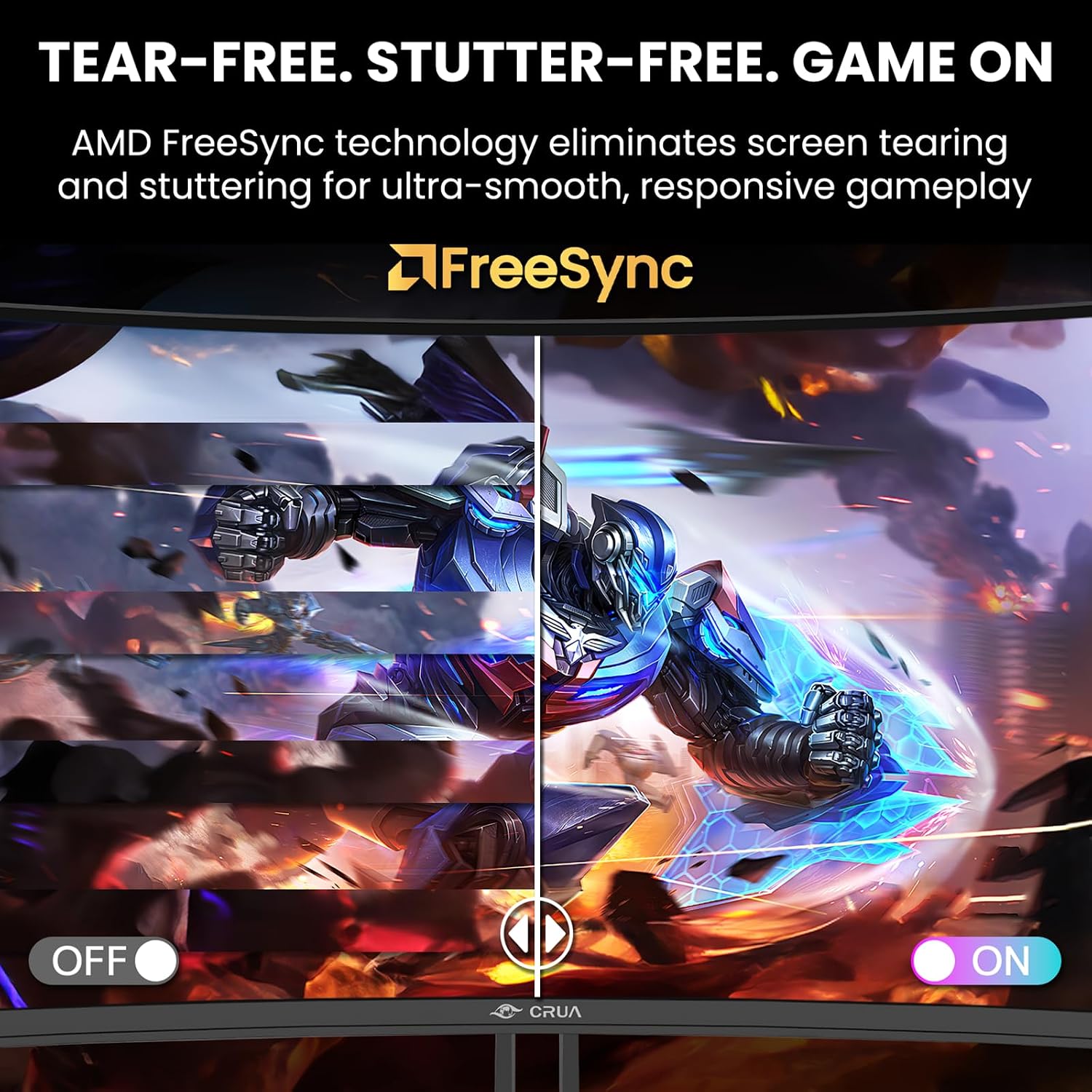
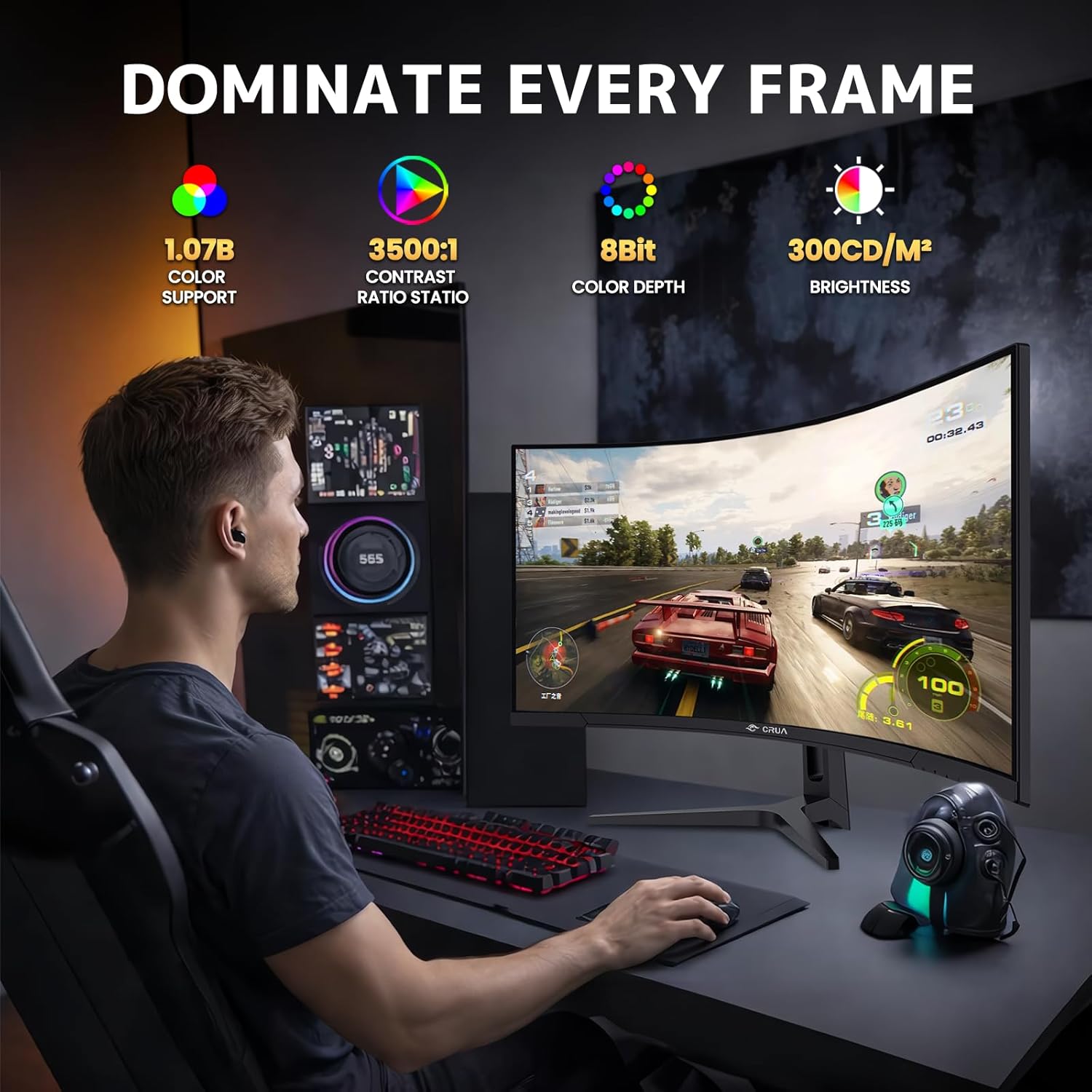
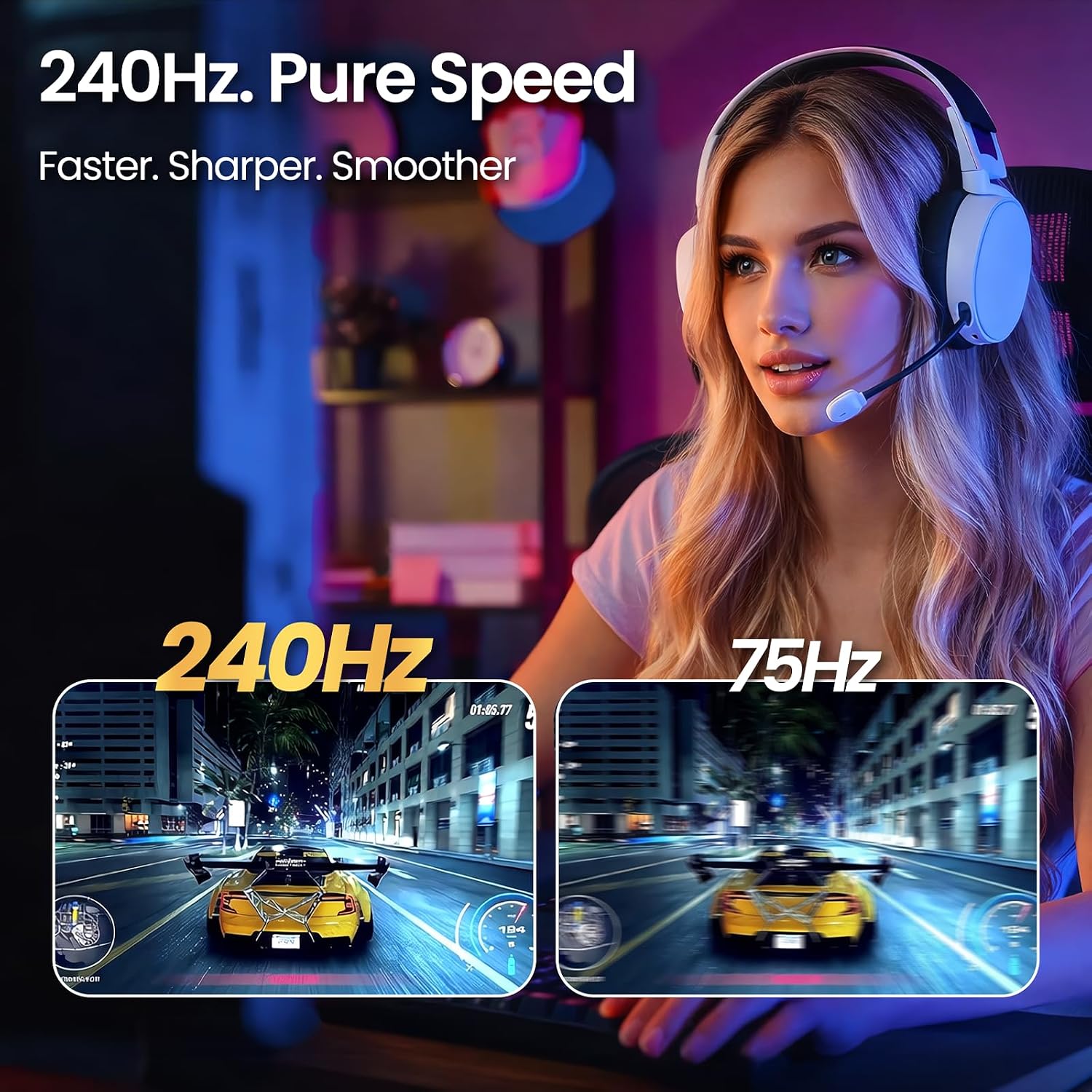
Key selling points include a 240Hz refresh rate and AMD FreeSync, which together target fluid motion with reduced tearing and blur during fast-paced gameplay. The color story is boosted by a 120% sRGB gamut, 3500:1 contrast on a VA panel, and 300 nits brightness. On paper, that combination should deliver punchy greens and blues with decent depth in dark scenes. In practice, you’ll likely notice smoother motion in esports-style titles and more expansive viewing in cinematic scenes, though real-world color accuracy will depend on calibration. If you’re a creative professional or a hobbyist who edits video or graphics in a home setup, the 120% sRGB helps, but don’t expect color grading-grade accuracy straight out of the box.
Design, size, and image quality notes
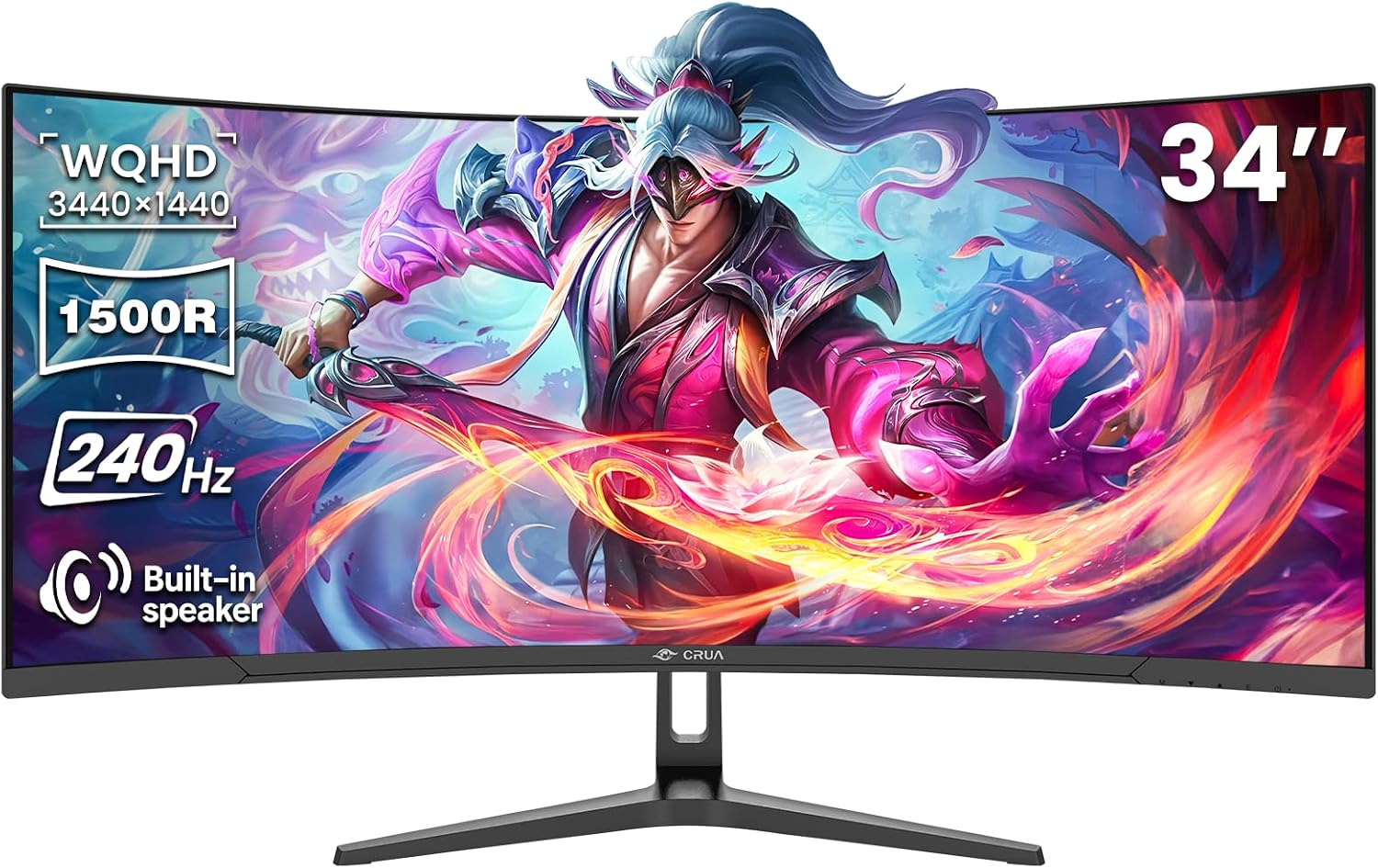
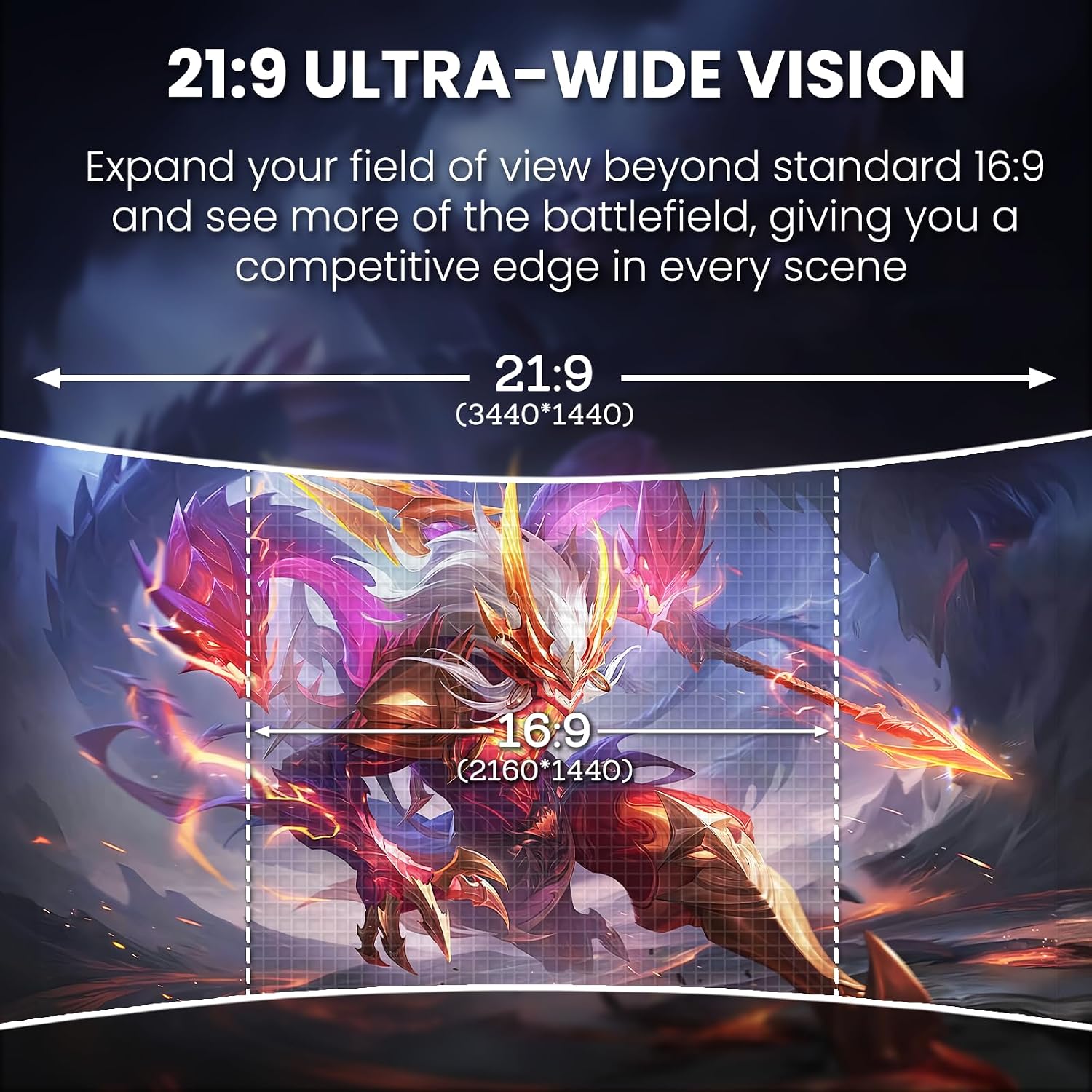
The 34" ultrawide format with a 21:9 aspect ratio expands horizontal workspace, which can improve multitasking and side-by-side app usage. The 1500R curvature is relatively aggressive and intended to enhance immersion, though some users may prefer a flatter panel for color-critical work. The VA technology contributes strong contrast, which helps shadows stand out and blacks feel deeper in darker scenes. As with many curved ultrawide monitors, brightness may feel uneven at extreme viewing angles, and the shape can affect wall-mount distance and desk depth planning.
Connectivity and features you’ll actually use
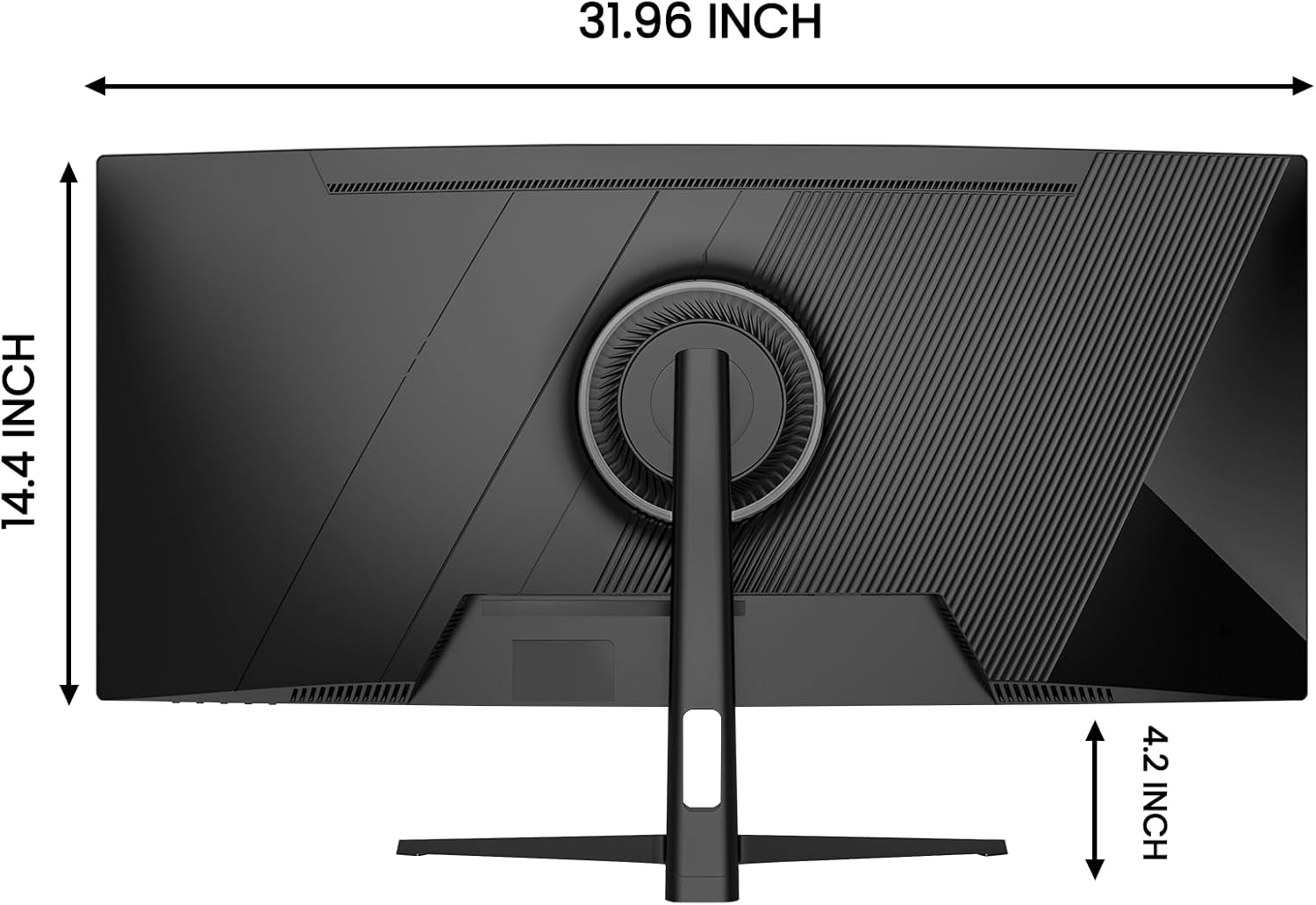
Built-in speakers mean fewer external peripherals, which is a practical convenience for desk cleanliness or streaming setups. Ports include HDMI 2.1 and DisplayPort 1.4, which covers modern PC and console connections with plenty of bandwidth for high refresh rates. A 3.5mm audio jack adds flexible audio routing for headsets or external speakers. For space-saving layouts, the monitor offers 75x75mm wall-mount compatibility, making it easier to keep your desk uncluttered if you have the right mount.
Pros and cons at a glance
- Pros: immersive ultrawide field of view, high 240Hz refresh rate, FreeSync for smoother gameplay, built-in speakers, strong contrast for a VA panel, flexible connectivity.
- Cons: color accuracy may require calibration for professional-grade work, the aggressive 1500R curve isn’t ideal for every desk or workflow, brightness is solid but not exceptional for HDR-style content, and the price position is not specified here.
Who this is really for and who should think twice
This monitor makes sense if you prioritize a wide, immersive image for gaming and streaming, and you want a single-screen setup that can handle both work dashboards and creative tasks in a space-saving package. It may be less compelling if your primary need is precise color-critical editing or if you work in brightly lit environments where higher brightness or true HDR would matter more.
When it makes sense to buy and when to pause
Consider buying if you want an expansive gaming surface, enjoy fast-paced titles, and appreciate the convenience of built-in speakers and versatile inputs. If you mostly work with color-critical tasks, or you’re hoping for true HDR performance, you might want to compare color accuracy and peak brightness against similar models before committing.
What to review before purchasing
- Check your desk depth and wall-mount distance to ensure the 1500R curve feels natural rather than overwhelming.
- If color fidelity matters, plan for a post-purchase calibration or consider how the 120% sRGB translates to your workflow.
- Confirm that your PC or console supports HDMI 2.1 or DP 1.4 at the desired 240Hz for your intended use case.
- Think about audio needs: built-in speakers are convenient, but external speakers or a headset may still be preferred for immersive sound or team communication.
Practical usage example
Imagine a streaming setup where you game on the left side of the screen while monitoring chat, alerts, and production software on the right. The wide 34" panel lets you keep tabs on multiple apps without jumping between windows, and the smooth 240Hz refresh helps during fast-action sequences. If you’re editing a clip, you’ll appreciate the broad canvas for timelines and reference panes, though you may still want a separate color-calibrated monitor for precise work.
FAQ
- Does it support true HDR? The provided data doesn’t specify HDR capabilities, expect standard VA contrast with 3500:1 to help depth, but verify HDR support if that’s a must-have.
- Is 300 nits bright enough for a sunny room? It’s adequate for typical indoor setups, very bright spaces may benefit from higher brightness panels.
- Can I use it with a laptop? Yes, via HDMI 2.1 or DP 1.4, depending on your laptop’s outputs, you may need adapters for some models.
Final verdict
Final verdict: If you’re seeking a spacious ultrawide for gaming and multitasking with flexible hookups and built-in audio, this CRUA model offers a compelling value proposition on paper. It’s a solid pick if immersion and screen real estate matter more than peak color accuracy or HDR brightness. Not the best choice if you require calibrated colors for professional design work or if you prefer a flatter panel for certain workflows.