

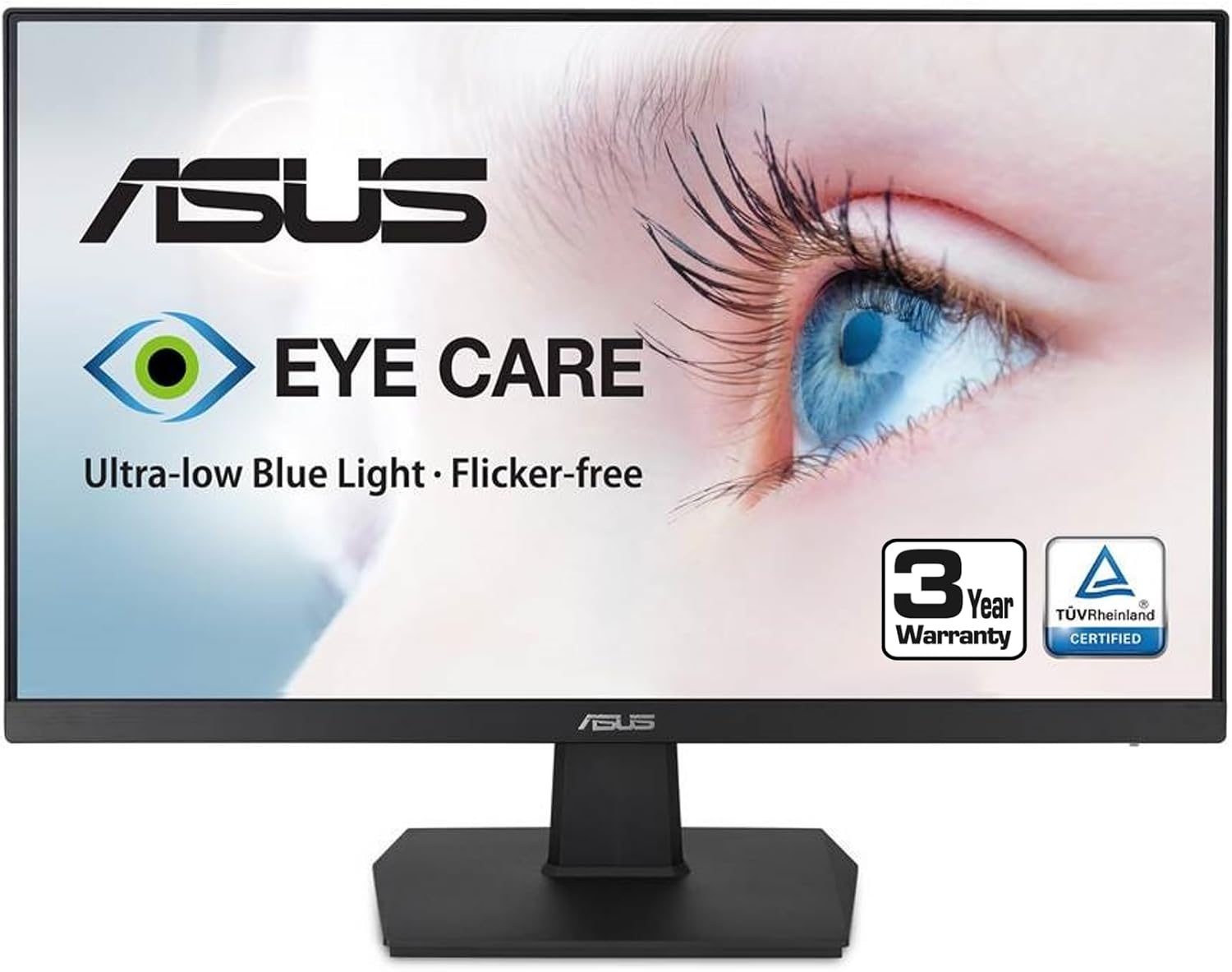
ASUS Computer Monitor 32-Inch
Product description
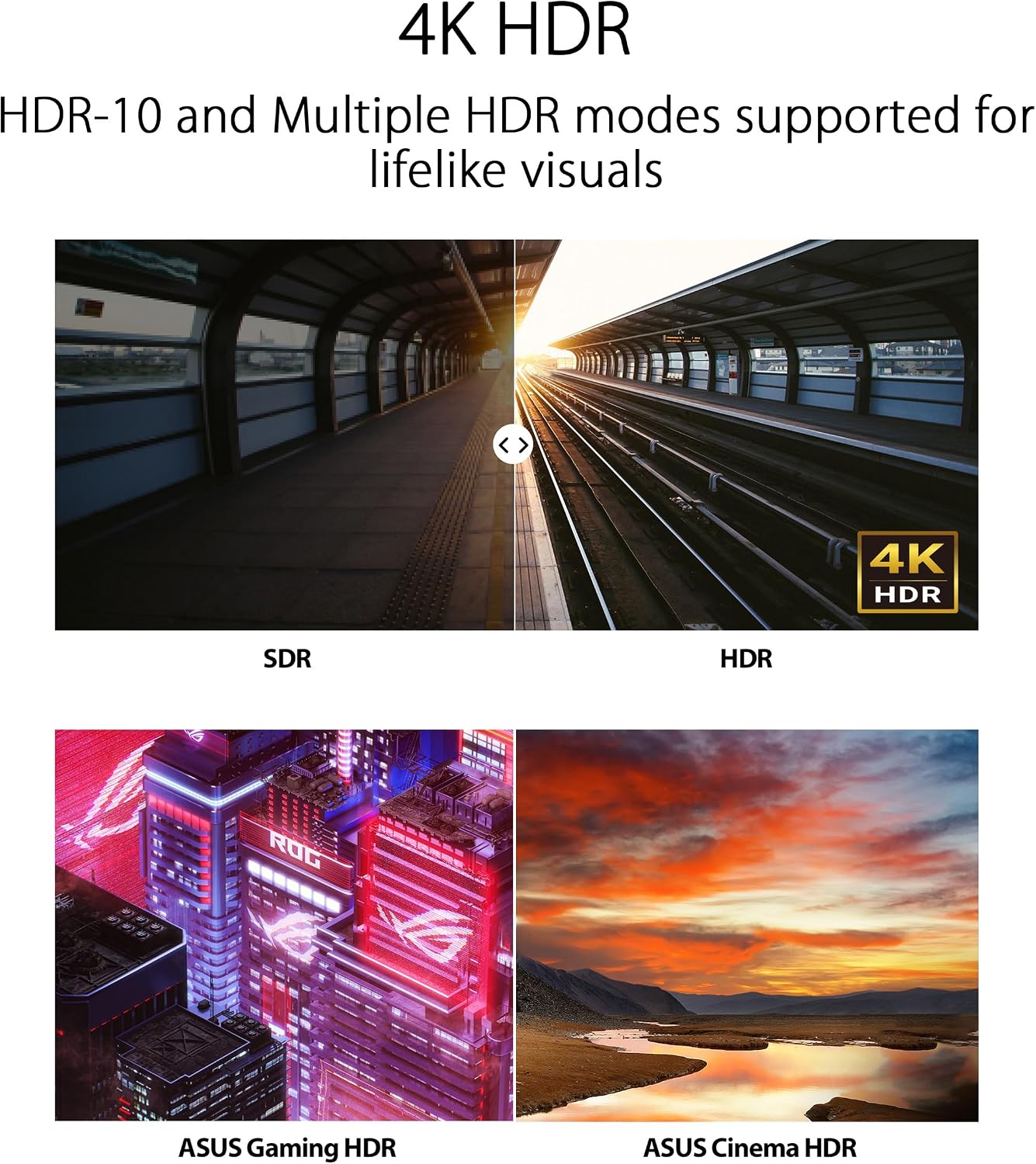
For people who want one large screen for work, streaming, and everyday gaming, the ASUS VP327Q brings a 31.5-inch 4K UHD display with an IPS panel. Its resolution and 99% sRGB coverage give documents, photos, and video plenty of detail, while HDR-10 and Adaptive-Sync add features for entertainment. It can also connect to a laptop and other devices through HDMI and DisplayPort, so it suits a desk that does more than one job.
Best use cases
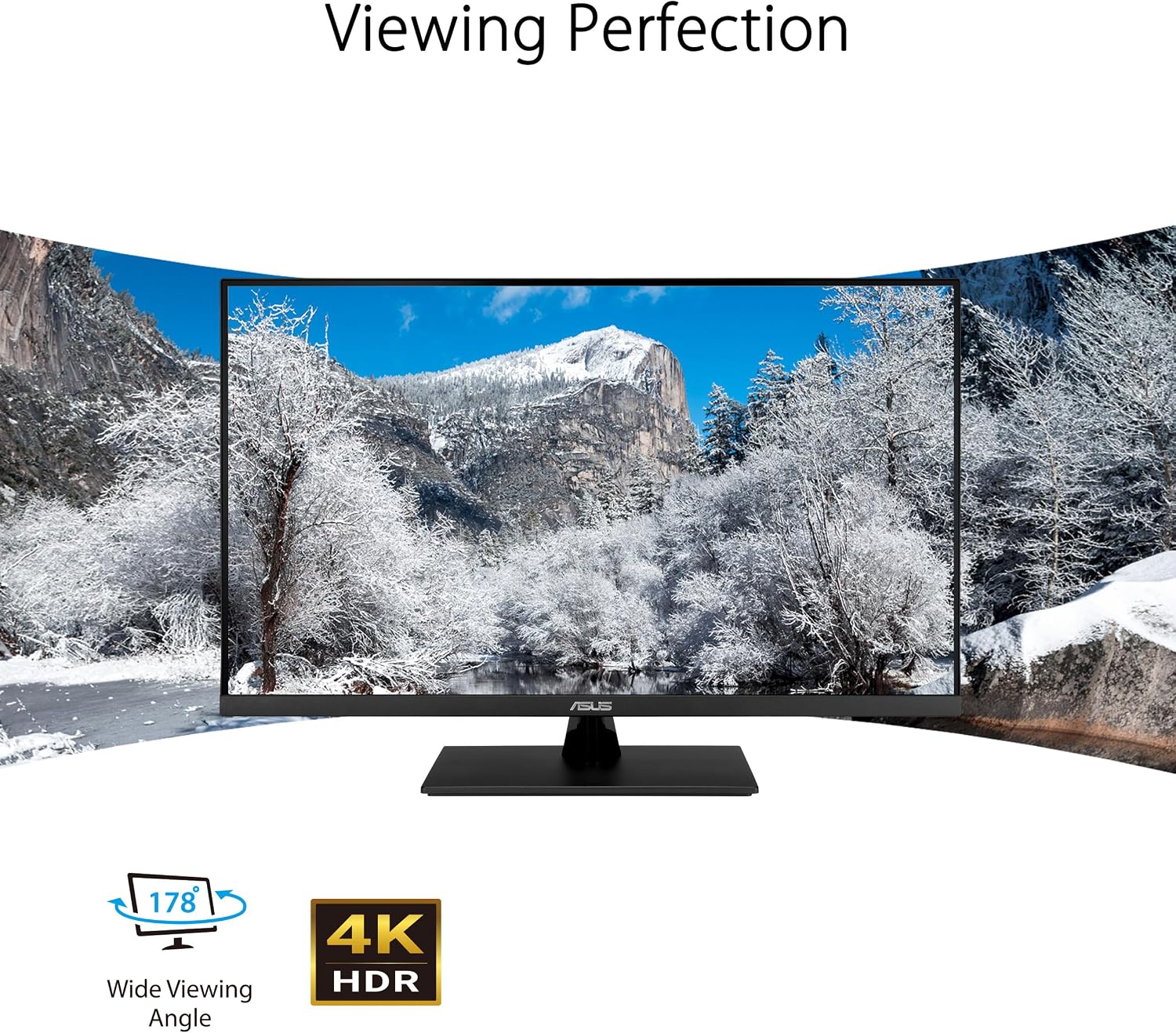
This monitor makes sense for a home office where you keep several windows open, then switch to a movie or game after work. The 3840 x 2160 resolution gives you room to view detailed content, and the IPS panel’s 178-degree viewing angles help when someone is looking at the screen beside you. Picture a spreadsheet on one side and a video call or reference document on the other, a large 4K screen can make that kind of multitasking less cramped than a smaller display.
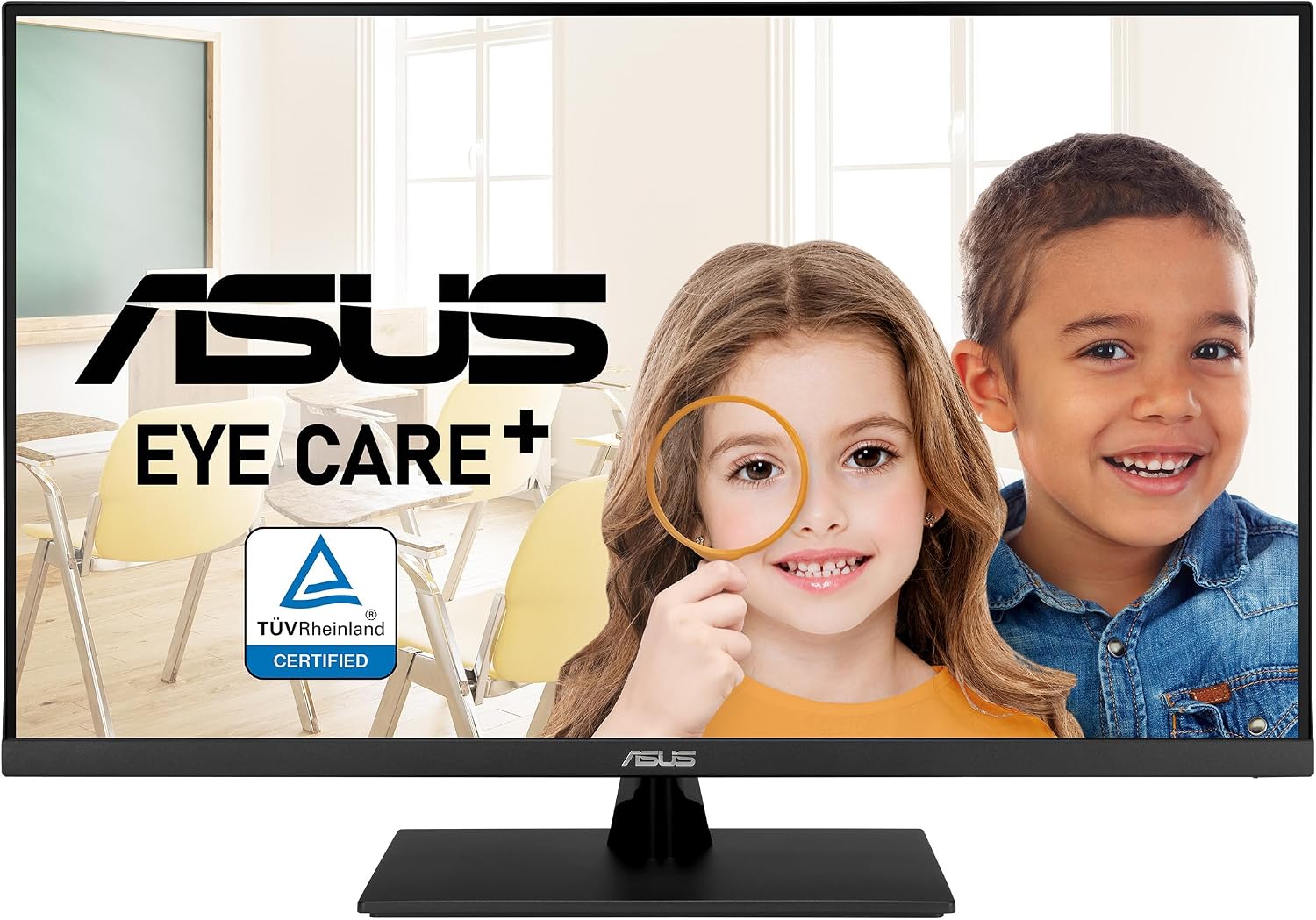
It’s a great fit if you want a general-purpose monitor with a useful mix of productivity and entertainment features. The low blue light filter and flicker-free technology are also relevant for long desk sessions, though they don’t remove the need for breaks or comfortable screen positioning. For someone choosing between a basic office display and a more feature-rich screen, HDR-10, Adaptive-Sync, and the broad color gamut add flexibility beyond everyday document work.
Product specs
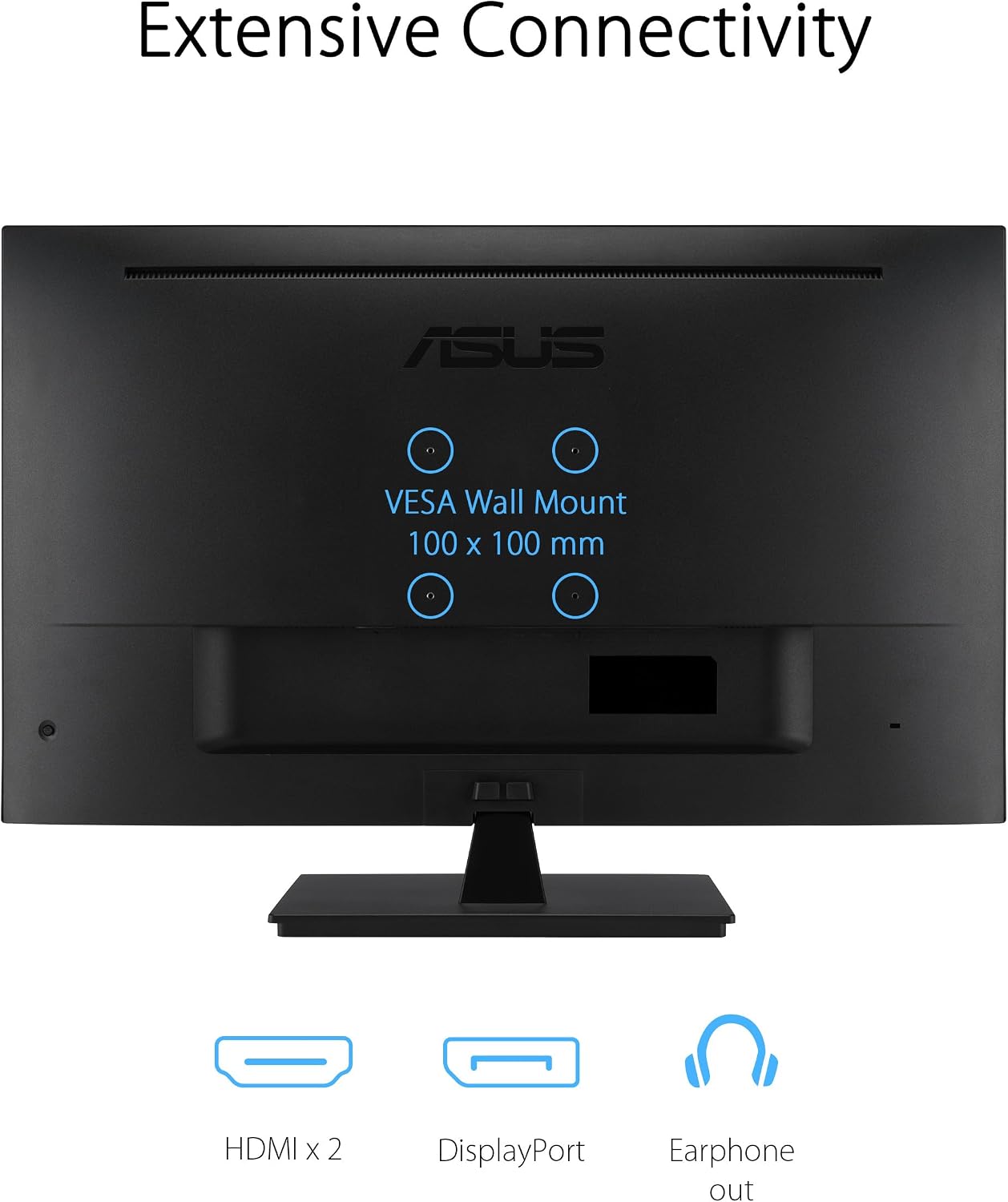
The display is listed as 31.5 inches, with UHD resolution of 3840 x 2160, an IPS panel, and 99% sRGB coverage. It supports HDR-10 and Adaptive-Sync. Connections include dual HDMI ports and DisplayPort, allowing you to hook up more than one source and switch between a computer, laptop, or gaming console. Built-in stereo speakers handle basic audio without a separate speaker setup, and VESA compatibility provides an option for wall mounting. The stand also offers tilt adjustment.
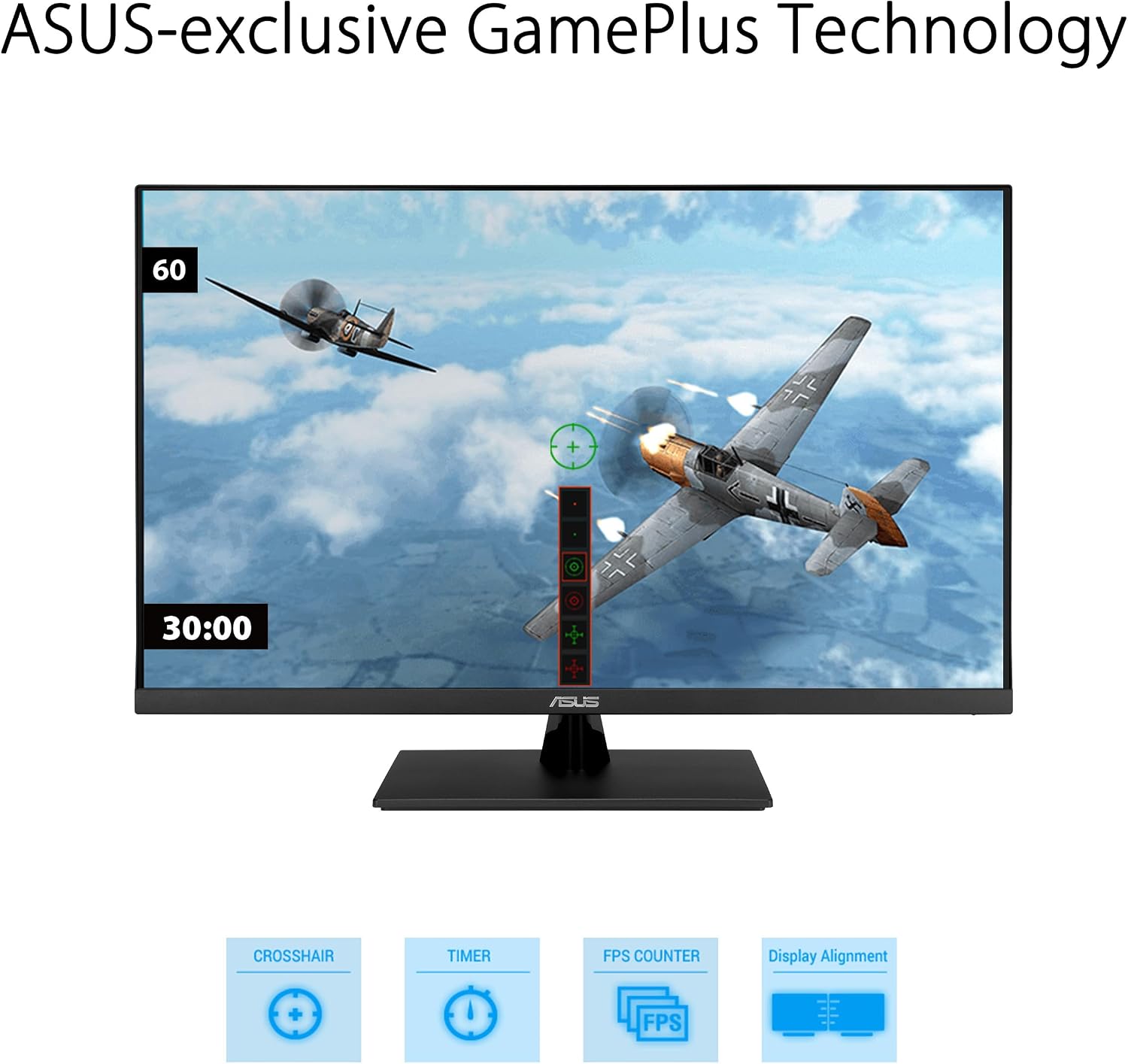
The listed specifications don’t include a refresh-rate figure or response time. That matters if you’re comparing monitors specifically for competitive gaming: Adaptive-Sync is useful, but it doesn’t tell you how fast this screen refreshes. The integrated speakers are convenient for casual listening, yet buyers who care about fuller sound may still prefer separate audio equipment.
Where it shines
The VP327Q’s appeal is its range of everyday uses rather than a single specialist role. At a home workstation, you can keep reference material visible while working on a document, later, the 4K screen and HDR-10 support suit video viewing. The 99% sRGB figure may also interest hobby photographers or creators who want a broad standard color gamut, although it doesn’t establish professional calibration or color accuracy beyond the listed coverage.
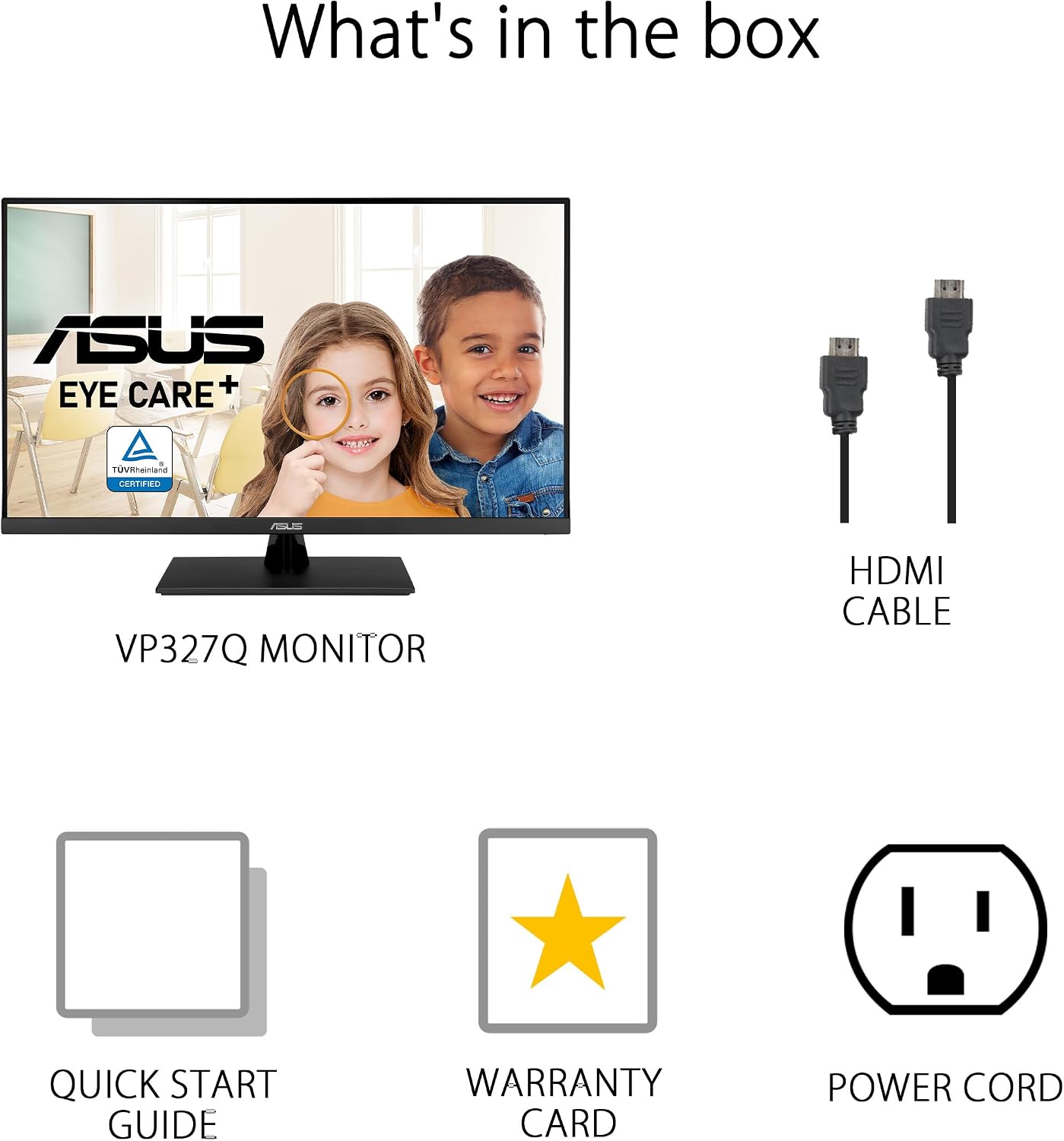
A more basic monitor may be enough if you mainly read email and browse the web. This ASUS offers more screen resolution and connectivity for people who also stream or connect multiple devices. On the other hand, a monitor bought primarily for demanding, fast-paced gaming should be judged on refresh-rate and response-time details too, and those figures aren’t provided here. Without having tried it, the sensible takeaway is to weigh its stated features against the specific performance numbers your setup requires.
Buying verdict
Choose the ASUS VP327Q if you want a large 4K screen for mixed home-office use, media, and casual gaming, and value IPS viewing angles, multiple inputs, and built-in speakers. Its eye-care features and VESA mounting support add practical flexibility, but the product details leave some gaming performance questions unanswered. It’s not for you if a stated high refresh rate, a specified response time, or dedicated audio is central to your decision. If those aren’t priorities, its combination of resolution, connectivity, and general-purpose features gives it a clear role as an all-around desk display.