

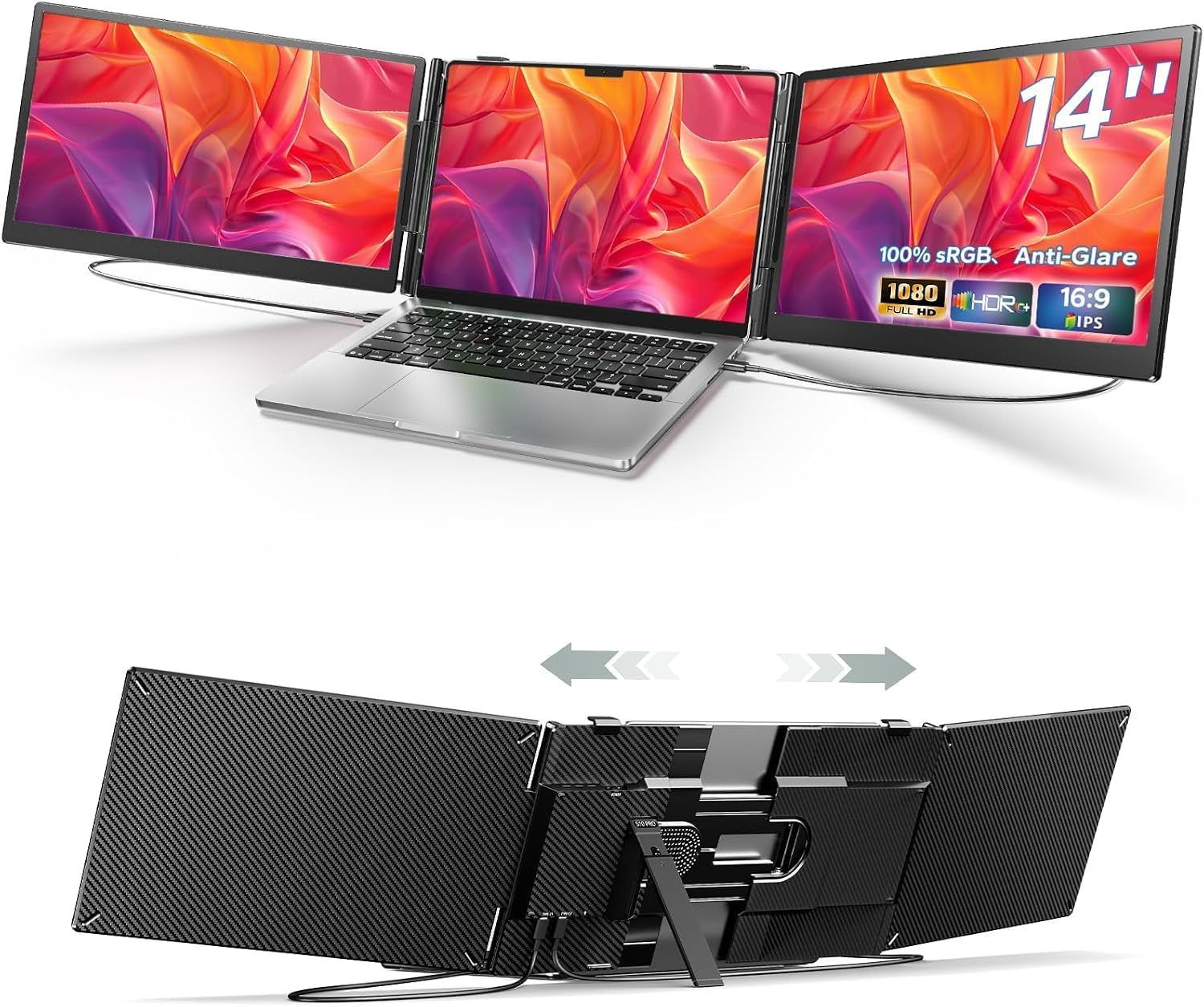
Laptop Screen Extender, 15.6-Inch
Product description
Running out of room when a meeting, spreadsheet, and reference document all need to stay visible? This laptop screen extender adds two side displays so you can keep more of your work in view instead of bouncing between tabs.
Each screen is 15.6 inches, giving you a wider workspace without setting up separate desktop monitors.
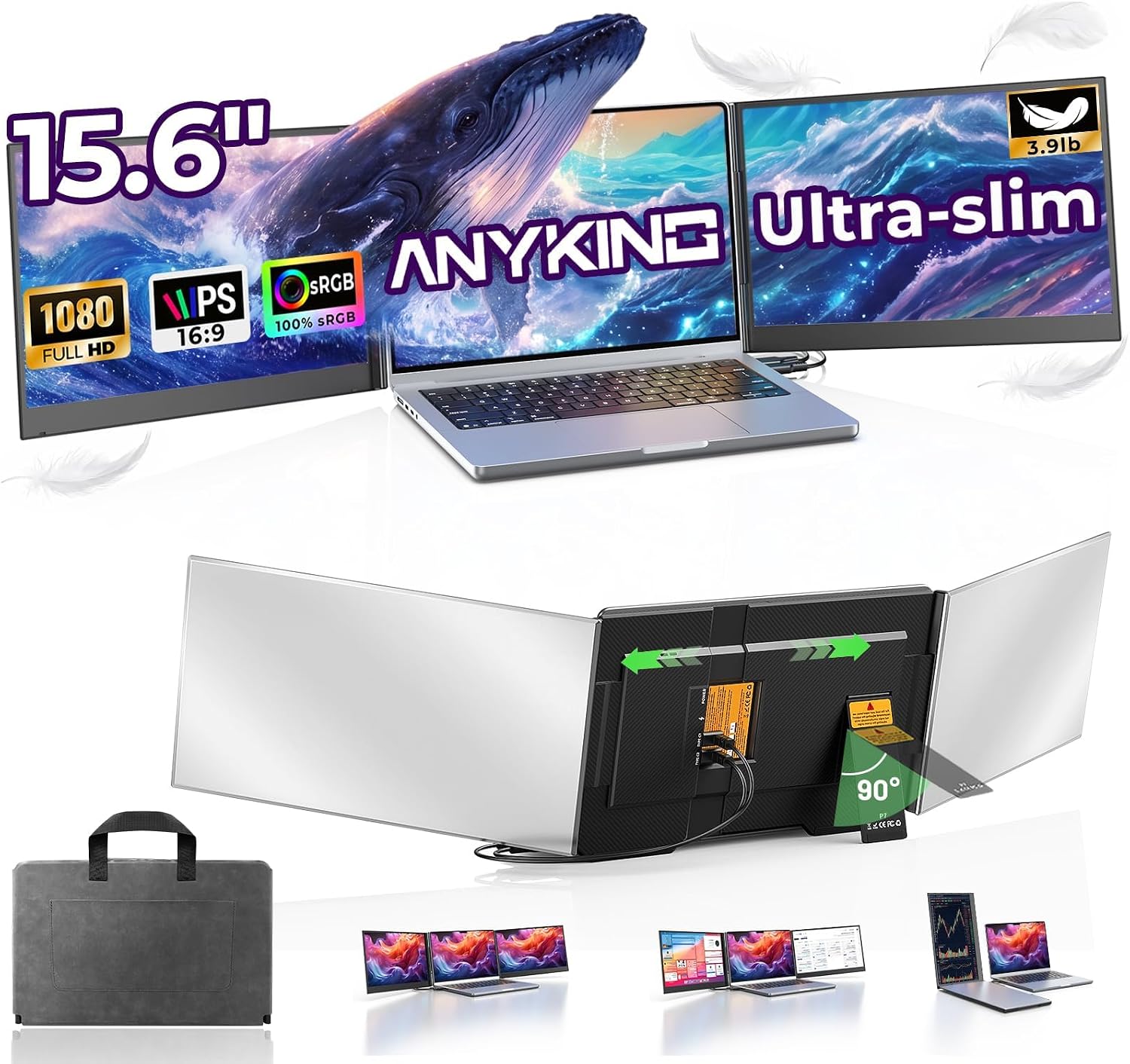
It’s designed to travel, too, with an aluminum alloy body and a carrying bag included.
Best use cases
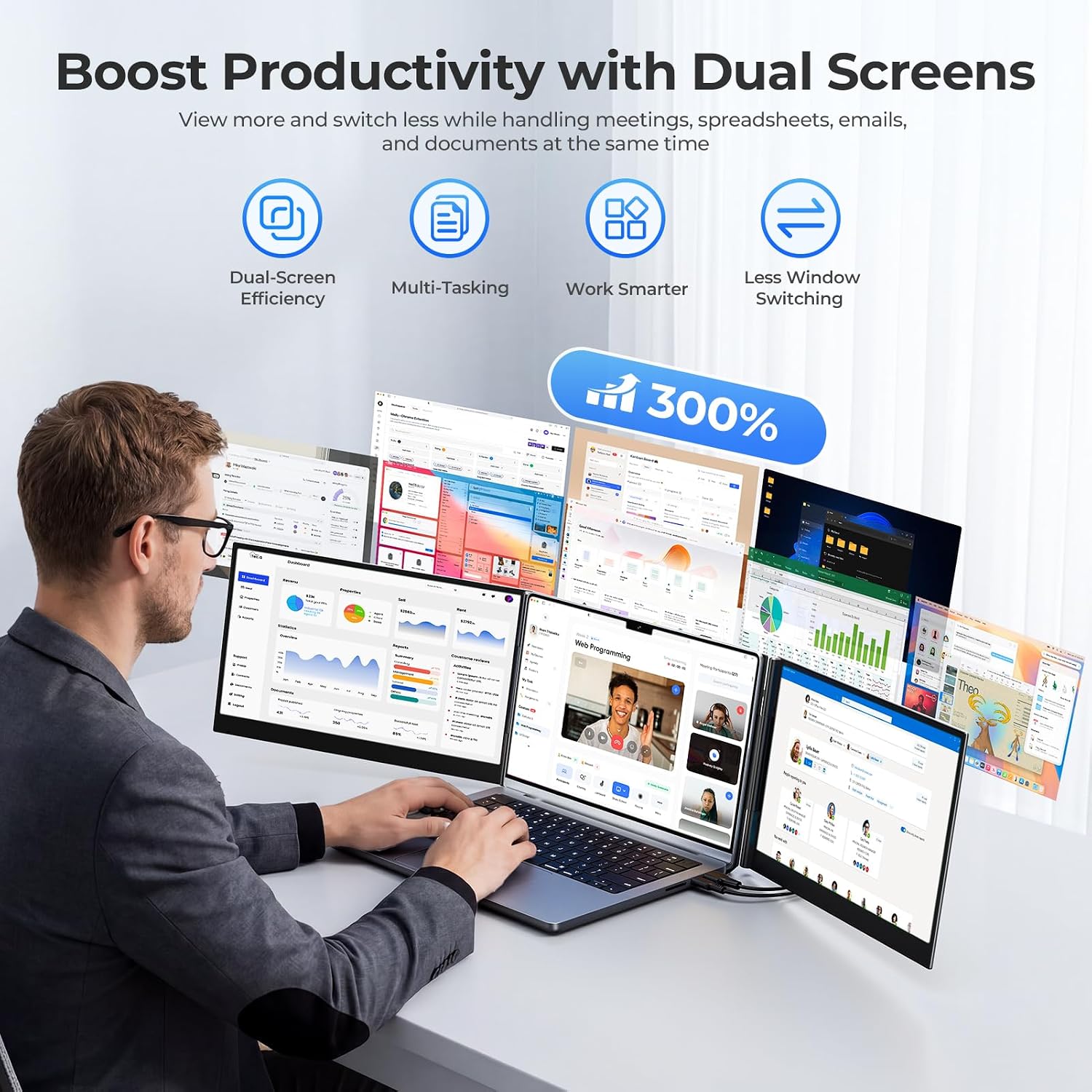
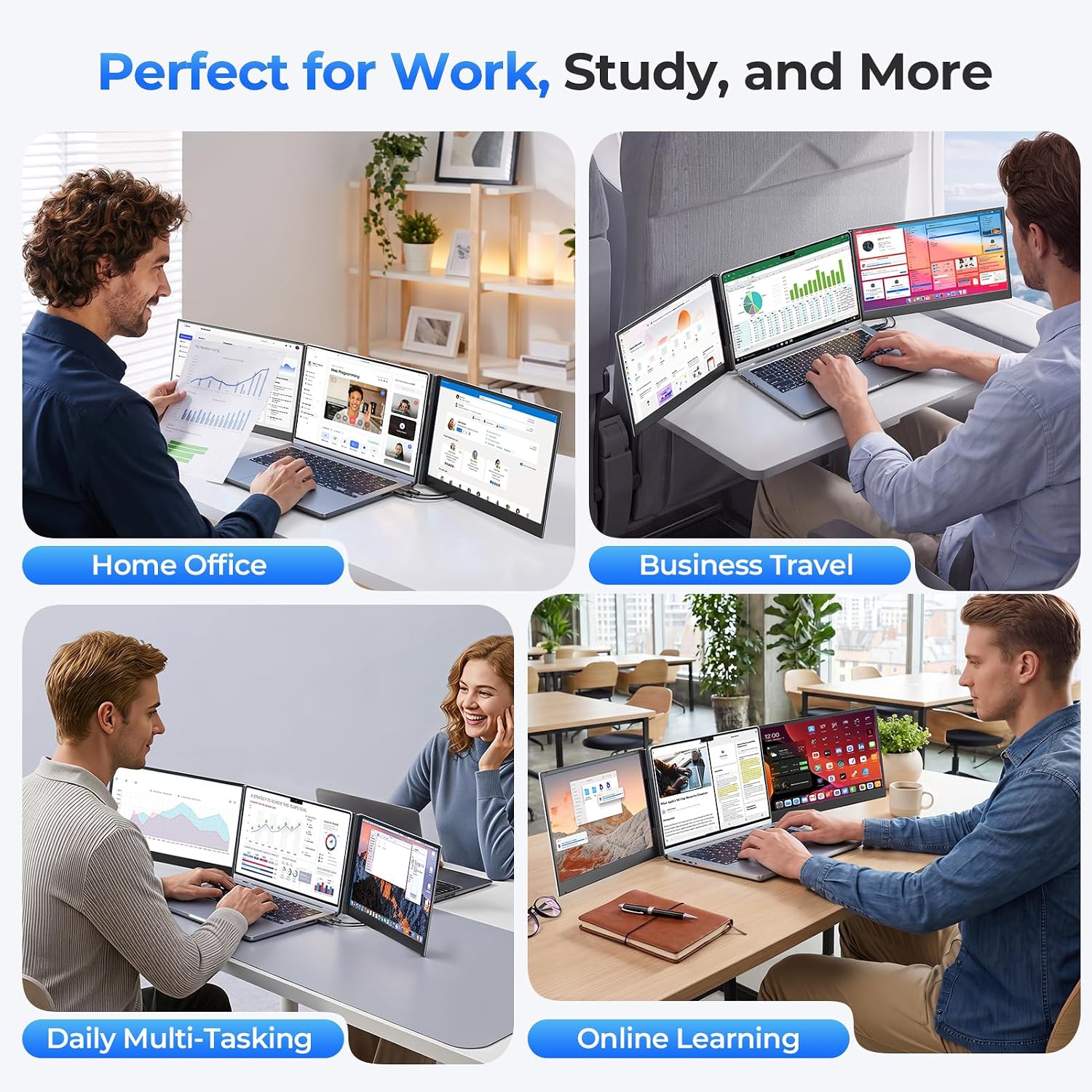
The practical appeal is easy to picture: keep a video meeting on one side, a spreadsheet in the middle, and source material on the other while working through a task. The two extra screens can also be used for documents, dashboards, creative projects, or entertainment, with options to extend or mirror the display and switch to portrait orientation.
It’s a great fit if you regularly multitask at home, in an office, or while traveling and your laptop supports the required display connections. Compared with a single portable monitor, this setup offers two additional screens, in return, it takes more space around the laptop and depends on compatible ports. The product is listed for laptops from 13 to 17.3 inches, but port support matters as much as screen size.
Product specs
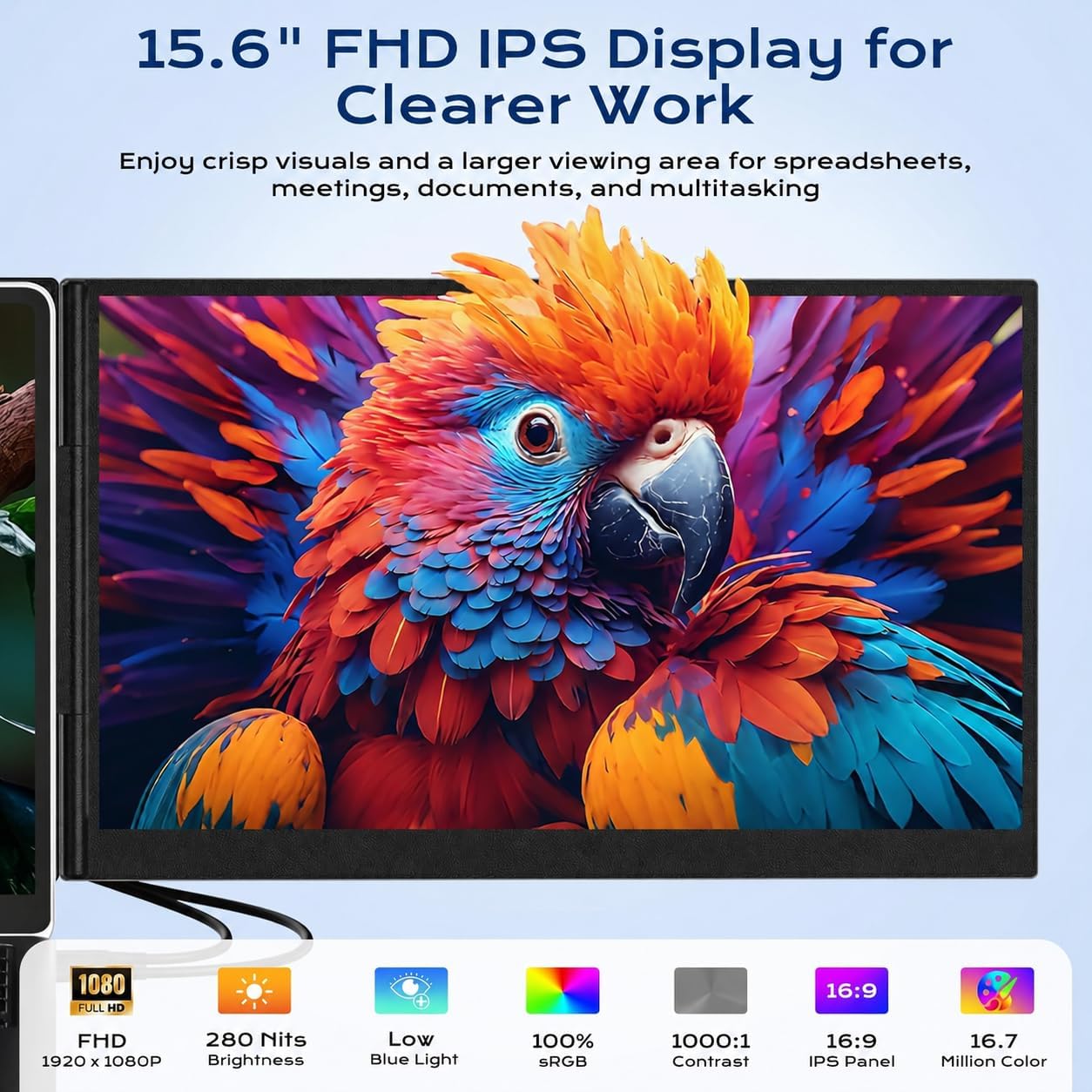
The extender has two 15.6-inch Full HD IPS displays, each with 1920×1080 resolution, 280-nit brightness, a 60Hz refresh rate, a 1000:1 contrast ratio, and 100% sRGB color gamut. The stated color depth is 16.7 million colors. Those specifications are aimed at keeping text and everyday visual work clear across a wider viewing area, they don’t, by themselves, establish suitability for color-critical professional work.
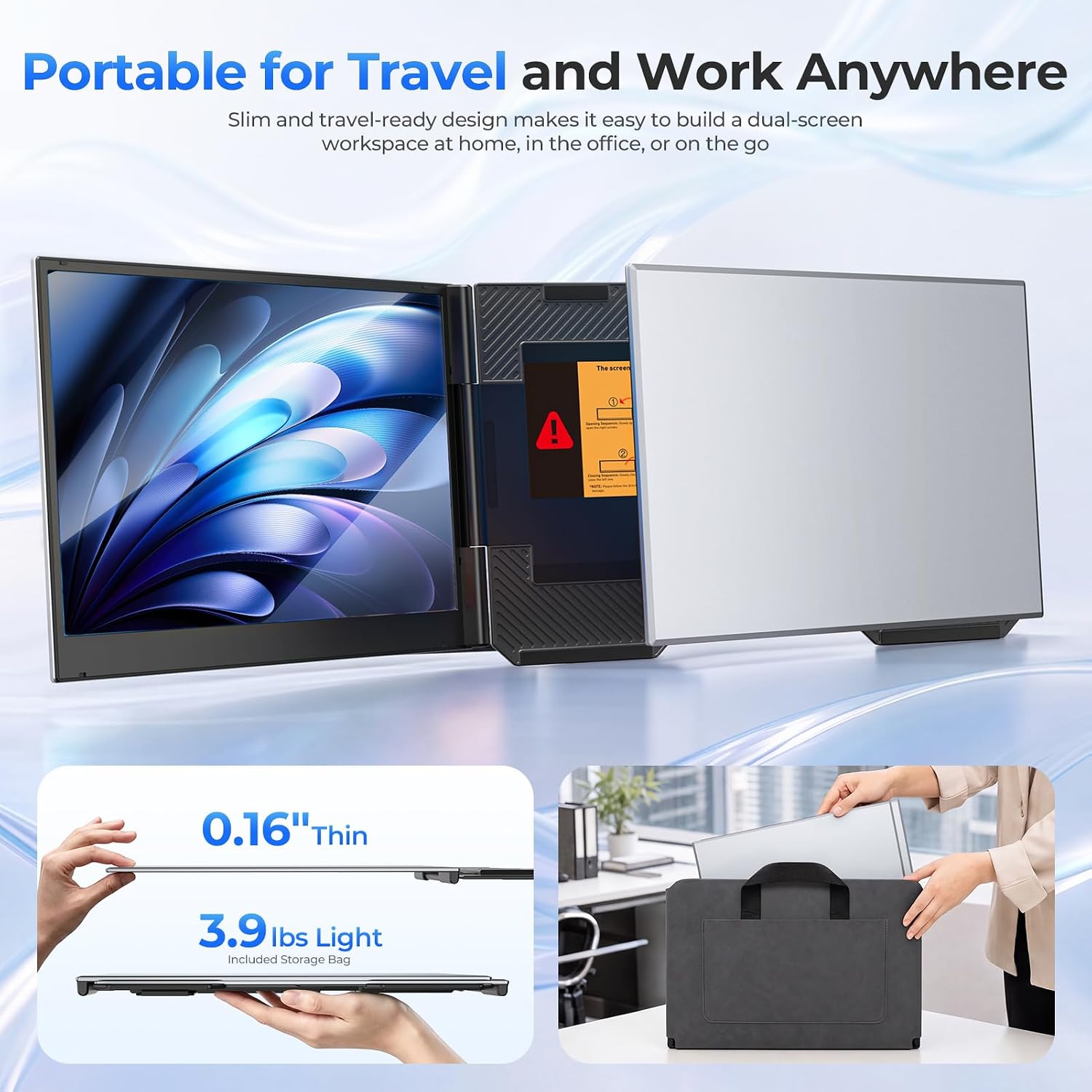
The connection options are two USB-C cables when the laptop has two full-featured USB-C ports with video output through DP Alt Mode, or the supported HDMI plus USB method. The package lists an HDMI-to-USB-C cable, two USB-C-to-USB-C cables, a USB-A-to-USB-C cable, a power adapter, a user guide, and a carrying bag. The unit weighs 3.9 lbs and uses an adjustable support structure, its side screens open up to 180 degrees for different viewing angles.
It’s listed as compatible with Windows, macOS, and ChromeOS laptops. On the spec sheet, MacBook compatibility needs extra attention: base M1, M2, and M3 models generally support only one external display while the built-in screen is active, and dual-screen expansion requires an H5 adapter and driver installation. Laptops without compatible USB-C video output may also need H5. Check your laptop’s ports and display support before choosing.
Where it shines
The strongest case is a workflow that benefits from keeping several windows visible, rather than a setup where one larger screen is the main priority. You can angle the side displays toward yourself for focused work or open them wider for meetings and collaboration. Portrait mode adds another way to arrange content when a task suits a taller layout.
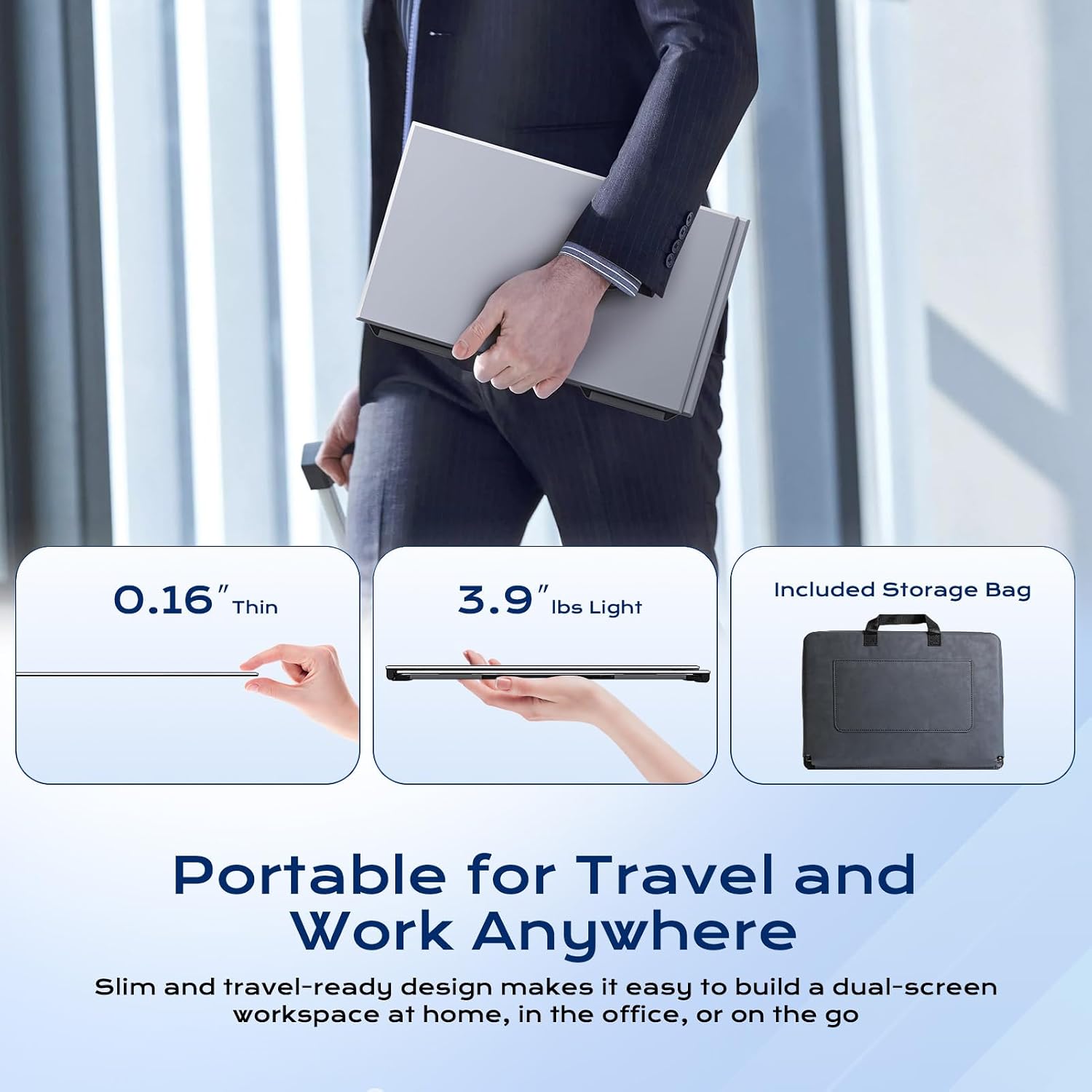
There is a trade-off: two attached displays and their cables make this a more involved setup than relying on the laptop screen alone. At 3.9 lbs, it is portable by design, but buyers who want the lightest possible travel kit may prefer a simpler, single-screen approach. And if your laptop lacks the right video output, the connection requirements can add setup steps.
Is it worth it?
This extender makes sense when extra screen space is a regular need and your laptop can drive both displays through the supported connection method. It combines two Full HD panels in a travel-oriented format, so it may replace the juggling act of repeatedly minimizing windows without requiring two separate monitors.
It may not suit you if you want a straightforward plug-in experience but haven’t confirmed your laptop’s ports, or if you expect a compatible MacBook to run both added screens without the specified adapter and driver. Check those details first, if they line up with your setup, the dual-screen layout is the reason to choose this over a basic portable monitor.